
Turn recordings into transcripts and summaries in minutes
Upload audio or video for multilingual transcription, AI notes, and action items
2026 Google Meet vs Tinrec: A 5-Dimension Showdown – Which Is the Right Solution for In-Car Meetings?
Why Do You Need an In-Car Meeting Note-Taking Solution?

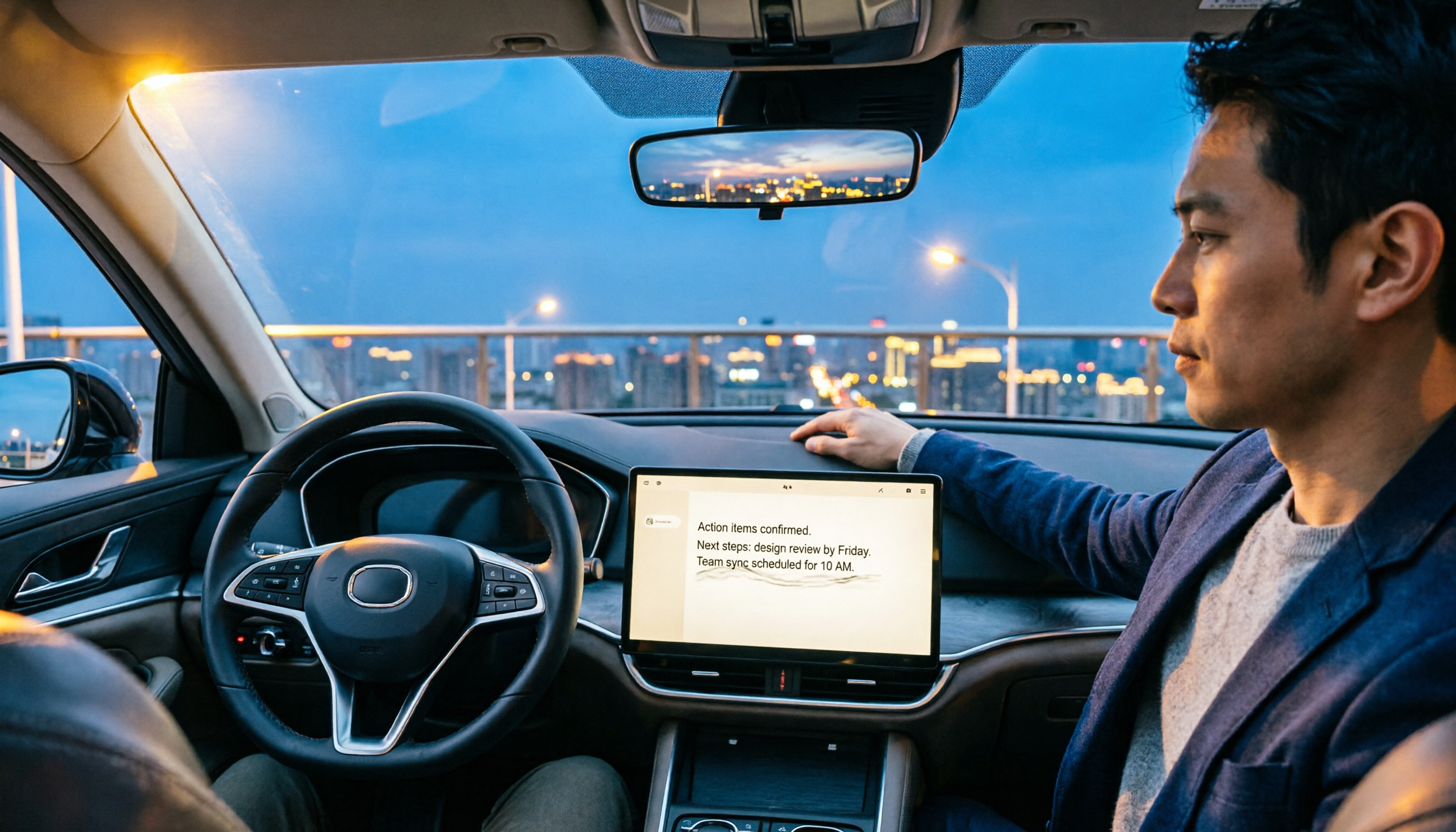
The last time I was driving, I had just set up the navigation when a Google Meet meeting notification popped up on my phone. My first thought was, "Should I drive and attend a meeting at the same time? That's too dangerous." But I also didn't want to miss the important points of the meeting.
Before, I had only two options: answer the call and try to remember key points while watching the road, getting distracted on both ends, or ask a colleague to share meeting notes afterward. But these methods were either dangerous or dependent on others.
Later, I realized the real issue isn't that "Google Meet doesn't have a CarPlay mode." Instead, we need a safer "in-car meeting note-taking method" – not real-time participation, but using a recording-to-text tool to capture the audio and quickly organize it afterward. This article shares my hands-on experience.
Solution 1 | Tinrec – The Most Complete AI Recording and Audio Organization Assistant
Tinrec is not a meeting bot; it's a workspace that turns recordings into searchable, summarizable knowledge. While driving, you just open Tinrec on your phone, tap to start recording, and the Google Meet audio is fully captured. After you get out of the car, you can see a well-organized transcript, summary, and action items.
(Screenshot: One-tap instant recording on phone, with arrow pointing to start button)
Here's how I use it in three typical scenarios:
- Recording while driving: One-tap start, no need to look at the screen – minimal risk.
- Post-meeting organization: AI automatically generates chapters, summaries, and key points – no need to re-listen.
- Data retrieval: If I forget a decision later, I can directly ask the AI to query the recording content, like a search engine.
The free plan offers basic transcription minutes, enough for occasional use. For longer recordings and AI organization, the Pro monthly or annual plan is very cost-effective.
Best for: Knowledge workers, sales managers, and freelancers who drive and don't want to miss meeting details.
Solution 2 | Google Meet Built-in Transcription – Join the Meeting Directly
Google Meet's transcription feature usually requires a paid plan, and you must be in the meeting to use it. To get a transcript while driving, you'd have to attend the entire meeting, which isn't safe for a driver.
Its advantage is integration within the platform – no extra software needed. But the downside is that it's unsafe to operate while driving, and it lacks automatic summaries and action item extraction. If you just need a text record, this isn't the ideal solution.
Solution 3 | PLAUD Note – AI Recording Hardware, Easy to Grab
PLAUD Note is a standalone recording device, slim and portable, which can be kept in a pocket or clipped in the car. It supports recording and auto-transcription with strong battery life.
Stop organizing recordings by hand
Upload audio or video and automatically get a transcript, summary, and action items
While driving, you just press the record button to start – no phone required. Afterward, you get the transcript and AI summary via the app. However, the hardware price is high (pre-order about $179), and monthly transcription minutes are limited unless you pay for the Pro annual plan for more minutes.
Best for users who already prefer a dedicated recording device and don't want to use their phone. But if you already have a phone, Tinrec achieves similar results without extra hardware.
Solution 4 | Notta – Cross-Device Transcription, but More Post-Meeting Focused
Notta is another recording-to-text tool that supports real-time recording and file transcription. Its strength is transcription and translation, supporting multiple languages.

In the car, you can open the Notta app to record and get a transcript after you get out. But it leans more toward pure transcription, lacking the comprehensive AI summaries and action item extraction that Tinrec offers.
The free plan offers 120 minutes per month, and the Pro plan costs about $8.17/month billed annually. But if you need "record and automatically get key points," Tinrec is a better fit.
Solution 5 | Otter.ai – Meeting Bot, but Not Great for In-Car Use
Otter.ai is a typical meeting note-taking tool that can automatically join online meetings and record. But while driving, you wouldn't want it to auto-join meetings because you can't safely operate it.
Its strengths are team collaboration and English meetings, but for personal in-car use, it's complex and distracting. The free plan offers 300 minutes per month, but it's not convenient for car use.
Best for team meeting scenarios, but for in-car recording and note-taking, I prefer a simpler tool.
Solution 6 | Phone's Built-in Recording App – Free, but Basic
Every phone has a built-in recording app – free and ready to use. You can one-tap record while driving.
But the downside is that it only captures audio – no transcription, let alone AI summaries or action item extraction. You must re-listen later or upload to another tool for transcription. This is very inefficient for quickly grasping meeting content after driving.
Unless you absolutely don't want to spend any money, this is not recommended as a primary solution.
With So Many Options, How Do You Choose?
- Want to stay completely focused while driving and see meeting highlights immediately after stopping → Tinrec (one-tap recording + automatic AI organization)
- Just want raw audio to process later → Phone's built-in recording app
- Already have a dedicated recording hardware habit → PLAUD Note
- Need cross-language translation and subtitles → Notta
- Team collaboration and English meetings → Otter.ai
- Heavy Google Workspace user who only attends meetings while parked → Google Meet built-in transcription (not recommended while driving)
Whichever you choose, driving safety comes first. My rule: "Instead of listening to a meeting while driving, record it and let AI organize it."
3 Things to Know Before Using an In-Car Meeting Note-Taking Solution
- Recording quality is key: Cabin noise and engine sounds affect transcription accuracy. If possible, place your phone near the sound source (e.g., a car phone mount). Tinrec performs well in general environments, but don't expect studio clarity.
- Keep it simple while driving: Choose tools that allow one-tap start from the lock screen to avoid distraction while driving. Tinrec's instant recording shortcut is designed for this.
- Meeting notes aren't 100% perfect: AI summaries capture key points but may miss details. Always double-check important decisions against the transcript. Tinrec's AI chat query is great for quick comparisons.
Conclusion
Meeting a Google Meet while driving used to be a dilemma. Now, "record it and let AI handle it" is a smarter approach. Among the six solutions tested, Tinrec stands out as my top choice for in-car meeting note-taking because it combines the simplest recording activation, the most comprehensive AI organization, and the most intuitive querying.
Next time before you get in the car, set up Tinrec. You can focus on driving and let your meeting notes take care of themselves.
Turn every recording into actionable outcomes
Get 60 free transcription minutes when you sign in. No credit card required.
Related Reading
You might also like
2026 LINE Call Recording Guide: 5 Methods Tested and Recommendations
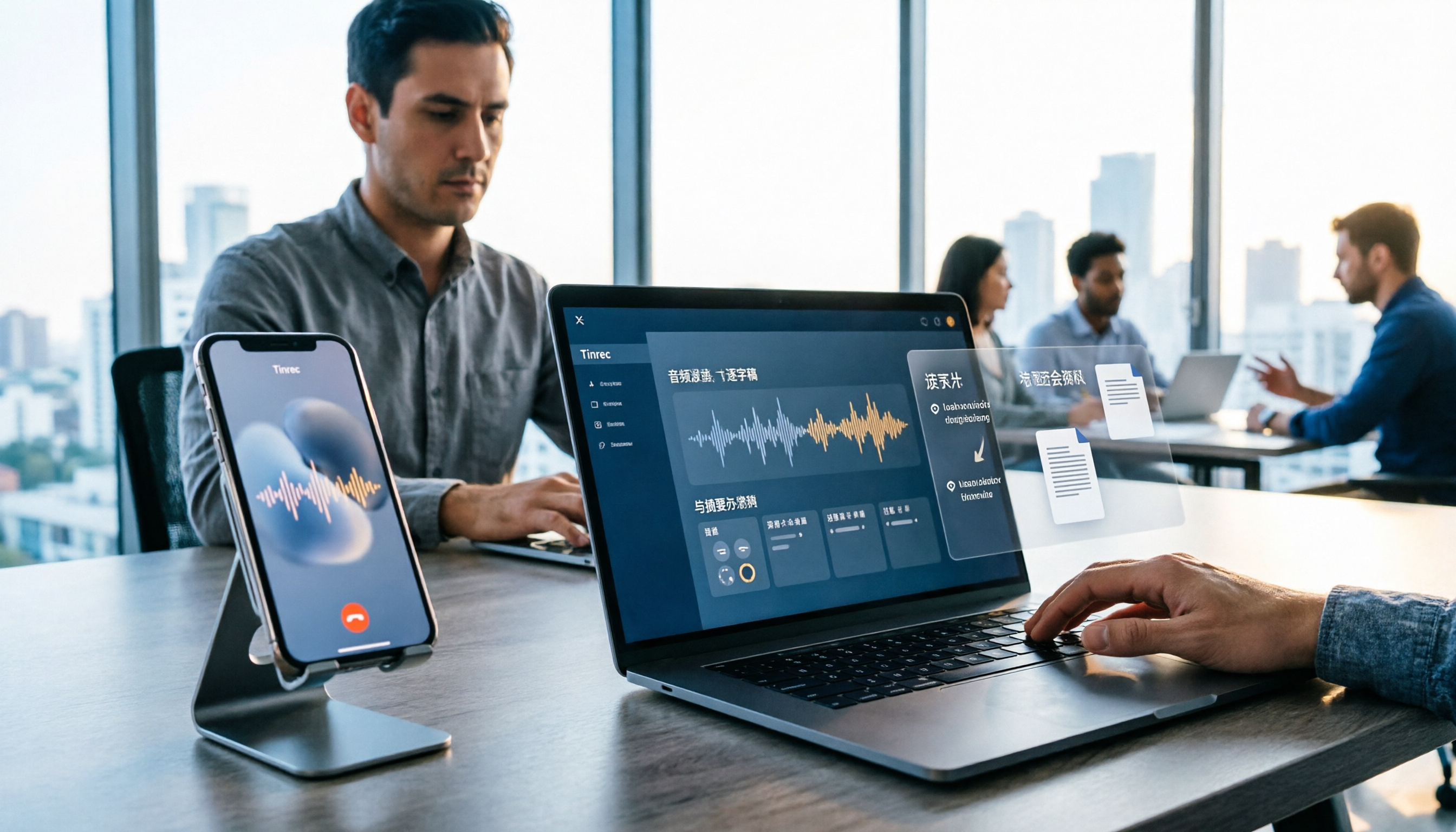
LINE doesn't offer built-in call recording, so users rely on screen recording, third-party apps, hardware recorders, or computer-based recording—each with limitations. This article covers five practical LINE recording methods and explains that the real challenge isn't recording but what to do with the audio afterward. It demonstrates how Tinrec turns recordings into transcripts, summaries, action items, and searchable team meeting notes.

5 Ways to Edit iPhone Voice Recordings in 2026: Trim, Cut Middle, or AI Highlights?
How do you edit iPhone voice recordings? This article compares Voice Memos built-in trimming, GarageBand, Audacity, recording hardware, and AI meeting note tools, explaining which can trim ends, which can cut middle sections, and how to save time if your goal is to extract key points instead of shuffling files and fast-forwarding.
iPhone Built-in Voice Memos vs Tinrec in 2026: 5-Dimension Comparison — Which Is Better for Transcripts?
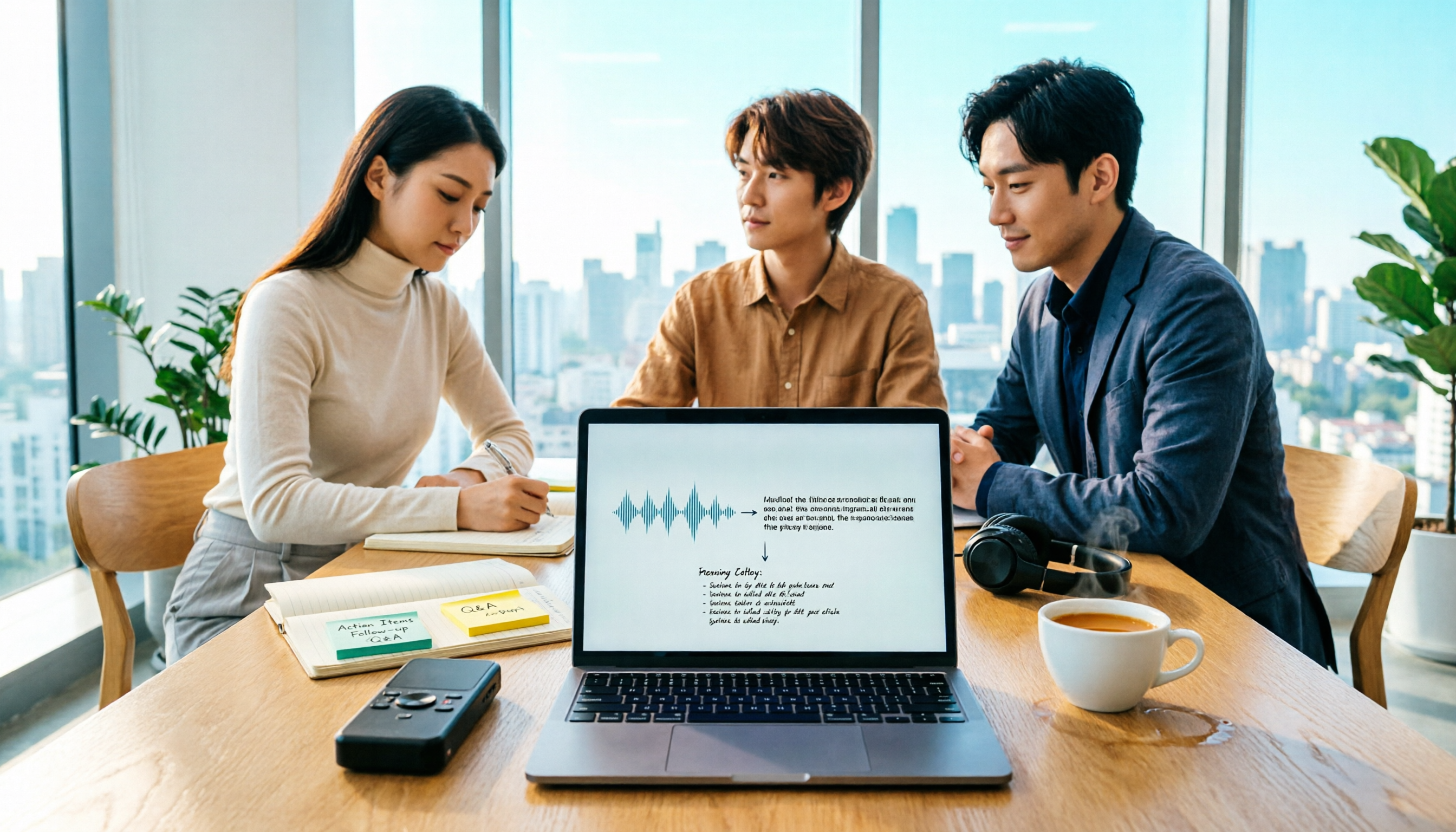
Three common pitfalls when transcribing iPhone recordings: thinking you have to pay, assuming built-in is enough, and losing files. This guide breaks down the complete workflow—recording, transcription, proofreading, meeting minutes, and export—in 5 steps, and compares iPhone's built-in Voice Memos with Tinrec across 5 dimensions to help you decide when built-in suffices and when to switch tools.

5 LINE Recording Apps Tested for 2026: Which One Turns Calls into Transcripts and To-Dos?
LINE doesn't have built-in recording, and Android and iOS restrictions have broken many call recording apps. This article covers 5 common LINE recording methods and shows how Tinrec turns call audio into transcripts, summaries, and to-dos—solving the pain of re-listening. Includes buying tips, personal vs. team plan differences, and FAQs.

How to Record LINE Calls in 2026: 4 Tested Methods + Auto Transcription
LINE doesn't have a built-in call recording feature, and the solutions for iPhone and Android are completely different. This guide, based on real student testing, covers 4 methods for recording LINE calls, explains which ones only capture your own voice and which actually record the other person, and shows how to use Tinrec to turn recordings into searchable transcripts, summaries, and action items.

4 LINE Call Recording Tools Tested for 2026: Which One Actually Organizes Your Recording?
LINE has no built-in recording feature, and on iPhone it's nearly impossible to record within the app. This article starts with common mistakes and tests four viable solutions—Tinrec, PLAUD Note, Granola, and Notta—comparing how to obtain audio files, organization efficiency, and free quotas to help you find a truly usable LINE call recording workflow.

4 LINE Call Recording Methods Tested and Compared for 2026: How to Record on iPhone and Android, and How to Organize with Tinrec
LINE doesn't have a built-in recording button, and iPhone and Android have different limitations. This article covers 4 common LINE call recording methods and compares how to use Tinrec to turn recordings into transcripts, summaries, and action items so your calls can be reused.

How to Record LINE Calls on iPhone in 2026: 3 Tested Methods + AI Transcription
iPhone doesn't have built-in LINE call recording, but there are plenty of dubious workarounds online. Starting from what you actually need, this guide covers three viable methods for recording LINE calls on iPhone in 2026, their limitations and common failure reasons, and explains how to use Tinrec to turn recordings into searchable transcripts, summaries, and action items.

What Format Are iPhone Recordings? 3 Transcription Tools Tested: The M4A Workflow
iPhone recordings are typically saved as .m4a files, but the real challenge is accessing them. This article explains the iOS sandbox mechanism, walks through exporting Voice Memos, and compares Tinrec and Otter.ai across five dimensions for organizing iPhone recordings—helping you turn audio into usable transcripts and meeting notes.