

Turn recordings into transcripts and summaries in minutes
Upload audio or video for multilingual transcription, AI notes, and action items
2026 Comparison of 3 Meeting Recording Solutions: Why Tinrec Saves More Time Than Google Meet + Outlook?
Office workers deal with Outlook schedules and Google Meet links every day, but what about post-meeting recordings? Use Google Meet's built-in transcription? Or record with Outlook and listen back? This time, we tested three solutions to see which helps most—and it turns out Tinrec, an AI recording tool, is better suited for Hong Kong workplaces than either platform's native features.

Why Are People Looking for Alternatives to Google Meet for Microsoft Outlook?
Using Outlook integrated with Google Meet for meetings is common at work, but the built-in recording features are limited. Google Meet does have transcription, but Chinese language support is limited and requires a paid plan; Outlook only schedules meetings, and content recording relies on third parties. If you frequently need to organize Cantonese meetings or require more AI analysis, you'll naturally start looking for alternatives. That's exactly where Tinrec comes in.
Tinrec vs Google Meet / Outlook: What's Different in Meeting Recording?
Language Support: Cantonese Transcription Is Key
Hong Kong professionals care most about Cantonese recognition. Google Meet transcription is heavily English-oriented; its Chinese recognition often fails when mixed with English terms. Tinrec is optimized for Cantonese's nine tones, achieving good traditional Chinese accuracy with clear recordings—especially for Cantonese-English mixed meeting scenarios. If you deal with Cantonese content regularly, this gap will be noticeable in real use.
Cross-Platform Coverage: Works on Phone, Computer, and Web
Google Meet and Outlook are primarily computer-based, making it inconvenient to record meetings on your phone. Tinrec supports iOS, Android, and web—whether you're on a work PC, iPad, or phone, you can record and transcribe with one tap, syncing across all devices. Before a meeting, open Tinrec on your phone; when the meeting ends, the transcript is ready on both phone and computer.
AI Smart Features: More Than Just Transcription – Highlights Extracted
Built-in transcription typically gives you only a raw transcript, and finding key points requires scrolling. Tinrec's AI summary automatically extracts meeting highlights, sections, and action items. My favorite is the AI conversation query—after a one-hour meeting, just ask "Who is responsible for what?" or "What was the conclusion?" and it gives instant answers without reading 30 pages of notes.
Stop organizing recordings by hand
Upload audio or video and automatically get a transcript, summary, and action items
Accuracy: Real-World Scenarios Tell the Truth
Audio quality directly affects transcription. Tinrec performs steadily in typical meeting environments (light background noise, keyboard sounds), especially with its Chinese and Cantonese models tuned to recognize Hong Kong terms and workplace jargon. Of course, if the recording has heavy noise or overlapping speech, accuracy will drop, but Tinrec's AI tries to separate speakers.
Free Plan Allowance: Try Before You Decide
Google Meet transcription requires a paid plan; Outlook has no built-in transcription. Tinrec offers a free version with a basic monthly allowance to test real-time recording, file imports, and online video transcription. For occasional meetings or those wanting to try it out, this is a low barrier.
Tinrec Core Features Overview
Real-time Speech-to-Text: Open Tinrec, press record, and text appears instantly with minimal delay. You can watch the screen during the meeting to ensure nothing is missed. When the meeting ends, the full transcript is ready.

Audio/Video File to Text: Have old recordings or videos you want to process? Import them into Tinrec, and it converts to text in minutes, even identifying different speakers.
Online Video to Text: Paste a YouTube, Bilibili, or Xiaohongshu link, and Tinrec instantly generates a transcript and summary—super convenient for research.
AI Summary and Task Extraction: After long meetings, automatically get highlights, sections, and a to-do list—no need to manually write follow-up emails.
Multi-Format Export: Export results as Word, PDF, TXT, etc., or sync to Notion, Google Docs, and fit seamlessly into your workflow.
Real-World Use Cases
Google Meet Meeting Scheduled via Outlook: Before the meeting, open the Tinrec app, select "Record," and leave it on the table. Cantonese-English mixed discussions are transcribed in real time, and a summary pops up automatically.
Classroom or Lecture: Professor speaks English but you prefer notes in Chinese? Tinrec records and transcribes while also detecting sections, so you can jump to key points when reviewing.
Interview or Client Call: One-hour client conversations used to require replaying recordings to write notes. Now with Tinrec, you get the transcript immediately after the call and can use AI to ask "What did they request?"—saving huge post-processing effort.
Key Points When Choosing a Speech-to-Text Tool
Cantonese and Cantonese-English Mixed Support: Hong Kong workplaces often mix languages; test recognition accuracy carefully. Tinrec's Cantonese model is noticeably more localized than general engines.
Cross-Platform Matters: You won't only use it on a work computer; you'll need it on phones and iPads too. Tinrec offers iOS, Android, and Web versions for flexibility.
Don't Just Look at Transcription – Consider Post-Processing: Transcription is only the first step. Can it generate summaries, action items, and export? Tinrec excels here over platform-native features.
Free Trial: Test it before paying. Tinrec's free version covers several meetings, so you can decide with real experience.
Summary: Is Tinrec Worth a Try?
If you only use Outlook to schedule Google Meet and rely on platform-native recording, you'll soon find it insufficient. Tinrec not only transcribes recordings but also helps you understand content, find highlights, and generate action items—teally saving overtime hours. Especially for Cantonese users, its targeted optimization makes meeting notes more accurate. We recommend downloading Tinrec's free version and testing with your own recordings—nothing beats personal experience.
Turn every recording into actionable outcomes
Get 60 free transcription minutes when you sign in. No credit card required.
Related Reading
You might also like

5 Ways to Upload iPhone Voice Memos in 2026: What to Do When Large Files Won't Send
Can't find your iPhone recordings or send large files? This hands-on comparison tests five upload methods (Email, AirDrop, iCloud, wired transfer, messaging apps) and their limits. It also shows how to turn recordings into transcripts, summaries, and action items with Tinrec after uploading, including free and team plan details plus six FAQs.
2026 Line-in Voice Recorder Buying Guide: 4 Solutions Tested and Recommended
Looking for a Line-in voice recorder? Most people actually want to cleanly record online meetings, courses, or music played from a computer. This guide starts by helping you decide whether you need to record ambient sound or device output, then compares two approaches: Line-in hardware vs. software system audio capture. It tests models like Sony ICD-PX470, ICD-UX570F, INJA, and Tinrec, summarizes 4 key buying factors and 4 common pitfalls, and gives clear recommendations based on use cases.
5 iPhone Recording to MP3 Tools Tested in 2026: Is the Free Version Enough?
iPhone Voice Memos saves recordings as m4a by default, but there are 5 ways to convert to MP3. This hands-on test covers online converters, VLC, Audacity, built-in Mac tools, and Tinrec, comparing free limits, privacy risks, and follow-up organization costs—and tells you when you don't need to convert at all.

4 Ways to Transfer iPhone Recordings in 2026: LINE, Computer, and Transcripts Compared
How do you share an iPhone recording after you finish? This guide starts with the key question—who you're sending it to and what they need—and compares four methods: manual Voice Memos sharing, cloud files, transcription services, and Tinrec. It covers four key decision points: format compatibility, file size, transcript needs, and team retention, plus common pitfalls and scenario-based recommendations.

iPhone Recording Guide 2026: Built-in Features and 3 AI Tools
How do you record audio on iPhone? This guide starts with the key question: do you just need a voice memo, or do you need usable data? It covers Voice Memos recording, renaming, editing, iCloud sync, and Back Tap quick launch, then explains call recording limitations, file management, and when to switch to an AI meeting tool like Tinrec.
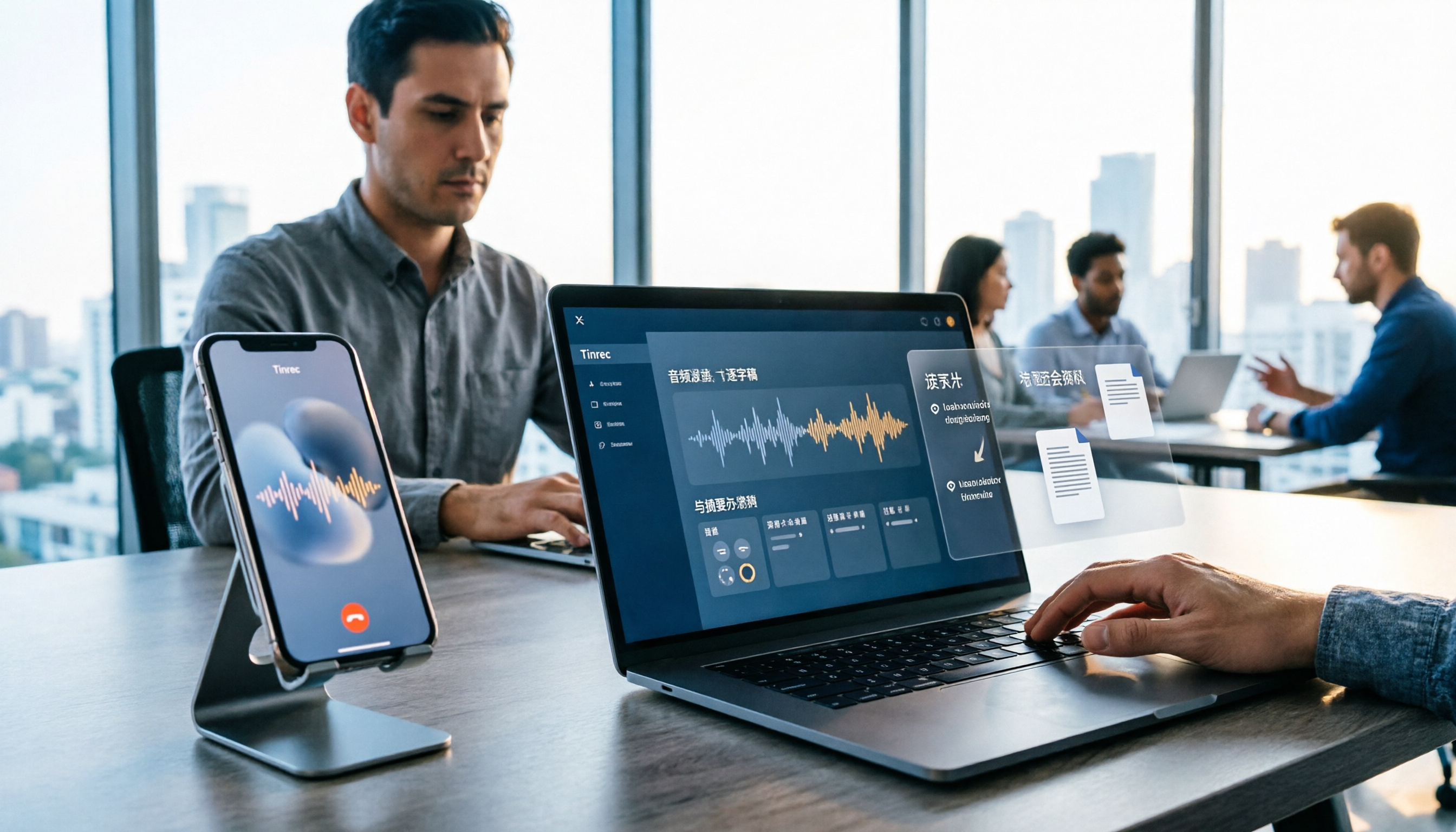
2026 LINE Call Recording Guide: 5 Methods Tested and Recommendations
LINE doesn't offer built-in call recording, so users rely on screen recording, third-party apps, hardware recorders, or computer-based recording—each with limitations. This article covers five practical LINE recording methods and explains that the real challenge isn't recording but what to do with the audio afterward. It demonstrates how Tinrec turns recordings into transcripts, summaries, action items, and searchable team meeting notes.

5 Ways to Edit iPhone Voice Recordings in 2026: Trim, Cut Middle, or AI Highlights?
How do you edit iPhone voice recordings? This article compares Voice Memos built-in trimming, GarageBand, Audacity, recording hardware, and AI meeting note tools, explaining which can trim ends, which can cut middle sections, and how to save time if your goal is to extract key points instead of shuffling files and fast-forwarding.

iPhone Built-in Voice Memos vs Tinrec in 2026: 5-Dimension Comparison — Which Is Better for Transcripts?
Three common pitfalls when transcribing iPhone recordings: thinking you have to pay, assuming built-in is enough, and losing files. This guide breaks down the complete workflow—recording, transcription, proofreading, meeting minutes, and export—in 5 steps, and compares iPhone's built-in Voice Memos with Tinrec across 5 dimensions to help you decide when built-in suffices and when to switch tools.

5 LINE Recording Apps Tested for 2026: Which One Turns Calls into Transcripts and To-Dos?
LINE doesn't have built-in recording, and Android and iOS restrictions have broken many call recording apps. This article covers 5 common LINE recording methods and shows how Tinrec turns call audio into transcripts, summaries, and to-dos—solving the pain of re-listening. Includes buying tips, personal vs. team plan differences, and FAQs.