
Turn recordings into transcripts and summaries in minutes
Upload audio or video for multilingual transcription, AI notes, and action items
2026 Line-in Voice Recorder Buying Guide: 4 Solutions Tested and Recommended
First, Figure Out One Thing: Are You Recording "Sound in the Air" or "Sound from a Device"?
Most people searching for "line in voice recorder" actually mean the latter: cleanly saving online meetings, podcasts, online courses, or streaming music played from a computer into a file. Line-in is indeed a reasonable solution for this need—the signal goes directly from the 3.5mm jack into the device, bypassing the speaker and air, theoretically resulting in the lowest noise floor and sound quality closest to the original file.
But this is only one solution, not the only one. The same task can be done by using software to capture system audio directly, without an extra cable, without adjusting gain, and without recording your coworker's phone call next door.
The real pain point isn't "recording"—it's what happens after. A 90-minute meeting recorded via line-in gives you a clean WAV file. Then what? You still have to listen from the beginning and type out the transcript as you go. Choose the wrong tool, and you've just traded "can't hear clearly" for "can hear clearly but still have to listen to it all."
This article helps you decide between these two approaches.
4 Key Points to Understand Before Buying
1. First, confirm you actually need line-in Line-in requires that the sound source is an electronic device with an output jack. If you're recording in-person meetings, interviews, or lectures, line-in is useless—you need a good microphone and noise reduction. Conversely, if the source is a computer or phone, what you should compare is "physical cable" vs. "software system audio capture," not two voice recorders.
2. Recording quality is just the baseline; organization capability is the differentiator WAV, PCM lossless, 1536kbps—these specs are available on devices around NT$3,000 now. What really sets them apart is what happens after recording: does anyone turn it into a transcript, extract summaries and action items, and let you ask "who mentioned the budget in the last meeting?" in one sentence?
3. Chinese and mixed Chinese-English recognition is more critical than format Meetings in Taiwan are rarely pure Chinese; they're usually "let's review this campaign's KPI next week." Transcription tools that only support English are useless in such settings. What's practical is a tool that handles mixed Chinese-English and understands industry terminology.
4. Files must be portable and shareable Voice recorder files usually require plugging in USB, then figuring out how to convert, upload, and share. If you have a team, this step is a time sink. When choosing a tool, ask: What export formats are available? Can it go directly into Notion, Google Docs, OneNote?
Tinrec: No Cable Needed, Directly Records Computer Audio
One-sentence positioning: Tinrec is an AI meeting notes and collaboration tool for individuals and teams, supporting real-time recording, bot-free online meeting transcription, media file import, real-time translation, and automatic generation of summaries, chapters, action items, and mind maps.
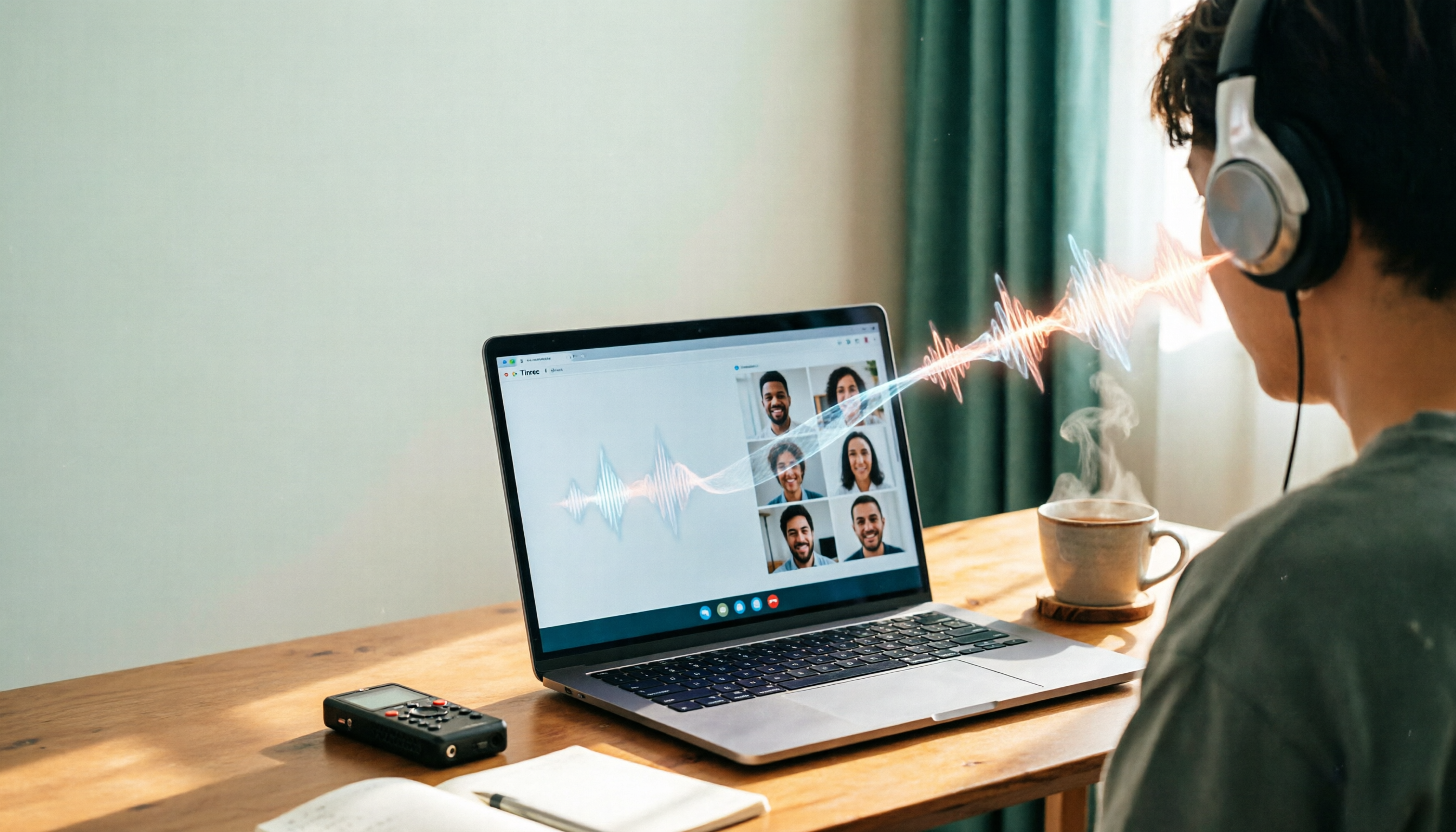
It solves the same starting problem as a line-in voice recorder—"cleanly recording device-played audio"—but takes a different path. The desktop version directly captures system audio, handling online meetings on Zoom, Google Meet, Microsoft Teams, and Webex without inviting any meeting bot to the participant list. Compared to the line-in approach: no need to find the right cable, worry about poor connector contact, or adjust input gain.
Scenario 1: Transcribe while meeting Press start when the meeting begins; text appears on screen as it records. When the meeting ends, the transcript is already there, along with AI summaries, chapter segmentation, and key points. The 90 minutes you used to spend re-listening after a line-in recording is saved.
Scenario 2: Ask questions directly after recording This is the biggest difference from most similar tools. You can ask questions about meeting data: "Who mentioned the budget in the last meeting?" "What were the client's concerns about the quote?" It doesn't just return keyword search results—it gives answers based on semantic understanding, and you can ask across multiple meetings. Few tools in this price range currently offer this capability.
Scenario 3: Cross-language meetings Supports multilingual transcription and real-time translation; during recording, you can switch between original text, translation, or bilingual view. For teams where mixed Chinese-English is the norm, this is far more practical than the sampling rate on a spec sheet.
Scenario 4: Recording isn't the end Export to common file formats, or bring into Notion, Google Docs, OneNote, Dropbox for further editing. The built-in Agent post-processing can also generate reports, tables, and documents based on meeting content—for roles that need to produce meeting minutes or retrospectives, this connects the last mile.
Stop organizing recordings by hand
Upload audio or video and automatically get a transcript, summary, and action items
Scenario 5: Team Edition keeps data within the team For department or project team use, the Team Edition provides independent team spaces; meeting data belongs to the team, not individual accounts. Management distinguishes "roles" and "seats": roles determine who can manage members, audit, and team settings; seats determine whether members can record, upload, edit, import/export. Active members without seats can still view, play, and read team data. There are also team hotwords (improving recognition of technical terms), usage analytics, audit logs, and an audio recycle bin. When a member leaves or loses a seat, their team resources can be handed over to other members—data doesn't leave with the person.
Team monthly billing is USD 29.80 per paid seat per month, annual billing is USD 199 per paid seat per year; each paid seat provides 2,000 minutes of team shared import quota per month; first-time eligible teams can try 7 days with 1 free seat and 300 minutes shared quota. Actual prices, currencies, and benefits are subject to the official purchase page.
Limitations, stated clearly
- The free version has usage limits; heavy users need to pay.
- It doesn't automatically join all meetings on your calendar; you need to start recording yourself.
- Transcription accuracy is affected by recording quality, ambient noise, accents, overlapping speech, and technical terminology; for important content, cross-check with the audio.
- If you need a completely offline environment where no software can be installed, a physical voice recorder is still the only solution.
Who it's for: People who frequently have online meetings, need Chinese and mixed Chinese-English transcripts, want to ask key questions directly after recording, or need to switch between phone and computer.
Besides Tinrec, What Other Options Are There?
Sony ICD-PX470 (Line-in recording bundle) A common bundle on Taiwan price comparison sites is voice recorder + recording cable + carrying case, priced around NT$3,590, featuring a high-sensitivity S-mic, LPCM recording support, built-in 4GB, plus auto recording mode and noise reduction. If you need to record in a completely offline environment where apps can't be installed (e.g., client computers with strict controls), a pure hardware solution is the easiest. But it only handles "recording": transcription, summaries, action items, follow-up questions—all up to you. This is what Tinrec can do that it cannot.
Sony ICD-UX570F Also supports line-in and USB fast charging, built-in 4GB, priced around NT$3,790 at Taiwan retailers. Note that Japanese-interface versions circulate in the market, and the language setting cannot be changed—be sure to confirm interface language and warranty source before buying. Its advantages are small size and instant recording on power-up; but it also lacks transcription and post-meeting organization. Multilingual transcription and real-time translation are what Tinrec has and it doesn't.
INJA IJ2159/P9B Series Made in Taiwan, featuring noise reduction, voice activation, and line-in recording; often includes a memory card during promotions. Suitable for budget-conscious users who just want a device that can record for long periods. It solves recording itself; team spaces, export to Notion/Google Docs workflows are what Tinrec offers and it doesn't.
Pitfall Guide: 4 Most Common Mistakes When Choosing a Line-in Voice Recorder
Pitfall 1: Assuming a recording cable guarantees clean audio. If volumes on both ends aren't matched, you'll get clipping or too-low audio; some computers have headphone jacks that are both output and input—plugging into the wrong jack results in silence. Before buying, confirm your audio source device actually has a dedicated output jack.
Pitfall 2: Focusing only on recording format, ignoring post-processing time. LPCM, WAV, 1536kbps look impressive, but if your goal is "producing meeting minutes," these specs are just raw material. What really determines when you leave work is "whether someone turns raw material into a finished product for you."
Pitfall 3: Ignoring language support. English-only transcription tools are nearly useless in Chinese meetings; those claiming Chinese support but failing on names and product names—you need to actually run your own recording to know. Test with your own meeting audio, don't just read official copy.
Pitfall 4: Forgetting recording laws and etiquette. Inform participants and obtain consent before recording, and comply with local regulations. This isn't a tool issue, but no one will help you if something goes wrong.
Conclusion: Which One Should You Choose?
- Record online meetings and want transcripts and post-meeting organization → Tinrec. Desktop version directly captures system audio, no cables, no bot joining meetings; after recording you get summaries, chapters, action items, and can ask questions about the content.
- Find answers across multiple past meetings → Tinrec. AI Q&A can query across meetings—something regular voice recorders simply cannot do.
- Team needs to accumulate meeting data, manage seats and usage → Tinrec Team Edition. Data belongs to the team, with roles and seats, usage analytics, and audit logs.
- Completely offline setting where no software can be installed → Sony ICD-PX470 or ICD-UX570F; remember to confirm interface language and company warranty.
- Budget priority, just need long recording time → INJA and similar Taiwan-made models; also check the included memory card capacity.
Final word: Rather than buying a device and regretting it, first test transcription with a real meeting recording you have on hand, confirm recognition quality matches your accent and industry terminology, then decide whether to invest in hardware or a subscription. Tools are meant to save time, not add to your to-do list.
References
Turn every recording into actionable outcomes
Get 60 free transcription minutes when you sign in. No credit card required.
Related Reading
You might also like

5 AI Meeting Note Tools Tested in 2026: Which One Really Boosts Meeting Efficiency?
Tired of time-consuming and incomplete meeting notes? This article starts from real pain points to show how AI meeting note tools can improve efficiency. Using Tinrec as the main test subject, it analyzes core capabilities such as real-time transcription, AI summaries, action item extraction, AI Q&A, and team collaboration. It also includes buying tips and FAQs to help you find the right meeting efficiency solution.

2026 Meeting Efficiency Agent Guide: Automatic Transcripts + Action Item Extraction Made Easy
A meeting efficiency agent is more than just audio-to-text. This guide tackles common misconceptions and reviews 6 practical solutions for 2026, comparing bot-free recording, AI Q&A, action item extraction, and team seat management. It also honestly lists the free and paid limitations of each option to help you find the one that truly saves you post-meeting cleanup time.

3 AI Meeting Recorder Tools Tested for 2026: From Transcripts to Action Items—Which One Really Saves Post-Meeting Time?
AI meeting recording isn't just about pressing record. This article tackles three common misconceptions, explaining why having a transcript doesn't equal having meeting minutes. Using Tinrec as an example, it breaks down the complete workflow—from bot-free recording, real-time transcription, AI summaries, and action item extraction to team knowledge retention—plus buying checkpoints and FAQs.

iPhone Voice Memos Renaming Guide 2026: 3 Methods and 4 Organization Tools Tested
Renaming a recording takes ten seconds, but you still can't find it afterward—the problem usually isn't the name, but the naming convention and follow-up organization. This guide starts with 3 ways to rename in iPhone Voice Memos, shows you how to turn off location-based naming and create a consistent naming format, then compares 4 recording organization tools, including how Tinrec's AI summaries and Q&A let you find recordings without relying on filenames.

2026 Comparison of 4 iPhone Recording File Processing Tools: Which Saves More Time, m4a to Transcript or Summary?
iPhone recordings default to .m4a, not MP3. This article first clarifies the format and common misconceptions, then tests and compares four processing methods: Tinrec, Notta, TurboScribe, and PLAUD, helping you decide whether to convert files or directly transcribe, and summarizes key purchasing points such as free quotas, single-session limits, and team collaboration.

5 Ways to Upload iPhone Voice Memos in 2026: What to Do When Large Files Won't Send
Can't find your iPhone recordings or send large files? This hands-on comparison tests five upload methods (Email, AirDrop, iCloud, wired transfer, messaging apps) and their limits. It also shows how to turn recordings into transcripts, summaries, and action items with Tinrec after uploading, including free and team plan details plus six FAQs.

5 iPhone Recording to MP3 Tools Tested in 2026: Is the Free Version Enough?
iPhone Voice Memos saves recordings as m4a by default, but there are 5 ways to convert to MP3. This hands-on test covers online converters, VLC, Audacity, built-in Mac tools, and Tinrec, comparing free limits, privacy risks, and follow-up organization costs—and tells you when you don't need to convert at all.

4 Ways to Transfer iPhone Recordings in 2026: LINE, Computer, and Transcripts Compared
How do you share an iPhone recording after you finish? This guide starts with the key question—who you're sending it to and what they need—and compares four methods: manual Voice Memos sharing, cloud files, transcription services, and Tinrec. It covers four key decision points: format compatibility, file size, transcript needs, and team retention, plus common pitfalls and scenario-based recommendations.

iPhone Recording Guide 2026: Built-in Features and 3 AI Tools
How do you record audio on iPhone? This guide starts with the key question: do you just need a voice memo, or do you need usable data? It covers Voice Memos recording, renaming, editing, iCloud sync, and Back Tap quick launch, then explains call recording limitations, file management, and when to switch to an AI meeting tool like Tinrec.