

Turn recordings into transcripts and summaries in minutes
Upload audio or video for multilingual transcription, AI notes, and action items
5 AI Meeting Note Tools Tested in 2026: Which One Really Boosts Meeting Efficiency?
It's 3 PM on a Friday afternoon, and you've just finished a two-hour project meeting. When you turn off your webcam, you realize your notebook only has three lines written, action items are scattered throughout the conversation, and you'll need another hour tomorrow to organize the meeting notes. This is a daily reality for many office workers.
AI meeting note tools have evolved rapidly in recent years, from simple speech-to-text to automatically generating summaries and action items, and even letting you ask questions directly. But with so many tools on the market, which one can truly improve meeting efficiency? This article uses Tinrec as the main test subject to help you understand the core capabilities, use cases, and key purchasing considerations of AI meeting note tools.
What Can AI Meeting Note Tools Do for You?
Scenario 1: Meeting Notes Ready in 5 Minutes After the Meeting
In the past, after a two-hour meeting, you might need another hour to organize the meeting notes. Now, with AI meeting note tools—taking Tinrec as an example—the AI has already generated summaries, chapters, and action items by the time the meeting ends. Who is responsible for what and what the deadlines are is clear at a glance. You only need a few minutes to verify and send the meeting notes to the team.
Scenario 2: Understand Cross-Language Meetings in Real Time
If there are foreign clients or colleagues in the meeting, language is often a barrier. Tinrec supports real-time translation, allowing you to view the original text, translation, or bilingual content during recording. Participants can follow the discussion without waiting for post-meeting translation.
Scenario 3: Automatic Action Item Organization and Follow-Up After Meetings
After a meeting, the biggest fear is missing action items. Tinrec extracts action items from the discussion and organizes them into a list. Team members can view action items in the team space, and managers can track execution status through usage analytics and audit logs.
What Are the Core Capabilities of AI for Improving Meeting Efficiency?
Real-Time Transcription: Transcribe While Recording, Confirm Synchronously
Tinrec's real-time transcription lets you follow the text during the meeting to confirm you haven't missed key points. For long meetings, the transcript also makes it easy to search for keywords afterward.
AI Semantic Summaries: Structured Organization of Meeting Highlights
It's not about condensing the transcript into a single paragraph, but structuring it. Tinrec generates meeting topics, discussion conclusions, action items, and owners, listed separately. For long meetings, it also automatically generates chapters so you can quickly jump to key sections.
AI Conversational Query: Ask Directly, Skip Rewatching
After transcription is complete, you can ask Tinrec questions directly. For example, "Who mentioned the budget in the meeting?" or "What was the client's feedback?" It answers directly based on semantic understanding, saving you the time of rewatching the recording.
Multi-Format Export and Agent Post-Processing
Meeting results can be exported to common formats and taken to tools like Notion, Google Docs, and OneNote for continued use. Tinrec's Agent post-processing can also generate reports, tables, and documents based on meeting content, suitable for post-meeting deliverables.
Team Space and Governance
For team use, Tinrec's team version provides an independent team space where meeting data belongs to the team. Administrators can manage members, roles, and seats, and view usage analytics and audit logs. Members without seats can still view, play, and read team materials, but recording, uploading, and editing require a seat.
Practical Use Cases
Corporate Weekly Meetings and Project Meetings
Weekly project meetings often involve many details, and decisions and action items can easily get scattered. Use Tinrec's desktop version to record online meetings without a bot, and automatically generate summaries and action items afterward. Team members can view past meetings in the team space, and new members can quickly catch up.
Stop organizing recordings by hand
Upload audio or video and automatically get a transcript, summary, and action items
Customer Interviews and Sales Conversations
Customer needs, objections, and commitments during interviews need to be accurately recorded. Tinrec's real-time transcription and AI Q&A can help you quickly review what the customer said. After the meeting, you can export the interview record and take it to your CRM or documents for follow-up.
Course Learning and Lecture Notes
During classes or lectures, you can't take notes fast enough. Use Tinrec on your phone to record audio and transcribe while recording, and AI summaries help you organize key points after class. When you need to review, simply search the transcript for keywords.
Content Creation and Material Organization
Interview recordings and brainstorming meetings are all creative materials. Tinrec can convert audio and video files to text, and then use AI Q&A to extract viewpoints and quotes. Agent post-processing can also generate article drafts or report tables.
5 Things to Consider When Buying an AI Meeting Note Tool
1. Accuracy: Test with Your Own Recordings
Don't just rely on official marketing. It's recommended to test with your own recordings. Tinrec provides high-quality transcription for clear audio and common scenarios, but actual results can be affected by recording quality, noise, accents, and overlapping speakers.
2. Meeting Capture Method: Do You Need a Meeting Bot?
Check whether the tool requires a meeting bot to join. Tinrec's desktop version directly captures computer system audio, so no additional bot needs to join the meeting. Users simply open Tinrec and start recording.
3. AI Post-Processing Capabilities: Transcription Is Just the First Step
Transcription is only the first step; the key is whether it can help you organize afterward. Tinrec offers AI summaries, chapters, action item extraction, and AI Q&A, and can also generate reports, tables, and documents.
4. Language Support: Chinese and Multilingual Meetings
If you need Chinese or mixed Chinese-English meetings, check whether the tool supports them. Tinrec supports Chinese, Traditional Chinese, and multilingual meetings, and provides real-time translation and team hotword management.
5. Team Collaboration and Governance: Distinguish Roles and Seats
For team use, distinguish between roles and seats. Tinrec's team version provides team space, member management, role and seat control, as well as usage analytics and audit logs. Team data belongs to the team, and resources can be handed over when members change.
Frequently Asked Questions
Q1: Can AI meeting note tools really improve meeting efficiency?
Yes, but the key is choosing the right tool and using it correctly. AI can automatically transcribe, summarize, and extract action items, saving time on manual note-taking and organization. With Tinrec, for example, you can get structured meeting notes within minutes after the meeting, and you only need to verify the key points.
Q2: Is Tinrec's free version enough?
For light use, you can start with the free version. Tinrec's free version provides a basic quota, suitable for occasionally organizing a recording or trying out features. If you have regular meetings every week, consider the Pro monthly or annual plan; for short-term high-frequency use, there's a weekly plan.
Q3: Which online meeting platforms does Tinrec support?
Tinrec's desktop version captures computer system audio, so it can handle meeting audio played on platforms like Zoom, Google Meet, Microsoft Teams, and Webex. No meeting bot is required, but you need to actively open Tinrec to start recording.
Q4: Can team members without a seat still view meeting materials?
They can view, play, and read team materials, but cannot record, upload, edit, or import/export. Tinrec's team version distinguishes roles and seats: roles determine management permissions, and seats determine resource usage eligibility. Team resources belong to the team and need to be handed over when members change.
Q5: What should I pay attention to regarding the security and privacy of meeting recordings?
Before using any AI meeting tool, you should confirm your company's privacy policies and the platform's security policies. Tinrec's team version provides audit logs and an audio recycle bin, allowing administrators to check operation records and restore accidentally deleted audio. For sensitive content, it's recommended to obtain participants' consent first.
Conclusion
AI meeting note tools are no longer future technology; they are tools you can use now and that really save time. From real-time transcription, AI summaries, action item extraction to team collaboration, Tinrec turns meeting content into searchable, queryable, and actionable data.
If you have more than three meetings a week, try Tinrec's free version and experience the effect of AI organizing meeting notes with one meeting. When choosing a tool, remember to start from your own meeting scenarios and test it yourself for the most accurate results.
References
- Top AI Meeting Note Tools of 2026: Time-Saving Must-Haves for Meetings!
- Using AI in Meetings and Video Conferences | Google Workspace
- AI Meeting Notes Organization Tips: 6 Steps to Leverage Gemini Notebook and Prompt Templates, Speech-to-Text, Mixed Chinese-English No Problem | 104 Career Power
- Using AI to Improve Meeting Management Efficiency: Simplify Workflows, Implement Meeting Action Items - Menghua Technology
- AI Meeting Note Software Recommendations: 5 App Tested and Compared, Automatic Transcription Makes Meetings Easy!
Turn every recording into actionable outcomes
Get 60 free transcription minutes when you sign in. No credit card required.
Related Reading
You might also like

Tinrec vs Notta 2026: 5-Dimension Comparison — Which Chinese Meeting Efficiency Tool Is Better?
Most people looking for an AI meeting efficiency tool only check transcription accuracy, but overlook that post-meeting organization is what really takes time. This article compares Tinrec and Notta across five practical dimensions, explaining differences in bot-free recording, AI Q&A, action item extraction, and team data retention, plus a pitfalls guide and selection advice.

Best AI Meeting Minutes Tools for Word in 2026: 4 Tested, This One Saves the Most Time for Chinese
Still re-listening to recordings and organizing Word meeting minutes after meetings? This 2026 hands-on comparison of Tinrec, Microsoft Word + Copilot, Notta, and Otter.ai explains selection criteria, pitfalls to avoid, and Word workflows for AI-generated meeting minutes, helping you choose the best tool for Chinese and mixed Chinese-English meetings.

2026 AI Agent Auto-Delivery Tools Compared: Can Meeting Minutes and Action Items Really Be Automated?
AI Agents aren't just about chatting—the real question is whether they can finish the post-meeting wrap-up work on their own. Starting from real meeting scenarios, this article breaks down four key points for choosing an AI Agent auto-delivery tool and compares Tinrec, Otter.ai, Fireflies.ai, and Notta on transcripts, summaries, action items, Agent post-processing, and team data retention, helping you determine which workflow truly saves time.
5 AI Agents Tested on Context in 2026: Which One Really Understands Meetings?
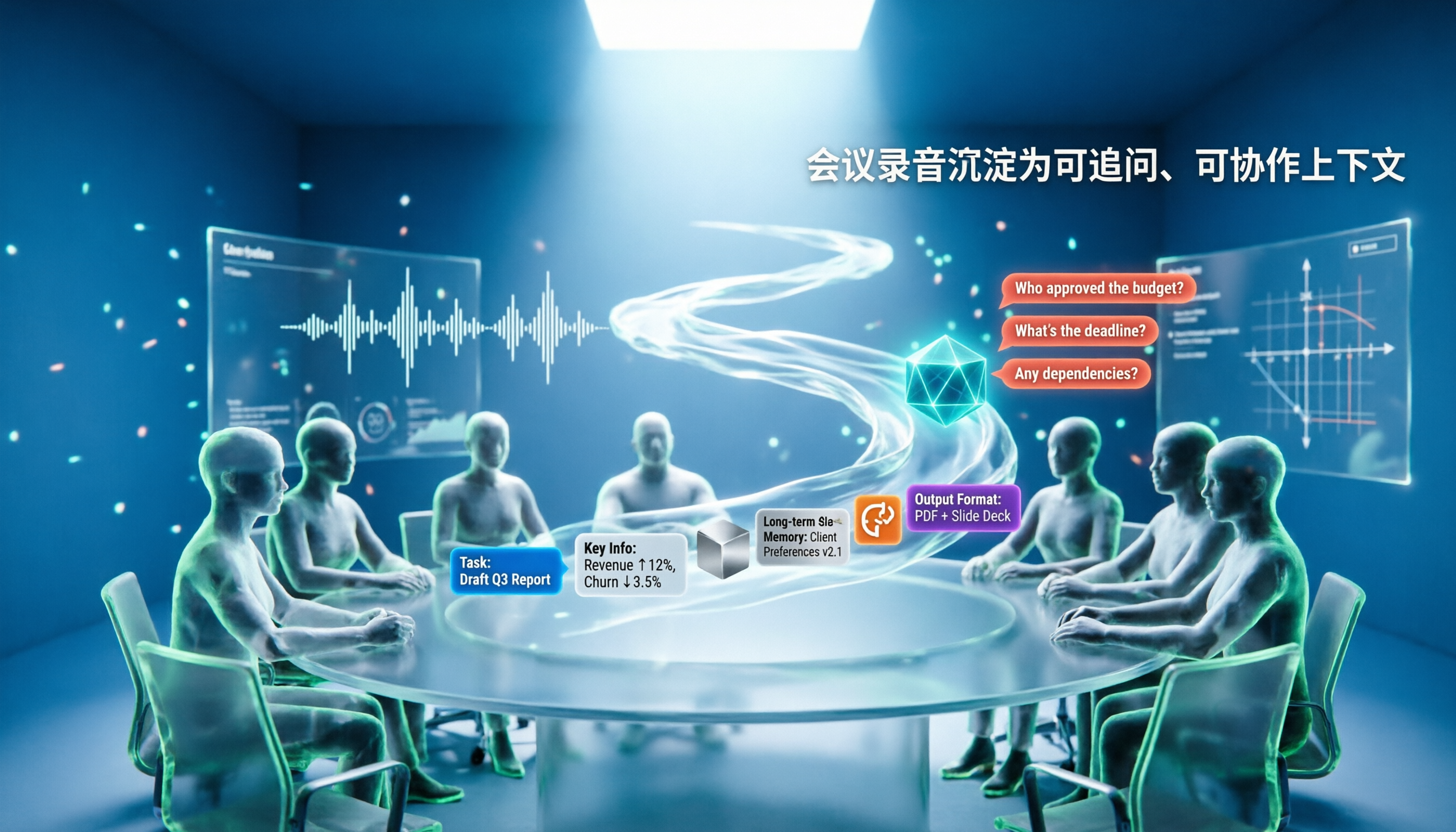
Most AI Agent errors aren't due to the model—they're due to context. This article tackles common misconceptions and breaks down context engineering in 5 steps: define the task, filter information, connect long-term memory, design tools and output formats, and refine using failure cases. It also demonstrates with Tinrec how to turn meeting recordings into a queryable, collaborative team context.

5 Free AI Agent PPT Generation Solutions in 2026: A Comprehensive Review
AI agents for PPT generation have evolved from one-click templates to end-to-end output. This article reviews five affordable or even free solutions, covering meeting content organization, PowerPoint's built-in draft generation, and open-source projects, and explains who each is for, free quotas, and pitfalls to watch out for.

2026 Meeting Efficiency Agent Guide: Automatic Transcripts + Action Item Extraction Made Easy
A meeting efficiency agent is more than just audio-to-text. This guide tackles common misconceptions and reviews 6 practical solutions for 2026, comparing bot-free recording, AI Q&A, action item extraction, and team seat management. It also honestly lists the free and paid limitations of each option to help you find the one that truly saves you post-meeting cleanup time.

3 AI Meeting Recorder Tools Tested for 2026: From Transcripts to Action Items—Which One Really Saves Post-Meeting Time?
AI meeting recording isn't just about pressing record. This article tackles three common misconceptions, explaining why having a transcript doesn't equal having meeting minutes. Using Tinrec as an example, it breaks down the complete workflow—from bot-free recording, real-time transcription, AI summaries, and action item extraction to team knowledge retention—plus buying checkpoints and FAQs.

iPhone Voice Memos Renaming Guide 2026: 3 Methods and 4 Organization Tools Tested
Renaming a recording takes ten seconds, but you still can't find it afterward—the problem usually isn't the name, but the naming convention and follow-up organization. This guide starts with 3 ways to rename in iPhone Voice Memos, shows you how to turn off location-based naming and create a consistent naming format, then compares 4 recording organization tools, including how Tinrec's AI summaries and Q&A let you find recordings without relying on filenames.

2026 Comparison of 4 iPhone Recording File Processing Tools: Which Saves More Time, m4a to Transcript or Summary?
iPhone recordings default to .m4a, not MP3. This article first clarifies the format and common misconceptions, then tests and compares four processing methods: Tinrec, Notta, TurboScribe, and PLAUD, helping you decide whether to convert files or directly transcribe, and summarizes key purchasing points such as free quotas, single-session limits, and team collaboration.