

Turn recordings into transcripts and summaries in minutes
Upload audio or video for multilingual transcription, AI notes, and action items
2026 Meeting Efficiency Agent Guide: Automatic Transcripts + Action Item Extraction Made Easy
Many people first encounter a meeting efficiency agent and think it's just an upgraded version of "audio-to-text": record, generate a transcript, drop it in a folder, done.
Honestly, that's the most common and most unfortunate misconception.
The transcript is just raw material. What really eats up time is the follow-up work: pulling out key points, writing minutes, confirming who agreed to what, and sending follow-ups. If the agent only does the first part, you still have to go back and read thousands of words.
A more sensible approach is to pick a tool that can handle the entire flow: summary → action items → follow-up questions → export. This article rounds up a few solutions worth trying in 2026.
Why Do You Need a Meeting Efficiency Agent?
The meeting itself isn't the problem—post-meeting cleanup is the productivity black hole.
According to a Microsoft Work Trend Index (2025) survey, knowledge workers spend an average of 7.8 hours per week on meeting outputs—writing notes, sending follow-ups, manually creating action items, and tracking down who agreed to what.
Meanwhile, Gartner (2026) estimates that by 2026, 60% of enterprises will deploy AI meeting assistants, a threefold increase from 18% in 2024.
This article covers 6 practical solutions, including bot-free recording, AI Q&A, action item extraction, and team management, and then tells you how to choose based on your needs.
Tinrec | The Most Complete Meeting Efficiency Agent
Tinrec is an AI meeting notes and collaboration tool for individuals and teams. It's positioned not as "audio-to-text" but as a way to turn meetings into searchable, queryable, and actionable team data.
Highlight 1: No meeting bot required. The desktop version directly captures your computer's system audio, so it can record online meetings on Zoom, Google Meet, Microsoft Teams, and Webex without an extra bot joining as a participant. Note that this doesn't mean it automatically joins all calendar meetings—you still need to actively start recording in Tinrec.
Highlight 2: The workflow after transcription is the key. After recording, it automatically generates summaries, chapters, and action items, so you can quickly scan the structure of long meetings. You can also continue to ask AI questions about a single meeting or across meetings, such as "What were the pricing terms we discussed last time?" It also supports real-time translation, letting you view the original, translation, or side-by-side bilingual text, making it easy to handle meetings with mixed Chinese and English.
Highlight 3: Output integrates into your existing workflow. Beyond transcripts, it can produce mind maps, reports, tables, and documents, and export to Notion, Google Docs, OneNote, Dropbox, and other tools for further processing.
Highlight 4: The team version keeps data in the team's hands. The team version is a separate team space, not a shared personal account. You can set owners, admins, and regular members, assign or revoke seats, and view team usage trends, member rankings, and audit logs. Accidentally deleted audio can be restored from a 30-day recycle bin. When a member leaves, their team resources must be handed over to other active members, so data isn't taken away.
Plans and pricing: The personal version offers a free plan, weekly pass, Pro monthly, and Pro annual, suitable for different usage frequencies—use the free plan for occasional recording, consider the weekly pass for short bursts of meetings, Pro for steady weekly use, and annual for long-term data accumulation (actual prices are subject to the official website).
The team version offers a 7-day trial for first-time eligible users, 1 free seat, and 300 minutes of shared team import quota; monthly billing is USD 29.80 per paid seat per month, annual billing is USD 199 per paid seat per year (about USD 16.58 per month), and each paid seat provides 2,000 minutes of shared team import quota per month. Real-time recording under an active team plan is currently not deducted by minutes.
Who it's for: Office workers and project teams who mainly hold meetings in Chinese, need cross-platform organization, and want meeting content to become a team asset.
Otter.ai | A Mature Choice for English Business Meetings
Otter is an early AI meeting assistant that covers Zoom, Microsoft Teams, and Google Meet, offering real-time transcription, speaker identification, AI Chat, and team management. It's quite mature for English business meetings.
The free Basic plan offers 300 minutes per month; Pro annual billing is about USD 8.49 per user per month, including 1,200 minutes of in-app recording per month and 10 file imports. Prices are subject to the official pricing page.
Suitable for teams that mainly meet in English and already collaborate within the Office ecosystem.
Fireflies.ai | Meeting Automation and Team Analytics
Fireflies excels at meeting automation, summaries, AskFred Q&A, team analytics, and extensive third-party integrations, making it especially friendly for sales and customer success teams.
Annual pricing: Free, Pro USD 10 per seat per month, Business USD 19 per seat per month, Enterprise USD 39 per seat per month. Note that its "unlimited transcription" is still subject to storage, upload speed, and AI Credit rules.
Suitable for mid-to-large teams that value meeting automation workflows and system integrations.
Notta | Multilingual Transcription and Translation
Notta overlaps heavily with most meeting tools, covering multi-platform transcription, meeting notes, file import, translation, and team plans, with multilingual support as its main selling point.
Stop organizing recordings by hand
Upload audio or video and automatically get a transcript, summary, and action items
The free plan offers 120 minutes per month, with a maximum of 3 minutes per recording; Pro annual billing is about USD 8.17 per month for 1,800 minutes per month; Business annual billing is about USD 16.67 per seat per month, offering unlimited transcription, role permissions, and usage reports.
Suitable for users who need to handle multilingual content and often import existing audio files.
Granola | Bot-Free AI Meeting Notes
Granola also takes a bot-free approach, using the desktop device's system audio and microphone for real-time transcription, combined with the user's handwritten notes to generate meeting content that better reflects their personal thinking.
Basic is free, Business is USD 14 per user per month, Enterprise is USD 35 per user per month. Note that it supports viewing, copying, and searching real-time transcripts, but does not support uploading pre-recorded audio files and does not save meeting audio files.
Suitable for people who like to take notes during meetings and value personalized summaries.
TurboScribe | A Cost-Effective Option for Bulk File Transcription
TurboScribe is closer to a file transcription tool, focusing on long files, batch uploads, subtitles, and translation. If you have a bunch of interview recordings rather than live meetings, it's very convenient.
The free plan allows 3 files per day, up to 30 minutes per file; Unlimited annual billing is USD 120 (about USD 10 per month), with paid plans supporting files up to 10 hours or 5 GB and up to 50 files per upload.
Suitable for users who need batch processing of long audio files but don't really need meeting collaboration features.
With So Many Options, How Should You Choose?
First, clarify one thing: do you want "text output" or "meeting data that can be acted upon"? The answer determines your choice.
• Want transcription plus summaries, action items, and Q&A on meeting content → Tinrec is currently the option that combines bot-free recording, AI Q&A, action item extraction, and team space. • Meetings are mainly in Chinese or mixed Chinese-English → Tinrec supports real-time translation and bilingual viewing, and team hotwords can improve recognition of technical terms. • Don't want a meeting bot joining Zoom/Meet/Teams → Tinrec desktop version directly captures system audio. • Need to switch between phone, computer, and web → Tinrec works across multiple devices without extra hardware. • Need to manage members, seats, usage, and audit logs → Tinrec team version puts governance features in one space. • Meetings are almost entirely in English and the team is deeply invested in the Microsoft ecosystem → Try Otter or Fireflies first. • Only need to convert lots of existing audio files to text → TurboScribe's batch and long-file capabilities are more suitable. • Like to handwrite notes while listening and want personalized summaries → Granola is worth comparing.
4 Things to Know Before Using a Meeting Efficiency Agent
1. AI output still needs human review. An implementation consultant tested on-site: a 1-hour meeting that originally took 1–2 hours to organize was completed in about 5–10 minutes after adoption (including human review). Note the words "including human review"—for important decisions and numbers, it's still advisable to cross-check the transcript timestamps and recording.
2. Roles, seats, and members are three different things. Take Tinrec's team version as an example: roles determine who can manage the team and audit; seats determine whether one can record, upload, edit, and export; member relationships determine whether one belongs to the team. Members without seats can still view, play, and read team data, but cannot upload or edit. Also, because it's currently team-level sharing, it's not recommended to think of it as a system with per-file permission settings.
3. Audio quality and technical terms directly affect recognition results. Don't assume a fixed accuracy rate. Microphone quality, background noise, accents, and overlapping speech all affect performance; adding frequently used team terms to hotwords can help significantly.
4. Confirm legality and consent before recording. Depending on local regulations and company policies, you should obtain participants' consent when necessary. This is the most easily overlooked step and the one you should least skip.
Conclusion
The value of a meeting efficiency agent isn't in turning sound into text, but in turning meetings into data that can be searched, queried, and assigned.
If you just want a transcript, many tools can do that; but if you care about that 1 hour after the meeting, a tool like Tinrec that handles summaries, action items, Q&A, and team knowledge retention is closer to the word "efficiency."
We recommend running a real meeting with the free quota first to see if the generated minutes are something you can send out directly, then decide whether to upgrade.
FAQ
Q1: What's the difference between a meeting efficiency agent and regular recording software? Recording software handles "recording"; a meeting efficiency agent further converts to text, organizes summaries and chapters, extracts action items, and supports Q&A, translation, export, and team collaboration.
Q2: How is Tinrec different from a meeting bot? Meeting bots typically join online meetings as participants; Tinrec desktop version directly captures computer system audio without an extra bot joining. However, the user still needs to actively start recording—it doesn't automatically join all calendar meetings.
Q3: Is the free version enough? If you only occasionally organize a recording, the free quota is usually enough to experience the full workflow. If you have meetings to organize every week, the quota and features of paid plans will be more reliable; for prices and limitations of each plan, please refer to the official website.
Q4: Will meeting data disappear after a team member leaves? It won't be taken away directly. Team resources belong to the team; when a member leaves or is removed, their resources must be handed over to other active members; accidentally deleted audio can also be restored within the 30-day recycle bin retention period.
Q5: Can it guarantee 100% accuracy? It's not recommended to expect that. A more realistic statement: it can significantly reduce manual note-taking and organization costs, but for important content, it's still advisable to cross-check with the transcript and recording.
Q6: Do I need to buy recording hardware? Not necessarily. Tools like Tinrec work on web, desktop, and mobile; if you have a lot of phone call recordings or on-the-go recording needs, then consider hardware solutions.
References
- How to Use AI Agent for Meeting Notes? Turn Transcripts into Professional Records Instantly, Double Efficiency Without Pitfalls | Smart Solutions AI Observatory
- AI Agent Tools to Boost Work Efficiency: A List of Ready-to-Use vs. Needs-Setup for Office Workers
- AI Meeting Assistant: A Complete 2026 Implementation Guide for SMBs to Save 70% Meeting Time
- GitHub - JeffreyWang0116/meeting-agent: Proactive Meeting Agent — Automatically Turn Chaotic Meeting Discussions into Structured Tasks, Confirmation Emails, and Calendar Events (FastAPI + Gemini, Cloud Deployable) · GitHub
- AI Meeting Notes - Intelligent Meeting Notes and Summaries | MaiAgent
Turn every recording into actionable outcomes
Get 60 free transcription minutes when you sign in. No credit card required.
Related Reading
You might also like

Tinrec vs Notta 2026: 5-Dimension Comparison — Which Chinese Meeting Efficiency Tool Is Better?
Most people looking for an AI meeting efficiency tool only check transcription accuracy, but overlook that post-meeting organization is what really takes time. This article compares Tinrec and Notta across five practical dimensions, explaining differences in bot-free recording, AI Q&A, action item extraction, and team data retention, plus a pitfalls guide and selection advice.
Best AI Meeting Minutes Tools for Word in 2026: 4 Tested, This One Saves the Most Time for Chinese
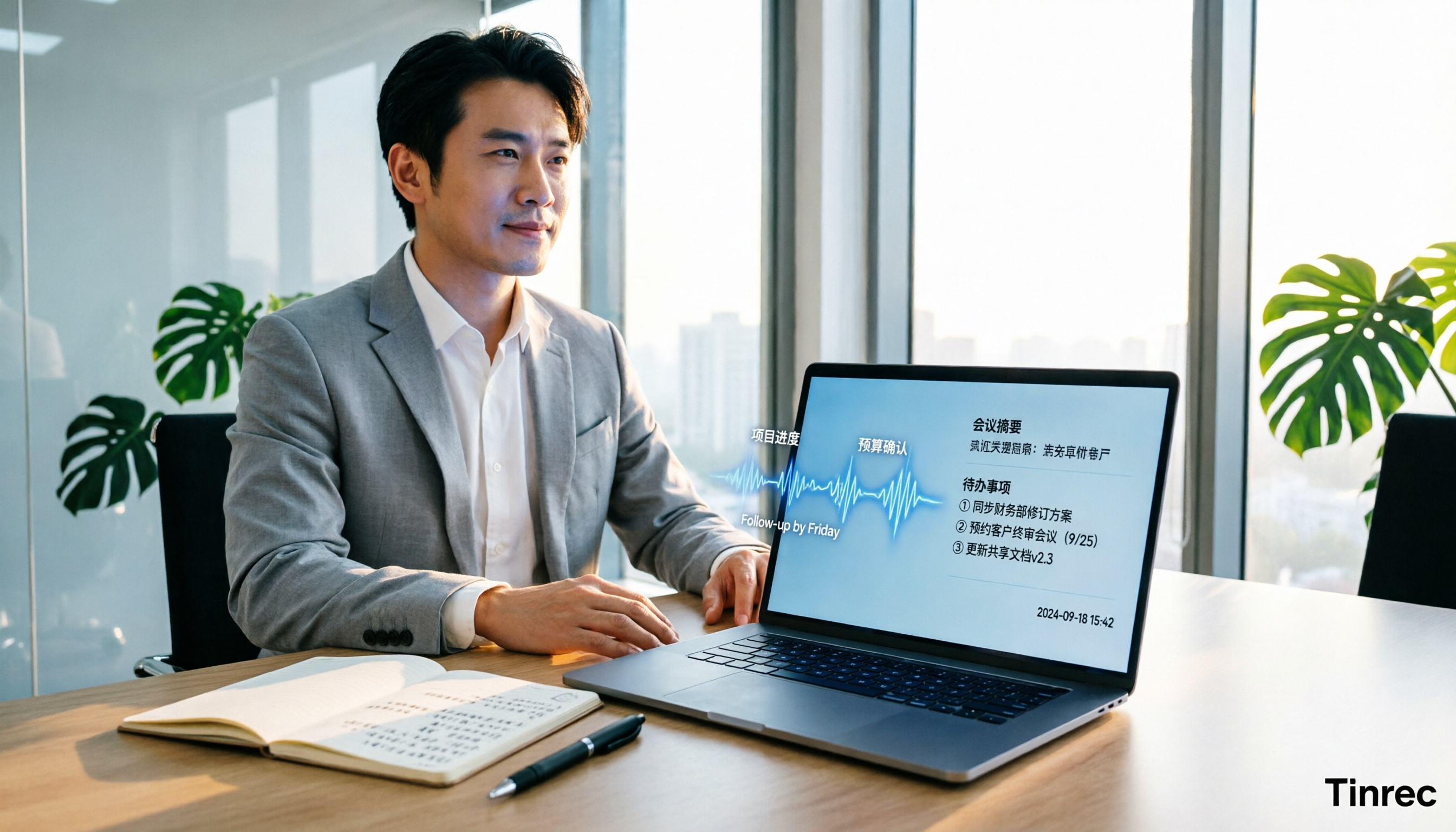
Still re-listening to recordings and organizing Word meeting minutes after meetings? This 2026 hands-on comparison of Tinrec, Microsoft Word + Copilot, Notta, and Otter.ai explains selection criteria, pitfalls to avoid, and Word workflows for AI-generated meeting minutes, helping you choose the best tool for Chinese and mixed Chinese-English meetings.

2026 AI Agent Auto-Delivery Tools Compared: Can Meeting Minutes and Action Items Really Be Automated?
AI Agents aren't just about chatting—the real question is whether they can finish the post-meeting wrap-up work on their own. Starting from real meeting scenarios, this article breaks down four key points for choosing an AI Agent auto-delivery tool and compares Tinrec, Otter.ai, Fireflies.ai, and Notta on transcripts, summaries, action items, Agent post-processing, and team data retention, helping you determine which workflow truly saves time.
5 AI Agents Tested on Context in 2026: Which One Really Understands Meetings?
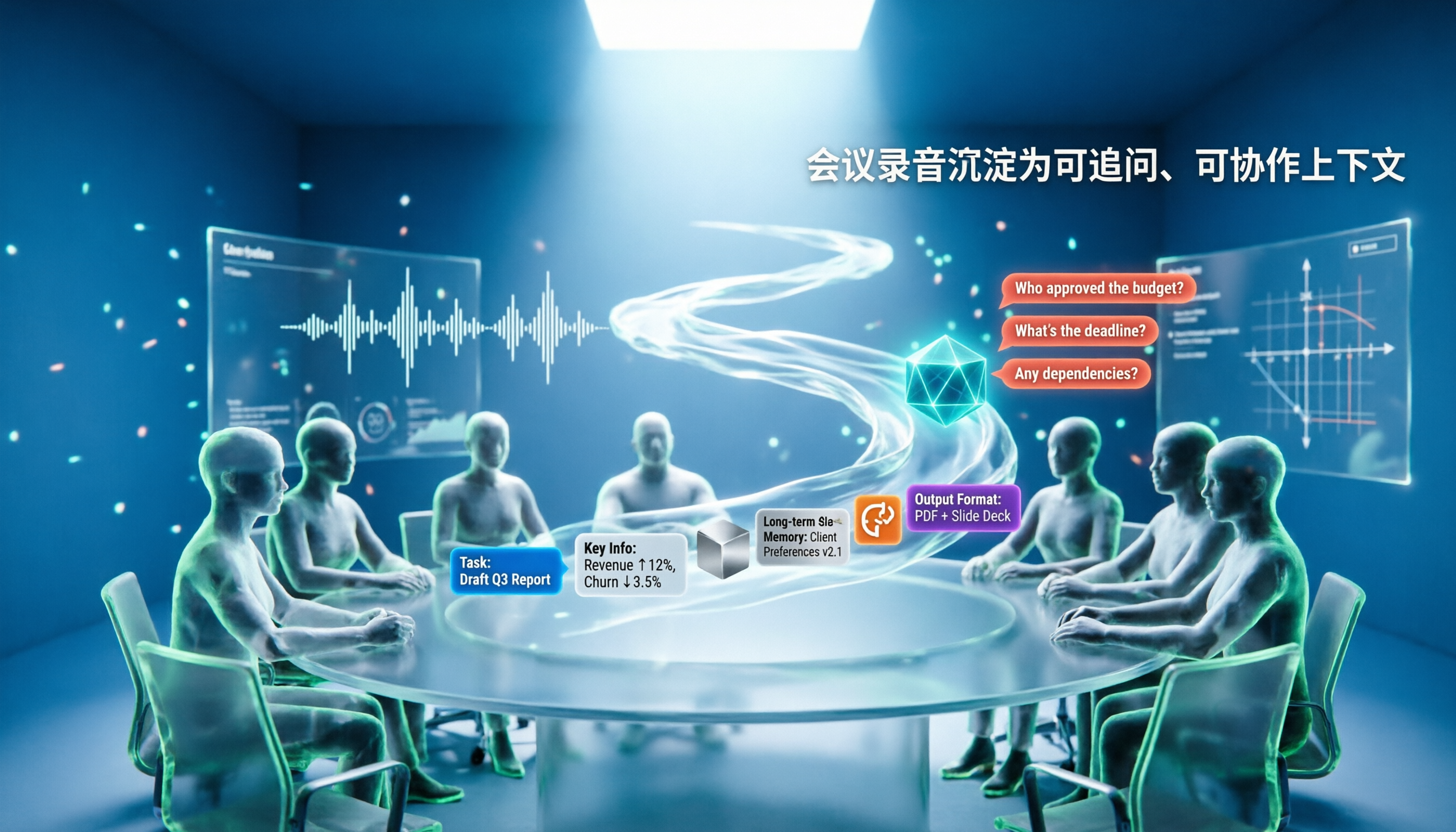
Most AI Agent errors aren't due to the model—they're due to context. This article tackles common misconceptions and breaks down context engineering in 5 steps: define the task, filter information, connect long-term memory, design tools and output formats, and refine using failure cases. It also demonstrates with Tinrec how to turn meeting recordings into a queryable, collaborative team context.

5 Free AI Agent PPT Generation Solutions in 2026: A Comprehensive Review
AI agents for PPT generation have evolved from one-click templates to end-to-end output. This article reviews five affordable or even free solutions, covering meeting content organization, PowerPoint's built-in draft generation, and open-source projects, and explains who each is for, free quotas, and pitfalls to watch out for.

5 AI Meeting Note Tools Tested in 2026: Which One Really Boosts Meeting Efficiency?
Tired of time-consuming and incomplete meeting notes? This article starts from real pain points to show how AI meeting note tools can improve efficiency. Using Tinrec as the main test subject, it analyzes core capabilities such as real-time transcription, AI summaries, action item extraction, AI Q&A, and team collaboration. It also includes buying tips and FAQs to help you find the right meeting efficiency solution.

3 AI Meeting Recorder Tools Tested for 2026: From Transcripts to Action Items—Which One Really Saves Post-Meeting Time?
AI meeting recording isn't just about pressing record. This article tackles three common misconceptions, explaining why having a transcript doesn't equal having meeting minutes. Using Tinrec as an example, it breaks down the complete workflow—from bot-free recording, real-time transcription, AI summaries, and action item extraction to team knowledge retention—plus buying checkpoints and FAQs.
iPhone Voice Memos Renaming Guide 2026: 3 Methods and 4 Organization Tools Tested
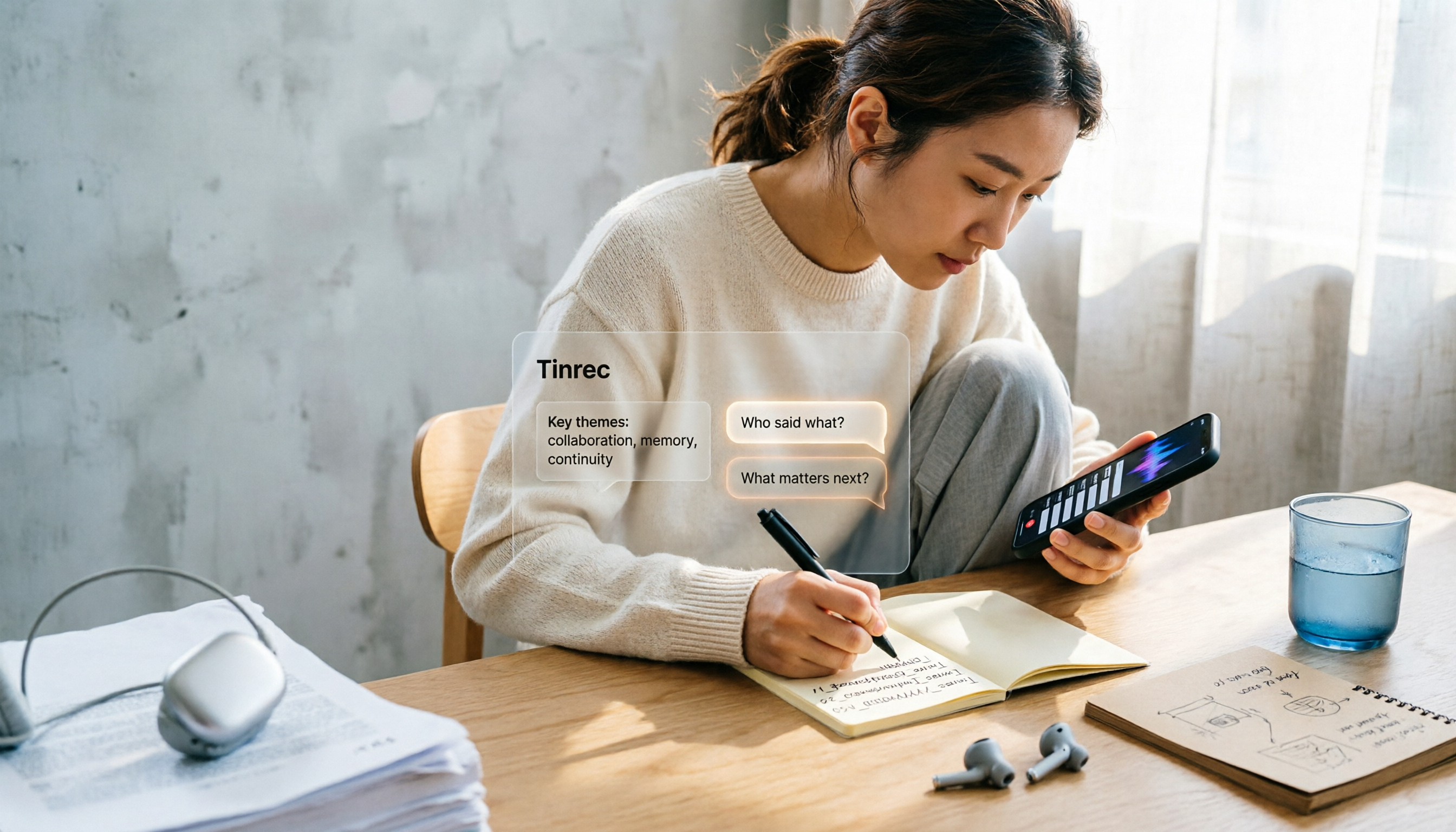
Renaming a recording takes ten seconds, but you still can't find it afterward—the problem usually isn't the name, but the naming convention and follow-up organization. This guide starts with 3 ways to rename in iPhone Voice Memos, shows you how to turn off location-based naming and create a consistent naming format, then compares 4 recording organization tools, including how Tinrec's AI summaries and Q&A let you find recordings without relying on filenames.

2026 Comparison of 4 iPhone Recording File Processing Tools: Which Saves More Time, m4a to Transcript or Summary?
iPhone recordings default to .m4a, not MP3. This article first clarifies the format and common misconceptions, then tests and compares four processing methods: Tinrec, Notta, TurboScribe, and PLAUD, helping you decide whether to convert files or directly transcribe, and summarizes key purchasing points such as free quotas, single-session limits, and team collaboration.