

Turn recordings into transcripts and summaries in minutes
Upload audio or video for multilingual transcription, AI notes, and action items
3 Google Meet Transcription Methods Compared in 2026: Which Saves You the Most Time?
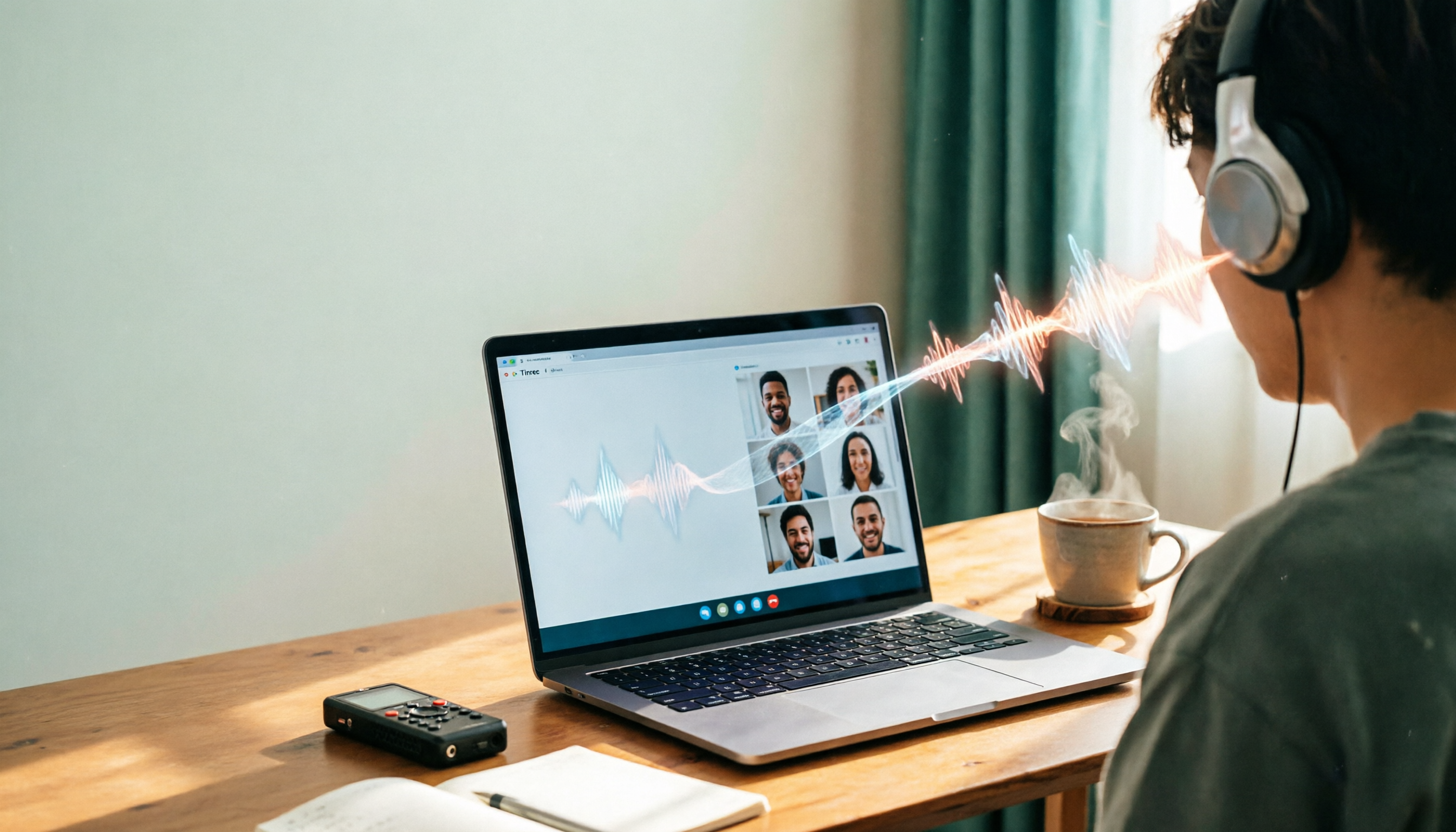
The daily grind for office workers: back-to-back Google Meet calls, followed by relistening to recordings and typing up meeting minutes—no wonder overtime is the norm. We tested three mainstream approaches—Google Meet's built-in transcription, manually relistening and typing, and using the AI-powered tool Tinrec—and the results were clear. If you want to stop doing overtime for meeting minutes, this comparison will help you quickly pick the most time-saving method.

What Can Google Meet Transcription Do for You?
Different methods directly affect the time you spend on post-meeting organization. For example, Tinrec's AI can turn an entire Google Meet session into a structured text record, automatically extracting key points. Here are three most practical scenarios:
Scenario 1: Meeting Minutes in 5 Minutes After the Meeting
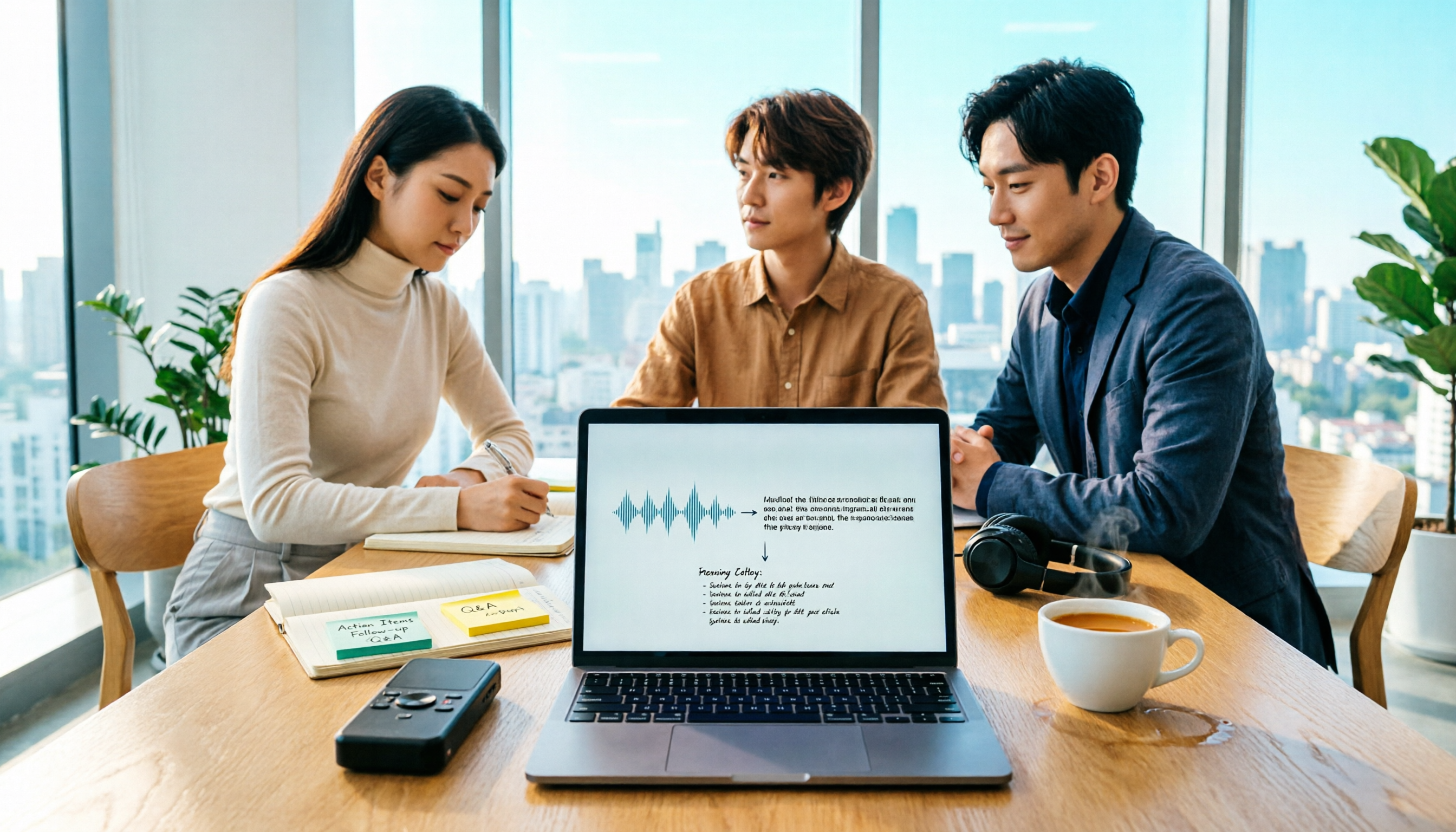
Previously, after a two-hour meeting, you might need another hour to organize the minutes. Now, just record with Tinrec during the meeting, and as soon as it ends, the AI generates a summary, conclusions, and action items—who is responsible for what and deadlines, all crystal clear.
Scenario 2: Reviewing Past Meetings Faster than Watching Video
Watching Google Meet recordings one by one takes too much time, but with Tinrec's audio-to-text conversion, you can instantly search by keyword or ask the AI, "Who mentioned the budget issue in the last meeting?" and get the answer in seconds—no need to scrub through timestamps.
Scenario 3: Turning Meeting Content into Actionable Lists
Many people forget what needs follow-up after a meeting. Tinrec automatically extracts action items from the conversation, listing tasks, assignees, and expected completion times. You can copy with one click or export to tools like Notion or Google Docs, using them directly as to-do lists.
Tinrec's Core Capabilities for Google Meet Audio
Transcription alone isn't enough; smart organization is key. Here are some of Tinrec's standout features, all compatible with Google Meet:
Real-time Transcript: Text as You Talk
No need to wait for the recording to finish. Tinrec's real-time transcription has a delay of less than 1 second. During a Google Meet, you can follow along on your phone or web interface, ensuring you don't miss key points, and you can add bookmarks to mark important moments.
AI Summary: Structured Organization, Not Just a Block of Text
Tinrec doesn't just give you a condensed paragraph of fluff; it organizes into meeting topic, conclusions, action items, and assignees—all at a glance. After the meeting, just copy the summary and email it to your boss—super convenient.
AI Conversation Query: Ask Directly About Recording Content
After transcription, you can ask Tinrec in English (or other languages) by typing—"Who mentioned cost-cutting in the meeting?" "What feedback did the client give?" It uses semantic understanding to answer directly, so you don't have to search manually.
Stop organizing recordings by hand
Upload audio or video and automatically get a transcript, summary, and action items
Action Item Extraction: Automatic To-Do List
Things mentioned in the meeting like "I'll follow up," "find a supplier," "need to submit a report next week"—Tinrec captures them, organizes them into a task list, and allows export. Never miss a thing.
Practical Use Cases: More Than Just Meetings
Although this article focuses on Google Meet, Tinrec's coverage is broader than typical meeting tools. It handles any audio/video content.
Google Meet Team Stand-ups
Record the entire Google Meet with Tinrec, and automatically get the transcript, summary, and action items afterward. For teams that meet frequently, the Pro annual plan is the most cost-effective—less than the price of a coffee per month to handle all meeting minutes.

Students Taking Google Meet Online Classes
Professor speaking too fast? Record with Tinrec, convert to text, then search by keyword for studying. It even breaks content into chapter highlights. AI Q&A can act as a personal tutor: "What three marketing theories were covered in this class?"
Interviews and Client Calls
Google Meet client calls to discuss requirements—record with Tinrec, convert to text. If you miss a key point, ask the AI immediately instead of sending an awkward follow-up email. The organized summary can be exported to Notion as a project brief.
4 Things to Consider When Choosing a Google Meet Recording Tool
Some tools on the market only offer basic transcription or require extra hardware. To find the best fit, pay attention to these factors:
1. Accuracy: Don't Just Trust Official Numbers
Some tools claim high accuracy, but in practice, they fail with Cantonese or mixed Chinese-English. Tinrec's Cantonese transcription performs reliably with clear audio. It's recommended to record a Google Meet session and test it yourself.
2. AI Organization Features: What Can You Do After Transcription?
Raw text isn't enough; the key is whether it saves you time in organization. Tinrec's AI summary, action items, and conversation query let you almost never need to touch the full transcript.
3. Language Support: Does It Handle Cantonese and Mixed Languages?
If you often meet in Cantonese, check the tool's Cantonese support. Tinrec supports 14 languages, with solid recognition for Cantonese and mixed Chinese-English.
4. Cross-Platform and Export: Is It Only a Mobile App?
It's best to choose a tool with iOS, Android, and web versions, so you can record whether using a computer or phone for Google Meet. Tinrec supports multiple platforms and can export to Notion, Google Docs, and more.
FAQ
Q: How do I record Google Meet audio with Tinrec?
A: The easiest way is to open Google Meet on your computer and use the Tinrec app on your phone to record; or use the Tinrec web version on your computer to capture system audio during the meeting. It automatically uploads and transcribes.
Q: Is the free version sufficient?
A: The free version offers a basic monthly transcription quota. If you only have 2-3 short meetings per week, it might be enough. For higher meeting frequency, consider the Pro monthly or annual plan.
Q: Are recordings kept? Is it secure?
A: Tinrec uses enterprise-grade encryption for storage, and you can delete recording files at any time. Meeting content is not used for AI training.
Q: Can it simultaneously record Google Meet and identify speakers?
A: Yes. Tinrec supports speaker diarization, marking who is speaking—ideal for multi-person meetings.
Summary: To Avoid Overtime, Choose an AI-Powered Solution
The test results are clear: Google Meet's built-in transcription is limited, and manual typing is a waste of time. Using an AI tool is the real time-saver. Tinrec not only converts meeting audio to text but also organizes it into summaries, action items, and a searchable database—perfect for Hong Kong office workers in back-to-back meetings. Download the free version to try it out; the monthly quota covers a couple of sessions to experience what it's like to finish meeting minutes without overtime.
Turn every recording into actionable outcomes
Get 60 free transcription minutes when you sign in. No credit card required.
Related Reading
You might also like

5 Ways to Upload iPhone Voice Memos in 2026: What to Do When Large Files Won't Send
Can't find your iPhone recordings or send large files? This hands-on comparison tests five upload methods (Email, AirDrop, iCloud, wired transfer, messaging apps) and their limits. It also shows how to turn recordings into transcripts, summaries, and action items with Tinrec after uploading, including free and team plan details plus six FAQs.
2026 Line-in Voice Recorder Buying Guide: 4 Solutions Tested and Recommended
Looking for a Line-in voice recorder? Most people actually want to cleanly record online meetings, courses, or music played from a computer. This guide starts by helping you decide whether you need to record ambient sound or device output, then compares two approaches: Line-in hardware vs. software system audio capture. It tests models like Sony ICD-PX470, ICD-UX570F, INJA, and Tinrec, summarizes 4 key buying factors and 4 common pitfalls, and gives clear recommendations based on use cases.
5 iPhone Recording to MP3 Tools Tested in 2026: Is the Free Version Enough?
iPhone Voice Memos saves recordings as m4a by default, but there are 5 ways to convert to MP3. This hands-on test covers online converters, VLC, Audacity, built-in Mac tools, and Tinrec, comparing free limits, privacy risks, and follow-up organization costs—and tells you when you don't need to convert at all.

4 Ways to Transfer iPhone Recordings in 2026: LINE, Computer, and Transcripts Compared
How do you share an iPhone recording after you finish? This guide starts with the key question—who you're sending it to and what they need—and compares four methods: manual Voice Memos sharing, cloud files, transcription services, and Tinrec. It covers four key decision points: format compatibility, file size, transcript needs, and team retention, plus common pitfalls and scenario-based recommendations.

iPhone Recording Guide 2026: Built-in Features and 3 AI Tools
How do you record audio on iPhone? This guide starts with the key question: do you just need a voice memo, or do you need usable data? It covers Voice Memos recording, renaming, editing, iCloud sync, and Back Tap quick launch, then explains call recording limitations, file management, and when to switch to an AI meeting tool like Tinrec.

2026 LINE Call Recording Guide: 5 Methods Tested and Recommendations
LINE doesn't offer built-in call recording, so users rely on screen recording, third-party apps, hardware recorders, or computer-based recording—each with limitations. This article covers five practical LINE recording methods and explains that the real challenge isn't recording but what to do with the audio afterward. It demonstrates how Tinrec turns recordings into transcripts, summaries, action items, and searchable team meeting notes.

5 Ways to Edit iPhone Voice Recordings in 2026: Trim, Cut Middle, or AI Highlights?
How do you edit iPhone voice recordings? This article compares Voice Memos built-in trimming, GarageBand, Audacity, recording hardware, and AI meeting note tools, explaining which can trim ends, which can cut middle sections, and how to save time if your goal is to extract key points instead of shuffling files and fast-forwarding.
iPhone Built-in Voice Memos vs Tinrec in 2026: 5-Dimension Comparison — Which Is Better for Transcripts?
Three common pitfalls when transcribing iPhone recordings: thinking you have to pay, assuming built-in is enough, and losing files. This guide breaks down the complete workflow—recording, transcription, proofreading, meeting minutes, and export—in 5 steps, and compares iPhone's built-in Voice Memos with Tinrec across 5 dimensions to help you decide when built-in suffices and when to switch tools.

5 LINE Recording Apps Tested for 2026: Which One Turns Calls into Transcripts and To-Dos?
LINE doesn't have built-in recording, and Android and iOS restrictions have broken many call recording apps. This article covers 5 common LINE recording methods and shows how Tinrec turns call audio into transcripts, summaries, and to-dos—solving the pain of re-listening. Includes buying tips, personal vs. team plan differences, and FAQs.