

Turn recordings into transcripts and summaries in minutes
Upload audio or video for multilingual transcription, AI notes, and action items
Two hours in a meeting, another two organizing notes—you don't need a tool, you need a solution.
After every Google Meet, the biggest headache is sorting out the meeting minutes. You replay the recording and manually transcribe everything. If the meeting is in English or mixed Chinese-English, it becomes a nightmare. If you've experienced this, this article is for you.

Before picking a Google Meet recording tool, understand these 4 key points
1. Transcription accuracy: don't just look at lab data
Many tools claim 98% accuracy, but that's tested in a quiet studio. In a real Google Meet environment, with background noise, multiple speakers, and accents, accuracy drops significantly. Our test used a 10-minute Chinese meeting recording (native Google Meet recording with slight keyboard noise). Under these conditions, the differences between tools become clear.
2. AI summarization: you're buying saved time, not a transcript
A good meeting recording tool shouldn't just give you a long transcript. It should automatically summarize, extract action items, and even let you ask questions about the recording like you'd ask a colleague. Few tools achieve this today.
3. Auto-join vs. manual recording
Some tools (like Otter.ai, Fireflies.ai) automatically join your Google Meet as a bot and generate notes after the meeting. But auto-join usually requires permissions and free plans have limitations. Manual recording tools are more flexible and work with any video platform, but you need to start recording yourself.
4. Chinese language support: English tools are strong, but often stumble on Chinese
If your meetings are primarily in Chinese, pay close attention to the quality of Chinese speech recognition. Many well-known foreign meeting bots perform poorly with Chinese.
Tinrec (秒听录音) — our top pick after testing
Tinrec is an AI recording assistant that integrates real-time transcription, audio file uploads, and online video parsing. It supports iOS, Android, and web.
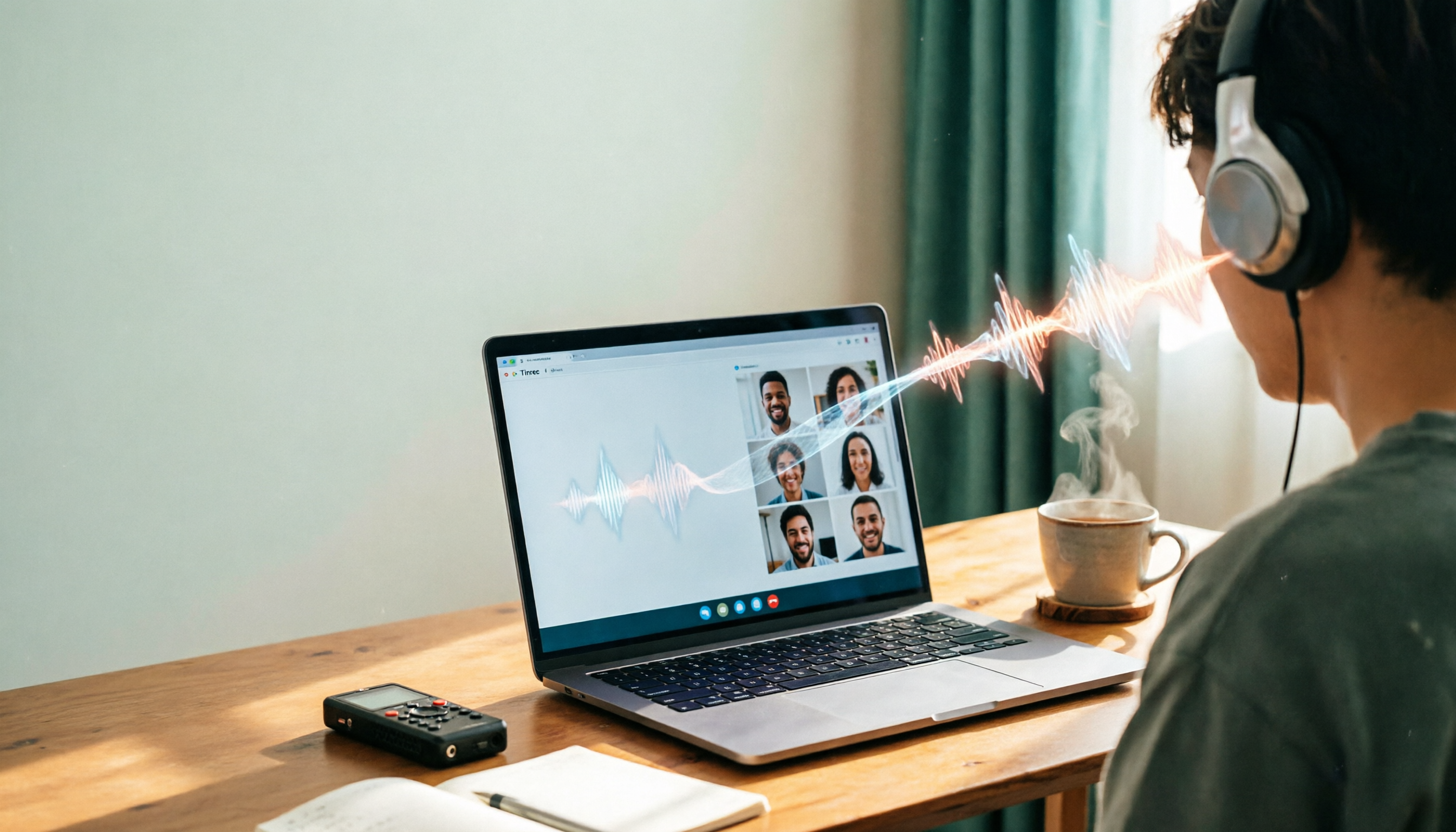
How to use it with Google Meet? Simple—before the meeting, open Tinrec's 'Live Recording' and select 'Computer Audio'. It will start transcribing in real time. By the time the meeting ends, your transcript, AI summary, and action items are almost ready.
Our favorite feature is 'AI Conversation Search'. After recording, you can ask in Tinrec: 'Who mentioned the budget earlier?' It doesn't just return keyword search results; it gives direct answers based on semantic understanding. Among the tools we tested, only Tinrec offers this capability.
Stop organizing recordings by hand
Upload audio or video and automatically get a transcript, summary, and action items
In terms of Chinese performance, Tinrec surprised us. In our test with the same Google Meet recording, it not only recognized names and technical terms well but also handled Chinese-English mixed sentences without breaking.
Summary of strengths:
- Chinese-friendly: Recognizes mixed Chinese-English content significantly better than foreign tools.
- Powerful post-recording AI: Summaries, action items, and Q&A all in one place, no need for other tools.
- Cross-platform and flexible: Works on phone, computer, and can also process audio files or YouTube links sent by others.

Things to note:
- Tinrec does not auto-join Google Meet; you need to start recording manually. However, it is not tied to any platform and works with any video conferencing software.
- The free plan has usage limits, suitable for light users. If you have multiple meetings per week, consider the Pro plan.
Who is it for? If you care about transcription quality for Chinese meetings and want to ask AI questions about the recording, Tinrec is currently the best choice.
Besides Tinrec, what other options are there?
Otter.ai: The classic for English meetings, but no Chinese support
Otter.ai is a representative auto-join tool. It enters your Google Meet as a participant and provides live transcripts and summaries. The free plan offers 300 minutes per month, great for English meetings. Unfortunately, Otter does not support Chinese—if your meetings are mostly in Chinese, skip it. Otter also has AI Q&A, but since Chinese is completely absent, that feature is useless to us.
Fireflies.ai: Strong auto-join, but Chinese transcription needs improvement
Fireflies.ai also auto-joins Google Meet, and its free plan offers unlimited transcription minutes (though storage is limited). Its meeting summaries and action item extraction are decent. However, our tests showed Fireflies has noticeably higher error rates for Chinese transcription, especially in multi-speaker scenarios where it often mishears keywords. Its AI Q&A is also biased toward English; Chinese queries yield less accurate responses. Compared to Tinrec, the Chinese semantic understanding is much weaker.
Pitfall guide: 3 common mistakes when choosing a Google Meet recording tool
Pitfall 1: Deciding based solely on 'auto-join' Auto-join is convenient, but it often comes with platform permission issues, and free plans may restrict which meetings can use it. More importantly, if the auto-join bot has poor Chinese recognition, you'll still have to re-listen and correct.
Pitfall 2: Ignoring the time cost of post-meeting processing Many think 'a transcript is enough,' not realizing the most time-consuming part is organizing the transcript into key points. Without AI summarization and Q&A, you've only done half the work. Tinrec's conversation search lets you jump straight to the point, saving back-and-forth searching.
Pitfall 3: Assuming all AI meeting notes are expensive Most tools have free plans with enough usage for occasional meetings. Try the free version first to see if it meets your needs before paying.
Summary: Which one should you choose?
If you primarily have English meetings → Otter.ai's free 300 minutes are plenty. If you need auto-join + English meeting notes → Fireflies.ai is feature-rich, but think twice for Chinese content. If you need Chinese meeting notes + AI summaries + post-meeting conversation search, and don't want to be tied to a specific video platform → Tinrec is currently the top choice.
Finally, start with the free plan and test it on one of your own meetings. Actually trying it is better than reading any review.
Turn every recording into actionable outcomes
Get 60 free transcription minutes when you sign in. No credit card required.
Related Reading
You might also like

5 Ways to Upload iPhone Voice Memos in 2026: What to Do When Large Files Won't Send
Can't find your iPhone recordings or send large files? This hands-on comparison tests five upload methods (Email, AirDrop, iCloud, wired transfer, messaging apps) and their limits. It also shows how to turn recordings into transcripts, summaries, and action items with Tinrec after uploading, including free and team plan details plus six FAQs.
2026 Line-in Voice Recorder Buying Guide: 4 Solutions Tested and Recommended
Looking for a Line-in voice recorder? Most people actually want to cleanly record online meetings, courses, or music played from a computer. This guide starts by helping you decide whether you need to record ambient sound or device output, then compares two approaches: Line-in hardware vs. software system audio capture. It tests models like Sony ICD-PX470, ICD-UX570F, INJA, and Tinrec, summarizes 4 key buying factors and 4 common pitfalls, and gives clear recommendations based on use cases.

5 iPhone Recording to MP3 Tools Tested in 2026: Is the Free Version Enough?
iPhone Voice Memos saves recordings as m4a by default, but there are 5 ways to convert to MP3. This hands-on test covers online converters, VLC, Audacity, built-in Mac tools, and Tinrec, comparing free limits, privacy risks, and follow-up organization costs—and tells you when you don't need to convert at all.

4 Ways to Transfer iPhone Recordings in 2026: LINE, Computer, and Transcripts Compared
How do you share an iPhone recording after you finish? This guide starts with the key question—who you're sending it to and what they need—and compares four methods: manual Voice Memos sharing, cloud files, transcription services, and Tinrec. It covers four key decision points: format compatibility, file size, transcript needs, and team retention, plus common pitfalls and scenario-based recommendations.

iPhone Recording Guide 2026: Built-in Features and 3 AI Tools
How do you record audio on iPhone? This guide starts with the key question: do you just need a voice memo, or do you need usable data? It covers Voice Memos recording, renaming, editing, iCloud sync, and Back Tap quick launch, then explains call recording limitations, file management, and when to switch to an AI meeting tool like Tinrec.

2026 LINE Call Recording Guide: 5 Methods Tested and Recommendations
LINE doesn't offer built-in call recording, so users rely on screen recording, third-party apps, hardware recorders, or computer-based recording—each with limitations. This article covers five practical LINE recording methods and explains that the real challenge isn't recording but what to do with the audio afterward. It demonstrates how Tinrec turns recordings into transcripts, summaries, action items, and searchable team meeting notes.

5 Ways to Edit iPhone Voice Recordings in 2026: Trim, Cut Middle, or AI Highlights?
How do you edit iPhone voice recordings? This article compares Voice Memos built-in trimming, GarageBand, Audacity, recording hardware, and AI meeting note tools, explaining which can trim ends, which can cut middle sections, and how to save time if your goal is to extract key points instead of shuffling files and fast-forwarding.

iPhone Built-in Voice Memos vs Tinrec in 2026: 5-Dimension Comparison — Which Is Better for Transcripts?
Three common pitfalls when transcribing iPhone recordings: thinking you have to pay, assuming built-in is enough, and losing files. This guide breaks down the complete workflow—recording, transcription, proofreading, meeting minutes, and export—in 5 steps, and compares iPhone's built-in Voice Memos with Tinrec across 5 dimensions to help you decide when built-in suffices and when to switch tools.

5 LINE Recording Apps Tested for 2026: Which One Turns Calls into Transcripts and To-Dos?
LINE doesn't have built-in recording, and Android and iOS restrictions have broken many call recording apps. This article covers 5 common LINE recording methods and shows how Tinrec turns call audio into transcripts, summaries, and to-dos—solving the pain of re-listening. Includes buying tips, personal vs. team plan differences, and FAQs.