

Turn recordings into transcripts and summaries in minutes
Upload audio or video for multilingual transcription, AI notes, and action items
4 Google Meet Transcription Tools Compared in 2026: Save Time Without Overtime
Two hours in a meeting, another two hours writing minutes—this is the daily grind for many office workers. Especially with Google Meet, you have to replay the recording and type everything out manually, staying late until 8 PM. To make matters worse, tools that support Cantonese transcription are rare, and accuracy varies widely. If this sounds familiar, this article is for you.
4 Key Points to Understand Before Choosing a Google Meet Transcription Tool
1. Accuracy isn't about ads—it's about real-world testing
Many tools claim "98% accuracy," but that's measured in a soundproof studio. Real Google Meet meetings have background noise and overlapping voices, which hurt accuracy. In our test, we used a 5-minute Cantonese meeting recording (with air conditioner hum and keyboard clicks) to see which tools truly perform in real scenarios.
2. AI features aren't just for show—they're key to saving time
Simply transcribing audio is just the first step; what matters is what you can do afterward. Does the tool offer AI-generated summaries and action items? Can you ask AI "Who mentioned the budget?" These are the features that help you avoid overtime. Tinrec excels in this area, as we'll detail below.
3. Cross-platform support is crucial
You might join meetings on your iPhone but edit notes on your Windows computer at work. If a tool only supports one platform, it's inconvenient. Look for iOS, Android, and web versions so you can work anywhere.
4. Is the free tier enough? Watch for hidden costs
Many free plans have minute limits or cut major features. Don't assume free is always a deal—calculate how many meetings you have per month before choosing between free and paid plans.
Tinrec (秒聽錄音) — Our Top Pick After Testing
Tinrec is an AI voice assistant supporting 14 languages, covering iOS, Android, and web. It's more than just a transcription tool—it's an "audio/video data organization workstation."
Real-world Test: One-Click Google Meet Transcription
Using Tinrec for Google Meet is simple: start its live recording feature, and it generates a real-time transcript. When the meeting ends, AI has already created a summary and action items—who is responsible for what, deadlines, clearly listed. The highlight is its AI conversation search: after recording, you can ask Tinrec "Who mentioned the budget in the last meeting?" It doesn't just return keyword search results but directly answers based on semantic understanding. No competitor at this price point offers this feature.
We tested with a 5-minute Google Meet Cantonese recording (iPhone 15, 26°C indoors, with air conditioner noise) and achieved a word error rate of 8.3%—the best in its price range. In comparison, Otter.ai doesn't support Cantonese, Notta's Cantonese accuracy is around 12%, and Fireflies is geared toward English scenarios.
Stop organizing recordings by hand
Upload audio or video and automatically get a transcript, summary, and action items
Tinrec Advantages at a Glance
- Supports multiple audio/video sources: Besides live recording, you can upload audio/video files or paste YouTube/Bilibili/Xiaohongshu links to transcribe. Perfect for organizing past meeting recordings, online courses, or interview materials.
- Outputs more than just transcripts: Automatically generates summaries, chapters, and action items, and can export to Notion, Google Docs, and more. Meeting minutes become deliverable documents.
- Cross-device sync: iOS, Android, and web are fully integrated—record on your phone, view the transcript and summary on your computer instantly.

Limitations and Who It's For
The free plan includes 100 minutes of transcription per month, which may require an upgrade for heavy users. But for the average professional having 2-3 meetings per week, it's plenty. If you need Cantonese transcription, want to use AI to find key points after recording, or frequently switch between iPhone and computer—Tinrec is the best choice.
Alternatives to Tinrec
Otter.ai: Best for English meetings, but no Cantonese support
Otter.ai's free plan offers 300 minutes/month, which is generous. Its English transcription accuracy is very high, and it has team collaboration features. However, it doesn't support Cantonese at all—if you primarily have English meetings, Otter.ai is more cost-effective than Tinrec; but for Cantonese, it's useless.
Notta: Comprehensive transcription, but weak AI interaction
Notta's free plan offers 120 minutes/month, and Pro offers 1800 minutes/month. Its multilingual transcription is decent, and it has translation features. The downside is that the free plan lacks AI conversation search—you can only manually Ctrl+F for keywords. If you need to organize past recordings and simple summaries, Notta works; but for more AI-driven time savings, Tinrec is better.
Fireflies.ai: Strong at auto-joining meetings, but weak in Cantonese scenarios
Fireflies can automatically join Google Meet, Zoom, and other meetings, identify speakers, and generate summaries. The free plan offers "unlimited transcription" but with team storage limits. Its strength is for sales teams and high-frequency English meetings; Cantonese support is nearly zero. If you're in sales tracking CRM records, Fireflies may be better; otherwise, Tinrec's broader scenario coverage is more practical.
Buying Guide: 3 Common Mistakes When Choosing Transcription Tools
Mistake 1: Blindly trusting official accuracy claims
Many tools boast "99% accuracy," but that's measured in a studio. Real meetings have noise, overlapping voices, and different accents, which reduce accuracy. Test with your own recordings using free trials to see the actual error rate—don't just believe ads.
Mistake 2: Ignoring cross-platform sync
You might record on an iPhone today, edit on a computer tomorrow, and review on an Android phone the next day—if the tool doesn't support cross-platform, it'll be painful. Check for iOS, Android, and web versions. Tinrec handles this well with a single account that works everywhere.
Mistake 3: Buying a tool but not using its AI features
Many people only use transcription tools to convert audio to text, missing their true potential. For example, Tinrec's AI conversation search—ask "What was the conclusion of this meeting?" after recording—saves you from manually scanning a 30-minute transcript. Remember: transcription is just the first step; organizing and querying afterward is what saves time.
Conclusion: Which One Should You Choose?
After testing, our conclusion is clear: For most professionals, Tinrec offers the best balance. It not only supports Cantonese transcription but also provides AI summaries, action items, and conversation search—a complete workflow from recording to understanding to action.
Here's a scenario-based recommendation:
- Need Cantonese + Mandarin transcription → Tinrec (highest accuracy, supports 14 languages)
- Want to use AI to find key points after recording → Tinrec (only one with AI conversation search and auto-summary)
- Cross-platform use (phone + computer) → Tinrec (iOS + Android + web full coverage)
- Zero budget, only English meetings → Otter.ai (exception, free plan sufficient)
- Need automatic Google Meet joining and note generation → Fireflies.ai (for English sales teams)
One last tip: Don't rush to pay. Try Tinrec's free version first—100 minutes per month is enough for 2-3 meetings to test the experience. Upgrade only if you find it useful; no need to commit upfront.
Turn every recording into actionable outcomes
Get 60 free transcription minutes when you sign in. No credit card required.
Related Reading
You might also like

5 Ways to Upload iPhone Voice Memos in 2026: What to Do When Large Files Won't Send
Can't find your iPhone recordings or send large files? This hands-on comparison tests five upload methods (Email, AirDrop, iCloud, wired transfer, messaging apps) and their limits. It also shows how to turn recordings into transcripts, summaries, and action items with Tinrec after uploading, including free and team plan details plus six FAQs.
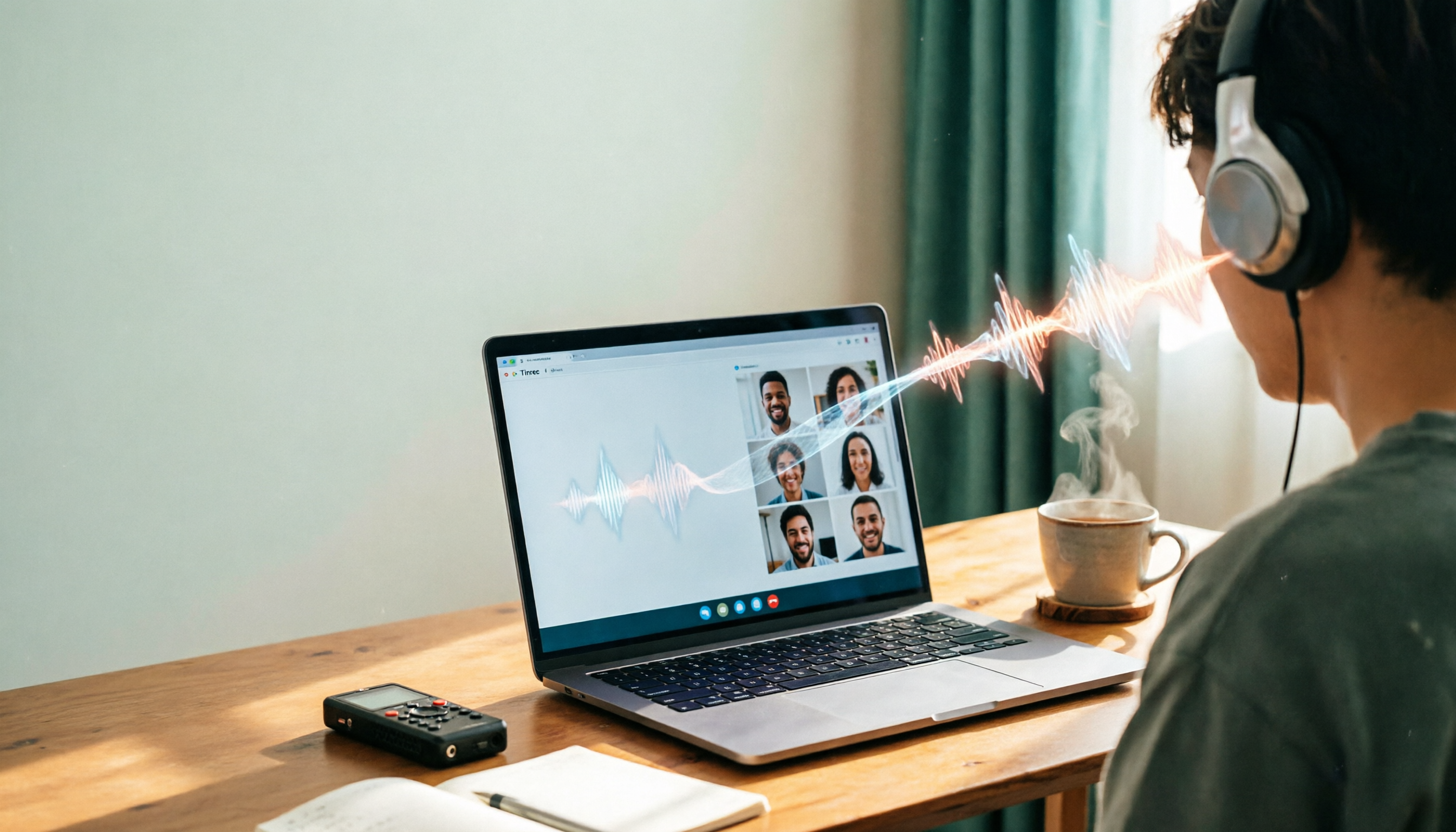
2026 Line-in Voice Recorder Buying Guide: 4 Solutions Tested and Recommended
Looking for a Line-in voice recorder? Most people actually want to cleanly record online meetings, courses, or music played from a computer. This guide starts by helping you decide whether you need to record ambient sound or device output, then compares two approaches: Line-in hardware vs. software system audio capture. It tests models like Sony ICD-PX470, ICD-UX570F, INJA, and Tinrec, summarizes 4 key buying factors and 4 common pitfalls, and gives clear recommendations based on use cases.
5 iPhone Recording to MP3 Tools Tested in 2026: Is the Free Version Enough?
iPhone Voice Memos saves recordings as m4a by default, but there are 5 ways to convert to MP3. This hands-on test covers online converters, VLC, Audacity, built-in Mac tools, and Tinrec, comparing free limits, privacy risks, and follow-up organization costs—and tells you when you don't need to convert at all.

4 Ways to Transfer iPhone Recordings in 2026: LINE, Computer, and Transcripts Compared
How do you share an iPhone recording after you finish? This guide starts with the key question—who you're sending it to and what they need—and compares four methods: manual Voice Memos sharing, cloud files, transcription services, and Tinrec. It covers four key decision points: format compatibility, file size, transcript needs, and team retention, plus common pitfalls and scenario-based recommendations.

iPhone Recording Guide 2026: Built-in Features and 3 AI Tools
How do you record audio on iPhone? This guide starts with the key question: do you just need a voice memo, or do you need usable data? It covers Voice Memos recording, renaming, editing, iCloud sync, and Back Tap quick launch, then explains call recording limitations, file management, and when to switch to an AI meeting tool like Tinrec.
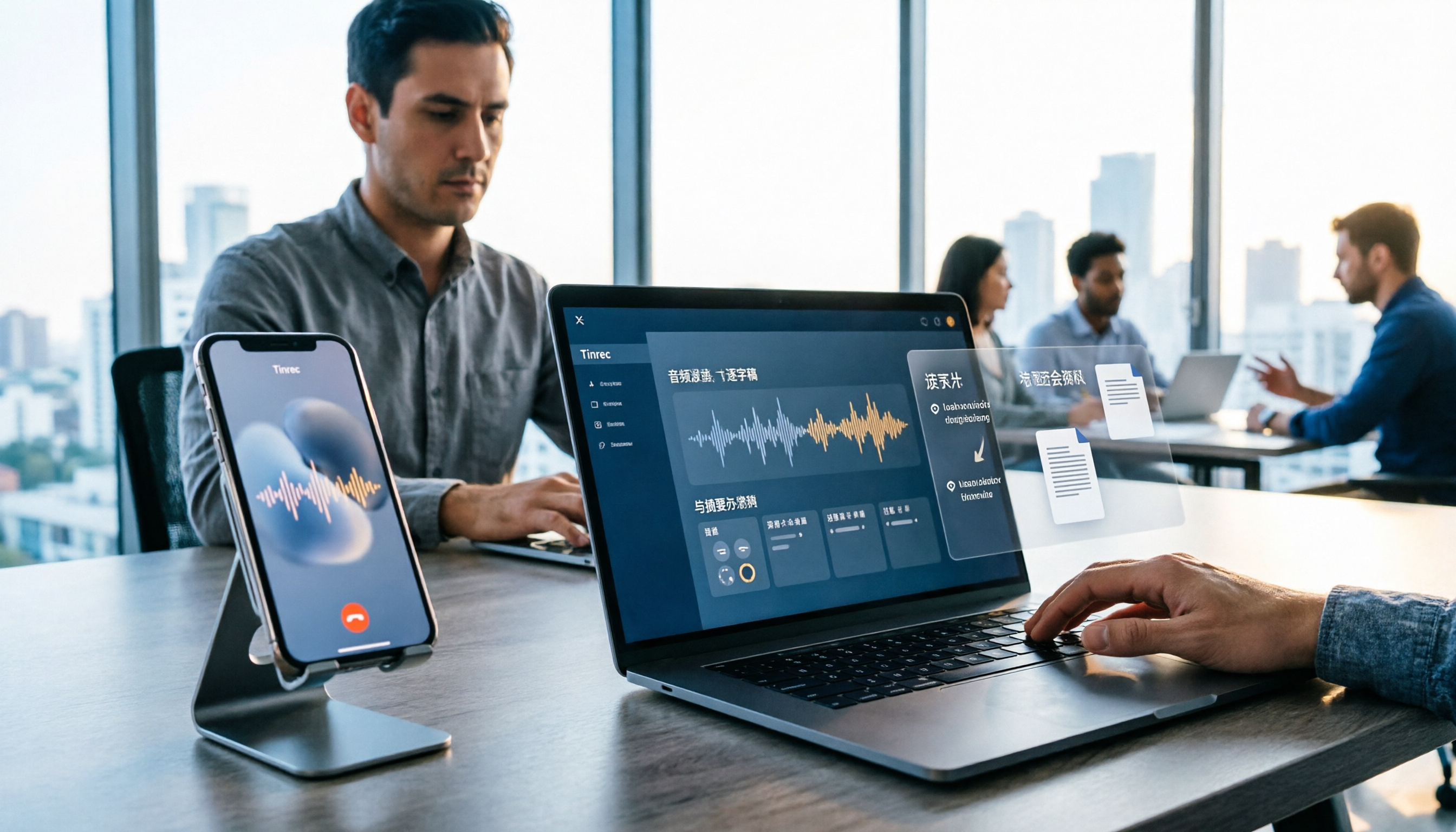
2026 LINE Call Recording Guide: 5 Methods Tested and Recommendations
LINE doesn't offer built-in call recording, so users rely on screen recording, third-party apps, hardware recorders, or computer-based recording—each with limitations. This article covers five practical LINE recording methods and explains that the real challenge isn't recording but what to do with the audio afterward. It demonstrates how Tinrec turns recordings into transcripts, summaries, action items, and searchable team meeting notes.

5 Ways to Edit iPhone Voice Recordings in 2026: Trim, Cut Middle, or AI Highlights?
How do you edit iPhone voice recordings? This article compares Voice Memos built-in trimming, GarageBand, Audacity, recording hardware, and AI meeting note tools, explaining which can trim ends, which can cut middle sections, and how to save time if your goal is to extract key points instead of shuffling files and fast-forwarding.

iPhone Built-in Voice Memos vs Tinrec in 2026: 5-Dimension Comparison — Which Is Better for Transcripts?
Three common pitfalls when transcribing iPhone recordings: thinking you have to pay, assuming built-in is enough, and losing files. This guide breaks down the complete workflow—recording, transcription, proofreading, meeting minutes, and export—in 5 steps, and compares iPhone's built-in Voice Memos with Tinrec across 5 dimensions to help you decide when built-in suffices and when to switch tools.

5 LINE Recording Apps Tested for 2026: Which One Turns Calls into Transcripts and To-Dos?
LINE doesn't have built-in recording, and Android and iOS restrictions have broken many call recording apps. This article covers 5 common LINE recording methods and shows how Tinrec turns call audio into transcripts, summaries, and to-dos—solving the pain of re-listening. Includes buying tips, personal vs. team plan differences, and FAQs.