

Turn recordings into transcripts and summaries in minutes
Upload audio or video for multilingual transcription, AI notes, and action items
Stuck on language during international meetings? You need a real-time translation meeting assistant
In an international meeting, just understanding what the other person is saying takes up most of your energy, let alone taking notes and responding at the same time.

What's more frustrating is that while Google Meet's built-in live captions are convenient, they only support a handful of languages, the translation quality is inconsistent, and the captions are hard to save after the meeting ends.
If you often attend online meetings mixing Chinese and English, or want a tool that can generate multilingual transcripts during the meeting and quickly summarize key points afterward, this article is for you.
Before choosing a Google Meet real-time translation tool, understand these 3 key points
1. Language support: Not all tools are suitable for traditional Chinese users
Many international real-time translation tools are designed for the English market, and their accuracy in recognizing and translating traditional Chinese varies widely. If your meetings often include Taiwanese expressions or mixed Chinese and English, make sure to confirm whether the tool supports traditional Chinese and how well it performs.
2. Post-meeting data retention: Live captions alone are not enough
If you need to review discussions or organize action items after the meeting, the tool must be able to save complete bilingual transcripts and ideally generate automatic summaries. Live captions alone are insufficient.
3. Can the free plan truly meet your needs?
Many tools offer free plans, but with heavy restrictions—maybe only 100 minutes per month, no downloads, or transcription in only one language. When choosing, consider your actual meeting frequency and required features, so you don't get forced to pay after a few uses.
Tinrec – Our top pick for Chinese users needing real-time translation and meeting notes
If Pseric hadn't tested it himself, it's hard to imagine an app that solves all the pain points of international meetings in one go.
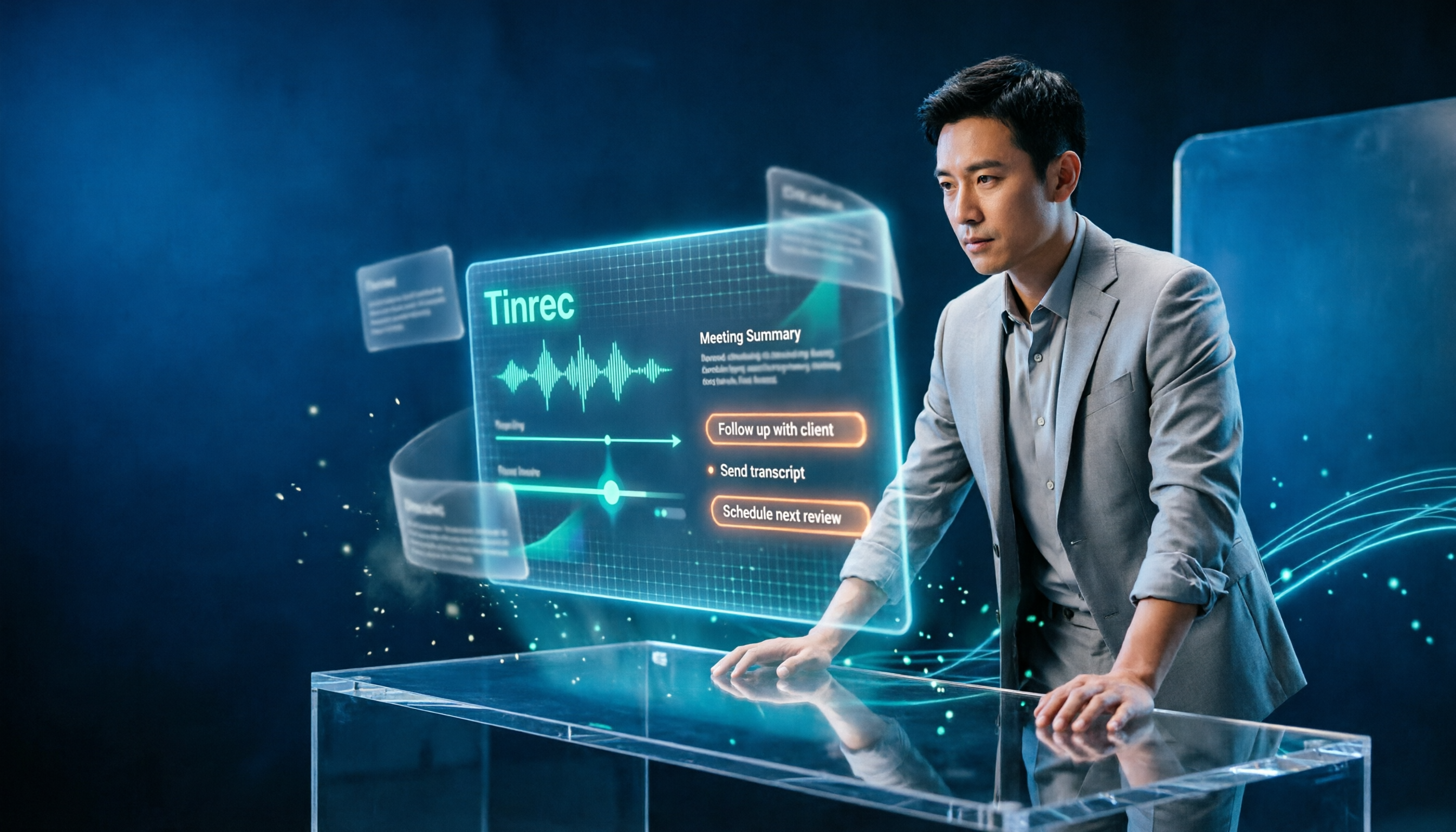
Tinrec is not just an audio-to-text tool; it has built-in simultaneous interpretation and language translation. While you're in a Google Meet, it can convert speech into multilingual transcripts in real time, supporting 14 languages, with traditional Chinese being one of its strengths.
How to use it in a Google Meet? Very simple:
- Open Tinrec's web version or app on your computer and select "Record" mode.
- Start your Google Meet simultaneously, allowing Tinrec to capture system audio.
- It will generate live transcripts as it records, and you can switch translation languages anytime, with Chinese and English side by side.
- After the meeting, you get bilingual transcripts plus automatically generated summaries, action items, and chapter highlights.
In our tests, this is the most user-friendly real-time translation solution for Taiwanese users—it not only solves the "can't understand" problem but also handles the most tedious recording and organizing tasks.
We compared key performance aspects:
Stop organizing recordings by hand
Upload audio or video and automatically get a transcript, summary, and action items
- Translation fluency for mixed Chinese-English meetings: Colloquial sentences are accurately converted, and professional terms have high correspondence.
- Traditional Chinese terms: Significantly more aligned with Taiwanese usage than other international tools, no simplified Chinese errors or inappropriate expressions.
- Post-meeting organization: The AI conversation search lets you ask things like "Who mentioned the budget during the meeting?" and Tinrec answers based on the full content, not just keyword search.

Reassuringly, Tinrec's free version offers a certain monthly allowance of recording and translation, sufficient for light users. For longer sessions, the Pro monthly plan costs about the price of a coffee, while the weekly plan suits project periods with intensive meetings.
Of course, it's not perfect:
- If you expect 100% perfect translation or the nuance of a human interpreter, AI tools still fall short.
- The free version has a minute cap; heavy meeting users should evaluate their usage.
Overall, if you regularly attend Google Meet international meetings and want to save post-meeting organization time, Tinrec is the most balanced option we've tested.
Beyond Tinrec, what other options are there?
If you still want to compare, we also tested two other well-known real-time translation tools, but each has limitations.
Notta
Notta is also a transcription and translation tool, supporting multiple platforms. The free version offers 120 minutes per month, slightly less than Tinrec. In our tests, Notta's translation quality was decent, but it leans more towards file transcription and has weaker support for real-time meeting interaction. It also lacks Tinrec's AI conversation search—after recording, you can only manually replay to find key points. If your main need is to upload files for translation, Notta is worth considering; but for live meetings, Tinrec is more convenient.
Otter.ai
Otter.ai is very popular in English meeting circles—its live captions and summaries are strong, and the free version offers 300 minutes, quite generous. However, its support for traditional Chinese is limited. We tested several mixed Chinese-English meetings, and the accuracy of Chinese recognition and translation was noticeably lower than Tinrec. The interface is also heavily English-oriented, posing a higher barrier for Taiwanese users. If 90% of your meetings are pure English, Otter.ai is a great choice; but if Chinese appears frequently, Tinrec is irreplaceable.
Pitfall Guide: 3 common mistakes when choosing real-time translation tools
Pitfall 1: Assuming Google Meet's built-in captions are enough
Yes, Google Meet can provide live captions, but language options are limited, you can't save a full transcript, and translations tend to be literal, sometimes with odd grammar. Worse, captions disappear when the meeting ends, so you can't revisit them. Unless you're in a simple one-on-one English conversation, dedicated tools are far superior.
Pitfall 2: Focusing only on translation, ignoring post-meeting organization
Many people only care about "how accurate the translation is," forgetting that the real work begins after the meeting. A good tool should save bilingual transcripts, automatically extract action items, and even let you query meeting content via Q&A. Without these, no matter how accurate the translation, you'll still spend a lot of time organizing notes.
Pitfall 3: Choosing an overly basic free plan to save money
Free plans are tempting, but some tools limit the number of languages, don't allow downloads, or include ads. Check how many hours of international meetings you have per month and compare free limits. Tinrec's free version, despite its time cap, doesn't cut core features, so you won't run into missing functions midway.
Conclusion: Which one should you choose?
For traditional Chinese users, if you want a tool that fully records Google Meet meetings, provides live traditional Chinese translation, and quickly organizes key points afterward, Tinrec is our top recommendation.
- Meetings often mix Chinese and English, need high-quality traditional Chinese translation → Tinrec (best accuracy and terms for Taiwanese usage)
- Only need audio-to-text transcription, no real-time translation → Tinrec (free version handles basic needs)
- Need AI to find key points and generate action items after meetings → Tinrec (biggest differentiator from competitors)
- Company policy requires mainstream US/EU tools and meetings are 100% English → Otter.ai (the only exception)
In the end, rather than regret after buying, download Tinrec's free version and try it—the free minutes are enough for two or three meetings. Experience its real-time translation and post-meeting convenience firsthand. Only consider paying if you find it useful; no need to spend money upfront.
Turn every recording into actionable outcomes
Get 60 free transcription minutes when you sign in. No credit card required.
Related Reading
You might also like

2026 Comparison of 4 Meeting Productivity Agents: Which One Actually Saves Post-Meeting Time?
The real work starts after the meeting ends. This article uses the same Chinese meeting recording to test the post-meeting workflows of Tinrec, Otter.ai, Fireflies.ai, and Notta—covering bot-free recording, summary and action items, AI Q&A, and team knowledge retention—to help you decide which meeting productivity agent truly saves time.

2026 AI Meeting Notes Tools Compared: Tinrec vs Otter.ai vs Notta vs Granola — Which Turns Meetings into Usable Data?
Stop taking notes yourself: a hands-on comparison of Tinrec, Otter.ai, Notta, and Granola covering transcripts, summaries, action items, and AI Q&A, plus buying criteria, team seat and pricing details, and pitfalls to avoid.

4 AI Agents That Generate Excel Files Tested: Which One Actually Produces a Usable .xlsx?
After a meeting, turning notes into an Excel file often means replaying the entire recording. This article starts from "where does the data come from" and compares four approaches: Tinrec, Excel's built-in Agent mode, Gemini Notebook Agent, and Aspose.Cells AI Generator. It also covers 5 key selection criteria, 4 common mistakes, and practical recommendations.

2026 Free AI Agent PPT Generation Options: 5 Tools Compared
AI Agent PPT generation tools are proliferating, but the real question is where the content comes from. This article reviews five available options in 2026, including Microsoft Copilot, MiniMax Agent, ChatPPT, and two self-hostable open-source projects. It also explains how to use Tinrec to turn meeting recordings into usable presentation material, with a pitfalls guide and selection advice.
2026 AI Work Assistant Comparison: Meeting Notes and To-Do Lists—Which One Really Saves Time?
Most people start with the wrong expectations for AI work assistants. This article tackles common misconceptions, uses the same set of meeting materials to compare Tinrec, Otter.ai, Notta, and Granola, and outlines 5 key points to understand before buying, 4 common pitfalls, and selection advice based on use cases.

2026 AI Meeting Assistant Comparison: Tinrec vs Otter.ai vs Granola vs Notta for Chinese Meetings & Post-Meeting Q&A
The real pain point of meeting notes isn't typing speed—it's that decisions and action items get lost after the meeting. This article compares four AI meeting assistants—Tinrec, Otter.ai, Granola, and Notta—using the same testing process, breaking down four dimensions: how meetings are captured, post-meeting organization, Chinese and cross-language performance, and team governance. It also lists four common purchasing mistakes to help you choose the right tool within your budget.

2026 Comparison of 5 AI Agent Structured Output Approaches: From JSON Schema to Meeting Data in Practice
Many people think that writing "please reply in JSON" in a prompt counts as structured output, but when they actually connect it to a system they discover that the fields are different every time. This article starts from common misconceptions, compares 5 structured output approaches side by side, and uses Tinrec to demonstrate how to turn meeting recordings into verifiable, directly usable tables, action items, and reports.

2026 AI Agent Auto-Delivery Tools Compared: From Meeting Notes to Post-Meeting Outputs, Which Is Least Hassle?
2026 is called the "delivery year" for AI Agents, but tools branded as Agents actually fall into four distinct approaches. This article compares them across four dimensions—input method, post-meeting output, Chinese-language experience, and team governance—and uses Tinrec as a practical example of the "bot-free desktop agent" approach to help you decide which one truly turns meetings into deliverables.

2026 AI Meeting Tools Compared: Key Differences That Actually Improve Meeting Efficiency
More meetings don't mean more efficiency. This article starts with common misconceptions and breaks down the three areas AI must address to truly improve meeting efficiency: uninterrupted recording, structured content, and transferable outcomes. Using Tinrec as an example, it explains the complete workflow from bot-free online meeting recording, real-time transcription, AI summaries and action items, AI Q&A, to team spaces. It also includes 5 buying checkpoints and FAQs.