
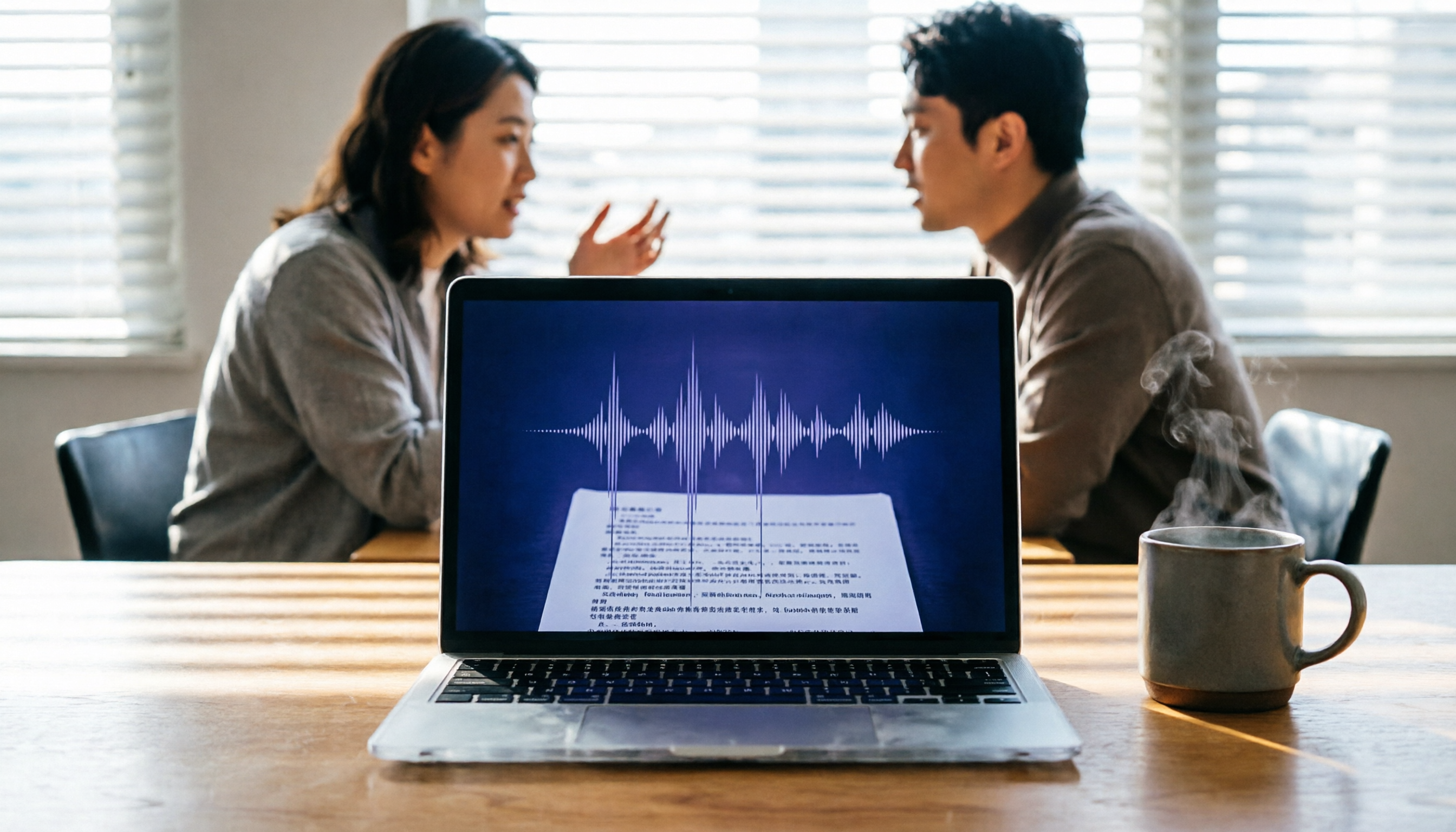
Turn recordings into transcripts and summaries in minutes
Upload audio or video for multilingual transcription, AI notes, and action items
2026 Hands-On Comparison of 3 AI Meeting Note Apps: Tinrec vs. Notta vs. Noota – Which Is Best for Chinese Meetings?
If you often need to transcribe meeting recordings or quickly convert lectures and interviews into text, AI meeting note tools can be a huge help. This article tests three AI meeting note apps currently popular in Taiwan—Tinrec (sec聽錄音), Notta, and Noota—in Chinese meeting scenarios. Using Tinrec as an example, we provide a step-by-step guide from recording to generating meeting minutes. Tinrec's free plan offers a basic monthly transcription quota sufficient for general use, making it ideal for office workers, students, and freelancers.
Before You Start|What You Need
Before diving in, make sure you have the following ready:
- A smartphone or computer: Tinrec has iOS and Android apps as well as a web version, offering full platform support.
- A Tinrec account (you can quickly sign in with Google or Apple ID).
- A meeting recording you want to transcribe: it can be recorded live or an existing file (supports MP3, WAV, M4A, etc.).
- A stable internet connection: real-time transcription requires internet; for offline use, download language packs in advance.
Step 1|Record the Content You Want to Transcribe
The goal of this step is to obtain a clear audio file for subsequent transcription.
Open the Tinrec app and tap the record button on the main screen to start recording. Keep your phone close to the speaker at an appropriate distance; for one-on-one interviews, place it between the two people; for multi-person meetings, put it in the center of the table. Audio quality directly affects transcription accuracy, so it's better to spend 30 seconds ensuring a good recording environment than to spend time correcting errors later.
After finishing, you can see the file in Tinrec's recording list; the system automatically saves it and prepares for transcription.
(Image placeholder: An office worker sits in a meeting room with their phone placed in the center of the table recording, the screen shows real-time transcription text, and others are discussing.)
Step 2|Let AI Transcribe It into Text
With the recording ready, the next step is automatic transcription.
Select the recording file and choose "Transcribe." Tinrec produces a transcript within minutes and intelligently distinguishes different speakers. No manual operation is needed during the process; you can switch to other tasks. Once transcription is complete, the system notifies you.
Compared to Notta, Tinrec's transcription speed for standard-length meetings is similar, but Tinrec supports more audio formats and online video links, making it more convenient for those who frequently work with YouTube or Bilibili video content.
(Image placeholder: A computer screen shows Tinrec's web version, with the transcript being generated. Each sentence is labeled with a speaker number, and a progress bar is on the right.)
Step 3|Quickly Proofread the Transcript
AI transcription inevitably has errors, especially with technical terms or heavy accents. You can correct them directly in Tinrec's editor.
Click any paragraph to edit text, and you can also merge or split sentences. If the environment is noisy, consider using headphones or an external microphone to reduce background noise. While editing, you can simultaneously play back the recording to verify the original meaning—very intuitive.
(Image placeholder: A user sits in a coffee shop, opens a Tinrec transcript on a laptop, and corrects text with the mouse while listening to the recording.)
Step 4|Let AI Generate Meeting Minutes
The transcript is just the first step; the real time-saver is having AI summarize the key points.
On the Tinrec transcript page, click "AI Summary." The system automatically generates a concise meeting summary covering discussion topics, decisions, and action items, and can further produce structured chapters. You can also ask questions about the recording content, such as "Was the budget mentioned in this meeting?" AI directly extracts answers from the recording.
Stop organizing recordings by hand
Upload audio or video and automatically get a transcript, summary, and action items
Notta also offers similar features, but Tinrec's Chinese summaries are more conversational and support direct export to Markdown or Notion formats for easy organization. Noota leans toward English meetings and is less refined in Chinese processing.
(Image placeholder: A project manager views automatically generated meeting minutes on the Tinrec app after a meeting. The summary lists three key points and two action items; the phone screen is clean and easy to read.)
Step 5|Export and Share
Processed results should integrate seamlessly into your daily tools.
Tinrec supports multiple export formats: TXT, Word, PDF, and can sync directly to Notion, Google Docs, or Dropbox. If you need to create a presentation, you can copy text to PowerPoint. Team members can view the summary via a shared link.
Unlike Notta's more limited export options, Tinrec offers greater flexibility, letting you seamlessly integrate meeting data into your workflow.
(Image placeholder: A desk with both a phone and laptop; the phone shows Tinrec's sharing menu, and a Notion page on the laptop has the meeting minutes automatically imported.)
FAQ & Troubleshooting
Q: Which one has the most accurate Chinese transcription? Based on our tests, in a quiet environment, both Tinrec and Notta have high Chinese recognition accuracy. However, Tinrec adapts better to Taiwanese expressions and mixed Chinese-English scenarios, while Noota is best for English-dominated meetings.
Q: Will I run out of free plan quota quickly? Tinrec's free plan offers a basic monthly transcription quota, enough for about 2–3 one-hour meetings; Notta's free plan gives 120 minutes per month. If you don't use it frequently, both are sufficient. If you need to transcribe online videos, Tinrec's free plan allows direct link transcription, whereas Notta requires a paid plan for that feature.
Q: What if the transcribed text has many errors? This is mostly related to the recording environment. Ensure the phone is close to the sound source, reduce background noise, and adjust the recording quality in Tinrec settings. After transcription, you can quickly proofread in the editor while still being able to play back the original audio.
Q: How secure are these three tools? All three emphasize data encryption and privacy protection. Tinrec's servers are in the international cloud, meeting general business security standards. Notta and Noota have similar mechanisms; choose based on your data sovereignty requirements.
Pro Tips|3 Ways to Double Tinrec's Efficiency
Query historical recordings with AI chat Tinrec has a built-in "AI Q&A" feature. You can ask, "What requirements did the client mention in the last meeting?" The system finds answers from all relevant recordings. This feature is not yet available in Notta or Noota, making it excellent for users with large recording archives.
Cross-platform sync for seamless workflow Tinrec's iOS, Android, and web versions automatically sync recordings and transcripts. Record on your phone and edit on your computer immediately. Notta also supports multiple platforms but sync sometimes lags; Noota is primarily web-based with a less polished app experience.
One-click transcription of online videos Simply paste a link from YouTube, Bilibili, or other public videos, and Tinrec directly produces a transcript and summary. This is especially useful for content creators and learners who need to process educational videos and podcasts.
If You Don't Use Tinrec, Here Are Alternatives
- Notta: If you need a large transcription quota (Pro plan offers 1,800 minutes/month) and frequently do cross-language translation, Notta is worth considering. Its meeting note features are also solid, but Chinese summaries and export flexibility are not as good as Tinrec's.
- Noota: Focuses on team collaboration and high user satisfaction, suitable for English-dominated meetings in multinational companies. However, for Chinese users, its feature coverage is narrower and price is higher (Pro plan about $10/seat/month). If your work scenarios are mostly in Chinese, Tinrec offers a more balanced experience.
Conclusion
No matter which tool you choose, the key is to first clarify your primary scenario: meetings, lectures, video processing, or long-term knowledge base? Today we demonstrated the complete workflow from recording to meeting minutes using Tinrec. It not only transcribes but also allows you to search, ask questions, and export, turning audio into truly usable data. If you haven't tried it yet, download the Tinrec free version and test it with your own recordings—it should save you a lot of time.
References
Turn every recording into actionable outcomes
Get 60 free transcription minutes when you sign in. No credit card required.
Related Reading
You might also like

2026 AI Meeting Notes Showdown: Tinrec vs Granola on Context Understanding and Post-Meeting Workflows
Nobody wants to re-listen to a meeting recording—that's the biggest pain point of AI meeting tools. This article focuses on context understanding and compares Tinrec and Granola across five dimensions: audio retention, input sources, Chinese language and translation, post-meeting outputs, and team governance, helping you decide which tool better fits your meeting scenarios.

Tinrec vs Microsoft Word Copilot (2026): 5-Dimension Comparison for AI Meeting Minutes in Word
Discover how Tinrec and Microsoft Word Copilot compare in generating AI meeting minutes for Word across 5 key dimensions: audio capture, Chinese transcription, post-meeting organization, Word delivery, and team collaboration. Find the most time-saving workflow for your meetings.

2026 AI Agent Meeting Tools Compared: Which Is Fastest for Chinese Meeting Notes and Action Items?
We tested four AI Agent meeting tools—Tinrec, Otter.ai, Notta, and Granola—comparing bot-free recording, Chinese transcription, post-meeting summaries and action items, AI Q&A, and team knowledge retention to help you choose the most time-saving solution for meeting notes.

2026 AI Meeting Productivity Tools: Bot-Free Recording + Auto Summaries & Action Items
Many people treat AI meeting tools as simple transcript generators, but what really impacts efficiency is post-meeting organization and follow-up. This article uses Tinrec to demonstrate how to go from bot-free recording, real-time transcription, AI summaries, and action item extraction to team workspace retention, and also covers purchasing checkpoints and FAQs.

2026 AI Meeting Assistant Comparison: Tinrec vs. Granola — Which Is Better for Chinese-Speaking Teams?
Starting from the most common misconception about AI meeting assistants, this comparison tests Tinrec and Granola across five dimensions: Chinese-language meeting experience, audio retention, post-meeting outputs, team governance, and cross-device use—helping you decide which workflow truly fits your team.

2026 Comparison of 4 Meeting Productivity Agents: Which One Actually Saves Post-Meeting Time?
The real work starts after the meeting ends. This article uses the same Chinese meeting recording to test the post-meeting workflows of Tinrec, Otter.ai, Fireflies.ai, and Notta—covering bot-free recording, summary and action items, AI Q&A, and team knowledge retention—to help you decide which meeting productivity agent truly saves time.

2026 AI Meeting Notes Tools Compared: Tinrec vs Otter.ai vs Notta vs Granola — Which Turns Meetings into Usable Data?
Stop taking notes yourself: a hands-on comparison of Tinrec, Otter.ai, Notta, and Granola covering transcripts, summaries, action items, and AI Q&A, plus buying criteria, team seat and pricing details, and pitfalls to avoid.

4 AI Agents That Generate Excel Files Tested: Which One Actually Produces a Usable .xlsx?
After a meeting, turning notes into an Excel file often means replaying the entire recording. This article starts from "where does the data come from" and compares four approaches: Tinrec, Excel's built-in Agent mode, Gemini Notebook Agent, and Aspose.Cells AI Generator. It also covers 5 key selection criteria, 4 common mistakes, and practical recommendations.

2026 Free AI Agent PPT Generation Options: 5 Tools Compared
AI Agent PPT generation tools are proliferating, but the real question is where the content comes from. This article reviews five available options in 2026, including Microsoft Copilot, MiniMax Agent, ChatPPT, and two self-hostable open-source projects. It also explains how to use Tinrec to turn meeting recordings into usable presentation material, with a pitfalls guide and selection advice.