
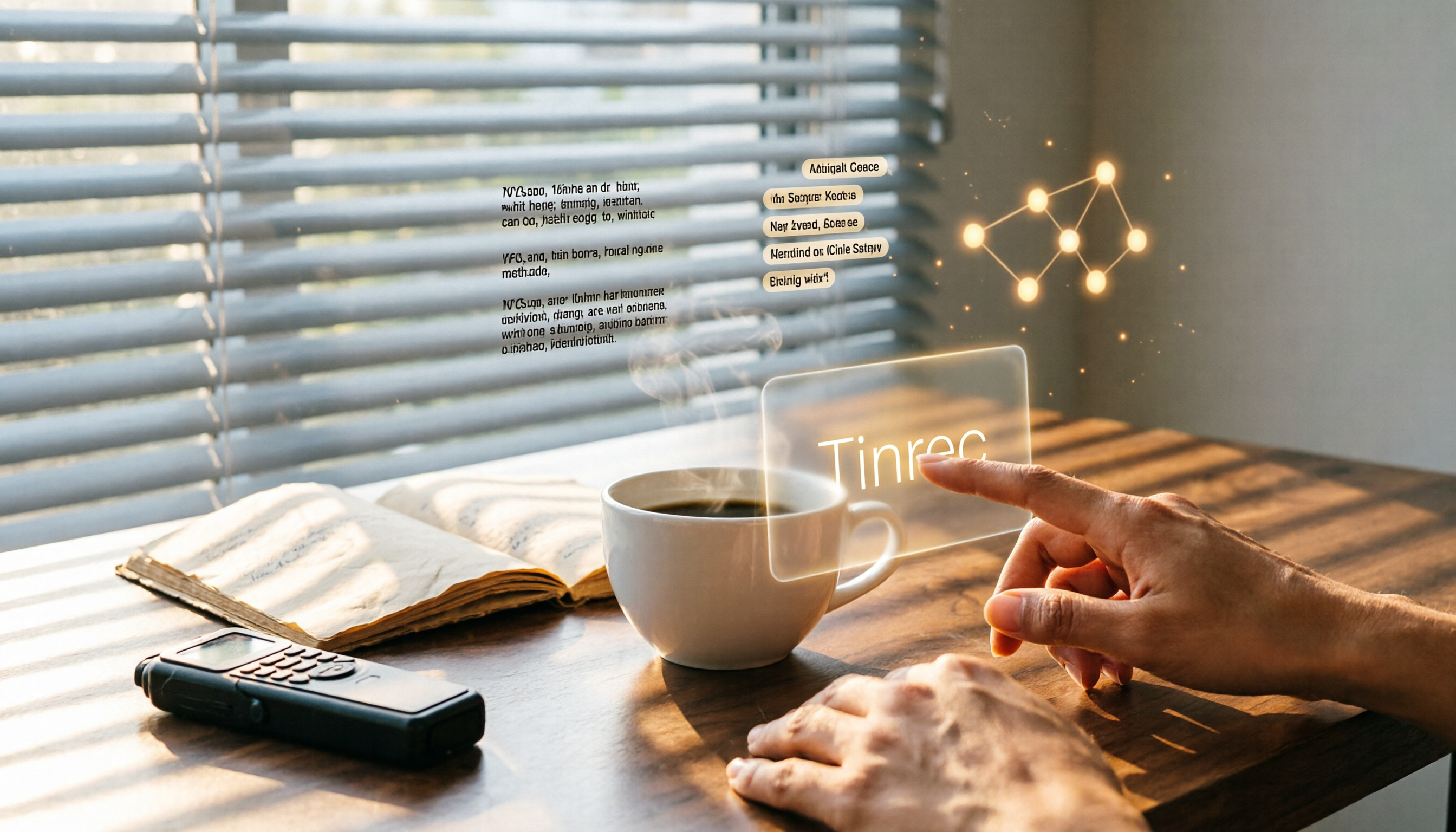
Turn recordings into transcripts and summaries in minutes
Upload audio or video for multilingual transcription, AI notes, and action items
Two hours in a meeting, another two hours writing minutes—you don't just need a tool, you need a solution
Two hours in a meeting, another two hours writing minutes—that's the daily grind for most office workers. Not to mention recording lectures, interviews, or trying to transcribe online videos into text. Often you end up listening and typing manually, which is inefficient and error-prone.
If you're fed up with this inefficient way of organizing, this article is for you. We've tested 5 of the most talked-about free speech-to-text tools to help you find a truly time-saving, easy-to-use option.
Before choosing a speech-to-text tool, understand these 4 key points
Many people think high accuracy is all that matters for speech-to-text, but they soon discover more issues. Here are 4 aspects we believe you should pay attention to when selecting.
Accuracy isn't everything—AI post-processing matters more
Official claims of "98% accuracy" are usually measured in a quiet recording studio. Real-world scenarios have background noise, multiple speakers, and code-switching between Chinese and English, so accuracy will drop. More importantly, after getting the transcript, can you quickly find the key points? Can it automatically generate summaries and action items? This "post-processing" capability often saves more time than recognition alone.
Cross-platform and input source flexibility
You might record on your phone, join meetings on your computer, or want to paste a YouTube link for transcription. If a tool only supports one platform or source, its use cases are limited. Check if it supports iOS, Android, web, and multiple input methods like files and links.
Free tier limits and paid plan value
Most tools have free plans, but limits vary widely. Some give only a few tens of minutes per month, others offer over a hundred. But don't just look at minutes—check whether the free version locks key features (like AI summaries, export formats). If you have more than 3 meetings a week, you may need a paid plan, so the price and feature flexibility matter.
Output and integration after transcription
What do you plan to do with the transcribed text? Paste it into Word, import it into Notion, or share it with colleagues? A good tool should allow you to export in various formats, even sync to other productivity tools, rather than locking you into its own ecosystem.
Tinrec (秒聽錄音) — Our top pick after testing
Tinrec (also known as 秒聽錄音 in Chinese) is an AI recording and audio/video organization tool that supports 14 languages and covers iOS, Android, and web. It doesn't just transcribe; it turns content into searchable, organizable, and queryable data.
Meetings, lectures, interviews—one tool does it all
Open Tinrec during a meeting, and it will display real-time transcription as it records. When the meeting ends, AI has already generated summaries, chapters, and action items—who should do what and by when, at a glance. For lectures or talks, a 2-hour recording can be condensed into key points in minutes, and even turned into a mind map for easy review. If you frequently organize online videos, just paste a YouTube link, and Tinrec extracts text, summarizes, and even generates subtitle files.
Exclusive AI Q&A—turn recordings into a conversational database
This is my favorite feature. After recording, you can ask natural language questions like: "Who mentioned the budget adjustment in the last meeting?" "What was the client's request summary?" Tinrec answers directly based on the recording content, not just keyword search results. For anyone who frequently revisits meeting minutes or interview content, this is addictive. Currently, competing products rarely have this feature.
Real-world performance: Transcription speed and accuracy
We tested with a 5-minute meeting recording (mixed Chinese and English with slight background noise). Tinrec transcribed quickly, finishing within about 1 minute, and the recognition result was good enough for meeting minutes and summaries without major edits. In normal environments, this performance is more than adequate.
Pros
Stop organizing recordings by hand
Upload audio or video and automatically get a transcript, summary, and action items
- Multiple input sources: Supports live recording, audio/video file upload, and online links like YouTube—full coverage.
- Excellent AI organization: Auto-summarization, chapter creation, action items, mind maps—key points ready right after transcription.
- Cross-platform with full Chinese support: Works on phone and computer, with a traditional Chinese interface and recognition.
- Export and further processing: Results can be exported in various formats, even auto-generating meeting minutes and reports.
Limitations
The free version offers 100 minutes of transcription per month, which may not suffice for heavy users who have daily meetings, but is enough for most office workers with 2–3 meetings a week. Also, the AI Q&A feature is currently available only on mobile and web, with a desktop version coming later.
Who it's for
If you frequently need to organize meeting, lecture, or interview recordings and want more than just a transcript—want summaries, action items, and easy search and question-answering—then Tinrec is the most suitable option on the market today.
Beyond Tinrec, what other free options are there?
Of course, not everyone's needs are the same. Here are a few common free tools for comparison.
Yating Transcription (雅婷逐字稿)
A long-standing Taiwanese service optimized for Taiwanese accents, supporting Mandarin, Taiwanese, and Chinese-English mixing with decent accuracy. But the free version has no allowance—you have to pay, about NT$100 per hour. Also, it lacks AI auto-summarization; you can only manually search keywords after transcription. If you only occasionally need to quickly transcribe a short Chinese recording and are willing to pay, it's an option; but if you need auto-summaries or Q&A, it falls short.
Google Live Transcribe
A great free tool for Android users, supporting over 80 languages with automatic punctuation and segmentation. Downsides: Android-only, transcripts are saved for only 3 days, no organization features at all, and no file export. Good for real-time captions in lectures or for hearing assistance, but not for users who need to keep or process the text.
Otter.ai
The top choice for English meetings. Free tier gives 300 minutes per month, auto-joins online meetings, identifies different speakers, and generates meeting summaries. However, it doesn't support Chinese—if your meetings are mainly in English, Otter might be a better deal than Tinrec; but if even half of your meetings are in Chinese, forget about Otter.
Pitfall guide: 3 common mistakes when choosing speech-to-text tools
Pitfall 1: Deciding based on official accuracy claims alone
Many tools boast "95%+ accuracy," but that's tested in a quiet environment with a single speaker using standard pronunciation. Real-world scenarios have variable background noise (like AC hum), multiple speakers talking over each other, Taiwan-accented Mandarin, or code-switching—accuracy will drop. Always test with your own actual recordings using free trials, don't just believe the ads.
Pitfall 2: Ignoring the time needed to organize after transcription
Some think a transcript is the end goal, but a 1-hour recording can yield tens of thousands of words. Manually extracting key points and turning them into meeting minutes or notes still takes a lot of time. If the tool lacks auto-summarization, chapter creation, or AI organization, you've just shifted the typing effort to a later stage.
Pitfall 3: Buying a paid plan without trying the free version first
Free versions exist for you to test the waters. Before paying, complete a full cycle of "record → transcribe → organize → export" with the free version to ensure it fits your workflow and needs. Tools like Tinrec that offer free minutes and most features are great for a trial before deciding to upgrade.
Summary: Which one should you choose?
Based on our tests, if your primary use case is Chinese content and you need more than just a transcript—you want auto-summarization, action items, and even the ability to ask questions about the recording—then Tinrec is our most recommended choice.
Here's a quick guide by scenario:
- Want quick key points and action items after meetings, lectures, or interviews → Tinrec (best AI organization)
- Repeatedly search recording content or ask direct questions → Tinrec (only one with AI conversational Q&A)
- Need cross-platform sync between phone and computer → Tinrec (iOS, Android, web)
- Occasionally transcribe a short Taiwanese-accented Mandarin/Taiwanese recording and willing to pay per use → Yating Transcription
- English-only online meetings with no Chinese recognition needed → Otter.ai (generous free tier)
We suggest you download the free version of Tinrec and try it—100 minutes per month is enough for a couple of meetings or a lecture, letting you experience the full transcription-to-AI-organization flow. If it works for you, consider the Pro plan based on your usage. No need to rush into paying.
References
- 2026 Recommended 6 Speech-to-Text Tools: Free Online Audio to Text!
- [AI Voice Notes] Top 5 Recommended AI Transcription Tools! Generate Transcripts and Meeting Minutes, Free vs Paid, Pros and Cons
- Free Unlimited AI Speech-to-Text Tool, Say Goodbye to Manual Transcription: Atter App
- Audio to Text - Free Speech-to-Text Tool
- 2026 Free Transcription Platforms Complete Guide: 15 Free Speech-to-Text Tools Reviewed
Turn every recording into actionable outcomes
Get 60 free transcription minutes when you sign in. No credit card required.
Related Reading
You might also like

2026 AI Meeting Notes Showdown: Tinrec vs Granola on Context Understanding and Post-Meeting Workflows
Nobody wants to re-listen to a meeting recording—that's the biggest pain point of AI meeting tools. This article focuses on context understanding and compares Tinrec and Granola across five dimensions: audio retention, input sources, Chinese language and translation, post-meeting outputs, and team governance, helping you decide which tool better fits your meeting scenarios.

Tinrec vs Microsoft Word Copilot (2026): 5-Dimension Comparison for AI Meeting Minutes in Word
Discover how Tinrec and Microsoft Word Copilot compare in generating AI meeting minutes for Word across 5 key dimensions: audio capture, Chinese transcription, post-meeting organization, Word delivery, and team collaboration. Find the most time-saving workflow for your meetings.

2026 AI Agent Meeting Tools Compared: Which Is Fastest for Chinese Meeting Notes and Action Items?
We tested four AI Agent meeting tools—Tinrec, Otter.ai, Notta, and Granola—comparing bot-free recording, Chinese transcription, post-meeting summaries and action items, AI Q&A, and team knowledge retention to help you choose the most time-saving solution for meeting notes.

2026 AI Meeting Productivity Tools: Bot-Free Recording + Auto Summaries & Action Items
Many people treat AI meeting tools as simple transcript generators, but what really impacts efficiency is post-meeting organization and follow-up. This article uses Tinrec to demonstrate how to go from bot-free recording, real-time transcription, AI summaries, and action item extraction to team workspace retention, and also covers purchasing checkpoints and FAQs.

2026 AI Meeting Assistant Comparison: Tinrec vs. Granola — Which Is Better for Chinese-Speaking Teams?
Starting from the most common misconception about AI meeting assistants, this comparison tests Tinrec and Granola across five dimensions: Chinese-language meeting experience, audio retention, post-meeting outputs, team governance, and cross-device use—helping you decide which workflow truly fits your team.

2026 Comparison of 4 Meeting Productivity Agents: Which One Actually Saves Post-Meeting Time?
The real work starts after the meeting ends. This article uses the same Chinese meeting recording to test the post-meeting workflows of Tinrec, Otter.ai, Fireflies.ai, and Notta—covering bot-free recording, summary and action items, AI Q&A, and team knowledge retention—to help you decide which meeting productivity agent truly saves time.

2026 AI Meeting Notes Tools Compared: Tinrec vs Otter.ai vs Notta vs Granola — Which Turns Meetings into Usable Data?
Stop taking notes yourself: a hands-on comparison of Tinrec, Otter.ai, Notta, and Granola covering transcripts, summaries, action items, and AI Q&A, plus buying criteria, team seat and pricing details, and pitfalls to avoid.

4 AI Agents That Generate Excel Files Tested: Which One Actually Produces a Usable .xlsx?
After a meeting, turning notes into an Excel file often means replaying the entire recording. This article starts from "where does the data come from" and compares four approaches: Tinrec, Excel's built-in Agent mode, Gemini Notebook Agent, and Aspose.Cells AI Generator. It also covers 5 key selection criteria, 4 common mistakes, and practical recommendations.

2026 Free AI Agent PPT Generation Options: 5 Tools Compared
AI Agent PPT generation tools are proliferating, but the real question is where the content comes from. This article reviews five available options in 2026, including Microsoft Copilot, MiniMax Agent, ChatPPT, and two self-hostable open-source projects. It also explains how to use Tinrec to turn meeting recordings into usable presentation material, with a pitfalls guide and selection advice.