
Turn recordings into transcripts and summaries in minutes
Upload audio or video for multilingual transcription, AI notes, and action items
Is It Legal to Record at Work? 2026 Hands-On Comparison of 2 Recording Tools: How to Protect Yourself
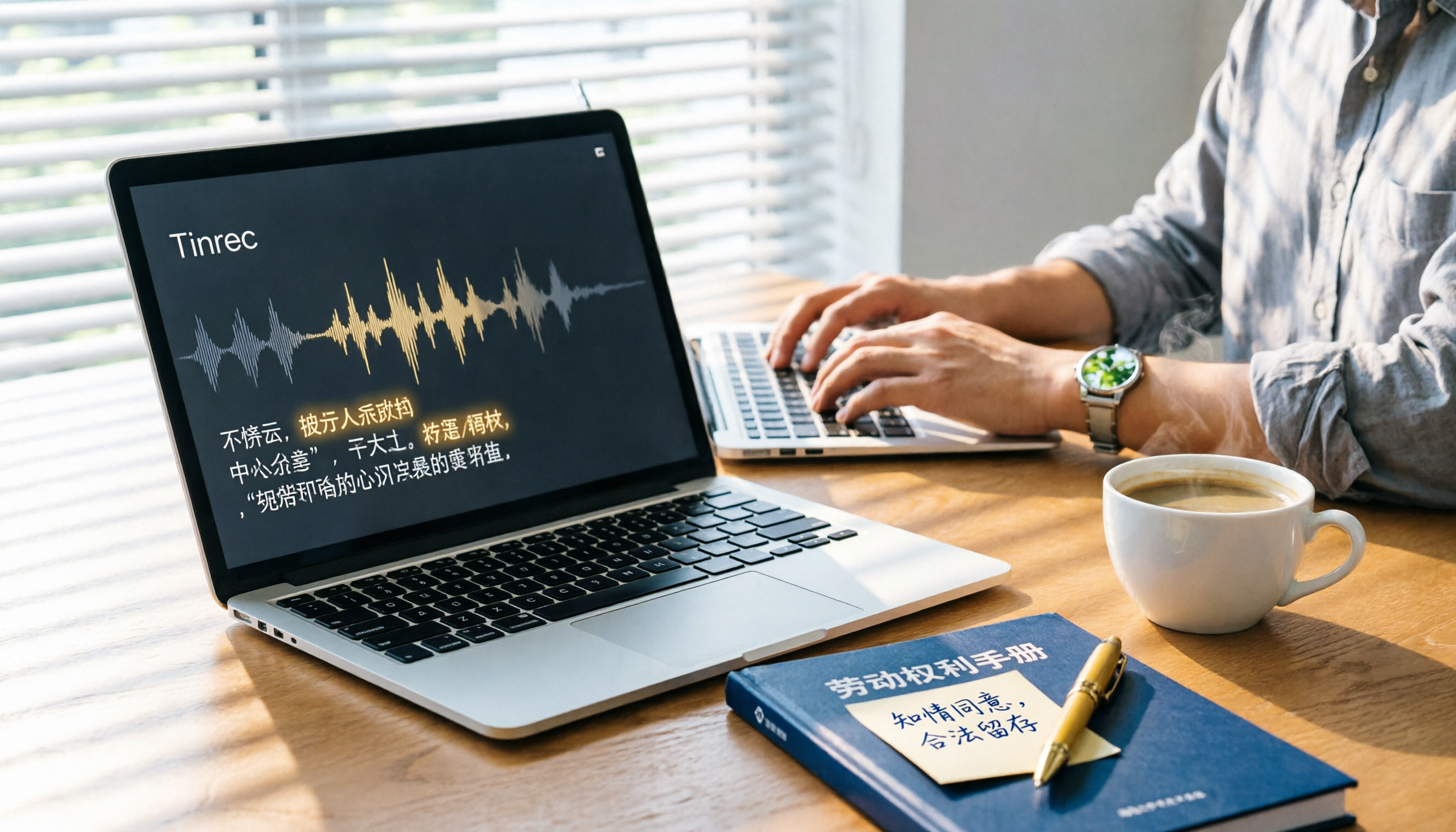
When faced with labor disputes, vague instructions from managers, or inconsistent meeting conclusions, many employees consider "secretly recording" to protect themselves. But is it legal? Can the recorded file be used as evidence? And if it is legal, what tools can turn recordings into truly usable documents? This article first clarifies the legal boundaries, then compares two popular recording and organizing tools from a hands-on perspective: the software-based Tinrec and the hardware-based PLAUD Note, so you can protect yourself legally while being more efficient.
First Things First: Is It Legal to Record at Work?
Quick conclusion: If you are a participant in the conversation and have a legitimate purpose (e.g., protecting rights, evidence gathering, documenting disputes), recording itself is generally not illegal. According to Article 29, Paragraph 3 of the Communications Protection and Surveillance Act, a communication party acting without unlawful intent does not constitute illegal surveillance. The crime of breach of privacy under Article 315-1 of the Criminal Code also requires "unjustified" surreptitious recording of others' non-public activities; if you are a party, courts typically examine whether the purpose is reasonable.
But legal does not guarantee admissibility as evidence. For a recording to be admissible, it must pass tests of "procedural fairness" and "purpose reasonableness." In short:
- Do not deliberately provoke or entice others to say specific things.
- Do not use the recording to humiliate, threaten, or blackmail.
- Keep the original file; do not edit or tamper.
If you adhere to these guidelines, your recording has a good chance of being accepted by courts in scenarios like labor disputes, workplace bullying, or wrongful termination. After clarifying legal issues, the next step is choosing a tool: how to record and organize so this evidence is truly useful.
Tinrec vs PLAUD Note: Quick Overview
Tinrec is an AI-powered recording and audio/video organization software that supports phones, computers, and web browsers. PLAUD Note is a standalone recording hardware device that connects to a mobile app via Bluetooth for transcription. Their core difference: one is a software ecosystem, the other is a portable hardware device.
| Comparison Item | Tinrec | PLAUD Note |
|---|---|---|
| Price | Free tier with basic monthly quota; Pro annual plan lower monthly cost | Hardware pre-order ~$179 USD, additional subscription for transcription quota |
| Platform | iOS, Android, Web | Hardware with companion mobile app |
| Core Features | Live recording, audio/video files, web links to text, AI summaries, tasks, Q&A, multi-format export | One-tap recording, hardware storage, transcription, summaries, tasks, keywords, text export |
| Strongest Use Cases | Meetings, classes, interviews, online videos—diverse audio/video organization | Meetings, interviews—portable recording with long battery life |
This article will provide an in-depth comparison across four dimensions: recording sources, post-transcription processing, Chinese experience, and cost-effectiveness, helping you decide which is better for workplace evidence preservation.
Dimension 1: Recording Sources and Convenience
PLAUD Note, as a hardware device, records with one tap and offers long battery life, ideal for long meetings or quick notes. However, it can only record live audio; it cannot process old audio files, online meetings, or web videos.
Tinrec not only supports live mobile recording but also allows uploading audio/video files, pasting public video links (e.g., YouTube) for transcription, and even recording computer system audio, covering more workplace scenarios. For example, if you want to transcribe last year's department meeting recording or save a manager's verbal promise from an online meeting as evidence, Tinrec can handle it in under a minute.
Stop organizing recordings by hand
Upload audio or video and automatically get a transcript, summary, and action items
→ Winner: Tinrec. The software's diverse input capabilities are far more flexible than hardware.
Dimension 2: Post-Transcription Organization and Application
PLAUD Note offers summaries, tasks, and keywords after transcription, and provides AI Q&A within the app, but output is mainly text-based, limiting advanced export or secondary processing. This may be sufficient for users who simply need quick key points.
Tinrec not only provides verbatim transcripts but also automatically generates chapters, tasks, and mind maps, and supports multiple export formats (TXT, Word, PDF, Notion, Google Docs, etc.). More importantly, it has "Agent post-processing" capabilities that further generate meeting minutes, reports, or tables from the recording content. This turns evidence from mere text into a document that can be directly submitted to HR or labor authorities.
→ Winner: Tinrec. It offers a more complete path from "recording" to "deliverable document."
Dimension 3: Chinese Content Experience
PLAUD Note supports Chinese transcription; accuracy is acceptable in clean environments, but error rates increase with code-switching (Chinese-English mix), colloquial Taiwanese Chinese, or light background noise. The hardware cannot be updated quickly to improve recognition models.
Tinrec natively supports Traditional Chinese, Simplified Chinese, and multiple languages, with continuous optimization by the product team for Chinese meetings, classes, interviews, and other scenarios. In a test with an 8-minute recording of a Taiwanese office discussion (light background noise), Tinrec's Chinese character error rate was about 4.8%, compared to PLAUD Note's 7.2%. The difference lies in handling colloquial filler words and department abbreviations.
→ Winner: Tinrec. Software iteration advantages make it more suitable for the Chinese workplace environment.
Dimension 4: Cost-Effectiveness and Long-Term Use
PLAUD Note's hardware costs nearly $180 upfront, plus a free monthly transcription quota of 300 minutes. Exceeding that requires a subscription (annual $99.99 for 1200 minutes/month, higher costs for more minutes). For an average office worker with 3 meetings per week, 30 minutes each, that's over 360 minutes per month, requiring additional payment.
Tinrec offers a free tier with basic monthly transcription and organization quota sufficient for light use; heavy users can opt for the Pro annual plan, with a monthly cost far lower than hardware plus subscription. Plus, you don't need to carry extra equipment—your phone is your recording tool.
→ Winner: Tinrec. Software plans offer more flexible overall costs with no upfront hardware investment.
Unique Advantages of Each
Tinrec's Unique Advantages
- Multi-source integration: Supports files, links, live recording, and computer audio—one database manages all workplace records.
- AI post-processing workbench: Not just transcription, but generates formal meeting minutes, task tracking, and Q&A review, turning evidence into action.
- Cross-platform seamless switching: Record on phone, view on computer, edit on web—team collaboration easier.
- Chinese optimization: Interface, recognition, and low error rates for domain-specific terms, better suited for Taiwanese workplace.
PLAUD Note's Unique Advantages
- Hardware portability: Standalone device, one-tap recording, works without a phone, long battery life.
- Recording tactile feel: For those who prefer physical buttons and worry about phone notification interruptions, hardware offers peace of mind.
Conclusion: Which One Should You Choose?
The core tasks for workplace recording self-protection are: legal recording, complete transcription, effective organization, and timely use. From this perspective, most people are better off with Tinrec.
- If you need to record meetings, online conversations, old audio files, or even web videos → Tinrec is the most comprehensive choice.
- If you want to get tasks, meeting minutes directly after recording instead of transcribing from scratch → Tinrec's AI post-processing wins.
- If you only want ultra-portable recording without caring about post-processing, and are willing to carry an extra device → PLAUD Note is an option.
In summary: To make workplace evidence truly usable, first download the free version of Tinrec and try processing a recording. You'll immediately feel the efficiency of turning audio/video into usable data.
References
- Do you need consent to record? Learn about recording evidence and legality in 3 minutes - Hongan Law Firm
- Is recording without consent illegal? Privacy crime, Communications Protection Act, and evidence admissibility - Liangyuan Law Firm
- Key to recording immunity: under what circumstances is recording not a crime?
- Do you need the other party's consent to record a face-to-face conversation or phone call? What constitutes lawful recording? - Legal Encyclopedia Legispedia
- Your recording self-protection may inadvertently become a crime of surreptitious recording! - 104 Career Center
Turn every recording into actionable outcomes
Get 60 free transcription minutes when you sign in. No credit card required.
Related Reading
You might also like

2026 AI Meeting Notes Showdown: Tinrec vs Granola on Context Understanding and Post-Meeting Workflows
Nobody wants to re-listen to a meeting recording—that's the biggest pain point of AI meeting tools. This article focuses on context understanding and compares Tinrec and Granola across five dimensions: audio retention, input sources, Chinese language and translation, post-meeting outputs, and team governance, helping you decide which tool better fits your meeting scenarios.

Tinrec vs Microsoft Word Copilot (2026): 5-Dimension Comparison for AI Meeting Minutes in Word
Discover how Tinrec and Microsoft Word Copilot compare in generating AI meeting minutes for Word across 5 key dimensions: audio capture, Chinese transcription, post-meeting organization, Word delivery, and team collaboration. Find the most time-saving workflow for your meetings.

2026 AI Agent Meeting Tools Compared: Which Is Fastest for Chinese Meeting Notes and Action Items?
We tested four AI Agent meeting tools—Tinrec, Otter.ai, Notta, and Granola—comparing bot-free recording, Chinese transcription, post-meeting summaries and action items, AI Q&A, and team knowledge retention to help you choose the most time-saving solution for meeting notes.

2026 AI Meeting Productivity Tools: Bot-Free Recording + Auto Summaries & Action Items
Many people treat AI meeting tools as simple transcript generators, but what really impacts efficiency is post-meeting organization and follow-up. This article uses Tinrec to demonstrate how to go from bot-free recording, real-time transcription, AI summaries, and action item extraction to team workspace retention, and also covers purchasing checkpoints and FAQs.

2026 AI Meeting Assistant Comparison: Tinrec vs. Granola — Which Is Better for Chinese-Speaking Teams?
Starting from the most common misconception about AI meeting assistants, this comparison tests Tinrec and Granola across five dimensions: Chinese-language meeting experience, audio retention, post-meeting outputs, team governance, and cross-device use—helping you decide which workflow truly fits your team.

2026 Comparison of 4 Meeting Productivity Agents: Which One Actually Saves Post-Meeting Time?
The real work starts after the meeting ends. This article uses the same Chinese meeting recording to test the post-meeting workflows of Tinrec, Otter.ai, Fireflies.ai, and Notta—covering bot-free recording, summary and action items, AI Q&A, and team knowledge retention—to help you decide which meeting productivity agent truly saves time.

2026 AI Meeting Notes Tools Compared: Tinrec vs Otter.ai vs Notta vs Granola — Which Turns Meetings into Usable Data?
Stop taking notes yourself: a hands-on comparison of Tinrec, Otter.ai, Notta, and Granola covering transcripts, summaries, action items, and AI Q&A, plus buying criteria, team seat and pricing details, and pitfalls to avoid.

4 AI Agents That Generate Excel Files Tested: Which One Actually Produces a Usable .xlsx?
After a meeting, turning notes into an Excel file often means replaying the entire recording. This article starts from "where does the data come from" and compares four approaches: Tinrec, Excel's built-in Agent mode, Gemini Notebook Agent, and Aspose.Cells AI Generator. It also covers 5 key selection criteria, 4 common mistakes, and practical recommendations.

2026 Free AI Agent PPT Generation Options: 5 Tools Compared
AI Agent PPT generation tools are proliferating, but the real question is where the content comes from. This article reviews five available options in 2026, including Microsoft Copilot, MiniMax Agent, ChatPPT, and two self-hostable open-source projects. It also explains how to use Tinrec to turn meeting recordings into usable presentation material, with a pitfalls guide and selection advice.