
Turn recordings into transcripts and summaries in minutes
Upload audio or video for multilingual transcription, AI notes, and action items
Why You Need an Audio-to-Text Tool?
Meetings, classes, interviews, or even just keeping a record of conversations for self-protection—recording is often the first reaction. But the question "is recording illegal?" always holds people back—what if you cross a legal line? Even if you legally record, finding key points in hours of audio takes several times longer than just listening. That's where an AI tool that helps you legally record and transcribe audio into searchable, organizable text becomes crucial. This article first clarifies the legal boundaries of recording, then tests 5 audio-to-text tools, from AI summaries to multilingual transcription to hardware devices, helping you find the best legal recording and content organization solution.
Tinrec|Seconds to Hear—The Most Complete AI Recording Assistant
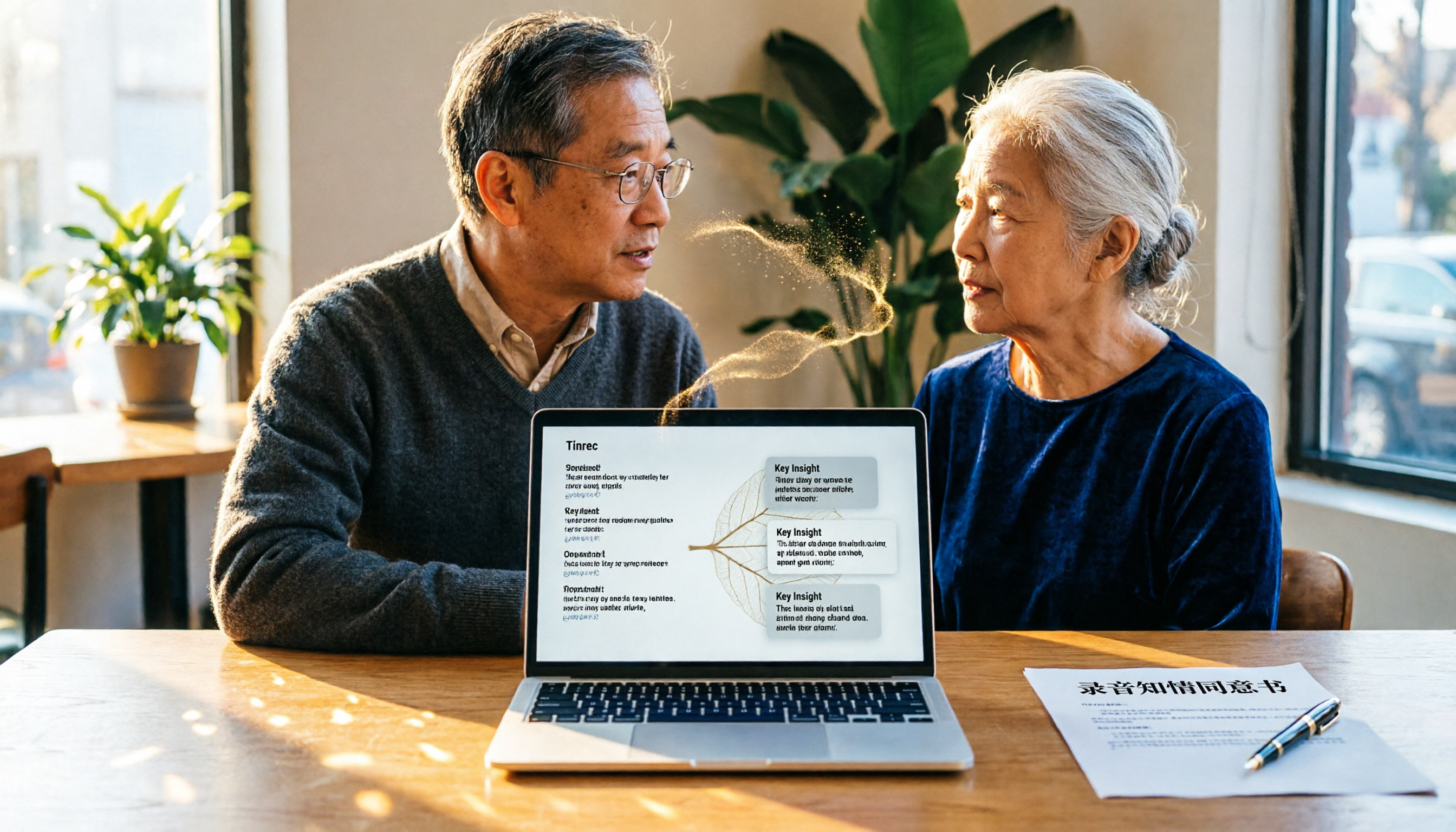
If you're the type who dreads organizing after recording, Tinrec is practically designed for you. It's not just a voice recorder app, but an AI workstation that ties together recording and all subsequent organization.
- Multi-source input, handling meetings, courses, and online videos: Besides real-time recording and transcription, you can directly upload audio or video files, or even paste YouTube or Bilibili links to turn public videos into text. For those organizing online courses or podcast material, this feature saves a lot of back-and-forth time.
- Transcription is just the start—AI summaries, chapters, and to-dos generated with one click: Transcripts are basic; Tinrec automatically extracts meeting highlights, splits chapters, and can even extract action items from discussions. More crucially, its "AI Dialogue Query" lets you ask questions like a database—"What was the budget number mentioned in the last meeting?" and it retrieves the answer from past recordings. This is a differentiating feature most transcription tools lack.
- Cross-platform, multi-format export, integrating into existing workflows: Available on iOS, Android, and web. Content can be exported as Word, PDF, TXT, or synced directly to Notion, Google Docs, Dropbox. You can also have AI continue to generate meeting minutes, reports, or tables, turning audio into deliverables.
- Chinese-friendly, suitable for local use cases: In our tests, Tinrec performed stably on Chinese meetings, interviews, and mixed Chinese-English content. Of course, accuracy depends on recording quality, accent, and background noise, but for daily use, it's enough to significantly reduce manual organization effort.
Pricing: The free version offers basic transcription credits, suitable for trying core features; heavy users can choose weekly, Pro monthly, or yearly plans—the annual plan is more cost-effective for long-term use. For those with daily meetings or classes, the Pro plan's credits are quite sufficient.
Who it's for: Individuals or small teams who frequently need to organize meeting, course, or interview recordings and don't just want plain transcripts. If you want recordings to become a "searchable, queryable knowledge base," Tinrec is currently the closest option on the market.
Otter.ai|Pioneer in AI Meeting Notes—Best for English Meetings & Team Collaboration
Otter.ai is a favorite meeting note tool for many foreign teams. Its strength lies in automatically joining online meetings on Zoom, Google Meet, Teams, etc., providing real-time transcription and speaker labeling. It has excellent English recognition, automatically generates summaries and keywords after meetings, and supports team sharing and comments. The free version offers 300 minutes of transcription per month, enough for light meetings; the Pro plan is about US$8.33/month billed annually, includes 1,200 minutes per month, and file import. If you primarily work in English and need team collaboration, Otter is a mature choice; but if you need to handle Chinese courses, interviews, or online videos, its Chinese support is relatively weak.
Notta|Multilingual Transcription Expert—Good at Meetings, Translation & Subtitles
Notta covers a wide range of functions, supporting real-time recording, file transcription, meeting bot, translation, and subtitle generation. It supports multiple languages well, including Chinese, Japanese, English, etc., and transcription is fast. The free version offers 120 minutes per month, the Pro plan is about US$8.17/month billed annually for 1,800 minutes, and the business plan has unlimited minutes. If you frequently handle meetings in different languages or want to generate translated subtitles, Notta is worth a try. However, its AI dialogue query and subsequent content generation are not as deep as Tinrec; it leans more towards the "transcription + translation" practical route.
Stop organizing recordings by hand
Upload audio or video and automatically get a transcript, summary, and action items
TurboScribe|High-Cost-Performance Document Transcription—Great for Long Audio & Batch Processing
TurboScribe takes a high-value route, focusing on "turning audio into text." It supports uploading files up to several hours long and can batch process them. For those who need to transcribe large volumes of interview recordings, podcasts, or old audio files, the unlimited plan at US$10 per month is very attractive. The free version allows 3 files per day, each up to 30 minutes. However, its strength is pure transcription; AI summaries and subsequent organization features are relatively simple. If you need more than just transcripts, you might find it a bit thin.
PLAUD NOTE|Portable AI Recording Hardware—Standalone Device with Long Battery Life, Ideal for Frequent Recorders
PLAUD NOTE is a standalone AI recording hardware device shaped like a thin card, touting one-click recording and long battery life. It's suitable for those who need a portable recording device without draining their phone battery. The hardware itself costs about US$179, and transcription services are subscription-based: the basic plan offers 300 minutes per month, the Pro plan is US$99.99 per year for 1,200 minutes. Recorded files are uploaded via the app for transcription, and summaries and highlights can be generated. The advantage of hardware is always-on readiness and simple operation. However, if you primarily want to organize existing files and online videos, you'll need additional tools, and the overall cost is higher.
With So Many Options, How to Choose?
- If you want the most complete AI organization (transcription + dialogue query + automatic summary generation) → Tinrec: It's currently the only tool offering all three, especially suitable for those treating recordings as a personal knowledge base.
- If you need multi-source organization for Chinese meetings, interviews, online videos → Tinrec: Its performance in Chinese scenarios is balanced, and it supports web link transcription, clearly different from pure meeting tools.
- If you primarily attend English online meetings and value team collaboration → Otter.ai: English recognition and team features are mature, but Chinese support is limited.
- If you frequently have translation and multilingual meeting needs → Notta: Multilingual and subtitle features are excellent, but AI post-processing is basic.
- If you just need bulk file transcription on a budget → TurboScribe: Unlimited plan is cheap, ideal for one-time processing of many large files.
- If you want to record anytime independently without relying on your phone → PLAUD NOTE: Hardware is convenient, but additional costs apply, and it cannot directly handle online videos.
3 Things to Know Before Using Audio-to-Text Tools
1. Is Recording Illegal? First Understand "Without Justification" and "Non-Public"
In the United States, the legality of recording conversations varies by state. Federal law permits recording if at least one party consents (one-party consent), while many states require all parties to consent (two-party consent). The key is whether you are a participant in the conversation and whether the recording is made for a lawful purpose (e.g., self-protection, evidence collection) rather than an illegal one. If you record your own conversation for legitimate reasons, it generally falls within legal bounds. However, recording others' private conversations, eavesdropping by trespassing, or using recordings for threats or distribution clearly violates the law. Simply put: if you are part of the conversation, recording for reasonable self-protection, and not using it for wrongdoing, the risk is low; but always check your state's laws and consult a lawyer if necessary.
2. Transcription Accuracy Is Not 100%; Audio Quality Determines Everything
AI transcription is powerful, but background noise, multiple people speaking at once, heavy accents, or unclear speech all affect results. In tests, in a quiet environment with clear articulation, tools like Tinrec can achieve over 90% accuracy; but in a café or construction site, it may drop below 70%. For important content, it's advisable to cross-check with the original recording, especially names, numbers, or technical terms.
3. AI-Generated Summaries and To-Dos Are Aids, Not the Ultimate Truth
AI-generated meeting notes or key point summaries occasionally misinterpret context or miss details. Treat them as "super sticky notes" to save time, not as final official documents. For contracts, legal matters, or major decisions, always verify manually.
Summary
Worrying about illegal recording and then stressing about how to organize the recordings is a common pain point. After clarifying the legal boundaries, as long as you are a participant and not acting for improper purposes, legal recording is not difficult. What's harder is turning recorded content into usable data—and that's where Tinrec excels. It not only transcribes but also lets you treat audio as a searchable, queryable knowledge base. If you're looking for an AI tool that balances legal recording and efficient organization, give Tinrec's free plan a try.
References
- Your Evidence? His Privacy? - Life and Law (Taiwan High Prosecutors Office)
- Can Phone Recordings Be Used as Evidence? Are They Illegal? Lawyer Teaches Legal Evidence Collection! - 85010
- Can Secretly Recording Audio/Video Be Used as Evidence?
- Do You Need the Other Party's Consent to Record an In-Person or Phone Conversation? What Counts as an Improper Purpose? - Legal Encyclopedia Legispedia
- Is Unauthorized Recording Illegal? Privacy Crimes, Communication Security Act, and Admissibility - Liang Yuan Law Firm
Turn every recording into actionable outcomes
Get 60 free transcription minutes when you sign in. No credit card required.
Related Reading
You might also like

2026 AI Meeting Notes Showdown: Tinrec vs Granola on Context Understanding and Post-Meeting Workflows
Nobody wants to re-listen to a meeting recording—that's the biggest pain point of AI meeting tools. This article focuses on context understanding and compares Tinrec and Granola across five dimensions: audio retention, input sources, Chinese language and translation, post-meeting outputs, and team governance, helping you decide which tool better fits your meeting scenarios.

Tinrec vs Microsoft Word Copilot (2026): 5-Dimension Comparison for AI Meeting Minutes in Word
Discover how Tinrec and Microsoft Word Copilot compare in generating AI meeting minutes for Word across 5 key dimensions: audio capture, Chinese transcription, post-meeting organization, Word delivery, and team collaboration. Find the most time-saving workflow for your meetings.

2026 AI Agent Meeting Tools Compared: Which Is Fastest for Chinese Meeting Notes and Action Items?
We tested four AI Agent meeting tools—Tinrec, Otter.ai, Notta, and Granola—comparing bot-free recording, Chinese transcription, post-meeting summaries and action items, AI Q&A, and team knowledge retention to help you choose the most time-saving solution for meeting notes.

2026 AI Meeting Productivity Tools: Bot-Free Recording + Auto Summaries & Action Items
Many people treat AI meeting tools as simple transcript generators, but what really impacts efficiency is post-meeting organization and follow-up. This article uses Tinrec to demonstrate how to go from bot-free recording, real-time transcription, AI summaries, and action item extraction to team workspace retention, and also covers purchasing checkpoints and FAQs.

2026 AI Meeting Assistant Comparison: Tinrec vs. Granola — Which Is Better for Chinese-Speaking Teams?
Starting from the most common misconception about AI meeting assistants, this comparison tests Tinrec and Granola across five dimensions: Chinese-language meeting experience, audio retention, post-meeting outputs, team governance, and cross-device use—helping you decide which workflow truly fits your team.

2026 Comparison of 4 Meeting Productivity Agents: Which One Actually Saves Post-Meeting Time?
The real work starts after the meeting ends. This article uses the same Chinese meeting recording to test the post-meeting workflows of Tinrec, Otter.ai, Fireflies.ai, and Notta—covering bot-free recording, summary and action items, AI Q&A, and team knowledge retention—to help you decide which meeting productivity agent truly saves time.

2026 AI Meeting Notes Tools Compared: Tinrec vs Otter.ai vs Notta vs Granola — Which Turns Meetings into Usable Data?
Stop taking notes yourself: a hands-on comparison of Tinrec, Otter.ai, Notta, and Granola covering transcripts, summaries, action items, and AI Q&A, plus buying criteria, team seat and pricing details, and pitfalls to avoid.

4 AI Agents That Generate Excel Files Tested: Which One Actually Produces a Usable .xlsx?
After a meeting, turning notes into an Excel file often means replaying the entire recording. This article starts from "where does the data come from" and compares four approaches: Tinrec, Excel's built-in Agent mode, Gemini Notebook Agent, and Aspose.Cells AI Generator. It also covers 5 key selection criteria, 4 common mistakes, and practical recommendations.

2026 Free AI Agent PPT Generation Options: 5 Tools Compared
AI Agent PPT generation tools are proliferating, but the real question is where the content comes from. This article reviews five available options in 2026, including Microsoft Copilot, MiniMax Agent, ChatPPT, and two self-hostable open-source projects. It also explains how to use Tinrec to turn meeting recordings into usable presentation material, with a pitfalls guide and selection advice.