
Turn recordings into transcripts and summaries in minutes
Upload audio or video for multilingual transcription, AI notes, and action items
Can't Understand Cross-Border Meetings? Language Barriers Are the Biggest Communication Killer
In today's era of remote collaboration, switching between Chinese and English during international meetings often leaves participants struggling. Have you ever experienced: the speaker talking too fast to keep up, focusing so hard on translation that you forget to take notes, or replaying recordings after the meeting but failing to find key points?
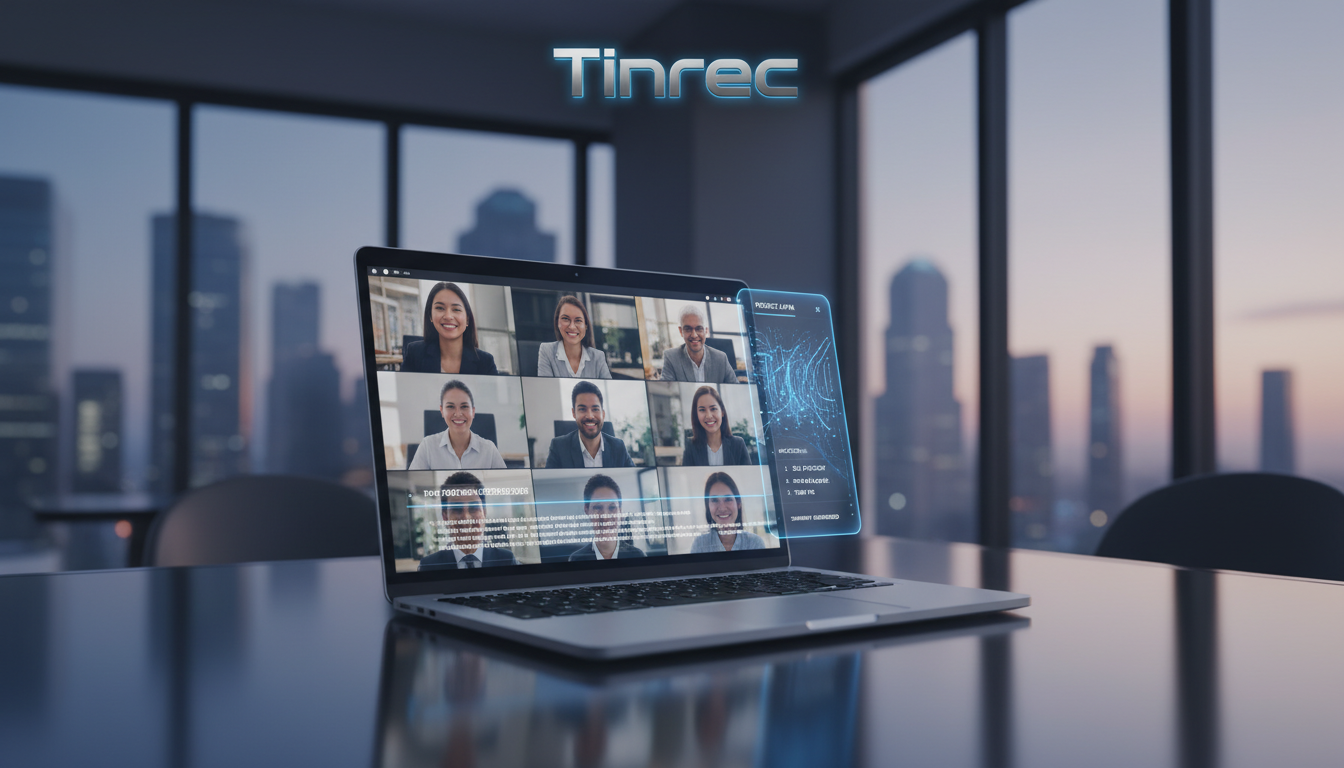
If this sounds familiar, choosing the right real-time translation or AI transcription tool is key to boosting efficiency. This article compares 5 popular tools (Zoom, Google Meet, ViiTor, Transync AI, and Tinrec), providing detailed spec comparisons and practical step-by-step guides.
Quick Navigation Conclusions:
- If you need built-in captions during video calls: Prioritize Zoom or Google Meet with their native features.
- If you need professional external real-time captions: Try ViiTor or Transync AI.
- If you value post-meeting records, transcripts, and AI summaries: Tinrec is the ideal choice for turning recordings into actionable content.
1. Video Conferencing Platforms with Built-in Real-Time Translation
For users who don't want to install extra software, using the platform's built-in features is the most intuitive choice.
1. Zoom
As a leading global conferencing platform, Zoom's language interpretation and captioning features are mature. Once enabled, the system uses AI to automatically recognize speech and generate live captions.
- Feature: Displays original text and translation simultaneously for easy comparison. Participants can switch caption languages freely.
- Pros: Supports Traditional Chinese captions, user-friendly; includes meeting transcription.
- Note: Some advanced translation features may require a paid plan or host permissions.
2. Google Meet
Google Meet leverages the powerful Google ecosystem, offering excellent stability. Its AI real-time translation converts speaker speech into captions displayed on screen.
- Feature: Deep integration with Google Workspace, intuitive interface.
- Pros: Continuously expanding translation database, speech recognition close to natural conversation.
- Note: As of now, it mainly supports major languages like English and Spanish; support for Traditional Chinese still has room for improvement in accuracy.
2. Independent Real-Time Meeting Translation Software
If built-in features fall short or you need cross-platform use, third-party tools often offer broader language support.
3. ViiTor
Designed for enterprises and educational institutions, ViiTor is known for high-precision AI speech recognition. It can display translations synchronously on projection or embed them in meeting screens.
- Feature: Built-in smart note-taking that generates transcripts.
- Pros: Quick AI response, integrates with major video platforms.
- Note: Recognition of certain accents still depends on on-site audio quality.
4. Transync AI
This professional tool supports over 60 languages, featuring two-way display and multilingual communication, ideal for large international conferences.
- Feature: Supports login from computers and mobile devices, automatically saves translations and generates summaries.
- Pros: Wide language coverage, high operational flexibility.
- Note: Heavily reliant on internet connection; unstable connections may affect translation accuracy.
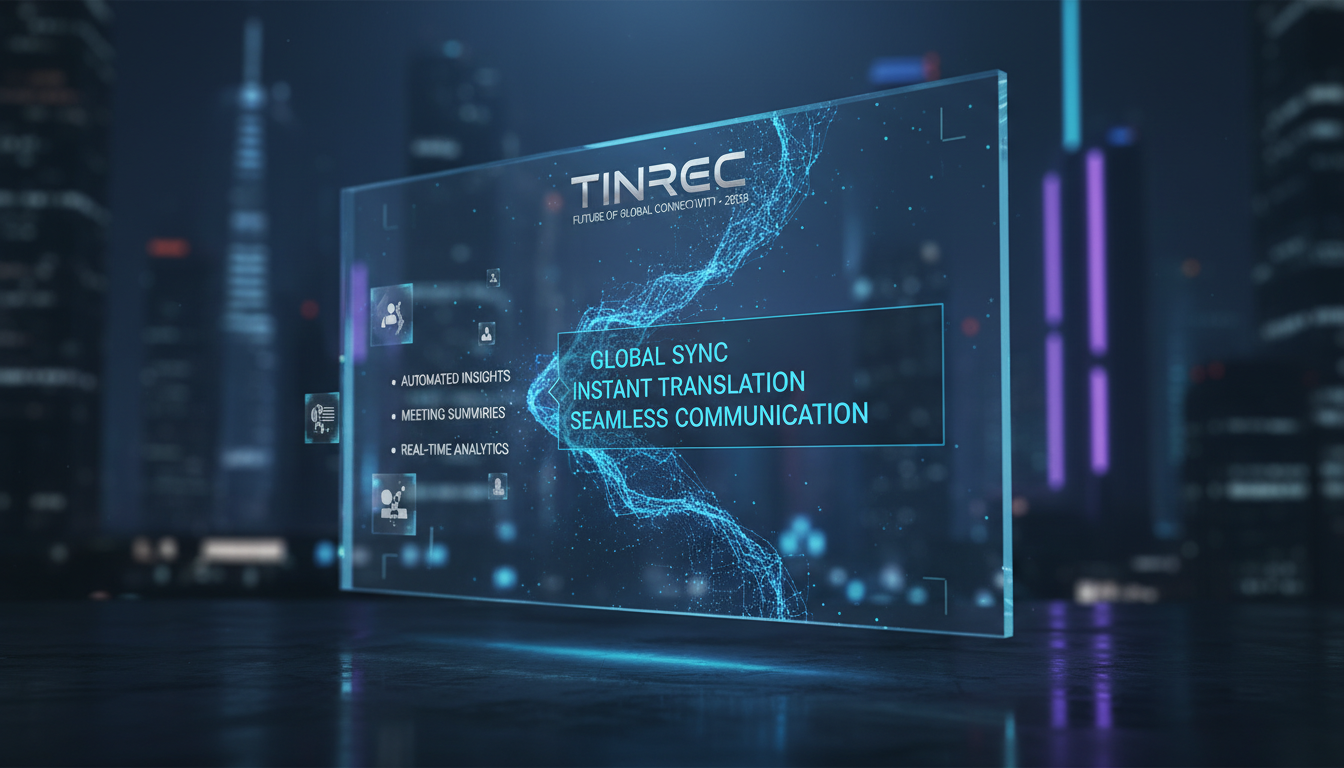
3. Comprehensive AI Recording, Note-Taking, and Transcription Tools
Beyond real-time translation, many professionals prioritize post-meeting information retention and actionable decisions. These tools focus on converting audio into valuable text assets.
Stop organizing recordings by hand
Upload audio or video and automatically get a transcript, summary, and action items
5. Tinrec
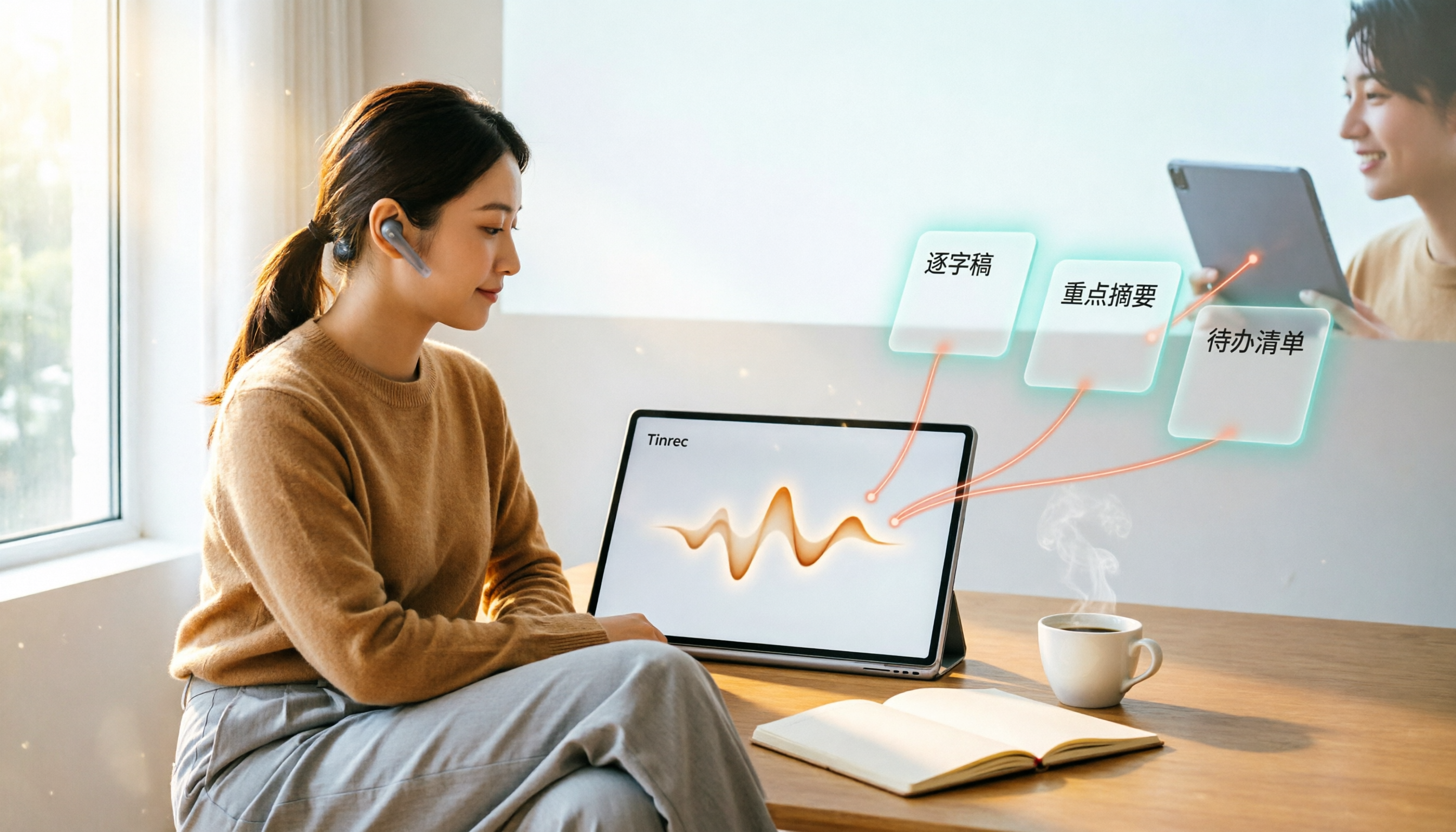
Tinrec is a multi-platform AI recording assistant supporting iOS, Android, and web. Unlike simple translation subtitle tools, it specializes in the complete workflow from recording to understanding. In international meetings, it supports automatic recognition and transcription of 10 languages including Chinese, English, Japanese, and Korean.
- Core Features:
- Real-Time Transcription: Converts speech to text instantly, helping you understand even if you miss spoken English.
- AI Decision Summaries: Not just transcripts, but automatically generates meeting minutes and action items, solving the problem of not knowing what to do after a meeting.
- AI Conversation Query: Supports semantic Q&A—you can ask the AI: "What was the budget number the manager just mentioned?" without replaying the entire recording.
- Use Cases: International meeting documentation, English course learning, interview organization.
4. Comparison Table of 5 Popular Tools
To help you choose quickly, here's a comparison of key dimensions:
| Dimension | Zoom | Google Meet | ViiTor | Transync AI | Tinrec |
|---|---|---|---|---|---|
| Primary Purpose | Video Conferencing Platform | Video Conferencing Platform | Education/Enterprise Translation | Professional Multilingual Translation | AI Recording Note-Taking Assistant |
| Real-Time Capability | In-video live captions | In-video live captions | On-screen synchronized captions | Two-way translation captions | Real-time voice-to-text during recording |
| Language Support | Multiple (incl. Traditional Chinese) | Multiple (Traditional Chinese in optimization) | Multiple | 60+ languages | 10 languages (Chinese/English/Japanese/Korean etc.) |
| Post-Meeting Output | Cloud recording/caption files | Transcripts (permission required) | Transcripts | Meeting notes/summaries | Transcript + AI summary + action items |
| AI Smart Query | No | No | No | No | Yes (AI conversation Q&A) |
| Pricing Model | Free/Paid subscription | Free/Workspace | Enterprise quote/subscription | Subscription | Free 100 min/month + subscription |
5. Practical Tutorial: How to Achieve Real-Time Meeting Transcription and Review with AI Tools
Whichever tool you choose, using the correct workflow maximizes its benefits. Below, we use Tinrec's interface as an example to demonstrate how to set up an efficient meeting documentation process:

Step 1: Start Real-Time Voice-to-Text Recording
At the beginning of the meeting, start the recording function. For multilingual meetings, ensure the correct recognition language is selected (e.g., Chinese-English mixed).
- Key Action: Click the "Real-Time Voice to Text" function. The system begins recording and generates a live transcript on screen. This helps you understand when you can't catch the English speaker's words.
Step 2: Import External Audio or Video
If you attend an online seminar that can't be recorded live, or you already have audio files/video links, use the import function for post-processing.
- Key Action: Use "Audio File to Text" to upload files, or "Podcast/Online Video to Text" to input YouTube links. The system automatically generates a transcript with timestamps.
Step 3: Use AI to Quickly Extract Key Points
After the meeting, reading through a one-hour transcript is inefficient. Using AI to summarize is a modern work essential.
- Key Action: Go to the "AI Conversation Query" interface and input commands like "Summarize the three conclusions of this meeting" or "List all action items." Let AI complete the final step of meeting minutes.
6. FAQ
Q1: Can these tools be used on iPhone or Android? Most video conferencing apps (Zoom/Meet) have mobile versions. AI recording tools like Tinrec also support iOS, Android, and web, allowing you to record anytime, anywhere.
Q2: If the meeting mixes Chinese and English, can the software recognize it? This is a major technical challenge. Zoom and Meet usually require manual language switching. Specialized AI transcription tools like Tinrec typically support multilingual recognition, but check if the setting supports "mixed language" mode for better accuracy.
Q3: What are the typical limitations of free versions? Zoom's free version has a 40-minute meeting limit. Tinrec offers 100 minutes of transcription per month for free, suitable for light users. For heavy meeting usage, upgrading to Basic or Pro is more cost-effective.
Q4: Can external recording tools be used with Teams or Meet meetings? Yes. Simply use a mobile app like Tinrec or the web version to record alongside (ensure clear audio, e.g., using speakerphone). This bypasses platform restrictions and generates independent transcripts and summaries.
Q5: How accurate is real-time translation? Accuracy depends on audio quality and speaker accents. Generally, clear English and Chinese recognition can reach over 90%, but proper nouns or strong accents may cause errors. It's recommended to cross-check with the recording and transcript.
Q6: Can transcribed text be exported? Most professional tools support export. For example, Tinrec allows exporting transcripts and summaries as TXT, Word, or PDF for editing or sharing with team members.
Turn every recording into actionable outcomes
Get 60 free transcription minutes when you sign in. No credit card required.
Related Reading
You might also like

4 Computer Recording Tools Tested and Compared in 2026: Why Your Screen Recording Has No Sound (It's Probably Not Your Microphone)
When your computer recording has no sound, it's usually not a broken microphone—it's that system audio wasn't captured. This article breaks down 5 common causes, 4 key factors for choosing a tool, and compares Tinrec, Granola, TurboScribe, and PLAUD for computer recording, so you can figure out whether to fix your settings or switch tools.

2026 AI Meeting Recorder Comparison: Why Tinrec Beats Notta for Students
A senior information management student tests AI meeting note tools including Tinrec and Notta across lectures, group discussions, and finals prep. This student-focused review breaks down free tiers, bot-free recording, post-meeting AI processing, and export options to find the best fit for students on a budget.

4 Best Cantonese Speech-to-Text Tools in 2026: Free Version Comparison
We tested 4 Cantonese speech-to-text tools in 2026, comparing free tiers, Cantonese and mixed Chinese-English recognition, post-meeting organization, and team collaboration. Tinrec stands out as our top pick for Chinese-language meetings, bot-free online meeting recording, AI Q&A, and team spaces.
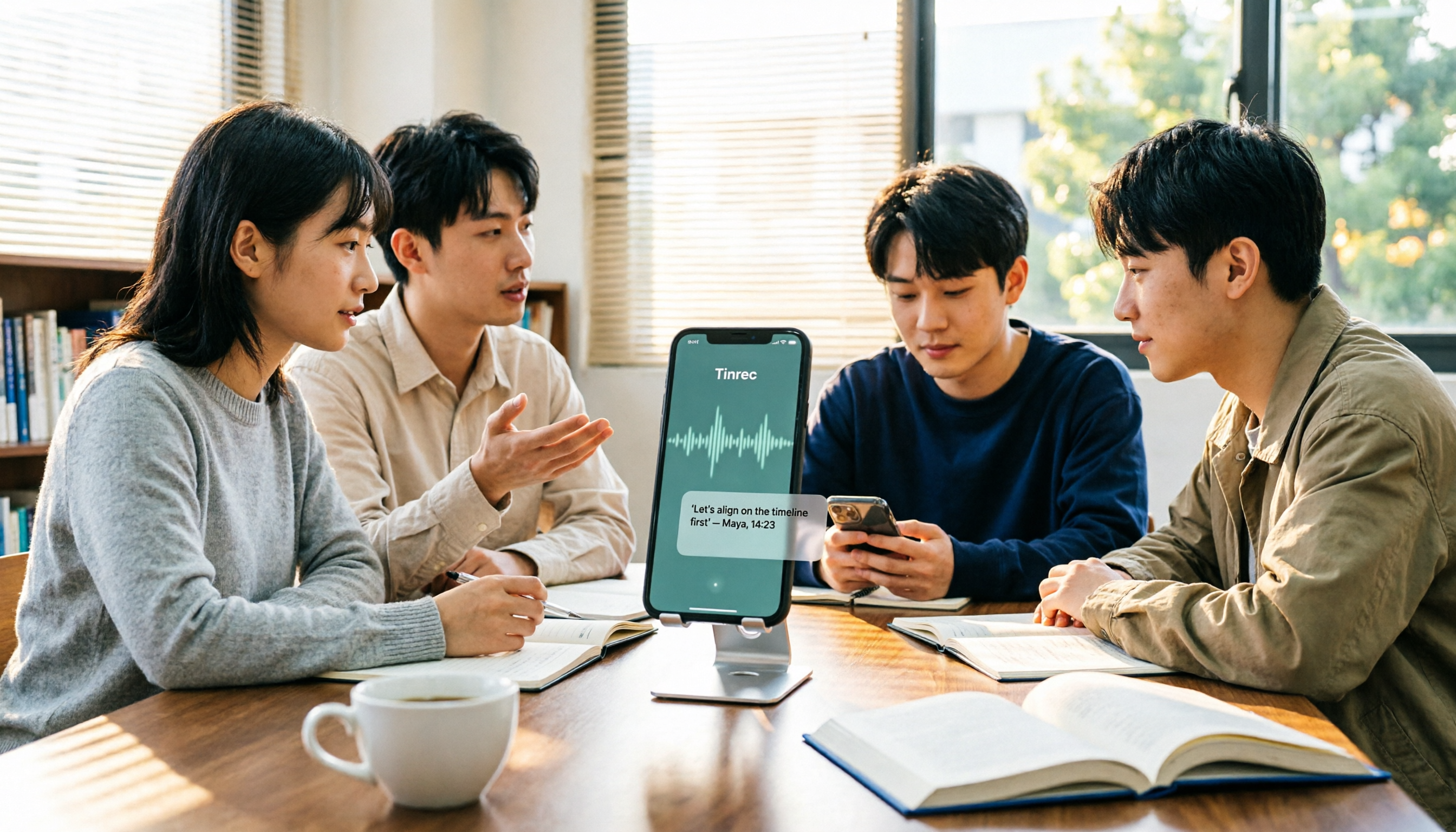
2 Recording Tools Compared in 2026: Understand 'Can You Record Anyone?' Before Choosing
Students often want to record classes, group discussions, or phone calls for self-protection, but 'can you record anyone?' depends on whether you're part of the conversation, your purpose, and how you use the recording. This article explains key Taiwan recording laws from a student's perspective, then compares Tinrec and PLAUD Note across entry cost, recording scenarios, post-meeting organization, old file search, and team sharing, with final recommendations for students.

2026 Comparison of 3 Recording Meeting Note Tools: Which Saves the Most Time with Bot-Free Recording, AI Q&A, and Team Knowledge Retention?
2026 real-world comparison of recording meeting note tools, covering bot-free meeting capture, Chinese and mixed Chinese-English experience, post-meeting organization, team knowledge retention, and pricing quotas. Compares Tinrec and Otter.ai, and explains the positioning of similar tools like Notta, helping you choose the right meeting notes workflow for your needs.
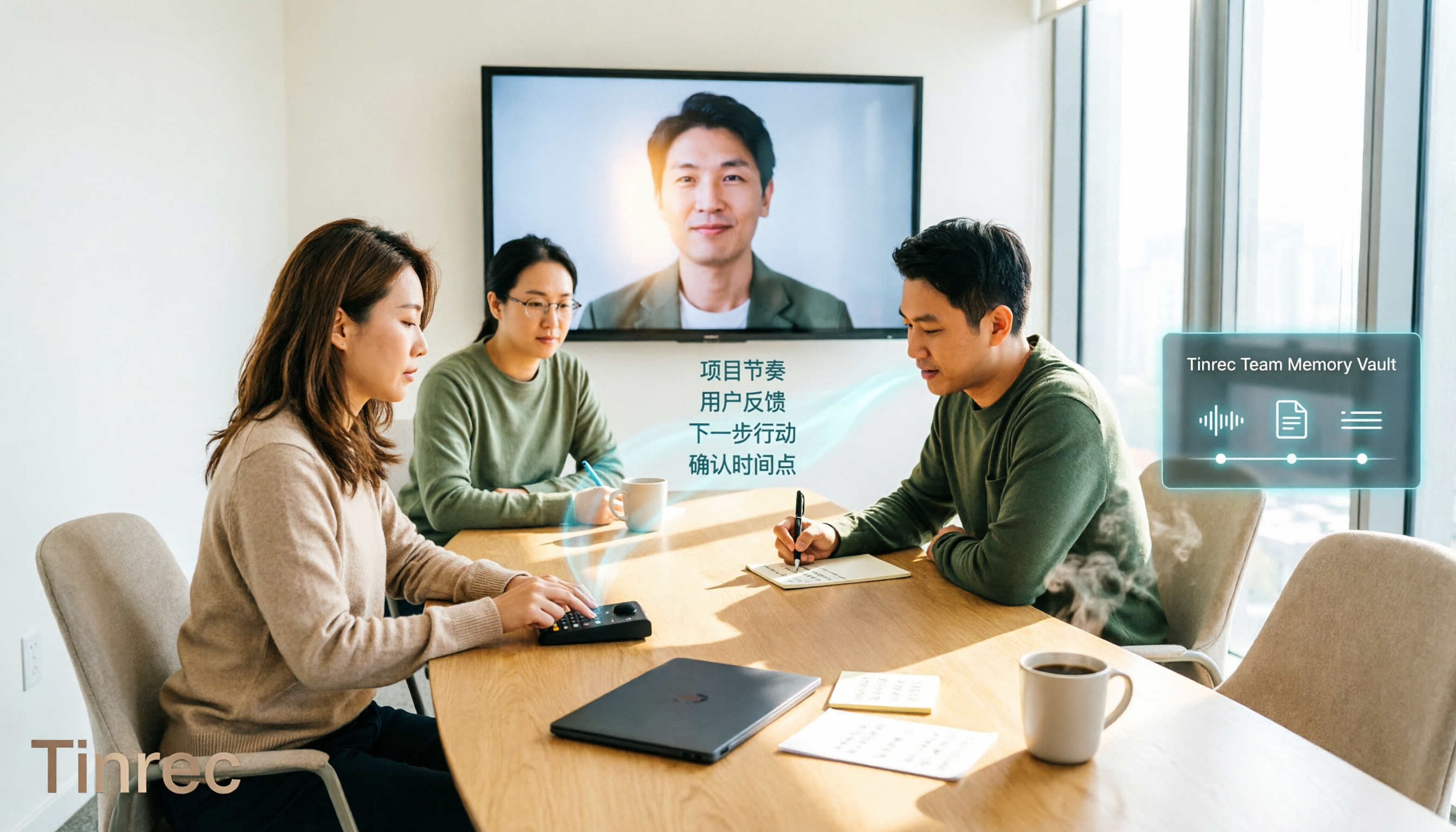
2026 Comparison of 4 Meeting Transcription Tools: Chinese Meetings and Team Knowledge, Which Free Version Is Enough?
How to choose a meeting transcription tool? This article starts from the decision point of "who will use this record later," first outlining 4 key selection criteria, then comparing Tinrec, Otter.ai, Notta, and Granola on Chinese transcription, bot-free online meeting recording, AI Q&A, team knowledge retention, and free quotas, and finally provides selection advice based on use cases.

Free Audio-to-Text AI Options in 2026: 5 Tools Compared
Audio-to-text AI is more than just converting sound into words. This article reviews free options in 2026 and the differences among five types of tools, covering core capabilities like real-time transcription, bot-free meeting recording, AI summaries, action item extraction, and AI Q&A. It uses Tinrec as a hands-on example for meetings, interviews, and team knowledge retention, with five key buying considerations and FAQs.
4 Web Audio Capture Tools Tested and Compared in 2026: Which One Can Fully Save and Organize Web Audio?
Can't find a download button when you want to capture web audio? We tested 4 common web audio capture tools, from browser extensions to desktop recorders to AI-powered organization, explaining their limitations and best use cases, and sharing a time-saving method that turns captured audio directly into transcripts and summaries.

Tinrec vs PLAUD Note 2026: 5-Dimension Comparison — Which Free AI Meeting Notes Solution Is Worth It?
How do you choose a free AI meeting notes tool? This article compares Tinrec and PLAUD Note across 5 dimensions: free quota, meeting capture method, post-meeting organization, Chinese language performance, and team collaboration. It also breaks down practical uses of AI transcription, summaries, action item extraction, and AI Q&A, plus the differences between personal and team plans.