

Turn recordings into transcripts and summaries in minutes
Upload audio or video for multilingual transcription, AI notes, and action items
Free Audio-to-Text AI Options in 2026: 5 Tools Compared
The biggest misconception about audio-to-text AI is thinking it just turns sound into words. Once you actually use it, you discover three things: free quotas are smaller than expected, the transcript comes out without punctuation or paragraph breaks, and mixed Chinese-English meetings are so error-prone you have to re-listen yourself. The result: the recording is still there, but you still have to manually organize the transcript, spending the same amount of time.
This article approaches it from a "free plan" angle: first explaining what audio-to-text AI can do for you, what core capabilities it has, how free options on the market fall into five categories, and then breaking down the five most common pitfalls when choosing a tool. Throughout, Tinrec is used as a hands-on example, while other tools are described by category only.
What Can Audio-to-Text AI Do for You?
Scenario 1: Meeting notes ready right after the meeting Previously, after a two-hour meeting, you'd spend another hour listening to the recording and typing a transcript. With Tinrec, for example, the transcript is generated in sync during the meeting, and afterward AI directly produces a summary, chapters, and action items—who's responsible for what and when it's due is clear at a glance. Your job is to verify, not start from scratch.
Scenario 2: Transcripts for courses, lectures, and interviews After importing course or interview recordings into Tinrec, they're automatically converted to text. When you need to quote something, just search for the key sentence instead of scrubbing back and forth on the timeline. Long content is split into chapters so you can find your place when reviewing.
Scenario 3: Customer communication and requirement notes Record your conversations, then after the meeting use AI Q&A to ask follow-up questions like "What concerns did the customer mention?" or "What were the pricing terms?" Turn verbal commitments into verifiable text records, reducing future disagreements.
Scenario 4: Turn scattered historical recordings into a database Store past meeting and interview recordings together in Tinrec, keeping transcripts, summaries, and action items on file. Later you can search and ask questions across sessions, instead of having them stuck on some phone and never found again.
What Are the Core Capabilities of Audio-to-Text AI?
Real-time transcription, text appears as you record It's not transcribed after recording ends. Tinrec supports real-time audio-to-text, so during in-person meetings or interviews you can watch the text to confirm nothing important is missed, and correct on the spot if someone speaks too fast or misspeaks.
Bot-free recording of online meetings Meeting bots usually need to join as a participant. Tinrec's desktop version directly captures your computer's system audio, handling online meetings on Zoom, Google Meet, Microsoft Teams, Webex, and more, without inviting an extra bot. Note this doesn't mean it automatically joins all calendar meetings—users need to actively open Tinrec to start recording.
AI summaries and chapters Transcription is just the first step. Tinrec breaks long meetings into chapters, organizing topics, discussion conclusions, and key points, so a two-hour meeting can be reviewed in minutes. The summary isn't just compressing the transcript into a paragraph—it's structured organization.
Action item extraction and AI Q&A Tinrec pulls out action items from discussions; once the transcript is ready, you can ask it questions directly, such as "Who mentioned the budget in this meeting?" or "What was the customer's feedback?" It answers based on the content, so you don't have to search page by page.
Real-time translation, multi-format export, and post-meeting output For cross-language meetings, you can view the original text, translation, or bilingual view during recording. Tinrec supports export to common tools like Notion, Google Docs, OneNote, and Dropbox, and can generate reports, tables, and documents based on meeting content, plugging meeting results directly back into your existing workflow.
How to Choose a Free Plan? 5 Categories on the Market
"Free" for audio-to-text AI actually has five different definitions. First figure out which one you have:
- Platform built-in transcription: Transcription features included with meeting platforms themselves, free, but only within that platform. Cross-platform and cross-device organization is limited, and data easily scatters across different accounts.
- Meeting bot-type assistants: Free quotas are mostly measured in minutes, and you must upgrade when used up; also, the bot must join the meeting first, which isn't always convenient with external clients.
- General transcription tools: Focus on file upload transcription. Free versions usually have limits on single-session length or number of files, and you still have to figure out how to organize afterward.
- AI recording hardware: You need to buy the device first, plus app membership costs separately. The advantage is portability; the cost is carrying and charging extra.
- Desktop bot-free plus team workspace type: Represented by Tinrec, the desktop version captures system audio to record online meetings, usable across phone, web, and desktop. The free version provides basic quota to experience recording, import, transcription, and summaries, and you can choose a plan at your own pace if it fits.
Stop organizing recordings by hand
Upload audio or video and automatically get a transcript, summary, and action items
Tinrec's personal plans are differentiated by usage tasks: for occasional recording organization, the free version is enough; for short-term intensive meetings or interviews, consider a weekly card; for steady weekly needs, the Pro monthly card fits; for long-term recording data retention, the annual card has a lower monthly equivalent. The team version also offers a first-time eligible 7-day trial, including 1 free seat and 300 minutes of team shared import quota.
Practical Use Cases
Online meetings Use Tinrec desktop version to start recording at the beginning of a meeting. System audio is directly transcribed, and afterward you immediately have a summary and action items—no meeting bot needed, and no waiting for the platform to generate its own.
In-person interviews and courses Start real-time recording on your phone with Tinrec. Lecture highlights and interviewee quotes become text in sync, and passages you need to quote can be copied directly, saving time from repeatedly pausing and playing.
Customer and project communication Record requirement discussions and proposal explanations, then after the meeting use Tinrec's AI Q&A to confirm commitments, and export to documents for the team to follow up, reducing information gaps during handoffs.
Team knowledge retention Tinrec's team version centralizes recordings, transcripts, and action items in one team workspace. New members can view historical meeting materials; when members change, data still belongs to the team and won't disappear when someone leaves.
5 Things to Watch When Choosing an Audio-to-Text AI Tool
- Capture method: First confirm whether the tool relies on a meeting bot joining or on desktop system audio capture. Tinrec is the latter—users actively start recording, no extra participant needed.
- Can you use it directly after transcription?: The transcript is only a semi-finished product. Whether it can produce summaries, chapters, action items, and reports is key. After transcription, Tinrec provides AI summaries, action item extraction, AI Q&A, and Agent post-processing—this is its biggest difference from pure transcription tools.
- Performance with Chinese and mixed Chinese-English: Chinese meetings, mixed Chinese-English, and multilingual meetings are all common scenarios. Tinrec covers Chinese, Traditional Chinese, and multilingual content, supports real-time translation and team hotwords; but note actual performance is affected by recording quality, noise, accents, multiple people speaking at once, and technical terminology. It's not advisable to chase fixed accuracy numbers.
- Free quota and billing method: Check clearly whether the quota is personal or team-shared. Tinrec's team version paid seats provide 2,000 minutes of team shared import quota per month; document and web imports consume team shared minutes; under an active team plan and active seats, real-time recording currently does not deduct by minutes. Currently team monthly is USD 29.80 per paid seat per month, annual is USD 199 per paid seat per year. Prices and benefits are subject to the official purchase page.
- Team permissions and data ownership: With multiple members, distinguish roles and seats. Tinrec uses roles to determine who can manage the team and members, and seats to determine who can record, upload, edit, and export; members without seats can still view, play, and read team materials. The team workspace also has usage analytics, audit logs, and an audio recycle bin—accidentally deleted audio can be restored before permanent cleanup, with a current retention period of 30 days.
Frequently Asked Questions
Q1: Is the free plan for audio-to-text AI enough? It depends on usage frequency. Tinrec's free version provides basic quota, suitable for first experiencing recording, import, transcription, and summaries; if you have meetings every week, it's better to choose a plan at your own pace. For short-term intensive needs, a weekly card works; for long-term use, the annual card has a lower monthly equivalent.
Q2: Is there an alternative if I don't want a meeting bot to join? Yes. Tinrec's desktop version directly captures computer system audio, without needing a bot to join as a participant. However, users still need to actively open Tinrec to start recording—it won't automatically join all meetings on your calendar.
Q3: How high is the transcription accuracy? Tinrec does not recommend publicly promising a fixed accuracy rate. Actual performance is affected by recording quality, noise, accents, overlapping speakers, and technical terminology. A more practical approach is to verify important content against the transcript and recording playback, and test with your own recording before formal use.
Q4: Is just getting the transcript enough? In most cases, no. The transcript solves "being able to see," but what meetings really need are key points, conclusions, and action items. Tinrec's value lies in post-transcription organization: summaries, chapters, action items, AI Q&A, export, and generating reports and documents.
Q5: What's the difference between the team version and personal version? Personal version data is managed by the individual account. Tinrec's team version is an independent team workspace, with data owned by the team, and adds member invitations, role and seat management, shared benefits, usage analytics, audit logs, and an audio recycle bin. When a member leaves or is removed, the team resources they were responsible for need to be handed over to other active members.
Q6: Are recordings saved? Yes. Tinrec supports retaining audio, and the team version also has an audio recycle bin—accidentally deleted items can be restored before permanent cleanup, with a current retention period of 30 days; action items are not covered by the recycle bin.
Conclusion
The difference in audio-to-text AI isn't who can produce a transcript, but whether that transcript can directly become meeting notes, action items, and searchable data. If you have meetings every day and organize interviews every week, start with Tinrec's free version basic quota, use it for one or two real meetings, and see if the AI-generated summaries and action items fit your needs; when you need team sharing, consider the team version with a 7-day trial, 1 free seat, and 300 minutes of shared import quota. Choosing the right tool saves not just typing time, but also those meeting notes you'd otherwise have to handle after work.
References
- Online AI voice, video, audio file auto-transcription - Free trial - cSubtitle
- SoundType AI Ultra-precise transcription, speech-to-text, AI dictation - Google Play App
- Audio to text - Free speech-to-text tool
- Speech to Text: AI Transcript · Audio to Text · Voice Memo Recco App - App Store
- No time limit! 3 free AI transcription tools, highly recommended! AI voice notes generate meeting minutes, presentations, mind maps | 104 Workplace
Turn every recording into actionable outcomes
Get 60 free transcription minutes when you sign in. No credit card required.
Related Reading
You might also like
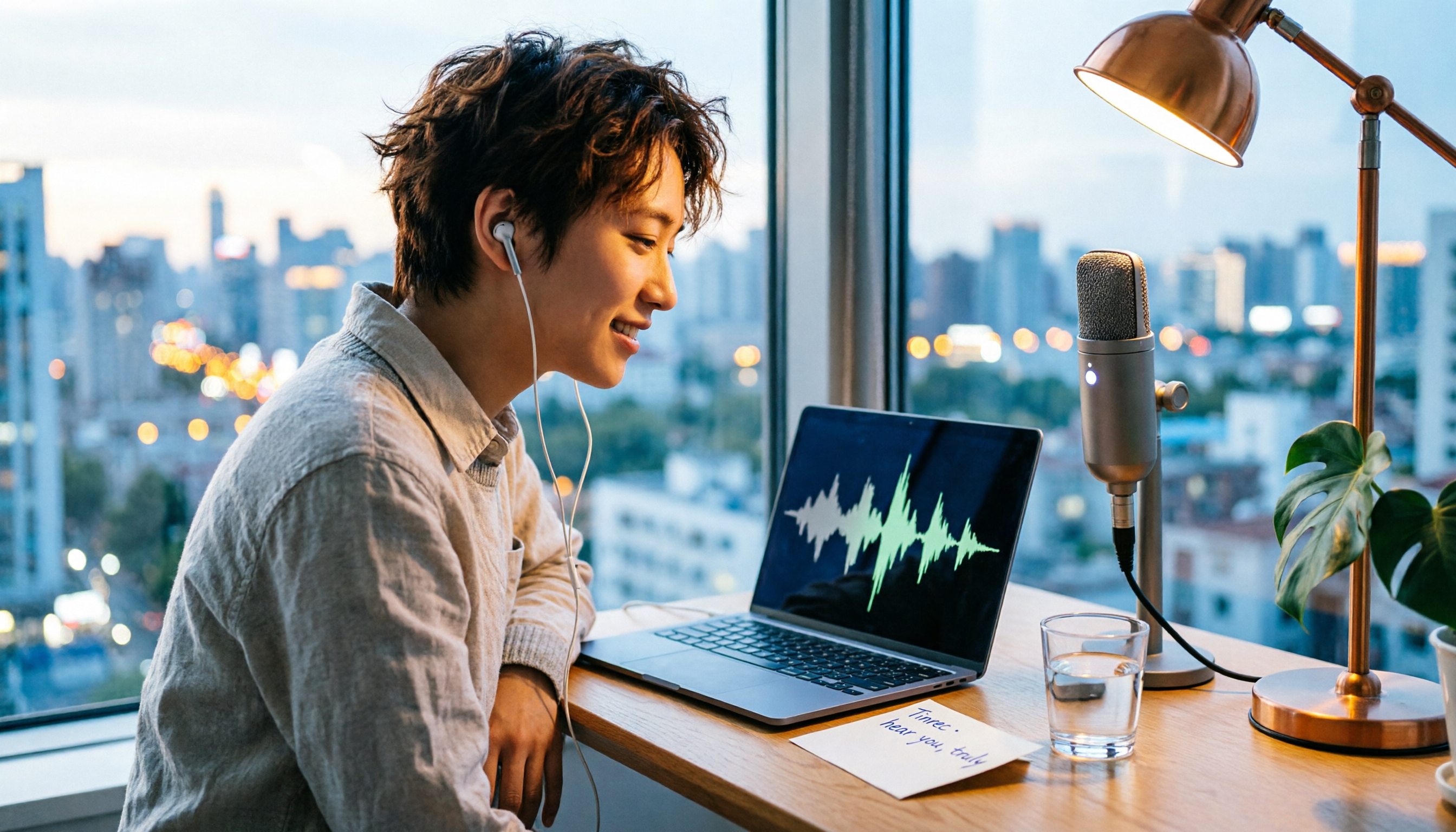
4 Computer Recording Tools Tested and Compared in 2026: Why Your Screen Recording Has No Sound (It's Probably Not Your Microphone)
When your computer recording has no sound, it's usually not a broken microphone—it's that system audio wasn't captured. This article breaks down 5 common causes, 4 key factors for choosing a tool, and compares Tinrec, Granola, TurboScribe, and PLAUD for computer recording, so you can figure out whether to fix your settings or switch tools.

2026 AI Meeting Recorder Comparison: Why Tinrec Beats Notta for Students
A senior information management student tests AI meeting note tools including Tinrec and Notta across lectures, group discussions, and finals prep. This student-focused review breaks down free tiers, bot-free recording, post-meeting AI processing, and export options to find the best fit for students on a budget.

4 Best Cantonese Speech-to-Text Tools in 2026: Free Version Comparison
We tested 4 Cantonese speech-to-text tools in 2026, comparing free tiers, Cantonese and mixed Chinese-English recognition, post-meeting organization, and team collaboration. Tinrec stands out as our top pick for Chinese-language meetings, bot-free online meeting recording, AI Q&A, and team spaces.
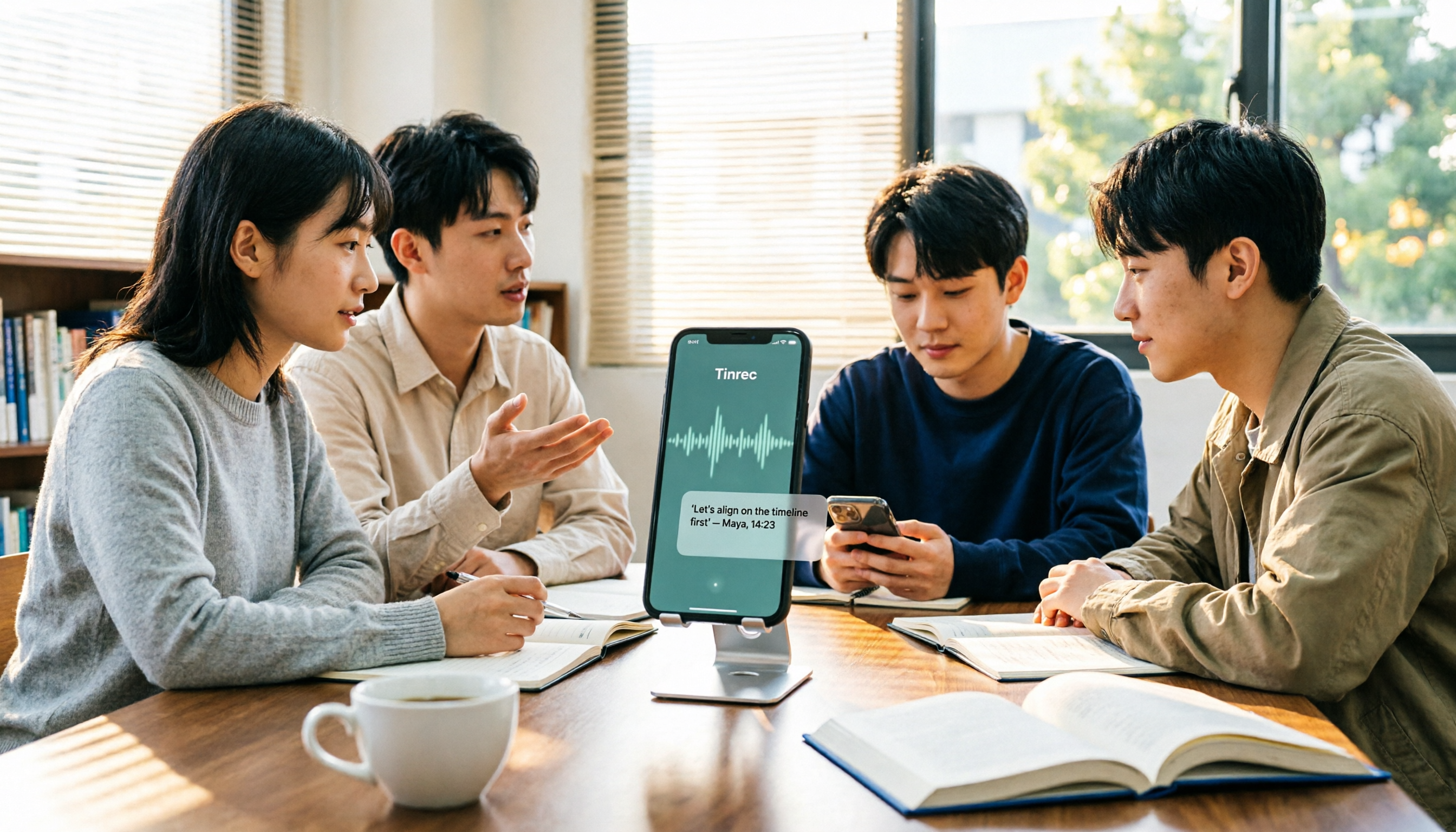
2 Recording Tools Compared in 2026: Understand 'Can You Record Anyone?' Before Choosing
Students often want to record classes, group discussions, or phone calls for self-protection, but 'can you record anyone?' depends on whether you're part of the conversation, your purpose, and how you use the recording. This article explains key Taiwan recording laws from a student's perspective, then compares Tinrec and PLAUD Note across entry cost, recording scenarios, post-meeting organization, old file search, and team sharing, with final recommendations for students.

2026 Comparison of 3 Recording Meeting Note Tools: Which Saves the Most Time with Bot-Free Recording, AI Q&A, and Team Knowledge Retention?
2026 real-world comparison of recording meeting note tools, covering bot-free meeting capture, Chinese and mixed Chinese-English experience, post-meeting organization, team knowledge retention, and pricing quotas. Compares Tinrec and Otter.ai, and explains the positioning of similar tools like Notta, helping you choose the right meeting notes workflow for your needs.
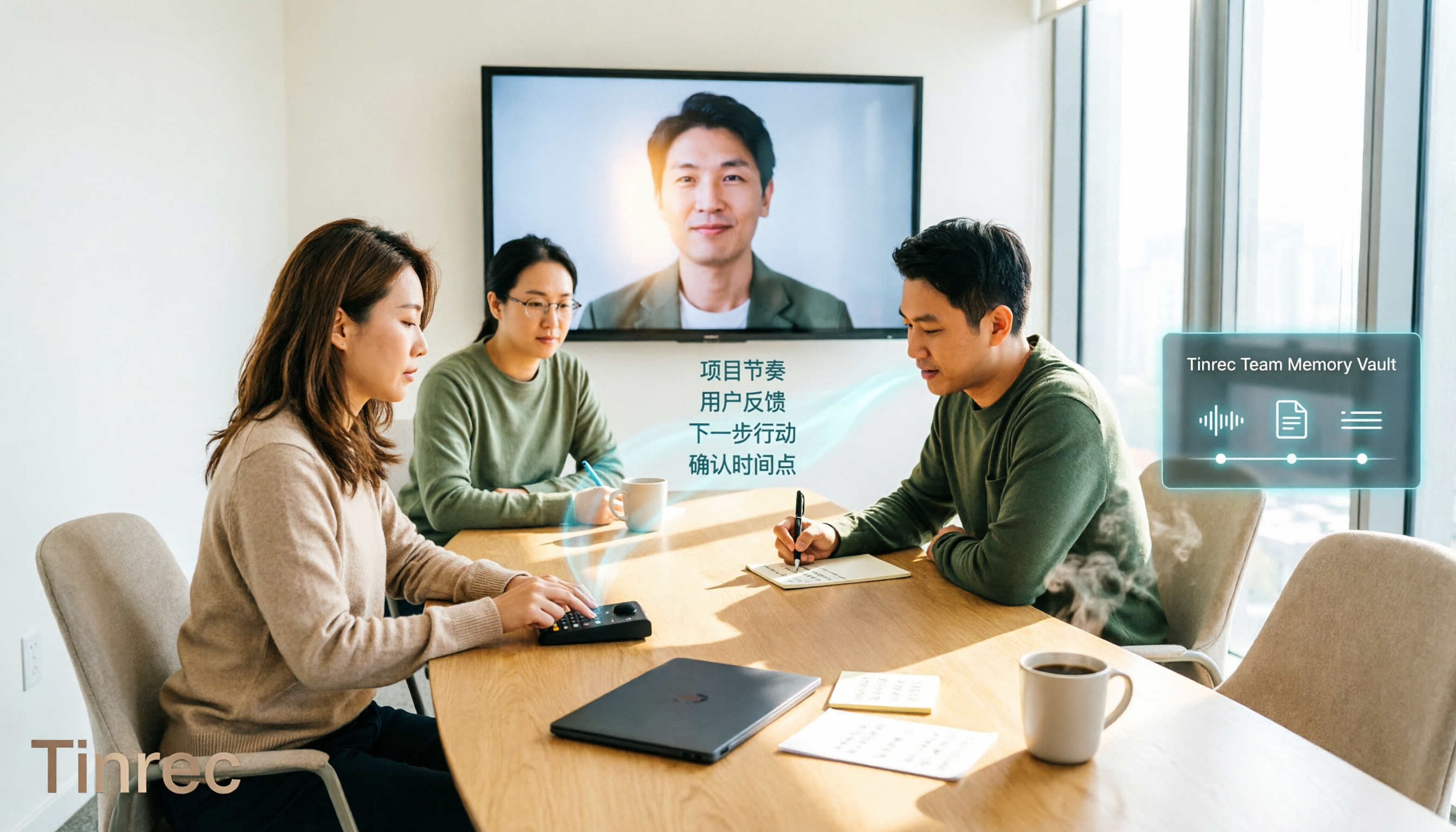
2026 Comparison of 4 Meeting Transcription Tools: Chinese Meetings and Team Knowledge, Which Free Version Is Enough?
How to choose a meeting transcription tool? This article starts from the decision point of "who will use this record later," first outlining 4 key selection criteria, then comparing Tinrec, Otter.ai, Notta, and Granola on Chinese transcription, bot-free online meeting recording, AI Q&A, team knowledge retention, and free quotas, and finally provides selection advice based on use cases.
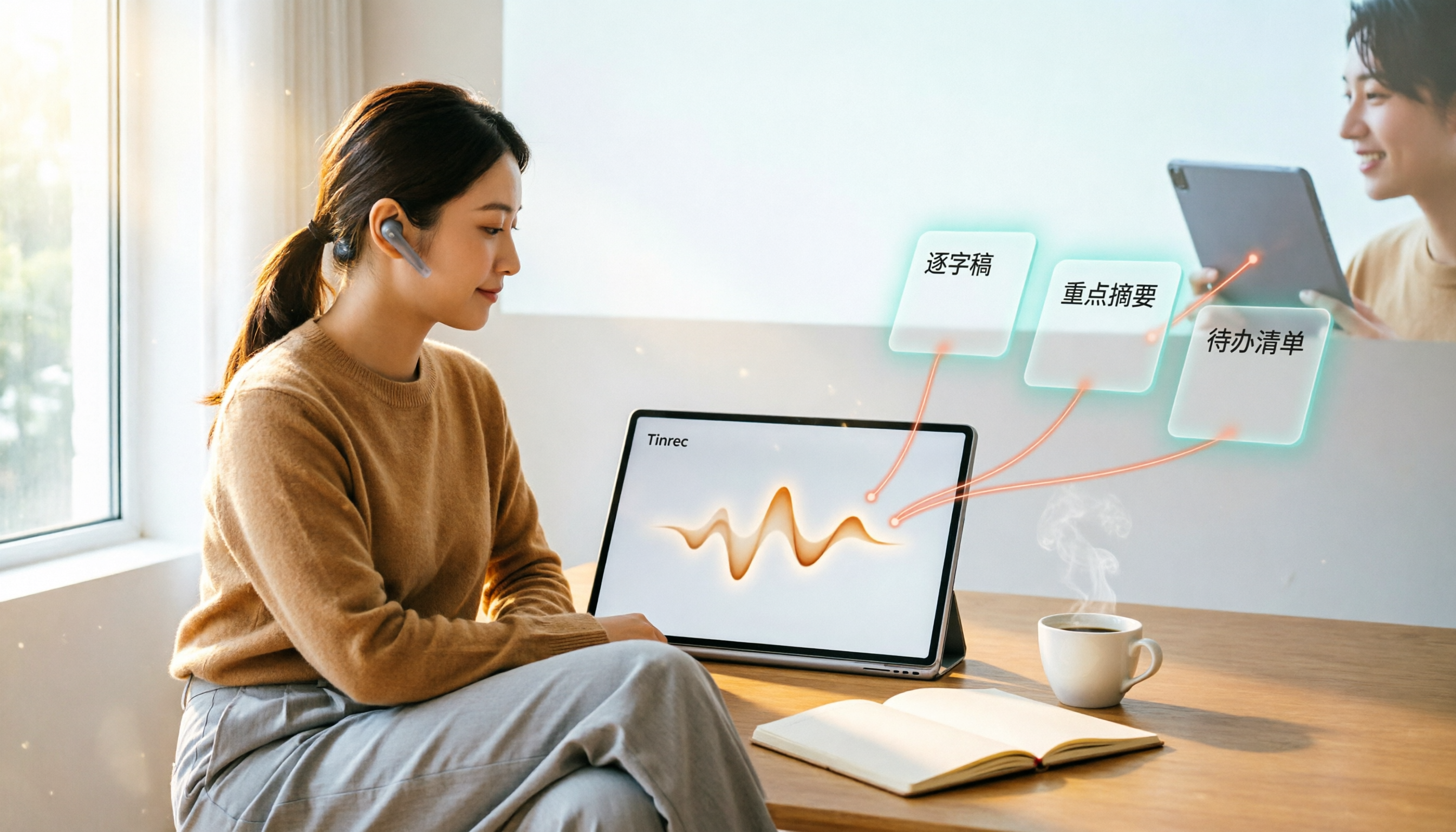
4 Web Audio Capture Tools Tested and Compared in 2026: Which One Can Fully Save and Organize Web Audio?
Can't find a download button when you want to capture web audio? We tested 4 common web audio capture tools, from browser extensions to desktop recorders to AI-powered organization, explaining their limitations and best use cases, and sharing a time-saving method that turns captured audio directly into transcripts and summaries.

Tinrec vs PLAUD Note 2026: 5-Dimension Comparison — Which Free AI Meeting Notes Solution Is Worth It?
How do you choose a free AI meeting notes tool? This article compares Tinrec and PLAUD Note across 5 dimensions: free quota, meeting capture method, post-meeting organization, Chinese language performance, and team collaboration. It also breaks down practical uses of AI transcription, summaries, action item extraction, and AI Q&A, plus the differences between personal and team plans.

2026 AI Meeting Notes Comparison: Tinrec vs Otter.ai vs Notta for Chinese-Speaking Teams
How to choose an AI meeting notes tool? This article compares Tinrec, Otter.ai, and Notta across five dimensions: meeting capture method, Chinese language processing, post-meeting outputs, team governance, and pricing/quotas. Based on official public feature and pricing information, it helps Chinese-speaking teams quickly determine which tool best fits their workflow.