

Turn recordings into transcripts and summaries in minutes
Upload audio or video for multilingual transcription, AI notes, and action items
Over a dozen AI meeting notes tools have emerged this year, but what really stumps most people isn't "which one is the strongest"—it's three more specific questions: How does it get into your meeting? Does it understand Chinese? After the meeting ends, who ultimately holds the data?
This article focuses on three tools most often discussed together—Tinrec, Otter.ai, and Notta—using their officially published features and pricing pages as the basis, breaking down the above three questions into five dimensions for comparison.
Tinrec vs Otter.ai vs Notta | Quick Overview
All three are AI meeting notes tools, but their entry points differ.
Tinrec is an AI meeting notes and collaboration tool for individuals and teams. The desktop version directly captures computer system audio to record online meetings, and also supports mobile recording and audio file import. Its strength is turning meetings into searchable, queryable team data.
Otter.ai is a mature AI meeting assistant for the English market, covering Zoom, Microsoft Teams, and Google Meet, offering real-time transcription, speaker identification, AI Chat, workflows, and team management.
Notta leans toward multilingual transcription and document processing, and also offers team plans.
| Item | Tinrec | Otter.ai | Notta |
|---|---|---|---|
| One-line positioning | AI meeting notes and team collaboration | AI meeting assistant and meeting automation | Transcription, translation, and document processing |
| Meeting capture | Desktop bot-free system audio capture | Bot and desktop methods | Meeting bot, desktop, or upload |
| Chinese content | Chinese, Traditional Chinese, mixed Chinese-English, real-time translation | Stronger for English business meetings | Good multilingual performance |
| Team capabilities | Spaces, roles, seats, usage, audit | Mature team and enterprise capabilities | Business / Enterprise plans |
By the way, if you originally planned to use built-in platform features, Google Meet's "Take notes for me" currently doesn't support Traditional Chinese. The official list only includes 8 languages: English, French, German, Italian, Japanese, Korean, Portuguese, and Spanish. It's useless for all-Chinese meetings.
Let's look at each dimension below.
Dimension 1 | Meeting Capture Method: Do You Need an Extra Bot in the Meeting?
Otter covers platforms like Zoom, Teams, and Google Meet. Besides joining meetings as a bot, it also offers desktop capabilities. For those already used to automatically scheduling recordings on their calendar, this is convenient.
Tinrec takes a different path: the desktop version directly captures the computer's system audio, without adding an extra bot to the meeting list. Users simply open Tinrec and start recording. It works with Zoom, Google Meet, Teams, and Webex. Note that this doesn't mean it automatically joins all calendar meetings—you still need to start it manually.
If you often run hybrid meetings where "some people are in the conference room but not everyone turns on their camera," Tinrec's mobile recording can fill the gap.
→ For this dimension: For those who don't want an extra bot on the attendee list, or who often run in-person meetings, Tinrec's capture method is more aligned with the need.
Dimension 2 | Handling Chinese and Multilingual Meetings
Otter's strength is English business meetings, which is the perception it has built longest in the market.
Tinrec puts more emphasis on Chinese scenarios: it can handle Chinese, Traditional Chinese, and mixed Chinese-English meetings. During recording, you can view the original text, translation, or bilingual content. The team version also allows maintaining hot words, making internal product codes and technical terms recognized more smoothly.
However, I won't give you a number like "98% accuracy." Actual performance depends on recording quality, noise, accents, and multiple people speaking simultaneously. For important content, it's recommended to go back and verify against transcript timestamps and the recording.
→ For this dimension: For teams primarily using Chinese, Tinrec's alignment is clearer.
Dimension 3 | Post-Meeting Outputs: A Transcript Alone Isn't Enough
Otter provides summaries, action items, and AI Chat, which is sufficient for post-meeting organization of English meetings.
Tinrec does more in the "after transcription" phase: automatically generates summaries, chapters, key points, and to-dos, can output mind maps, supports continued AI queries for single or multiple meetings, and can use Agents to generate reports, tables, and documents, then export to Notion, Google Docs, OneNote, Dropbox, and other tools for further processing.
Simply put, Otter helps you organize meetings, while Tinrec helps you turn meetings into deliverables.
→ For this dimension: For those who need to turn meetings into reports, to-dos, or documents, Tinrec wins.
Dimension 4 | Team Data Accumulation and Governance
Otter has long accumulated team and enterprise capabilities. The Business plan offers unlimited meetings and in-app recording plus more management capabilities. Its experience with large organizations is relatively mature.
Stop organizing recordings by hand
Upload audio or video and automatically get a transcript, summary, and action items
Tinrec's team version is an independent team space, not "multiple people sharing one personal account": you can create multiple teams, invite members via join links, set owners/admins/regular members, and use seats to determine who can record, upload, edit, and export. Meeting data belongs to the team. When a member leaves or loses their seat, the resources they were responsible for must be handed over—they won't disappear with the personal account.
Here's a commonly confused point: roles determine who can manage the team, seats determine who can use resources. Members who are active but have no seat can still view, play, and read team data, but cannot upload or edit.
Team management also shows usage trends, member rankings, and usage details. There's an audit log for querying and exporting. Deleted audio files go to the recycle bin and can currently be restored within 30 days.
One reminder: Tinrec currently focuses on team-level sharing, not a file-level granular permission system. If your need is "set different access scopes for different people on each document," this version can't do that yet.
→ For this dimension: Both sides have strengths. Otter has higher enterprise-scale maturity, while Tinrec's handling of seats, offboarding handovers, and recycle bin is closer to the daily needs of small and medium teams. It's a tie.
Dimension 5 | Pricing and Quotas
Official prices change. The following is based on official pages at the time of writing.
Otter: Basic is free, 300 minutes per month; Pro annual billing is USD 8.49/user/month, including 1,200 minutes of in-app recording per month and 10 file imports; Business offers unlimited meetings and in-app recording, price may be affected by promotions.
Tinrec's personal version is divided by usage tasks: for occasional transcription of a recording, start with the free version; for short-term intensive meetings or interviews, consider a weekly pass; for steady weekly use, choose the Pro monthly plan; for long-term data accumulation, choose the Pro annual plan, which lowers the monthly equivalent.
For the team version: first eligible team trial is 7 days, 1 free seat, 300 minutes of team shared import quota; team monthly payment is USD 29.80/paid seat/month, annual payment is USD 199/paid seat/year (about USD 16.58/month); each paid seat provides 2,000 minutes of team shared import quota per month. Real-time recording currently does not deduct minutes under an active team plan and active seat. File and web imports use team shared minutes, not individual member quotas. Prices, currencies, and promotions are subject to the official purchase page.
→ For this dimension: If your team has "a few regular meetings each week and also wants to throw old recordings in for organization," Tinrec's 2,000 minutes per paid seat plus real-time recording not deducting minutes offers more flexibility.
What Unique Advantages Does Each Have?
I think Tinrec has 4 points worth remembering:
- Desktop bot-free system audio capture works with Zoom, Google Meet, Teams, and Webex, plus mobile recording for in-person meetings.
- Focus on Chinese, Traditional Chinese, and mixed Chinese-English, plus real-time translation and bilingual viewing. Teams can maintain their own terminology hot words.
- Most complete post-meeting outputs, from summaries, chapters, and to-dos to mind maps and AI queries, plus Agents to generate reports, tables, and documents for export.
- Team version separately manages roles, seats, usage, audit, and recycle bin, with a clear process for data handover when members leave.
Otter has 2 unique advantages:
- High product maturity for English business meetings, with the longest market accumulation.
- Comprehensive team and enterprise-scale features, with extensive experience in large organization deployments.
Summary: Which One Should You Choose?
- Your meetings are mainly in Chinese, often mixed with English → Tinrec (covers Chinese, Traditional Chinese, mixed Chinese-English, and real-time translation)
- You don't want an extra bot on the meeting list → Tinrec (desktop bot-free system audio capture)
- You want to turn meetings into reports, tables, or documents → Tinrec (Agent post-processing plus multi-format export)
- You use it as a team and need to manage members, seats, usage, and audit → Tinrec team version (2,000 minutes shared import quota per paid seat per month, real-time recording currently not deducting minutes)
- Your meetings are almost entirely in English and you also need mature enterprise-level integrations → Otter.ai will be smoother
- Your main need is converting large numbers of files into subtitles and translations → A transcription tool like Notta is more aligned
In one sentence: For most teams communicating primarily in Chinese and switching between online and in-person meetings, Tinrec's integration is more complete. Try the free version with one of your own meetings to see if the transcription quality and workflow feel right.
FAQ
Does Tinrec require a meeting bot to join?
No. Tinrec's desktop version directly captures computer system audio. You just open the program and start recording. The bot won't appear on the attendee list. It also doesn't automatically join all calendar meetings.
Is the free version enough?
The free version provides basic quota to experience recording, import, summaries, and transcription. If you only occasionally transcribe a recording, that's enough. For short-term intensive meetings, consider a weekly pass. For long-term use, move up to Pro.
Can Tinrec guarantee 100% accuracy?
It's not recommended to expect that. Transcription quality is affected by recording environment, noise, accents, overlapping speakers, and technical terms. The team version can use hot words to improve recognition of technical terms. For important content, it's still recommended to verify against transcript timestamps and the recording.
Will meeting data disappear after a team member leaves?
No. Team resources belong to the team. When a member exits, is removed, or loses their seat, the team resources they were responsible for must be handed over to other active members. Deleted audio files go to the recycle bin and can currently be restored within 30 days; to-dos are not covered by the recycle bin.
Can the team version set different permissions for different people on each document?
Currently no. Tinrec's team version is team-level sharing. All active members can read team data, with roles controlling governance and seats controlling usage eligibility. It is not a file-level granular permission system.
Do I need to inform meeting participants about recording?
Recording and transcription involve personal data and local regulations. It's recommended to confirm company policy first and obtain participant consent when needed.
References
Turn every recording into actionable outcomes
Get 60 free transcription minutes when you sign in. No credit card required.
Related Reading
You might also like
4 Computer Recording Tools Tested and Compared in 2026: Why Your Screen Recording Has No Sound (It's Probably Not Your Microphone)
When your computer recording has no sound, it's usually not a broken microphone—it's that system audio wasn't captured. This article breaks down 5 common causes, 4 key factors for choosing a tool, and compares Tinrec, Granola, TurboScribe, and PLAUD for computer recording, so you can figure out whether to fix your settings or switch tools.

2026 AI Meeting Recorder Comparison: Why Tinrec Beats Notta for Students
A senior information management student tests AI meeting note tools including Tinrec and Notta across lectures, group discussions, and finals prep. This student-focused review breaks down free tiers, bot-free recording, post-meeting AI processing, and export options to find the best fit for students on a budget.

4 Best Cantonese Speech-to-Text Tools in 2026: Free Version Comparison
We tested 4 Cantonese speech-to-text tools in 2026, comparing free tiers, Cantonese and mixed Chinese-English recognition, post-meeting organization, and team collaboration. Tinrec stands out as our top pick for Chinese-language meetings, bot-free online meeting recording, AI Q&A, and team spaces.
2 Recording Tools Compared in 2026: Understand 'Can You Record Anyone?' Before Choosing
Students often want to record classes, group discussions, or phone calls for self-protection, but 'can you record anyone?' depends on whether you're part of the conversation, your purpose, and how you use the recording. This article explains key Taiwan recording laws from a student's perspective, then compares Tinrec and PLAUD Note across entry cost, recording scenarios, post-meeting organization, old file search, and team sharing, with final recommendations for students.

2026 Comparison of 3 Recording Meeting Note Tools: Which Saves the Most Time with Bot-Free Recording, AI Q&A, and Team Knowledge Retention?
2026 real-world comparison of recording meeting note tools, covering bot-free meeting capture, Chinese and mixed Chinese-English experience, post-meeting organization, team knowledge retention, and pricing quotas. Compares Tinrec and Otter.ai, and explains the positioning of similar tools like Notta, helping you choose the right meeting notes workflow for your needs.
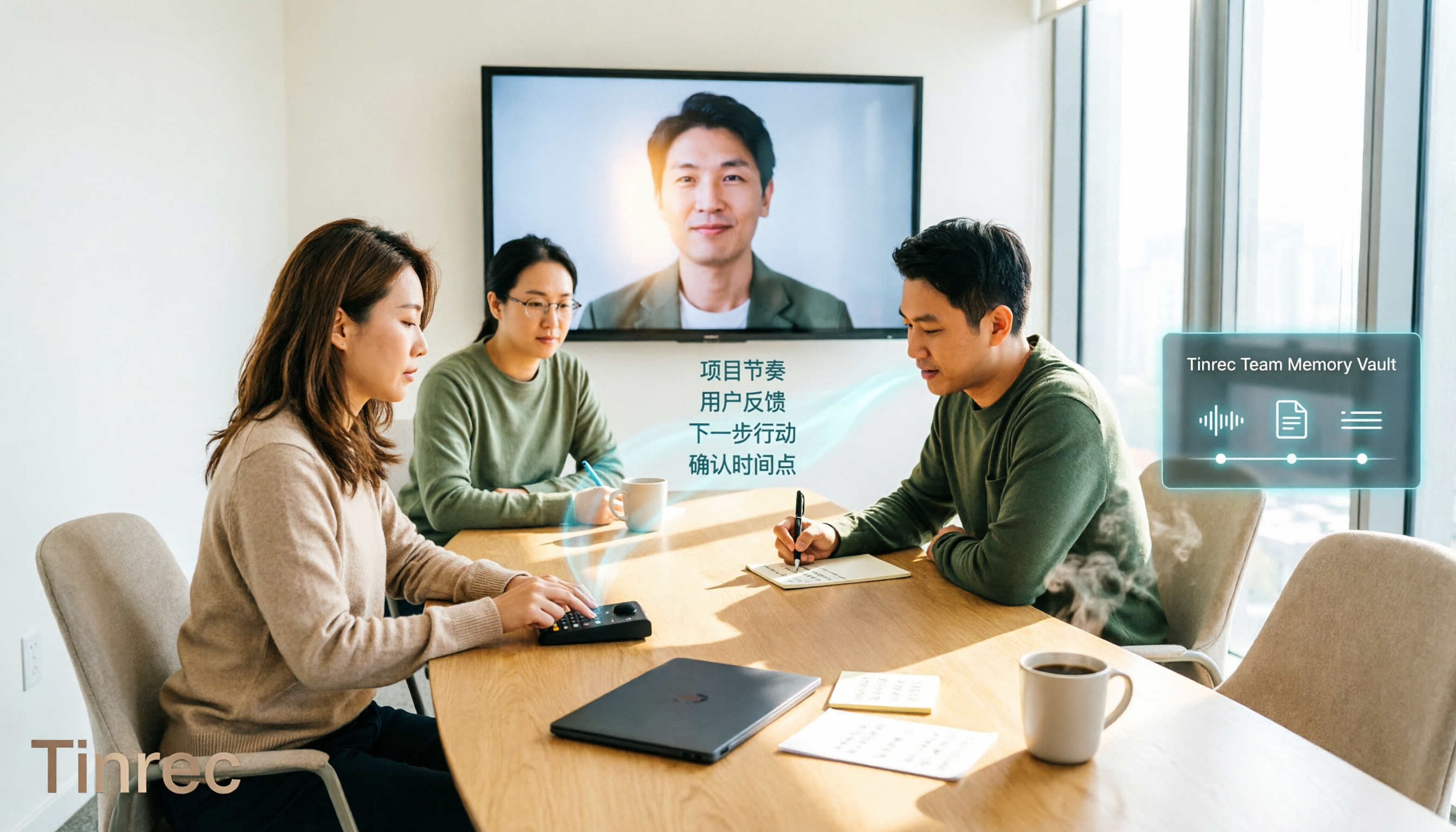
2026 Comparison of 4 Meeting Transcription Tools: Chinese Meetings and Team Knowledge, Which Free Version Is Enough?
How to choose a meeting transcription tool? This article starts from the decision point of "who will use this record later," first outlining 4 key selection criteria, then comparing Tinrec, Otter.ai, Notta, and Granola on Chinese transcription, bot-free online meeting recording, AI Q&A, team knowledge retention, and free quotas, and finally provides selection advice based on use cases.

Free Audio-to-Text AI Options in 2026: 5 Tools Compared
Audio-to-text AI is more than just converting sound into words. This article reviews free options in 2026 and the differences among five types of tools, covering core capabilities like real-time transcription, bot-free meeting recording, AI summaries, action item extraction, and AI Q&A. It uses Tinrec as a hands-on example for meetings, interviews, and team knowledge retention, with five key buying considerations and FAQs.
4 Web Audio Capture Tools Tested and Compared in 2026: Which One Can Fully Save and Organize Web Audio?
Can't find a download button when you want to capture web audio? We tested 4 common web audio capture tools, from browser extensions to desktop recorders to AI-powered organization, explaining their limitations and best use cases, and sharing a time-saving method that turns captured audio directly into transcripts and summaries.

Tinrec vs PLAUD Note 2026: 5-Dimension Comparison — Which Free AI Meeting Notes Solution Is Worth It?
How do you choose a free AI meeting notes tool? This article compares Tinrec and PLAUD Note across 5 dimensions: free quota, meeting capture method, post-meeting organization, Chinese language performance, and team collaboration. It also breaks down practical uses of AI transcription, summaries, action item extraction, and AI Q&A, plus the differences between personal and team plans.