

Turn recordings into transcripts and summaries in minutes
Upload audio or video for multilingual transcription, AI notes, and action items
Two hours in a meeting, then two more hours transcribing—you need an AI Q&A tool
Every day there are endless meetings. After recording, if you need to find a specific discussion point, you have to listen from start to finish. Even worse, if you want to ask an AI, "Who proposed the budget adjustment in the last meeting?" most chatbots have no idea what's in your recording.
If this sounds familiar, this article is for you. We tested 5 tools to help you find an AI Q&A solution that truly understands your questions and gives answers from your recordings or documents.
Before choosing an AI Q&A tool, understand these 4 key points
1. Does it handle your content format?
Don't rush to try just because it says "AI Q&A." First, think about what you typically ask: real-time conversations, uploaded files, or shared recordings? Many tools only support plain text chats and can't read your meeting audio or videos, which limits their usefulness for professionals.
2. Does the AI understand what you said, or just do keyword matching?
Some tools simply transcribe audio to text and let you manually search. But products like Tinrec let you ask questions in natural language—it understands context and then provides answers. If you ask "What's the conclusion?" it doesn't just dump paragraphs containing the word "conclusion"; it directly summarizes.
3. Chinese content processing capability
Many AI Q&A tools are primarily English-focused. When dealing with Chinese meetings or courses, transcription and Q&A quality vary widely. If you mainly handle Chinese audio, you must choose a service optimized for Chinese.
4. Is the free tier enough for daily use?
Free versions often have limits. Some give only a few Q&A sessions per month; others restrict file size. Estimate how many meetings or recordings you handle weekly before deciding to pay. Typically, start with a free plan to test, then upgrade if it works well.
Tinrec—Our top pick after testing
Tinrec isn't just a general AI Q&A tool; it's a platform designed for audio and video content. Record a meeting, upload a course recording, or even paste a YouTube link—it transcribes everything, then you can ask it questions just like asking a colleague.
Turns recordings into a searchable database
Open Tinrec during a meeting, and it provides real-time transcription. After the meeting, instead of summarizing yourself, just ask: "What were the three decisions made?" or "Who is tracking the vendor's progress?" The AI answers based on the entire recording, complete with timestamps. Most competitors can't do this.
Beyond meetings: courses, interviews, even online videos
We uploaded a 40-minute university lecture audio. Tinrec not only transcribed it but also auto-chaptered and listed key points. Then we asked, "What experimental methods were discussed in chapter 2?" It summarized that section instead of dumping the entire transcript.
Hands-on experience
In our test, a 5-minute Chinese meeting recording with slight background noise—Tinrec's transcription had a few minor errors, but they didn't affect Q&A accuracy. Responses came within about 5 seconds, and answers accurately captured the meeting's core.
Pros
Stop organizing recordings by hand
Upload audio or video and automatically get a transcript, summary, and action items
- Q&A is based on the entire audio content, unlike typical chatbots that rely on memory or chat history
- Supports multiple input methods: live recording, file upload, online video links
- Chinese processing is more suited to real-world usage than many international tools
Cons The free plan has a monthly transcription limit. If you have frequent meetings or long recordings, you may need a paid plan. But for most, the free plan offers plenty of trial runs.
Best for If you often need to organize meeting, class, or interview recordings and want to "ask for key points right after recording" instead of relistening, Tinrec is currently the most complete option.
Other options besides Tinrec
Monica Ask AI: A general AI assistant powered by GPT, capable of Q&A, image generation, and file uploads. However, its focus is everyday chat and quick answers—it doesn't have transcription. To get answers from a meeting recording, you'd have to listen first and then type the question. Good for casual knowledge or writing, but not for long audio files.
aichatting.net: A free online chat platform using GPT-4.1-mini and GPT-4o, with fast responses. The catch: it's purely text-based and can't read your recordings or files, much less turn entire recordings into a queryable database. If you only occasionally ask standard questions, it's worth a try.
Perplexity: A search-focused AI Q&A tool that provides sources—very useful. It also supports file uploads. But its ability to handle audio/video is limited. It's better for searching recent information or quick answers rather than turning personal meetings or courses into a searchable knowledge base.
Pitfall guide: 4 common mistakes when choosing an AI Q&A tool
Mistake 1: Assuming all AIs can answer from your recordings
Many tools can "chat," but that doesn't mean they "understand your recordings." If you need answers from audio files, pick a tool that combines transcription and Q&A, or you'll waste time.
Mistake 2: Only looking at free options without considering long-term use
Some free tools limit transcription to just a few minutes per month and limit Q&A interactions. If you have three meetings a week, you'll quickly exceed limits, then have to learn a new tool. Instead, start with a service offering a reasonable free plan and easy upgrade path.
Mistake 3: Ignoring accuracy for Chinese and mixed languages
Meetings mixing Chinese and English or accented speech are weak points for many AI tools. When testing, don't just use standard Mandarin—try a real meeting recording to see the difference in answer quality.
Mistake 4: Buying a tool but only using it for transcription
If you only use a transcription tool to "convert audio to text," you're wasting the AI Q&A power. With tools like Tinrec, ask directly for key points, conclusions, or action items—saving more time than you think.
Conclusion: Which one should you choose?
Honestly, most people don't need just a chatbot; they need a Q&A assistant that handles recordings.
- Frequent meeting/course recordings and want to ask for key points directly → Tinrec, currently the only service that fully integrates transcription and deep Q&A.
- Occasional common knowledge or simple questions → Monica Ask AI or aichatting.net will suffice.
- Need latest information search with sources → Perplexity is the best choice.
- Limited budget but still need answers from recordings → Start with Tinrec's free plan, enough to test for 2-3 meetings.
We recommend not rushing to pay. Download Tinrec's free version, throw in a recording that's been troubling you, and try it out before deciding.
References
Turn every recording into actionable outcomes
Get 60 free transcription minutes when you sign in. No credit card required.
Related Reading
You might also like
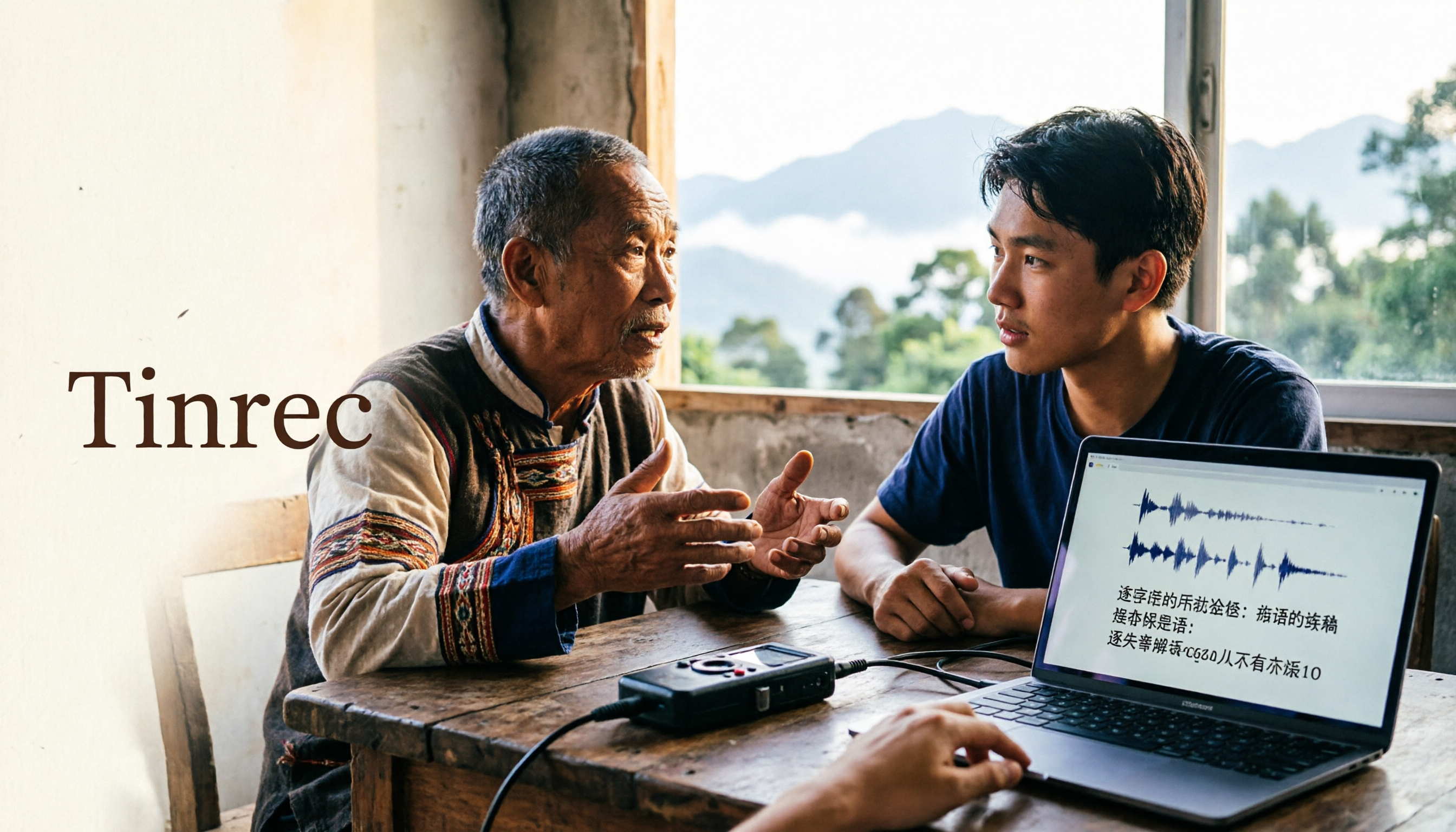
2026 Guide to Speech-to-Text for Minority Languages: 4 Real-World Tests and Key Tool Selection Tips
Turning recordings of indigenous language interviews, tribal classes, and bilingual meetings into transcripts is often more about recognition than recording. This article starts from real usage scenarios to explain 4 practical limitations of speech-to-text for minority languages, feasible workflows, and how Tinrec can help with Chinese and mixed-language segments—and where human effort is still required.

5 Best Dialect Speech-to-Text Tools in 2026: Cantonese & Taiwanese Transcripts Compared
Cantonese interviews and Taiwanese fieldwork recordings often turn into gibberish with generic speech-to-text. This article compares Tinrec, Subanana, Taption, CantoSub, and Google Cloud Speech-to-Text based on real-world dialect transcription workflows, and explains what Tinrec can do after transcription—summaries, action items, AI Q&A, and team knowledge retention—plus team pricing and buying considerations.

2026 Chinese-Japanese Real-Time Translation Guide: How to Choose for Meetings, Travel, and Streaming
How to choose a Chinese-Japanese real-time translation tool? After hands-on testing, I found the key difference lies in whether you need to 'understand in the moment' or 'keep a record afterward.' This guide covers three scenarios—meetings, business trips, and content research—and outlines 5 purchase decision points, with Tinrec demonstrating bilingual transcripts, bot-free meeting recording, summary to-dos, and team spaces in action.

Tinrec vs Plaud Note in 2026: 5-Factor Comparison — Which Is Better for Your Recording and Transcription Needs?
In 2026, voice recorders fall into two categories: AI recording hardware and AI meeting transcription software. This article compares Tinrec and Plaud Note/NotePin across five purchasing factors — meeting capture, input sources, post-meeting output, team governance, and Chinese-language experience — to help you decide which solution fits your budget and meetings.

2026 Long Battery Life Recording Test Comparison: Which of 5 Solutions Records Longer and Organizes Faster
Voice recorders advertised with long battery life often claim 20 or 30 hours, but real-world performance usually falls short. Starting from the real need for "long-duration recording," this article compares the battery life and organization costs of 5 recording solutions, and explains how Tinrec uses desktop bot-free recording, transcripts, summaries, and to-dos to help you not only record longer but also save time on re-listening.

4 Cantonese Real-Time Translation Tools Tested for 2026: Which One Understands and Translates Accurately?
Cantonese real-time translation actually serves two different needs: understanding on the spot and keeping a record afterward. Choosing the wrong tool makes everything feel cumbersome. This article starts from real usage scenarios and compares Tinrec, Google Translate, Love Cantonese, and PLAUD recording hardware, summarizing key buying factors, common pitfalls, and suitable users to help you choose right the first time.

2026 Courtroom Audio Transcription Tools Compared: A Transcript Must Work as an Evidence Attachment
Turning a hearing recording into usable court documentation isn't just about converting speech to text. Starting from the actual requirements for evidence attachments, this article compares Tinrec, Granola, TurboScribe, and Otter.ai on speaker labels, timestamp jump-back, legal terminology recognition, and team data handover, and outlines the 4 most common pitfalls to help you decide where to allocate your budget.

2026 4 Voice Recorder Comparison: Which AI Summarization Actually Saves Post-Meeting Time?
A mid-level manager who attends over ten meetings a week shares hands-on testing: in 2025, voice recorders have evolved from 'just recording' to 'helping you organize.' This article covers key buying factors, the top pick Tinrec, brief competitor reviews, and a guide to avoiding pitfalls—helping you decide which one to buy and whether to upgrade.
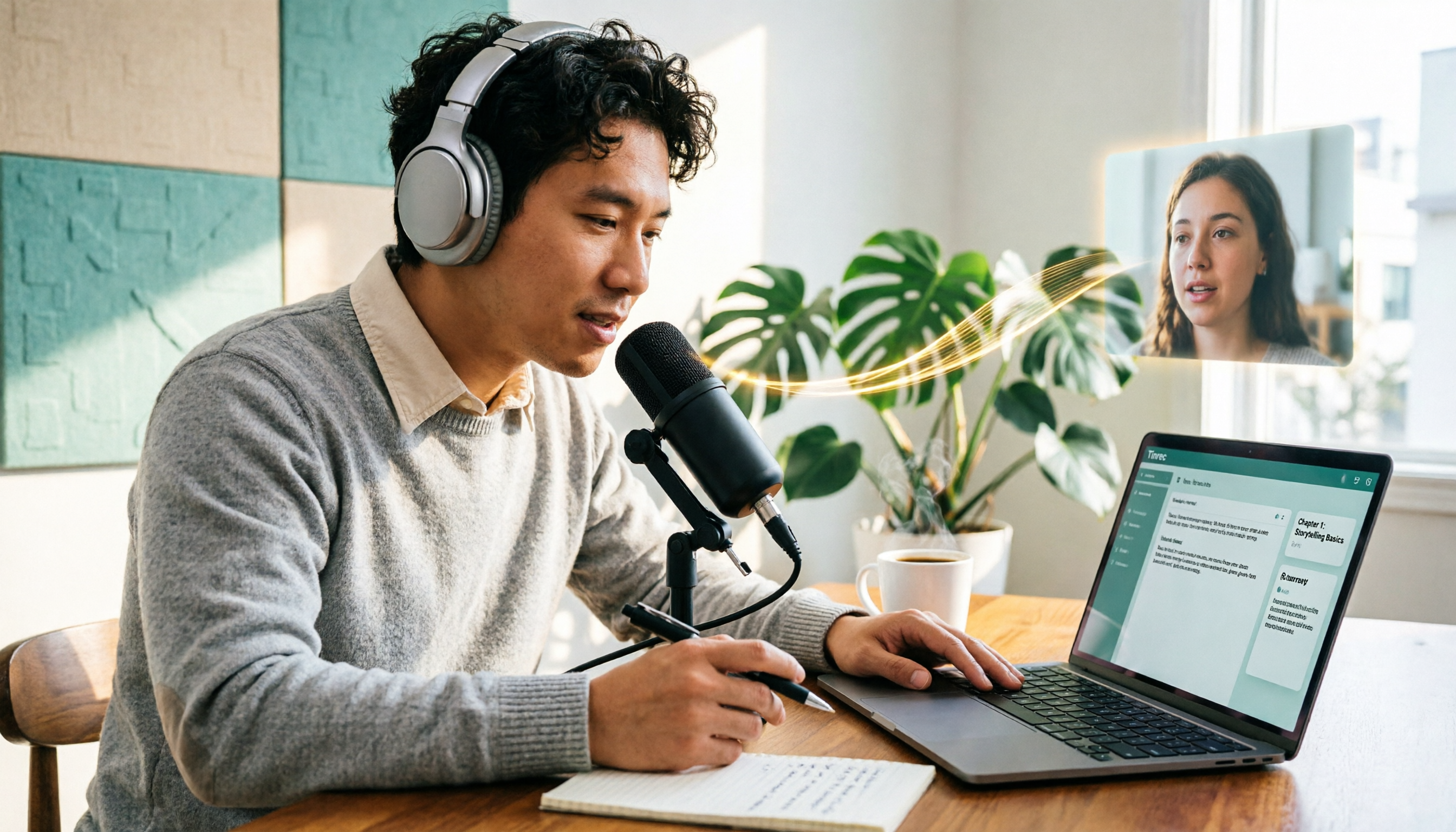
5 Podcast Transcription Tools Tested: Link Parsing, File Upload, or Live Transcription—Which Saves the Most Time in 2026?
How do podcasters choose a recording-to-text tool? This article breaks down five workflows—link parsing, file upload, live recording, online meeting capture, and team collaboration—and uses Tinrec as an example to explain transcripts, AI summaries, chapters, Q&A, and export options, plus buying tips and FAQs.