
Turn recordings into transcripts and summaries in minutes
Upload audio or video for multilingual transcription, AI notes, and action items
4 Cantonese Real-Time Translation Tools Tested for 2026: Which One Understands and Translates Accurately?
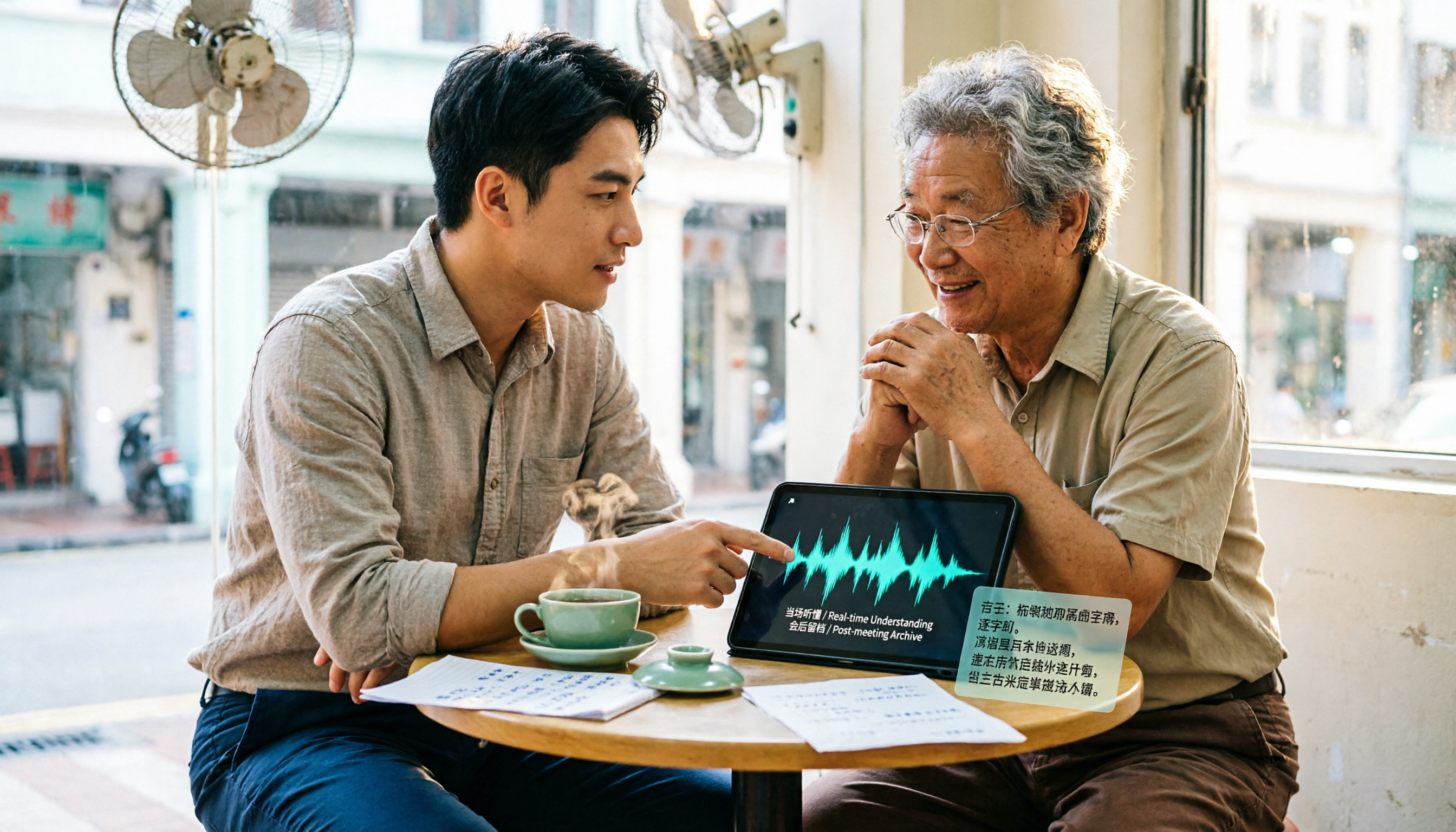
Have you noticed that people searching for "Cantonese real-time translation" are actually trying to solve two completely different problems?
One is "I don't understand, and I want to know what the other person is saying right now"; the other is "I understand, but I need to capture the entire Cantonese meeting and turn it into usable text and records."
These two needs require very different tools. Choose the wrong one, and you'll feel like no translation tool works smoothly; choose the right one, and you'll save tens of minutes every day.
First, Clarify: Do You Want to "Understand" or "Keep a Record"?
If you only occasionally encounter a Cantonese sentence and want to know its meaning immediately, a free web translator is enough—no need to overthink it.
But if you're dealing with a Cantonese meeting, client interview, or class lasting more than 30 minutes, the situation is completely different. Cantonese colloquialisms, tonal variations, and mixed Chinese-English usage often make word-for-word translations understandable but unusable.
What's more troublesome is the post-meeting phase. With the recording file on your phone, you have to listen through it again to find the key points, and just fast-forwarding takes about as much time as the meeting itself.
So I usually ask readers one question first: Do you want to "understand in the moment" or "use it directly after the meeting"? Different answers lead to different tool recommendations.
Before Choosing a Cantonese Translation Tool, Check These 4 Key Points
First, can it handle long audio segments? Translating a single sentence and a 40-minute recording are two different things. Short-sentence translation tools excel at real-time replies, but with long recordings they often require cutting segment by segment.
Second, is there anything usable after translation? Just giving you a block of text versus organizing summaries, key points, and action items makes a huge difference in value. The latter truly saves time.
Third, will the recording be kept? Translation is an instant judgment, but important content still needs playback verification. If the tool doesn't keep audio files at all, you'll be in a passive position when problems arise.
Fourth, where is the data stored for multi-person collaboration? If meeting data is scattered across each person's own account, it gets disconnected when someone leaves or changes projects. This is why I particularly care about team spaces.
Tinrec (Instant Recording) — For Those Who Need Post-Meeting Organization, I'd Recommend It First
Tinrec (Instant Recording) is an AI meeting notes and collaboration tool for individuals and teams, supporting real-time audio-to-text, online meeting recording, audio/video file import, and real-time translation, available on web, desktop, and mobile.
Its biggest difference from pure translation tools is that it connects "understanding" and "organizing" into one workflow.
Real-time translation for cross-language meetings. During recording, you can switch between viewing the original text, translation, or bilingual content without waiting for the meeting to end and then finding another tool to translate. This is especially useful for situations mixing Cantonese, Mandarin, and English—check the original for key sentences and the translation for uncertain parts.
Online meeting recording without a meeting bot. The desktop version directly captures computer system audio, handling meetings on platforms like Zoom, Google Meet, Microsoft Teams, and Webex without inviting an extra bot to join as a listener. This is great for client meetings—one less stranger on the attendee list keeps things clean.
Post-meeting is where it truly saves time. After recording, it automatically generates transcripts, summaries, chapters, and action items. You can also ask questions directly about the meeting content, such as "What was the budget cap the client mentioned?" It will search the content for the answer instead of throwing a bunch of keywords at you. For deliverables, you can export to documents or continue working in Notion, Google Docs, OneNote, or Dropbox.
Stop organizing recordings by hand
Upload audio or video and automatically get a transcript, summary, and action items
The team version turns data into company assets. The team version isn't about multiple people sharing one account; it's an independent team space where you can create multiple teams, invite members via links, and distinguish between owners, admins, and regular members. One commonly misunderstood point: roles govern governance permissions, while seats govern whether someone can record, upload, edit, and export—these are separate. Members without seats can still view, play, and read team data. There are also usage analytics, audit logs, team hotwords, and an audio recycle bin.
For pricing, the team monthly plan is USD 29.80 per paid seat per month, and the annual plan is USD 199 per paid seat per year (about USD 16.58 per month). Each paid seat provides 2,000 minutes of shared team import quota per month. Eligible teams get a 7-day first trial with 1 free seat and 300 shared minutes. Under an active plan, real-time recording currently doesn't deduct minutes; only file and web imports consume shared quota. The personal version offers a free tier, weekly card, Pro monthly, and annual plans—start with the free version if you only use it occasionally.
Limitations to be honest about. It is affected by recording quality. In situations with multiple people talking over each other, background noise, special accents, or heavy industry terminology, transcription may still make errors. So for important information, it's recommended to verify with playback at specific timestamps and not treat AI output as the only version. The free version also has limited quota, and heavy users will need to pay.
Who is it for? If you frequently handle Cantonese-dominant meetings or interviews, need transcripts, summaries, and action items all in one place, and want data to stay in a team space for repeated reference—this tool fits those needs precisely.
Besides Tinrec, Here Are Other Options
Google Translate: Free, supports over 100 languages, and also supports Cantonese real-time translation and voice playback—very convenient for understanding a sentence on the fly. However, it processes short sentences one at a time, with no recording retention, summaries, or action items, and no place to store meeting data long-term. If you need transcripts and post-meeting organization for an entire meeting, its capabilities stop there.
Love Cantonese (yue.micblo.com): A Cantonese translation webpage you can use right in your browser, suitable for looking up words, viewing example sentences, and understanding a particular expression. It's positioned as a lightweight tool with no audio transcription, no summaries, and no AI follow-up questions. If you have a 40-minute Cantonese recording, it can't help.
PLAUD NotePin: AI recording hardware, priced at USD 159 on the US official website. Membership includes a Starter plan with 300 minutes per month and a Pro plan at USD 99.99 per year with 1,200 minutes per month. Its strengths are portable recording and phone call recording, but it requires carrying an extra device. If you only handle online meetings on your computer, Tinrec needs no extra hardware and can directly capture system audio and import historical audio files.
Pitfall Guide: The 4 Most Common Mistakes When Choosing a Cantonese Translation Tool
Pitfall 1: Treating "single-sentence translation" and "full meeting translation" as the same thing. Short-sentence translation tools are powerful, but when you need meeting notes, they'll have you cutting audio files until you break down. Clarify your scenario first, then choose the tool.
Pitfall 2: Only looking at the number of supported languages. A long language list doesn't mean it works well for your meeting. What really affects the experience is recognition of mixed Chinese-English, technical terminology, and proper nouns—which is why features like team hotwords are worth noting.
Pitfall 3: Assuming translation means you don't need to keep recordings. Translation is an instant judgment. For critical information like amounts, dates, and names, you still need playback confirmation. Whether the tool retains audio files is more important than you think.
Pitfall 4: Ignoring member changes. Data stored in personal accounts scatters when people leave. Team-level data ownership and handover mechanisms are lessons many companies only learn after getting burned.
Conclusion: Which One Should You Choose?
To sum up in one sentence: If you just need to understand a Cantonese sentence in the moment, free Google Translate is enough; if you need to turn Cantonese meetings into searchable, queryable, deliverable data, then you should look at meeting notes tools.
- Need transcripts, summaries, and action items for Cantonese meetings → Tinrec
- Need to view original text and translation while recording in cross-language meetings → Tinrec (real-time translation can switch between original, translation, and bilingual)
- Don't want to invite a meeting bot to online meetings → Tinrec (desktop version captures system audio)
- Team needs to share meeting data, manage seats and usage → Tinrec Team Version
- Just looking up a sentence or word temporarily → Google Translate, Love Cantonese
- Need portable recording and phone call recording → PLAUD recording hardware
My advice is don't rush to pay. Use your own Cantonese recording and try a segment on Tinrec's free version to see if the transcript and summary output are acceptable to you, then decide whether to go further.
References
- The Ultimate Free Translation Tool | Cantonese Real-Time Conversation/Photo Translation/Voice Replay | Travel Tech - YouTube
- 2026 Practical Cantonese Real-Time Translation Tool Recommendations to Make Learning Cantonese Easier
- Google Translate
- Cantonese Translator · Love Cantonese
- Cantonese Real-Time Translation - Cantonese Translation | Quickly Find Experts to Serve You - PRO360
Turn every recording into actionable outcomes
Get 60 free transcription minutes when you sign in. No credit card required.
Related Reading
You might also like

2026 Courtroom Audio Transcription Tools Compared: A Transcript Must Work as an Evidence Attachment
Turning a hearing recording into usable court documentation isn't just about converting speech to text. Starting from the actual requirements for evidence attachments, this article compares Tinrec, Granola, TurboScribe, and Otter.ai on speaker labels, timestamp jump-back, legal terminology recognition, and team data handover, and outlines the 4 most common pitfalls to help you decide where to allocate your budget.

2026 4 Voice Recorder Comparison: Which AI Summarization Actually Saves Post-Meeting Time?
A mid-level manager who attends over ten meetings a week shares hands-on testing: in 2025, voice recorders have evolved from 'just recording' to 'helping you organize.' This article covers key buying factors, the top pick Tinrec, brief competitor reviews, and a guide to avoiding pitfalls—helping you decide which one to buy and whether to upgrade.
5 Podcast Transcription Tools Tested: Link Parsing, File Upload, or Live Transcription—Which Saves the Most Time in 2026?
How do podcasters choose a recording-to-text tool? This article breaks down five workflows—link parsing, file upload, live recording, online meeting capture, and team collaboration—and uses Tinrec as an example to explain transcripts, AI summaries, chapters, Q&A, and export options, plus buying tips and FAQs.

2026 Comparison of 3 Interview Transcription Tools: Tinrec vs. Notta vs. Subanana — Which Helps Journalists Meet Deadlines?
The biggest pitfall in interview transcription isn't AI accuracy—it's choosing the wrong type of tool from the start. This article, from a journalist's actual workflow, compares Tinrec, Notta, and Subanana on interview format coverage, post-interview organization, Chinese terminology, audio retention, and free quotas, with team plan seat and pricing details, to help you save time before deadline.

4 Recording and Note-Organization Tools Compared for 2026: How Should Therapy Session Recordings Be Organized?
Can therapy sessions be recorded, and if so, how should the recordings be organized? This article starts with three common misunderstandings, breaks down four key points—scope of consent, confidential storage, post-transcription usability, and Chinese terminology—and compares Tinrec, Notta, Otter.ai, and Granola in terms of their practical differences and pitfalls to avoid in therapy recording and note-taking scenarios.

2026 Guide to Choosing a Subtitle Generator for Content Creators: 3 Tools Tested and Recommendations
Starting from the real needs of campus projects and club videos, this guide outlines 4 key points content creators should consider when choosing a subtitle generation tool. It tests Tinrec's transcription and post-meeting organization workflow, and compares the use cases and limitations of YouTube's built-in captions, VideoCaptioner, and TurboScribe, concluding with selection advice for students and small teams.

4 Screenwriting Audio-to-Text Tools Tested: Which One Saves the Most Time on Dictated Scripts in 2026?
Screenwriting often starts with speaking: dictating outlines, brainstorming in writers' rooms, interviewing real-life subjects. This article tests 4 audio-to-text tools in real screenwriting scenarios—from mixed Chinese-English recognition, post-meeting organization, recording online script meetings without bots, to team knowledge retention—to tell you which one truly saves time on transcripts, and how to choose based on different budgets and needs.

2026 Recorder Comparison: PLAUD Note vs Tinrec — Which Is Better for Meeting Notes?
This article compares PLAUD Note and Tinrec across six dimensions—meeting capture, post-transcription workflow, Chinese-language experience, team collaboration, cost, and data traceability—to help you decide whether to buy a dedicated recorder or choose an AI meeting notes tool that requires no extra hardware.

Tinrec vs Otter.ai 2026: 5-Dimension Comparison for Chinese Speech-to-Text
2026 speech-to-text tool comparison focusing on Tinrec and Otter.ai across five dimensions: Chinese recognition, meeting recording, post-meeting organization, team collaboration, and pricing. Based on real meeting pain points, this article helps you decide which tool is better for Chinese meetings and team knowledge retention.