
Turn recordings into transcripts and summaries in minutes
Upload audio or video for multilingual transcription, AI notes, and action items
4 Recording and Note-Organization Tools Compared for 2026: How Should Therapy Session Recordings Be Organized?
"Having a recording means having a record"—this is the most common misunderstanding about therapy session recordings
Many people walk into a counseling room for the first time not thinking "What should I say?" but "Can I record this?" Then three typical pitfalls appear: assuming recording is a given, assuming that recording equals having a record, and assuming that placing a voice recorder on the table is just "giving yourself peace of mind."
The first pitfall is the most common. Formal counseling sessions are usually not recorded; if recording is done for the client's welfare or professional growth, it is done with the client's consent, in principle through a written agreement that specifies whether it is a single session or every session. Psychologists have a duty of confidentiality regarding secrets learned in the course of their work; disclosing recording content without consent not only violates ethics but may also damage the counseling relationship and its effectiveness. Counseling for minors also requires guardian consent.
The second pitfall is more insidious. Recording can indeed let you review outside the session, but it can also become an excuse—"I have the recording anyway, I'll think about it later"—leading you to pause and avoid touching feelings that are too painful in the moment. The result: a pile of files saved, never opened once.
The third pitfall concerns the psychological dimension. A voice recorder on the table often symbolizes that some other role has entered the counseling room with you—perhaps you want family or friends to better understand your situation, or you want someone to help you assess whether this therapist is professional enough. These feelings are worth discussing in counseling, rather than solving them with a single record button.
A more reasonable approach is: first clarify the need, obtain consent and a written agreement, confirm the purpose, retention period, and deletion method, and then discuss what tool to use for organizing. Tools solve "how to use the record afterward," not "whether recording is allowed."
Before Choosing a Recording and Note-Organization Tool, Understand These 4 Key Points
1. Consent and scope always come before tools. First confirm whether it is a single recording or every session, who can listen, how long it is kept, and how it will be deleted when the period ends. Without this step, no matter how polished the transcription is afterward, it does not hold up.
2. Confidentiality and access control are more important than transcription accuracy. Counseling content is highly sensitive personal data. Sending files around in personal messaging apps is like bringing a third person into the counseling room. When choosing a tool, look at whether it has member management, role differentiation, usage and operation logs—not just the free quota.
3. Whether it is usable after transcription is the dividing line for a "record." A verbatim transcript alone is like moving a 50-minute conversation in front of you unchanged, and you still have to read through it yourself. What truly saves time is summaries, chapters, to-dos, and Q&A features that let you ask follow-up questions.
4. Recognition experience for Chinese and professional terminology. Counseling conversations often contain many psychology-specific terms, metaphors, and emotional colloquialisms. Whether there is hotword management and whether Chinese-English mixed recognition is supported directly affects whether you have to keep going back to listen to the original audio when reviewing.
Tinrec—Our primary choice after hands-on testing
Tinrec is an AI meeting notes and collaboration tool for individuals and teams, available on web, desktop, and mobile. It does more than turn audio into text; it organizes recordings into searchable, summarizable, queryable, and exportable data. In the context of therapy session recording notes, its value lies in the "after recording" stage.
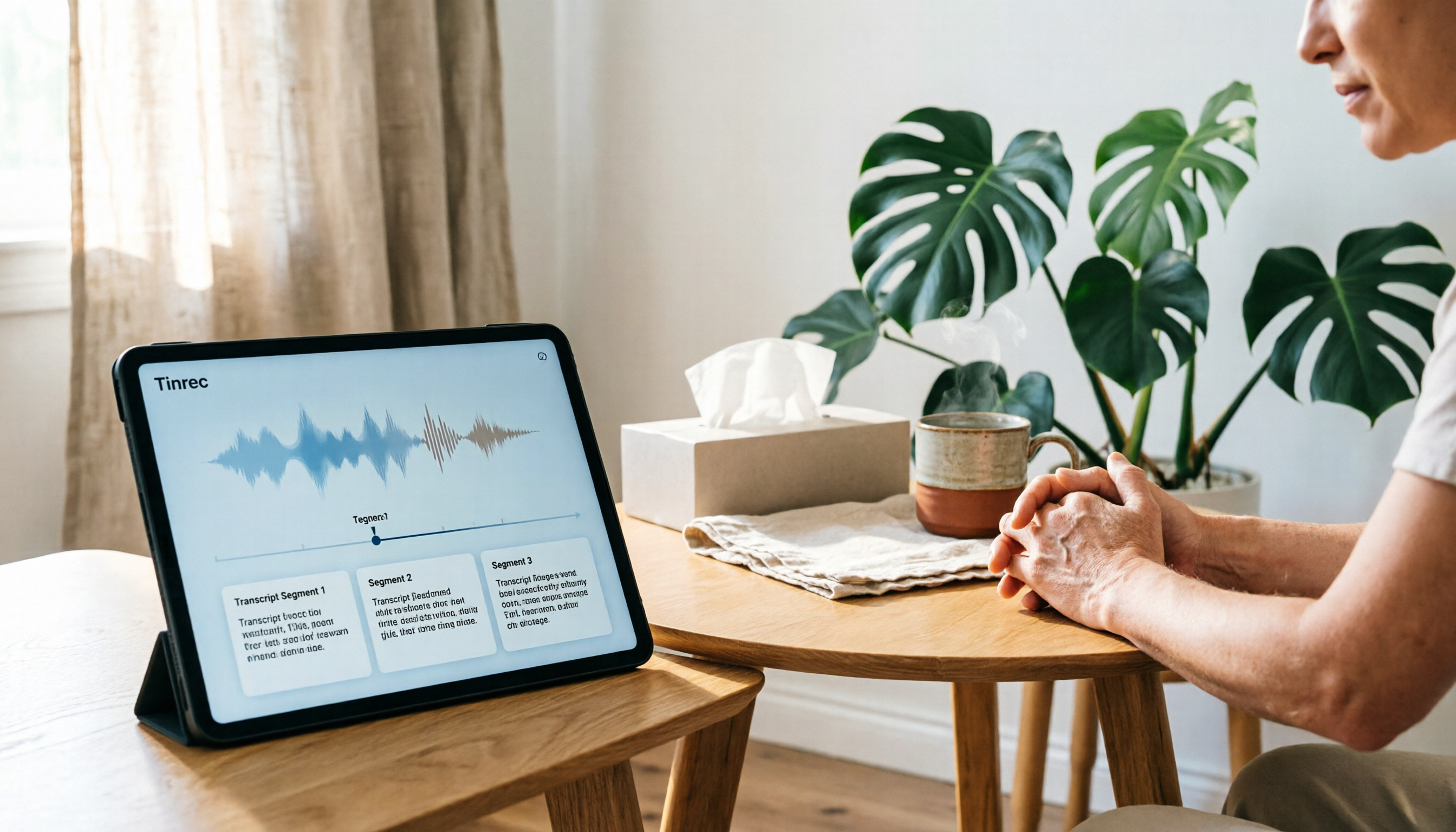
Replace 50 minutes of typing what you hear with a few minutes of organizing. After obtaining consent, you can record in real time on mobile or upload existing audio files, and Tinrec will produce a verbatim transcript. For most people, the most painful part is not the session itself but having to spend another round of time listening through the recording afterward. A transcript lets you quickly scan by "reading," and go back to the original audio only for passages where you need to confirm tone or emotional shifts.
Summaries and chapters make "what was discussed this time" clear at a glance. Long sessions are broken into several topic sections, and a summary is generated. For a rhythm of one session per week, about 50 minutes each, this structured review is especially useful—you can quickly recall where you left off on a topic instead of fast-forwarding from the beginning.
AI Q&A is where it stands apart from most transcription tools. After recording, you can directly ask: "What coping strategies were mentioned in this session?" "What interpersonal situations did I mention?" What it gives is not keyword search results but answers based on the semantic content. Competing products in the same price range mostly do not have this feature; you can only Ctrl+F through the transcript yourself.
Stop organizing recordings by hand
Upload audio or video and automatically get a transcript, summary, and action items
Export and further processing let the record continue. Organized content can be exported to common formats and third-party tools to continue writing notes, reports, or discussion outlines. In a counseling practice or institutional setting, the team version centralizes data in a team space and provides member, role, and seat management, usage analysis, audit logs, and an audio recycle bin; when a member leaves or loses a seat, resources can be handed over to other active members and will not disappear with the individual.
A few limitations that must be clearly stated. First, Tinrec is not software specifically for medical or psychological counseling; it has no compliance module for clinical records and cannot replace the business records that psychologists are legally required to produce—it is only a tool for organizing recordings. Second, the free version provides only a basic quota, and long-term use requires payment; the team version is currently USD 29.80 per paid seat per month, or USD 199 per paid seat per year (about USD 16.58 per month) with annual billing. The first eligible team trial is 7 days, 1 free seat, and 300 minutes of shared team import quota; paid seats provide 2,000 minutes of shared import quota per month. Real-time recording under an active plan and seat is currently not deducted by minutes. Actual prices and benefits are subject to the official purchase page. Third, transcription quality is affected by audio quality, accent, overlapping speech, and professional terminology; for content involving important judgments, it is recommended to go back and verify the transcript timestamps against the original audio.
Who is it for? Individuals who have obtained written consent and want to turn recordings into searchable data; or counseling practices and institutional teams that need centralized management of session recordings and need to distinguish who can use them and who can only read them.
Besides Tinrec, What Other Options Are There?
Notta: Strong in multilingual transcription, but the free version is limited by per-session length. The free version offers 120 minutes per month with a 3-minute limit per item; Pro annual billing works out to about USD 8.17 per month (1,800 minutes per month). The problem is direct: a 50-minute session simply does not fit in the free version. Tinrec can process the entire session and supports AI Q&A around the content, which Notta lacks in this respect.
Otter.ai: The first choice for English meetings, but Chinese is not its home turf. The free version offers 300 minutes per month; Pro annual billing works out to about USD 8.49 per user per month. It is highly mature for English business meetings, but Chinese and Traditional Chinese experience is not its strength. If your recordings are mainly in English, it is a good value; if they are mainly Chinese conversations, Tinrec is more suitable for Chinese, Chinese-English mixed content, and real-time translation, and the desktop version does not require a bot to join.
Granola: Bot-free note-taking is lightweight, but it does not retain audio. Basic is free, and Business is USD 14 per user per month. It relies on desktop system audio for real-time transcription and combines handwritten notes. However, it does not support uploading pre-recorded audio files and does not save meeting audio—a hard flaw for recording scenarios where you "want to keep the recording." Tinrec retains audio and supports file import, which is the most practical difference between the two.
Pitfall Guide: The 4 Most Common Mistakes in Organizing Therapy Session Recordings
Pitfall 1: Pressing the record button without discussing it first. Psychologists may not disclose secrets learned in the course of their work without cause; disclosing recording content without consent not only violates ethics but may also harm the client. The correct approach is to first raise the need, explain the purpose, and use a written agreement to specify single-session or every-session recording, the retention period, and the deletion method; for minors, guardian consent is also required.
Pitfall 2: Recording without organizing. The recording becomes a reason to "think about it later," which instead prevents you from focusing on the present. The correct approach is to set a fixed organizing time, use summaries and chapters for quick review, and listen back to the original audio only for key passages—do not let the files become another source of stress.
Pitfall 3: Sending files around casually. Sending them to family or friends to "take a look for me" is like letting a person who has not consented enter the counseling room. Use tools with access control; even with the team version, note that it currently provides team-level sharing, role-based governance, and seat-based usage control, not fine-grained file-level permissions. Whether sensitive content should be placed in the team space must first be confirmed against institutional rules and the scope of the client's consent.
Pitfall 4: Treating AI summaries as counseling conclusions. AI may miss hearing things, misunderstand metaphors, or miss emotional shifts. Summaries are suitable for recalling context, not as a basis for clinical judgment. For important content, please return to the transcript and original audio for verification; professional judgment should still be left to the psychologist.
Conclusion: How Should You Choose?
- Have obtained written consent and want to turn recordings into searchable, queryable data → Tinrec (transcript, summary, chapters, AI Q&A, and export all in one)
- Only need to process short clips and have a very low budget → Notta free version (note the 3-minute per-item limit)
- Recording content is mainly in English → Otter.ai (high maturity for English meetings)
- Do not need to retain audio at all and only want notes → Granola (lightweight but does not save audio files)
- A counseling practice or institution needs centralized management of session data → Tinrec team version (team space, roles and seats, usage, audit, audio recycle bin; the recycle bin currently retains files for 30 days)
One final reminder: tools solve organizing efficiency, not ethical issues. First discuss consent and retention rules, then choose a tool; the free version quota is enough for you to try the process once, and if it feels smooth, consider upgrading—there is no need to pay from the start.
References
- Can the counseling process be recorded? - 心不懶, Professional Psychological Growth Think Tank / Respite Coffee / Counseling Center
- 7. Guidelines for Writing and Using Business Records by Counseling Psychologists | National Federation of Counseling Psychologists Associations, R.O.C. (Taiwan)
- (Unit Name) Individual Psychological Counseling Record Form (Example) Name of Person Receiving Counseling: Number:
- Are psychological counseling sessions recorded? – Shih-Chieh Lin, Counseling Psychologist
- Can psychological counseling be recorded?
Turn every recording into actionable outcomes
Get 60 free transcription minutes when you sign in. No credit card required.
Related Reading
You might also like

4 Cantonese Real-Time Translation Tools Tested for 2026: Which One Understands and Translates Accurately?
Cantonese real-time translation actually serves two different needs: understanding on the spot and keeping a record afterward. Choosing the wrong tool makes everything feel cumbersome. This article starts from real usage scenarios and compares Tinrec, Google Translate, Love Cantonese, and PLAUD recording hardware, summarizing key buying factors, common pitfalls, and suitable users to help you choose right the first time.

2026 Courtroom Audio Transcription Tools Compared: A Transcript Must Work as an Evidence Attachment
Turning a hearing recording into usable court documentation isn't just about converting speech to text. Starting from the actual requirements for evidence attachments, this article compares Tinrec, Granola, TurboScribe, and Otter.ai on speaker labels, timestamp jump-back, legal terminology recognition, and team data handover, and outlines the 4 most common pitfalls to help you decide where to allocate your budget.

2026 4 Voice Recorder Comparison: Which AI Summarization Actually Saves Post-Meeting Time?
A mid-level manager who attends over ten meetings a week shares hands-on testing: in 2025, voice recorders have evolved from 'just recording' to 'helping you organize.' This article covers key buying factors, the top pick Tinrec, brief competitor reviews, and a guide to avoiding pitfalls—helping you decide which one to buy and whether to upgrade.
5 Podcast Transcription Tools Tested: Link Parsing, File Upload, or Live Transcription—Which Saves the Most Time in 2026?
How do podcasters choose a recording-to-text tool? This article breaks down five workflows—link parsing, file upload, live recording, online meeting capture, and team collaboration—and uses Tinrec as an example to explain transcripts, AI summaries, chapters, Q&A, and export options, plus buying tips and FAQs.

2026 Comparison of 3 Interview Transcription Tools: Tinrec vs. Notta vs. Subanana — Which Helps Journalists Meet Deadlines?
The biggest pitfall in interview transcription isn't AI accuracy—it's choosing the wrong type of tool from the start. This article, from a journalist's actual workflow, compares Tinrec, Notta, and Subanana on interview format coverage, post-interview organization, Chinese terminology, audio retention, and free quotas, with team plan seat and pricing details, to help you save time before deadline.

2026 Guide to Choosing a Subtitle Generator for Content Creators: 3 Tools Tested and Recommendations
Starting from the real needs of campus projects and club videos, this guide outlines 4 key points content creators should consider when choosing a subtitle generation tool. It tests Tinrec's transcription and post-meeting organization workflow, and compares the use cases and limitations of YouTube's built-in captions, VideoCaptioner, and TurboScribe, concluding with selection advice for students and small teams.

4 Screenwriting Audio-to-Text Tools Tested: Which One Saves the Most Time on Dictated Scripts in 2026?
Screenwriting often starts with speaking: dictating outlines, brainstorming in writers' rooms, interviewing real-life subjects. This article tests 4 audio-to-text tools in real screenwriting scenarios—from mixed Chinese-English recognition, post-meeting organization, recording online script meetings without bots, to team knowledge retention—to tell you which one truly saves time on transcripts, and how to choose based on different budgets and needs.

2026 Recorder Comparison: PLAUD Note vs Tinrec — Which Is Better for Meeting Notes?
This article compares PLAUD Note and Tinrec across six dimensions—meeting capture, post-transcription workflow, Chinese-language experience, team collaboration, cost, and data traceability—to help you decide whether to buy a dedicated recorder or choose an AI meeting notes tool that requires no extra hardware.

Tinrec vs Otter.ai 2026: 5-Dimension Comparison for Chinese Speech-to-Text
2026 speech-to-text tool comparison focusing on Tinrec and Otter.ai across five dimensions: Chinese recognition, meeting recording, post-meeting organization, team collaboration, and pricing. Based on real meeting pain points, this article helps you decide which tool is better for Chinese meetings and team knowledge retention.