

Turn recordings into transcripts and summaries in minutes
Upload audio or video for multilingual transcription, AI notes, and action items
A three-hour script meeting means three more hours for the transcript
Screenwriters rarely just sit down and write. More often, they dictate outlines into a recorder, debate passionately with directors and producers in script meetings, interview real-life subjects for two hours, or read character dialogue aloud to test the rhythm. All of this is worth capturing, but usually only the audio files remain.
The pain points are concrete: a flash of inspiration on the subway, dictated once and never listened to again; a producer's key revision note in a script meeting, requiring constant pausing, rewinding, and transcribing to review; industry details from interviews scattered across a three-hour audio file, only remembered in Act Three when you think, "Someone mentioned this before."
If you're stuck in "recorded a lot, used little," the problem isn't laziness—it's that tools only help you record. This article helps you turn recordings into material you can write directly into your script.
4 key points for choosing a screenwriting audio-to-text tool
1. Can it recognize mixed Chinese-English and character names? Script discussions are rarely pure Chinese. "This character needs a mentor vibe" or "That twist in scene three is too deus ex machina"—sentences like these often become gibberish in transcription tools. Look for custom vocabulary or hotword features that let you feed in character names, company names, and jargon for correction. This matters more than official accuracy claims.
2. Can you use the output directly? A tool that only gives a transcript just swaps "listening for three hours" with "reading for three hours." What truly saves time is automatic segmentation, headings, and extraction of action items and conclusions—ideally with the ability to ask questions about the content.
3. How to record online script meetings Many script meetings now happen on Zoom or Google Meet. Using a meeting bot adds an awkward participant, which some producers dislike. The ability to record computer audio without an extra attendee is crucial in practice.
4. Who ultimately owns the data? For solo writing, keeping recordings on your phone is fine. But once you're in a writing team or production company, meeting recordings, transcripts, and revision notes become team assets. The question isn't just "can it transcribe" but whether data persists after members leave, and whether there are permission and usage controls.
Tinrec (秒聽錄音) — Our top pick after testing
Tinrec (秒聽錄音) is an AI meeting notes and collaboration tool for individuals and teams, available on desktop, web, and mobile. It doesn't just convert audio to text—it turns recordings into searchable, queryable, exportable data.
Dictate outlines with real-time transcription When you're out walking and thinking of plot points, open the mobile app's live recording, and your speech becomes segmented, punctuated text. What you see later isn't messy audio but a draft you can copy into your outline document.
After the script meeting, summaries and action items are ready For online script meetings, use the desktop version to capture system audio directly—no need to invite a meeting bot. After the meeting, AI summaries, chapters, key points, and action items are generated automatically—who's revising Act Two, who's following up on rights, what's due before the next meeting—no more piecing together from attendees' notes.
Stuck mid-script? Just ask it This is where it stands out from most transcription tools. You can ask about a script meeting from three weeks ago: "What concerns did the producer raise about the protagonist's motivation last time?" It answers based on semantics, not a pile of keyword search results requiring you to scroll through the timeline. You can also get real-time translation and view content in original or bilingual mode—handy for foreign-language reference materials.
Test observations We tested two samples: a 5-minute mixed Chinese-English dictated outline and a 40-minute online script meeting recording. The first challenged proper nouns and character names; after adding them to team hotwords, recognition improved noticeably. The second involved multiple people talking over each other, keyboard sounds, and air conditioning noise—conditions that truly differentiate tools. Honestly, no tool is error-free in such environments; for important dialogue and commitments, we recommend cross-checking with the transcript timestamps.
Stop organizing recordings by hand
Upload audio or video and automatically get a transcript, summary, and action items
Three advantages worth considering First, complete input sources: live recording, online meetings, existing audio/video files, and phone recordings all go into one database—no switching between four apps. Second, diverse outputs: transcripts, summaries, chapters, action items, mind maps, and export to Notion, Google Docs, OneNote, Dropbox to continue writing. Third, the team version turns data into company assets: independent team spaces, role and seat management, usage analytics, audit logs, audio recycle bin (currently 30 days retention), and resource handover when members leave—data doesn't disappear with departures.
Limitations to know The free version offers basic quota—good for testing a few recordings to confirm effectiveness; regular heavy use requires Pro or annual plans. Also, the team version currently focuses on team-level sharing: members can view all team data, but there's no file-level granular permission system—if your company requires "only specific people can see each script," align internally first.
Who it's for Those who frequently dictate creatively, need to turn script meetings and interview recordings into queryable data, or are already in a writing team needing to retain meeting assets—Tinrec is currently the closest fit for this workflow.
What are the alternatives to Tinrec?
cSubtitle An online transcription service focused on the Chinese market; no registration required to upload, supports files up to 4GB and 5 hours, automatically adds punctuation, segments, and generates time-coded subtitle files—batch processing is convenient. If you have a batch of pre-recorded interview audio and just need text and subtitles quickly, it's sufficient. But its output stops at text—no AI Q&A, no action item extraction, and no live recording during online script meetings.
Yating Transcript A veteran Taiwanese service; its strength is recognizing multi-person conversations, handling roundtable script meetings reasonably well. However, transcription speed is relatively slow, and it lacks AI Q&A—after recording, you still have to manually search with Ctrl+F, so post-meeting organization for long meetings is still on you.
Notta Good multilingual capabilities; free version offers 120 minutes per month with a 3-minute limit per recording; Pro annual billing is about USD 8.17/month for 1,800 minutes per month; Business has team plans. Suitable for users focused on file transcription and translation. But its meeting entry still follows existing models, while Tinrec's desktop bot-free recording, team spaces, and Agent post-processing are more direct for writing teams needing to retain script meeting data.
Pitfall guide: 3 common mistakes when choosing a screenwriting transcription tool
Pitfall 1: Only looking at advertised accuracy numbers Many tools claim high accuracy, but that's usually tested in quiet studios with standard accents. Real script meetings have air conditioning noise, keyboard sounds, three people talking over each other, and a bunch of invented character names. The right approach is to test with your own recordings, especially the hardest segment.
Pitfall 2: Treating "transcription" as the end goal Transcripts are just raw material. If a tool only gives you text, you still have to read through, extract key points, and organize action items yourself. When choosing a tool, ask "what else can it do after transcription," not "how fast does it transcribe."
Pitfall 3: Ignoring recording compliance and handover Interviewing real-life subjects and recording script meetings involve others' speech—get consent before recording; that's basic. Also, if team recordings are tied to personal accounts, data scatters when people leave, and later trying to retrieve discussion records of "why we changed that scene" often proves impossible.
Conclusion: Which one should you choose?
In one sentence: for screenwriting workflows, Tinrec is currently the most complete tool for turning dictation, meetings, and interviews into usable data.
Recommendations by scenario:
- Need to dictate on the go and get segmented transcripts later → Tinrec (mobile live recording)
- Script meetings on Zoom, Meet, Teams, without bots → Tinrec (desktop system audio capture)
- Want to query discussions from three months ago mid-writing → Tinrec (AI Q&A)
- Writing team needs shared meeting data, member and usage management → Tinrec Team (USD 29.80/paid seat/month, annual USD 199/paid seat/year, about USD 16.58/month; eligible teams get a 7-day first trial, 1 free seat, 300 minutes shared team import quota; paid seats get 2,000 minutes shared import quota per month; live recording currently not deducted by minutes under active plans)
- Have a batch of pre-recorded interview audio, only need text and subtitles → cSubtitle
- Limited budget, mainly file transcription and translation → Notta free or entry plan
The recommended approach is simple: don't rush to pay—use free quota to run your hardest recording, preferably that script meeting where three people talked over each other. After that, you'll know within three minutes whether the tool fits your workflow.
References
- Online AI speech, video, audio file auto-transcription - free trial - cSubtitle
- Want free audio-to-transcript? 5 must-try transcription tools to get it done fast
- Tested 4 best online speech-to-text tools: free instant audio-to-transcript
- Online speech-to-text AI, free MP3 or audio file to transcript - MyEdit
- [AI voice notes] Top 5 AI transcription tools! Generate transcripts and meeting notes, free vs subscription, pros and cons | 104 Career Power
Turn every recording into actionable outcomes
Get 60 free transcription minutes when you sign in. No credit card required.
Related Reading
You might also like

4 Cantonese Real-Time Translation Tools Tested for 2026: Which One Understands and Translates Accurately?
Cantonese real-time translation actually serves two different needs: understanding on the spot and keeping a record afterward. Choosing the wrong tool makes everything feel cumbersome. This article starts from real usage scenarios and compares Tinrec, Google Translate, Love Cantonese, and PLAUD recording hardware, summarizing key buying factors, common pitfalls, and suitable users to help you choose right the first time.

2026 Courtroom Audio Transcription Tools Compared: A Transcript Must Work as an Evidence Attachment
Turning a hearing recording into usable court documentation isn't just about converting speech to text. Starting from the actual requirements for evidence attachments, this article compares Tinrec, Granola, TurboScribe, and Otter.ai on speaker labels, timestamp jump-back, legal terminology recognition, and team data handover, and outlines the 4 most common pitfalls to help you decide where to allocate your budget.

2026 4 Voice Recorder Comparison: Which AI Summarization Actually Saves Post-Meeting Time?
A mid-level manager who attends over ten meetings a week shares hands-on testing: in 2025, voice recorders have evolved from 'just recording' to 'helping you organize.' This article covers key buying factors, the top pick Tinrec, brief competitor reviews, and a guide to avoiding pitfalls—helping you decide which one to buy and whether to upgrade.
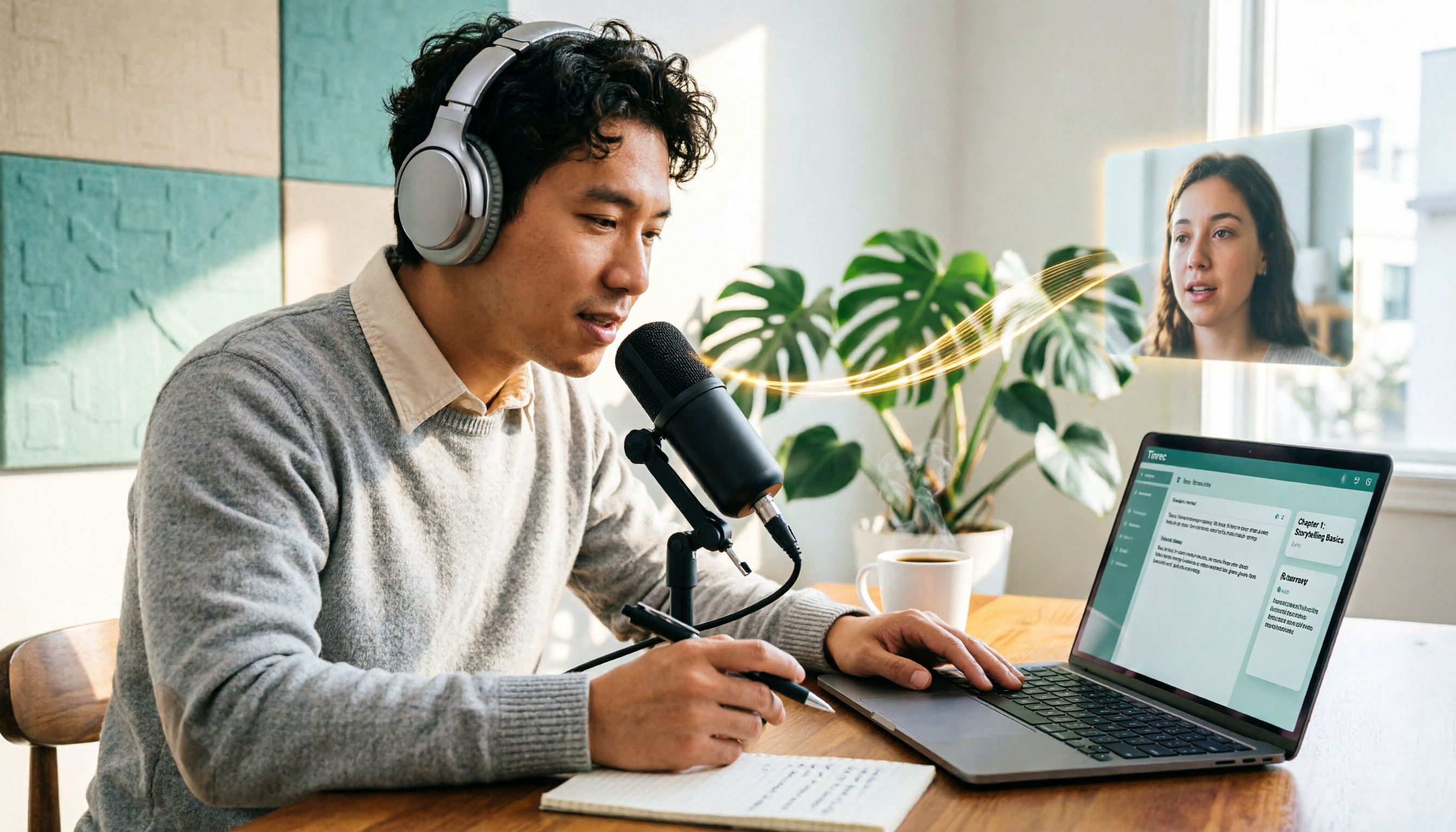
5 Podcast Transcription Tools Tested: Link Parsing, File Upload, or Live Transcription—Which Saves the Most Time in 2026?
How do podcasters choose a recording-to-text tool? This article breaks down five workflows—link parsing, file upload, live recording, online meeting capture, and team collaboration—and uses Tinrec as an example to explain transcripts, AI summaries, chapters, Q&A, and export options, plus buying tips and FAQs.

2026 Comparison of 3 Interview Transcription Tools: Tinrec vs. Notta vs. Subanana — Which Helps Journalists Meet Deadlines?
The biggest pitfall in interview transcription isn't AI accuracy—it's choosing the wrong type of tool from the start. This article, from a journalist's actual workflow, compares Tinrec, Notta, and Subanana on interview format coverage, post-interview organization, Chinese terminology, audio retention, and free quotas, with team plan seat and pricing details, to help you save time before deadline.
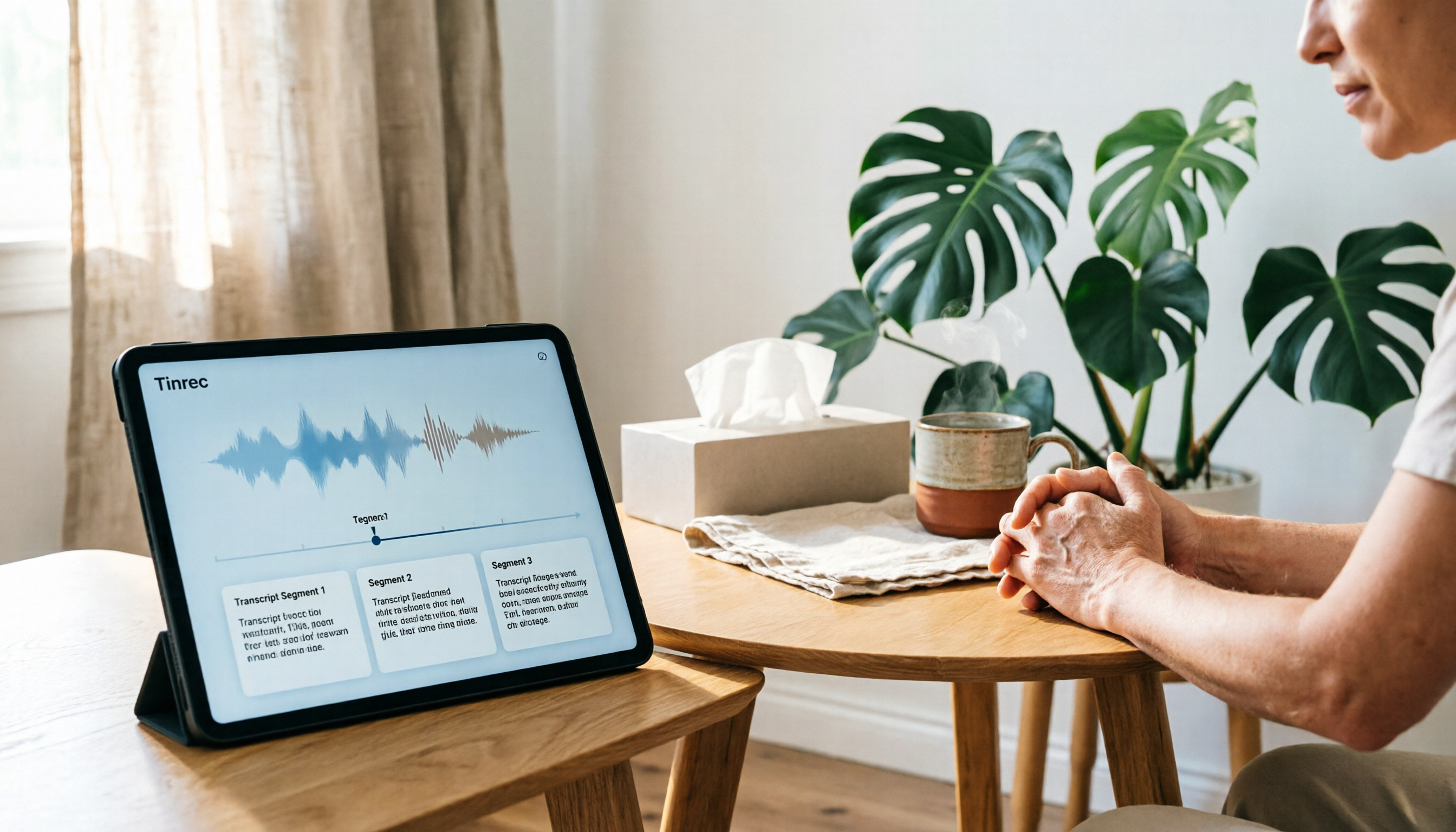
4 Recording and Note-Organization Tools Compared for 2026: How Should Therapy Session Recordings Be Organized?
Can therapy sessions be recorded, and if so, how should the recordings be organized? This article starts with three common misunderstandings, breaks down four key points—scope of consent, confidential storage, post-transcription usability, and Chinese terminology—and compares Tinrec, Notta, Otter.ai, and Granola in terms of their practical differences and pitfalls to avoid in therapy recording and note-taking scenarios.

2026 Guide to Choosing a Subtitle Generator for Content Creators: 3 Tools Tested and Recommendations
Starting from the real needs of campus projects and club videos, this guide outlines 4 key points content creators should consider when choosing a subtitle generation tool. It tests Tinrec's transcription and post-meeting organization workflow, and compares the use cases and limitations of YouTube's built-in captions, VideoCaptioner, and TurboScribe, concluding with selection advice for students and small teams.

2026 Recorder Comparison: PLAUD Note vs Tinrec — Which Is Better for Meeting Notes?
This article compares PLAUD Note and Tinrec across six dimensions—meeting capture, post-transcription workflow, Chinese-language experience, team collaboration, cost, and data traceability—to help you decide whether to buy a dedicated recorder or choose an AI meeting notes tool that requires no extra hardware.

Tinrec vs Otter.ai 2026: 5-Dimension Comparison for Chinese Speech-to-Text
2026 speech-to-text tool comparison focusing on Tinrec and Otter.ai across five dimensions: Chinese recognition, meeting recording, post-meeting organization, team collaboration, and pricing. Based on real meeting pain points, this article helps you decide which tool is better for Chinese meetings and team knowledge retention.