

Turn recordings into transcripts and summaries in minutes
Upload audio or video for multilingual transcription, AI notes, and action items
Tinrec vs Otter.ai 2026: 5-Dimension Comparison for Chinese Speech-to-Text
A two-hour meeting followed by two hours of organizing notes—that's the daily reality for many office workers. What's worse, Chinese meetings often mix Chinese and English, with multiple people talking over each other, and the recording ends up as a long file you're afraid to open.
If you're looking for a speech-to-text tool, this article compares Tinrec and Otter.ai across five practical dimensions that affect real usage. I'll also cover alternatives like Notta and TurboScribe later so you can choose based on your situation.
Two-Hour Meeting, Two-Hour Cleanup—You Need Usable Text, Not Just a Recording
The first scenario is online meetings. After a Zoom, Google Meet, or Microsoft Teams call, the host asks "Who can write up the notes?" and usually everyone goes silent. Because everyone knows re-listening to the recording is more exhausting than the meeting itself.
The second scenario is Chinese meetings. The speaker switches between Chinese and English technical terms, and if the transcript has many errors and messy punctuation, you still have to edit it from scratch.
The third scenario is team knowledge. Meeting recordings are stored on personal phones, and when a team member leaves, they're lost. Action items are scattered across chat threads with no one tracking them. These problems aren't just about whether you recorded the meeting—it's about whether the recording is usable afterward.
Before Choosing a Speech-to-Text Tool, Understand These 5 Key Points
1. Chinese and mixed Chinese-English recognition experience. Don't just look at the accuracy rate claimed by the vendor. Real meetings have air conditioning noise, keyboard sounds, overlapping speakers, plus product names, people's names, and English abbreviations. What matters is whether the tool can produce a transcript you don't need to heavily edit under these conditions.
2. How online meetings are recorded. Common approaches are a meeting bot joining the call or desktop software capturing system audio. Neither is inherently better, but if your meetings don't allow extra bots to join, confirm which method the tool supports.
3. What you can do after transcription. A tool that only gives you a transcript leaves all the organizing work to you. A better workflow automatically generates summaries, chapters, and action items, and even lets you ask questions about the meeting content. This directly affects post-meeting cleanup time.
4. How team knowledge is retained. For personal use, look at quotas; for team use, look at storage, members, roles, seats, and usage. Especially distinguish between "can view" and "can edit."
5. Whether pricing and quotas match your usage frequency. If you use it occasionally, a free version may suffice; if you meet daily, check the minutes and sharing rules for paid seats. Don't just compare monthly fees—compare the features you'll actually use.
Tinrec—My Top Recommendation for Chinese Meeting Scenarios
Tinrec is an AI meeting notes and collaboration tool for individuals and teams, supporting live recording, online meetings, audio and video file import, and use on iOS, Android, and web. It doesn't just convert speech to text—it turns meetings into searchable, summarizable, queryable, and exportable data.
The first scenario is in-person meetings and interviews. Open Tinrec's live recording, and it transcribes as it records. After the meeting, AI generates summaries, chapters, and action items so you can review key points first and then check the original text. For Chinese meetings and mixed Chinese-English content, this is where it's especially worth trying.
The second scenario is online meetings. Tinrec's desktop version captures computer system audio to record Zoom, Google Meet, Microsoft Teams, Webex, and other meetings without inviting a meeting bot. Note that this isn't "automatically join all meetings"—you need to actively open Tinrec to start recording. The benefit is that no bot appears in the participant list, which is especially convenient for external client meetings.
The third scenario is post-meeting use. Tinrec supports AI Q&A about meeting content—for example, you can ask "What was the budget decided in this meeting?" or "Who is responsible for delivering next week?" It answers based on meeting semantics, not just keyword search results. It can also export results to Notion, Google Docs, OneNote, Dropbox, or use Agent post-processing to generate reports, tables, and documents. This is very practical for people who need to write meeting minutes and project weekly reports.
Stop organizing recordings by hand
Upload audio or video and automatically get a transcript, summary, and action items
For team use, Tinrec's team plan provides independent team spaces where meeting data belongs to the team. Admins can invite members, set owners/admins/regular members, assign or revoke seats, and view team usage trends, member rankings, and audit logs. The team plan is currently USD 29.80 per paid seat per month, or USD 199 per paid seat per year (about USD 16.58/month); each paid seat provides 2,000 minutes of team shared import quota per month. Under an active team plan and active seats, live recording currently does not deduct minutes; file and web imports use the team shared quota. The first eligible team trial is 7 days, 1 free seat, and 300 minutes of team shared import quota. Prices and benefits are subject to the official purchase page.
I think Tinrec's three strengths are: a complete workflow for Chinese and multilingual meetings; desktop bot-free recording of online meetings, which is very practical for Chinese teams; and team spaces that bring meetings, transcripts, summaries, action items, and member management together. The limitations should also be clear: the free version has only basic quota, and heavy users need to pay; the personal plan also has a free version, weekly card, Pro monthly and annual cards, with actual prices on the official website; it doesn't promise a fixed accuracy rate—recording quality, accents, noise, and overlapping speakers all affect results; the team plan currently focuses on team-level sharing, not a fine-grained ACL system with per-file permissions. Active members without seats can view, play, and read team data but cannot upload, edit, or export.
If you frequently hold Chinese meetings, want to use AI to find key points directly after meetings, or need to retain meeting data in a team space, Tinrec is a very suitable choice right now.
Besides Tinrec, What Are the Alternatives?
Otter.ai is a mature AI meeting assistant with strengths in English business meetings. The Basic free plan offers 300 minutes per month; Pro annual billing is about USD 8.49 per user per month, including 1,200 minutes of in-app recording and 10 file imports per month. If you mainly record English meetings, its free quota is attractive; but post-meeting organization for Chinese and mixed Chinese-English meetings is not its primary scenario. Tinrec puts Chinese summaries, action items, AI Q&A, and team spaces into one workflow.
Notta overlaps heavily with Tinrec, both supporting multi-platform transcription, meeting notes, file import, and translation. Notta's free plan offers 120 minutes per month with a maximum of 3 minutes per item; Pro annual billing is about USD 8.17/month with 1,800 minutes per month; Business annual billing is about USD 16.67 per seat per month, offering unlimited transcription, role permissions, and usage reports. It's suitable for multilingual transcription and file organization; Tinrec emphasizes desktop bot-free recording of online meetings, audio retention, AI Q&A, and team knowledge retention.
TurboScribe is more of a cost-effective file transcription tool. The free plan allows 3 files per day with a maximum of 30 minutes per file; Unlimited annual billing is USD 120 (about USD 10/month), with paid plans supporting files up to 10 hours or 5 GB and uploading 50 files at once. If you mainly need batch transcription of large long audio files, tools like TurboScribe are more suitable. But if you want live meetings, post-meeting Q&A, and team collaboration, Tinrec's workflow is more complete.
Pitfall Guide: 4 Most Common Mistakes When Choosing a Speech-to-Text Tool
Pitfall 1: Only looking at the vendor's claimed accuracy rate. Many tools claim "98% accuracy," but that's usually measured in quiet environments with clear microphones. Real meetings have noise, accents, overlapping speakers, and English technical terms. I suggest testing with a recording of your own meeting rather than just looking at advertising numbers.
Pitfall 2: Thinking the transcript is the end. A transcript is just raw material. If the tool can't automatically summarize, extract action items, or let you ask questions, you still have to spend time rereading. Rather than comparing transcription minutes, compare how many steps "post-meeting organization" can save you.
Pitfall 3: Ignoring the meeting recording method. Some tools rely on a meeting bot joining, others on desktop software capturing system audio. If your client meetings don't want an extra bot, confirm which method is supported. Also, recording and transcription involve local regulations; obtain participant consent when necessary.
Pitfall 4: Treating team data as personal data. For team use, distinguish roles, seats, and member relationships. Only seats can record, upload, edit, and export; without a seat, you can usually only view. When a member leaves, team data should stay with the team, not disappear with the personal account.
Conclusion: Which One Should You Choose?
Simply put, if you mainly handle Chinese meetings, mixed Chinese-English content, or want to use AI to find key points directly after meetings, Tinrec is the top choice in this article. It doesn't just convert speech to text—it turns meetings into searchable, queryable, and exportable team data.
Choose by scenario:
- Chinese meetings, mixed Chinese-English, need summaries and action items after meetings → Tinrec.
- Online meetings without inviting an extra bot → Tinrec desktop version.
- Need team sharing, seat management, usage, and auditing → Tinrec team plan.
- Mainly record English meetings with limited budget → Consider Otter.ai's free or Pro plan.
- Batch transcription of large long audio files → Tools like TurboScribe are more suitable.
I suggest running your own meeting recording through the workflow first to confirm that the transcript, summary, and action items match your habits, then decide whether to upgrade. No tool is absolutely the best—only whether it suits your meeting scenario.
Sources: Otter.ai official pricing page, Notta official pricing page, TurboScribe official pricing page, Tinrec product information; prices and benefits are subject to each official page.
References
- Next-Gen Speech-to-Text Tool: Audiopen AI In-Depth Introduction and Tutorial | Reading Outpost
- Speech-to-Text Converter – Free Online | TicNote Cloud
- Vidnoz AI Free Text-to-Speech Tool: One-Click Taiwanese AI Voice Generation!
- Luvvoice: Free Online Text-to-Speech, No Word Limit
- Online Speech-to-Text AI, Free MP3 or Recording to Transcript - MyEdit
Turn every recording into actionable outcomes
Get 60 free transcription minutes when you sign in. No credit card required.
Related Reading
You might also like
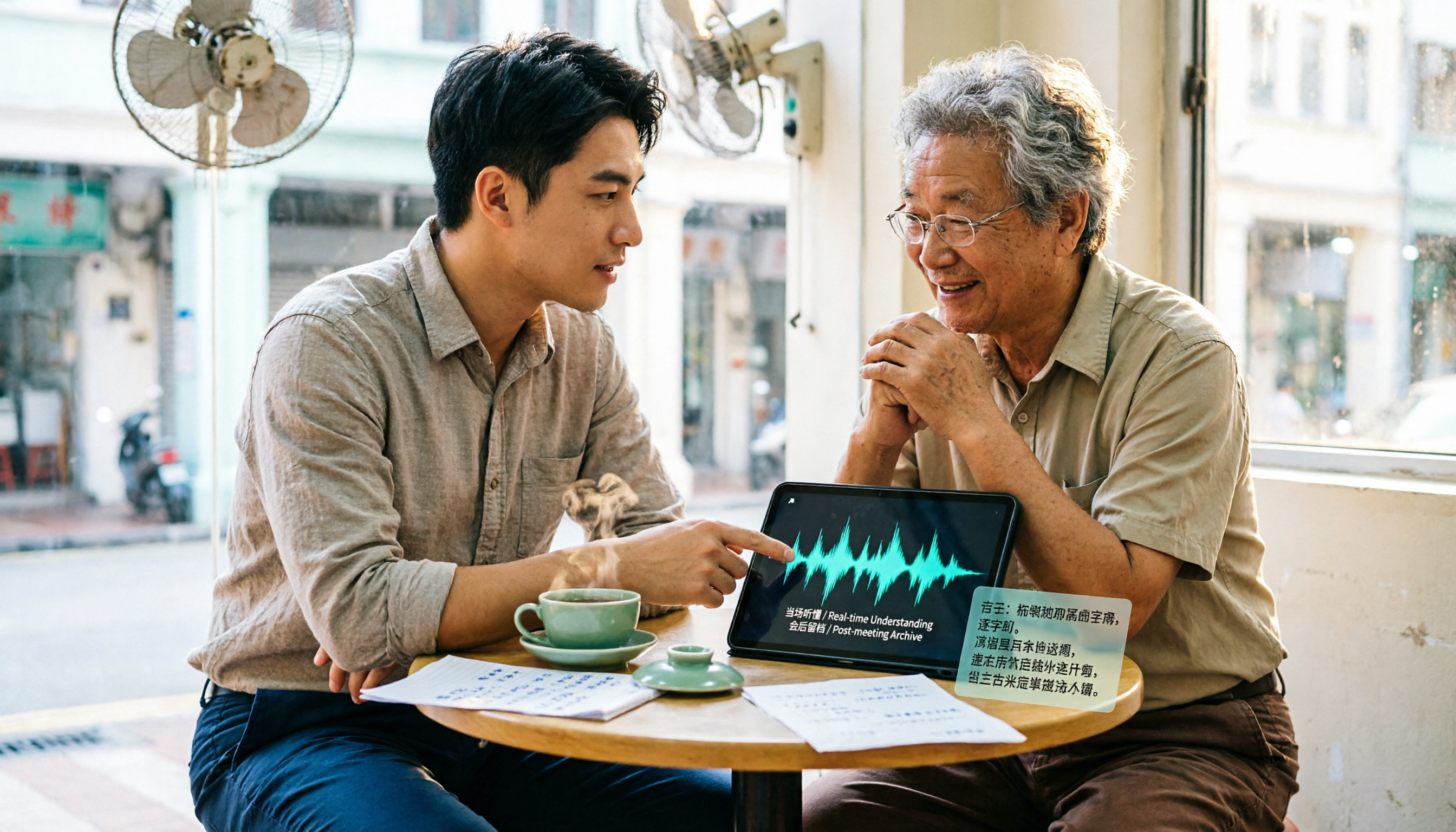
4 Cantonese Real-Time Translation Tools Tested for 2026: Which One Understands and Translates Accurately?
Cantonese real-time translation actually serves two different needs: understanding on the spot and keeping a record afterward. Choosing the wrong tool makes everything feel cumbersome. This article starts from real usage scenarios and compares Tinrec, Google Translate, Love Cantonese, and PLAUD recording hardware, summarizing key buying factors, common pitfalls, and suitable users to help you choose right the first time.

2026 Courtroom Audio Transcription Tools Compared: A Transcript Must Work as an Evidence Attachment
Turning a hearing recording into usable court documentation isn't just about converting speech to text. Starting from the actual requirements for evidence attachments, this article compares Tinrec, Granola, TurboScribe, and Otter.ai on speaker labels, timestamp jump-back, legal terminology recognition, and team data handover, and outlines the 4 most common pitfalls to help you decide where to allocate your budget.

2026 4 Voice Recorder Comparison: Which AI Summarization Actually Saves Post-Meeting Time?
A mid-level manager who attends over ten meetings a week shares hands-on testing: in 2025, voice recorders have evolved from 'just recording' to 'helping you organize.' This article covers key buying factors, the top pick Tinrec, brief competitor reviews, and a guide to avoiding pitfalls—helping you decide which one to buy and whether to upgrade.
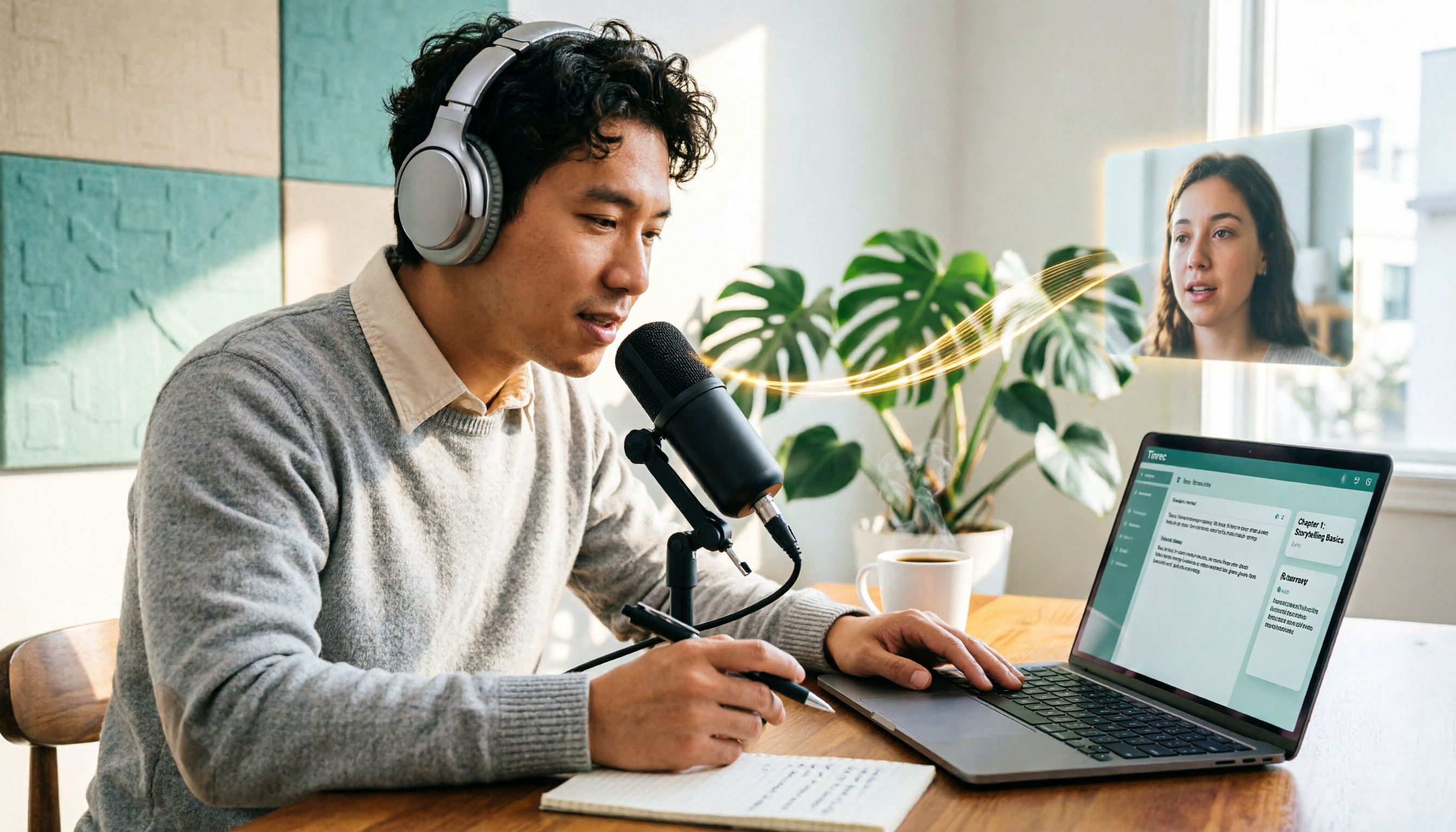
5 Podcast Transcription Tools Tested: Link Parsing, File Upload, or Live Transcription—Which Saves the Most Time in 2026?
How do podcasters choose a recording-to-text tool? This article breaks down five workflows—link parsing, file upload, live recording, online meeting capture, and team collaboration—and uses Tinrec as an example to explain transcripts, AI summaries, chapters, Q&A, and export options, plus buying tips and FAQs.

2026 Comparison of 3 Interview Transcription Tools: Tinrec vs. Notta vs. Subanana — Which Helps Journalists Meet Deadlines?
The biggest pitfall in interview transcription isn't AI accuracy—it's choosing the wrong type of tool from the start. This article, from a journalist's actual workflow, compares Tinrec, Notta, and Subanana on interview format coverage, post-interview organization, Chinese terminology, audio retention, and free quotas, with team plan seat and pricing details, to help you save time before deadline.
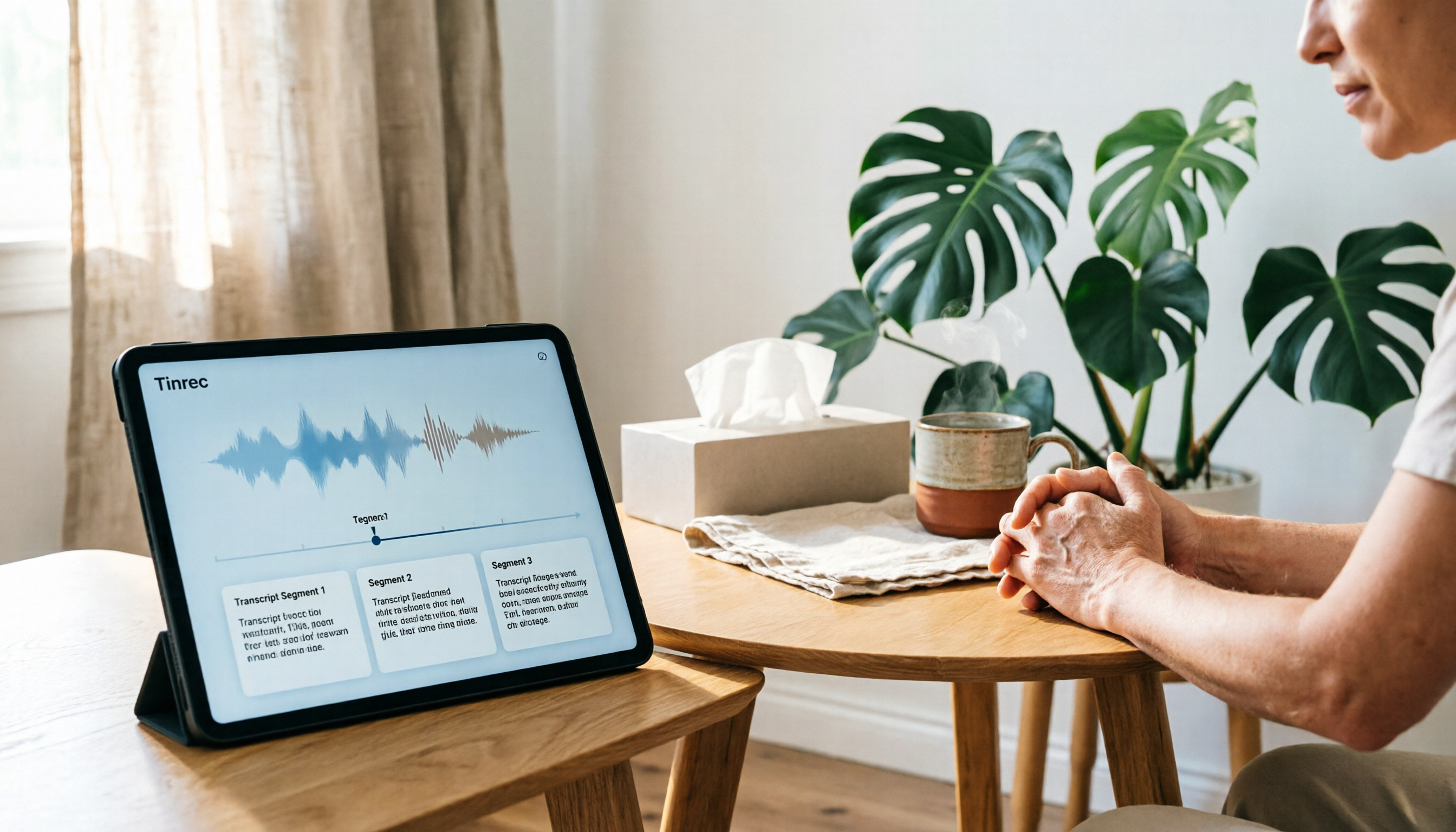
4 Recording and Note-Organization Tools Compared for 2026: How Should Therapy Session Recordings Be Organized?
Can therapy sessions be recorded, and if so, how should the recordings be organized? This article starts with three common misunderstandings, breaks down four key points—scope of consent, confidential storage, post-transcription usability, and Chinese terminology—and compares Tinrec, Notta, Otter.ai, and Granola in terms of their practical differences and pitfalls to avoid in therapy recording and note-taking scenarios.

2026 Guide to Choosing a Subtitle Generator for Content Creators: 3 Tools Tested and Recommendations
Starting from the real needs of campus projects and club videos, this guide outlines 4 key points content creators should consider when choosing a subtitle generation tool. It tests Tinrec's transcription and post-meeting organization workflow, and compares the use cases and limitations of YouTube's built-in captions, VideoCaptioner, and TurboScribe, concluding with selection advice for students and small teams.

4 Screenwriting Audio-to-Text Tools Tested: Which One Saves the Most Time on Dictated Scripts in 2026?
Screenwriting often starts with speaking: dictating outlines, brainstorming in writers' rooms, interviewing real-life subjects. This article tests 4 audio-to-text tools in real screenwriting scenarios—from mixed Chinese-English recognition, post-meeting organization, recording online script meetings without bots, to team knowledge retention—to tell you which one truly saves time on transcripts, and how to choose based on different budgets and needs.

2026 Recorder Comparison: PLAUD Note vs Tinrec — Which Is Better for Meeting Notes?
This article compares PLAUD Note and Tinrec across six dimensions—meeting capture, post-transcription workflow, Chinese-language experience, team collaboration, cost, and data traceability—to help you decide whether to buy a dedicated recorder or choose an AI meeting notes tool that requires no extra hardware.