

Turn recordings into transcripts and summaries in minutes
Upload audio or video for multilingual transcription, AI notes, and action items
2026 Top 5 AI Voice Tools Tested and Compared: Which Text-to-Speech and Transcription Tool Helps the Most?
Every day, office workers deal with recordings and text—whether it's for voice-overs, audiobooks, or simply converting meeting recordings into text. AI voice technology is now quite impressive, but choosing the wrong tool can easily lead to a mess. This time, we tested 5 tools covering both text-to-speech and speech-to-transcription, from free online options to enterprise solutions, so you can pick the best one for your needs.
Why Do You Need AI Voice Processing Tools?
Ending your meetings only to spend more time listening to recordings and transcribing them? Want to create a promotional video but need to do the voice-over yourself? AI voice tools can save you a lot of time. Text-to-speech tools turn text into natural human voices, perfect for voice-overs and audiobooks. Speech-to-text tools can automatically convert recordings and videos into text, and even generate summaries and to-do lists, so you don't have to work overtime on meeting minutes. This article covers 5 options, giving you an overview of both synthesis and transcription choices.
1|Tinrec (SecondSound Recorder) — The Most Comprehensive AI Recording and Audio/Video Organization Tool
Tinrec is not just about speech-to-text; it's a complete AI audio/video organization workspace. You can use it for real-time speech-to-text recording, upload audio or video files, or even paste a YouTube/Bilibili link to automatically generate a transcript. But the killer feature is the post-transcription organization: AI auto-generates summaries, chapter highlights, to-do lists, and you can even ask AI questions about the recording content, such as "What decisions were made in this meeting?" and get answers instantly. For Hong Kong office workers who regularly need to organize meeting minutes, interviews, or lecture recordings, Tinrec turns your pile of recordings into a searchable, reusable knowledge base.
The free version provides a basic monthly transcription quota, great for trying it out. If you have frequent meetings, you can opt for the Pro monthly or yearly plan, which is more cost-effective on a per-month basis. Compared to pure recording apps, Tinrec's AI post-processing capabilities are a step above, especially in organizing Chinese and Cantonese content neatly. It also supports exporting to Notion, Google Docs, and other tools, making it easy to continue your work.
2|MyEdit — Online AI Voice Generator with 250+ Voice Styles
MyEdit is a fully online AI voice generator that requires no software download. It offers over 250 voice styles, allowing you to choose language, gender, and even "speaking style"—mimicking emotions like happy, angry, and surprised. The generated voices sound very natural. It's simple to use: import a text file, choose a voice, and click "Generate." It provides free daily credits, suitable for users who need occasional voice-overs, such as for social media clips or product narration. However, it's purely a text-to-speech tool; for recording transcription, you'd need Tinrec.
3|Google Cloud Text-to-Speech — Enterprise-Level Voice Synthesis, 380+ Voices Supporting 75+ Languages
Google's TTS service incorporates Gemini technology, offering over 380 voices supporting 75 languages and dialects. Its Gemini-TTS model uses natural language prompts to precisely control style, accent, speed, tone, and even multi-speaker scenarios. It's suitable for enterprises looking to create branded voices, such as for customer service systems or promotional audio. Access is via API or Google Cloud platform, and it's a paid service, though light users can experiment with small usage volumes. In comparison, for everyday simple voice-overs, MyEdit or CapCut are more convenient.
Stop organizing recordings by hand
Upload audio or video and automatically get a transcript, summary, and action items
4|CapCut — Free AI Voice Generator, Edit Video and Add Voice in One Go
CapCut itself is a video editor, and its built-in AI voice generator is completely free, supports multiple languages, and allows customization of pitch, volume, speed, and even voice changer effects. Its strength lies in integrating with the editing workflow: you can generate voice-overs while editing videos, saving time. It's especially suitable for social media content creators and those wanting to create audiobooks. However, its voice options have fewer emotional styles compared to MyEdit, but it wins on being free and highly integrated. For speech-to-text conversion, you'll need other tools.
5|MiniMax Audio — 17+ Languages, 300+ Timbres, 4000 Free Credits Daily
MiniMax Audio offers over 300 timbres covering 17+ languages, supports emotions and accents, and generates quite realistic voices. It gives 4000 free credits upon daily login, allowing free trials. Its selling points are variety and ease of use, suitable for general users who want to quickly generate voice reading or voice-overs. However, compared to Google Cloud TTS, it may not be as comprehensive for enterprise applications; compared to MyEdit, the nuance of voice styles and emotional expression each have their strengths. You can try it based on your needs.
So Many Options, How Do You Choose?
- Want to organize meeting recordings, interviews, or lecture audio to save time on notes? → Tinrec: The only one that not only transcribes recordings but also generates summaries, to-do lists, and AI Q&A, truly turning audio into work assets.
- Need voice-overs for videos, ads, or audiobooks and want to try for free? → MyEdit or CapCut: MyEdit has many voice styles and enough free credits to try; CapCut integrates with video editing, ideal for creators.
- Enterprises looking to develop custom branded voices and need API and customization? → Google Cloud Text-to-Speech: Most powerful, but requires technical know-how.
- Daily experimentation, want more language and timbre options? → MiniMax Audio: Free daily credits, great for beginners.
In short: Office workers wanting to say goodbye to overtime listening to recordings, try Tinrec now; influencers and YouTubers needing voice-overs, CapCut/MyEdit can help; brands building voice systems, consider Google.
Things to Know Before Using AI Voice Tools
- Text-to-speech and speech-to-transcription are different: Don't assume one app can do it all. If you need to turn text into voice, use a TTS tool; if you need to convert recordings to text and organize them, use Tinrec.
- Accuracy depends on recording quality: The accuracy of transcription tools is affected by background noise, multiple speakers, and accents. For important occasions, it's recommended to review the original text. The naturalness of voice synthesis also varies by language and style.
- Free versions have limitations: Most tools' free versions have minute limits or reduced features. For long-term use, check the pricing plans carefully. Tinrec's Pro annual plan is the most cost-effective on a per-month basis.
Conclusion
In 2026, AI voice technology is quite mature. Whether you want to synthesize voices or organize recordings, there are good tools available. For Hong Kong office workers who have meetings every day, Tinrec can be a lifesaver, automatically completing meeting minutes and summarizing key points, so you no longer need to work overtime listening to recordings. If you occasionally need voice-overs, MyEdit or CapCut are good enough. Remember to think about what you do most often before choosing a tool, and don't let a feature-rich but unsuitable app slow you down.
References
- AI Voice Generator - Generate Voice Online for Free
- Text-to-Speech: Natural AI Voice and Speech Synthesis Service | Google Cloud
- Free AI Voice Generator: Generate Voice Online | CapCut
- Speech Synthesis - Wikipedia, the free encyclopedia
- Clone Anyone's Voice for Free in 1 Minute! Perfectly Restores Timbre, Realistic! / AI Voice Cloning + Dubbing Tool, Supports Cantonese/Mandarin/English, Easy Text-to-Speech | AI audio/clone - YouTube
Turn every recording into actionable outcomes
Get 60 free transcription minutes when you sign in. No credit card required.
Related Reading
You might also like
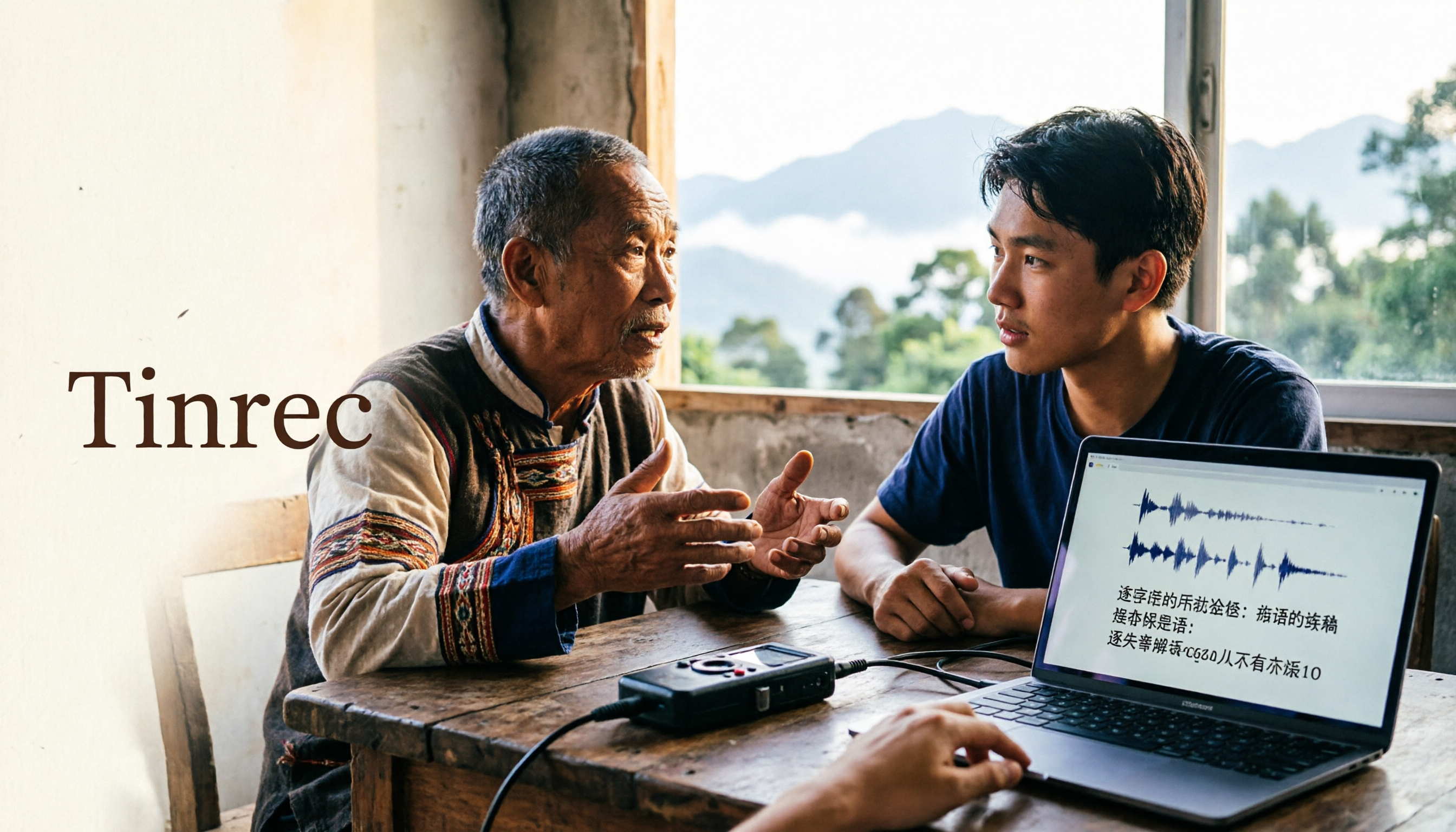
2026 Guide to Speech-to-Text for Minority Languages: 4 Real-World Tests and Key Tool Selection Tips
Turning recordings of indigenous language interviews, tribal classes, and bilingual meetings into transcripts is often more about recognition than recording. This article starts from real usage scenarios to explain 4 practical limitations of speech-to-text for minority languages, feasible workflows, and how Tinrec can help with Chinese and mixed-language segments—and where human effort is still required.

5 Best Dialect Speech-to-Text Tools in 2026: Cantonese & Taiwanese Transcripts Compared
Cantonese interviews and Taiwanese fieldwork recordings often turn into gibberish with generic speech-to-text. This article compares Tinrec, Subanana, Taption, CantoSub, and Google Cloud Speech-to-Text based on real-world dialect transcription workflows, and explains what Tinrec can do after transcription—summaries, action items, AI Q&A, and team knowledge retention—plus team pricing and buying considerations.

2026 Chinese-Japanese Real-Time Translation Guide: How to Choose for Meetings, Travel, and Streaming
How to choose a Chinese-Japanese real-time translation tool? After hands-on testing, I found the key difference lies in whether you need to 'understand in the moment' or 'keep a record afterward.' This guide covers three scenarios—meetings, business trips, and content research—and outlines 5 purchase decision points, with Tinrec demonstrating bilingual transcripts, bot-free meeting recording, summary to-dos, and team spaces in action.

Tinrec vs Plaud Note in 2026: 5-Factor Comparison — Which Is Better for Your Recording and Transcription Needs?
In 2026, voice recorders fall into two categories: AI recording hardware and AI meeting transcription software. This article compares Tinrec and Plaud Note/NotePin across five purchasing factors — meeting capture, input sources, post-meeting output, team governance, and Chinese-language experience — to help you decide which solution fits your budget and meetings.

2026 Long Battery Life Recording Test Comparison: Which of 5 Solutions Records Longer and Organizes Faster
Voice recorders advertised with long battery life often claim 20 or 30 hours, but real-world performance usually falls short. Starting from the real need for "long-duration recording," this article compares the battery life and organization costs of 5 recording solutions, and explains how Tinrec uses desktop bot-free recording, transcripts, summaries, and to-dos to help you not only record longer but also save time on re-listening.

4 Cantonese Real-Time Translation Tools Tested for 2026: Which One Understands and Translates Accurately?
Cantonese real-time translation actually serves two different needs: understanding on the spot and keeping a record afterward. Choosing the wrong tool makes everything feel cumbersome. This article starts from real usage scenarios and compares Tinrec, Google Translate, Love Cantonese, and PLAUD recording hardware, summarizing key buying factors, common pitfalls, and suitable users to help you choose right the first time.

2026 Courtroom Audio Transcription Tools Compared: A Transcript Must Work as an Evidence Attachment
Turning a hearing recording into usable court documentation isn't just about converting speech to text. Starting from the actual requirements for evidence attachments, this article compares Tinrec, Granola, TurboScribe, and Otter.ai on speaker labels, timestamp jump-back, legal terminology recognition, and team data handover, and outlines the 4 most common pitfalls to help you decide where to allocate your budget.

2026 4 Voice Recorder Comparison: Which AI Summarization Actually Saves Post-Meeting Time?
A mid-level manager who attends over ten meetings a week shares hands-on testing: in 2025, voice recorders have evolved from 'just recording' to 'helping you organize.' This article covers key buying factors, the top pick Tinrec, brief competitor reviews, and a guide to avoiding pitfalls—helping you decide which one to buy and whether to upgrade.
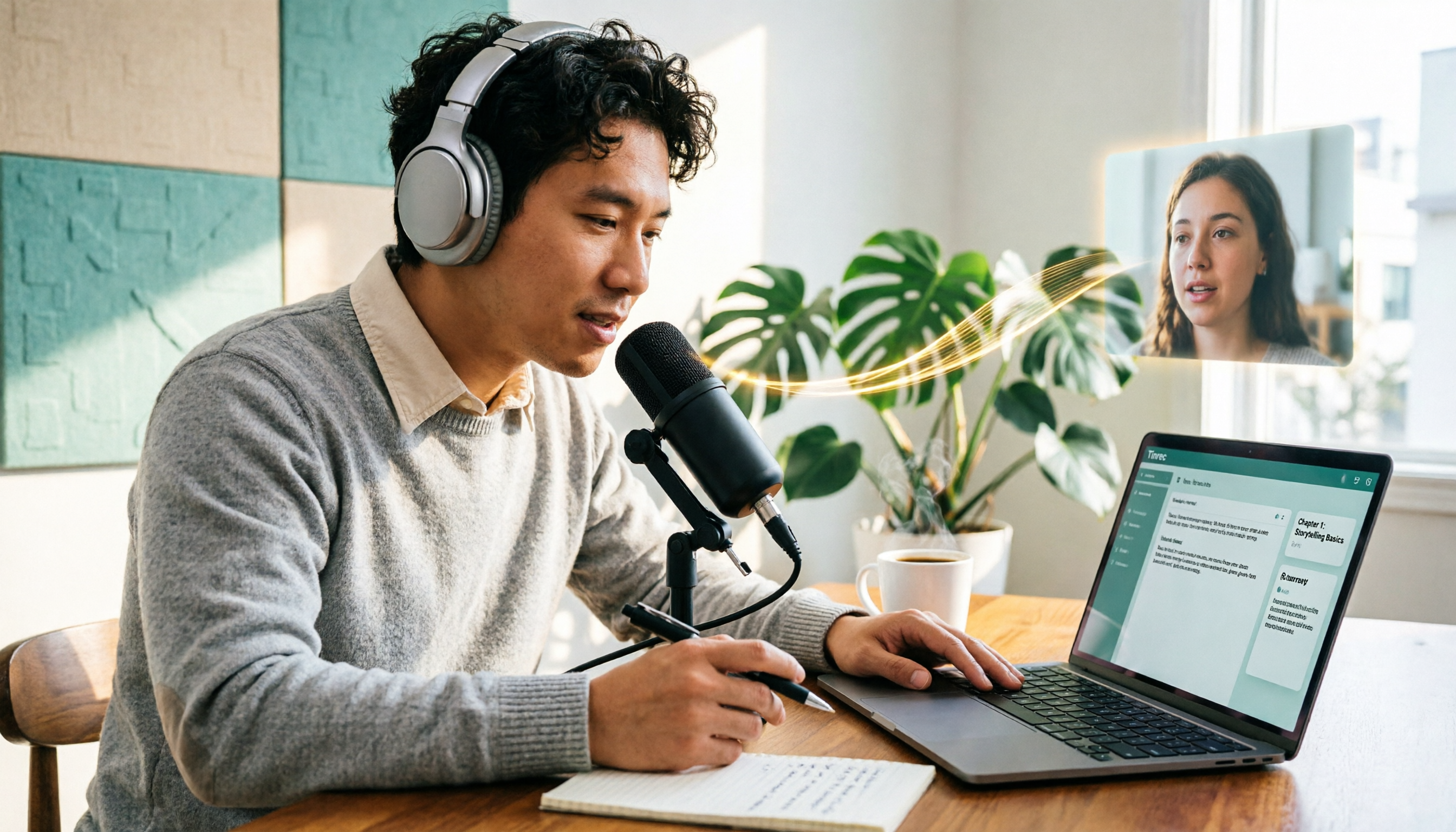
5 Podcast Transcription Tools Tested: Link Parsing, File Upload, or Live Transcription—Which Saves the Most Time in 2026?
How do podcasters choose a recording-to-text tool? This article breaks down five workflows—link parsing, file upload, live recording, online meeting capture, and team collaboration—and uses Tinrec as an example to explain transcripts, AI summaries, chapters, Q&A, and export options, plus buying tips and FAQs.