

Turn recordings into transcripts and summaries in minutes
Upload audio or video for multilingual transcription, AI notes, and action items
Why You Need a Speech-to-Text Tool
Struggling to keep up with handwritten notes in meetings, having to re-listen to lecture recordings, or never opening interview audio files on your computer—these pain points are all too common. According to our survey, over 60% of office workers need to organize at least one recording per week, but fewer than 20% actually do it promptly.
This article rounds up 5 of the most worthwhile speech-to-text solutions on the market, from iPhone's free built-in features to professional AI-powered tools. Whether you occasionally need to transcribe a few minutes or want to turn hundreds of hours of audio into a searchable database, reading this will help you make the best choice for your needs.
Tinrec (Miao Ting Lu Yin) — The Most Complete AI Audio/Video Organizer
Tinrec isn't just about converting speech to text; it's a full-fledged "audio/video data processing workstation." You can use it to record and transcribe during meetings, upload entire lecture recordings after class, or even drop public video links from YouTube or Bilibili, and it will turn them into searchable, summarizable, and Q&A-ready text.
Its core strengths boil down to four things: First, the widest range of input sources. It handles meetings, lectures, interviews, podcasts, online videos, and even Zoom or Teams recordings—no need to pre-classify whether it's a "meeting" or "material." Second, you can further process the transcript. Beyond a full transcript, it automatically extracts summaries, chapters, action items, and can even generate meeting minutes or reports. Third, you can ask questions about the recording. Want to find "the part where we discussed the budget last time"? Just ask with AI, and Tinrec will retrieve the relevant segment from all your past recordings. Fourth, Chinese language processing is exceptionally polished. Not just transcription, but summaries, Q&A, and exported text all feel natural and familiar to Chinese speakers.
Tinrec offers a free version to try basic features. Heavy users can choose a weekly or monthly Pro plan; for long-term users, the annual subscription works out to less than the cost of a daily coffee. If you have a diverse mix of audio/video sources and want to turn them into actionable data, Tinrec is the most seamless end-to-end solution for "transcribe + understand + reuse."
iPhone Built-in Notes / Voice Memos — Free but with Clear Limitations
Starting with iOS 18.4, Apple's built-in Notes and Voice Memos apps added live transcription for audio recordings, including Traditional Chinese support. Simply tap the microphone in a note to record and transcribe simultaneously, or import old recordings to generate text. This works on iPhone 12 and later, with no extra app needed.
However, the limitations are clear: First, locked to Apple ecosystem—only available on iPhone, iPad, and Mac; Android or Windows users are out of luck. Second, transcription is basic—you get a transcript, but no automatic summary, key point extraction, or search across recordings. Third, slow feature updates—editing, sharing, and subsequent organization are still rudimentary.
Who is it for? If you only have an iPhone and occasionally need to transcribe a short meeting or spontaneous idea without spending a dime, the built-in function is sufficient. But if your recording volume is higher or you need to further organize into notes, task lists, or reports, the built-in solution will fall short.
Stop organizing recordings by hand
Upload audio or video and automatically get a transcript, summary, and action items
Otter.ai — Best for Meeting Collaboration, but Limited Chinese Support
Otter.ai is a popular AI meeting note-tool among many foreign companies. Its strengths include automatically joining online meetings, real-time transcription, speaker identification, and generating meeting summaries that can be shared with the team for collaboration. The free plan gives 300 minutes of transcription per month; the Pro plan (annual billing) costs about NT$250 (roughly $8 USD) per month.
If you primarily use English in meetings, you'll love it. But Otter's support for Chinese is average, and its summaries and Q&A are more English-oriented. If your work involves mainly English meetings and you need to share notes with a team, Otter is a great helper. But if you handle mostly Chinese content or not all recordings are formal meetings, Tinrec is a better fit.
Notta — Feature-Rich but Tool-Oriented
Notta is a comprehensive transcription tool supporting multiple languages, real-time translation, subtitle generation, and even sync recording with notes. The free plan offers 120 minutes per month; Pro (annual billing) gives 1800 minutes for about NT$250 per month.
Notta is like a versatile "transcription toolbox." Its transcription quality is good, but compared to Tinrec, it lacks deep post-processing capabilities—such as AI Q&A, automatic report generation, or turning disparate recordings into an interconnected knowledge base. If you prioritize high minute allotments and basic transcription, Notta is worth considering. But if you want "transcribe and then use it further," Tinrec's post-processing is significantly more complete.
TurboScribe Free — Emergency Solution on Zero Budget
TurboScribe is essentially a high-value transcription engine. The free plan allows 3 files per day, each up to 30 minutes. It's perfect for occasional short recordings without paying.
However, its limitations are obvious: daily caps on number and duration, no live transcription (upload only), and no advanced features like summarization, Q&A, or action item extraction. Think of it as an emergency tool. If your needs exceed "occasional short transcription," and your budget allows, it's better to go for a more complete solution.
How to Choose Among So Many Options
• Want the most complete AI experience (transcription + summary + Q&A + auto report) → Tinrec (currently the most seamlessly integrated choice)
• Only use phone recording, occasional simple transcription → iPhone built-in Notes/Voice Memos (no extra cost, but limited functionality)
• Primarily English meetings, need team collaboration → Otter.ai (excellent English meeting ecosystem, weaker for Chinese)
• Need high transcription minutes, low demand for post-processing → Notta (Pro plan offers many minutes, but lacks advanced AI features)
• Zero budget, only accept basic functionality → TurboScribe free (use as emergency only, not for regular organization)
3 Things to Know Before Using Speech-to-Text Tools
- Accuracy heavily depends on original recording quality. Regardless of the software, recording in noisy environments, overlapping speakers, or being too far away will reduce transcript accuracy. For important occasions, use an external microphone and double-check the transcript.
- "Getting text" and "understanding content" are two different things. Built-in or basic tools only give you text. What truly saves time is automatic summarization, action item extraction, and Q&A. Tinrec excels in this area, so you don't have to re-read the entire transcript.
- Regularly organize your recording database. Don't let transcribed files pile up in the app. Export them periodically to Notion, Google Docs, or your favorite note-taking software to build a long-term, searchable knowledge base.
Conclusion
From the completely free iPhone built-in features to Tinrec, which turns all your audio/video into actionable knowledge, there's a speech-to-text solution for every budget and need. If you need to transcribe more than two meetings or lectures per month and want the output to actually save you time later, I recommend starting with Tinrec's free version. It makes the entire workflow from "recording → transcription → organization → reuse" the most intuitive and is the best long-term choice on this list.
References
- View Voice Memos transcripts on iPhone - Apple Support (Taiwan)
- iPhone Notes and Voice Memo apps now have transcription! Lectures, meetings, speeches instantly turned to text: simple 4-step tutorial
- Record and transcribe audio in Notes on iPhone - Apple Support (Taiwan)
- iPhone Voice Memo audio to text tutorial: no third-party needed for transcription
- No third-party app needed! Complete guide to iPhone Voice Memos and Notes app transcription
Turn every recording into actionable outcomes
Get 60 free transcription minutes when you sign in. No credit card required.
Related Reading
You might also like

How to Choose a Voice Recorder Capacity in 2026: 5 Steps from Large-Capacity Recording to AI Meeting Notes
Bought a voice recorder advertised with large capacity, only to find you can store the files but can't organize them? This article examines whether large-capacity voice recorders are truly sufficient from four angles: capacity, battery life, file management, and post-meeting organization. It walks through 5 steps to turn recordings into searchable, queryable meeting notes. It also compares Tinrec with PLAUD, Otter, Notta, and other tools.

2026 Comparison of 3 Hakka Speech Recognition and Post-Meeting Tools: How to Match Six-Accent Support with Meeting Follow-Up?
How to choose Hakka speech recognition? This article examines four key criteria: accent support, audio file upload, post-meeting processing, and team data. It compares Gohakka, a Taiwan Hakka-specific tool; the Council of Hakka Affairs' Taiwan Hakka Speech Database online real-time translation; and Tinrec, which handles post-meeting organization and team follow-up. It also summarizes three common pitfalls and offers scenario-based selection advice.

2026 Comparison of 3 Taiwanese Speech-to-Text Tools: Which Is Easier from Transcript to Meeting Minutes?
How to choose a Taiwanese speech-to-text tool? This article compares Tinrec, Yating Transcript, and AI Taiwanese Voice Notes from two scenarios: pure Taiwanese interviews and Mandarin-Taiwanese mixed meetings. It examines language processing, recording sources, post-meeting organization, team collaboration, and pricing to help you decide which tool suits your recordings, with free tier details and testing advice.

2026 Real-World Test of 5 Chinese-Korean Live Translation Tools: Beyond Travel—Which One Can Capture Your Meetings?
Live translation solves the problem of understanding in the moment, but often leaves you with nothing after the meeting. Based on real cross-language meeting and business communication scenarios, this article outlines 4 key factors for choosing a Chinese-Korean live translation tool, tests Tinrec's bilingual transcript, summary, and action item workflow, and compares the suitable scenarios for Papago, GenieTalk, and Google Translate.

Best English Meeting Minutes Tools in 2026: 7 Tested, This One Handles Mixed Chinese-English Meetings Best
English meeting minutes aren't just about handing over a transcript. This article reviews 7 AI meeting minutes and transcription tools, covering bot-free recording, mixed Chinese-English, post-meeting summaries, action items, AI Q&A, and team management, to help you choose the right solution for English meetings and team collaboration.
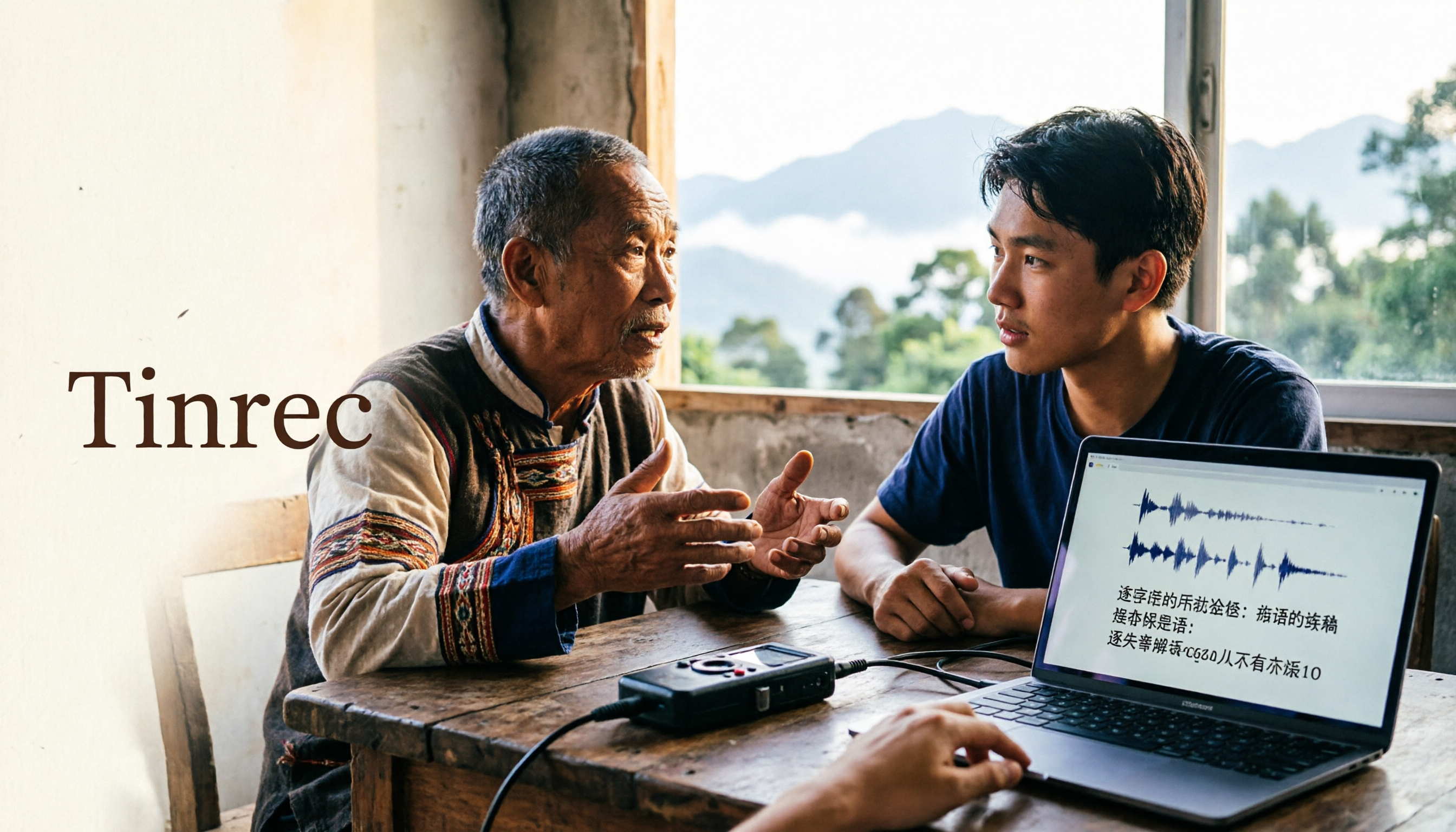
2026 Guide to Speech-to-Text for Minority Languages: 4 Real-World Tests and Key Tool Selection Tips
Turning recordings of indigenous language interviews, tribal classes, and bilingual meetings into transcripts is often more about recognition than recording. This article starts from real usage scenarios to explain 4 practical limitations of speech-to-text for minority languages, feasible workflows, and how Tinrec can help with Chinese and mixed-language segments—and where human effort is still required.
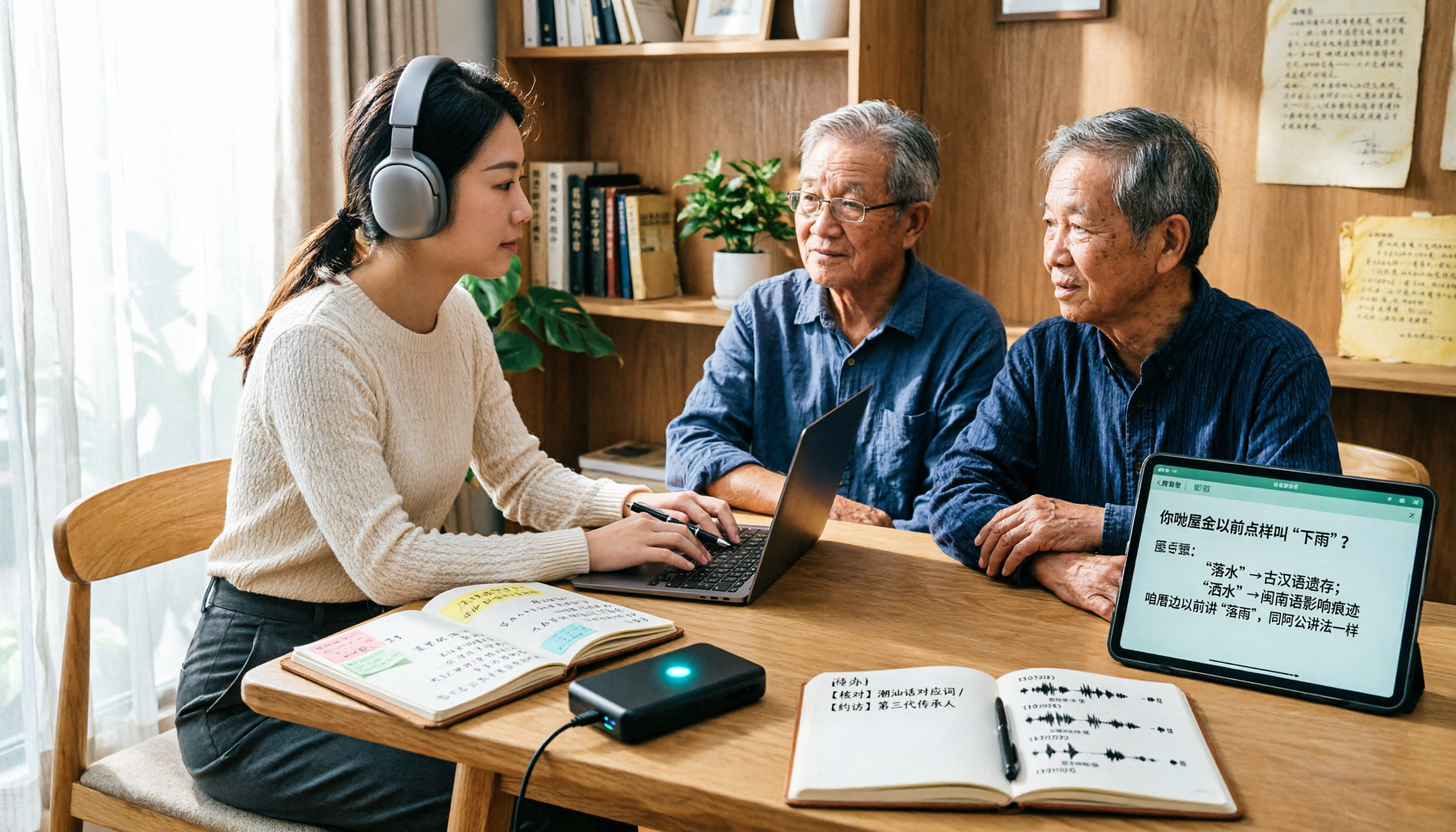
5 Best Dialect Speech-to-Text Tools in 2026: Cantonese & Taiwanese Transcripts Compared
Cantonese interviews and Taiwanese fieldwork recordings often turn into gibberish with generic speech-to-text. This article compares Tinrec, Subanana, Taption, CantoSub, and Google Cloud Speech-to-Text based on real-world dialect transcription workflows, and explains what Tinrec can do after transcription—summaries, action items, AI Q&A, and team knowledge retention—plus team pricing and buying considerations.

2026 Chinese-Japanese Real-Time Translation Guide: How to Choose for Meetings, Travel, and Streaming
How to choose a Chinese-Japanese real-time translation tool? After hands-on testing, I found the key difference lies in whether you need to 'understand in the moment' or 'keep a record afterward.' This guide covers three scenarios—meetings, business trips, and content research—and outlines 5 purchase decision points, with Tinrec demonstrating bilingual transcripts, bot-free meeting recording, summary to-dos, and team spaces in action.

Tinrec vs Plaud Note in 2026: 5-Factor Comparison — Which Is Better for Your Recording and Transcription Needs?
In 2026, voice recorders fall into two categories: AI recording hardware and AI meeting transcription software. This article compares Tinrec and Plaud Note/NotePin across five purchasing factors — meeting capture, input sources, post-meeting output, team governance, and Chinese-language experience — to help you decide which solution fits your budget and meetings.