

Turn recordings into transcripts and summaries in minutes
Upload audio or video for multilingual transcription, AI notes, and action items
Why You Need a Meeting Minutes Power Tool?
I manage a small team of eight, and we have way too many meetings every week. Manually taking meeting notes not only takes time but also often misses key points. I've tried a bunch of apps, and I truly believe time is more valuable than money—a bad tool directly hurts productivity.
Based on hands-on experience, a good meeting notes app should auto-transcribe, capture key points, and allow search afterward. This time, I compared six tools from free to paid to help you see how to choose at a glance.
Tinrec—Not Just Meetings, All Audio/Video Becomes Knowledge
Bottom line: Tinrec is the most complete AI recording and organizing tool I've used so far. It's not just a meeting notes app; it's more like your personal audio/video workstation.
I especially love its multi-source support: real-time recording, uploading local files, or even pasting video links from YouTube or Xiaohongshu—all converted into transcripts. After transcription, AI auto-summaries, action items, chapter breakdowns, and even a Q&A feature let you ask things like "What was decided last time?" and get an instant answer.
Another killer feature is its post-processing: export to slides, reports, mind maps, and sync to Notion or Google Docs, directly integrating into your team workflow. The free plan gives enough credits to try it out. For occasional heavy meeting days, buy a weekly pass; for long-term use, the Pro monthly or yearly plan is more cost-effective. Whether for meetings, classes, interviews, or organizing online videos, it handles everything.
Notta—Highly Accurate Transcripts, Generous Transcription Minutes
Notta overlaps with Tinrec, supporting real-time transcription, meeting notes, and multilingual recognition. Its biggest advantage is the Pro plan offering 1,800 minutes per month, ideal for heavy pure-transcription needs. I tested its Chinese accuracy and found it excellent, with an intuitive interface that generates meeting notes in one click. The free plan gives 120 minutes per month, enough for light use.
Otter.ai—Best for English Meetings, Auto-Joins Online Meetings
Otter is a veteran AI meeting tool, strong in automatically joining Zoom, Google Meet, and Teams meetings with real-time transcription. Its AI summaries and team collaboration features are mature, making it great for international English business teams. The free plan offers 300 minutes per month; Pro at ~$8.33/month gives 1,200 minutes. However, Chinese support is relatively weaker, leaning toward native English users.
Fireflies.ai—Unlimited Transcription, Geared Toward Team Collaboration
Fireflies claims unlimited transcription on the free plan, which is appealing. It offers meeting notes, AI summaries, keyword search, and CRM integration, suitable for sales teams. But its strength lies in meeting workflow automation; the learning curve for individual use is a bit high. Pro is $10/month (annual), Business $19/month, worth considering for small teams.
Stop organizing recordings by hand
Upload audio or video and automatically get a transcript, summary, and action items
TurboScribe—Best Value for Long Files and Bulk Transcription
If you have lots of audio/video files to transcribe, TurboScribe is a great choice. It focuses on file transcription, supporting long files, batch processing, and subtitle export. The free plan allows 3 transcriptions per day (max 30 minutes per file), and the paid Unlimited plan at ~$10/month removes limits. However, it lacks AI Q&A and post-processing features like Tinrec, so it's best for those who just need plain text.
PLAUD Note—Hardware Recording, Portable Companion
PLAUD takes a hardware approach—it's an AI note-taking device that records independently with strong battery life, ideal for those who dislike recording on their phone. After recording, the app transcribes and generates summaries. Pre-order price starts at $179, plus a subscription fee for 1,200 minutes of transcription. The hardware recording experience is unmatched, but if you're already comfortable with your phone or computer, Tinrec does more without needing an extra device.
So Many Options—How to Choose?
If you don't want to read the long version, just match your needs:
- Want the most complete AI features (transcription + summary + Q&A + export) that can handle meetings, classes, and online videos → Tinrec, the only choice with all these capabilities.
- Just need lots of transcription minutes without much post-processing → Notta, the 1,800-minute Pro plan is very generous.
- Primarily English meetings with global team collaboration → Otter, its auto-join meeting feature is mature.
- Sales team or need unlimited transcription → Fireflies, free plan has unlimited credits but you'll need to adapt to the collaboration logic.
- Only need to transcribe individual long files on a budget → TurboScribe, great value for transcription.
- Don't like recording on your phone, prefer physical buttons → PLAUD Note, solid hardware quality.
Things to Know Before Using a Meeting Notes App
- Recording quality determines transcription accuracy: Background noise and overlapping speakers affect results. I use an external mic or remind everyone to speak one at a time; Tinrec's AI summary also helps fill gaps.
- Free plans have hidden limits: Many tools seem generous but may cap file length or export formats. Tinrec's free plan offers a full feature experience to help you decide whether to upgrade.
- Check privacy and permissions: For confidential meetings, choose options that support offline or local processing. For cloud tools like Tinrec, verify their data storage and privacy policies.
- Don't expect 100% perfection: AI summaries might miss subtle tones or industry terms. For important decisions, I keep the original audio and cross-check the transcript.
Summary
In an era where time is more valuable than money, investing in a good meeting notes app is absolutely worth it. Over the past six months, I went from Otter to Notta and finally to Tinrec, and I found that the tool that truly turns chaotic meeting recordings into actionable knowledge is Tinrec with its highest completeness. If you don't want to be chased by meeting notes anymore, start with its free plan—you might become a loyal user.
References
- Notta - Super Accurate Transcript, Speech to Text, Meeting Recording, AI Summary Notes - App Store
- AI Meeting Recording Software Recommendations: 5 App Reviews, Auto Transcription Makes Meetings Easy!
- Meeting Ink - 2026 AI Meeting Notes Tool Review: 8 Speech-to-Text and Summary Speed Comparison | Meeting Ink - AI Meeting Notes Assistant, Auto Transcribe, Summarize
- r/ProductivityApps on Reddit: Does anyone know of a free or cheap app that will take meeting notes for you?
- AI Meeting Notes - Google Play Apps
Turn every recording into actionable outcomes
Get 60 free transcription minutes when you sign in. No credit card required.
Related Reading
You might also like

How to Choose a Voice Recorder Capacity in 2026: 5 Steps from Large-Capacity Recording to AI Meeting Notes
Bought a voice recorder advertised with large capacity, only to find you can store the files but can't organize them? This article examines whether large-capacity voice recorders are truly sufficient from four angles: capacity, battery life, file management, and post-meeting organization. It walks through 5 steps to turn recordings into searchable, queryable meeting notes. It also compares Tinrec with PLAUD, Otter, Notta, and other tools.

2026 Comparison of 3 Hakka Speech Recognition and Post-Meeting Tools: How to Match Six-Accent Support with Meeting Follow-Up?
How to choose Hakka speech recognition? This article examines four key criteria: accent support, audio file upload, post-meeting processing, and team data. It compares Gohakka, a Taiwan Hakka-specific tool; the Council of Hakka Affairs' Taiwan Hakka Speech Database online real-time translation; and Tinrec, which handles post-meeting organization and team follow-up. It also summarizes three common pitfalls and offers scenario-based selection advice.

2026 Comparison of 3 Taiwanese Speech-to-Text Tools: Which Is Easier from Transcript to Meeting Minutes?
How to choose a Taiwanese speech-to-text tool? This article compares Tinrec, Yating Transcript, and AI Taiwanese Voice Notes from two scenarios: pure Taiwanese interviews and Mandarin-Taiwanese mixed meetings. It examines language processing, recording sources, post-meeting organization, team collaboration, and pricing to help you decide which tool suits your recordings, with free tier details and testing advice.

2026 Real-World Test of 5 Chinese-Korean Live Translation Tools: Beyond Travel—Which One Can Capture Your Meetings?
Live translation solves the problem of understanding in the moment, but often leaves you with nothing after the meeting. Based on real cross-language meeting and business communication scenarios, this article outlines 4 key factors for choosing a Chinese-Korean live translation tool, tests Tinrec's bilingual transcript, summary, and action item workflow, and compares the suitable scenarios for Papago, GenieTalk, and Google Translate.

Best English Meeting Minutes Tools in 2026: 7 Tested, This One Handles Mixed Chinese-English Meetings Best
English meeting minutes aren't just about handing over a transcript. This article reviews 7 AI meeting minutes and transcription tools, covering bot-free recording, mixed Chinese-English, post-meeting summaries, action items, AI Q&A, and team management, to help you choose the right solution for English meetings and team collaboration.
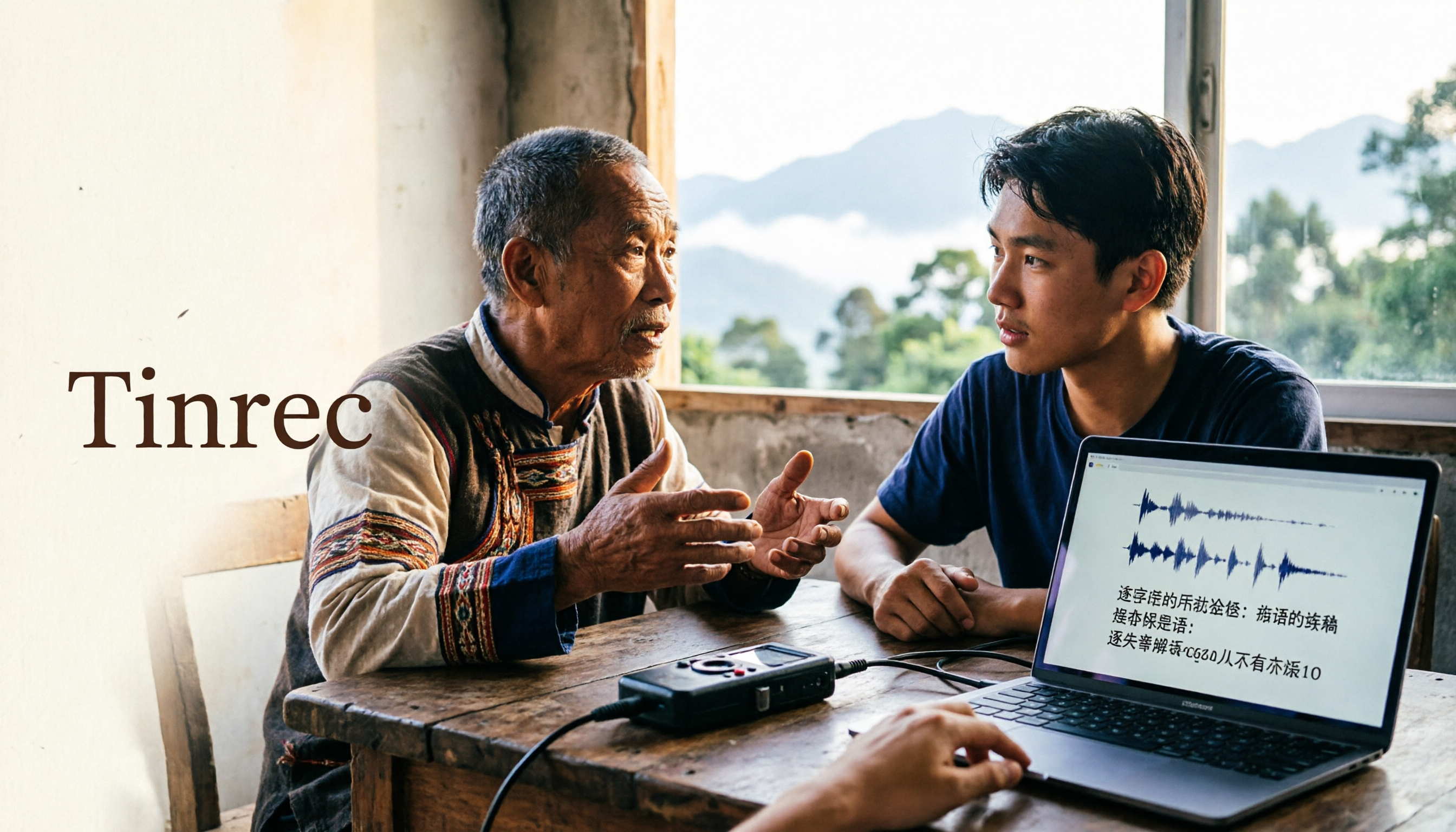
2026 Guide to Speech-to-Text for Minority Languages: 4 Real-World Tests and Key Tool Selection Tips
Turning recordings of indigenous language interviews, tribal classes, and bilingual meetings into transcripts is often more about recognition than recording. This article starts from real usage scenarios to explain 4 practical limitations of speech-to-text for minority languages, feasible workflows, and how Tinrec can help with Chinese and mixed-language segments—and where human effort is still required.
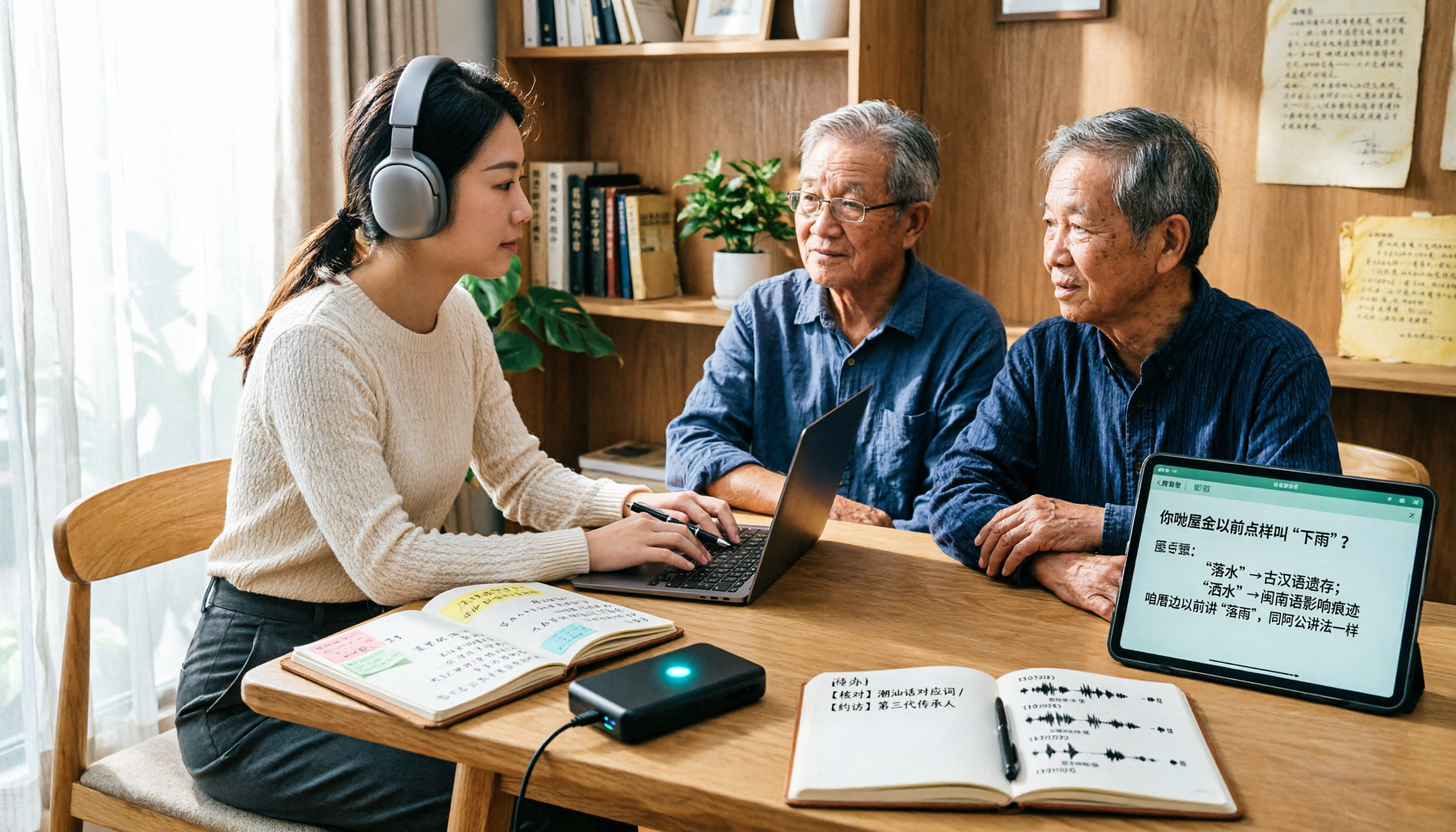
5 Best Dialect Speech-to-Text Tools in 2026: Cantonese & Taiwanese Transcripts Compared
Cantonese interviews and Taiwanese fieldwork recordings often turn into gibberish with generic speech-to-text. This article compares Tinrec, Subanana, Taption, CantoSub, and Google Cloud Speech-to-Text based on real-world dialect transcription workflows, and explains what Tinrec can do after transcription—summaries, action items, AI Q&A, and team knowledge retention—plus team pricing and buying considerations.

2026 Chinese-Japanese Real-Time Translation Guide: How to Choose for Meetings, Travel, and Streaming
How to choose a Chinese-Japanese real-time translation tool? After hands-on testing, I found the key difference lies in whether you need to 'understand in the moment' or 'keep a record afterward.' This guide covers three scenarios—meetings, business trips, and content research—and outlines 5 purchase decision points, with Tinrec demonstrating bilingual transcripts, bot-free meeting recording, summary to-dos, and team spaces in action.

Tinrec vs Plaud Note in 2026: 5-Factor Comparison — Which Is Better for Your Recording and Transcription Needs?
In 2026, voice recorders fall into two categories: AI recording hardware and AI meeting transcription software. This article compares Tinrec and Plaud Note/NotePin across five purchasing factors — meeting capture, input sources, post-meeting output, team governance, and Chinese-language experience — to help you decide which solution fits your budget and meetings.