

Turn recordings into transcripts and summaries in minutes
Upload audio or video for multilingual transcription, AI notes, and action items
2026 Comparison of 4 Voice-to-Text Solutions for Huawei Tablets: Which AI Saves the Most Time?
Why Do You Need Voice-to-Text on a Huawei Tablet?
Meetings you can't keep up with, class notes you can't finish, interviews that require hours of playback afterward—these are real pain points for many Huawei tablet users. Voice-to-text tools have evolved from simply turning audio into text to automatically summarizing, highlighting key points, and even answering questions from recordings. This article compiles the 4 best voice-to-text solutions for Huawei tablets, from system features that require no installation to professional AI organization tools, helping you find the one that fits best in the shortest time.
Plan 1: Tinrec – The Most Complete AI Recording Assistant
Tinrec doesn't just convert audio to text; it transforms your meetings, classes, and interviews into immediately usable knowledge. Open a browser on your Huawei tablet to use it, or download the Android app to sync records.
The core advantage lies in "post-transcription organization": you can upload a full meeting recording and get not only a verbatim transcript but also AI-generated summaries, chapters, and even a to-do list. The most unique feature is the "AI Q&A" – you can query the recording content like a database, for example, "What were the three modification requests the client made last time?" Tinrec directly finds the answers from the audio file.
It can also handle links from online videos like YouTube and Bilibili, turning public courses or speeches into text notes. Output formats are diverse, allowing export to Notion, Google Docs, or direct generation of deliverables like meeting minutes and reports.
Regarding cost, there is a free trial quota for occasional use; if you have meetings or classes weekly, you can choose a weekly card; for long-term stable recording, we recommend the Pro monthly or annual card for a lower monthly cost.
Who is it for? Those who need to turn long recordings into structured notes, want to quickly extract key points from historical recordings, or often need to organize content from online videos.
Plan 2: Voice to Text App (Android) – Lightweight Free Voice Notes
This highly-rated "Voice to Text" app on Google Play focuses on simple, direct dictation. After installing on your Huawei tablet, you can continuously and limitlessly convert speech to text, ideal for quickly creating long notes, lists, or drafts.
Its advantage is support for custom dictionaries—you can set common vocabulary to improve recognition—and direct sharing to Gmail, text messages, and other apps. Output automatically adds spaces and auto-saves, and you can edit text simultaneously during dictation.
It's completely free, but note that it emphasizes "transcription" functionality, lacking advanced summaries, chapters, or AI Q&A.
Who is it for? Light users who only need to quickly turn ideas, messages, or short meetings into text without requiring further organization.
Plan 3: Google Live Transcribe – An Accessibility and Daily Communication Tool
Huawei tablets can install Google's "Live Transcribe" app, well-known in the accessibility field. It supports over 120 languages for real-time display of conversation text, especially useful for hearing-impaired individuals or cross-language communication.
Stop organizing recordings by hand
Upload audio or video and automatically get a transcript, summary, and action items
Simply open the app, and the tablet will display surrounding speech or call content as large captions in real time. You can also customize common vocabulary and set vibration alerts. Transcription is fast, but it does not save full transcripts—it's more of a "real-time assistive tool."
This app is completely free with no paid plans, but unfortunately, you cannot export long content or perform AI summarization.
Who is it for? Those who need to see conversation content in real time, assist communication, or simply want a quick, no-setup speech display tool.
Plan 4: Huawei Tablet Built-in Speech Input – Most Direct, No Installation
The input method on Huawei tablets includes built-in speech recognition. Tap the microphone icon in the search bar, note-taking app, or any text input area to start dictation. Its advantage: no installation required, native support for Chinese, and deep integration with the Huawei ecosystem—works for typing and searching.
However, built-in speech input works in a "sentence-by-sentence" dictation mode, not suitable for long recordings or meeting minutes. It also lacks features like exporting transcription files, summarization, or managing history.
Completely free, it's the best backup for when you need to type a short text quickly, but it falls short for formal document organization.
Who is it for? Very light users who occasionally search, don't want to type by hand, or only need to convert a sentence into text.
With So Many Options, How Do You Choose?
• Want the most complete AI features (transcription + AI Q&A + auto-summary + export reports) → Tinrec, the only tool that does all of these simultaneously.
• Need to convert YouTube or online videos into notes → Tinrec's online video to text feature is indispensable.
• Zero budget, just need simple dictation of short content → Voice to Text App (free and unlimited length) or Huawei's built-in speech input.
• Need real-time conversation captions for assistive communication → Google Live Transcribe, free and fast.
• Only use a Huawei tablet, want to go from recording to meeting minutes in one step → Tinrec's workspace mode saves the most organization time.
3 Things to Know Before Using Voice-to-Text Tools
- Recording quality determines accuracy: Background noise and multiple people speaking simultaneously affect text accuracy. Tinrec supports high-quality audio files; we recommend keeping the tablet close to the sound source or using an external microphone for better results.
- Always cross-check important content with the original: AI summaries may miss details. After meetings, use Tinrec's AI Q&A feature to verify, which is safer than relying solely on summaries.
- Is the free plan enough? Check your usage: Huawei's built-in or free apps are suitable for occasional use, but if you have more than 2 meetings per week, Tinrec's paid plans can save you more time on note organization.
Conclusion
There are more voice-to-text choices for Huawei tablets than you might imagine, but the key to truly "saving organization time" lies in AI post-processing capabilities. Tinrec is the only tool in this test that covers transcription, summarization, Q&A, export, and subsequent output in one integrated package, recommended for those who need to turn meetings, classes, and interviews into reusable knowledge. Start with a free trial to experience the efficiency of having your recordings truly organized.
References
Turn every recording into actionable outcomes
Get 60 free transcription minutes when you sign in. No credit card required.
Related Reading
You might also like

How to Choose a Voice Recorder Capacity in 2026: 5 Steps from Large-Capacity Recording to AI Meeting Notes
Bought a voice recorder advertised with large capacity, only to find you can store the files but can't organize them? This article examines whether large-capacity voice recorders are truly sufficient from four angles: capacity, battery life, file management, and post-meeting organization. It walks through 5 steps to turn recordings into searchable, queryable meeting notes. It also compares Tinrec with PLAUD, Otter, Notta, and other tools.

2026 Comparison of 3 Hakka Speech Recognition and Post-Meeting Tools: How to Match Six-Accent Support with Meeting Follow-Up?
How to choose Hakka speech recognition? This article examines four key criteria: accent support, audio file upload, post-meeting processing, and team data. It compares Gohakka, a Taiwan Hakka-specific tool; the Council of Hakka Affairs' Taiwan Hakka Speech Database online real-time translation; and Tinrec, which handles post-meeting organization and team follow-up. It also summarizes three common pitfalls and offers scenario-based selection advice.

2026 Comparison of 3 Taiwanese Speech-to-Text Tools: Which Is Easier from Transcript to Meeting Minutes?
How to choose a Taiwanese speech-to-text tool? This article compares Tinrec, Yating Transcript, and AI Taiwanese Voice Notes from two scenarios: pure Taiwanese interviews and Mandarin-Taiwanese mixed meetings. It examines language processing, recording sources, post-meeting organization, team collaboration, and pricing to help you decide which tool suits your recordings, with free tier details and testing advice.

2026 Real-World Test of 5 Chinese-Korean Live Translation Tools: Beyond Travel—Which One Can Capture Your Meetings?
Live translation solves the problem of understanding in the moment, but often leaves you with nothing after the meeting. Based on real cross-language meeting and business communication scenarios, this article outlines 4 key factors for choosing a Chinese-Korean live translation tool, tests Tinrec's bilingual transcript, summary, and action item workflow, and compares the suitable scenarios for Papago, GenieTalk, and Google Translate.

Best English Meeting Minutes Tools in 2026: 7 Tested, This One Handles Mixed Chinese-English Meetings Best
English meeting minutes aren't just about handing over a transcript. This article reviews 7 AI meeting minutes and transcription tools, covering bot-free recording, mixed Chinese-English, post-meeting summaries, action items, AI Q&A, and team management, to help you choose the right solution for English meetings and team collaboration.
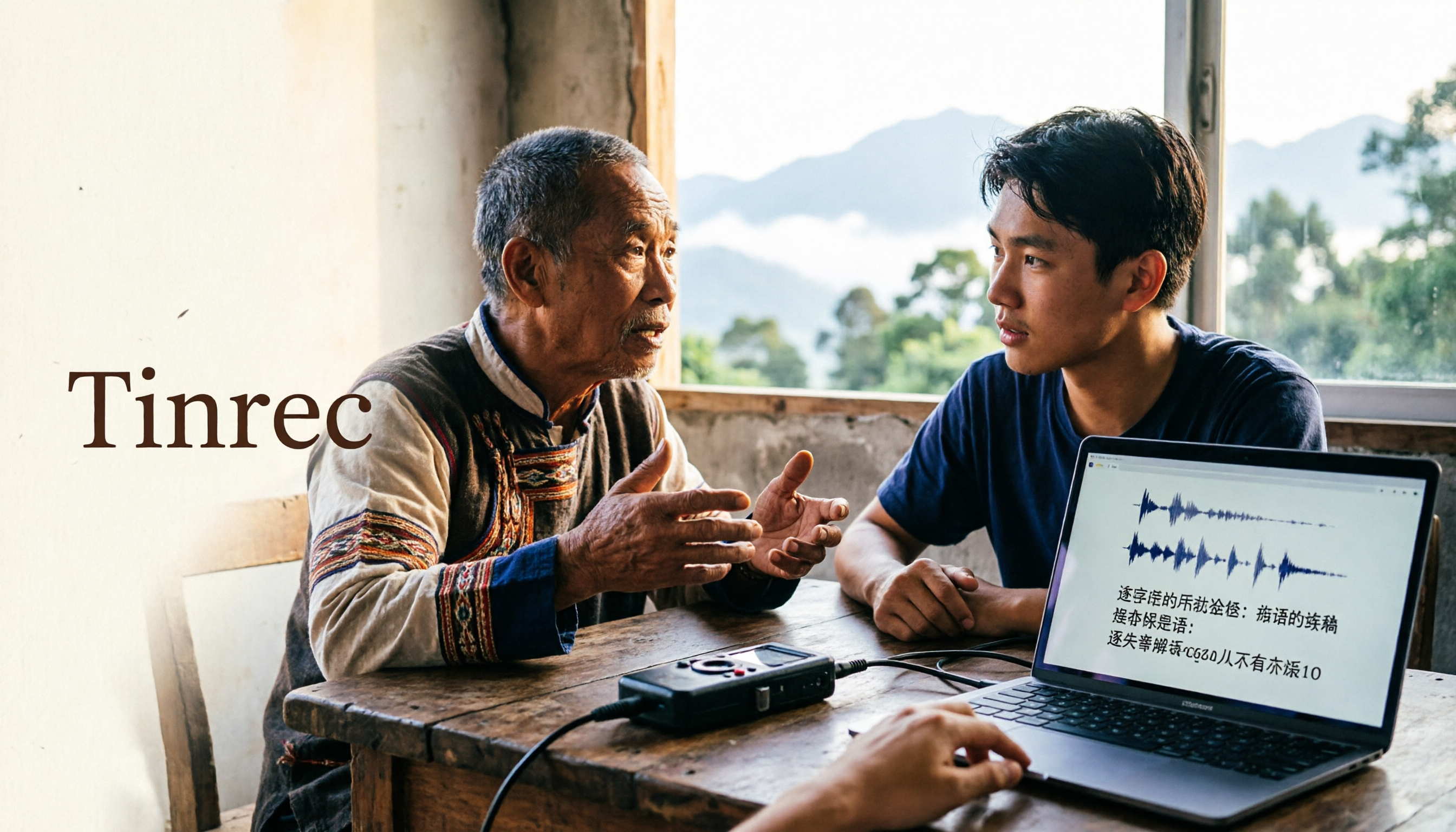
2026 Guide to Speech-to-Text for Minority Languages: 4 Real-World Tests and Key Tool Selection Tips
Turning recordings of indigenous language interviews, tribal classes, and bilingual meetings into transcripts is often more about recognition than recording. This article starts from real usage scenarios to explain 4 practical limitations of speech-to-text for minority languages, feasible workflows, and how Tinrec can help with Chinese and mixed-language segments—and where human effort is still required.
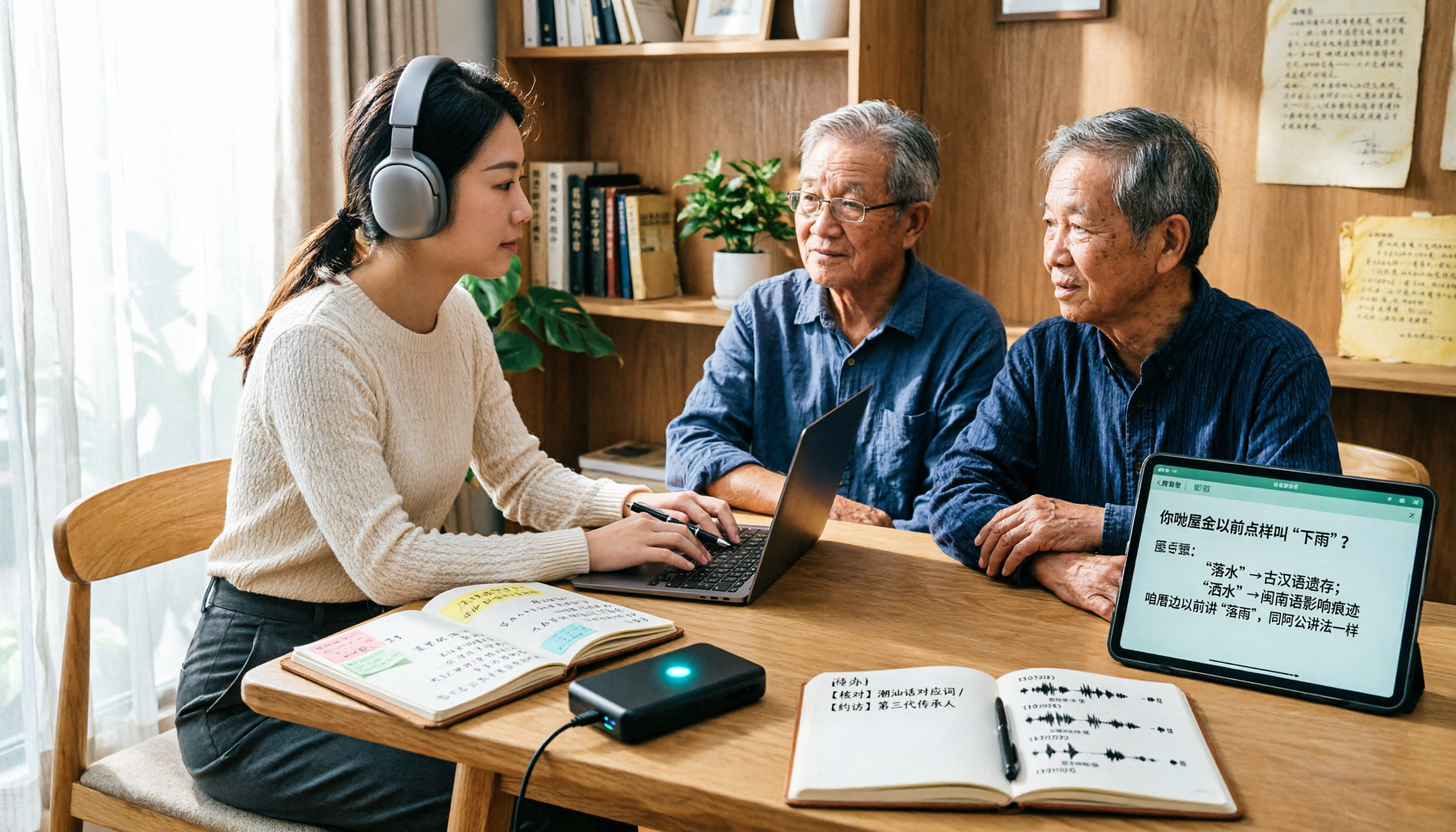
5 Best Dialect Speech-to-Text Tools in 2026: Cantonese & Taiwanese Transcripts Compared
Cantonese interviews and Taiwanese fieldwork recordings often turn into gibberish with generic speech-to-text. This article compares Tinrec, Subanana, Taption, CantoSub, and Google Cloud Speech-to-Text based on real-world dialect transcription workflows, and explains what Tinrec can do after transcription—summaries, action items, AI Q&A, and team knowledge retention—plus team pricing and buying considerations.

2026 Chinese-Japanese Real-Time Translation Guide: How to Choose for Meetings, Travel, and Streaming
How to choose a Chinese-Japanese real-time translation tool? After hands-on testing, I found the key difference lies in whether you need to 'understand in the moment' or 'keep a record afterward.' This guide covers three scenarios—meetings, business trips, and content research—and outlines 5 purchase decision points, with Tinrec demonstrating bilingual transcripts, bot-free meeting recording, summary to-dos, and team spaces in action.

Tinrec vs Plaud Note in 2026: 5-Factor Comparison — Which Is Better for Your Recording and Transcription Needs?
In 2026, voice recorders fall into two categories: AI recording hardware and AI meeting transcription software. This article compares Tinrec and Plaud Note/NotePin across five purchasing factors — meeting capture, input sources, post-meeting output, team governance, and Chinese-language experience — to help you decide which solution fits your budget and meetings.