

Turn recordings into transcripts and summaries in minutes
Upload audio or video for multilingual transcription, AI notes, and action items
Tired of staring at long audio files after every meeting or class? More people are turning to AI speech-to-text tools, but with so many options, Tinrec and Otter.ai are two frequently mentioned ones. One focuses on Chinese content organization, while the other is a well-known meeting note assistant overseas. Which one should you choose? This article compares them across 4 key dimensions to help you decide quickly.
Tinrec vs Otter.ai | Quick Overview
Tinrec is an AI recording and audio/video organization tool that handles not just meetings but also classes, interviews, and online videos. Otter.ai, on the other hand, specializes in AI meeting notes, automatically joining online meetings to generate summaries.
Both support Web and App, but Tinrec also offers Windows/Mac desktop versions, while Otter is primarily web and mobile.
In terms of pricing, Otter's free plan offers 300 minutes of transcription per month, with a Pro plan at $8.33/month. Tinrec's free plan lets you experience core features, while its Pro monthly plan provides higher limits and a weekly plan suits short-term needs.
This article compares them from four dimensions: core positioning, post-transcription organization, Chinese experience, and value for money.
Dimension 1 | Core Positioning & Use Cases
Otter.ai's strength is clear: it's built for meetings. It automatically joins Zoom, Google Meet, or Teams, transcribes in real time, labels different speakers, and generates summaries and action items after meetings. In English business meeting scenarios, it's almost standard equipment.
But if you need more than meetings—like organizing lecture recordings, interview transcripts, podcasts, or even converting YouTube videos into text notes—Otter feels somewhat limited.
Tinrec is more like an audio/video organization hub. It supports live recording, audio file uploads, online video link transcription, and computer meeting recording. You can use one tool for meeting notes, class notes, interview organization, and even saving online videos as text archives.
→ This dimension: Tinrec is more flexible and covers significantly more scenarios.
Dimension 2 | Post-Transcription Organization
Otter automatically provides summaries, keywords, and action items after transcription. You can also select text blocks and ask the AI to explain or expand, which is sufficient for quickly reviewing meeting highlights.
However, Tinrec goes further in what you can do after transcription. Besides AI summaries and chapters, it can automatically extract action items, generate mind maps, and even use Agent post-processing to turn recordings into meeting reports, tables, or presentation outlines.
Even better is its AI Q&A feature: you can ask questions like a database, such as "What needs did the client raise in this meeting?" or "What exam points were mentioned in the class?" Tinrec answers based on the transcript, saving you from re-listening to the entire recording.
→ This dimension: Tinrec offers richer organization features, not just a transcript but turning audio into workable data.
Dimension 3 | Chinese Content Experience
This is likely the most critical difference for users working primarily with Chinese content. Otter supports Chinese, but its core optimization remains English-focused. When dealing with mixed Chinese-English speech, colloquial Chinese, or background noise, accuracy and sentence segmentation often require manual correction.
Tinrec is clearly optimized for Chinese usage scenarios. Its product pages and features include Traditional Chinese, and it performs much more reliably when transcribing Chinese meetings, classes, and interviews. It handles mixed Chinese-English conversations more naturally without forcing English terms into odd transliterations.
If over half of your content is in Chinese, this difference significantly impacts transcription efficiency.
→ This dimension: Tinrec is clearly better suited for Chinese users.
Dimension 4 | Pricing & Value
Otter's free plan offers 300 minutes of transcription per month, which is straightforward for light users. If you need more, the Pro plan at $8.33/month (annual) upgrades to 1,200 minutes and 10 file imports per month.
Stop organizing recordings by hand
Upload audio or video and automatically get a transcript, summary, and action items
Tinrec's paid plans are more flexible. Besides the free plan to try core features, it offers a weekly plan for short-term intense use (e.g., finals week or project sprint). Monthly and yearly plans suit long-term use with lower daily costs.
Note that the exact minutes in Tinrec's free plan may vary by version, but overall, for frequent audio organization, its plans better fit actual usage patterns without forcing an upgrade to a costly monthly plan for occasional heavy use.
→ This dimension: Tinrec offers more flexible plans for different usage frequencies.
What Are Their Unique Advantages?
Tinrec's Unique Advantages
- Supports online video link transcription: Paste a YouTube, Bilibili, or other public video URL to convert it into text and summaries—great for organizing learning resources or materials.
- AI Q&A and Agent Post-Processing: Like an on-demand assistant, you can ask questions about the recording and generate reports or tables with one click.
- Cross-platform desktop app: Available on Windows and Mac, unlike Otter which mainly relies on web and mobile.
- Chinese content optimization: Much friendlier for Traditional Chinese users, with more natural handling of mixed Chinese-English content.
Otter.ai's Unique Advantages
- Automatic meeting join: After linking your calendar, the bot automatically joins meetings without manual action.
- Strong team collaboration: Share recordings and notes with team members for co-editing and comments, ideal for enterprise cross-department meeting records.
Summary: Who Should You Choose?
- If you need to organize a lot of Chinese meetings or classes and want flexible payment plans → Tinrec is a more complete choice, especially with its online video transcription and AI Q&A features that save significant time.
- If you primarily work in English business environments and need automatic meeting joining and team record sharing → Otter.ai's automation and team collaboration are indeed more polished.
- For most Chinese users, especially those frequently handling online videos, interview recordings, and class notes, Tinrec better fits daily needs.
We recommend downloading the Tinrec free version first, testing it with your own audio files or an online video to experience the transcription quality and AI Q&A convenience before deciding on an upgrade.
Frequently Asked Questions
Which free version is better, Tinrec or Otter?
Otter's free plan provides a clear 300 minutes per month, sufficient for simple English meeting notes. Tinrec's free version lets you experience core features, including online video transcription and AI Q&A, giving a clearer sense of "more than just a transcript." If you mainly work with Chinese content, Tinrec's free trial is more rewarding.
Which tool has higher Chinese transcription accuracy?
Generally, Tinrec is more optimized for Chinese, especially Traditional Chinese and mixed Chinese-English scenarios. Otter supports Chinese but often makes errors in non-English recognition. Actual accuracy depends on recording quality, accent, and background noise; testing with your own material is best.
Can Tinrec automatically join meetings like Otter?
Currently, Tinrec leans toward a "post-recording" or "manual start" mode, unlike Otter's automated calendar meeting bot. However, Tinrec supports computer meeting recording, capturing system audio and microphone, then transcribing and organizing afterward.
Do I need to pay to use it?
Both tools have free versions you can try. If you have weekly meetings or classes to organize, Tinrec's weekly or monthly plans are more cost-effective. For occasional use, the free version or a one-time upgrade suffices.
Do both tools support mobile?
Yes, both have iOS and Android apps and web versions. Tinrec additionally offers Windows and Mac desktop applications, which are more convenient for recording or organizing files on a computer.
Can I export subtitle files or transcripts?
Yes. Both support exporting plain text or SRT subtitle files. Tinrec also offers more export formats and third-party integrations (e.g., Notion, Google Docs) for seamless workflow continuation.
References
- 2026 Top 6 Speech-to-Text Tools: Free Online Recordings to Text!
- "Speech to Text: AI Transcript·Voice to Text·Voice Memo Instant Translator" App - App Store
- Speech to Text - Google Play
- Transcription - Speech to Text - Download on Windows | Microsoft Store
- [AI Voice Notes] Top 5 AI Transcription Tools! Generate Transcripts and Meeting Notes, Free vs Subscription, Pros and Cons | 104 Career Center
Turn every recording into actionable outcomes
Get 60 free transcription minutes when you sign in. No credit card required.
Related Reading
You might also like
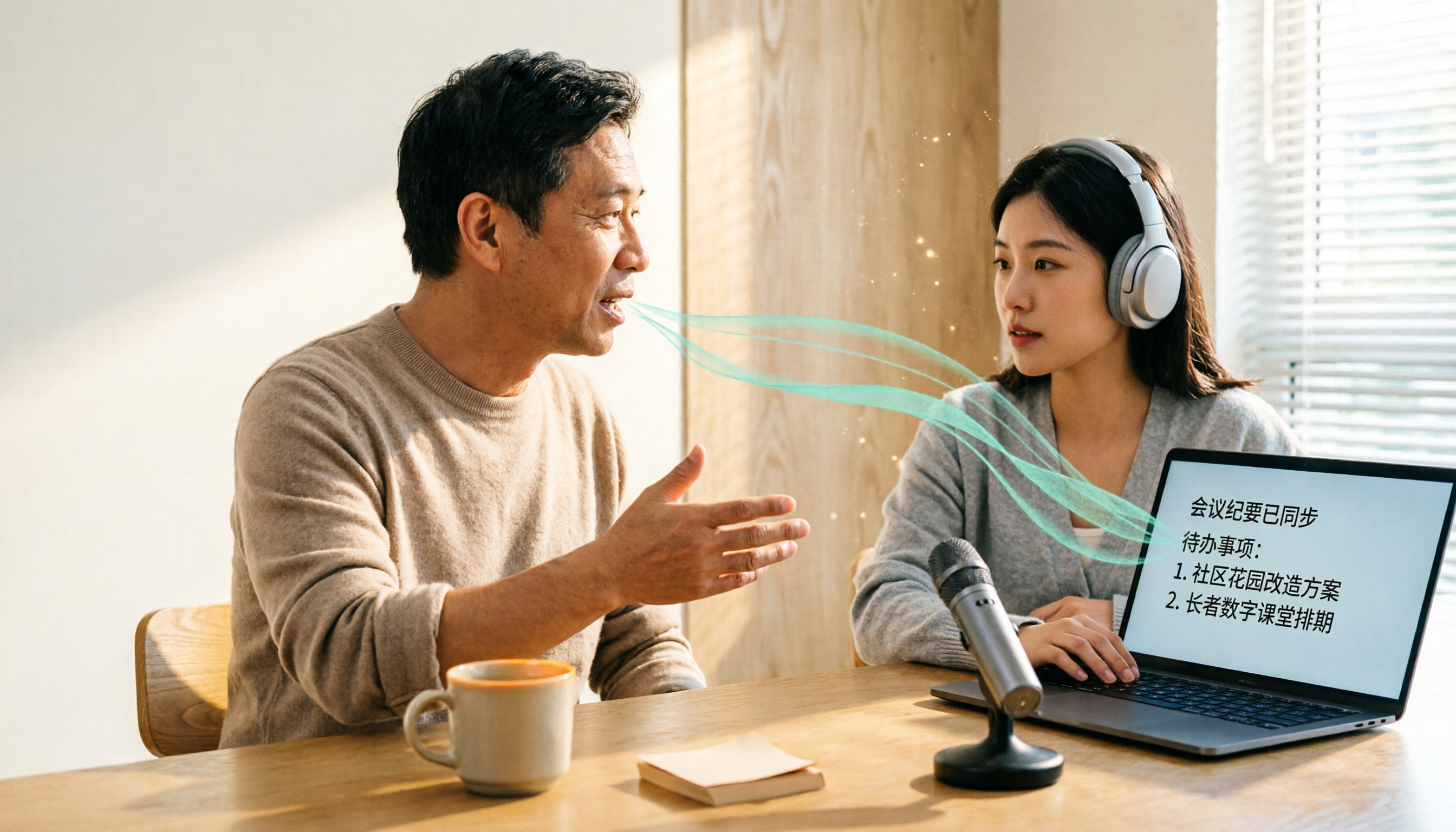
How to Do Dialect Speech Recognition in 2026: A 5-Step Practical Guide
Dialect speech recognition isn't solved by buying a tool with a 'supports dialects' label. This article starts with common misconceptions, breaks down 4 key purchasing criteria, tests Tinrec's Chinese meeting workflow, compares Otter.ai, Notta, and Granola in positioning and pricing, and concludes with scenario-based recommendations.
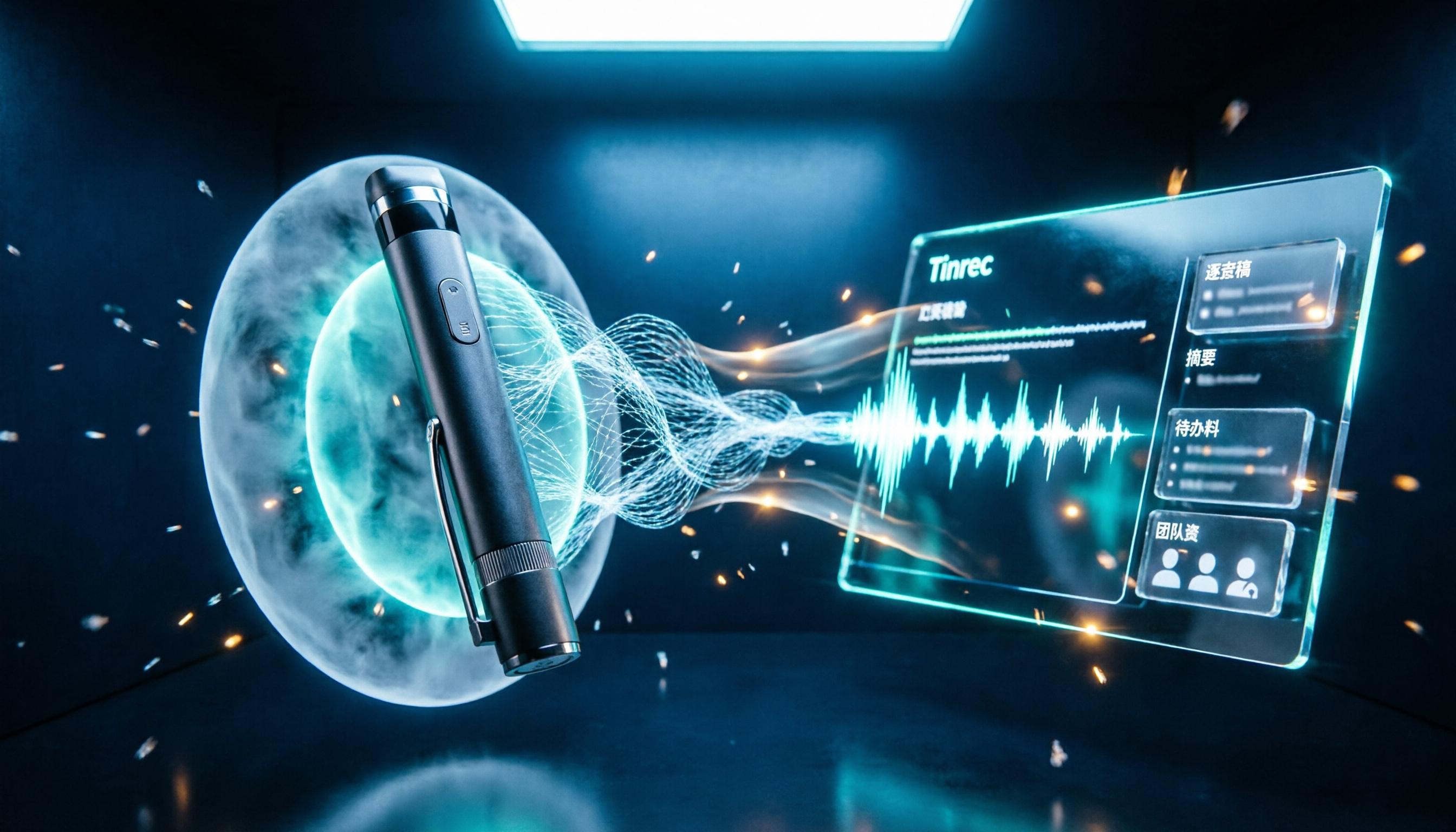
2026 Voice Recorder Noise Cancellation Guide: 3-Layer Tech + AI Post-Recording Organization
Noise cancellation for voice recorders isn't just about levels. This article breaks down the three layers of noise reduction—physical isolation, hardware DSP, and AI algorithms—and explains what to look for when buying: microphones, formats, battery life, and post-recording organization. It also shows how Tinrec turns recordings into transcripts, summaries, action items, and team data.

2026 Comparison of 4 Taiwanese Speech-to-Text Tools: Accuracy Isn't Everything—Look at Post-Meeting Workflow First
Starting from a real interview recording mixed with Mandarin and Taiwanese, this article compares the actual workflows of Tinrec, Otter.ai, Yating Transcription, and TurboScribe for Taiwanese speech-to-text. It goes beyond transcription to examine automatic summarization, action item extraction, follow-up questions, and suitability for team knowledge retention.

Tinrec vs Notta 2026: 5-Dimension Comparison — Which Is Better for Dialect and Multilingual Meeting Notes?
The real challenge with dialect translation isn't just getting a translation — it's keeping it, searching it, and handing it off. This article compares Tinrec and Notta across five practical dimensions, explains how to choose a tool for mixed-language meetings, how to avoid common transcription mistakes, and includes a step-by-step starter checklist you can follow.

2026 Comparison of 3 Taiwanese Hokkien Speech Recognition and Pronunciation Tools: How to Choose for Word Lookup, Pronunciation Practice, and Post-Meeting Organization
Taiwanese Hokkien speech recognition is not just about converting sound to text; it also involves handling tone sandhi, nasalized vowels, and accent variations. This article compares the practical uses of Tinrec, iTaigi, and Moedict to help you distinguish between word lookup and pronunciation practice, meeting transcripts, and team post-meeting organization, and summarizes key points for purchasing and avoiding pitfalls.

How to Choose a Voice Recorder Capacity in 2026: 5 Steps from Large-Capacity Recording to AI Meeting Notes
Bought a voice recorder advertised with large capacity, only to find you can store the files but can't organize them? This article examines whether large-capacity voice recorders are truly sufficient from four angles: capacity, battery life, file management, and post-meeting organization. It walks through 5 steps to turn recordings into searchable, queryable meeting notes. It also compares Tinrec with PLAUD, Otter, Notta, and other tools.

2026 Comparison of 3 Hakka Speech Recognition and Post-Meeting Tools: How to Match Six-Accent Support with Meeting Follow-Up?
How to choose Hakka speech recognition? This article examines four key criteria: accent support, audio file upload, post-meeting processing, and team data. It compares Gohakka, a Taiwan Hakka-specific tool; the Council of Hakka Affairs' Taiwan Hakka Speech Database online real-time translation; and Tinrec, which handles post-meeting organization and team follow-up. It also summarizes three common pitfalls and offers scenario-based selection advice.

2026 Comparison of 3 Taiwanese Speech-to-Text Tools: Which Is Easier from Transcript to Meeting Minutes?
How to choose a Taiwanese speech-to-text tool? This article compares Tinrec, Yating Transcript, and AI Taiwanese Voice Notes from two scenarios: pure Taiwanese interviews and Mandarin-Taiwanese mixed meetings. It examines language processing, recording sources, post-meeting organization, team collaboration, and pricing to help you decide which tool suits your recordings, with free tier details and testing advice.

2026 Real-World Test of 5 Chinese-Korean Live Translation Tools: Beyond Travel—Which One Can Capture Your Meetings?
Live translation solves the problem of understanding in the moment, but often leaves you with nothing after the meeting. Based on real cross-language meeting and business communication scenarios, this article outlines 4 key factors for choosing a Chinese-Korean live translation tool, tests Tinrec's bilingual transcript, summary, and action item workflow, and compares the suitable scenarios for Papago, GenieTalk, and Google Translate.