
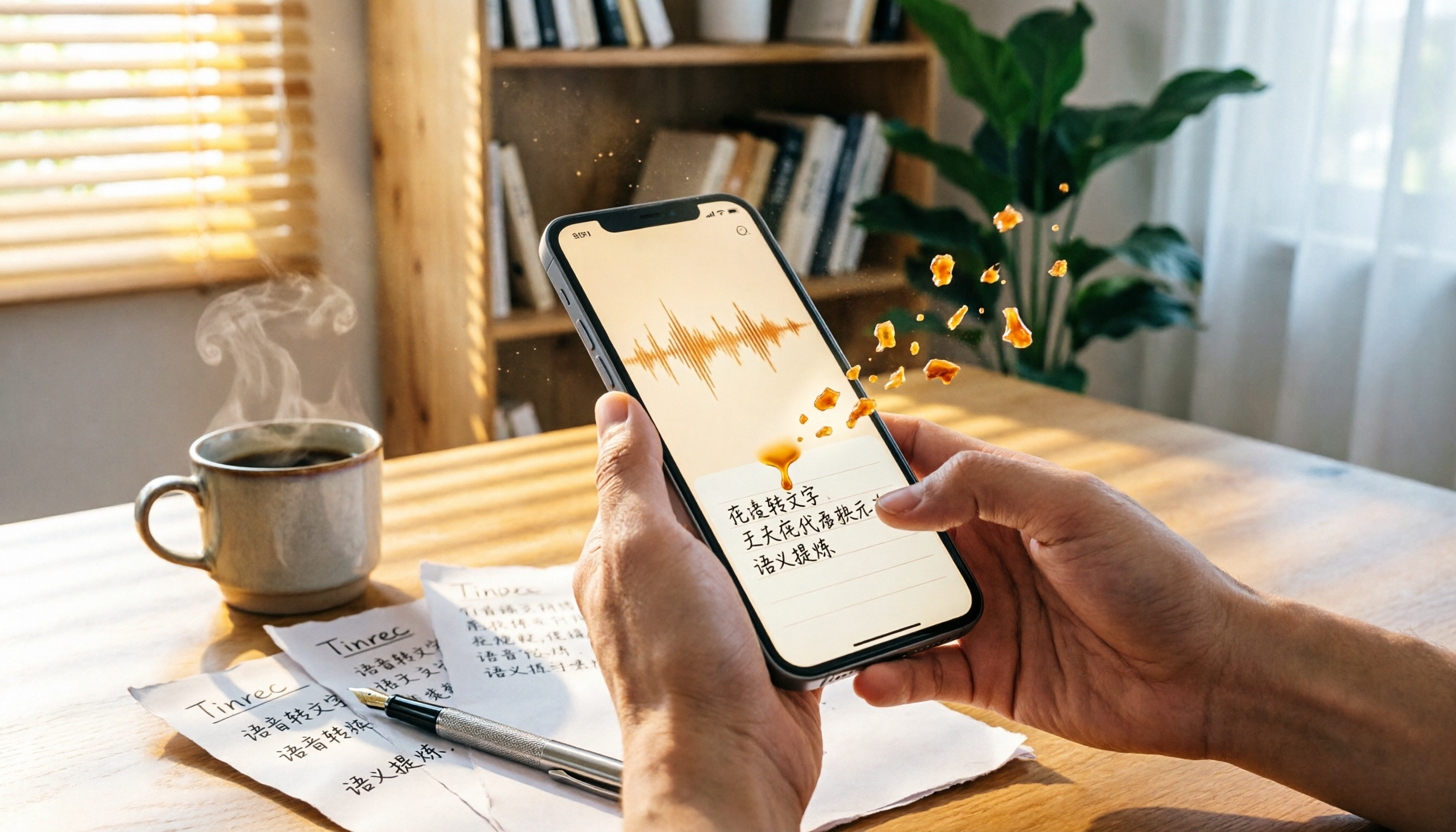
Turn recordings into transcripts and summaries in minutes
Upload audio or video for multilingual transcription, AI notes, and action items
2026 Apple Voice-to-Text Software Complete Guide: From Built-in Features to Third-Party Tools at a Glance
Why Do You Need Apple Voice-to-Text Software?
During meetings, classes, or interviews, juggling listening and manually typing transcriptions can be maddening. Now there are many Apple voice-to-text software options that can automatically convert speech to text, saving you a lot of time. This article reviews 5 solutions that work well on iPhone, from built-in free features to professional AI tools, helping you quickly find the best option for you.
Tinrec (Instant Recording) — The Most Complete AI Recording Assistant
Tinrec is an AI-powered recording and audio/video organization tool designed specifically for Chinese-speaking users. It not only converts speech to text but also helps you summarize, extract key points, capture to-do items, and even allows you to query the recording content like a database.
Key Highlights:
- Supports live recording, audio file upload, and online video link parsing (YouTube, Bilibili, etc.) for meetings, classes, interviews, and podcasts.
- After transcription, it automatically generates chapters, summaries, and AI-powered Q&A, turning long recordings into structured material that can be browsed quickly.
- Suitable for Chinese content; Traditional Chinese recognition is good, and mixed Chinese-English is handled well.
- The free version provides a monthly basic transcription quota to try out. For heavy use, weekly, Pro monthly, or annual plans are flexible; the annual plan offers better value.
Who It's For: People who frequently need to organize meeting notes, class notes, interview materials, or want to convert online videos into text summaries.
iPhone Built-in Voice Memos — Free Transcription Without Installation
Starting from iOS 18.4, the built-in Voice Memos on iPhone 12 and later models supports voice-to-text transcription, and Traditional Chinese recognition accuracy is quite good. Just upgrade to the latest iOS, and after recording, you can generate a transcript with one tap, without downloading any extra app.
The advantage is that it's free and simple, suitable for occasional transcription of conversations or recording ideas. However, it lacks advanced features like AI summaries or to-do extraction, so organizing long recordings can still be a bit tedious. Best for those who only need basic transcription without installing extra software.
Yating Transcription — Online Transcription Tool Developed by a Taiwan Team
Yating Transcription is a well-known free online service that supports multiple languages like Chinese and Taiwanese, with good accuracy for Taiwanese Mandarin. It works directly online and also has an app version, ideal for quickly transcribing a short recording on the go.
However, the free version has limits on recording length and number of transcriptions. For large volumes or long recordings, you may need to consider the paid membership. Suitable for light users with limited budgets who occasionally transcribe interviews or meeting notes.
Good Tape — Free Web Service Focused on Interview Transcription
Good Tape is a web-based tool from abroad that emphasizes simplicity and security. Just drag and drop an audio file to get a transcript, supporting multiple languages including Chinese. The interface is clean with no complex settings, and it's currently completely free.
It works well for interviews or one-on-one conversations, but accuracy drops slightly with multi-person meetings or noisy background recordings. It also lacks AI summary features, so you'll need to manually organize the transcript yourself.
Stop organizing recordings by hand
Upload audio or video and automatically get a transcript, summary, and action items
Vocal AI — Multilingual Cloud-Based Speech-to-Text Platform
Vocal AI is another online tool worth trying, boasting high accuracy and multilingual support with stable Chinese recognition. Audio files are processed quickly, and paid plans offer longer recording durations and more transcription quotas.
Suitable for users who need to process large volumes of recordings quickly and don't mind paying a fee. However, its strength lies in pure transcription, without the AI conversation search or automated meeting summaries found in Tinrec.
With So Many Options, How Should You Choose?
- Want the most complete AI organization features (transcription + summary + to-do + AI Q&A) → Tinrec, the only option that covers all of these.
- Zero budget and need simple transcription → iPhone built-in Voice Memos or Good Tape, sufficient for basic needs.
- Frequent use of Taiwanese or need localized dialect recognition → Yating Transcription, developed by a Taiwan team for better localization.
- Handling large volumes of recordings with fast turnaround → Vocal AI, efficient with paid plans.
3 Things to Know Before Using Apple Voice-to-Text Tools
- Recording quality determines accuracy: Regardless of the software, quiet background and clear speech result in better text. AI tools like Tinrec have noise reduction, but good source audio is still key.
- Free plans usually have limitations: Such as transcription minutes, file size, or feature restrictions. It's recommended to try the free version first to see if it meets your needs before paying.
- Always review important content: AI can still mishear proper nouns, numbers, or overlapping dialogue. Don't treat the transcript as the final version; always cross-check with the original recording.
Summary
In the Apple ecosystem, voice-to-text options are more abundant than you might think. If you only need simple transcription, built-in features or free websites suffice. But if you want to truly save time and turn recordings into usable material, Tinrec is currently the most feature-rich and best suited for Chinese-speaking users. Start with the free version and experience the efficiency of AI-powered recording organization.
Frequently Asked Questions
1. Which languages does the iPhone built-in Voice Memos support?
Currently, it supports English, Spanish, Portuguese, Italian, French, German, Japanese, Korean, Simplified Chinese, and Traditional Chinese, a total of 10 languages.
2. Which of these tools are completely free?
iPhone built-in Voice Memos and Good Tape are currently completely free. Yating Transcription's free version has usage limits. Vocal AI and Tinrec offer free trial quotas, with advanced features requiring payment.
3. How accurate are voice-to-text transcriptions?
Accuracy varies depending on recording environment, accent, background noise, etc. Generally, in quiet environments, mainstream tools can achieve over 90% accuracy, but proper nouns or overlapping speech may still produce errors. Manual proofreading is recommended.
4. Can I directly convert YouTube videos to text?
Yes, Tinrec supports pasting online video links (e.g., YouTube, Bilibili) for direct transcription. Most other tools only support local audio file uploads.
5. Which tool is best for meeting notes?
If meeting recordings are clear and you need to organize them into minutes, Tinrec's AI summaries, to-do extraction, and Q&A features are most practical. For simple text recording, the built-in Voice Memos suffice.
6. Can these tools be used on iPad?
The iPhone built-in feature naturally supports iPad (iOS 18.4+). Most third-party tools also have iPad or web versions for cross-device use.
References
- Free iPhone Voice-to-Text Transcription! iOS 18 Supports 10 Languages | Quality Life | 500 Times
- Voice to Text: AI Transcription, Audio to Text, Voice Memo Instant Translator - App Store
- No Third-Party App Needed! Complete Guide to iPhone Voice Memos & Notes App Transcription
- [Latest] How to Convert iPhone Voice Memos to Text on iOS 18
- Voice to Text: Accurate Transcription, AI Dictation, Audio to Text Instant Translation
Turn every recording into actionable outcomes
Get 60 free transcription minutes when you sign in. No credit card required.
Related Reading
You might also like

How to Do Dialect Speech Recognition in 2026: A 5-Step Practical Guide
Dialect speech recognition isn't solved by buying a tool with a 'supports dialects' label. This article starts with common misconceptions, breaks down 4 key purchasing criteria, tests Tinrec's Chinese meeting workflow, compares Otter.ai, Notta, and Granola in positioning and pricing, and concludes with scenario-based recommendations.

2026 Voice Recorder Noise Cancellation Guide: 3-Layer Tech + AI Post-Recording Organization
Noise cancellation for voice recorders isn't just about levels. This article breaks down the three layers of noise reduction—physical isolation, hardware DSP, and AI algorithms—and explains what to look for when buying: microphones, formats, battery life, and post-recording organization. It also shows how Tinrec turns recordings into transcripts, summaries, action items, and team data.

2026 Comparison of 4 Taiwanese Speech-to-Text Tools: Accuracy Isn't Everything—Look at Post-Meeting Workflow First
Starting from a real interview recording mixed with Mandarin and Taiwanese, this article compares the actual workflows of Tinrec, Otter.ai, Yating Transcription, and TurboScribe for Taiwanese speech-to-text. It goes beyond transcription to examine automatic summarization, action item extraction, follow-up questions, and suitability for team knowledge retention.

Tinrec vs Notta 2026: 5-Dimension Comparison — Which Is Better for Dialect and Multilingual Meeting Notes?
The real challenge with dialect translation isn't just getting a translation — it's keeping it, searching it, and handing it off. This article compares Tinrec and Notta across five practical dimensions, explains how to choose a tool for mixed-language meetings, how to avoid common transcription mistakes, and includes a step-by-step starter checklist you can follow.

2026 Comparison of 3 Taiwanese Hokkien Speech Recognition and Pronunciation Tools: How to Choose for Word Lookup, Pronunciation Practice, and Post-Meeting Organization
Taiwanese Hokkien speech recognition is not just about converting sound to text; it also involves handling tone sandhi, nasalized vowels, and accent variations. This article compares the practical uses of Tinrec, iTaigi, and Moedict to help you distinguish between word lookup and pronunciation practice, meeting transcripts, and team post-meeting organization, and summarizes key points for purchasing and avoiding pitfalls.

How to Choose a Voice Recorder Capacity in 2026: 5 Steps from Large-Capacity Recording to AI Meeting Notes
Bought a voice recorder advertised with large capacity, only to find you can store the files but can't organize them? This article examines whether large-capacity voice recorders are truly sufficient from four angles: capacity, battery life, file management, and post-meeting organization. It walks through 5 steps to turn recordings into searchable, queryable meeting notes. It also compares Tinrec with PLAUD, Otter, Notta, and other tools.

2026 Comparison of 3 Hakka Speech Recognition and Post-Meeting Tools: How to Match Six-Accent Support with Meeting Follow-Up?
How to choose Hakka speech recognition? This article examines four key criteria: accent support, audio file upload, post-meeting processing, and team data. It compares Gohakka, a Taiwan Hakka-specific tool; the Council of Hakka Affairs' Taiwan Hakka Speech Database online real-time translation; and Tinrec, which handles post-meeting organization and team follow-up. It also summarizes three common pitfalls and offers scenario-based selection advice.

2026 Comparison of 3 Taiwanese Speech-to-Text Tools: Which Is Easier from Transcript to Meeting Minutes?
How to choose a Taiwanese speech-to-text tool? This article compares Tinrec, Yating Transcript, and AI Taiwanese Voice Notes from two scenarios: pure Taiwanese interviews and Mandarin-Taiwanese mixed meetings. It examines language processing, recording sources, post-meeting organization, team collaboration, and pricing to help you decide which tool suits your recordings, with free tier details and testing advice.

2026 Real-World Test of 5 Chinese-Korean Live Translation Tools: Beyond Travel—Which One Can Capture Your Meetings?
Live translation solves the problem of understanding in the moment, but often leaves you with nothing after the meeting. Based on real cross-language meeting and business communication scenarios, this article outlines 4 key factors for choosing a Chinese-Korean live translation tool, tests Tinrec's bilingual transcript, summary, and action item workflow, and compares the suitable scenarios for Papago, GenieTalk, and Google Translate.