

Turn recordings into transcripts and summaries in minutes
Upload audio or video for multilingual transcription, AI notes, and action items
Have you also had this experience—you see a great instructional video on YouTube and want to take notes carefully, but for an hour of content, manually pausing, typing, and rewinding takes nearly twice as long. In the end, the notes aren't done and the video isn't thoroughly absorbed.
Tinrec (Quick Recording) is an AI recording and audio/video organization tool. Its "Web Video to Text" feature lets you paste a YouTube link and, within minutes, transforms the video content into transcripts, AI summaries, and structured chapters—especially suited for people who need to turn long videos into reviewable notes.
It currently supports iOS, Android, and web versions, with a Traditional Chinese interface. The free plan includes a basic monthly transcription allowance, so you can try it out first.
What is Tinrec?
Tinrec is a multi-source AI audio/video organization tool. Besides real-time recording and file upload, it can also process public videos from the web. It automatically extracts core concepts, steps, and key conclusions, restructuring the linear viewing process into a note structure suitable for review.
Unlike simple video summary tools, Tinrec doesn't just provide a summary—it also preserves the complete transcript, offers chapter segmentation, and extracts to-do items. You can even ask follow-up questions about the video as if chatting, making the organized material more usable.
Key Features and Highlights
Web Video to Text: Paste a public video link from YouTube, Bilibili, etc. Tinrec automatically generates a transcript with timestamps—no need to manually create a timeline—so you can quickly jump back to the original video segment.
AI Summary & Chapters: For videos that last tens of minutes, Tinrec automatically generates an overall summary and divides the content into meaningful chapters. Each chapter includes a short key-point description, like a book's table of contents.
Note Export & Sync: Your organized notes can be exported as text files or PDFs, or synced directly to tools like Notion, Google Docs, and OneNote, letting you maintain your existing note-taking habits.
AI Chat Query: If you have questions about a concept, you can ask directly in Tinrec—for example, "What experimental steps are described here?" The AI answers based on the transcript and context, saving you from rewatching the video.
Bilingual (Chinese-English) Content Friendly: Many foreign educational videos or online courses are spoken in English. Tinrec performs well in recognizing mixed Chinese-English content. In practice, the generated transcripts are usually readable right away, and paired with the AI summary, you can quickly grasp the material.
Plans and Pricing
Tinrec offers several plans, so you can choose based on how often you use it:
- Free: Monthly basic transcription credits. You can try real-time recording, file import, and web video parsing. Ideal for light users who occasionally need to transcribe a video or two.
- Weekly Pass: For intensive course or project needs in a short period, buy a week of unlimited credits. Great for mass organizing study materials before exams.
- Pro Monthly: Higher monthly allowance for users who have meetings, classes, or regular material gathering every week.
- Pro Yearly: Lower cost per month. If you want to build a long-term learning database, the yearly plan offers better value.
Stop organizing recordings by hand
Upload audio or video and automatically get a transcript, summary, and action items
The free plan already includes the web video-to-text feature, so you can start with the free plan to test it out.
Tutorial: Four Steps to Turn YouTube Videos into Notes
Step 1: Copy the YouTube Video Link
Open the YouTube app or website, find the educational video you want to organize, tap "Share" and copy the link.
Step 2: Paste into Tinrec and Wait for Processing
Enter the Tinrec app or web version, select "Web Video" on the homepage, paste the link you copied, and the system will start fetching the video's audio and textual content. Depending on video length, it usually completes within 1–5 minutes.
(Image: The Tinrec screen for pasting a web video link)
Step 3: Review the Transcript and AI Summary
When it's done, you'll see the full transcript with timestamps so you can jump back to the original video. At the top, there's an AI-generated overall summary. If you want to quickly grasp the key points, you can start with the summary and then jump to the chapters you need for a closer read.
Step 4: Export as Notes or Continue Organizing
After confirming the content looks good, you can export the whole thing as a text file, or sync it directly to Notion or Google Docs. If you want to further reorganize it into a mind map or to-do list, you can use Tinrec's post-processing features.
Frequently Asked Questions
Can I take YouTube notes with the free version of Tinrec?
Yes. The free version includes the web video-to-text feature with a monthly credit. You can transcribe several typical-length instructional videos without issues.
Is the transcription accurate?
When the video audio is clear and the speaker enunciates well, the Chinese accuracy is high. If there's background noise, overlapping speech, or specialized terminology, there may be minor errors. For critical content, we recommend a quick check against the original.
Which video platforms are supported?
Currently, we confirm support for public video links from YouTube, Bilibili, TikTok, and Xiaohongshu (RED). You can try other platforms—if they are publicly accessible, they can usually be parsed.
Can I transcribe only a specific section?
Currently, pasting a link will transcribe the entire video. If you only need a segment, you can set chapter timestamps on YouTube first, or manually select the needed parts after transcription to export.
Can I share notes with others?
Yes. Once you export as a text file or Notion page, you can share the link just like any document. Tinrec itself doesn't have collaboration features, but it's easy to do with cloud tools.
How is Tinrec different from other YouTube note tools?
There are tools like ThetaWave and Reccap that specialize in converting videos to notes. But Tinrec's advantage is that it doesn't just handle videos—it also integrates meeting recordings, document transcription, and AI Q&A, so one tool can process all your audio/video materials. If you already have a preferred note-taking app, Tinrec supports direct export, so you don't have to change your existing workflow.
References
- YouTube to Notes: AI-Powered Video Organization
- Reccap Turns YouTube Videos into Complete Articles for Fast Reading! Write Notes Faster - Project Management Life Thinking
- Three Steps to Turn YouTube Videos into Effective Learning Notes for More Efficient Reading
- Video Notes – Notedeo App - App Store
- 99% of People Don't Know YouTube Can Be Used Like This: Sharing Two Tools I Find Very ...
Turn every recording into actionable outcomes
Get 60 free transcription minutes when you sign in. No credit card required.
Related Reading
You might also like

How to Do Dialect Speech Recognition in 2026: A 5-Step Practical Guide
Dialect speech recognition isn't solved by buying a tool with a 'supports dialects' label. This article starts with common misconceptions, breaks down 4 key purchasing criteria, tests Tinrec's Chinese meeting workflow, compares Otter.ai, Notta, and Granola in positioning and pricing, and concludes with scenario-based recommendations.
2026 Voice Recorder Noise Cancellation Guide: 3-Layer Tech + AI Post-Recording Organization
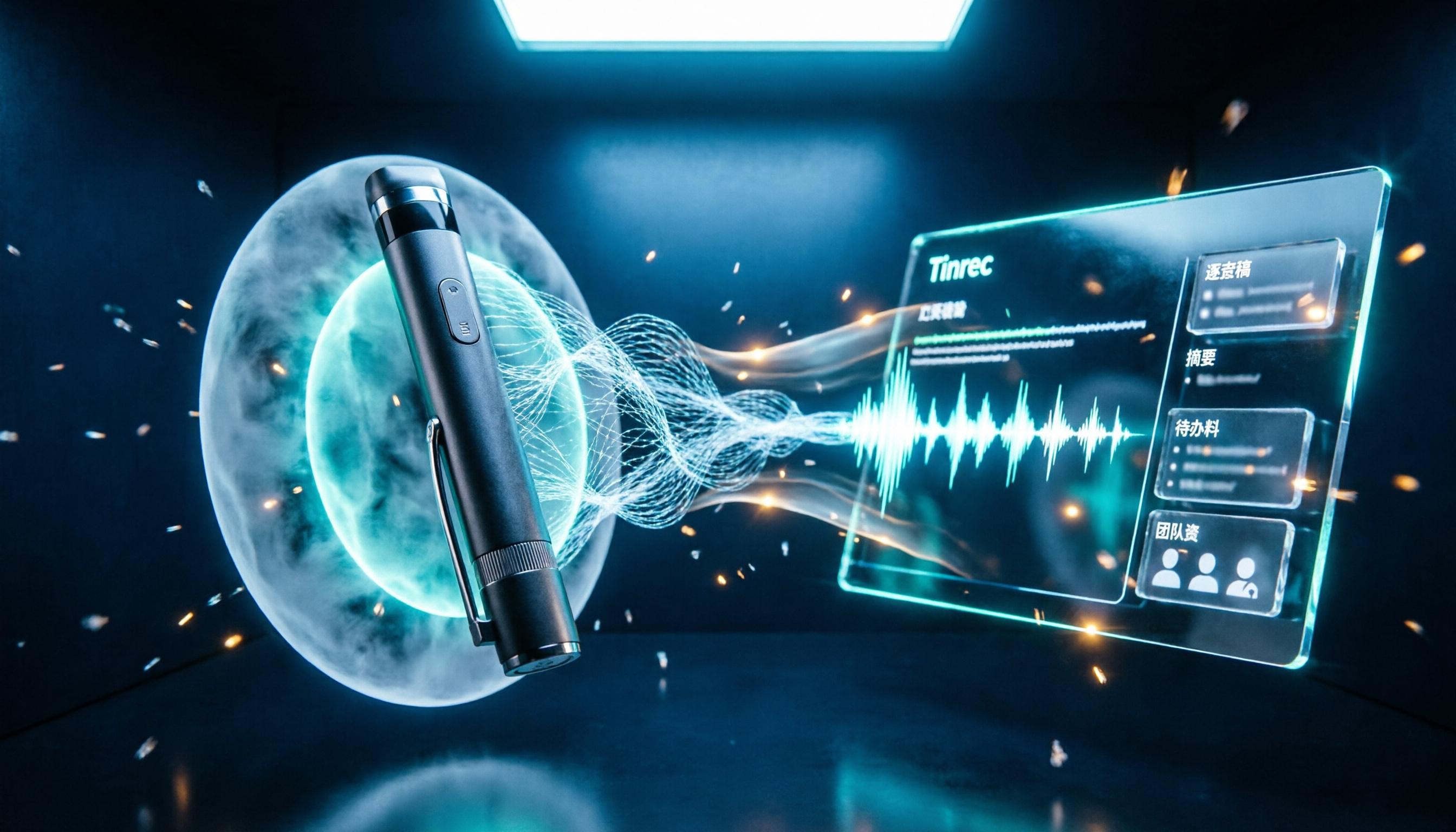
Noise cancellation for voice recorders isn't just about levels. This article breaks down the three layers of noise reduction—physical isolation, hardware DSP, and AI algorithms—and explains what to look for when buying: microphones, formats, battery life, and post-recording organization. It also shows how Tinrec turns recordings into transcripts, summaries, action items, and team data.

2026 Comparison of 4 Taiwanese Speech-to-Text Tools: Accuracy Isn't Everything—Look at Post-Meeting Workflow First
Starting from a real interview recording mixed with Mandarin and Taiwanese, this article compares the actual workflows of Tinrec, Otter.ai, Yating Transcription, and TurboScribe for Taiwanese speech-to-text. It goes beyond transcription to examine automatic summarization, action item extraction, follow-up questions, and suitability for team knowledge retention.

Tinrec vs Notta 2026: 5-Dimension Comparison — Which Is Better for Dialect and Multilingual Meeting Notes?
The real challenge with dialect translation isn't just getting a translation — it's keeping it, searching it, and handing it off. This article compares Tinrec and Notta across five practical dimensions, explains how to choose a tool for mixed-language meetings, how to avoid common transcription mistakes, and includes a step-by-step starter checklist you can follow.

2026 Comparison of 3 Taiwanese Hokkien Speech Recognition and Pronunciation Tools: How to Choose for Word Lookup, Pronunciation Practice, and Post-Meeting Organization
Taiwanese Hokkien speech recognition is not just about converting sound to text; it also involves handling tone sandhi, nasalized vowels, and accent variations. This article compares the practical uses of Tinrec, iTaigi, and Moedict to help you distinguish between word lookup and pronunciation practice, meeting transcripts, and team post-meeting organization, and summarizes key points for purchasing and avoiding pitfalls.

How to Choose a Voice Recorder Capacity in 2026: 5 Steps from Large-Capacity Recording to AI Meeting Notes
Bought a voice recorder advertised with large capacity, only to find you can store the files but can't organize them? This article examines whether large-capacity voice recorders are truly sufficient from four angles: capacity, battery life, file management, and post-meeting organization. It walks through 5 steps to turn recordings into searchable, queryable meeting notes. It also compares Tinrec with PLAUD, Otter, Notta, and other tools.

2026 Comparison of 3 Hakka Speech Recognition and Post-Meeting Tools: How to Match Six-Accent Support with Meeting Follow-Up?
How to choose Hakka speech recognition? This article examines four key criteria: accent support, audio file upload, post-meeting processing, and team data. It compares Gohakka, a Taiwan Hakka-specific tool; the Council of Hakka Affairs' Taiwan Hakka Speech Database online real-time translation; and Tinrec, which handles post-meeting organization and team follow-up. It also summarizes three common pitfalls and offers scenario-based selection advice.

2026 Comparison of 3 Taiwanese Speech-to-Text Tools: Which Is Easier from Transcript to Meeting Minutes?
How to choose a Taiwanese speech-to-text tool? This article compares Tinrec, Yating Transcript, and AI Taiwanese Voice Notes from two scenarios: pure Taiwanese interviews and Mandarin-Taiwanese mixed meetings. It examines language processing, recording sources, post-meeting organization, team collaboration, and pricing to help you decide which tool suits your recordings, with free tier details and testing advice.

2026 Real-World Test of 5 Chinese-Korean Live Translation Tools: Beyond Travel—Which One Can Capture Your Meetings?
Live translation solves the problem of understanding in the moment, but often leaves you with nothing after the meeting. Based on real cross-language meeting and business communication scenarios, this article outlines 4 key factors for choosing a Chinese-Korean live translation tool, tests Tinrec's bilingual transcript, summary, and action item workflow, and compares the suitable scenarios for Papago, GenieTalk, and Google Translate.