

Turn recordings into transcripts and summaries in minutes
Upload audio or video for multilingual transcription, AI notes, and action items
There are more and more meeting voice-to-text tools on the market, but should you choose software or hardware? This time, I hands-on tested two highly discussed options: Tinrec and PLAUD Note, comparing them across five key dimensions to help you decide in the shortest amount of time.
Tinrec vs PLAUD Note: Quick Overview
Tinrec is a software-centric AI recording and audio/video organization tool that emphasizes “turning recordings into usable knowledge.” PLAUD Note, on the other hand, is a standalone AI recording device that focuses on one-touch recording on the go, long battery life, and a premium hardware feel.
| Item | Tinrec | PLAUD Note |
|---|---|---|
| Type | Software (App/Web) | Hardware voice recorder |
| Price | Free tier + paid plans (weekly/monthly/yearly) | Hardware starts at around NT$5,000, plus a subscription to unlock more transcription minutes |
| Main input | Live recording, audio file upload, web video links, online meetings | Hardware recording, then upload and transcribe via the app |
| Core difference | Multi-source organization + AI post-processing | Physical buttons, long battery life, standalone microphone |
I’ll compare these five dimensions: input sources, output capabilities, Chinese content organization, long-term cost, and portability—then wrap up with a recommendation for which one might suit you best.
Dimension 1: Input Source Variety
PLAUD Note’s recording relies primarily on the hardware itself. While you can upload recordings to the app for transcription, if you want to work with YouTube videos, local audio files, or online meetings, you’ll need to find extra ways to transfer the audio to your phone or computer and then import it into the PLAUD app. It’s a roundabout workflow.
Tinrec natively supports live recording, audio/video file uploads, direct transcription from pasted web video links, and integration with online meeting tools like Zoom, Google Meet, and Teams. Whether it’s meetings, lectures, interviews, or web videos, everything can be organized within the same workflow.
→ In this dimension, Tinrec is clearly more flexible and saves you the hassle of moving sources around.
Dimension 2: Output and Post-Processing Capabilities
The PLAUD Note app provides templates for AI summaries, meeting notes, and to-do lists, which is sufficient for simple meeting records. However, these templates are fairly fixed. If you want to ask deeper questions about the recording, generate reports in custom formats, or export results to tools like Notion or Google Docs for further editing, PLAUD’s options are limited.
In addition to basic transcripts, AI summaries, chapters, and to-do lists, Tinrec includes an AI Q&A feature that lets you query the recording like a database. It also exports results in multiple formats and can even use Agent post-processing to automatically generate deliverables such as meeting minutes, reports, and tables. This makes it more like an “audio/video data workbench.”
→ In this dimension, Tinrec clearly wins on post-processing and output richness.
Dimension 3: Chinese Content Processing
PLAUD Note supports multiple languages, but the official materials don’t emphasize Chinese-specific tuning. From hands-on testing and community feedback, its Chinese transcription quality is stable, but it can still make some errors when faced with mixed Chinese-English text or Taiwan colloquialisms.
Tinrec’s product pages and messaging are clearly designed for Chinese-language scenarios, including Traditional Chinese, Simplified Chinese, and mixed Chinese-English content. It’s more friendly to Taiwanese users for meetings, lectures, and interviews. From my own tests, with the same Chinese meeting recording, Tinrec produced more natural keyword recognition and punctuation.
→ In this dimension, if you primarily work with Chinese content, Tinrec is a more reliable choice.
Dimension 4: Price and Long-Term Cost
PLAUD Note’s hardware costs start at around NT$5,000 (depending on the version). To get a higher monthly transcription minute allowance, you’ll also need a yearly subscription (for example, the Pro Plan is about NT$2,000 per year). For occasional users, the initial investment is relatively high.
Stop organizing recordings by hand
Upload audio or video and automatically get a transcript, summary, and action items
Tinrec’s free plan includes a basic transcription allowance, so you can try it out before deciding to pay. Its paid options include weekly, monthly, and yearly passes, suitable for short-term bursts and long-term steady use. With no hardware cost, the barrier to entry is lower.
→ In this dimension, Tinrec offers more flexible pricing and a lower barrier to entry.
Dimension 5: Portability and Use Cases
PLAUD Note’s strength is that it’s a standalone device—press a button and it starts recording, with long battery life. It suits situations where you need to start recording quickly without pulling out your phone. The downside is that you might forget to bring it, and you still need to upload files through the mobile app to transcribe them afterward.
Tinrec can be used as long as you have your phone or computer nearby, so most people don’t need to carry an extra device. For users who are already used to handling meetings and course notes on their phones, you can simply open the app and get everything done.
→ In this dimension, each has its merits. If you really value the physical feel of one-touch recording, PLAUD has an edge. Otherwise, Tinrec is just as convenient and you don’t have to worry about forgetting the hardware.
What Unique Advantages Does Each Offer?
Tinrec’s Unique Advantages
- Multi-source input: Handles live recording, audio file upload, web video links, and online meetings—one tool for all audio/video organization.
- AI Q&A and post-processing: Ask questions about the recording and automatically generate meeting minutes, reports, and tables, not just transcription.
- Optimized for Chinese: More natural recognition and organization of Traditional Chinese and mixed Chinese-English content, ideal for Taiwanese users.
- Flexible payment: Free tier to try, plus weekly, monthly, and yearly plans to fit different usage frequencies, no hardware lock-in.
PLAUD Note’s Unique Advantages
- Physical one-touch recording: A dedicated button lets you start recording quickly during meetings or interviews without unlocking your phone.
- Battery life and build quality: A long-lasting design for lengthy meetings or full-day classes, and a metal body that feels premium to carry.
Summary: Which Should You Choose?
- If you need to organize meetings, lectures, interviews, and web videos, and you want powerful AI post-processing → Tinrec is more comprehensive.
- If you mainly work with Chinese content and care about transcription quality and downstream use → Tinrec is a better fit.
- If you’re on a tight budget and don’t want to spend thousands of dollars on hardware first → Tinrec’s free tier is enough to get started.
- If you often need to record at the press of a button, don’t want to use your phone, and don’t mind the hardware investment → PLAUD Note is worth considering.
In one sentence: For most Taiwan-based users, Tinrec is a more tailored and flexible meeting voice-to-text solution. I’d suggest downloading the Tinrec free version first and testing it with your own recordings to see how it works.
Frequently Asked Questions
Can speech-to-text tools achieve 100% accuracy?
No. Every AI tool is affected by recording quality, background noise, accents, and overlapping speakers. Tinrec performs well in clear Chinese settings, but you should still verify important content against the original audio.
Do I need to buy hardware to turn meeting recordings into text?
No. Software tools like Tinrec let you record and transcribe directly on your phone or computer—no extra hardware required.
Is the free plan enough?
Tinrec’s free plan provides a basic transcription allowance, which is enough for people who occasionally organize meetings or lectures. If you need it every week, consider the Pro plan for better value.
Can PLAUD Note and Tinrec be used together?
Yes. If you already own a PLAUD device, you can use it to record and then import the audio into Tinrec for organization and richer post-processing.
Many meetings in Taiwan use a mix of Chinese and English. Which tool is more accurate?
Based on my testing, Tinrec handles mixed Chinese-English recognition and punctuation more naturally in line with Chinese habits. PLAUD Note’s multilingual recognition is okay, but it occasionally produces run-together words or awkward sentence breaks.
Can I export transcribed text to other note-taking apps?
Tinrec supports exporting in multiple formats and can integrate with tools like Notion and Google Docs, making it easy to continue editing or archiving.
References
- Meeting Ink – 2026 AI Meeting Notes Tools Hands-On: 8 Speech-to-Text and Summarization Tools Compared | Meeting Ink – AI Meeting Notes Assistant, Auto-Transcribe & Summarize
- AI Voice Notes: 5 Recommended AI-to-Text Tools to Generate Transcripts and Meeting Highlights – Free vs. Subscription | 104 Career Development
- No Time Limit! 3 Free AI Transcript Tools Worth Using: AI Voice Notes to Generate Meeting Notes, Presentations, and Mind Maps | 104 Career Development
- 2026 Recommended 6 Speech-to-Text Tools: Free Online Audio-to-Text Conversion!
- Audio to Text – Free Voice-to-Text Tool
Turn every recording into actionable outcomes
Get 60 free transcription minutes when you sign in. No credit card required.
Related Reading
You might also like

How to Do Dialect Speech Recognition in 2026: A 5-Step Practical Guide
Dialect speech recognition isn't solved by buying a tool with a 'supports dialects' label. This article starts with common misconceptions, breaks down 4 key purchasing criteria, tests Tinrec's Chinese meeting workflow, compares Otter.ai, Notta, and Granola in positioning and pricing, and concludes with scenario-based recommendations.
2026 Voice Recorder Noise Cancellation Guide: 3-Layer Tech + AI Post-Recording Organization
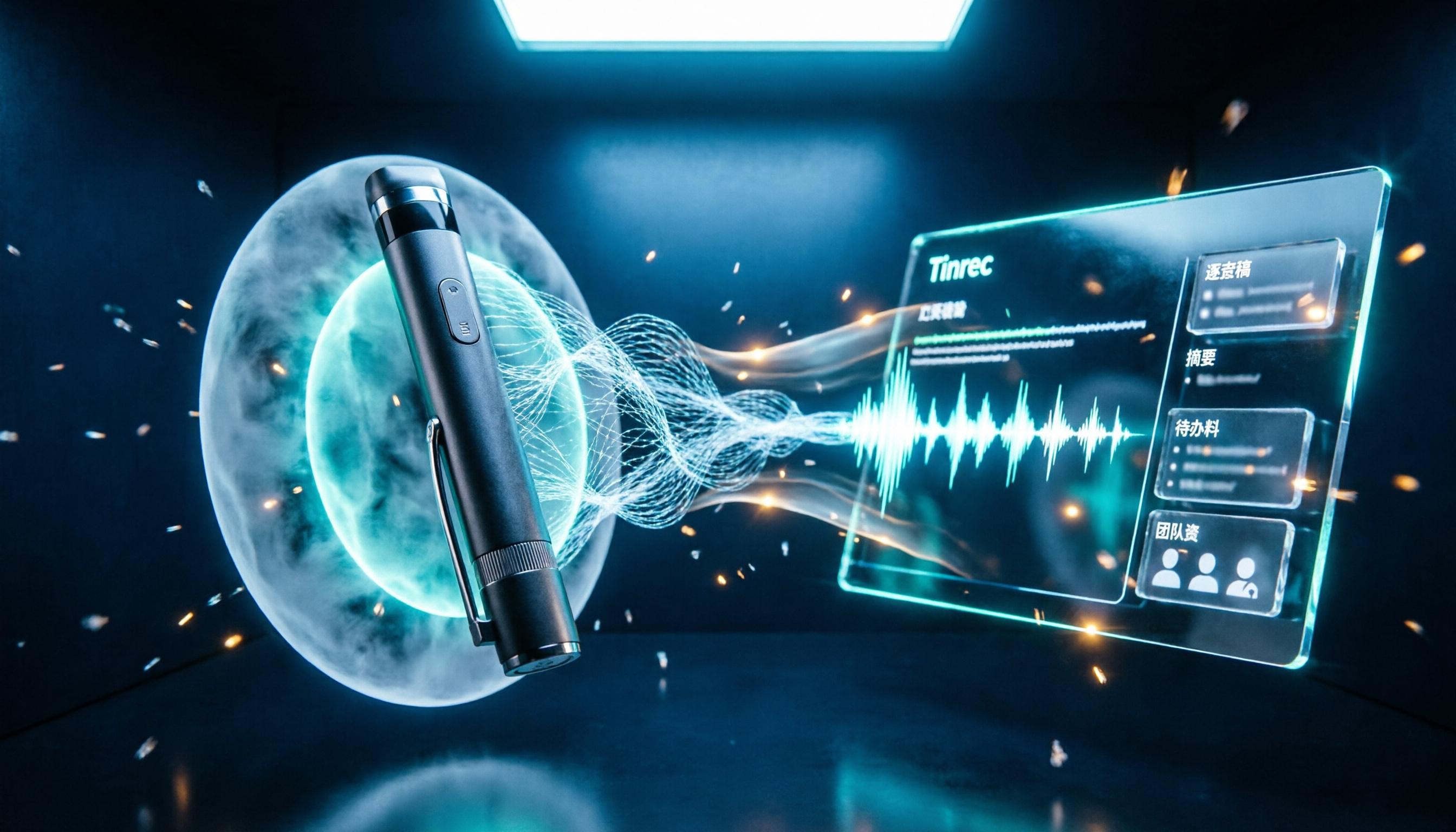
Noise cancellation for voice recorders isn't just about levels. This article breaks down the three layers of noise reduction—physical isolation, hardware DSP, and AI algorithms—and explains what to look for when buying: microphones, formats, battery life, and post-recording organization. It also shows how Tinrec turns recordings into transcripts, summaries, action items, and team data.

2026 Comparison of 4 Taiwanese Speech-to-Text Tools: Accuracy Isn't Everything—Look at Post-Meeting Workflow First
Starting from a real interview recording mixed with Mandarin and Taiwanese, this article compares the actual workflows of Tinrec, Otter.ai, Yating Transcription, and TurboScribe for Taiwanese speech-to-text. It goes beyond transcription to examine automatic summarization, action item extraction, follow-up questions, and suitability for team knowledge retention.

Tinrec vs Notta 2026: 5-Dimension Comparison — Which Is Better for Dialect and Multilingual Meeting Notes?
The real challenge with dialect translation isn't just getting a translation — it's keeping it, searching it, and handing it off. This article compares Tinrec and Notta across five practical dimensions, explains how to choose a tool for mixed-language meetings, how to avoid common transcription mistakes, and includes a step-by-step starter checklist you can follow.

2026 Comparison of 3 Taiwanese Hokkien Speech Recognition and Pronunciation Tools: How to Choose for Word Lookup, Pronunciation Practice, and Post-Meeting Organization
Taiwanese Hokkien speech recognition is not just about converting sound to text; it also involves handling tone sandhi, nasalized vowels, and accent variations. This article compares the practical uses of Tinrec, iTaigi, and Moedict to help you distinguish between word lookup and pronunciation practice, meeting transcripts, and team post-meeting organization, and summarizes key points for purchasing and avoiding pitfalls.

How to Choose a Voice Recorder Capacity in 2026: 5 Steps from Large-Capacity Recording to AI Meeting Notes
Bought a voice recorder advertised with large capacity, only to find you can store the files but can't organize them? This article examines whether large-capacity voice recorders are truly sufficient from four angles: capacity, battery life, file management, and post-meeting organization. It walks through 5 steps to turn recordings into searchable, queryable meeting notes. It also compares Tinrec with PLAUD, Otter, Notta, and other tools.

2026 Comparison of 3 Hakka Speech Recognition and Post-Meeting Tools: How to Match Six-Accent Support with Meeting Follow-Up?
How to choose Hakka speech recognition? This article examines four key criteria: accent support, audio file upload, post-meeting processing, and team data. It compares Gohakka, a Taiwan Hakka-specific tool; the Council of Hakka Affairs' Taiwan Hakka Speech Database online real-time translation; and Tinrec, which handles post-meeting organization and team follow-up. It also summarizes three common pitfalls and offers scenario-based selection advice.

2026 Comparison of 3 Taiwanese Speech-to-Text Tools: Which Is Easier from Transcript to Meeting Minutes?
How to choose a Taiwanese speech-to-text tool? This article compares Tinrec, Yating Transcript, and AI Taiwanese Voice Notes from two scenarios: pure Taiwanese interviews and Mandarin-Taiwanese mixed meetings. It examines language processing, recording sources, post-meeting organization, team collaboration, and pricing to help you decide which tool suits your recordings, with free tier details and testing advice.

2026 Real-World Test of 5 Chinese-Korean Live Translation Tools: Beyond Travel—Which One Can Capture Your Meetings?
Live translation solves the problem of understanding in the moment, but often leaves you with nothing after the meeting. Based on real cross-language meeting and business communication scenarios, this article outlines 4 key factors for choosing a Chinese-Korean live translation tool, tests Tinrec's bilingual transcript, summary, and action item workflow, and compares the suitable scenarios for Papago, GenieTalk, and Google Translate.