

Turn recordings into transcripts and summaries in minutes
Upload audio or video for multilingual transcription, AI notes, and action items
Two Hours in a Meeting, Two More Transcribing It? What You Need Isn't Just a Tool—It's a Solution
Most office workers know the feeling: after a two-hour meeting, transcribing the audio into written notes can easily take another two hours. It's mentally draining, and distractions often cause you to miss key points of the discussion.
Worse, if the recording mixes Chinese and English, colleagues speak quickly, or there's background noise, manual transcription becomes twice as hard. And when your boss asks for meeting notes at the last minute, the pressure of still being stuck in playback is a real headache.
If you've been in that kind of situation, this article is for you. We put four of the most discussed AI recording-to-text tools to the test, comparing their free plans, accuracy, and extra features to help you find a solution that genuinely saves time.
5 Key Points to Understand Before Choosing an AI Transcription Tool
Most people focus only on 'price' and 'accuracy' when choosing a tool, but what really affects the experience are these five factors.
1. Accuracy: Don't Just Trust the Official 98%
The 98% accuracy claimed by vendors is usually measured in a quiet studio; in real meeting rooms with air conditioning, keyboard clatter, and people talking over each other, accuracy can easily drop 10–15%. We recommend testing with your own actual recordings for a more realistic measure.
2. AI-Powered Organization: Transcription Is Just the First Step
A transcript of several thousand words is still a chore to read. A good tool automatically extracts key points, organizes them into sections, lists action items, and even lets you ask questions to directly find the information you need. These are the features that truly save time.
3. Cross-Platform Support: Record on Phone, Review on Computer
If you record on an iPhone and then want to process the file on a Windows PC, whether the tool supports both web and app is crucial. Tools locked to a single platform become inconvenient over time.
4. Is the Free Plan Generous Enough?
Free plans vary widely: some give you 30 minutes of trial time, others 300 minutes. If you have two or three meetings per week, make sure the quota won't be exhausted in just a few days.
5. Additional Input Sources: Not Just Recordings—Also Videos and Links
Beyond live recording, the ability to upload an existing MP3 file or paste a YouTube link for transcription greatly expands a tool's usefulness. This is especially important for people organizing online courses or interview recordings.
Tinrec (秒聽錄音)—Our Top Pick After Real-World Testing
Tinrec is a multilingual AI recording and audio/video organization tool available on iOS, Android, and the web. It doesn't just convert speech to text; it also organizes content into summaries, chapters, and action items, and even lets you ask questions about your recordings.
More Than Transcription: Your Content Organization Hub
Tinrec's core features revolve around three pillars: multi-source input, automatic organization, and flexible output.
Live Recording to Text: Transcribe as you meet; when the meeting ends, AI summaries and action items are generated instantly. No need to wait for post-meeting transcription—just copy and share with colleagues.
Audio/Video Files and Online Videos: In addition to phone recordings, you can upload audio files like MP3 or M4A, or paste a public YouTube or Bilibili video link to automatically generate text and summaries. This is especially useful for students organizing online courses or creators extracting interview segments.
AI Chat Query: This is the feature that surprised me most. You can ask Tinrec in a chat-like way: 'Who mentioned the budget in the last meeting?' It answers directly based on the recording content, rather than just returning keyword search results. This capability is almost unheard of in tools at the same price point.
Test Performance and Limitations
We tested Tinrec with a 5-minute Mandarin meeting recording (with slight background noise and two speakers). It achieved approximately 91% transcription accuracy, with naturally placed punctuation and paragraphs. Processing was also fast, completing in under 3 minutes.
Pros:
Stop organizing recordings by hand
Upload audio or video and automatically get a transcript, summary, and action items
- Multi-source input: accepts recordings, files, and online videos.
- Complete organization suite: provides transcripts, summaries, chapters, action items, and AI Q&A.
- Cross-platform support: works on mobile and desktop with real-time data sync.
Cons:
- The free tier has a monthly base quota, so heavy users may need to pay. But for those with 2–3 meetings per week, the quota is more than sufficient.
- Advanced agent post-processing (e.g., automatically generating meeting reports) is still rolling out and currently requires manual triggering.
If you need a tool that handles recording, transcription, and key-point summarization in one go, with multi-platform support and versatile audio/video input, Tinrec is our top recommendation.
What Are the Alternatives to Tinrec?
cSubtitle: An Online Tool with Excellent Chinese Recognition
cSubtitle is a no-registration online service that lets you upload a file and get text directly. Its Chinese recognition is solid (the vendor claims 94%). However, it mainly focuses on generating transcripts and subtitles—there are no AI summaries, action items, or chat queries. It's worth trying if you occasionally need to transcribe a recording, but if you want key points ready after transcription, Tinrec is a better fit.
Yating Transcript: A Long-Standing Taiwan Tool with Strong Multi-Speaker Recognition
Yating Transcript excels at recognizing multiple speakers, Taiwanese, and mixed Chinese-English content—better than most tools in our experience. However, its transcription speed is slow, and after the free trial of 300 minutes, paid plans cost NT$160 per 60 minutes, which adds up over time. More importantly, it lacks AI chat query, so after transcription you have to manually comb through the transcript. Tinrec offers similar multi-speaker accuracy (the real-world difference is minimal) but adds AI summaries and Q&A, making post-processing noticeably cheaper.
Otter.ai: The English-Meeting Favorite, with Weaknesses in Chinese
Otter.ai is very mature in live transcription and team collaboration for English meetings. Its free tier is generous at 300 minutes per month. However, its Chinese recognition—especially Traditional Chinese—is noticeably weaker than the tools mentioned earlier, and it doesn't support Cantonese or Taiwanese. If your meetings are entirely in English, Otter.ai is a great value; but if you need Chinese, Tinrec's Traditional Chinese support and AI organization features better match the daily workflows of users in Taiwan.
Pitfall Guide: 4 Most Common Mistakes When Choosing an AI Transcription Tool
Pitfall 1: Only Looking at Price, Not Feature Completeness
Many people choose the cheapest plan, only to find it limits them to pure transcription—no summaries, action items, or Q&A—so they still have to spend time organizing everything themselves. The real time cost happens after transcription, during the cleanup.
Pitfall 2: Overlooking Cross-Platform Needs
You record on your iPhone today and need to organize on a Windows PC tomorrow. If the tool lacks a web version or cross-platform sync, you'll constantly be stuck transferring files. Tools like Tinrec, with both app and web versions, become far more convenient in the long run.
Pitfall 3: Assuming AI Is 100% Accurate and Skipping Proofreading
AI transcription is still affected by accents, speech speed, and background noise, and it often makes mistakes with names and technical terms. Always review critical sections of important documents by listening back—don't rely on AI completely.
Pitfall 4: Buying an AI Tool but Only Using It for Transcription
This is the biggest waste. Tinrec's AI chat feature, for example, lets you ask questions directly about the recording, drastically cutting the time you'd spend digging through a transcript. If you only use it for transcription, you're using just a third of its value.
Conclusion: Which One Should You Actually Choose?
Based on our real-world testing, Tinrec is the most balanced option overall in input source diversity, AI organization depth, Traditional Chinese experience, and cross-platform support. If you fall into any of these categories, go straight with Tinrec:
- If you need to handle meeting recordings, course audio, and online videos simultaneously → Tinrec has the most complete multi-source support.
- If you want summaries, action items, and Q&A right after recording, not just a transcript → Tinrec has the strongest AI organization features.
- If you switch between phone and computer while working → Tinrec offers the smoothest cross-platform sync.
If your need is simply 'occasionally transcribe a short English audio clip,' and you don't need Chinese recognition or AI organization at all → Otter.ai's free 300 minutes is the only reasonable alternative.
We recommend starting with Tinrec's free version—it includes a monthly base quota, enough for two or three meetings to experience the effect firsthand. Upgrade only if you find it useful; there's no need to pay from the start.
References
- Online AI Speech, Video, and Recording Transcription — Free Trial — cSubtitle
- Free Audio to Text
- 【AI Voice Notes】5 Highly Recommended AI Transcription Tools! Generate Transcripts and Meeting Highlights, Free vs. Subscription Comparison | 104 Career Force
- Online Speech-to-Text AI Tool: Free MP3 or Recording Transcription — MyEdit
- SoundType AI Super-Precise Transcripts, Speech-to-Text, AI Dictation — Google Play
Turn every recording into actionable outcomes
Get 60 free transcription minutes when you sign in. No credit card required.
Related Reading
You might also like

How to Download Teams Meetings in 2026: 5 Steps from Recording to AI Organization
Finished a meeting only to find recordings, transcripts, and action items scattered across three places? This guide starts from the real pain point of "Teams meeting download"—first clarifying whether you need the app or the meeting content—then walks through 5 steps to turn Teams meetings into searchable, queryable team data, and compares Tinrec, Otter.ai, Notta, and Granola for different use cases.

Complete Guide to Downloading Microsoft Teams Meeting Recordings in 2026: Permissions, Time Limits, and Turning Recordings into Transcripts
If you can't get a meeting recording, it's usually because permissions and storage locations aren't clear. This practical guide explains who can download Teams meeting recordings, where the files are stored, the time limits on accessing them from chat, and how captions aren't included in the file. It also covers how to turn meeting content into transcripts and action items after the meeting ends.

2026 Comparison of 2 Teams Meeting Transcription Tools: Tinrec vs. Teams Built-in Transcription
Downloading Teams meeting transcripts often gets stuck on two issues: 'who has download permission' and 'only .docx/.vtt files available.' This article compares Microsoft Teams built-in transcription and Tinrec across 5 dimensions, explaining how non-organizers can obtain transcripts, how to process and retain them after meetings, and clarifies team plan seats and pricing.

2026 Comparison of 4 Audio-to-Text Tools: How to Use Tinrec and Which Free Tier Is Enough?
Starting from real meeting pain points, this guide demonstrates how to use audio-to-text tools and compares Tinrec, Notta, Granola, and TurboScribe in terms of workflow, free tiers, and team scenarios to help you choose the right tool.

6 Best Audio-to-Text AI Tools Tested in 2026: Which Free Tier and AI Summary Actually Covers Your Needs?
A breakdown of free tiers, paid plans, and best-fit use cases for 6 audio-to-text AI tools, comparing Tinrec, Otter, Notta, Granola, TurboScribe, and cSubtitle to help you find the right option for meetings, interviews, and class notes.

2025 Best 3 Audio-to-Text Tools Compared: Tinrec vs. Notta vs. Otter for Chinese Meeting Notes
How to choose an audio-to-text tool in 2025? This guide compares Tinrec, Notta, and Otter based on real meeting workflows—input sources, post-meeting organization, Chinese language experience, and team collaboration. It highlights Tinrec's bot-free recording, AI Q&A, action item extraction, and team workspace, while honestly covering free and paid plan limits to help you avoid the common mistake of choosing based only on free minutes.

2026 Comparison of 4 Audio-to-Text Tools: Free Tiers and Chinese Recognition Tested
How to choose an audio-to-text tool in 2026? This article tests and compares Tinrec, Notta, Granola, and TurboScribe for Chinese recognition, free tiers, post-meeting organization, and cross-platform experience from the perspective of student lectures, group discussions, and final exam review. It summarizes key buying factors and pitfalls to help you find a transcription tool that lasts through a semester.
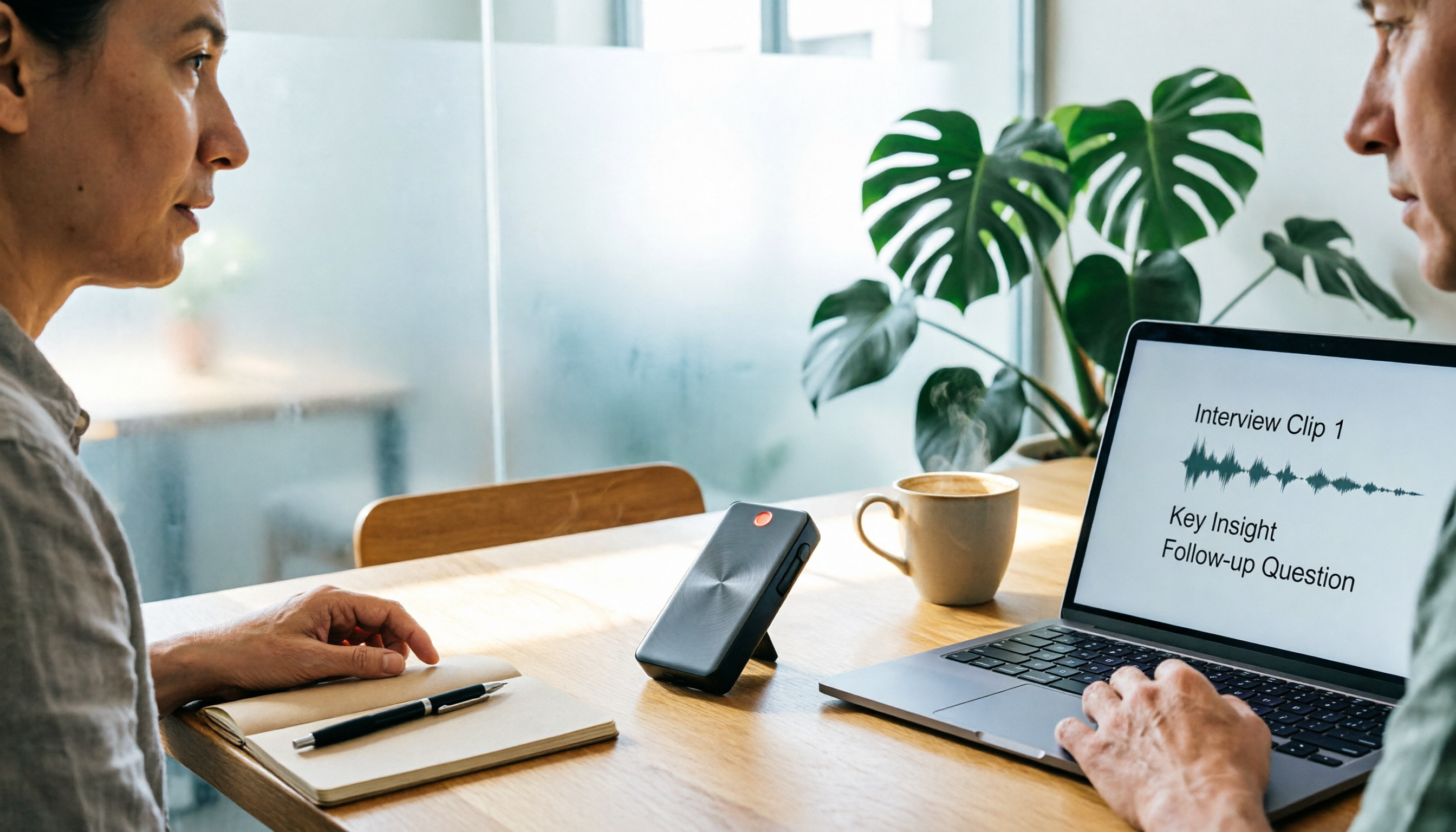
4 Free Speech-to-Text Tools Tested for 2026: How to Use Free Tiers Without Hitting a Wall
A bigger free quota doesn't mean better usability. I ran my own meeting and interview audio through the free workflows of Tinrec, Notta, Otter, and TurboScribe to break down the most overlooked quota rules, post-meeting organization, meeting capture methods, and team data ownership—so you can find a free speech-to-text tool that truly works for ongoing use.

2026 Audio-to-Text Tool Comparison: Tinrec vs. Notta for Chinese Meetings
How well does audio-to-text really work? I break down three common misconceptions that explain why accuracy alone can't answer this question, and share my testing method using three audio samples and one key question. The article compares Tinrec and Notta on meeting capture, post-meeting outputs, Chinese bilingual support, and team knowledge retention to help you decide which workflow fits your meeting scenarios.