
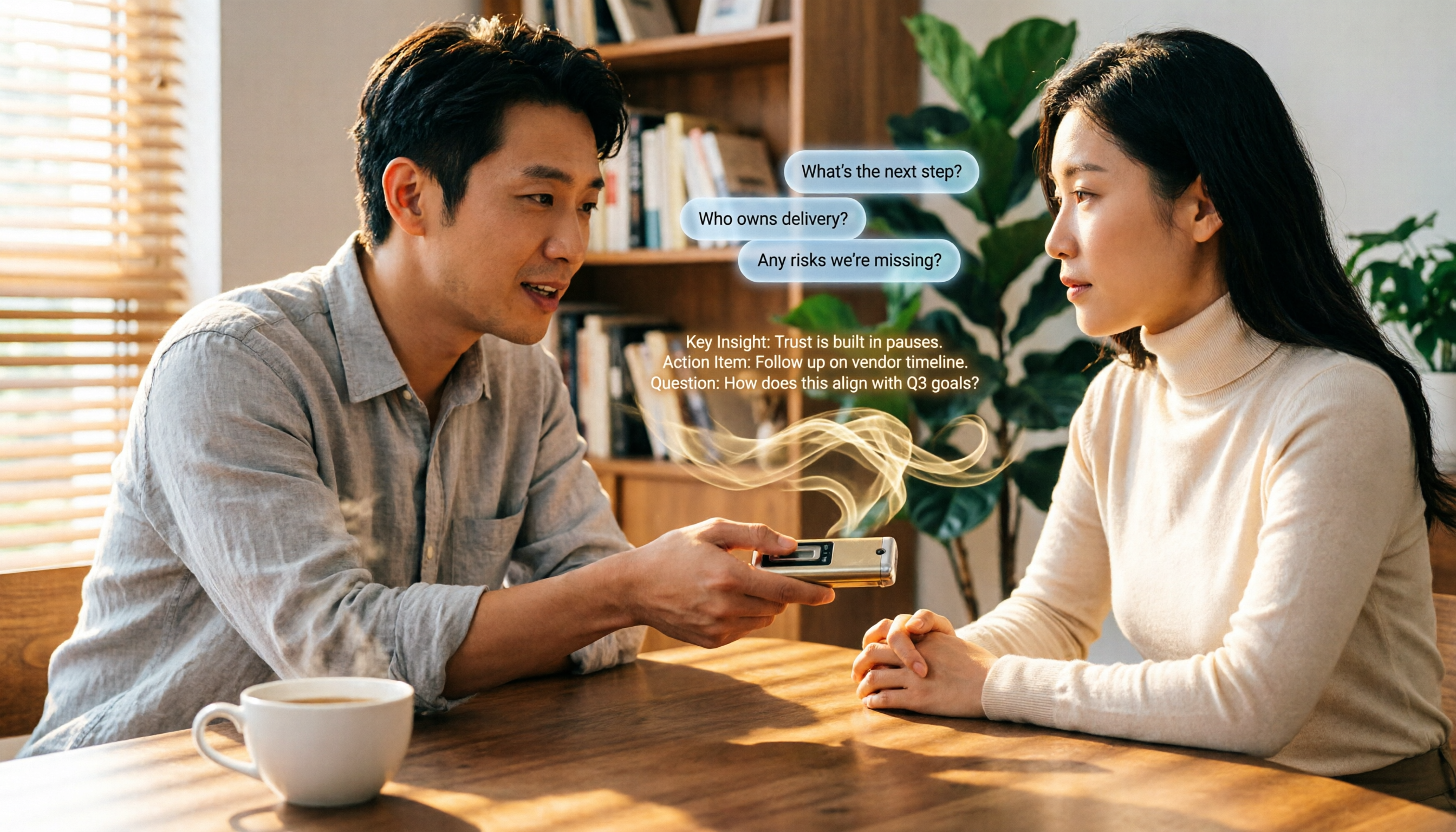
Turn recordings into transcripts and summaries in minutes
Upload audio or video for multilingual transcription, AI notes, and action items
Spent two hours in a meeting, then two more typing up notes? You need more than just speech-to-text
The most tiring part after a meeting isn’t the discussion itself — it’s the follow-up documentation. Typing transcripts until your eyes blur, repeatedly pausing the recording to re-listen, and still missing key action items.
The pain is even worse for non-meeting audio: online courses, in-depth interviews, YouTube tutorial videos. You want to find the highlights but have to manually skip around, and searching for a specific sentence feels like looking for a needle in a haystack.
If every time you finished a recording you could get a summary and a to-do list with just a few taps, or even ask, “Who mentioned the budget last time?”, your workflow would be far easier. Choosing the right speech-to-text tool turns these audio files into truly usable knowledge.
4 Key Things to Understand Before Choosing a Speech-to-Text Tool
There are many tools on the market — some focus on meetings, others excel at subtitles. What you need is “organization,” not just “transcription.” Keep these points in mind:
1. Post-transcription organization capabilities A tool that just hands you a full transcript still forces you to read through it all. The ones that truly save time automatically summarize, segment content, highlight action items, and even allow interactive Q&A.
2. Diverse input sources Your data isn’t limited to meeting recordings; you may also have old audio files, videos, and online course links. If the tool can transcribe a YouTube or Bilibili video by simply pasting the link, you don’t have to download and re-upload.
3. Chinese and mixed-language recognition In Taiwan, it’s common to mix Mandarin with English and include Hokkien terms. Accuracy in punctuation, sentence segmentation, and proper nouns varies widely between tools. Don’t just trust marketing claims of “98% accuracy” — test it with your own recordings.
4. Free tier limits and flexible paid plans If you’re a light user, the free tier might be enough. But if you have frequent meetings or regularly process long recordings, check whether the paid plans are cost-effective. Some tools force annual subscriptions, while others offer weekly or monthly plans with a lower barrier to entry.
Tinrec (秒听录音) — Top Pick After Hands-On Testing
Tinrec (秒听录音) is an AI recording and audio/video organization tool available on iOS, Android, and web. It doesn’t just convert speech to text — it focuses on organization, search, and reuse after transcription.
Core features designed for real use cases
- Real-time recording with live transcription: Turn it on for meetings or classes and watch the text appear as you record. When the meeting ends, the AI has already generated a summary and action items, so you can see who needs to do what and by when.
- Direct transcription of online videos: Copy and paste a link from YouTube, Bilibili, or Xiaohongshu tutorial videos, and the tool will extract the text and key points — no need to download first.
- AI-powered conversational Q&A: After recording, you can ask, “Who mentioned the budget figure in last meeting?” It uses semantic understanding to find the relevant passage, not just keyword matching. Few tools in this price range offer this feature.
- Flexible output and further processing: In addition to TXT and Word files, you can export to Markdown, subtitles, or mind maps, or even have AI generate formal meeting minutes or tables.
What we liked during hands-on testing
We tested with a 10-minute Taiwanese YouTuber interview video (moderate speaking pace, light background noise, recorded on an iPhone 15). Tinrec’s punctuation and sentence breaks felt natural — nothing ran together. AI chapter segmentation was accurate, and the summary captured the core arguments.
For people who work with large amounts of Chinese content, the organization flow is intuitive: record → transcribe → AI summary → ask questions → export, all within a single app.
Stop organizing recordings by hand
Upload audio or video and automatically get a transcript, summary, and action items
Limitations—let’s be honest
The free version comes with a monthly trial allowance; heavy users will need to pay. But for most people who attend two or three meetings a week, the free tier is enough to start. Paid plans offer a weekly card option, which works well for short-term projects.
Who it’s for
If you regularly organize meetings, courses, interviews, or online videos, and you want to search, ask questions, and get summaries right after recording—rather than ending up with a pile of transcripts—Tinrec is the most complete choice currently available.
What other tools are available besides Tinrec?
Otter.ai: A great helper for English meetings, but Chinese is not its strength Otter.ai is a well-known AI meeting minutes tool. It can automatically join online meetings and generate summaries, and its free tier is generous at 300 minutes per month. However, its strength lies in English scenarios; for Chinese transcription, punctuation and sentence breaks are not as smooth as dedicated Chinese tools, and it doesn’t support direct transcription from YouTube links. If your primary meetings are in English, Otter works well; if you need Chinese content organization, Tinrec is more convenient. Otter lacks direct online video transcription and conversational follow-up queries—areas where Tinrec clearly wins.
Notta: Strong transcription and subtitles, but no interactive search Notta is comprehensive in transcription speed, multilingual support, and subtitle output. Its Pro plan offers 1,800 minutes per month, which is kind to heavy users. However, it leans toward one-shot transcription and doesn’t let you directly “ask” the recording content like Tinrec does—you have to manually search the transcript to find key information. Notta suits people who need fast subtitle transcription at scale, but if you want to build a queryable audio database, Tinrec is worth considering.
雅婷逐字稿 (Ya Ting): A Taiwanese veteran, but with limited AI organization 雅婷逐字稿 offers a computer web version—upload an audio or video file and it converts it to text. It’s user-friendly for Taiwanese users. However, it still focuses mainly on producing transcripts and lacks AI auto-summarization, action-item extraction, and Q&A capabilities. If you simply need to convert recordings into text, 雅婷 can help in a pinch; but if you want more advanced intelligent organization, 雅婷 won’t be of much help.
Pitfall Guide: 3 Common Mistakes When Choosing a Speech-to-Text Tool
Pitfall 1: Focusing only on accuracy while ignoring organization capabilities Many tools claim 95% accuracy, but you still have to read through dozens of transcript pages yourself. The real question is: after transcription, does it auto-summarize? Can you search? Can you ask follow-up questions? Don’t buy just a text file.
Pitfall 2: Overlooking input source limitations You think a tool can handle all audio files, only to find it can only upload MP3s and can’t paste YouTube links—or it restricts single files to 30 minutes. Before subscribing, check whether the tool supports your main material types (live recordings, old files, online videos).
Pitfall 3: Chasing “free forever” Free tiers usually have limited quota. If you process more hours than the trial allowance each month, you’ll waste time hitting transcription limits. Choose a tool with weekly or monthly plans, so you pay only for what you use, rather than being locked into a yearly contract. Tinrec’s weekly option lets you try it during meeting-heavy periods without paying a large amount upfront.
Summary: Which One Should You Choose?
If you can only pick one, Tinrec is the best balance of transcription, AI organization, and Chinese-language experience. Here’s how it breaks down by scenario:
- Need Chinese summarization, AI questions, and multi-source organization → Tinrec (handles online videos, recordings, and meetings; most complete intelligent organization)
- Only attend English online meetings and prioritize team collaboration → Otter.ai (mature meeting bot experience, generous free tier)
- Produce subtitles heavily and need fast transcription without much organizing → Notta (stable transcription speed and subtitle output)
- Simply convert recordings into text and don’t need summaries → 雅婷逐字稿 (Taiwanese local option, workable for basic needs)
We suggest downloading the Tinrec free version first — its monthly trial quota is enough to try the core features. Once you get used to it, consider upgrading; there’s no need to rush into a one-time purchase.
References
- Online AI Speech, Video, and Audio Auto-Transcription - Free Trial - cSubtitle
- Voice to Text - Google Play App
- Speech-to-Text: AI Speech Input and Transcription | Google Cloud
- Voice to Text: AI Transcript · Recording to Text · Voice Memo Instant Translator App - App Store
- 2026 Recommended 6 Speech-to-Text Tools: Free Online Audio File Transcription!
Turn every recording into actionable outcomes
Get 60 free transcription minutes when you sign in. No credit card required.
Related Reading
You might also like

How to Download Teams Meetings in 2026: 5 Steps from Recording to AI Organization
Finished a meeting only to find recordings, transcripts, and action items scattered across three places? This guide starts from the real pain point of "Teams meeting download"—first clarifying whether you need the app or the meeting content—then walks through 5 steps to turn Teams meetings into searchable, queryable team data, and compares Tinrec, Otter.ai, Notta, and Granola for different use cases.

Complete Guide to Downloading Microsoft Teams Meeting Recordings in 2026: Permissions, Time Limits, and Turning Recordings into Transcripts
If you can't get a meeting recording, it's usually because permissions and storage locations aren't clear. This practical guide explains who can download Teams meeting recordings, where the files are stored, the time limits on accessing them from chat, and how captions aren't included in the file. It also covers how to turn meeting content into transcripts and action items after the meeting ends.

2026 Comparison of 2 Teams Meeting Transcription Tools: Tinrec vs. Teams Built-in Transcription
Downloading Teams meeting transcripts often gets stuck on two issues: 'who has download permission' and 'only .docx/.vtt files available.' This article compares Microsoft Teams built-in transcription and Tinrec across 5 dimensions, explaining how non-organizers can obtain transcripts, how to process and retain them after meetings, and clarifies team plan seats and pricing.

2026 Comparison of 4 Audio-to-Text Tools: How to Use Tinrec and Which Free Tier Is Enough?
Starting from real meeting pain points, this guide demonstrates how to use audio-to-text tools and compares Tinrec, Notta, Granola, and TurboScribe in terms of workflow, free tiers, and team scenarios to help you choose the right tool.

6 Best Audio-to-Text AI Tools Tested in 2026: Which Free Tier and AI Summary Actually Covers Your Needs?
A breakdown of free tiers, paid plans, and best-fit use cases for 6 audio-to-text AI tools, comparing Tinrec, Otter, Notta, Granola, TurboScribe, and cSubtitle to help you find the right option for meetings, interviews, and class notes.

2025 Best 3 Audio-to-Text Tools Compared: Tinrec vs. Notta vs. Otter for Chinese Meeting Notes
How to choose an audio-to-text tool in 2025? This guide compares Tinrec, Notta, and Otter based on real meeting workflows—input sources, post-meeting organization, Chinese language experience, and team collaboration. It highlights Tinrec's bot-free recording, AI Q&A, action item extraction, and team workspace, while honestly covering free and paid plan limits to help you avoid the common mistake of choosing based only on free minutes.

2026 Comparison of 4 Audio-to-Text Tools: Free Tiers and Chinese Recognition Tested
How to choose an audio-to-text tool in 2026? This article tests and compares Tinrec, Notta, Granola, and TurboScribe for Chinese recognition, free tiers, post-meeting organization, and cross-platform experience from the perspective of student lectures, group discussions, and final exam review. It summarizes key buying factors and pitfalls to help you find a transcription tool that lasts through a semester.
4 Free Speech-to-Text Tools Tested for 2026: How to Use Free Tiers Without Hitting a Wall
A bigger free quota doesn't mean better usability. I ran my own meeting and interview audio through the free workflows of Tinrec, Notta, Otter, and TurboScribe to break down the most overlooked quota rules, post-meeting organization, meeting capture methods, and team data ownership—so you can find a free speech-to-text tool that truly works for ongoing use.

2026 Audio-to-Text Tool Comparison: Tinrec vs. Notta for Chinese Meetings
How well does audio-to-text really work? I break down three common misconceptions that explain why accuracy alone can't answer this question, and share my testing method using three audio samples and one key question. The article compares Tinrec and Notta on meeting capture, post-meeting outputs, Chinese bilingual support, and team knowledge retention to help you decide which workflow fits your meeting scenarios.