

Turn recordings into transcripts and summaries in minutes
Upload audio or video for multilingual transcription, AI notes, and action items
The daily grind for office workers: morning meetings, afternoon meetings, evening meetings, and then catching up on training videos and YouTube tutorials after work. Want to condense a 30-minute video into 3 minutes? No problem—there are plenty of free AI video summarizers on the market that quickly give you the key points.
But only if you choose the right one can you truly save time. I tested several and finally found one that handles meeting recordings and lecture recordings, complete with an AI Q&A feature—an absolute godsend for office workers.
How to Choose a Free Video Summary Tool?
When choosing such a tool, there are three key things to evaluate:
- Platform and format support: Does it only handle YouTube, or does it work on other sites too? Can you upload your own video files?
- Output content: Does it just give a summary, or does it include chapters, highlights, subtitles, or even mind maps?
- Is the free version sufficient: How many minutes per month? Does it cap the number of videos you can process?
The following three tools are all free to use, but they serve different purposes. Let's take a closer look.
Hands-On Comparison of 3 Free Tools
Monica AI: YouTube-Focused, One-Click Summaries
Monica AI is a Chrome extension focused on YouTube video summaries. Copy and paste the link, and within seconds you get a summary and a mind map—helpful for visual learners. The basic features are free, but new users only get 2 summary credits, after which you'll need to pay. If you occasionally watch a video or two, it's enough.
WayinVideo: Timestamps and Interactive Q&A
WayinVideo's selling point is speed, and it automatically highlights key moments. The transcript includes timestamps and speaker labels, which is great for anyone who needs to precisely quote video content. The free plan gives you trial credits—no credit card required—but once the credits run out, you have to pay.
Glarity: Open Source and Multi-Platform
Glarity is another Chrome extension, powered by models like ChatGPT. It can summarize not only YouTube but also Google Search, Twitter, and web pages. It supports over 12 languages, and its free mode is quite feature-rich. However, because it relies on third-party APIs, stability and speed can sometimes be affected.
Is There a Tool That Does It All?
The three above are great helpers for video summaries, but most of them only handle online videos. If you also want to organize meeting recordings, lecture recordings, or even local audio and video files, then let me introduce the real star—Tinrec.
Tinrec: More Than a Video Summarizer—It's an Audio/Video Workspace
Tinrec isn't just a video summarizer; it's an AI-powered recording and audio/video organization platform. In short, it converts any audio or video content (including YouTube, Bilibili, and Xiaohongshu links) into text, then automatically organizes it into summaries, chapters, to-dos, and even meeting minutes or reports.
Stop organizing recordings by hand
Upload audio or video and automatically get a transcript, summary, and action items
Here are the key features one by one:
- Online video to text: Paste a YouTube link and get not only a transcript but also AI summaries and chapters. You can even export subtitles.
- Local file transcription: Upload MP3, MP4, WAV, and other formats to turn old recordings, podcasts, and lecture videos into text data.
- AI Q&A: After recording or organizing a video, you can ask Tinrec things like "What is the conclusion of this video?" or "Who is responsible for following up?" It provides answers based on the content, so you don't have to hunt through it yourself.
- Agent post-processing: Tinrec can further generate documents based on your recordings, such as automatically writing meeting minutes or organizing Excel reports—something other free tools can't do yet.
Unlike tools that just summarize videos, Tinrec's strength lies in "what you can do after transcription." You don't just get a block of text; you get material you can actually work with.
Real-World Use Cases for Tinrec
Instant Meeting Recording Transcription
During a meeting, open Tinrec and the audio is transcribed in real time with less than 1 second of delay. The moment the meeting ends, the transcript and summary are ready, and it automatically extracts action items. No more overtime writing up meeting minutes.
Turn Lecture Recordings into Study Notes
In class or at a lecture, just record it and Tinrec automatically splits it into chapters, breaking it down into structured notes. The AI Q&A feature can also be your study buddy: ask "What's the key point of this lesson?" and get an instant answer.
Interview Transcription and Organization
For researchers or journalists, after recording an interview, Tinrec can quickly produce a transcript and highlight key viewpoints, saving hours of listening time.
Content Creation Material Gathering
Whether it's YouTube research, podcast notes, or organizing your own videos, Tinrec turns audio and video into text assets that are easy to reuse in your content.
Is the Free Version Enough?
Tinrec offers a free version with a monthly base transcription quota that can handle several medium-length videos or recordings. I'd recommend trying the free version first and only subscribing to Pro if it fits your needs. If you only need to organize videos occasionally, the free version is plenty. If you have meetings every day or a high volume of videos to process, then it's worth paying.
Conclusion: Which One Is Worth Trying Most?
If you only need to summarize an occasional YouTube video, browser extensions like Monica or Glarity are lightweight and convenient. But if you need an all-in-one tool that handles videos, recordings, and local files—with AI that helps you organize key points and generate documents—then Tinrec is absolutely worth a try.
Especially for Hong Kong office workers who deal with meetings and training every day, Tinrec's Cantonese recognition and multi-scenario coverage are truly helpful. I suggest you download the free version right now and test it with your own recordings or videos—that's more direct than reading any review.
References
- Summarize YouTube with GPT: Free Online Video Summary Tool
- Free AI Video Summarizer - Monica
- Free AI Video Summary Tool—Accurate, Fast, with Timestamps - WayinVideo
- r/androidapps on Reddit: Are there any AI apps that can summarize YouTube videos or podcasts?
- Glarity - Use ChatGPT4 to generate summaries and translations, supports YouTube videos (free, no ads) - Chrome Web Store
Turn every recording into actionable outcomes
Get 60 free transcription minutes when you sign in. No credit card required.
Related Reading
You might also like

How to Download Teams Meetings in 2026: 5 Steps from Recording to AI Organization
Finished a meeting only to find recordings, transcripts, and action items scattered across three places? This guide starts from the real pain point of "Teams meeting download"—first clarifying whether you need the app or the meeting content—then walks through 5 steps to turn Teams meetings into searchable, queryable team data, and compares Tinrec, Otter.ai, Notta, and Granola for different use cases.

Complete Guide to Downloading Microsoft Teams Meeting Recordings in 2026: Permissions, Time Limits, and Turning Recordings into Transcripts
If you can't get a meeting recording, it's usually because permissions and storage locations aren't clear. This practical guide explains who can download Teams meeting recordings, where the files are stored, the time limits on accessing them from chat, and how captions aren't included in the file. It also covers how to turn meeting content into transcripts and action items after the meeting ends.

2026 Comparison of 2 Teams Meeting Transcription Tools: Tinrec vs. Teams Built-in Transcription
Downloading Teams meeting transcripts often gets stuck on two issues: 'who has download permission' and 'only .docx/.vtt files available.' This article compares Microsoft Teams built-in transcription and Tinrec across 5 dimensions, explaining how non-organizers can obtain transcripts, how to process and retain them after meetings, and clarifies team plan seats and pricing.

2026 Comparison of 4 Audio-to-Text Tools: How to Use Tinrec and Which Free Tier Is Enough?
Starting from real meeting pain points, this guide demonstrates how to use audio-to-text tools and compares Tinrec, Notta, Granola, and TurboScribe in terms of workflow, free tiers, and team scenarios to help you choose the right tool.

6 Best Audio-to-Text AI Tools Tested in 2026: Which Free Tier and AI Summary Actually Covers Your Needs?
A breakdown of free tiers, paid plans, and best-fit use cases for 6 audio-to-text AI tools, comparing Tinrec, Otter, Notta, Granola, TurboScribe, and cSubtitle to help you find the right option for meetings, interviews, and class notes.

2025 Best 3 Audio-to-Text Tools Compared: Tinrec vs. Notta vs. Otter for Chinese Meeting Notes
How to choose an audio-to-text tool in 2025? This guide compares Tinrec, Notta, and Otter based on real meeting workflows—input sources, post-meeting organization, Chinese language experience, and team collaboration. It highlights Tinrec's bot-free recording, AI Q&A, action item extraction, and team workspace, while honestly covering free and paid plan limits to help you avoid the common mistake of choosing based only on free minutes.
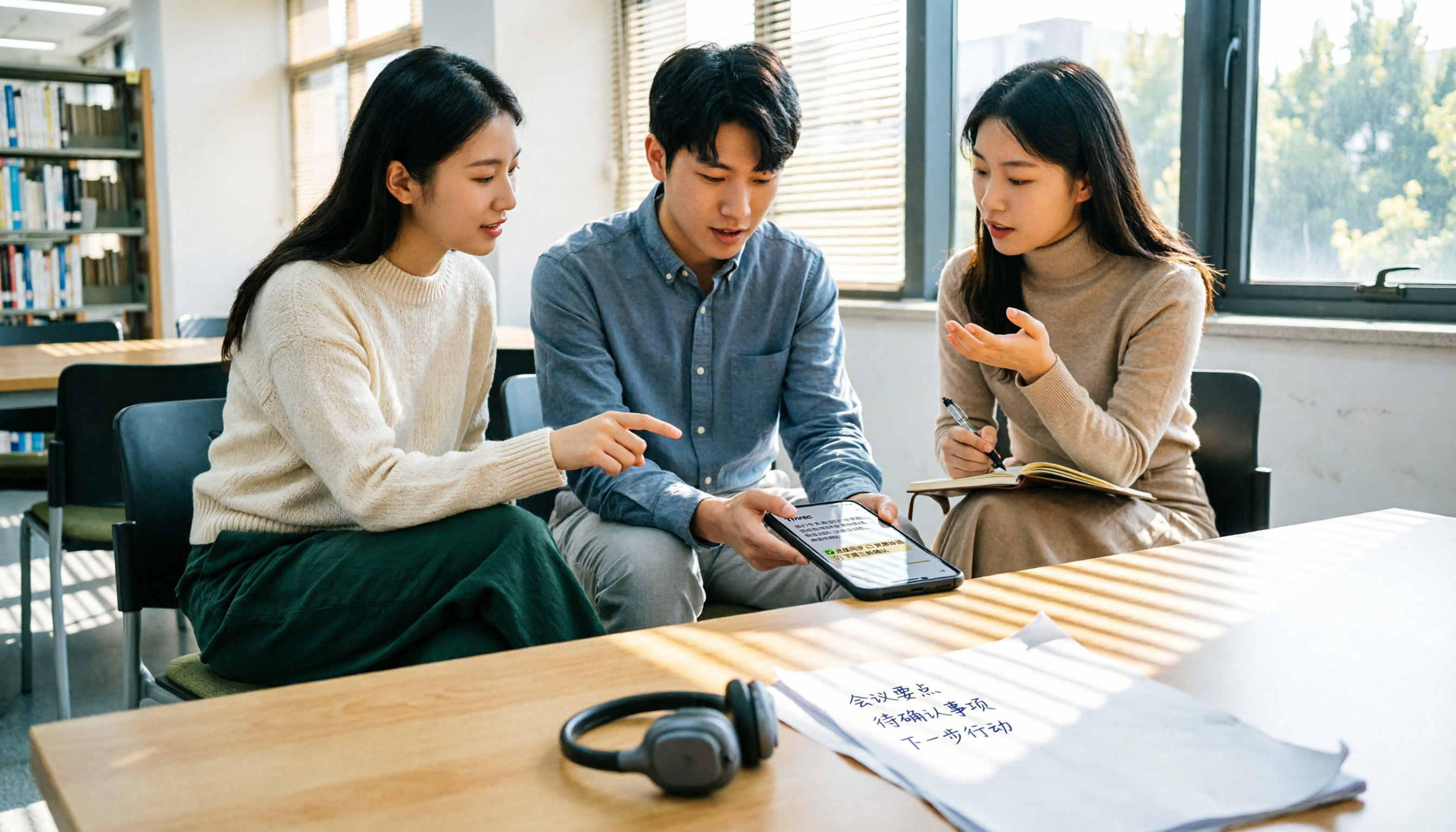
2026 Comparison of 4 Audio-to-Text Tools: Free Tiers and Chinese Recognition Tested
How to choose an audio-to-text tool in 2026? This article tests and compares Tinrec, Notta, Granola, and TurboScribe for Chinese recognition, free tiers, post-meeting organization, and cross-platform experience from the perspective of student lectures, group discussions, and final exam review. It summarizes key buying factors and pitfalls to help you find a transcription tool that lasts through a semester.
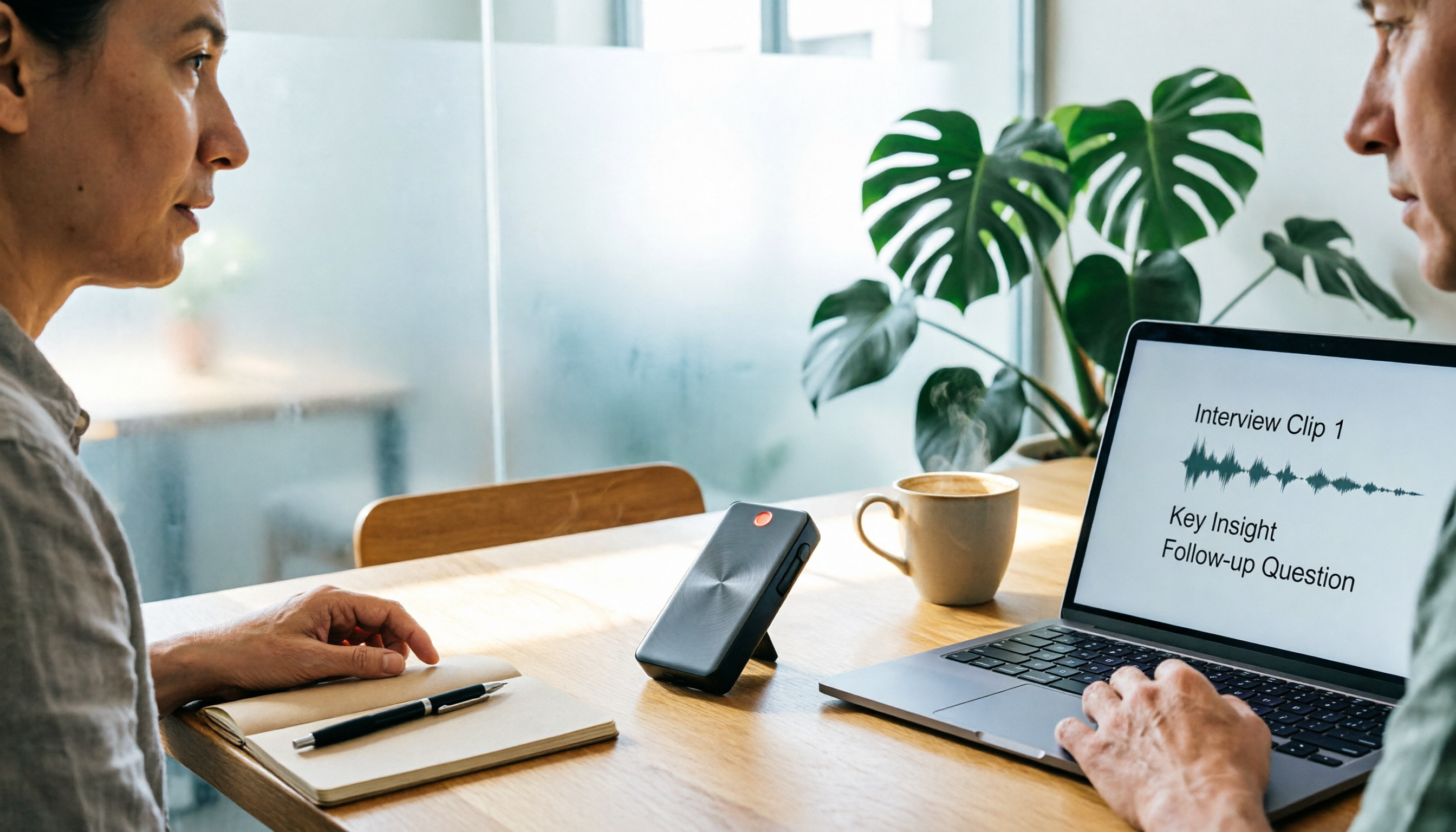
4 Free Speech-to-Text Tools Tested for 2026: How to Use Free Tiers Without Hitting a Wall
A bigger free quota doesn't mean better usability. I ran my own meeting and interview audio through the free workflows of Tinrec, Notta, Otter, and TurboScribe to break down the most overlooked quota rules, post-meeting organization, meeting capture methods, and team data ownership—so you can find a free speech-to-text tool that truly works for ongoing use.

2026 Audio-to-Text Tool Comparison: Tinrec vs. Notta for Chinese Meetings
How well does audio-to-text really work? I break down three common misconceptions that explain why accuracy alone can't answer this question, and share my testing method using three audio samples and one key question. The article compares Tinrec and Notta on meeting capture, post-meeting outputs, Chinese bilingual support, and team knowledge retention to help you decide which workflow fits your meeting scenarios.