
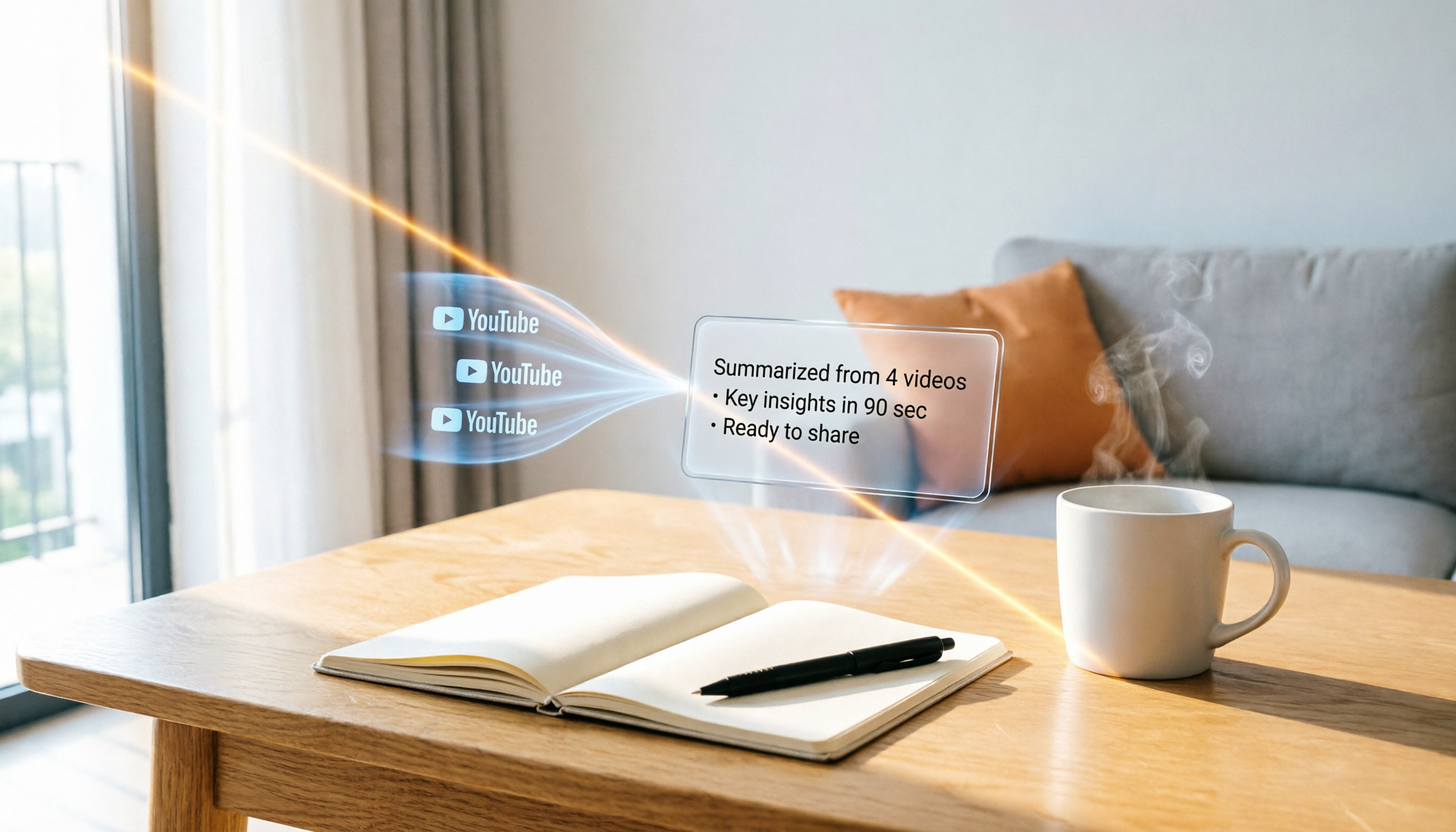
Turn recordings into transcripts and summaries in minutes
Upload audio or video for multilingual transcription, AI notes, and action items
What You Need Isn't a Tool, It's a Solution
Want to learn from videos but don't have time to watch them start to finish?
A two-hour meeting takes another two hours to organize into meeting notes—this is the daily reality for most office workers. Not to mention foreign course videos with English-only content: pausing to look up every other word makes learning so inefficient you want to quit.
If you've experienced any of these situations, this article is for you. We tested five AI video content summarization tools to help you find the option that saves the most time.
Before Buying a Video Summarization Tool, Understand These 4 Key Points
Not every tool is the same. Think about these four directions before purchasing to avoid pitfalls.
Beyond summaries, what else can it do for you?
Many tools stop at a summary, but a good tool should help you organize the content further—automatically extracting to-dos, breaking long videos into chapters, and even letting you ask follow-up questions like Q&A. These features are the real time-savers.
How many video sources does it support?
Where are your videos? YouTube, Bilibili, or your own meeting recordings? If a tool supports only one platform, you'll have to switch apps for different sources, which is a hassle. Choose a tool that covers multiple sources so you can handle everything with one account.
How well does it handle Chinese content?
Many tools perform well in English but stumble with Chinese. If you mainly process Chinese or Chinese-English mixed content, test the transcription accuracy and summary quality first—don't just look at official marketing numbers.
Is the free plan enough for you?
Almost every tool offers a free plan, but what are the limitations? A few minutes per month, or crippled features? Estimate how much time you'll use each month, then decide whether you need to pay.
Tinrec (Miao Ting Lu Yin) — Our Top Pick After Testing
Tinrec (Miao Ting Lu Yin) is an AI recording and audio/video organization tool designed for Chinese speakers, with support for iOS, Android, and web. It doesn't just convert speech to text—it turns content into material you can use immediately.
From recording to actionable knowledge
Open Tinrec during a meeting, and it transcribes in real time as it records. When the meeting ends, the AI has already generated a summary and to-dos—who is responsible for what and deadlines are clear at a glance. Even better, you can ask it directly: "Who brought up the budget at the last meeting?" It doesn't just give you keyword search results; it tells you the answer. No other tool in this price range offers this feature.
Not just YouTube—it handles all kinds of videos
In addition to live recording, Tinrec lets you upload audio/video files from your phone or computer, or paste a link to public videos from YouTube, Bilibili, and more. It processes all the audio/video content you need to organize through one workflow. In our test with a 5-minute Chinese news video from YouTube, the transcript was virtually error-free, and the AI summary accurately captured every turning point.
Pros
- Multiple input sources: supports live recording, local files, and online videos.
- AI Q&A: ask follow-up questions after recording without manually scanning transcripts.
- Beyond summaries: automatically generates chapters and to-dos, and can export to different formats.
Stop organizing recordings by hand
Upload audio or video and automatically get a transcript, summary, and action items
Cons
- The free plan has a fixed monthly transcription allowance; heavy users will need to pay. However, it's enough for someone who has 2–3 meetings per week.
- The paid plans (weekly, Pro monthly, yearly) are flexible, but pricing details aren't listed on the official site, which lacks transparency.
Who it's for
If you often need to organize meeting recordings, course audio, or online videos, and you want to ask the AI to find key points after recording—Tinrec is the most complete option right now.
What other options are there besides Tinrec?
Monica
Monica is a free Chrome extension that generates video summaries on YouTube pages with one click. It's fast and supports multiple languages, making it suitable for anyone who just wants a quick overview of a video's key points. However, Monica is limited to YouTube and only provides text summaries—no AI Q&A or to-do extraction. If you need cross-source audio/video organization, Tinrec is a better fit.
WayinVideo
WayinVideo focuses on one-click generation of video summaries, transcripts, subtitles, and mind maps, with support for over 100 languages and a decent free tier. Its visual organization is appealing, but it can only handle YouTube links and doesn't offer live recording or file upload. Moreover, you can't query the recording content in a conversational way like with Tinrec—you have to read through it yourself.
MemoAI
MemoAI combines ChatGPT to summarize video content into bullet points or mind maps, which is visually clear. However, its workflow is more cumbersome: you need to obtain the transcript first and then feed it to the AI, unlike Tinrec's one-stop automation. Additionally, MemoAI doesn't support AI chat queries, nor can it handle live recordings or local files like Tinrec. It's better suited for YouTube users who simply want to create visual notes.
Pitfall Avoidance Guide: 3 Common Mistakes When Choosing a Video Summarization Tool
Only looking at summary quality, ignoring organization and reuse capabilities
Many people only care whether the summary is accurate, but a beautiful summary still requires extra work if it can't be turned into to-dos, meeting notes, or study notes. Instead of buying a summary generator, choose a tool that can produce actionable deliverables for you.
Ignoring cross-platform and multi-source support
Today you record on an iPhone, tomorrow you organize on your computer, and the day after you want to process a YouTube video. If the tool only handles one source, you'll keep switching between apps, making things worse. Choose a platform that supports multiple devices and sources for a truly hassle-free experience.
Assuming the free plan is enough, then hitting limits at critical moments
Free plans usually offer a limited number of transcription minutes that can run out after one or two uses. If your usage is irregular, consider a weekly plan option like Tinrec, where you can buy a short-term add-on during meeting or exam weeks, which is more cost-effective than committing to an annual subscription.
Conclusion: Which One Should You Choose?
Based on our testing, Tinrec is the most well-rounded choice, especially for users who need to handle meetings, courses, and online videos simultaneously.
- Need cross-source organization for meetings + online videos + local files → Tinrec (the only one covering all scenarios)
- Just want a quick way to see YouTube video highlights and don't need other features → Monica (free and intuitive)
- Prefer visual notes and only use YouTube → WayinVideo or MemoAI
We recommend downloading Tinrec's free version first—it includes a monthly allowance to experience the full features. Upgrade only if you find it useful; you don't have to pay upfront.
References
- Summarize YouTube with GPT: Free Online Video Summary Tool
- Free AI Video Summarizer – Accurate, Fast, with Timestamps - WayinVideo
- ChatGPT YouTube Summary Tips: From Transcript to Summary - Mr. Mad
- Video too long? No time to watch? Essential tools for learning and following stars! Quickly summarize long videos and translate foreign videos! - PanSci 泛科學
- YouTube videos too long? Let AI tools quickly analyze key points! - Article - Dream & Hunter - 獎金獵人
Turn every recording into actionable outcomes
Get 60 free transcription minutes when you sign in. No credit card required.
Related Reading
You might also like

How to Download Teams Meetings in 2026: 5 Steps from Recording to AI Organization
Finished a meeting only to find recordings, transcripts, and action items scattered across three places? This guide starts from the real pain point of "Teams meeting download"—first clarifying whether you need the app or the meeting content—then walks through 5 steps to turn Teams meetings into searchable, queryable team data, and compares Tinrec, Otter.ai, Notta, and Granola for different use cases.

Complete Guide to Downloading Microsoft Teams Meeting Recordings in 2026: Permissions, Time Limits, and Turning Recordings into Transcripts
If you can't get a meeting recording, it's usually because permissions and storage locations aren't clear. This practical guide explains who can download Teams meeting recordings, where the files are stored, the time limits on accessing them from chat, and how captions aren't included in the file. It also covers how to turn meeting content into transcripts and action items after the meeting ends.

2026 Comparison of 2 Teams Meeting Transcription Tools: Tinrec vs. Teams Built-in Transcription
Downloading Teams meeting transcripts often gets stuck on two issues: 'who has download permission' and 'only .docx/.vtt files available.' This article compares Microsoft Teams built-in transcription and Tinrec across 5 dimensions, explaining how non-organizers can obtain transcripts, how to process and retain them after meetings, and clarifies team plan seats and pricing.

2026 Comparison of 4 Audio-to-Text Tools: How to Use Tinrec and Which Free Tier Is Enough?
Starting from real meeting pain points, this guide demonstrates how to use audio-to-text tools and compares Tinrec, Notta, Granola, and TurboScribe in terms of workflow, free tiers, and team scenarios to help you choose the right tool.

6 Best Audio-to-Text AI Tools Tested in 2026: Which Free Tier and AI Summary Actually Covers Your Needs?
A breakdown of free tiers, paid plans, and best-fit use cases for 6 audio-to-text AI tools, comparing Tinrec, Otter, Notta, Granola, TurboScribe, and cSubtitle to help you find the right option for meetings, interviews, and class notes.

2025 Best 3 Audio-to-Text Tools Compared: Tinrec vs. Notta vs. Otter for Chinese Meeting Notes
How to choose an audio-to-text tool in 2025? This guide compares Tinrec, Notta, and Otter based on real meeting workflows—input sources, post-meeting organization, Chinese language experience, and team collaboration. It highlights Tinrec's bot-free recording, AI Q&A, action item extraction, and team workspace, while honestly covering free and paid plan limits to help you avoid the common mistake of choosing based only on free minutes.

2026 Comparison of 4 Audio-to-Text Tools: Free Tiers and Chinese Recognition Tested
How to choose an audio-to-text tool in 2026? This article tests and compares Tinrec, Notta, Granola, and TurboScribe for Chinese recognition, free tiers, post-meeting organization, and cross-platform experience from the perspective of student lectures, group discussions, and final exam review. It summarizes key buying factors and pitfalls to help you find a transcription tool that lasts through a semester.
4 Free Speech-to-Text Tools Tested for 2026: How to Use Free Tiers Without Hitting a Wall
A bigger free quota doesn't mean better usability. I ran my own meeting and interview audio through the free workflows of Tinrec, Notta, Otter, and TurboScribe to break down the most overlooked quota rules, post-meeting organization, meeting capture methods, and team data ownership—so you can find a free speech-to-text tool that truly works for ongoing use.

2026 Audio-to-Text Tool Comparison: Tinrec vs. Notta for Chinese Meetings
How well does audio-to-text really work? I break down three common misconceptions that explain why accuracy alone can't answer this question, and share my testing method using three audio samples and one key question. The article compares Tinrec and Notta on meeting capture, post-meeting outputs, Chinese bilingual support, and team knowledge retention to help you decide which workflow fits your meeting scenarios.