

Turn recordings into transcripts and summaries in minutes
Upload audio or video for multilingual transcription, AI notes, and action items
Two-hour meeting, then two more hours to organize notes? What you need isn't just a tool—it's a solution
After a two-hour meeting, manually transcribing the recording into a text transcript can easily eat up an entire afternoon. And if it's an English meeting, a mixed Chinese-English interview, or a lecture recording with background noise, the manual process is a nightmare.
I've been through this countless times: stacks of voice memos, yet when I need to find a specific decision from last month's meeting, I have to re-listen from start to finish. It wasn't until I started using AI audio-to-text tools that I realized these repetitive tasks can be handed off to a machine.
But with so many options on the market, which one actually understands Chinese and can turn your recordings into usable data? I tested several tools to help you find the best match.
Before choosing an audio-to-text tool, understand these 5 key factors
Before we compare, there are a few criteria you should know so you don't just hand over your money based on marketing numbers.
Accuracy: Don't just trust the official numbers
Many tools claim 95% or 98% accuracy, but those figures are usually measured in a quiet recording studio with one person speaking clearly. In real scenarios—background noise, multiple speakers talking over each other—accuracy drops noticeably. My advice: pick a tool with a free trial and test it with your own audio files.
AI features: Transcription is just the start
Turning audio into a transcript is the baseline, but what truly saves time is what happens after: auto-generating summaries, extracting action items, dividing long recordings into chapters, and even letting you ask the AI conversational questions like "Who mentioned the budget in last meeting?" That's the real game-changer.
Input sources: Not just meeting recordings
Your recordings might come from your phone, computer files, online meetings, or even public YouTube videos. A good tool should support all these sources, not just one.
Cross-platform support: Works on both phone and computer
Many people record on their phone but prefer to organize on a computer. If a tool only works on one end, it breaks your workflow. Tools with iOS, Android, and web versions are far more convenient.
Free tier: Enough for a real test
Don't just look at how many minutes the free version offers. The real question is whether it lets you test a complete real-world scenario. For example, one meeting might last 30 minutes—if the free tier only gives you 10, it's hard to judge the tool's usefulness.
Tinrec (Miao Ting Lu Yin) — Our top pick after testing
After trying several tools, the one I use most often is Tinrec (秒聽錄音). It's not just a speech-to-text tool; it turns recordings into something that's actually organizable, searchable, and reusable.
One-line positioning: A multi-source audio AI organization workstation
Tinrec supports iOS, Android, and web versions. It can handle live recordings, uploaded audio files, and even YouTube or Bilibili video links—just paste the link and get a transcript. It's especially useful for anyone who regularly organizes meetings, classes, interviews, or online videos.
Three core features that solve real pain points
Live recording and transcription for meetings and classes: Open Tinrec during a meeting or lecture, and it transcribes in real time with support for mixed Chinese-English content. When it's done, you get an AI summary, chapter markers, and action items. In a recent project meeting with a client, Tinrec not only listed key decisions but also put "who needs to do what and by when" into a clean list—saving me the extra effort of organizing afterward.
One-click transcription for online videos: This feature is rare in the market. Just paste a link to a public video, and Tinrec turns the content into a transcript and summary. I use it to organize instructional videos and podcast interviews—no more scrubbing back and forth; I can read the text to capture the key points.
Stop organizing recordings by hand
Upload audio or video and automatically get a transcript, summary, and action items
AI conversational search—your recordings become a database: This is what impressed me most about Tinrec. After transcription, you can type a question like "What were the details of the budget adjustment from last meeting?" and it searches the entire recording semantically, giving you the answer directly instead of just throwing keywords. No other tool in this price range currently offers this.
Real-world performance and limitations
In typical meeting and classroom settings, Tinrec's Chinese recognition is excellent and handles light background noise better than most competitors. I have to be honest, though: if the recording quality is very poor (for example, too far away or multiple people talking at once), accuracy will still suffer—that's a common limitation of all speech recognition tools.
The free version includes a monthly basic transcription allowance, which is enough for light users. If you need more hours or want advanced features like video-to-text, you can choose the weekly pass or Pro plan—the pricing is reasonable.
Who is it for?
If you regularly handle meeting minutes, class notes, interview transcripts, or want to quickly summarize online videos—and want a smooth experience on both phone and computer—Tinrec is currently one of the most complete options available.
Besides Tinrec, what else is there?
I personally favor Tinrec, but everyone has different needs. These three tools are worth considering for specific situations.
Otter.ai: The go-to for English meetings. The free plan includes a generous 300 minutes per month. However, its strength is English, it doesn't support Cantonese at all, and its Chinese recognition accuracy is noticeably lower than Tinrec's. If you primarily record English content, Otter is a more cost-effective choice than Tinrec, but for Chinese speakers, Tinrec is the better call.
Notta: The closest competitor to Tinrec in terms of positioning—both offer multi-device transcription and meeting notes. But Notta's free version gives only 120 minutes per month, and it lacks two major features: video-to-text and conversational AI search. For anyone who needs to organize multiple types of audio regularly, Tinrec offers more flexibility.
TurboScribe: If you need to transcribe a large number of long files at once (e.g., a several-hour seminar recording), TurboScribe's batch processing and long-file support are very strong. But after transcription, it just gives you a transcript—no summary, chapters, or action items, and you can't ask follow-up questions like you can with Tinrec. So if you want more than just text—if you want to turn recordings into usable data—stick with Tinrec.
Avoid these 4 mistakes when choosing an audio-to-text tool
Mistake #1: Only looking at officially claimed accuracy
As mentioned earlier, the numbers on the official website are measured under ideal conditions. Your real environment won't be that quiet. Instead of focusing on statistics, try a free trial with your own audio files.
Mistake #2: Assuming every tool supports Chinese
Many Western-developed tools (like Otter and Fireflies) have Chinese recognition that is technically present but not good enough. If you mainly deal with Chinese content, you need a tool that's specifically optimized for Chinese speech, such as Tinrec or Notta.
Mistake #3: Ignoring cross-platform needs
You might record on an iPhone but edit on a Windows PC—if the tool doesn't support a web version, it becomes another headache. Make sure the tool supports all the platforms you use regularly.
Mistake #4: Treating a transcription tool as just "audio to text"
If you stop at the transcript, you're only using a third of its potential. Tools like Tinrec offer AI summaries, action item lists, and even conversational search. Learning to use these features is what really saves you time.
Summary: Which one should you pick?
All things considered, if I had to recommend just one, it would be Tinrec (秒聽錄音). Its performance in Chinese recognition, input source diversity, and AI organization features is currently hard to beat.
- Need mixed Chinese-English, Cantonese, or Traditional Chinese transcription, plus cross-platform use → Tinrec
- Want to ask the AI "What are the key points of this meeting?" after recording → Only Tinrec has conversational search
- Besides recordings, need to handle online videos or old files → Tinrec is the only one that supports all of these
- Zero budget and mainly record English meetings → Start with Otter.ai
I recommend downloading the free version of Tinrec and trying it with your own recordings to see the accuracy and organization features. Only upgrade if it feels right—there's no need to pay upfront.
References
- Online Speech-to-Text AI Tool: Free MP3 or Recording to Transcript - MyEdit
- Free Audio to Text
- SoundType AI - Ultra Accurate Transcript, Speech to Text, AI Dictation - Google Play Apps
- 2026 Guide to 6 Speech-to-Text Tools: Turn Recordings into Text for Free Online!
- Online AI Speech, Video, Recording to Text - Free Trial - cSubtitle
Turn every recording into actionable outcomes
Get 60 free transcription minutes when you sign in. No credit card required.
Related Reading
You might also like

How to Download Teams Meetings in 2026: 5 Steps from Recording to AI Organization
Finished a meeting only to find recordings, transcripts, and action items scattered across three places? This guide starts from the real pain point of "Teams meeting download"—first clarifying whether you need the app or the meeting content—then walks through 5 steps to turn Teams meetings into searchable, queryable team data, and compares Tinrec, Otter.ai, Notta, and Granola for different use cases.

Complete Guide to Downloading Microsoft Teams Meeting Recordings in 2026: Permissions, Time Limits, and Turning Recordings into Transcripts
If you can't get a meeting recording, it's usually because permissions and storage locations aren't clear. This practical guide explains who can download Teams meeting recordings, where the files are stored, the time limits on accessing them from chat, and how captions aren't included in the file. It also covers how to turn meeting content into transcripts and action items after the meeting ends.

2026 Comparison of 2 Teams Meeting Transcription Tools: Tinrec vs. Teams Built-in Transcription
Downloading Teams meeting transcripts often gets stuck on two issues: 'who has download permission' and 'only .docx/.vtt files available.' This article compares Microsoft Teams built-in transcription and Tinrec across 5 dimensions, explaining how non-organizers can obtain transcripts, how to process and retain them after meetings, and clarifies team plan seats and pricing.

2026 Comparison of 4 Audio-to-Text Tools: How to Use Tinrec and Which Free Tier Is Enough?
Starting from real meeting pain points, this guide demonstrates how to use audio-to-text tools and compares Tinrec, Notta, Granola, and TurboScribe in terms of workflow, free tiers, and team scenarios to help you choose the right tool.

6 Best Audio-to-Text AI Tools Tested in 2026: Which Free Tier and AI Summary Actually Covers Your Needs?
A breakdown of free tiers, paid plans, and best-fit use cases for 6 audio-to-text AI tools, comparing Tinrec, Otter, Notta, Granola, TurboScribe, and cSubtitle to help you find the right option for meetings, interviews, and class notes.

2025 Best 3 Audio-to-Text Tools Compared: Tinrec vs. Notta vs. Otter for Chinese Meeting Notes
How to choose an audio-to-text tool in 2025? This guide compares Tinrec, Notta, and Otter based on real meeting workflows—input sources, post-meeting organization, Chinese language experience, and team collaboration. It highlights Tinrec's bot-free recording, AI Q&A, action item extraction, and team workspace, while honestly covering free and paid plan limits to help you avoid the common mistake of choosing based only on free minutes.

2026 Comparison of 4 Audio-to-Text Tools: Free Tiers and Chinese Recognition Tested
How to choose an audio-to-text tool in 2026? This article tests and compares Tinrec, Notta, Granola, and TurboScribe for Chinese recognition, free tiers, post-meeting organization, and cross-platform experience from the perspective of student lectures, group discussions, and final exam review. It summarizes key buying factors and pitfalls to help you find a transcription tool that lasts through a semester.
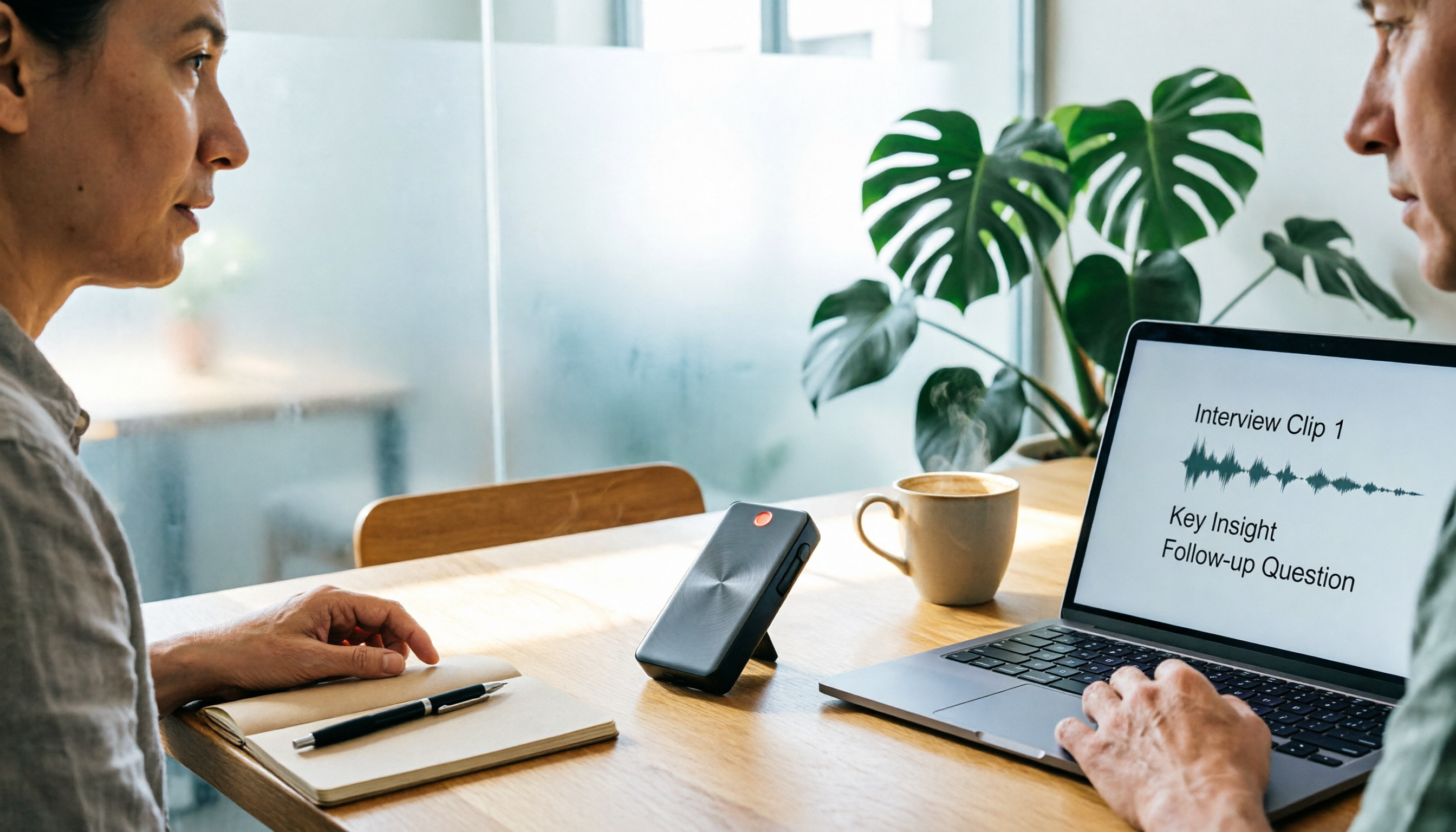
4 Free Speech-to-Text Tools Tested for 2026: How to Use Free Tiers Without Hitting a Wall
A bigger free quota doesn't mean better usability. I ran my own meeting and interview audio through the free workflows of Tinrec, Notta, Otter, and TurboScribe to break down the most overlooked quota rules, post-meeting organization, meeting capture methods, and team data ownership—so you can find a free speech-to-text tool that truly works for ongoing use.

2026 Audio-to-Text Tool Comparison: Tinrec vs. Notta for Chinese Meetings
How well does audio-to-text really work? I break down three common misconceptions that explain why accuracy alone can't answer this question, and share my testing method using three audio samples and one key question. The article compares Tinrec and Notta on meeting capture, post-meeting outputs, Chinese bilingual support, and team knowledge retention to help you decide which workflow fits your meeting scenarios.