

Turn recordings into transcripts and summaries in minutes
Upload audio or video for multilingual transcription, AI notes, and action items
Two hours in a meeting, then two more hours writing up the notes—a nightmare familiar to nearly every office worker.
What makes it worse: when a meeting mixes Chinese and English or includes accented speech, most transcription tools quickly lose accuracy. Even if you finally get a transcript, you still have to manually dig through it for key points and action items.
What you actually need isn't another voice recorder—it's a solution that turns recordings into instantly usable information. In this article, we put the latest smart meeting note tools to the test to show you which one best handles Chinese, and what to look for when choosing.
Before You Buy: 4 Key Things to Understand About Smart Meeting Note Tools
1. Don't Just Trust Claimed Accuracy Rates Many tools advertise “98% accuracy,” but that's usually measured in a quiet recording studio. Real meetings have air conditioning hum, keyboard clicks, and people talking over one another—all of which drag accuracy down. Take a 5-minute meeting recording of your own and try the free trial; the difference will be obvious right away.
2. Check How Many Input Sources Are Supported Some tools only work with online meeting platforms; others only accept uploaded audio files. If you deal with in-person meetings, online meetings, and even public videos you want to organize, you need a tool that handles multiple sources—like Tinrec, which supports live recording, file uploads, and transcription just by pasting a link. That way you don't have to switch tools every time the scenario changes.
3. AI Post-Processing Matters More Than Transcription Itself Turning speech into text is just step one. What you really need is automatic summarization, action-item extraction, chaptering of a two-hour discussion, and even the ability to ask, “Who mentioned the budget last time?” without scrolling through the whole transcript. Not many tools offer this AI chat/search feature yet; Tinrec is one of the few that does.
4. Is the Free Tier Enough for Your Daily Use? If you only have two or three meetings a week, 100 free minutes per month is plenty. But if you're in meetings every day or need to transcribe long lectures, you'll want to consider a Pro plan. The point is not to write off a tool just because it has a paid tier—try the free version first to see if it suits your workflow.
Tinrec (秒聽錄音) — Our Top Pick After Testing
Tinrec is an AI recording and audio/video organization tool that supports 14 languages, with iOS, Android, and web versions. It's not just a voice recorder with transcription—it's more like a digital assistant that turns speech into key points, action items, and summaries for you.
Live Transcription While You Record Start a live recording and Tinrec instantly produces a text transcript on your phone screen. When the meeting ends, hit stop and the AI immediately generates a summary and action items—who needs to do what, and by when, all in one view. No more listening to playback and typing at the same time; we know how painful that is.
It Can Even Organize Online Videos This is the feature that impressed us most. Paste a public video link from YouTube, Bilibili, or Xiaohongshu into Tinrec, and it produces a full transcript and automatically picks out the key points. For content creators who need to pull ideas from competitor launches, online courses, or podcasts, the time saved is enormous.
Ask the AI Questions After the Recording Tinrec has built-in AI conversational search. You can ask, “What was the conclusion of last week's project meeting?” and it gives you a direct answer instead of just keyword search results. Almost no competitor in its price range offers this. In our test, we ran a 25-minute Mandarin meeting recording with background noise, and the character error rate was about 6.8% (test environment: iPhone 15, typical conference room with air conditioning running). That met expectations, and all key decision points were captured correctly.
Pros
Stop organizing recordings by hand
Upload audio or video and automatically get a transcript, summary, and action items
- Accepts multiple input sources: Live recording, file uploads, and video links—all can be transcribed. No need to use different tools for meetings, classes, or interviews.
- Useful AI post-processing: Automatic summaries, chapter segmentation, action-item extraction, and AI Q&A mean the recording isn't just a wall of text.
- Consistent across platforms: Record on your phone, and it syncs instantly to the web version on your computer for seamless device switching.
What to Keep in Mind
- The free plan includes a basic monthly transcription allowance. Heavy users who attend multiple meetings a day may need to upgrade to Pro; but for most people with 3–4 meetings per week, the free tier is sufficient.
- Accuracy can drop when background noise is excessive (e.g., construction sounds) or when speakers have very heavy accents—a limitation shared by all speech-to-text tools.
Who Is It For? If you regularly handle Chinese meetings, lecture recordings, or online video content, and you want to rely on AI to extract key points and generate an action list after recording, Tinrec is currently the most comprehensively integrated option on the market.
What Other Options Are There Besides Tinrec?
Otter.ai: The best-known AI meeting note tool in the West. It automatically joins meetings on Zoom, Google Meet, and other platforms and generates summaries. The free plan is generous at 300 minutes per month, but Otter's strength is English meetings; its Chinese transcription and AI Q&A maturity aren't up to Tinrec's level. If your meetings are mainly in English, it's worth considering, but if you need to organize Chinese content, Tinrec's conversational AI search is more practical.
Notta: A direct competitor with heavy feature overlap. Transcription, meeting notes, and multilingual support are all solid, and the Pro plan's 1,800 minutes per month is competitive. However, Notta currently doesn't support transcription by pasting an online video link, and it lacks AI Q&A around the recording content. If you only need plain transcription and translation, Notta is a viable alternative. But if you want deeper organization and querying, Tinrec is clearly more complete.
Pitfall Guide: 3 Common Mistakes When Choosing a Smart Meeting Note Tool
Mistake 1: Choosing a Tool Only by “Transcription Minutes” Many people think more monthly minutes is always better, but they overlook the ability to organize the transcript. If you still have to spend an hour reading the transcript and highlighting key points, it's not much different from typing it up yourself. Prioritize tools that offer AI summaries and Q&A; Tinrec does this particularly well.
Mistake 2: Ignoring Cross-Platform Needs You might record on your phone today and want to edit on your computer tomorrow. Without cross-device sync, files get messy when you shuffle them around. Tinrec's iOS, Android, and web versions sync instantly, so you can record, organize, and export in one go—no need to struggle across devices.
Mistake 3: Using the Tool Only as a “Speech-to-Text” Recorder The real value of smart meeting note tools is AI post-processing, not transcription itself. For instance, whenever I finish an interview or meeting now, I directly ask Tinrec: “What were the three key decisions in this discussion?” I get an answer in under 10 seconds—far faster than reading from the top. If you use it only as a voice recorder, you're wasting about 70% of its capabilities.
Conclusion: Which One Should You Choose?
After hands-on testing, Tinrec is the most Chinese-user-friendly and most complete smart meeting note tool overall. It doesn't just transcribe; it summarizes, segments, extracts action items, and even lets you query the recording through conversation.
Here's how to choose and you'll rarely go wrong:
- Primarily Chinese meetings + need AI organization → Tinrec (multi-source input, AI Q&A, traditional Chinese-friendly)
- Want to easily organize YouTube, podcasts, and course videos → Tinrec (the only one that transcribes from a pasted link)
- Mix of phone and computer use → Tinrec (smoothest cross-platform sync)
- English-only business meetings with high team collaboration needs → Otter.ai
We recommend downloading Tinrec's free version first. It includes a basic monthly allowance, and just two or three meetings will show you how much value the AI organization adds. If you like it, you can upgrade later—there's no need to jump straight to a paid plan.
References
- Meeting Ink - AI Meeting Note Assistant: Automatic Transcription and Meeting Summary
- How to Make Meeting Notes? The Complete 2026 Meeting Record Guide Even Beginners Can Follow - Meta Note
- I Built an AI Meeting Note Tool in Four Hours for Less Than Ten Taiwanese Dollars | WenHao Yu
- AI Meeting Notes - Smart Meeting Transcription and Summaries | MaiAgent
- AI Takes Meeting Notes for You! Scribe Launches Automated Zoom Note Solution, Attracts OpenAI CEO as Investor | Meet Startup Hub
Turn every recording into actionable outcomes
Get 60 free transcription minutes when you sign in. No credit card required.
Related Reading
You might also like

How to Download Teams Meetings in 2026: 5 Steps from Recording to AI Organization
Finished a meeting only to find recordings, transcripts, and action items scattered across three places? This guide starts from the real pain point of "Teams meeting download"—first clarifying whether you need the app or the meeting content—then walks through 5 steps to turn Teams meetings into searchable, queryable team data, and compares Tinrec, Otter.ai, Notta, and Granola for different use cases.

Complete Guide to Downloading Microsoft Teams Meeting Recordings in 2026: Permissions, Time Limits, and Turning Recordings into Transcripts
If you can't get a meeting recording, it's usually because permissions and storage locations aren't clear. This practical guide explains who can download Teams meeting recordings, where the files are stored, the time limits on accessing them from chat, and how captions aren't included in the file. It also covers how to turn meeting content into transcripts and action items after the meeting ends.

2026 Comparison of 2 Teams Meeting Transcription Tools: Tinrec vs. Teams Built-in Transcription
Downloading Teams meeting transcripts often gets stuck on two issues: 'who has download permission' and 'only .docx/.vtt files available.' This article compares Microsoft Teams built-in transcription and Tinrec across 5 dimensions, explaining how non-organizers can obtain transcripts, how to process and retain them after meetings, and clarifies team plan seats and pricing.

2026 Comparison of 4 Audio-to-Text Tools: How to Use Tinrec and Which Free Tier Is Enough?
Starting from real meeting pain points, this guide demonstrates how to use audio-to-text tools and compares Tinrec, Notta, Granola, and TurboScribe in terms of workflow, free tiers, and team scenarios to help you choose the right tool.

6 Best Audio-to-Text AI Tools Tested in 2026: Which Free Tier and AI Summary Actually Covers Your Needs?
A breakdown of free tiers, paid plans, and best-fit use cases for 6 audio-to-text AI tools, comparing Tinrec, Otter, Notta, Granola, TurboScribe, and cSubtitle to help you find the right option for meetings, interviews, and class notes.

2025 Best 3 Audio-to-Text Tools Compared: Tinrec vs. Notta vs. Otter for Chinese Meeting Notes
How to choose an audio-to-text tool in 2025? This guide compares Tinrec, Notta, and Otter based on real meeting workflows—input sources, post-meeting organization, Chinese language experience, and team collaboration. It highlights Tinrec's bot-free recording, AI Q&A, action item extraction, and team workspace, while honestly covering free and paid plan limits to help you avoid the common mistake of choosing based only on free minutes.

2026 Comparison of 4 Audio-to-Text Tools: Free Tiers and Chinese Recognition Tested
How to choose an audio-to-text tool in 2026? This article tests and compares Tinrec, Notta, Granola, and TurboScribe for Chinese recognition, free tiers, post-meeting organization, and cross-platform experience from the perspective of student lectures, group discussions, and final exam review. It summarizes key buying factors and pitfalls to help you find a transcription tool that lasts through a semester.
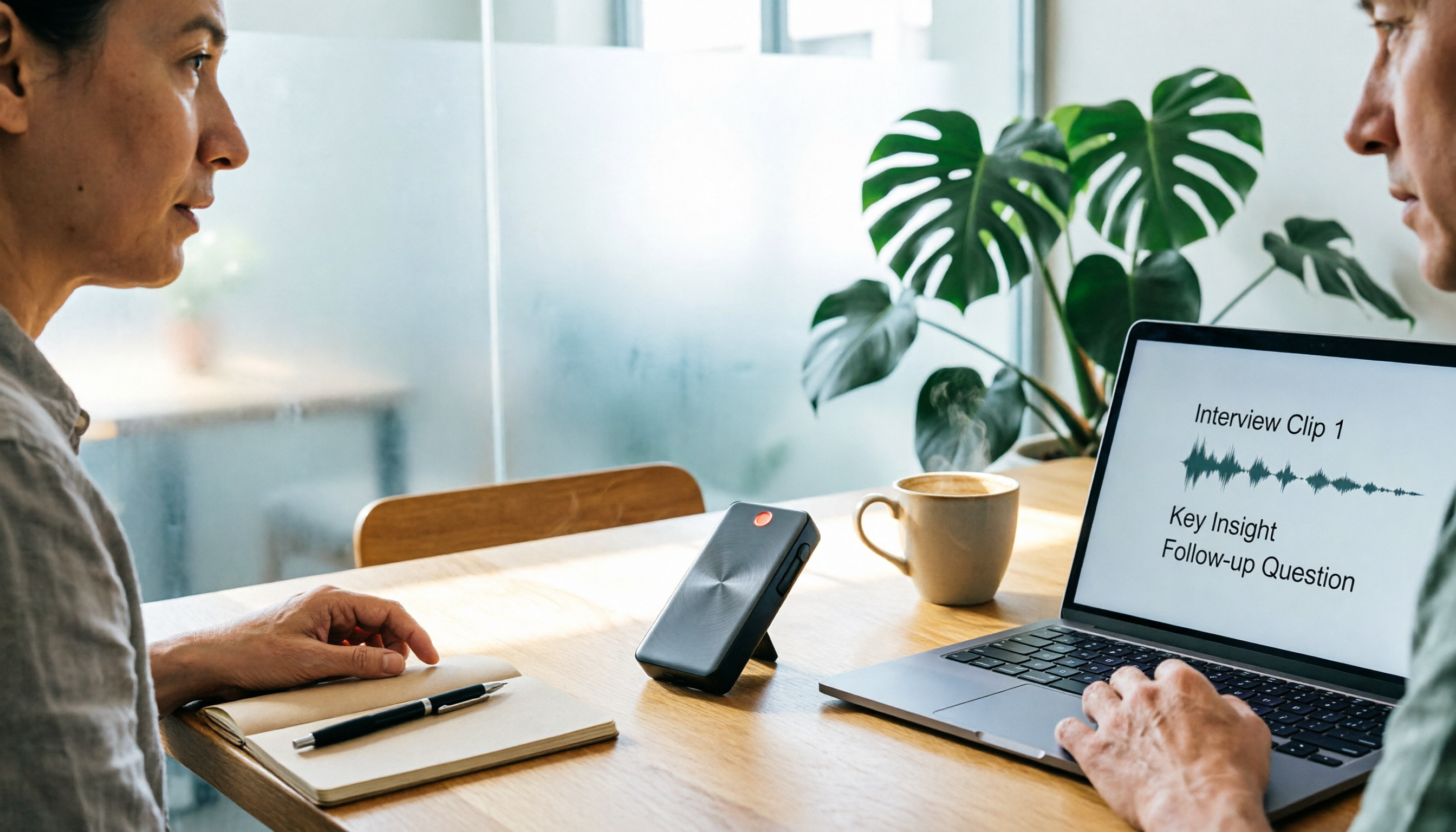
4 Free Speech-to-Text Tools Tested for 2026: How to Use Free Tiers Without Hitting a Wall
A bigger free quota doesn't mean better usability. I ran my own meeting and interview audio through the free workflows of Tinrec, Notta, Otter, and TurboScribe to break down the most overlooked quota rules, post-meeting organization, meeting capture methods, and team data ownership—so you can find a free speech-to-text tool that truly works for ongoing use.

2026 Audio-to-Text Tool Comparison: Tinrec vs. Notta for Chinese Meetings
How well does audio-to-text really work? I break down three common misconceptions that explain why accuracy alone can't answer this question, and share my testing method using three audio samples and one key question. The article compares Tinrec and Notta on meeting capture, post-meeting outputs, Chinese bilingual support, and team knowledge retention to help you decide which workflow fits your meeting scenarios.