

Turn recordings into transcripts and summaries in minutes
Upload audio or video for multilingual transcription, AI notes, and action items
Best AI Video Summarizer Tools in 2026: 4 Tested and Compared
Why People Are Looking for Alternatives to Tools Like Monica?
Monica AI's video summary feature is indeed convenient—just paste a YouTube link and you get key points and a mind map, and it's free. WayinVideo can also generate subtitles and transcripts with one click. However, these tools mainly focus on YouTube videos. When you need to process local audio/video files, meeting recordings, or require more in-depth AI organization (such as automatic to-do items and cross-platform export), they start to fall short. If you need a truly multi-source, multi-functional audio/video organizing workstation, Tinrec might be a better fit.
Tinrec vs. Typical AI Video Summary Tools: What's Different in Core Experience?
Input Sources
Most tools support YouTube links (WayinVideo also supports some platforms), but Tinrec not only supports pasting public video links (YouTube, Bilibili, Xiaohongshu, etc.), but also allows real-time recording and uploading audio or video files. You can handle all audio/video data organization in one app, with much broader coverage.
Chinese and Cantonese Performance
Monica and WayinVideo both claim multilingual support, but in actual testing with mixed Chinese-English or Cantonese content, recognition accuracy varies. Tinrec has done special optimization for Chinese (including Hong Kong Cantonese). In everyday meeting and classroom recording tests, Cantonese transcription accuracy is noticeably higher, making it better suited for Hong Kong users.
AI Post-Processing Depth
Generating summaries and mind maps is already good from typical tools, but Tinrec goes further: besides summaries, it automatically splits chapters, extracts to-do items, and lets you "chat" with the recording content—after recording a one-hour meeting, just ask "What was the meeting's conclusion?" or "Who is responsible for follow-up?" and get an immediate answer. This interactive organization is something traditional video summary tools can't do.
Cross-Platform and Export
Monica has iOS and Android apps, but export options are mainly copy text. Tinrec also supports iOS, Android, and web versions, and can directly export transcripts and summaries to Notion, Google Docs, OneNote, and other common tools, making it easy to fit into your existing workflow.
Tinrec's Core Features at a Glance
Real-Time Recording to Text
Open Tinrec during meetings or classes, and it transcribes as you record with less than 1 second of latency. You can immediately watch the screen to confirm nothing important is missed. When the meeting or class ends, a complete transcript is ready.
Online Video to Text
Come across a long YouTube or Bilibili video you want to watch but don't have time? Paste the link in Tinrec to automatically generate a concise summary and structured chapters, and you can copy the text for notes, saving a lot of time.
AI Conversational Queries
This is the biggest time-saver. After organizing the recording, just ask Tinrec: "What are the key points of this recording?" "What decisions were made?" It understands the content and gives you answers, so you don't have to manually search through dozens of pages of transcripts.
Stop organizing recordings by hand
Upload audio or video and automatically get a transcript, summary, and action items
Automatic To-Do Items
The biggest fear in meetings is missing follow-ups. Tinrec automatically extracts action items from the discussion and generates a clear to-do list. You can immediately distribute it to colleagues after the meeting, greatly improving efficiency.
Multi-Format Export
Organized content can be exported as text files or PDF, or synced to apps like Notion and Google Docs, making it easy to archive, share, or further edit—without being locked into one app.
Real-World Use Cases
Meeting Notes: Say Goodbye to Overtime Meeting Minutes
If you work in Central, after a two-hour meeting, use Tinrec's real-time recording-to-text, plus AI summary and to-do items, and get meeting minutes and a task assignment table within 5 minutes. You no longer need to stay in the office listening to recordings and typing—you can leave on time.
Learning: Quickly Summarize Long Videos
When taking online courses or attending lectures, use Tinrec to record the instructor's explanation, then automatically generate chapters and key notes. For YouTube tutorial videos, just paste the link and convert it to text, making review multiple times more efficient.
Interview Organization: A Must-Have Tool for Journalists
Turn on Tinrec during interviews and get transcripts as you record. Then use the AI Q&A feature to quickly find key quotes and data, cutting writing time in half—no need to listen from start to finish.
Content Creation: Turning Videos into Text Assets
YouTubers and podcasters can use Tinrec to convert their video content into text, use the summary feature to generate video descriptions, and even use mind maps to brainstorm new topics—one recording, multiple benefits.
What to Look for When Choosing a Video Summary Tool
Broad Input Sources
Don't just look at whether a tool handles YouTube. If you regularly have meeting recordings, class recordings, or local video files, choose a solution that supports multiple sources. Tinrec is the most comprehensive in this area—it handles recordings, files, and links.
Test Cantonese Recognition
Many tools claim multilingual support, but the real test is how they perform with Cantonese mixed with English terms and background noise. We recommend testing with your own recordings—Tinrec's special Cantonese optimization gives it a clear advantage in everyday scenarios.
AI Features Should Be More Than a Gimmick
A summary is just the basics. Can it automatically split chapters, generate to-dos, and let you ask questions directly about the content? These are the features that truly save you time. Tinrec's AI post-processing does all of this, offering great value for money.
Convenient Cross-Platform and Export
You need both mobile apps and a web version, and you should be able to export results to the tools you use regularly (such as Notion, Google Docs) to avoid locking your data into one app. Tinrec supports iOS, Android, and Web, with rich export options.
Summary: Is Tinrec Worth a Try?
If you only occasionally want to summarize a YouTube video or two, the free versions of Monica or WayinVideo are more than enough. But if you need a tool to regularly organize meetings, classes, interviews, and various video content, Tinrec is a more comprehensive choice. Its multi-source support, AI interactive Q&A, to-do extraction, and cross-platform export make it clearly more practical than typical video summary tools. Especially for Hong Kong users, Tinrec's Cantonese optimization and Chinese organization capabilities are currently unmatched by other tools. We suggest downloading the free version first—it comes with monthly basic minutes—and test it with your own recordings and videos. That's the most direct way.
References
- Summarize YouTube with GPT: Free Online Video Summary Tool
- Free AI Video Summarizer—Accurate, Fast, with Timestamps - WayinVideo
- ChatGPT YouTube Video Summary Tips: From Video Transcripts to Summary Methods - Mr. Mad
- Free AI Video Summarizer - Monica
- Video Too Long to Watch? A Must-Have Tool for Learning and Following Idols! Quickly Summarize Long Videos and Translate Foreign Videos! - PanSci
Turn every recording into actionable outcomes
Get 60 free transcription minutes when you sign in. No credit card required.
Related Reading
You might also like

2026 Transcription Tools Guide: AI Transcription Selection Tips + Tinrec Workflow
There are countless transcription tools, but the real challenge isn't transcription—it's what to do after. This guide covers selection criteria, hands-on testing, and pitfalls to avoid, rounding up transcription tools worth considering in 2026, and demonstrates how Tinrec turns meeting recordings into searchable, queryable, and shareable team knowledge.

4 AI Meeting Recorders Tested for 2026: Which Free Tier Works Best for Students?
A student's hands-on comparison of AI meeting note tools—Tinrec, Notta, Granola, and Otter.ai—covering free tiers, per-recording limits, post-transcript organization, and cross-platform use, with recommendations for class recordings, group projects, and final exam review.

How to Write Meeting Minutes in 2026: 5-Step Template Tutorial
Struggling to produce meeting minutes after the meeting ends? This article provides a ready-to-use meeting minutes template with fields and a 5-step process, and compares "template-only handwriting" vs. "template plus AI workflow" across recording, organizing, tracking, and team knowledge retention, helping you choose the right meeting minutes approach for your team.

2026 Tested: 4 AI Meeting Minutes Generators Compared — Which One Actually Saves You That Hour After the Meeting?
AI meeting minutes generation isn't just about uploading a recording. From the perspective of a mid-level manager who holds 15 meetings a week, I break down the most common misconceptions, 4 key purchasing criteria, and hands-on comparisons of Tinrec, Notta, Otter.ai, and Granola across Chinese-language meetings, bot-free recording, post-meeting Q&A, and team knowledge retention — with final recommendations by scenario.

Tinrec vs Granola 2026: 5-Dimension Comparison — Which Is Better for Chinese Meeting Notes?
Both avoid meeting bots, but how do Tinrec and Granola differ in meeting notes organization? This article compares them across 5 dimensions: meeting capture, Chinese-language experience, post-meeting outputs, input sources, and team governance, providing a side-by-side reference for your choice.
2026 Comparison of 4 Meeting Notes Tools: Which Free Version Is Good Enough?
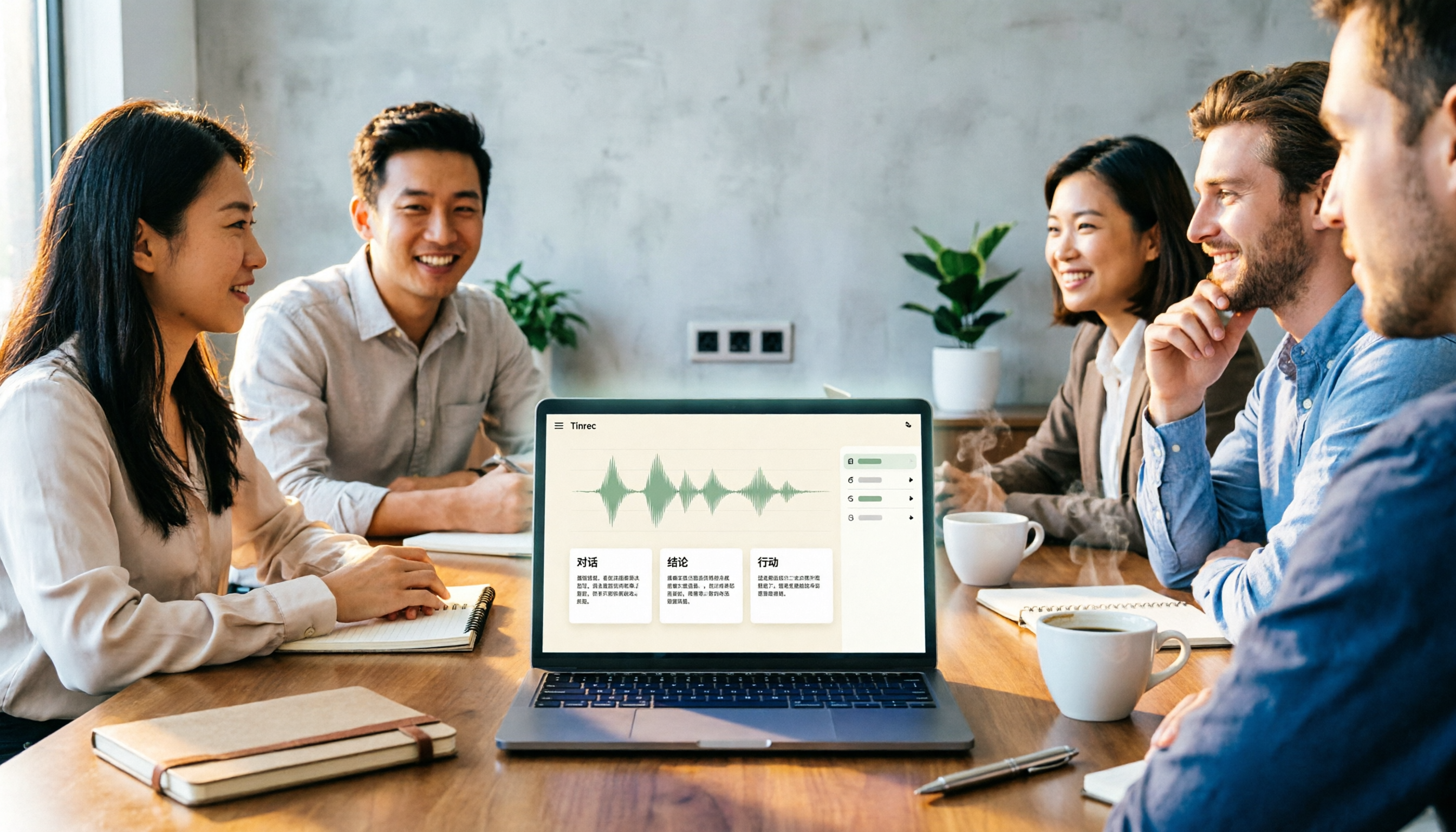
There are countless meeting notes tools, but what really matters is whether they can turn recordings into trackable conclusions and action items. This article breaks down the selection criteria using 4 common tool approaches and demonstrates Tinrec's practical use for real-time transcription, AI summaries, action item extraction, AI Q&A, and team knowledge retention, along with buying tips and FAQs.

Teams Meeting Creation: 3 Methods Tested in 2026, Tinrec Makes Post-Meeting Cleanup Easier
A comparison of three common ways to create Teams meetings: Teams calendar, Outlook calendar, and channel meetings. Covers attendee invitations, external participants, recording storage, and post-meeting data management, plus how Tinrec fits into transcription, summaries, action items, and team knowledge retention.
4 LINE Call Recording Methods Compared for 2026: How to Choose Between iPhone, Android, and Desktop
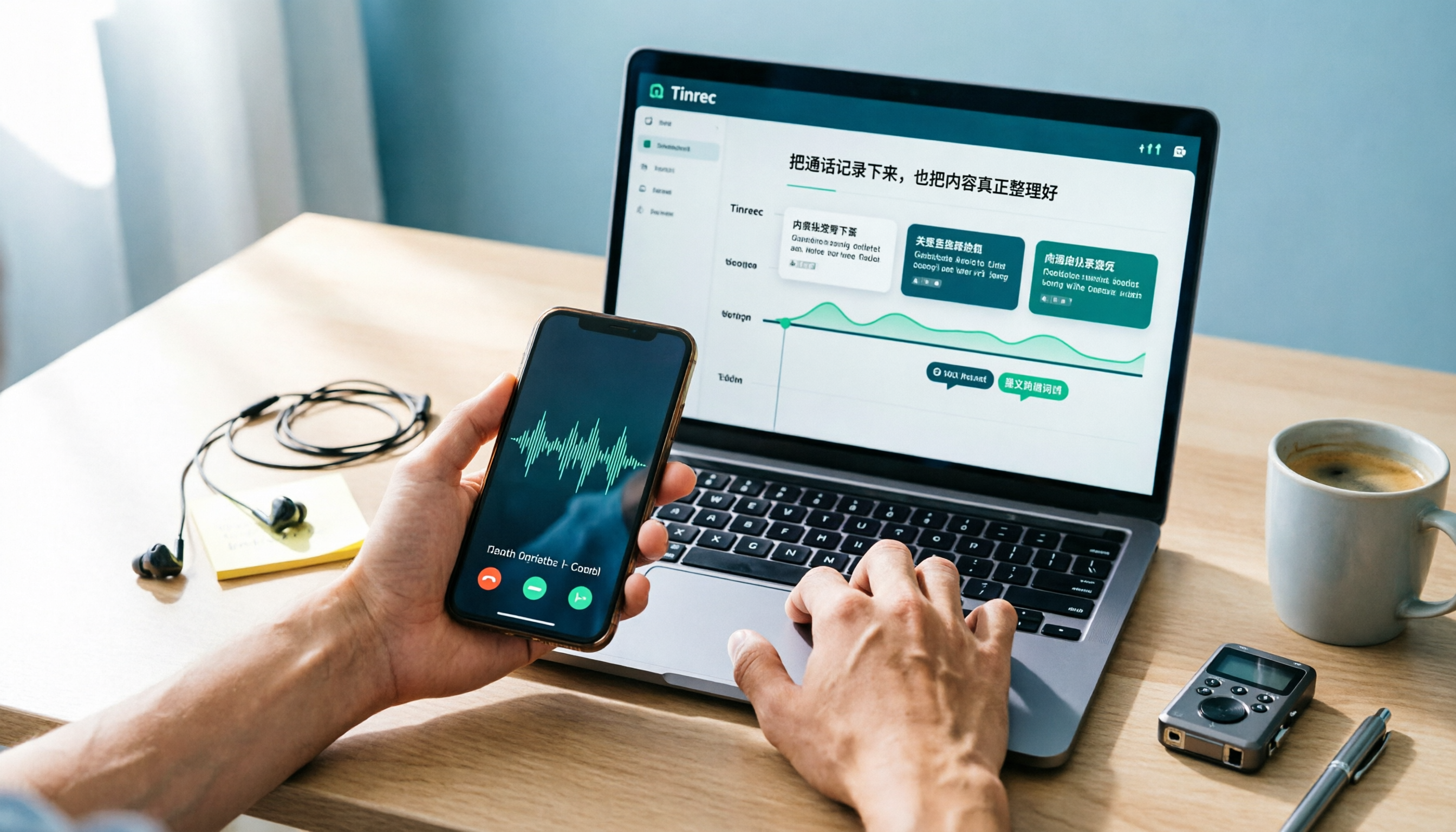
LINE doesn't have built-in call recording, but the methods fall into two layers: capturing the audio and then using it. This guide starts with the system limitations on iPhone and Android, compares screen recording, third-party call recording apps, external recording devices, and Tinrec's post-recording workflow, helping you choose the method that truly saves time.
4 Ways to Start a New Meeting in Microsoft Teams: Instant Meeting, Calendar, Channel, or Outlook — Which Is Fastest?
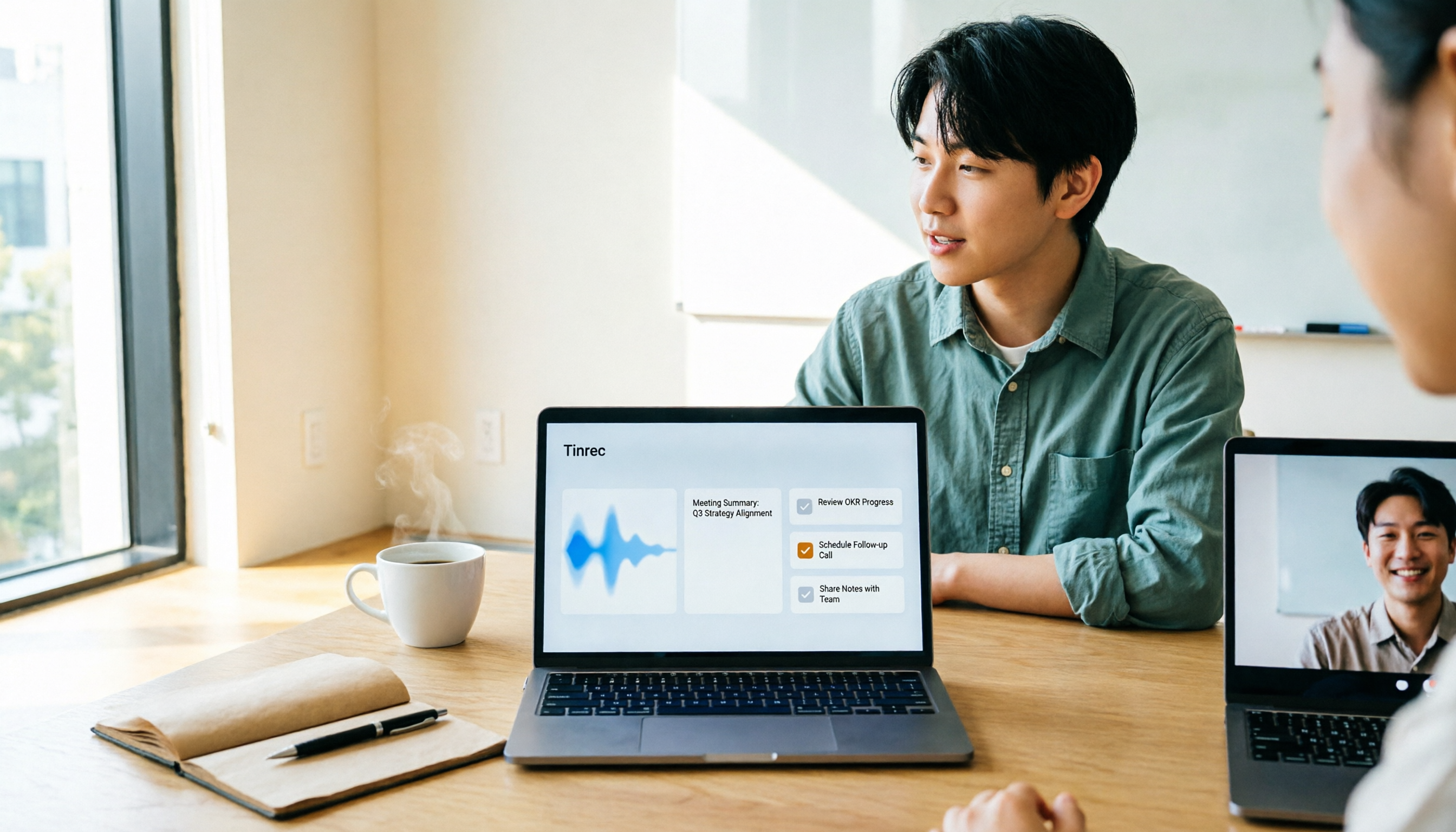
A comparison of four ways to start a new meeting in Microsoft Teams: Calendar Instant Meeting, Calendar New Meeting, Team Channel Instant Meeting, and the Outlook add-in. It also covers how to use Tinrec to transcribe, summarize, and capture action items after the meeting.