

Turn recordings into transcripts and summaries in minutes
Upload audio or video for multilingual transcription, AI notes, and action items
5 Cantonese to English Translation Apps Compared for 2026: Which Has the Most Complete Cantonese Support?
Why Do You Need a Cantonese-to-English Translation App?
Some members of my team handle Hong Kong business, and we have at least two Cantonese meetings a week. In the past, I had to ask colleagues to prepare transcripts after each meeting, which took half a day of back-and-forth, and colloquial Cantonese often lost meaning when translated into English. So I started having the team try translation and recording tools on the market, and I found that translation apps alone can only handle short sentences. For long recordings or meeting discussions, you need tools that can automatically transcribe and summarize. This article organizes 5 solutions worth trying in 2026, from free to paid, from translation to AI organization, so you can understand how to choose at a glance.
Option 1 | Tinrec (Instant Audio Transcription) — The Most Complete AI Recording & Organization Solution
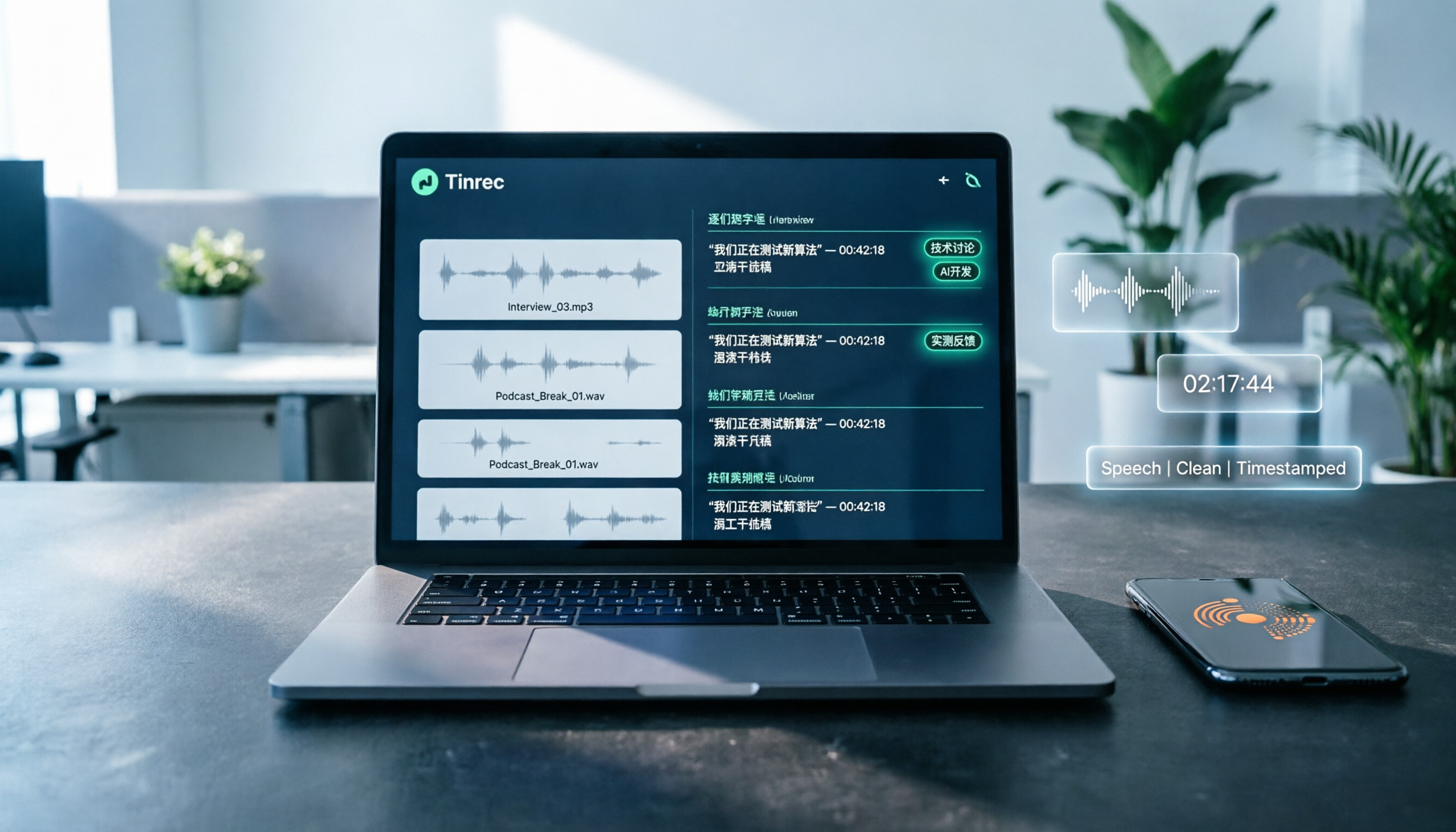
Tinrec is not just a translation app, but it's the tool I recommend most often to my team for handling Cantonese meetings and interview recordings. Think of it as an "AI assistant that organizes your audio files": record a Cantonese meeting with your phone, and it transcribes it in real time, automatically summarizes, breaks it into sections, and even lists action items from the discussion one by one. Best of all, the transcribed transcript and highlights can be directly exported to Notion or Google Docs, making it quick to translate into English.
It also supports uploading old recording files or pasting YouTube links to directly process Cantonese videos and podcasts. I tried feeding in a 40-minute Cantonese interview, and within 10 minutes I had a structured summary; I could even use an AI Q&A feature to pull out specific data and viewpoints mentioned by the guest. However, to be honest, Tinrec itself is not a translation engine—it won't give you Cantonese-English word-for-word explanations directly. But if what you need is to turn Cantonese "content" into usable text materials, it's the most complete solution.
The free plan comes with a basic monthly transcription quota, so you can try it out. Because I have meetings every day, I later subscribed to the Pro monthly plan—it averages less than the cost of a cup of bubble tea a day, and it works across mobile and desktop. It's suitable for professionals who need to organize Cantonese meetings, courses, interview recordings, or who want to build a searchable audio database.
Option 2 | 廣東話(粤语)英語翻譯 — A Direct Cantonese-English Translator for On-the-Go
This app on Google Play focuses on direct Cantonese-English translation, supports voice input and text-to-speech, and has a simple interface. Colleagues on my team use it when traveling to quickly look up words or short phrases, such as asking for directions or ordering food. The advantages are that it's free, requires no setup, and works right away. The downside is that it can only translate sentence by sentence, so it struggles with whole conversations or long-form content. It's suitable for light users who only need basic vocabulary translation and have no recording or organization needs.
Option 3 | 粵語翻譯助手 — Three-Way Translation Between Mandarin, Cantonese, and English
This app is available on both the App Store and Google Play. In addition to Cantonese-English translation, it can also switch to Mandarin, which is very convenient for people who need to communicate across Mainland China, Taiwan, and Hong Kong. It also supports voice recognition and online pronunciation, so you can hear the translation read aloud. After testing, I found it responds quickly if you just need to translate a short sentence or confirm Cantonese pronunciation. But it also lacks recording management and AI organization features—it's more like an advanced electronic dictionary. The free version includes ads, and the paid ad-free version is not expensive. It's suitable for light learners or occasional users.
Stop organizing recordings by hand
Upload audio or video and automatically get a transcript, summary, and action items
Option 4 | 粤语翻译神器 — An All-in-One Tool for Learning Cantonese from Scratch
This app leans more toward "learning Cantonese." Besides Chinese-Cantonese translation, it includes Jyutping lessons, common phrases, and even Cantonese song lyrics. I had colleagues who wanted to learn Cantonese try it, and they found the photo translation and voice input very handy—they could take a picture of Chinese text in a textbook and immediately see the Cantonese pronunciation and English comparison. However, the translation quality is more colloquial, so you may want to double-check wording for formal situations. It suits users who want to learn Cantonese from zero or who need to look things up as they go.
Option 5 | Online Cantonese Translator (Xunjie) — A No-Installation Web Tool
If you can't be bothered to install an app, you can consider a free web tool like this. Xunjie's Cantonese translator supports Simplified Chinese and English translation; you simply type text into your browser and get results. When I tested it across devices, I found it very convenient for emergencies, especially when working at the computer without having to pick up your phone. However, accuracy is less consistent—complex spoken Cantonese can easily get garbled—and there's no voice input or recording feature. It's best for people who only occasionally translate a few words and don't want to install any apps.
So, How Do You Choose?
• If you need to handle Cantonese meetings, courses, or interview recordings, and want automatic transcription, summaries, and a searchable database → Tinrec (the only one that offers recording, transcription, AI organization, and export in one workspace) • If you just want to quickly look up the English for a Cantonese word or short phrase → 廣東話英語翻譯app (the most direct and free) • If you need to translate among Mandarin, Cantonese, and English → 粵語翻譯助手 (handy three-way translation) • If you want to learn Cantonese from scratch and need pronunciation and romanization lessons → 粤语翻译神器 (plenty of learning resources) • If you only occasionally translate a few words on your computer and don't want to install anything → 在線粵語翻譯器 (no installation, for emergencies)
3 Things to Know Before Using Cantonese-to-English Translation Tools
- Translation accuracy is affected by accents and background noise: No matter which app you use, recognition is highest in a quiet environment with standard Cantonese pronunciation. I tried voice translation in a coffee shop, and the results were terrible. For important meetings, I still recommend a recording-and-transcription solution like Tinrec: first preserve the original audio, then organize it afterward.
- Free versions usually have usage limits: Most translation apps are free but full of ads, and advanced features like offline translation or ad removal cost money. Tinrec's free version limits the monthly transcription minutes; if you use it as heavily as I do, paying for it directly saves more hassle.
- Don't rely solely on machine translation; double-check important content against the original: AI translation can still misunderstand tone or proper nouns, especially Cantonese slang and particles. My approach is to first use Tinrec to generate the transcript, then cross-check with a translation tool, and for key parts, I still ask a Hong Kong colleague to review it.
Conclusion
These five tools each meet different Cantonese-processing needs: from the most direct single-sentence translation to a complete AI workspace for recording organization. If, like me, you often deal with large amounts of Cantonese meetings or interview content, Tinrec can save you the most organization time, turning Cantonese recordings into truly usable English materials. I suggest starting with the free version and upgrading once you find it practical enough.
References
Turn every recording into actionable outcomes
Get 60 free transcription minutes when you sign in. No credit card required.
Related Reading
You might also like

2026 AI Meeting Recorder Comparison: Plaud Note Pro vs Tinrec vs Notta — Which One Should You Choose?
Plaud Note Pro reviews are trending on Dcard, but hardware and software solutions solve fundamentally different problems. This article compares Plaud Note Pro, Tinrec, and Notta across three real-world scenarios—online meetings, in-person interviews, and team collaboration—covering audio capture methods, post-meeting outputs, team management, and actual costs, plus three common pitfalls to avoid when choosing.

2026 AI Meeting Transcription Tools Compared: How to Calculate Notta Pricing Without Losing Out
Many people only compare monthly fees when checking Notta pricing, without factoring in available minutes and post-meeting organization costs. This article breaks down Notta's three official plans, then compares the actual costs and use cases of Tinrec, Otter.ai, TurboScribe, and PLAUD, and finally summarizes the three most common pitfalls when comparing prices.

3 Versions of Sweat Script Compared: Which One to Buy for Reading, Rehearsal, or Licensed Performance?
After searching for Sweat Lynn Nottage buy, the most common mistake is buying the wrong version. This guide compares the TCG Edition, the Concord Theatricals licensed edition, and the UK edition, evaluating them on purpose, licensing, shipping cost, and delivery time to help you buy the right version of Lynn Nottage's Pulitzer Prize-winning play.

Rémi Notta 2025 Update and 3 AI Meeting Note Tools Tested: Which Should Content Creators Choose?
Readers searching for Rémi Notta's 2025 update are often also concerned with how content creators can organize large volumes of interviews and meetings. This article first summarizes Rémi Notta's public activities in 2025, then compares Tinrec, Otter.ai, Notta, and Granola across four dimensions: meeting capture method, Chinese transcription, post-meeting output, and team knowledge retention, to help you choose the right AI meeting note tool.

2026 Voice-to-Text Tools Compared: Good Tape Reviews and How to Choose for Chinese Meetings
Good Tape scores around 3.1 on review platforms with mixed feedback. This article first breaks down the common mistake of choosing tools based on star ratings alone, then compares voice-to-text tools across 5 purchasing dimensions, and uses Tinrec to demonstrate a complete workflow from recording and transcription to summaries, action items, and team knowledge retention.

Notta Review 2026: 5 Key Comparisons with Tinrec — Which Is Better for Chinese Meeting Transcription?
Is Notta worth using? This article compares Notta and Tinrec across five dimensions: Chinese transcription, online meeting recording methods, free tier and pricing, post-meeting AI organization, and team collaboration governance. It also summarizes real user feedback from third-party review sites to help you decide which tool better fits your meeting scenarios.

Shahnawaz Notta DO: Resident Physician Research Profile and Publications (2026)
A review of Shahnawaz Notta DO's institutional affiliation, research topics, and representative publications from public academic profiles, with practical steps to verify author identity and avoid confusion with namesakes.
How to Download Nottam Ringtone in 2026: 5 Steps from Search to Setup
Struggling with Nottam ringtone downloads that are in the wrong format, too long, or lost in your files? This guide walks you through 5 steps: finding the audio, converting to iPhone-compatible M4R, setting it as your ringtone, and using Tinrec to turn downloaded audio into a searchable transcript library—solving the 'download and disappear' problem for good.

2026 AI Meeting Recorder Comparison: PLAUD Note PTT Reviews and a Better Alternative
PTT opinions on the PLAUD Note are split—some say an app can do the same thing, while others say the time saved is well worth it. This article starts from the decision point of 'do you actually need hardware or a workflow,' compares a recording card with software-based tools, and uses Tinrec to demonstrate a complete workflow for bot-free online meeting recording, AI summaries, action item extraction, and team spaces.