

Turn recordings into transcripts and summaries in minutes
Upload audio or video for multilingual transcription, AI notes, and action items
2026 AI Meeting Recorder Comparison: Plaud Note Pro vs Tinrec vs Notta — Which One Should You Choose?
The Pain Begins After the Meeting — You Don't Actually Need "Recording"
Your Wednesday afternoon project meeting ran 90 minutes. The whiteboard was covered in flowcharts, and your boss changed direction twice. When the meeting ended, everyone breathed a sigh of relief—except you, because now you have a second round of work: pull out the voice memo, listen again, type, and piece together who said what.
By the time you finish organizing, it's already 8 PM. And you have another meeting tomorrow.
This isn't a competence problem; it's a process problem. Most people aren't stuck because they "didn't record"—they're stuck because after recording, no one helps condense 90 minutes of conversation into "conclusions, action items, and who's responsible."
That's why the Dcard 3C forum thread about Plaud Note Pro reviews keeps getting replies. Everyone is looking for the same thing: a tool that turns meeting notes from grunt work into something almost automatic.
This article starts from that question and breaks down the three most commonly compared approaches among Taiwanese office workers.
Before Choosing an AI Meeting Recorder, Understand These 4 Key Points
1. Are your meetings online or in-person?
The solutions are completely different. In-person meetings require "on-site audio capture," while online meetings need "computer system audio." If 90% of your meetings are on Zoom, Google Meet, or Teams, but you buy a hardware device that only attaches to the back of your phone, you're taking a detour.
2. Do you want a transcript or actionable conclusions?
A transcript is just raw material. The real time-saver is what comes after: summaries, chapters, action items, decision records. When choosing a tool, look directly at "what it produces after the meeting," not "how fast it transcribes."
3. Where will your data ultimately live?
For personal use, having data in your own account is fine. But as soon as a team is involved, you need to ask: Will data remain after a member leaves? Can managers see usage? Are there permissions and audit logs? This part is most easily overlooked but is the most costly.
4. Is the cost one-time or ongoing?
Hardware-first means buying the device, then paying for an AI subscription; software-first means just subscribing. Both work, but you need to calculate the "total annual cost," not just the first number on the price tag.
Tinrec — The One We Use Most After Testing
Tinrec is an AI meeting recording and collaboration tool for individuals and teams, available on web, desktop, and mobile. Its core is turning "recordings" into meeting data that can be searched, queried, and further processed.
The first scenario that struck me was online meetings. The desktop version directly captures computer system audio—no need to add a meeting bot to Zoom or Google Meet as a participant. During external presentations or client meetings, having a Notetaker suddenly appear on screen is a bit awkward; Tinrec's approach is that you press record yourself, and no extra person appears in the meeting.
The second scenario is after the meeting. Once recording ends, the transcript, summary, chapters, key points, and action items all appear together. Previously you had to manually drag the timeline; now you can directly see conclusions and "who's responsible for what," then paste action items back into your work system. It also supports AI Q&A around meeting content—questions like "What were the client's concerns about the quote in last week's meeting?" are much faster to ask directly than to search by keyword.
The third scenario is post-meeting delivery. Besides exporting documents, you can generate reports, tables, and meeting minutes, and export to Notion, Google Docs, OneNote, Dropbox, etc. for further use. For cross-language meetings, there's real-time translation with options to view original, translated, or bilingual.
Stop organizing recordings by hand
Upload audio or video and automatically get a transcript, summary, and action items
The team version is another level. It provides a separate team space where meeting data belongs to the team, with member invitations, roles (Owner/Admin/Member), seat allocation, usage analytics, team hotwords, audit logs, and an audio recycle bin. It's important to distinguish: roles manage governance permissions, while seats manage "can record, upload, edit, export." Active members without seats can still view, play, and read team data, but cannot perform resource-consuming operations. When a member leaves or loses a seat, data is not taken away—it's handed over to other active members.
Current team plan: first-time eligible users get a 7-day trial, 1 free seat, and 300 minutes of shared team import quota; paid seats are USD 29.80/month or USD 199/year (about USD 16.58/month), each paid seat includes 2,000 minutes of shared team import quota per month, and real-time recording under an active plan is currently not deducted by minutes. Personal plans include a free version, weekly pass, Pro monthly, and Pro annual—choose based on usage frequency; for occasional recording, start with the free version.
Honest limitations: It's software, not a standalone voice recorder in your pocket—you can't record without a phone or computer; the free quota isn't enough for heavy users; the team version currently offers team-level sharing, not file-level granular permissions; transcription accuracy is still affected by recording quality, accents, overlapping speech, and technical terms—for important content, verify against the transcript timestamps.
Besides Tinrec, How Does the Highly Discussed Plaud Note Pro Perform?
Plaud Note Pro (Hardware Recording Approach)
A 2.99mm card-style body that magnetically attaches to the back of your phone, focusing on portable recording, using VCS technology for iPhone call recording, and integrating AI models to generate transcripts, summaries, and mind maps, plus speaker labels and multiple note templates. US official price is USD 189, with AI membership separate (Starter 300 min/month, Pro USD 99.99/year for 1,200 min, Unlimited USD 239.99/year). Suitable for people who are often on the go and need to record calls and in-person conversations. However, it's a two-part cost of "hardware + subscription," and online meetings still require managing audio placement; Tinrec can record computer-side Zoom/Meet/Teams without buying equipment and manage team seats and usage in the same space.
Notta (Pure Transcription Approach)
A transcription tool with significant overlap with Tinrec. Free version: 120 minutes/month, 3 minutes per session; Pro annual billing about USD 8.17/month (1,800 minutes/month); Business about USD 16.67/seat/month with role permissions and usage reports. Multilingual and file transcription are mature. But if you want bot-free recording of computer system audio during meetings and cross-session follow-up questions afterward, Tinrec's workflow is more complete; the free version's 3-minute limit per session isn't enough for real meetings.
Otter.ai (English Meeting Approach)
A veteran choice for English meetings. Basic free: 300 minutes/month; Pro annual billing about USD 8.49/user/month. Mature for English scenarios with complete team features. But Chinese and mixed Chinese-English recognition isn't its strong suit, and it has no hardware form factor; if 90% of your meetings are in English, it's still worth considering.
Pitfall Guide: The 3 Most Common Mistakes When Choosing AI Meeting Tools
Pitfall 1: Buying based only on forum reviews. Everyone's meeting style is different; someone else's favorite might be useless for you. First confirm whether 80% of your meetings are online or in-person, then decide between hardware or software.
Pitfall 2: Assuming buying hardware gives you transcripts. Hardware handles audio capture; AI transcription and summaries usually require a separate subscription. Before buying, add up "device price + one-year subscription" to see the real cost.
Pitfall 3: Using an AI meeting tool as a typewriter. Using it only for audio-to-text means using only one-third of its capabilities. The real value is in summaries, action items, follow-up questions, and exports—after recording, directly ask "What were the conclusions of this meeting?" which is much faster than manually scrolling through a 30-minute transcript.
Conclusion: Which One Should You Choose?
In one sentence: If you want "usable data immediately after the meeting," Tinrec is the smoothest choice among the three.
- Mostly online meetings (Zoom/Meet/Teams/Webex) → Tinrec, desktop version records without a bot
- Need post-meeting AI follow-up and cross-meeting conclusions → Tinrec
- Team needs shared meeting data, seat and usage management → Tinrec Team
- Often on the go, need to record in-person conversations and calls → Plaud Note Pro, a reasonable choice for the hardware approach
- Mostly English meetings, limited budget → Otter.ai free version
We recommend starting with the free version and testing with a real meeting recording you have on hand—see if the summary it produces is something you'd be willing to paste directly to your boss. Upgrade only if it works well; no need to pay upfront.
Finally, a reminder: recording and transcription involve others' privacy. Please comply with local regulations and obtain consent from participants when necessary.
References
Turn every recording into actionable outcomes
Get 60 free transcription minutes when you sign in. No credit card required.
Related Reading
You might also like
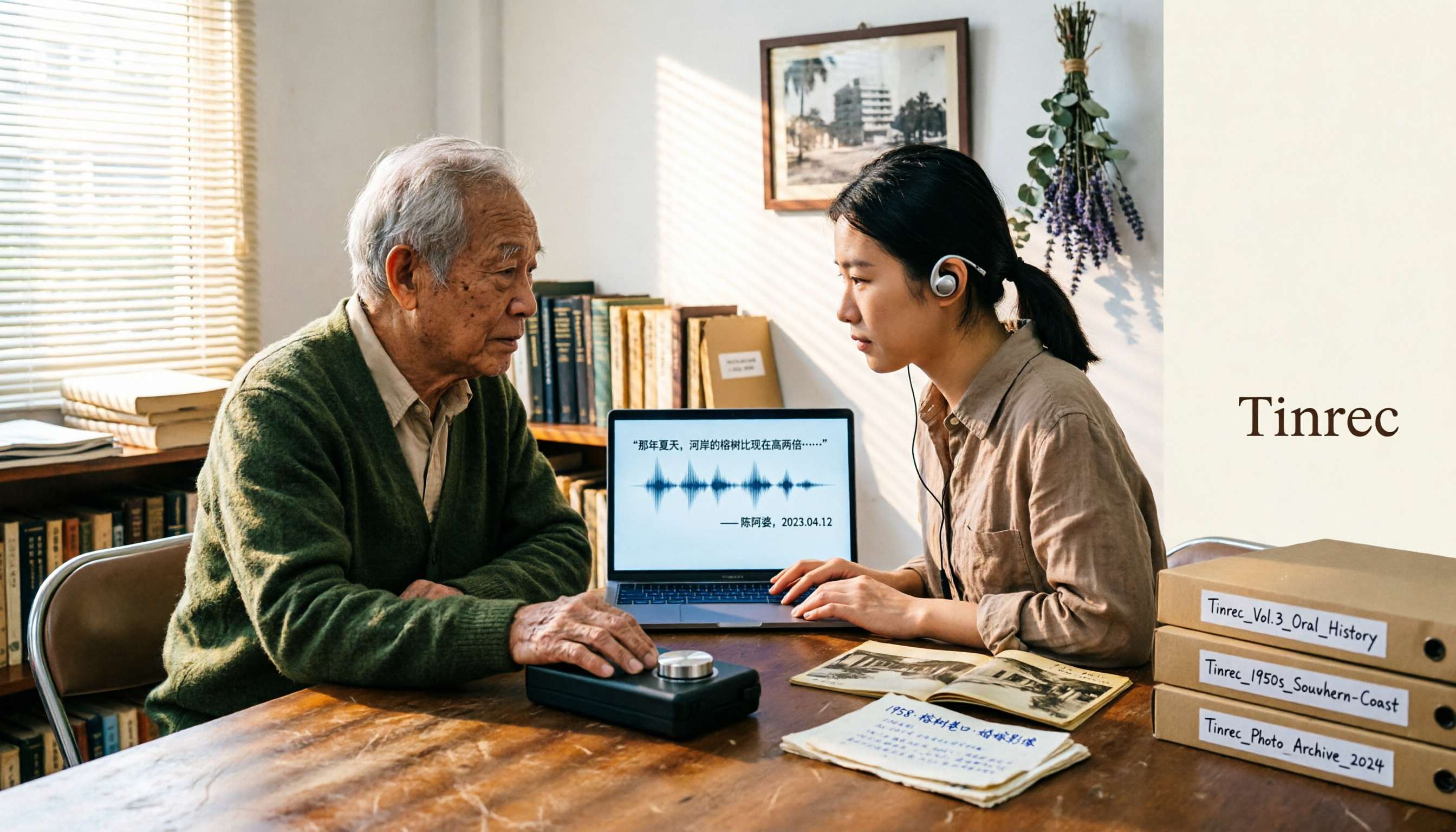
2026 Speech-to-Text Tools Tested: After the Nottoway Fire, How Oral History Survives
On May 15, 2026, Nottoway Plantation in White Castle, Louisiana, was destroyed by fire, leaving behind decades of oral memories from tour guides, researchers, and the community. This article addresses the common misconception that 'keeping a recording is not the same as preserving it,' explains four key considerations for organizing interview recordings, and tests and compares Tinrec, Otter.ai, Granola, and TurboScribe for oral history organization.

Good Tape Review 2026 & Audio Transcription Tool Buying Guide: 5 Comparisons and Recommendations
Starting from Good Tape's privacy positioning, actual transcription performance, and user feedback, this guide outlines key considerations for choosing an audio transcription tool and compares Tinrec, Otter, Notta, and TurboScribe in meeting notes, post-meeting organization, and team collaboration.
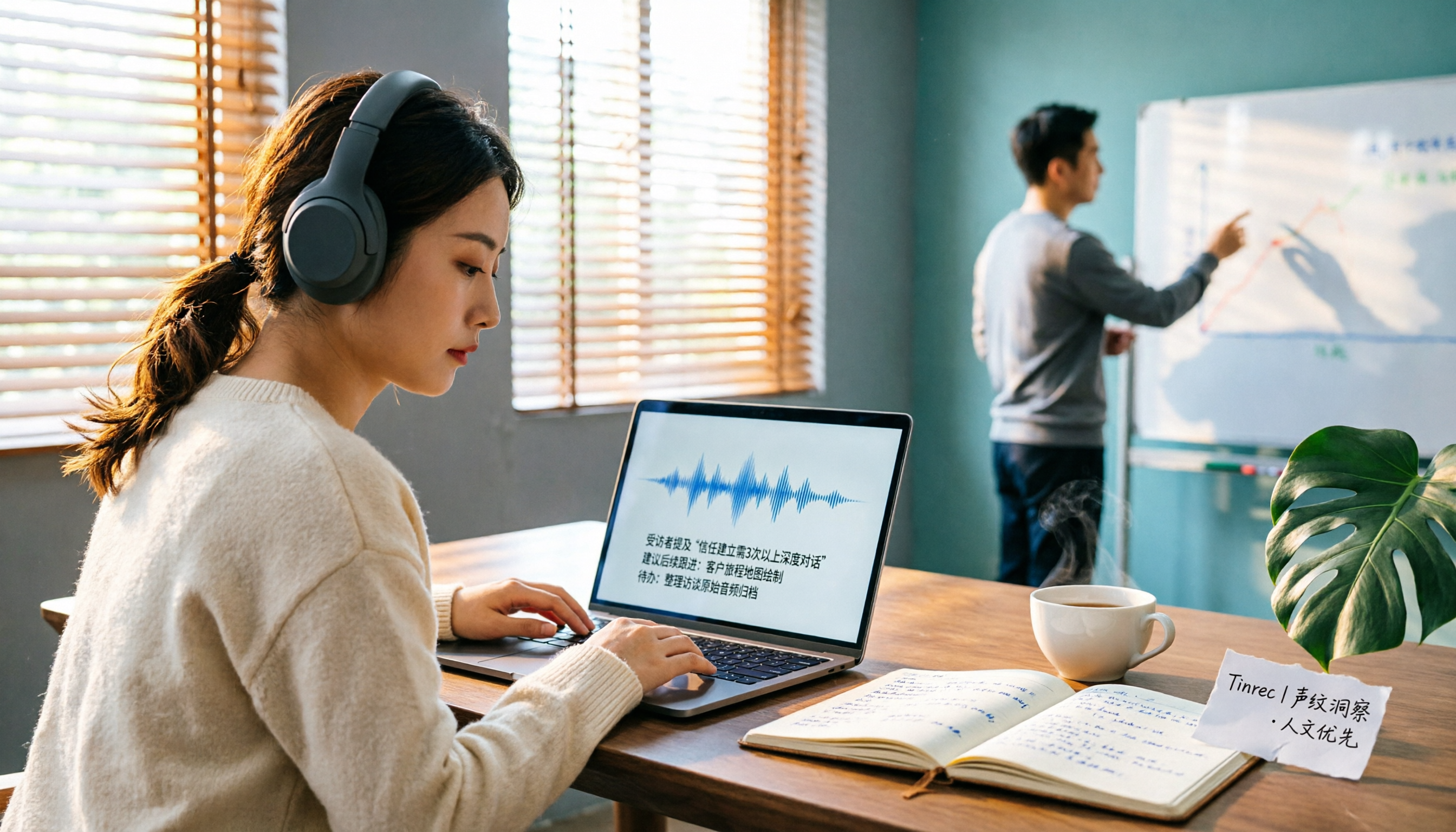
2026 AI Meeting Transcription Tools Compared: Is Notta AI Worth It? Plus a Better Option for Chinese Meetings
I tested three AI meeting transcription tools using the same set of real interview recordings. This article covers Notta AI's strengths, pricing, and privacy policy controversy, and explains why I ultimately moved my workflow to Tinrec: no-bot recording for online meetings, post-meeting summaries and action items, AI Q&A you can follow up with, and practical ways to retain team data.

2026 PLAUD Note Review & Buying Guide: 3 AI Meeting Tools Tested and Compared
Searching for 'PLAUD Note review Dcard' brings up plenty of recorder praise, but you still can't decide if it's worth buying. This guide starts from real Dcard user feedback, breaks down the 4 most misunderstood points about AI meeting tools, and tests Tinrec, PLAUD Note, Notta, and Granola across online meetings, in-person recording, post-meeting organization, and team collaboration. Includes a pitfalls guide and scenario-based recommendations.

6 Best Things to Do in Nottawa in 2026: What's Really Worth Planning, Based on 647 Reviews and Local Lists
Nottawa is a small community in Clearview Township, Ontario, Canada. Most people look it up when planning trips around Collingwood. This guide covers 6 practical ways to plan your visit, 4 key points to understand before planning, and 4 common mistakes to avoid. It also includes a tool recommendation for organizing meeting notes when mixing work with travel.

2026 AI Meeting Transcription Tools Compared: How to Calculate Notta Pricing Without Losing Out
Many people only compare monthly fees when checking Notta pricing, without factoring in available minutes and post-meeting organization costs. This article breaks down Notta's three official plans, then compares the actual costs and use cases of Tinrec, Otter.ai, TurboScribe, and PLAUD, and finally summarizes the three most common pitfalls when comparing prices.
3 Versions of Sweat Script Compared: Which One to Buy for Reading, Rehearsal, or Licensed Performance?
After searching for Sweat Lynn Nottage buy, the most common mistake is buying the wrong version. This guide compares the TCG Edition, the Concord Theatricals licensed edition, and the UK edition, evaluating them on purpose, licensing, shipping cost, and delivery time to help you buy the right version of Lynn Nottage's Pulitzer Prize-winning play.

Rémi Notta 2025 Update and 3 AI Meeting Note Tools Tested: Which Should Content Creators Choose?
Readers searching for Rémi Notta's 2025 update are often also concerned with how content creators can organize large volumes of interviews and meetings. This article first summarizes Rémi Notta's public activities in 2025, then compares Tinrec, Otter.ai, Notta, and Granola across four dimensions: meeting capture method, Chinese transcription, post-meeting output, and team knowledge retention, to help you choose the right AI meeting note tool.
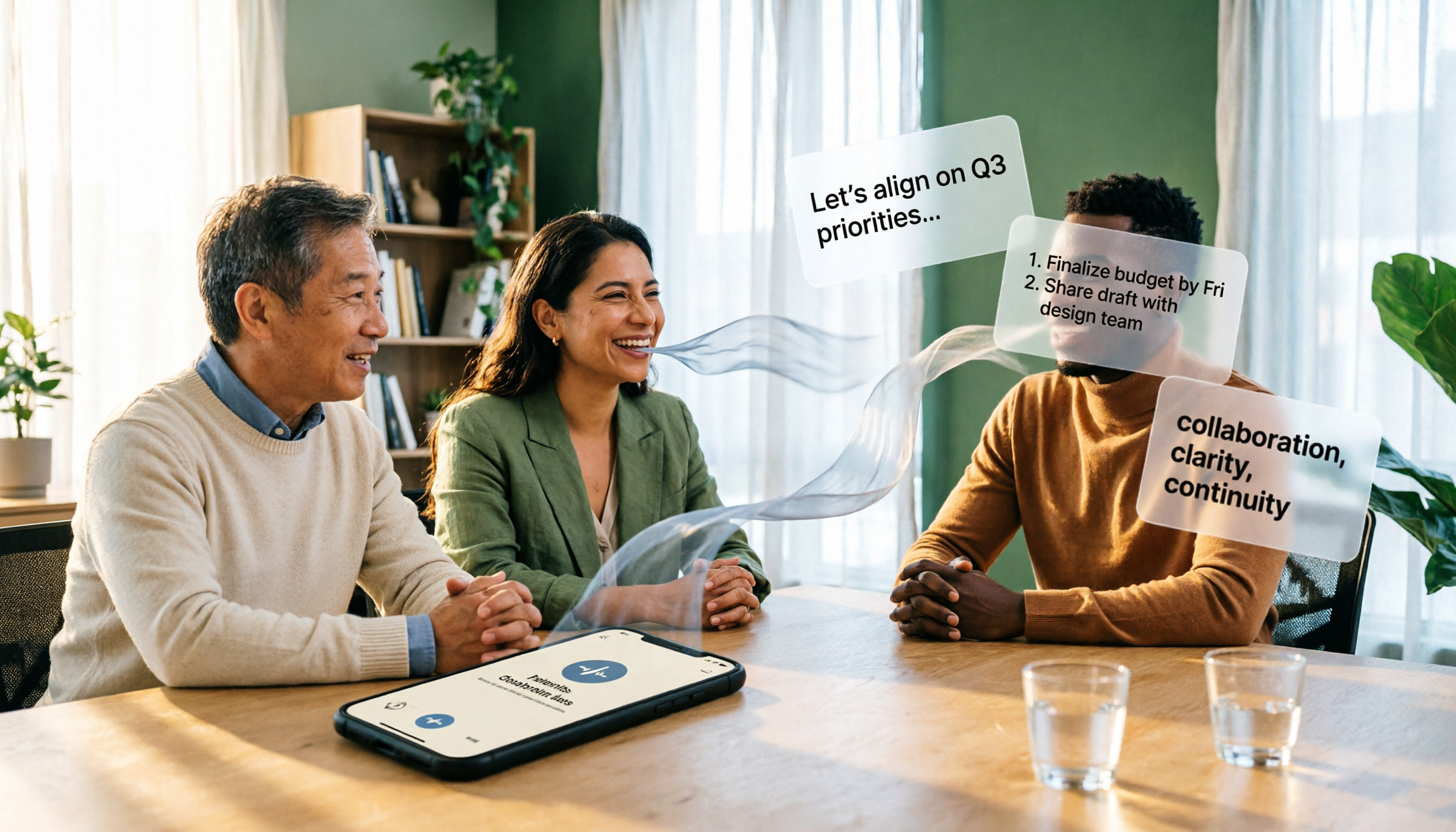
2026 Voice-to-Text Tools Compared: Good Tape Reviews and How to Choose for Chinese Meetings
Good Tape scores around 3.1 on review platforms with mixed feedback. This article first breaks down the common mistake of choosing tools based on star ratings alone, then compares voice-to-text tools across 5 purchasing dimensions, and uses Tinrec to demonstrate a complete workflow from recording and transcription to summaries, action items, and team knowledge retention.