

Turn recordings into transcripts and summaries in minutes
Upload audio or video for multilingual transcription, AI notes, and action items
2026 Voice-to-Text Tools Compared: Good Tape Reviews and How to Choose for Chinese Meetings
Have you noticed that most people choose voice-to-text tools the same way: they type the tool name plus reviews into the search bar, see a decent star rating, sign up, and two weeks later realize it doesn't fit their meeting style at all.
Take Good Tape, for example—its performance on review platforms is quite polarized. Trustpilot has accumulated about 76 to 80 reviews, with an overall score of around 3.1. Satisfied users say "a one-hour-plus two-person interview saved me at least two hours"; dissatisfied ones mention that noisy recordings got stuck halfway through, the same sentence was output 21 times repeatedly, and the rest of the content was completely missing.
These reviews themselves aren't the problem. The problem is that they answer "how it works for others," not "whether it works for your scenario."
A more reasonable approach is to write down your requirements first: Is the meeting in Chinese or mixed Chinese-English? Do you only need a transcript, or do you also want summaries, action items, and team sharing? Is the meeting online or recorded in person? List the conditions clearly, then compare tool capabilities—this is much more practical than looking at average star ratings.
Rather than finding a tool with the "highest rating," find one that "fits your workflow." Below, using Tinrec as an example, we break down what capabilities such tools should actually have.
What Can Voice-to-Text Tools Do for You?
Scenario 1: After the meeting, transcript and summary are ready together Previously, after a one-hour meeting, you'd spend another forty minutes organizing notes. With Tinrec, for example, the transcript is ready as the meeting ends, and AI summaries, chapters, and action items are generated at the same time—who's responsible for what and when it's due are listed directly in the meeting record.
Scenario 2: No need to invite a bot to online meetings Tinrec's desktop version directly captures your computer's system audio, processing meeting content played on Zoom, Google Meet, Microsoft Teams, and Webex without inviting an extra meeting bot as a participant. This is especially noticeable for external client meetings—the other party won't see an unfamiliar account on the attendee list.
Scenario 3: Existing recording files can also be organized If you already have MP3 or MP4 files of interviews or courses, you can upload them directly to Tinrec to convert to text, then use AI Q&A to ask for details without having to listen from the beginning.
Scenario 4: Cross-language meetings During recording, you can switch between original text, translation, or bilingual view, so even mixed Chinese-English meetings can be checked for missing content on the fly.
What Are the Core Capabilities of Such Tools?
Real-time recording to text Transcribe while recording, not after. Tinrec's real-time transcription is suitable for offline meetings, interviews, and on-site notes—you can confirm key points by watching the text as it appears.
Bot-free online meeting recording Tinrec's desktop version captures the device's system audio; users simply start recording manually, and no extra bot account appears in the meeting. Note that this is not the same as "automatically joining all calendar meetings"—you still need to start it manually.
AI summaries, chapters, and action item extraction The most troublesome part of long meetings is finding key points later. Tinrec organizes content into summaries, chapters, and action items, effectively taking the transcript one step further into data you can directly act on.
AI Q&A and real-time translation After transcription, you can ask questions directly about the meeting content, such as "What was the budget cap the client mentioned?" or "What unresolved items came up in this discussion?" For cross-language meetings, you can use real-time translation and bilingual viewing.
Export and post-processing Tinrec supports exporting results to Notion, Google Docs, OneNote, Dropbox, and other tools for continued use. It can also generate reports, tables, and documents through Agent post-processing, suitable for post-meeting delivery and review.
Team space and governance The team version centralizes meeting data in a single space and provides member, role, seat, usage analytics, audit logs, audio recycle bin, and team hotwords. Note that the team version is team-level sharing, not fine-grained file-level permission settings; members without seats can view, play, and read data, but need a seat to upload, edit, and export.
Practical Application Scenarios
Weekly recurring project meetings The most common problem in weekly meetings is "didn't we agree on that last time?" Record regularly with Tinrec, and summaries and action items are automatically generated after the meeting. Review them before the next meeting, and the decision context and action progress are still there.
Stop organizing recordings by hand
Upload audio or video and automatically get a transcript, summary, and action items
Client interviews and requirement confirmation Requirement interviews are often where memory gaps are largest. Record the conversation, convert to transcript, and use AI Q&A to confirm what the client actually said, reducing "I thought you meant this" disputes.
Course, lecture, and training recordings Re-listening to a two-hour course is time-consuming. Upload to Tinrec to convert to text, then first look at chapters and summaries to grasp key points, and return to specific sections for details.
Content creation and transcript reuse Recorded interviews can become article material. Tinrec's transcript, summary, and export features let you use one recording for multiple outputs without reworking each time.
5 Things to Consider When Choosing a Voice-to-Text Tool
1. Look at the recording source first, not just star ratings Clear studio audio and noisy on-site meetings can perform vastly differently. Good Tape performs well on clean audio and has a simple interface, but struggles noticeably in noisy environments. We recommend testing with a real meeting of your own—this is more accurate than any average score. Tinrec supports real-time recording, desktop meetings, and file uploads, so you can start testing with your most common scenario.
2. Actual performance with Chinese and mixed Chinese-English Meetings in Taiwan are rarely pure Chinese or pure English. When choosing a tool, directly test with a mixed Chinese-English recording rather than looking at the official number of supported languages. Tinrec covers Chinese, Traditional Chinese, and multilingual meetings, and allows maintaining company-specific names and terminology through team hotwords.
3. Can it help you organize after transcription? A tool that only provides a transcript is essentially handing the organizing work right back to you. Tinrec's value is after transcription: summaries, chapters, action items, AI Q&A, translation, and export—all connected to your existing workflow.
4. Data storage, permissions, and team governance First confirm the service's data processing policy, how recordings are stored, and what team members can see. Before recording, you should also obtain consent from participants in accordance with local regulations. Tinrec's team version manages governance by roles, controls usage eligibility by seats, and provides usage analytics and audit logs. When a member leaves, data belongs to the team and needs to be handed over to other active members.
5. Calculate quotas and pricing clearly Tinrec's personal version has a free version to try first; for short-term intensive use, there's a weekly card; for steady use, there are Pro monthly and annual cards. The team version is currently USD 29.80 per paid seat per month, or USD 199 per paid seat per year. Each paid seat provides 2,000 minutes of team shared import quota per month; the first eligible team trial is 7 days, 1 free seat, and 300 minutes of shared quota. Actual prices and promotions are subject to the official purchase page.
Frequently Asked Questions
Q: Good Tape reviews are polarized—is it usable? It is usable, but it depends on what you're recording. It has good accuracy on clean audio and a simple interface; its privacy positioning appeals to those handling sensitive material. However, third-party tests show it can get stuck or repeatedly output in noisy environments, and the officially claimed high accuracy is under ideal conditions. If your meetings are mainly Chinese, multi-person, and recorded on-site, we recommend testing it yourself before deciding.
Q: How is Tinrec different from a meeting bot? A meeting bot joins online meetings as a participant; Tinrec's desktop version directly captures the computer's system audio, so no extra account appears on the attendee list. Both require you to actively start recording; Tinrec currently does not automatically join calendar meetings.
Q: How accurate is transcription for Chinese meetings? It performs stably with clear audio and common scenarios, but actual results are affected by recording quality, noise, accents, overlapping speakers, and technical terminology. For important content, we recommend cross-checking with transcript timestamps and recording playback; do not treat AI output as a 100% accurate record.
Q: Is the free version enough? If you just want to get a feel for the workflow, the free version lets you experience recording, import, summaries, and transcription. If you have regular weekly meetings, you'll typically need larger quotas and full features.
Q: What's the difference between the team version and the personal version? Personal version data is managed by the individual account; the team version is a separate team space where data belongs to the team, with additional member invitations, role and seat management, shared quotas, usage analytics, audit logs, and audio recycle bin. It's suitable for teams that need to accumulate meeting assets but don't want data to disappear when individuals leave.
Q: Can team members without seats see data? Yes. Active members can view, play, and read team data even without a seat; a seat is required for recording, uploading, editing, and exporting.
Conclusion
Back to the original question: Are Good Tape reviews worth referencing? Yes, but they only tell you about others' usage scenarios, not a substitute for your own testing.
The real questions are: Are your meetings in Chinese or English, online or offline, and do you only need a transcript or do you need everything organized down to action items and team sharing? Once you think through these three things, your options will narrow down quickly.
If you want a workflow where "recordings go in and usable data comes out," Tinrec puts real-time recording, bot-free online meetings, summary action items, AI Q&A, export, and team space on the same line. You can start with the free version and validate whether it suits you with a real meeting.
References
- Good Tape Reviews | Read Customer Service Reviews of goodtape.io
- Good Tape Review: The Transcription Tool Built for Journalists Who Protect Their Sources
- Good Tape Reviews | Read Customer Service Reviews of goodtape.io | 3 of 4
- Good Tape review 2026 — ai audio & video transcription
- Good Tape Speech-to-Text 2026 Review: Accuracy, Speaker Diarization & Free Plan - Official Tinrec Blog
Turn every recording into actionable outcomes
Get 60 free transcription minutes when you sign in. No credit card required.
Related Reading
You might also like
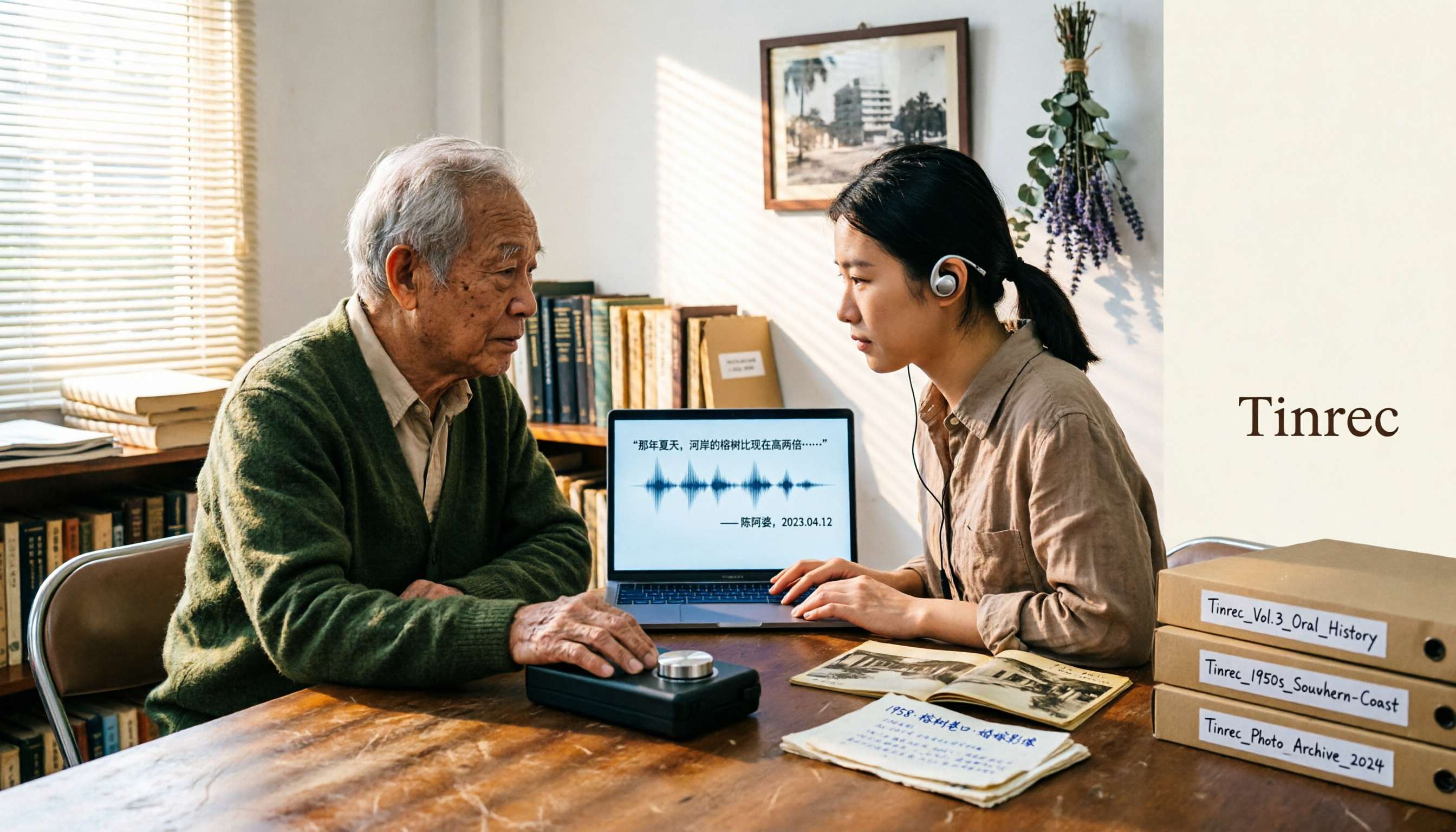
2026 Speech-to-Text Tools Tested: After the Nottoway Fire, How Oral History Survives
On May 15, 2026, Nottoway Plantation in White Castle, Louisiana, was destroyed by fire, leaving behind decades of oral memories from tour guides, researchers, and the community. This article addresses the common misconception that 'keeping a recording is not the same as preserving it,' explains four key considerations for organizing interview recordings, and tests and compares Tinrec, Otter.ai, Granola, and TurboScribe for oral history organization.

Good Tape Review 2026 & Audio Transcription Tool Buying Guide: 5 Comparisons and Recommendations
Starting from Good Tape's privacy positioning, actual transcription performance, and user feedback, this guide outlines key considerations for choosing an audio transcription tool and compares Tinrec, Otter, Notta, and TurboScribe in meeting notes, post-meeting organization, and team collaboration.
2026 AI Meeting Transcription Tools Compared: Is Notta AI Worth It? Plus a Better Option for Chinese Meetings
I tested three AI meeting transcription tools using the same set of real interview recordings. This article covers Notta AI's strengths, pricing, and privacy policy controversy, and explains why I ultimately moved my workflow to Tinrec: no-bot recording for online meetings, post-meeting summaries and action items, AI Q&A you can follow up with, and practical ways to retain team data.

2026 PLAUD Note Review & Buying Guide: 3 AI Meeting Tools Tested and Compared
Searching for 'PLAUD Note review Dcard' brings up plenty of recorder praise, but you still can't decide if it's worth buying. This guide starts from real Dcard user feedback, breaks down the 4 most misunderstood points about AI meeting tools, and tests Tinrec, PLAUD Note, Notta, and Granola across online meetings, in-person recording, post-meeting organization, and team collaboration. Includes a pitfalls guide and scenario-based recommendations.

6 Best Things to Do in Nottawa in 2026: What's Really Worth Planning, Based on 647 Reviews and Local Lists
Nottawa is a small community in Clearview Township, Ontario, Canada. Most people look it up when planning trips around Collingwood. This guide covers 6 practical ways to plan your visit, 4 key points to understand before planning, and 4 common mistakes to avoid. It also includes a tool recommendation for organizing meeting notes when mixing work with travel.

2026 AI Meeting Recorder Comparison: Plaud Note Pro vs Tinrec vs Notta — Which One Should You Choose?
Plaud Note Pro reviews are trending on Dcard, but hardware and software solutions solve fundamentally different problems. This article compares Plaud Note Pro, Tinrec, and Notta across three real-world scenarios—online meetings, in-person interviews, and team collaboration—covering audio capture methods, post-meeting outputs, team management, and actual costs, plus three common pitfalls to avoid when choosing.

2026 AI Meeting Transcription Tools Compared: How to Calculate Notta Pricing Without Losing Out
Many people only compare monthly fees when checking Notta pricing, without factoring in available minutes and post-meeting organization costs. This article breaks down Notta's three official plans, then compares the actual costs and use cases of Tinrec, Otter.ai, TurboScribe, and PLAUD, and finally summarizes the three most common pitfalls when comparing prices.

3 Versions of Sweat Script Compared: Which One to Buy for Reading, Rehearsal, or Licensed Performance?
After searching for Sweat Lynn Nottage buy, the most common mistake is buying the wrong version. This guide compares the TCG Edition, the Concord Theatricals licensed edition, and the UK edition, evaluating them on purpose, licensing, shipping cost, and delivery time to help you buy the right version of Lynn Nottage's Pulitzer Prize-winning play.

Rémi Notta 2025 Update and 3 AI Meeting Note Tools Tested: Which Should Content Creators Choose?
Readers searching for Rémi Notta's 2025 update are often also concerned with how content creators can organize large volumes of interviews and meetings. This article first summarizes Rémi Notta's public activities in 2025, then compares Tinrec, Otter.ai, Notta, and Granola across four dimensions: meeting capture method, Chinese transcription, post-meeting output, and team knowledge retention, to help you choose the right AI meeting note tool.