
Turn recordings into transcripts and summaries in minutes
Upload audio or video for multilingual transcription, AI notes, and action items
The worst thing after a meeting is hearing: "Please compile the two-hour recording into meeting minutes."
For administrative staff, project managers, or graduate students, the traditional "record + replay + type" process is not only time-consuming but also a killer of focus. There are plenty of AI speech-to-text tools on the market, but which one truly achieves "record and done," rather than just dumping a messy transcript on you?
This article compiles the latest 2026 test data, providing an in-depth comparison of 9 popular AI meeting tools (including Meeting Ink, Tinrec, Otter.ai, and more). We evaluate from four dimensions: "transcription speed," "summary logic," "cross-platform support," and "follow-up action integration" to help you find the best fit.
Quick Navigation Conclusions:
- For extreme transcription speed and Taiwanese/Hakka recognition: Consider Meeting Ink.
- For a complete workflow from recording to action with AI chat query: Evaluate Tinrec.
- For English-centric meetings and Zoom integration: Otter.ai remains a strong choice.
- For physical recording hardware: Consider Plaud.
1. Why Does Your Meeting Notes Take So Long? The Key is in the "Technical Chain"
Many users find that some tools transcribe fast but summaries are incomprehensible, while others take forever to upload files. Based on 2026 technical test analysis, the key factors affecting AI meeting tool efficiency come from the following five stages:
- Audio Processing Efficiency: Server queue design determines how long you wait after uploading (e.g., Good Tape free version may have a 1-hour queue).
- Speech-to-Text (ASR) Model: Models like Whisper or proprietary ones determine accuracy for Chinese, mixed Chinese-English, or dialects.
- Speaker Diarization: Accurately distinguishing "who said what" is critical for readability in multi-person meetings.
- Large Language Model (LLM) Summarization: This is the core that turns a "transcript" into a "decision document." It must not only summarize but also extract action items.
- Workflow Integration: The ability to record on mobile, view on web, and even query content via AI determines practicality.
2. In-Depth Review of Popular AI Meeting Note Tools in 2026
Below, based on processing speed, feature completeness, and use cases, we analyze representative tools on the market.
1. Meeting Ink: Speed and Localization Advantage
According to test data, Meeting Ink performs excellently in processing speed: uploading a 26-minute audio file takes only 55 seconds, and transcription completes in about 2 minutes. Its biggest feature is localization support, especially Taiwanese Hokkien/Hakka recognition, making it suitable for Taiwanese government agencies or local enterprises. It also integrates with Google Calendar, allowing direct recording from the calendar to reduce steps.
2. Tinrec: Complete Workflow from Recording to Action
Tinrec is positioned not just as a transcription tool but as an AI assistant emphasizing "understanding and action." Unlike tools that only provide transcripts, Tinrec focuses on solving the pain point of "what to do after recording." It supports iOS, Android, and Web multi-device sync, with real-time transcription during recording.
Key Differentiators:
- AI Smart Summary and Action Items: Tinrec not only generates summaries but also automatically extracts "to-do lists" and "key conclusions" from the meeting, directly converting dialogue into executable tasks.
- AI Chat Query: This is a killer feature for solving the difficulty of searching long recordings. Users don't need to read the entire transcript; they can directly ask AI: "What was the conclusion about the marketing budget in this meeting?" The system answers based on the recording content, similar to a ChatGPT-style conversation with the meeting notes.
- Multi-Scenario Support: In addition to meetings, it also supports URL parsing for podcasts and online videos to transcribe text.

3. Otter.ai: The Veteran for English Meetings
Otter.ai excels in real-time captions and recognition for English and integrates deeply with Zoom and Google Meet. However, tests show its Chinese processing ability is relatively weak, and the free version has many limitations (e.g., cannot view full transcripts). If your meetings are entirely in English, it's an excellent choice; if Chinese is involved, accuracy may be an issue.
Stop organizing recordings by hand
Upload audio or video and automatically get a transcript, summary, and action items
4. Plaud: Hardware-Based Mobile Recording
Plaud adopts a "hardware recorder card + App" model, suitable for business professionals who cannot use a computer and need to record calls or face-to-face interviews anytime, anywhere. Its advantage is stable recording quality, but it requires purchasing hardware and lacks real-time speaker segmentation, making multi-person meeting organization more labor-intensive.
5. Brief Comments on Other Common Tools
- Vocol.ai: Suitable for batch processing after events. It notifies completion via email, so you don't need to wait on the page, but transcription speed is moderate.
- SeaMeet: A browser extension focused on Teams and Google Meet, ideal for users heavily reliant on these platforms.
- Good Tape: Minimal interface, but free version wait times are extremely long (may exceed 1 hour), suitable for occasional users in no hurry.
3. Tool Specification and Feature Comparison Table
For a more intuitive selection, here is a comparison across key dimensions:
| Dimension | Tinrec | Meeting Ink | Otter.ai | Plaud | Good Tape |
|---|---|---|---|---|---|
| Chinese/Multilingual Recognition | Excellent (Chinese/English/Japanese/Korean/Cantonese etc. 10 languages) | Excellent (incl. Taiwanese/Hakka) | Weak (English-focused) | Excellent | Excellent |
| Real-time Transcription | Yes (shows during recording) | Yes | Yes | No (post-recording) | No |
| AI Summary/Action Items | Meeting minutes + auto-extracted to-do list | Summary + templates | Insights summary | Basic summary | Not available (free version) |
| Content Retrieval Method | AI Chat Query | Keyword search | Keyword/tags | Keyword | Browse text |
| Multi-Device Support | iOS, Android, Web sync | Web | Web, App | App (requires hardware) | Web |
| Free Tier/Price | 100 minutes/month free | Free trial / paid subscription | 300 minutes/month (many restrictions) | Hardware purchase required | Many restrictions (long queue) |
4. Practical Tutorial: How to Build a "Zero-Manual" Meeting Note Workflow with AI
To truly reduce preparation time, you need not just a transcription tool but a proper workflow. Using Tinrec as an example (given its comprehensive feature set), here's how to quickly convert meeting content into actionable lists.
Step 1: Start Real-Time Recording and Transcription
At the start of a meeting, open the mobile app or web version. For face-to-face or online meetings, use the "real-time recording to text" feature. Tinrec converts speech to text in real time as you record, ensuring no detail is missed.
- Use Cases: In-person meetings, classes, interviews.
- Feature Link: Real-time recording to text

Step 2: Import External Audio or Video (If Not Recorded in Real Time)
If you have recordings from Zoom or Teams, or YouTube analysis videos, you can directly upload files or paste links. The system will automatically perform speaker diarization and generate transcripts.
- Use Cases: Post-meeting cleanup, study video organization.
- Feature Links: Audio file to text or Online video to text

Step 3: Use AI to Extract Action Items
After the recording ends, don't reread tens of thousands of words. Click the AI analysis feature to let the system automatically generate "meeting minutes" and "to-do items." This helps you grasp conclusions in one minute and directly copy tasks to assign to team members.

Step 4: Use AI Chat Query for Details
When you need to confirm "what is the deadline for Project X?" but forgot where it was mentioned, use the "AI chat query" feature. Simply type your question into the dialog, and AI will search the recording content and provide an accurate answer, saving the time of Ctrl+F.
- Feature Link: AI Chat Query

5. Frequently Asked Questions (FAQ)
Q1: Will recording on an iPhone be interrupted?
iPhone has strict limitations on background recording (e.g., incoming calls or switching apps). Use optimized apps like Tinrec or Otter, or use a backup phone/computer web version to record for stability.
Q2: Can AI understand mixed English and Chinese in meetings?
Current AI models (like Whisper and its improvements) have significantly improved recognition of mixed Chinese-English. Tools like Meeting Ink, Tinrec, and Vocol.ai support multilingual recognition, but it's recommended to select "auto-detect" or the primary language in settings for best results.
Q3: What are the typical limitations of free versions?
Most free versions have limits on recording hours or features. For example, Good Tape free version requires queueing and cannot export SRT; Otter free version cannot view full history. Tinrec offers 100 minutes per month free, suitable for light users to experience full features.
Q4: Can I directly record Google Meet or Teams meetings?
Some tools like SeaMeet or Otter offer browser extensions to record system audio. If using Tinrec or Meeting Ink's web version, you can record via computer "stereo mix" or directly from the microphone for broader compatibility.
Q5: Are AI-generated summaries accurate?
The quality of AI summaries depends on recording clarity and model capability. Current LLMs are good at filtering noise and extracting key points. However, it's recommended to quickly review summaries from Tinrec or other tools, especially for industry-specific jargon.
Q6: How about recording file privacy and security?
When choosing a tool, ensure the platform has a clear privacy policy. Legitimate paid tools like Tinrec, Meeting Ink, etc., typically use encrypted transmission and storage, and their business model is subscription-based rather than data selling, offering better protection.
Turn every recording into actionable outcomes
Get 60 free transcription minutes when you sign in. No credit card required.
Related Reading
You might also like

4 Meeting Productivity Tools Tested and Compared for 2026: Is the Free Version Enough, and Is the Team Plan Worth It?
Ending a meeting with only three lines of notes is a daily reality for most office workers. This hands-on comparison of four meeting productivity tools breaks down recording methods, post-meeting organization, Chinese language performance, and team permissions, while honestly detailing free version limitations and paid pricing to help you find the one that truly saves meeting time.

4 Meeting Productivity Tools Tested for 2026: From Recording to Action Items, How to Really Save Time?
How can meeting productivity tools actually save time? This article starts with common pitfalls, breaks down what meeting productivity tools can do and their core capabilities, and uses Tinrec to demonstrate a 5-step workflow from recording, live transcription, AI summary to action item extraction. It also covers 5 key points to consider when purchasing and answers frequently asked questions.

6 Best Free Multilingual Meeting Transcription Tools in 2026
How do you choose a multilingual meeting transcription tool in 2026? This guide reviews 6 free and paid options, including Tinrec, Otter.ai, Notta, Granola, PLAUD Note, and TurboScribe. We compare multilingual transcription, real-time translation, AI summaries, action item extraction, and team collaboration features, with pricing and selection advice.
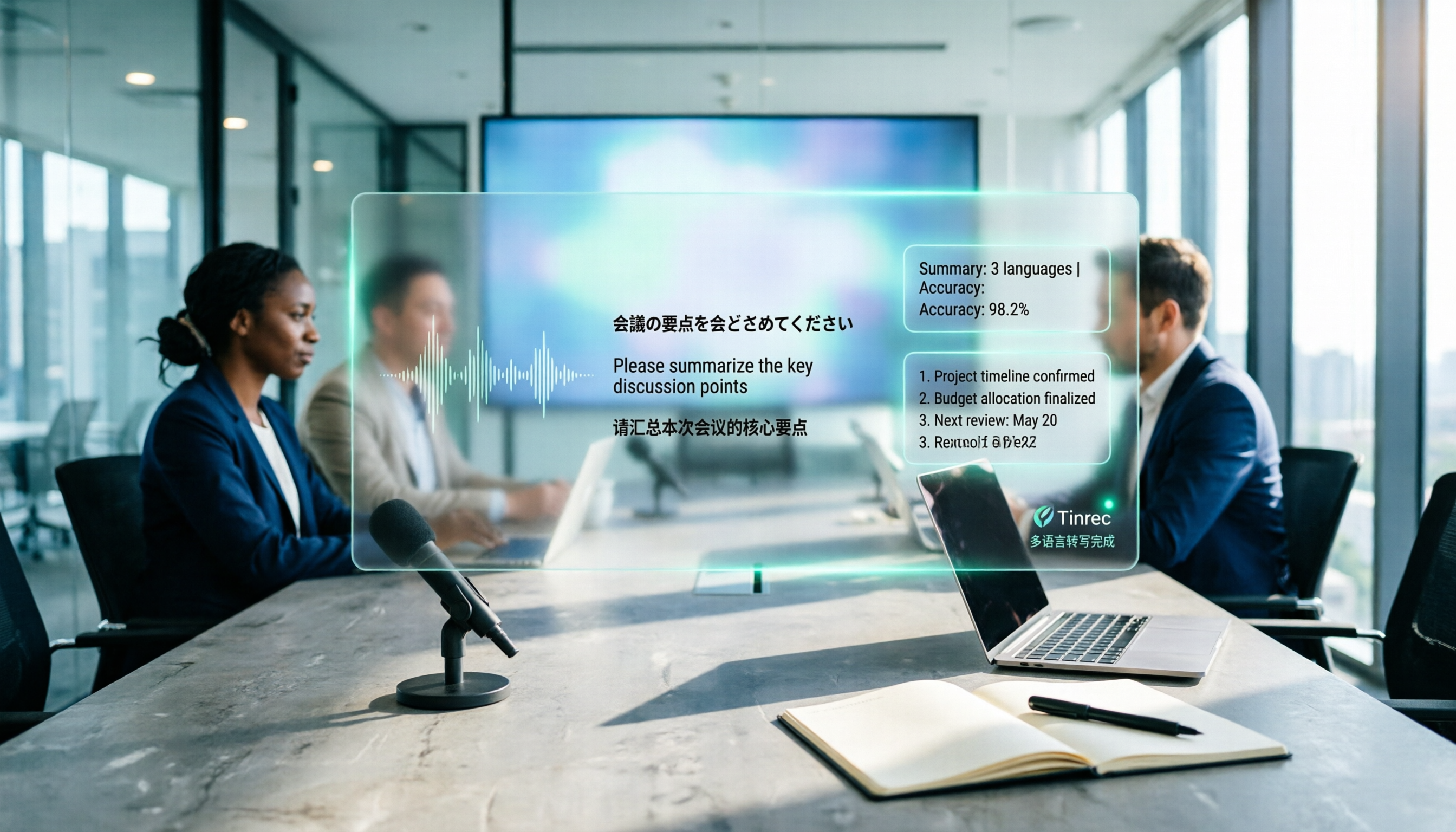
How to Create a Multilingual Meeting Minutes Template in 2025: 5 Steps from Recording to Multilingual Summary
In international meetings where Japanese, English, and Chinese are interwoven, you still need to deliver meeting minutes that everyone can understand. This article breaks down the process of creating a multilingual meeting minutes template in 2025 into 5 steps, includes a field template, and reviews 7 tool options—Tinrec, Notta, Subanana, Otter.ai, Fireflies.ai, Granola, and TurboScribe—with pricing, helping you choose the right tool based on language combinations and budget.

4 Multilingual Meeting Transcription Tools Tested in 2026: Which Saves the Most Time with Code-Switching and Bilingual Transcripts?
In multilingual meetings (code-switching, bilingual transcripts), we tested and compared Tinrec, Otter.ai, Granola, and Notta on transcription, real-time translation, post-meeting report output, and team collaboration. We also compiled selection criteria, pitfalls to avoid, and scenario-based recommendations.

Tinrec vs Notta 2026: 5-Factor Comparison for Meeting Efficiency Tools
How to choose a meeting efficiency tool? This article breaks down five factors: recording method, post-meeting output, Chinese language experience, cross-device support, and team data ownership. It compares Tinrec and Notta with hands-on testing, explaining why most Chinese-language team meeting scenarios choose Tinrec.

What Is a Meeting Efficiency Tool? 2026 Complete Guide: 5 Keys from Transcript to Action Items
What does meeting efficiency tool mean? This article starts with three common misconceptions, breaks down the core capabilities, practical use cases, and key purchasing considerations of meeting efficiency tools, and uses Tinrec as an example to show how to turn a meeting from a transcript into summaries, action items, and queryable data, ultimately settling into a reusable team meeting asset.

2026 Comparison of 4 Multilingual Meeting Transcription Tools: Which One Delivers Usable Minutes for Mixed Chinese-English Meetings?
Tired of spending half a day transcribing mixed Chinese-English meetings? We tested Tinrec, Otter.ai, Notta, and PLAUD, comparing real-time vs. post-meeting processing, mixed-language recognition, audio capture methods, AI Q&A, and team collaboration to find the tool that truly saves you time.

Tinrec Multilingual Meeting Notes 2026: Mixed Chinese-English Transcription + Real-Time Translation
How to choose multilingual meeting notes tools in 2026? This article compares Tinrec and AI recording hardware PLAUD Note across six dimensions: language processing, online meetings, real-time translation, post-meeting output, data retention, and team governance. It includes a cost structure and conclusion you can bring to procurement meetings.