

Turn recordings into transcripts and summaries in minutes
Upload audio or video for multilingual transcription, AI notes, and action items
2026 Comparison of 4 Multilingual Meeting Transcription Tools: Which One Delivers Usable Minutes for Mixed Chinese-English Meetings?
The Pain of Cross-Language Meetings Isn't Understanding—It's Not Being Able to Capture Everything
It's 8 PM on a Wednesday, and a Zoom meeting for a cross-border project just ended. The screen shows a call duration of 87 minutes. All you have is an audio recording filled with Chinese, English, and occasional Japanese.
You need to submit meeting minutes tomorrow. You have to listen from the beginning, pausing and typing, and just finishing the transcript takes all morning.
What's worse are those passages with hidden meanings. A Japanese client says "ちょっと難しいです," which literally means "a bit difficult," but actually means the timeline is not feasible—you need to know that at the third minute of the meeting, not realize it only after reading the summary later.
If you've experienced these situations, the problem usually isn't your language ability—it's choosing the wrong tool.
Before Choosing a Multilingual Meeting Transcription Tool, Understand These 4 Key Points
1. Do you need "real-time captions" or "post-meeting transcripts"? Real-time tools output captions while the other person is still speaking, allowing you to interrupt, confirm, and ask follow-up questions on the spot. Post-meeting tools produce complete records with speaker labels, summaries, and action items after the call ends. Most tools on the market fall into the latter category, and only a few can truly achieve real-time streaming translation. First confirm your scenario, then choose a tool.
2. How to evaluate language-switching capability? Mixed Chinese-English meetings are the ultimate test for the underlying model. Older tools tend to produce garbled text or entire misrecognized segments when languages switch. We recommend testing with your own meeting recordings, because official demos usually use clean studio audio, which is very different from a real conference room.
3. How is the meeting audio "captured"? One way is to add a meeting bot as a participant to the meeting room; the other is to capture system audio directly from the computer. The former requires the other party's consent and can sometimes be blocked by the meeting host or corporate security policies; the latter is almost imperceptible to participants. This point is especially important in multilingual meetings with external clients.
4. After the transcript, what else can the tool give you? A tool that only provides a transcript is essentially handing the organization work right back to you. What truly saves time is automatic summaries, chapters, action items, bilingual side-by-side translation, and the ability to directly ask AI "Who mentioned the budget in the last meeting?"
Tinrec — Our Top Pick After Testing
Tinrec is an AI meeting transcription and collaboration tool for individuals and teams. It supports real-time recording, bot-free online meeting transcription, audio/video file import, and real-time translation, and organizes meeting content into searchable, queryable, and exportable data.
Record online meetings without a meeting bot. The Tinrec desktop app directly captures your computer's system audio, handling meetings on Zoom, Google Meet, Microsoft Teams, Webex, and other platforms without adding an extra bot to the meeting room. For cross-border meetings, this means you don't have to explain to clients in advance that "an AI assistant will join," and you don't have to worry about corporate account security policies blocking it.
For mixed Chinese-English meetings, get transcripts and bilingual comparison as you record. Transcription begins while recording, and during the meeting you can view the original text, translation, or bilingual side-by-side. After a long meeting, AI automatically generates summaries, chapters, key points, and action items—who is responsible for what and when it's due, listed directly as a checklist, so you don't have to dig through an 80-minute recording.
After recording, you can ask questions directly about the meeting. This is where Tinrec is most practical. You can ask it "What were the client's concerns about the quote?" or "Which option was finally decided in this meeting?" It answers based on the semantics of the meeting content, rather than throwing a bunch of keyword search results at you. Among tools in the same price range, few can do this. Meeting data can also be further processed into reports, tables, or documents, and exported to Notion, Google Docs, OneNote, Dropbox, and other common tools.
Test conditions: We tested with a roughly 20-minute Zoom meeting recording with mixed Chinese and English (indoor environment, system audio captured via desktop app). The transcript correctly recognized language-switching segments without garbled text. Actual performance will still be affected by recording quality, background noise, accents, and overlapping speakers. We recommend testing with your own meeting recording for the most accurate results.
Stop organizing recordings by hand
Upload audio or video and automatically get a transcript, summary, and action items
Notable advantages:
- No extra hardware needed; works on computer, phone, and web, with automatic sync of recordings and data.
- Transcripts, summaries, action items, translation, and AI Q&A all in one workflow, eliminating copy-paste between multiple tools.
- Team workspace: meeting data belongs to the team, new members can see historical meetings, and data is transferred when members leave—it doesn't leave with them.
Limitations to note: The free version provides basic quota to experience recording, import, summaries, and transcription. Long-term heavy users need to pay. Also, Tinrec is currently not a calendar-based automatic meeting bot; you need to open the desktop app yourself to start recording. File import consumes the shared quota in your plan. AI-generated content should be verified against transcript timestamps and recordings, especially for important clauses.
Who it's for: People who frequently hold mixed Chinese-English meetings, need to produce minutes and action items afterward, and want to use AI to find key points directly after recording. For departments or project teams that need unified management of meeting data, the Tinrec team version provides an independent team workspace, allowing multiple spaces, inviting members via link, and setting owners, admins, and regular members. Seats determine who can record, upload, edit, and import/export; members without seats can still view and play team data. Admins can view usage trends, member rankings, operation audits, and audio recycle bin (deleted audio can be restored before permanent cleanup). Team monthly plan is USD 29.80 per paid seat per month, annual plan is USD 199 per paid seat per year (about USD 16.58 per month). Each paid seat provides 2,000 minutes of team shared import quota per month; real-time recording is not deducted by minutes under an active plan. Eligible teams also get a 7-day trial with 1 free seat and 300 minutes of shared import quota. Prices and benefits are subject to the official purchase page.
Besides Tinrec, What Other Options Are There?
Otter.ai A veteran choice for English business meetings, with a mature meeting bot workflow and desktop capabilities. Free version offers 300 minutes per month; Pro annual plan is about USD 8.49 per user per month. Worth considering if meetings are almost entirely in English. However, for mixed Chinese-English and Traditional Chinese, Tinrec is clearly smoother, and the desktop version doesn't need a bot to join the meeting, plus it can use Agent to generate reports and tables afterward.
Notta The competitor with the highest overlap with Tinrec, offering multi-platform transcription, file import, translation, and team plans. Free version offers 120 minutes per month, max 3 minutes per session; Pro annual plan is about USD 8.17 per month, suitable for content work focused on captions and translation. However, bot-free online meeting recording, AI Q&A, and team governance capabilities like seats, usage, and auditing are more complete in Tinrec.
PLAUD Note / NotePin Representing AI recording hardware, NotePin is priced at USD 159, Note Pro at USD 189, Starter offers 300 minutes per month, Pro annual plan is USD 99.99. Suitable for scenarios requiring portable recording and phone call recording. But for handling online meetings and post-meeting organization, Tinrec doesn't require buying an extra device and also offers team workspace and historical data accumulation.
Pitfall Guide: 3 Most Common Mistakes When Choosing a Multilingual Meeting Transcription Tool
Pitfall 1: Only looking at official advertised accuracy. "98% accuracy" is usually measured in a quiet environment. Real conference rooms have air conditioning noise, keyboard sounds, and multiple people talking over each other, so the number drops. Honest advice: test the free version with your own meeting recording—it's more accurate than any advertisement.
Pitfall 2: Ignoring "mixed language." Many tools claim to support dozens of languages, but supporting multiple languages doesn't mean handling mixed Chinese-English within the same sentence. When choosing a tool, directly test a recording with mixed Chinese, English, and Japanese to see if it breaks down during switching.
Pitfall 3: Buying a tool but only using it for "audio-to-text." If your usage stops at producing transcripts, you're only using one-third of the value. For example, Tinrec's AI Q&A lets you directly ask "What was the conclusion of this meeting?" after the meeting, which is much faster than flipping through a 30-minute transcript yourself.
Conclusion: Which One Should You Choose?
Simply put, when choosing a multilingual meeting transcription tool in 2026, first ask yourself: Do you want captions during the meeting, or data you can directly use after the meeting ends?
- Mixed Chinese-English, need post-meeting minutes and action items → Tinrec (real-time transcription, bilingual comparison, AI summaries and action items)
- Want to use AI to query meeting highlights directly after recording → Tinrec (AI Q&A is currently the most impressive feature)
- Need synchronized use on phone, computer, and web → Tinrec (no extra hardware)
- Team needs unified storage of meeting data, seat and usage management → Tinrec team version (team workspace, seats, usage analytics, audit, and recycle bin)
- Meetings almost entirely in English, zero budget → Otter.ai free version offers 300 minutes per month, still a cost-effective choice
We recommend starting with the Tinrec free version, running it on your most troublesome mixed Chinese-English recording, and considering an upgrade only if it works well—no need to pay upfront.
References
- 2026 Latest 5 Chinese-English Bilingual Meeting Transcription AI Tools: Solving Recording Organization and Cross-Language Communication Pain Points - Tinrec Blog
- Online Meeting Translation: Supports 60+ Languages
- 10 Best AI Translation Tools for Online Meetings (Tested) | Immersive Translate
- Multilingual Transcription Software: 2026 Comparison of 6 Real-Time and Post-Meeting Tools
- With Meeting Minutes Template! Common English Meeting Minutes/International Meeting Minutes! | NativeCamp. Blog
Turn every recording into actionable outcomes
Get 60 free transcription minutes when you sign in. No credit card required.
Related Reading
You might also like

2026 Comparison of 4 Meeting Productivity Tools: How to Save Time Before, During, and After Meetings
How can meeting productivity tools actually be effective? This article breaks down key usage points across three stages—before, during, and after meetings—and compares four tools: Tinrec, Granola, Notta, and PLAUD Note. It covers bot-free recording, AI Q&A, team seats, and actual pricing to help you choose the best fit.

Tinrec vs Otter.ai in 2026: A 5-Dimension Comparison — How to Run Meetings More Efficiently
Long, unproductive meetings are usually a process problem, not a tool problem. This article breaks down five key factors for choosing a meeting productivity tool, compares Tinrec with Otter.ai, Fireflies.ai, and Granola, and includes a pitfalls guide plus scenario-based recommendations.

Tinrec vs Notta 2026: 5-Dimension Comparison for Multilingual Meeting Notes
Multilingual meeting transcription tools aren't just about supporting the most languages. This article compares Tinrec and Notta across five dimensions: transcription vs. translation, recording methods, post-meeting organization, team collaboration, and pricing quotas. It also shares real-world pitfalls and selection insights from a mid-level manager who holds 15 meetings per week.

2026年5款多語言會議記錄工具實測對比:表格整理誰最省時間?
多語言會議記錄的難點不是找不到表格範本,而是會議當下中英夾雜、多人搶話,事後還得重聽錄音。本文實測5款AI會議記錄工具,從多語言辨識、會議採集方式、會後問答、團隊權限到避坑指南,帶你找出能把會議記錄表格自動填好的選擇,並說明Tinrec、Notta、Granola與Otter.ai各自適合誰。

2026 Comparison of 5 Meeting Productivity Tools: How to Make Pre-Meeting, In-Meeting, and Post-Meeting Effective
How can meeting productivity tools truly be effective? This article breaks down the three stages—pre-meeting planning, in-meeting notes, and post-meeting follow-up—and compares 5 tools including Tinrec, Otter.ai, Notta, and PLAUD. It covers selection criteria, common pitfalls, and suitable users, and explains Tinrec's team space roles, seats, usage, and audit governance.

4 Meeting Productivity Tools Tested and Compared for 2026: Is the Free Version Enough, and Is the Team Plan Worth It?
Ending a meeting with only three lines of notes is a daily reality for most office workers. This hands-on comparison of four meeting productivity tools breaks down recording methods, post-meeting organization, Chinese language performance, and team permissions, while honestly detailing free version limitations and paid pricing to help you find the one that truly saves meeting time.

4 Meeting Productivity Tools Tested for 2026: From Recording to Action Items, How to Really Save Time?
How can meeting productivity tools actually save time? This article starts with common pitfalls, breaks down what meeting productivity tools can do and their core capabilities, and uses Tinrec to demonstrate a 5-step workflow from recording, live transcription, AI summary to action item extraction. It also covers 5 key points to consider when purchasing and answers frequently asked questions.

6 Best Free Multilingual Meeting Transcription Tools in 2026
How do you choose a multilingual meeting transcription tool in 2026? This guide reviews 6 free and paid options, including Tinrec, Otter.ai, Notta, Granola, PLAUD Note, and TurboScribe. We compare multilingual transcription, real-time translation, AI summaries, action item extraction, and team collaboration features, with pricing and selection advice.
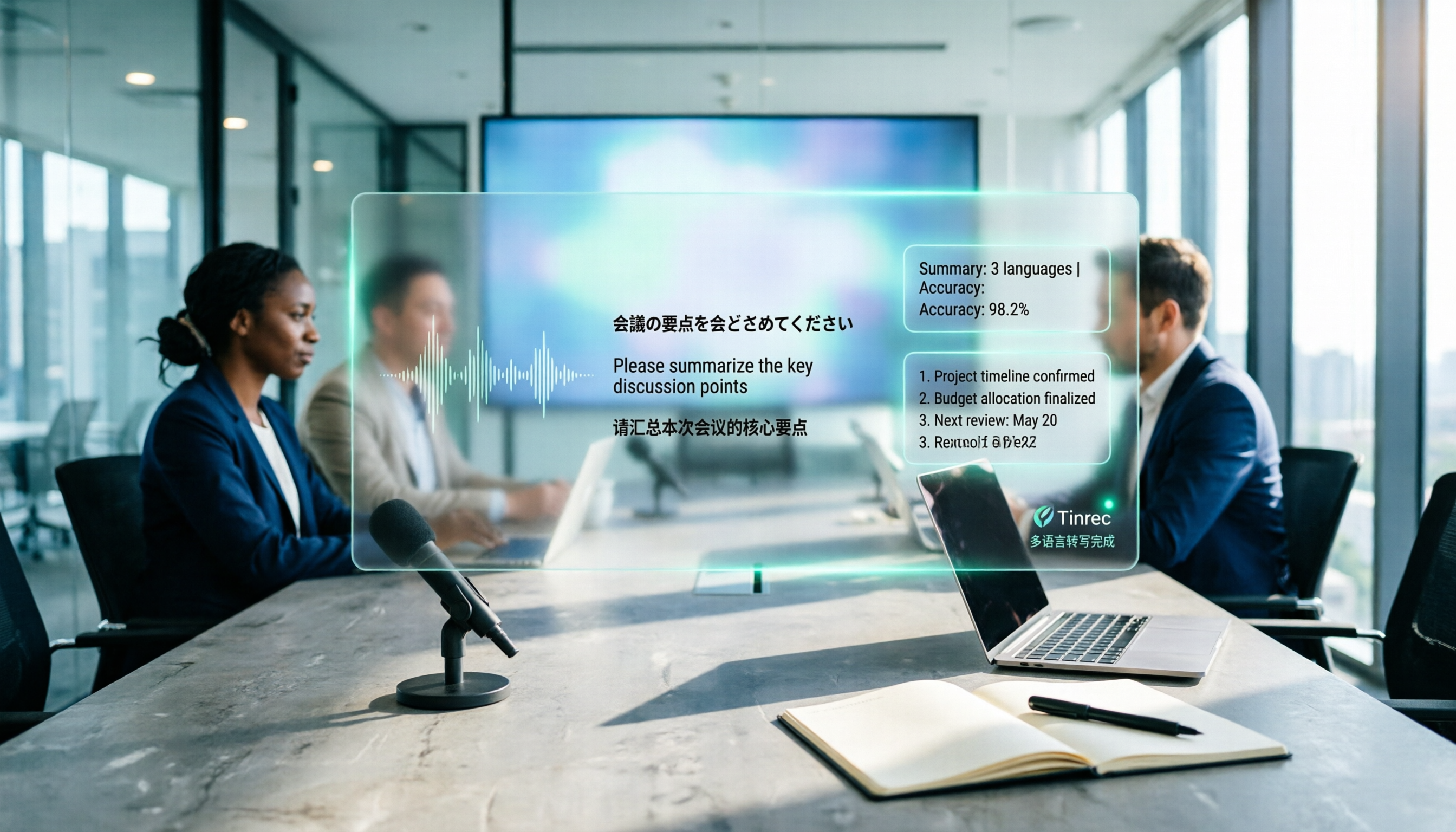
How to Create a Multilingual Meeting Minutes Template in 2025: 5 Steps from Recording to Multilingual Summary
In international meetings where Japanese, English, and Chinese are interwoven, you still need to deliver meeting minutes that everyone can understand. This article breaks down the process of creating a multilingual meeting minutes template in 2025 into 5 steps, includes a field template, and reviews 7 tool options—Tinrec, Notta, Subanana, Otter.ai, Fireflies.ai, Granola, and TurboScribe—with pricing, helping you choose the right tool based on language combinations and budget.