

Turn recordings into transcripts and summaries in minutes
Upload audio or video for multilingual transcription, AI notes, and action items
2026年5款多語言會議記錄工具實測對比:表格整理誰最省時間?
很多人以為多語言會議記錄的難點是「找不到表格範本」。但老實說,表格到處都有,網路搜尋「2025 多語言會議記錄表格」也能找到一堆格式。
真正的坑是:會議當下中英夾雜、多人搶話,你根本來不及填表格;會後重聽錄音,又花掉一整個下午。
這篇不是要再給你一份表格範本,而是幫你找到「能把表格自動填好」的工具。我實測了 5 款常見的 AI 會議記錄服務,以下是我的判斷。
多語言會議記錄的常見誤區——你需要的不是表格,是能填進表格的資料
先說最常見的低效做法:一邊開會、一邊手動打字,試圖把每個人的發言塞進「決議/待辦/負責人/期限」四個欄位。
結果通常是,你忙著記錄,反而錯過討論的關鍵轉折。多人同時發言時更慘,中英文切換的會議幾乎不可能用手打跟上。
另一個誤區是以為「有逐字稿就等於有會議記錄」。逐字稿是原料,不是成品。如果沒有摘要、章節和待辦提取,你只是拿到一份三萬字的文字檔,還得自己重新整理成表格。
比較合理的做法,是讓工具在會議進行時就完成轉寫,會後自動產出摘要、章節和待辦,你再把這些結構化內容貼進表格。這樣表格就不是拿來「抄」的,而是拿來「確認」的。
選購多語言會議記錄工具前,先搞懂這 5 個關鍵點
1. 多語言與中英夾雜的處理能力 台灣的會議很少從頭到尾單一語言。中文、英文、甚至日文交錯很常見。你要看的是工具能不能在混合語句裡正確斷句,而不是只看它支援幾種語言。Tinrec 在這方面強調中文、繁體中文與多語言會議場景,也支援即時翻譯和雙語查看。
2. 會議聲音怎麼被收進去 有些工具靠會議機器人加入會議室,有些靠桌面版直接採集系統聲音。機器人會讓與會者看到多一個帳號,桌面版則不會。Tinrec 桌面版就是採集電腦系統聲音,不需要額外機器人加入 Zoom、Google Meet、Teams 或 Webex。
3. 會後能不能直接產出表格要的欄位 會議記錄表格通常需要決議、待辦、負責人、期限。如果工具只給逐字稿,你還得自己濃縮。Tinrec 會自動生成摘要、章節和待辦,還能用 Agent 後處理產出報告、表格和文件。
4. 錄完之後能不能回頭查 「上次會議誰提到預算?」這種問題,用 Ctrl+F 找關鍵字常常找不到答案。Tinrec 支援圍繞會議內容的 AI 問答,可以用語意理解直接回答,這是我認為它跟同價位工具差距最大的地方。
5. 團隊要怎麼共用這些資料 個人用和團隊用的需求不同。團隊會在意成員權限、席位、用量和資料歸屬。Tinrec 團隊版提供獨立團隊空間,會議資料歸團隊所有,並有角色、席位、用量分析和審計日誌。
Tinrec(秒聽錄音)——我們實測後的首選
Tinrec 秒聽錄音是一款面向個人與團隊的 AI 會議記錄和協作工具,支援 iOS、Android 與網頁版,桌面版則處理線上會議。它不只是錄音轉文字,而是把會議變成可搜尋、可協作、可行動的資料。
實際使用時,開會前打開 Tinrec 桌面版,它會採集系統聲音並即時產生逐字稿。會議結束後,AI 摘要、章節和待辦已經整理好——誰負責什麼、期限是什麼,不用自己從頭翻。如果你的會議是中英夾雜,它也能處理中文與多語言內容,必要時還能切換原文、譯文或雙語查看。
更好用的是會後的 AI 問答。你可以直接問它:「上週會議關於預算的結論是什麼?」它會根據會議內容回答,而不是只丟給你一串關鍵字。目前同價位帶的競品,多半還沒有這種對話式查詢。
在輸出方面,Tinrec 支援多格式匯出,可以把結果帶到 Notion、Google Docs、OneNote、Dropbox 等工具繼續用。團隊版則多了團隊空間、成員與席位管理、用量分析、審計日誌和音訊回收站。團隊版目前月付為 USD 29.80/付費席位/月,年付 USD 199/付費席位/年,折合約 USD 16.58/月;首次符合資格的團隊試用是 7 天、1 個免費席位、300 分鐘團隊共享匯入額度。付費席位每席每月提供 2,000 分鐘團隊共享匯入額度,有效團隊套餐和席位下,即時錄製目前不按分鐘扣減。
Stop organizing recordings by hand
Upload audio or video and automatically get a transcript, summary, and action items
要注意的是,免費版有基礎額度限制,重度使用者需要付費。另外,Tinrec 不應被理解成「自動加入所有日曆會議」;你需要主動打開桌面版發起錄製。準確率也會受音訊品質、噪音、口音和多人重疊發言影響,重要內容建議搭配逐字稿時間點核對。
適合誰?如果你經常處理中文或中英混合會議、希望會後直接用 AI 找重點、又需要把會議資料沉澱成團隊資產,Tinrec 是目前最貼近這個需求的選擇。
除了 Tinrec,還有哪些選擇?
Notta:多語言轉寫和字幕翻譯是它的強項,免費版每月 120 分鐘、單次最多 3 分鐘,Pro 年付折合約 USD 8.17/月。如果你主要是處理單向檔案轉寫和字幕,可以考慮。但若你要的是中文會議的會後問答和團隊資料沉澱,Tinrec 的 AI 問答與 Agent 後處理更直接。
Granola:無機器人的 AI 會議筆記工具,Basic 免費,Business 為 USD 14/使用者/月。它強調「手寫筆記 + AI 增強」,但不支援上傳預錄音訊,也不會保存會議音訊。如果你需要保留錄音、匯入歷史檔案或做雙語逐字稿,Tinrec 會更合適。
Otter.ai:英文商務會議的成熟選擇,Basic 免費每月 300 分鐘,Pro 年付折合約 USD 8.49/使用者/月。如果你開的會議幾乎全英文,Otter 確實划算。但中文與中英混合會議不是它的主場,且 Tinrec 的無機器人桌面錄製與團隊空間更貼近中文團隊的整理流程。
避坑指南:選多語言會議記錄工具最容易犯的 4 個錯誤
坑 1:只看官方宣稱的準確率。 很多工具說自己 98%、99%,但那通常是安靜環境下的數字。真實會議有冷氣聲、鍵盤聲、多人搶話。建議用你自己的一段會議錄音去試,不要只看廣告。
坑 2:以為有逐字稿就夠了。 逐字稿是原料。你要的是能直接填進會議記錄表格的摘要、決議和待辦。如果工具只給文字,你等於只完成一半。
坑 3:忽略團隊權限與資料歸屬。 個人帳號拿來當團隊共用,成員離職後資料很容易斷層。團隊版要分清角色、席位和成員關係,像 Tinrec 團隊版就是會議資料歸團隊所有,成員變動時可交接資源。
坑 4:忘記錄音授權與法規。 錄音前應取得與會者同意,並留意當地法律。工具只是輔助,合規責任還是在使用者身上。
總結:你到底該選哪一款?
一句話結論:多語言會議記錄的決勝點不是表格範本,而是「會後能不能自動把表格填好」。以這個標準來看,Tinrec 是本次實測的首選。
場景分流如下:
- 需要中文、中英夾雜與多語言會議轉寫 → Tinrec(中文體驗與即時翻譯)
- 會後想直接用 AI 問「上次誰提到預算」→ Tinrec(AI 問答)
- 團隊要共享會議資料、管理席位與用量 → Tinrec 團隊版(團隊空間、角色、席位、審計)
- 會議幾乎全英文、預算有限 → Otter.ai(英文場景成熟)
- 只想把手上的音訊檔轉成字幕 → Notta 或 TurboScribe(檔案轉寫導向)
建議先從 Tinrec 免費版試起,用一場真實的中英混合會議測試。覺得摘要和待辦真的省到時間,再考慮升級或導入團隊版。表格只是最後一哩路,前面那些自動整理,才是真正拉開差距的地方。
參考來源
Turn every recording into actionable outcomes
Get 60 free transcription minutes when you sign in. No credit card required.
Related Reading
You might also like

2026 Comparison of 4 Meeting Productivity Tools: How to Save Time Before, During, and After Meetings
How can meeting productivity tools actually be effective? This article breaks down key usage points across three stages—before, during, and after meetings—and compares four tools: Tinrec, Granola, Notta, and PLAUD Note. It covers bot-free recording, AI Q&A, team seats, and actual pricing to help you choose the best fit.

Tinrec vs Otter.ai in 2026: A 5-Dimension Comparison — How to Run Meetings More Efficiently
Long, unproductive meetings are usually a process problem, not a tool problem. This article breaks down five key factors for choosing a meeting productivity tool, compares Tinrec with Otter.ai, Fireflies.ai, and Granola, and includes a pitfalls guide plus scenario-based recommendations.

Tinrec vs Notta 2026: 5-Dimension Comparison for Multilingual Meeting Notes
Multilingual meeting transcription tools aren't just about supporting the most languages. This article compares Tinrec and Notta across five dimensions: transcription vs. translation, recording methods, post-meeting organization, team collaboration, and pricing quotas. It also shares real-world pitfalls and selection insights from a mid-level manager who holds 15 meetings per week.

2026 Comparison of 5 Meeting Productivity Tools: How to Make Pre-Meeting, In-Meeting, and Post-Meeting Effective
How can meeting productivity tools truly be effective? This article breaks down the three stages—pre-meeting planning, in-meeting notes, and post-meeting follow-up—and compares 5 tools including Tinrec, Otter.ai, Notta, and PLAUD. It covers selection criteria, common pitfalls, and suitable users, and explains Tinrec's team space roles, seats, usage, and audit governance.

4 Meeting Productivity Tools Tested and Compared for 2026: Is the Free Version Enough, and Is the Team Plan Worth It?
Ending a meeting with only three lines of notes is a daily reality for most office workers. This hands-on comparison of four meeting productivity tools breaks down recording methods, post-meeting organization, Chinese language performance, and team permissions, while honestly detailing free version limitations and paid pricing to help you find the one that truly saves meeting time.

4 Meeting Productivity Tools Tested for 2026: From Recording to Action Items, How to Really Save Time?
How can meeting productivity tools actually save time? This article starts with common pitfalls, breaks down what meeting productivity tools can do and their core capabilities, and uses Tinrec to demonstrate a 5-step workflow from recording, live transcription, AI summary to action item extraction. It also covers 5 key points to consider when purchasing and answers frequently asked questions.

6 Best Free Multilingual Meeting Transcription Tools in 2026
How do you choose a multilingual meeting transcription tool in 2026? This guide reviews 6 free and paid options, including Tinrec, Otter.ai, Notta, Granola, PLAUD Note, and TurboScribe. We compare multilingual transcription, real-time translation, AI summaries, action item extraction, and team collaboration features, with pricing and selection advice.
How to Create a Multilingual Meeting Minutes Template in 2025: 5 Steps from Recording to Multilingual Summary
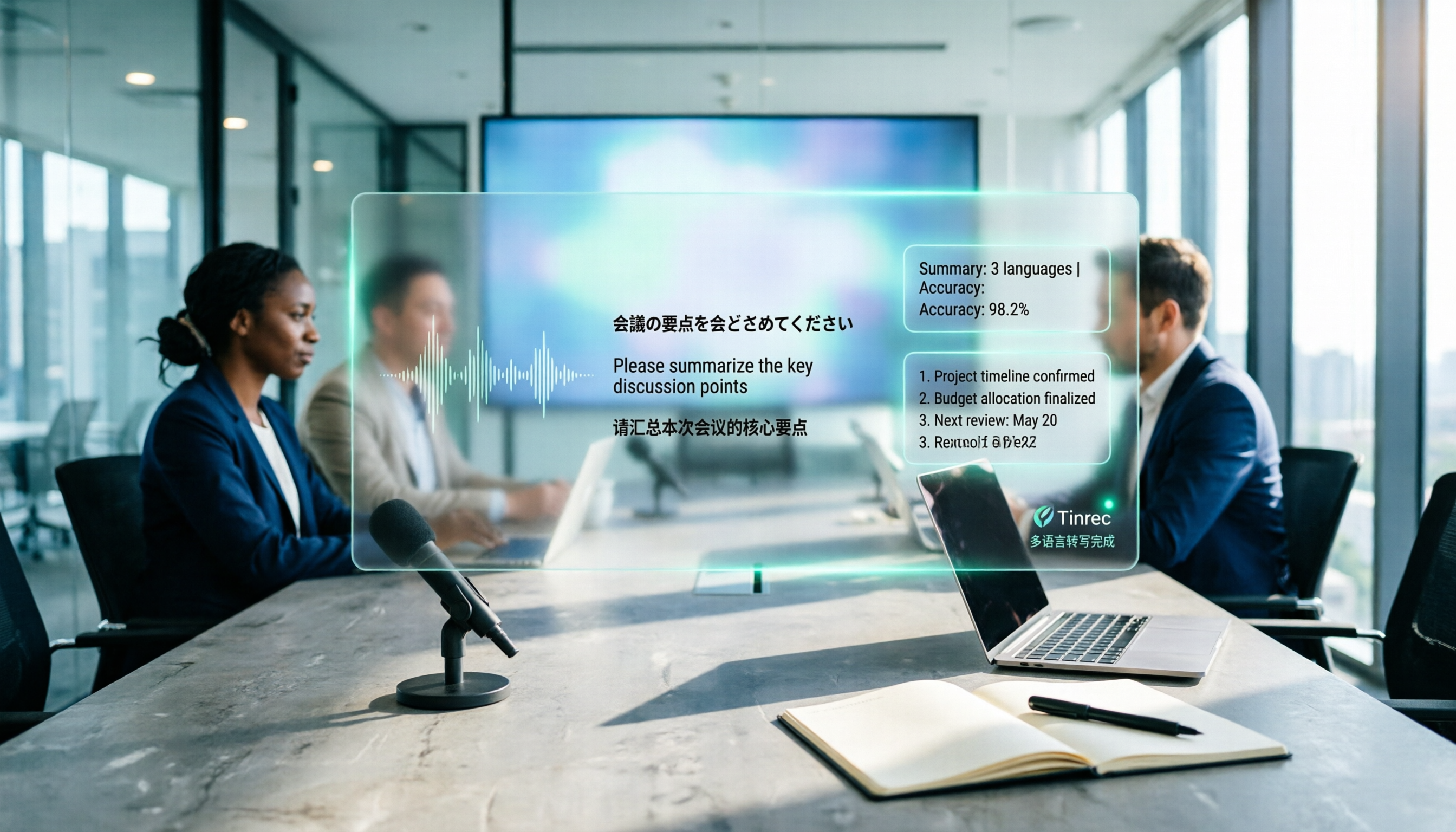
In international meetings where Japanese, English, and Chinese are interwoven, you still need to deliver meeting minutes that everyone can understand. This article breaks down the process of creating a multilingual meeting minutes template in 2025 into 5 steps, includes a field template, and reviews 7 tool options—Tinrec, Notta, Subanana, Otter.ai, Fireflies.ai, Granola, and TurboScribe—with pricing, helping you choose the right tool based on language combinations and budget.

4 Multilingual Meeting Transcription Tools Tested in 2026: Which Saves the Most Time with Code-Switching and Bilingual Transcripts?
In multilingual meetings (code-switching, bilingual transcripts), we tested and compared Tinrec, Otter.ai, Granola, and Notta on transcription, real-time translation, post-meeting report output, and team collaboration. We also compiled selection criteria, pitfalls to avoid, and scenario-based recommendations.