

Turn recordings into transcripts and summaries in minutes
Upload audio or video for multilingual transcription, AI notes, and action items
“Could you handle the meeting minutes today and email them to everyone afterwards?” Doesn’t that line from your manager make your stomach drop?
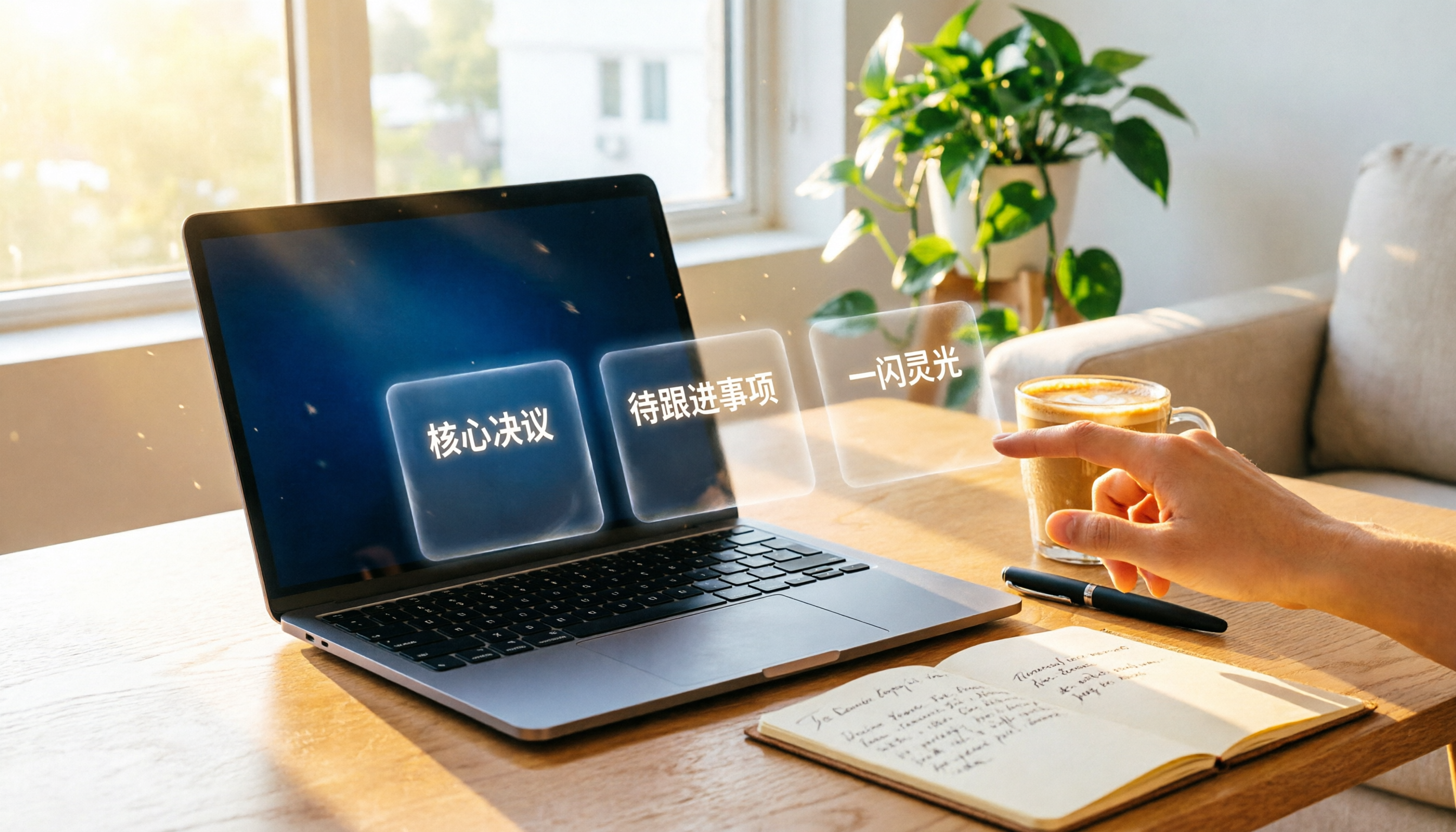
Many beginners, afraid of missing details, turn the minutes into a verbatim transcript that goes on as long as the meeting itself. The result? Colleagues archive it without a second glance. The problem isn’t that you type too slowly—it’s that you miss the two key points: who is the audience and what happens next.
Traditional paper notes and word processors require at least half an hour after the meeting just to rewrite everything, and no one may even read it. If a tool could transcribe speech to text in real time, automatically pick out conclusions and action items, and even let you query the recording conversationally—wouldn’t you save energy and focus on the meeting itself?
Tinrec Instant Recording is an AI tool designed to solve this problem. It doesn’t just turn audio into text; it helps you organize the whole meeting into “action-ready information.”
What is Tinrec Instant Recording?
Tinrec is an AI recording and audio/video organization tool that supports real-time voice-to-text, audio file transcription, and converting online video links into transcripts. In a word, it turns your recordings directly into structured summaries, actionable to-do lists, and key notes. It works across iOS, Android, and web, making it easy to use on any platform.
Unlike tools that only output a transcript, Tinrec emphasizes “the organized result.” It has a built-in AI chat query, so you can ask it directly, “What was the meeting conclusion?” or “Who is responsible for what?” without manually flipping through thirty pages of transcript.
Core Features and Highlights
Real-time voice-to-text As the meeting progresses, text appears on-screen almost instantly with less than a second delay. You can check key points and mark important sections with asterisks, and the transcript is already complete by the time the meeting wraps up.
AI summaries and chapter organization Tinrec automatically splits a one-hour meeting recording into chapters and generates short summaries. Conclusions that used to require listening to the recording twice are now visible at a glance.
Automatic action item extraction This feature is quite thoughtful. Tinrec lists “who, what, and by when” based on the conversation. If no due date was mentioned, it marks the item as “To be confirmed” and reminds you to fill it in.
AI chat query After recording, you can ask Tinrec as if you were asking a coworker. For example, “What was the budget amount we discussed last week?” It answers based on the recording, so you don’t have to listen through everything. Honestly, this is the feature I use most often.
Multiple input sources, multiple output formats In addition to real-time recording, you can upload older audio files or paste YouTube or Bilibili video links to transcribe them. The organized content can be exported as plain text, Google Docs, Notion, and other formats, so you can drop it directly into your existing workflow.
Pricing Plans
Tinrec offers a free version with a monthly basic transcription quota, letting you experience core features like voice-to-text, AI summaries, and chat queries. If you only need to organize meeting minutes occasionally, the free plan is more than enough.
Stop organizing recordings by hand
Upload audio or video and automatically get a transcript, summary, and action items
If you need it more often, you can choose from a weekly card, a Pro monthly plan, or a Pro yearly plan. The weekly card is ideal for short project sprints or heavy meeting weeks, while the Pro plans provide more transcription quota and advanced features each month; the yearly plan is cheaper per month. All plans are clearly listed on the official website, with no hidden fees.
Tutorial: Generate Meeting Minutes in 3 Quick Steps
Step 1: Open Tinrec and start recording before the meeting
Whether you use the mobile app or the web version, just tap the record button when you enter the meeting room and Tinrec will capture audio in the background. It supports Bluetooth earphones, and the pickup quality remains solid even if you move around while speaking.
Step 2: After the meeting, AI automatically organizes
After you stop recording, the AI produces a transcript within seconds, along with a summary, chapters, and action items. You’ll see something like this:
- Summary section: highlights the meeting in 3 sentences
- Action items section: lists who does what and by when
- Original transcript: expandable for easy verification of details
Step 3: Review, export, and share
It’s a good idea to quickly review the AI-generated content, especially names and proper nouns. Once it looks good, click export to save it as a Google Doc or copy it into an email and send it to colleagues. The entire process takes less than 3 minutes—more than twice as fast as manual transcription.
Frequently Asked Questions
Q: Is Tinrec accurate for Chinese transcription?In environments with clear audio and little background noise, the quality of Chinese transcription is quite stable, with word accuracy above 95% for typical meeting conversations. However, poor recording quality, overlapping speakers, or heavy accents can affect the results, so a quick proofread is still recommended.
Q: Does the free version have a time limit?The free version provides a fixed number of transcription minutes each month, and unused minutes don’t roll over to the next month. For most office workers, organizing a few meetings per month fits comfortably within the free tier.
Q: Can it handle meetings with multiple people?Yes, Tinrec tries to differentiate between speakers, but the effectiveness depends on the recording environment. For online meetings, we recommend using the desktop version to record the system audio directly—speaker recognition works better that way.
Q: Where are my recordings stored? Are they safe?All recordings and transcripts are stored in the cloud. Tinrec uses encrypted transmission and storage and won’t publicly share your content. You can also delete recording files at any time.
Q: How is it different from other voice-to-text tools?Most tools only give you a transcript; you still have to organize it yourself. Tinrec adds AI summaries, action item extraction, and chat query features, essentially “understanding” the meeting content for you and saving you a lot of post-meeting cleanup time.
Q: Is it suitable for total beginners?The interface is intuitive: open the app, hit the record button, and it starts. The AI output is in Chinese, and there are no complex settings. If this is your first time using an AI tool for meeting minutes, Tinrec is one of the easiest options to get started with.
References
- How to Take Meeting Minutes? A Complete Guide for Beginners in 2026 - Meta Notes
- Meeting Minutes = Transcript? Professional Meeting Notes Focus on 3 Key Points | Writing Techniques and Templates at a Glance | 104職場力
- Meeting Notes Format Template | 4 Key Points + Complete Template to Follow
- 9 Tips for Writing Better Meeting Notes in 2025 • Asana
- Meeting Notes a Pain? Use NotebookLM + a Prompt and Email Everyone in 3 Minutes After the Meeting! | BusinessNext
Turn every recording into actionable outcomes
Get 60 free transcription minutes when you sign in. No credit card required.
Related Reading
You might also like

2026 Comparison Test: 4 Best Recording-to-Text Apps for Chinese Accuracy and AI Summaries
Struggling to organize meeting recordings? This hands-on review of 4 popular recording-to-text apps covers Chinese speech recognition, AI summaries, and cross-platform support to help you find the best free and paid options for your workflow.

2026 Online Transcription Tools Compared: Which Free AI Transcription Saves You the Most Time?
We tested four online free transcription tools: MyEdit, cSubtitle, oTranscribe, and Tinrec. From AI transcription quality to editing convenience, extra features, and export formats, this complete comparison helps you find the right transcription solution.

How to Choose Meeting Minutes Software in 2026: 5 Steps to Find the Best AI Tool for You
Spending two hours in a meeting and another two organizing the notes? This article puts multiple AI meeting minutes tools to the test—from buying criteria to hands-on testing and pitfall avoidance. In 5 steps, we help you find the best meeting minutes software for your needs. Tinrec is our top pick after testing, and you can try it for free.
2026 Automatic Transcription Tools: Hands-On Comparison — Which One Truly Helps You Organize Key Points, Not Just Transcribe?
Meetings, classes, or interviews leaving you stuck with hours of audio? We tested 5 automatic transcription tools, comparing not just transcription speed but AI summarization. From free to paid, find time-saving options that offer automatic summaries, conversational Q&A, and multi-source support.

3 AI Meeting Notes Tools Compared in 2026: Which Free Plan Is Most Useful?
Two hours in a meeting, two more hours writing up the minutes? This hands-on test of Tinrec, Otter.ai, and Notta compares Chinese transcription accuracy, AI summaries, free allowances, and cross-platform support to help you find the best free solution for busy professionals.

How to Create AI Meeting Summaries in 2026: A 5-Step Guide (Using Tinrec)
This article uses Tinrec's live recording as an example to walk you through the entire process: recording, transcription, AI summarization, and export/sharing — so you can create meeting notes step by step. It covers common questions and advanced tips, making it ideal for professionals who need to organize meeting content.

2026 AI Meeting Recording Tools Tested and Compared: Not Just Meetings—Easily Organize Classes, Interviews, and Videos
This article tests 4 AI meeting recording tools, comparing accuracy, AI features, and cross-scenario coverage. We recommend Tinrec (秒聽錄音) for Chinese users and provide a buying guide with tips to avoid common pitfalls.

Which Transcription Tool Is Best? 2026 Hands-On Test of 3 — AI Q&A Saves the Most Time
Spending hours on transcripts? We tested 3 AI transcription tools — Tinrec (秒聽錄音) stands out with fast transcription plus AI Q&A to pull key points instantly. Perfect for meetings, interviews, study, and online video notes. Try the free plan.

4 Free Transcription Generators Compared for 2026: From Zero Learning Curve to AI-Powered Summaries
We compared four free transcription tools—Tinrec, Yating Transcript, MyEdit, and Whisper AI—from fully free options to AI-assisted organization, to help you choose the best speech-to-text solution.