

Turn recordings into transcripts and summaries in minutes
Upload audio or video for multilingual transcription, AI notes, and action items
What You Really Need Isn't a Tool—It's a Way to Escape Meeting Overload
Two hours in a meeting, two more hours organizing the notes—that's the daily grind for many office workers. To make it worse, when meetings mix Chinese and English, someone speaks softly, or a few action items pop up, listening back to the recording can be a nightmare.
You've probably also run into this: the transcript from a free tool is full of typos, while paid tools feel like a waste if you don't use them often. Or when you switch between phone and computer, files don't sync, and you end up manually organizing everything anyway.
Don't worry—this article is written for you. I tested the five most widely discussed free AI meeting minutes tools on the market, from transcription accuracy, AI summarization capability, to cross-platform convenience, to help you filter out the options truly worth trying.
Before Choosing an AI Meeting Minutes Tool, Understand These 4 Key Points
Choosing a tool isn't about who has the most features; it's about whether it can solve the pain points of your daily meetings. Here are the four things I always evaluate:
1. Transcription Accuracy: Don't Just Look at Official Numbers
Many tools claim a 98% accuracy rate, but that's usually tested in a quiet recording studio. Real meetings have air conditioning noise, keyboard clacking, and multiple people talking over each other, so accuracy drops. I recommend testing the free version with your own real recordings to avoid getting burned.
2. AI Summarization Ability: More Than Just Speech-to-Text
If the tool just gives you a long transcript, you'll still have to reread and highlight key points by yourself. A truly time-saving tool automatically summarizes, extracts action items, and even lets you review content through Q&A. Tinrec does this especially well, and we'll test it in detail later.
3. Cross-Platform Support and Input Sources
If you record on your phone today and want to organize on your computer tomorrow, a tool that only works on one platform will be a hassle. Also, besides live recording, the ability to upload existing audio files or paste a YouTube link and have it converted to text affects practicality.
4. Free Tier Limits and Paid Pricing
Free versions usually have time or usage limits. If you don't have many meetings, a monthly allowance of one or two hours may be enough. But if you're a heavy user with daily meetings, you'll need to evaluate whether the paid plan is worth it. I'll list each tool's free limits below.
Tinrec (秒聽錄音) — The Most Comprehensive Free Starting Point I've Used
If you're like me—not just taking meeting minutes, but also listening to lectures, organizing interview recordings, or extracting materials from online videos—Tinrec is currently my most recommended AI recording and audio/video organizing tool. It's more than just 'speech-to-text'; it's more like a workbench that turns audio into usable knowledge.
Core Features, All Designed to Solve Real Tasks
Tinrec supports real-time recording-to-text, uploading audio/video files, and even pasting a YouTube or Bilibili link to generate a transcript. If you often need to compile material from online videos, this online video transcription feature is very convenient.
After transcription, Tinrec automatically generates AI summaries, splits content into topic-based chapters, extracts action items, and highlights key sections. The feature I use most is its AI conversational query—you can ask, 'Who mentioned the budget at the last meeting?' or 'What did the client say about the delivery timeline?' and it will give you answers based on the entire recording, not just keyword search results. Many competing tools at this price point don't have this capability yet.
In my actual test, I uploaded a 10-minute Chinese meeting recording (with slight background noise), and Tinrec's transcription accuracy was satisfactory. The automatic segmentation was clear, requiring almost no manual adjustment. The generated summary captured the main discussion thread and three action items, saving me most of my organizing time.
Pros, Cons, and Who It's For
Pros:
- Beyond meetings, it handles courses, interviews, and online videos, so it has broad use cases.
- AI summary, action items, and Q&A features are comprehensive, not just transcript-only.
- Supports mobile app and web version with smooth cross-platform sync.
- The free version includes a basic quota, so you can try before deciding whether to upgrade.
Things to Keep in Mind:
- The free version has a monthly transcription limit; heavy users may need the paid plan. But for someone with 2–3 meetings per week, it's usually enough.
- AI summaries are convenient, but for important decisions, you should still cross-check the original.
Stop organizing recordings by hand
Upload audio or video and automatically get a transcript, summary, and action items
Who It's For:
- People who need to handle multiple audio/video content types like meetings, courses, and interviews.
- Those who want to use AI to find key points and generate action items right after recording.
- People who frequently switch between phone and computer.
Beyond Tinrec: Other Options to Consider
Of course, your use case might be different from mine. The following are also popular free tools, but each has clear trade-offs.
Otter.ai: Best for English Meetings, but Weak in Chinese
Otter.ai is the most popular meeting minutes tool in the US. Its free plan offers 300 minutes per month, which is very generous. Real-time transcription and speaker identification are strong, and it also supports Zoom integration. But its strength is English; Chinese transcription accuracy and sentence segmentation are clearly not as good as Tinrec's, and it lacks the ability to convert online videos to text. If you mainly have English meetings, Otter is a more cost-effective choice than Tinrec—this is the only exception where I recommend a competing product.
Notta: Strong Transcription, but AI Organizing Is Shallow
Notta is very popular in Asia. The free plan gives 120 minutes per month and supports multilingual real-time transcription and translation. Its transcription speed is fast, but its AI summary is somewhat basic, and unlike Tinrec, it doesn't let you review meeting content deeply through Q&A. If you only need clean transcripts and simple summaries, Notta is worth considering. But if you want 'conversational query' functionality, Notta doesn't offer it yet.
MyEdit: Developed in Taiwan, Accurate but No AI Summary
MyEdit is an online tool by CyberLink. Its speech-to-text accuracy is impressive, free credits are distributed daily, and it works on both phones and computers. However, it doesn't have built-in AI summaries or action items. After transcription, you'll need to copy the text to ChatGPT or another tool for organization. If you don't mind the extra step and only occasionally transcribe small files, MyEdit is a capable transcription tool. But if you want a one-stop solution from transcription to summary, Tinrec is more integrated.
CLOVA Note: Completely Free, but It's Just Transcription
CLOVA Note is a free tool launched by LINE. You can log in with your LINE account. Transcription speed is extremely fast, and there's no paid plan at all. But its functionality is simple: it's only recording-to-transcript, with no summaries, action items, or Q&A, and no file upload or online video transcription. If you just need to turn audio into text and don't want to spend any money, CLOVA Note can do the job. But if you want further content organization, it's not the right fit.
Avoiding Pitfalls: 4 Common Traps When Choosing AI Meeting Tools
Trap 1: Only Looking at the Official Accuracy Rate
Many tools advertise a 98% accuracy rate, but that's under perfect recording conditions. Real meeting noise, accents, and multiple people talking simultaneously will hurt accuracy. Solution: try the free version with your own recording and see for yourself.
Trap 2: Ignoring Cross-Platform Needs
You record on your phone today, then organize on your computer at the office tomorrow. Without cloud sync or cross-platform support, it can be painful. Before choosing a tool, confirm whether it has iOS, Android, and web versions, and whether data syncs automatically.
Trap 3: Buying a Tool but Only Using Half of It
Many people use only the transcription feature and ignore time-saving functions like AI summaries, Q&A, and action items. It's like spending money on a smartphone but only using it to make calls. I suggest you deliberately click into these features during the trial period—you'll find that post-meeting organizing time really does get cut in half.
Trap 4: Assuming Free Is Always the Best
Some tools are forever free, but their features stop at transcription, so you still have to do the follow-up organizing yourself. Calculate the time cost of organizing; sometimes a paid plan costing a few hundred dollars a month can actually save you more time.
Conclusion: Which One Should You Choose?
If I had to recommend just one, I'd say Tinrec is the most worthwhile free AI meeting minutes tool to try in 2026. The reason is simple: it doesn't just turn audio into text—it helps you turn content into action items and summaries, and you can even ask it questions directly, so meeting recordings no longer become dead files piled up on your hard drive.
Here are final recommendations by need:
- Need comprehensive AI organizing (summary, action items, Q&A) → Tinrec (the free version is enough to try)
- Only record English meetings with zero budget → Otter.ai (the free 300 minutes is plenty)
- Need quick transcripts and plan to organize separately → MyEdit or CLOVA Note (but the latter has no file upload)
- Often handle online videos → Tinrec (the only option that can transcribe from a link)
I suggest you download the Tinrec free version and give it a try. The monthly basic quota is enough for two or three meetings to experience the full process. If you like it, then consider upgrading; there's no need to spend money upfront.
Sources
- Meeting Ink - 2026 AI Meeting Transcription Tool Test | 8 Speech-to-Text and Summary Speed Comparison | Meeting Ink - AI Meeting Minutes Assistant, Automatic Transcript Summary
- 2026's Most Recommended AI Meeting Minutes Tool—A Time-Saving, Effort-Saving Essential for Meetings!
- AI Meeting Minutes Software Recommendations: 5 Major Apps Tested and Compared—Automatic Speech-to-Text Makes Meetings a Breeze!
- Struggling with Meeting Notes? 5 NotebookLM 'AI Note Transformation' Tips—Accurate Transcription Even for Mixed Chinese-English and Proper Nouns | BusinessNext
- How to Use AI for Meeting Minutes? How to Organize Meeting Transcripts? | AI Speech-to-Text Tutorial | 104 Career Power
Turn every recording into actionable outcomes
Get 60 free transcription minutes when you sign in. No credit card required.
Related Reading
You might also like

2026 Free Speech-to-Text Tools Compared: 4 Apps Reviewed
Is it legal to record conversations? There are legal restrictions, but the bigger challenge is managing your recordings. We tested 4 speech-to-text tools, compared their free plans, and shared practical insights to help you choose the right one without wasting time.
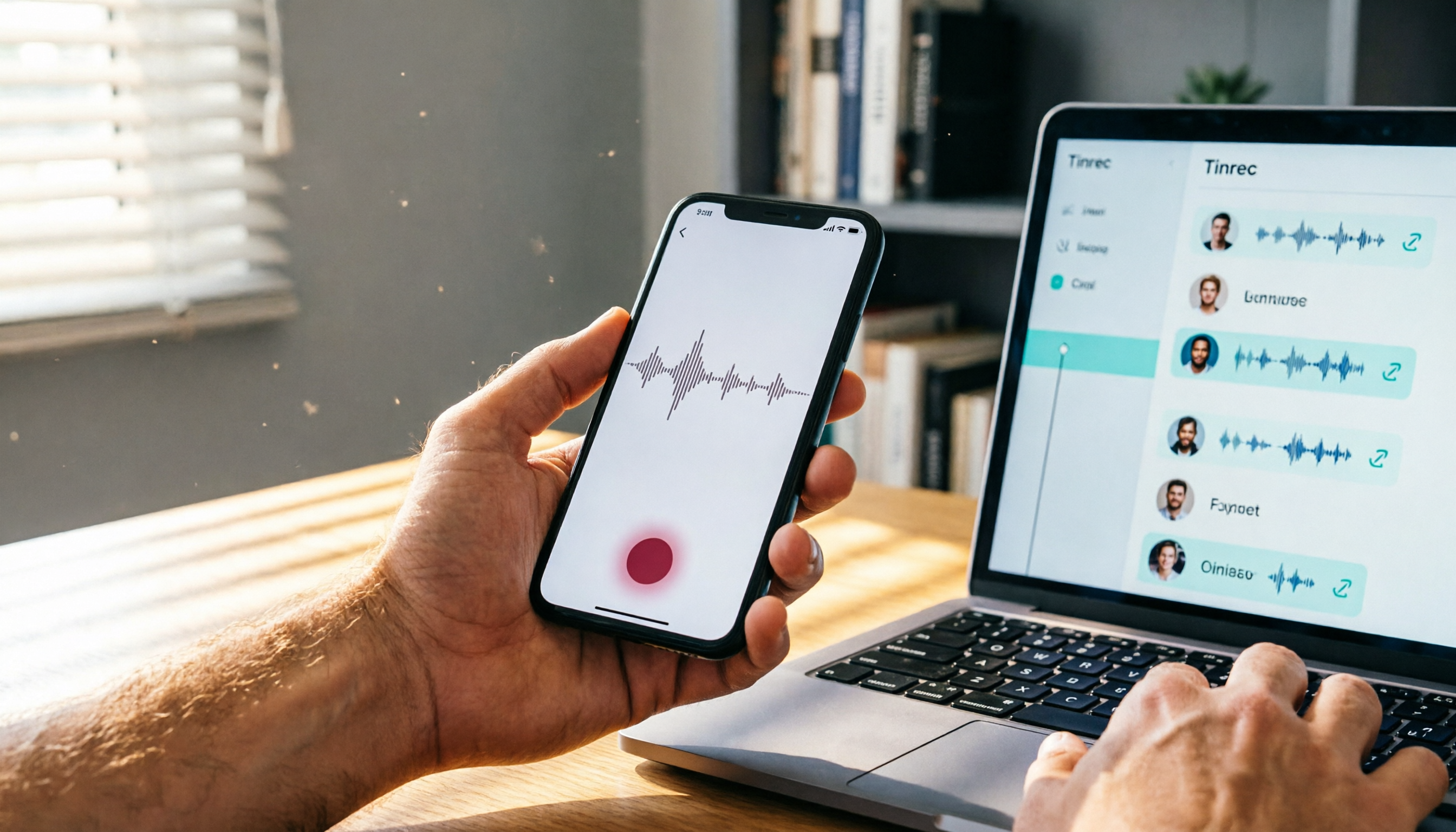
Where Are iPhone Voice Recordings in 2026? 5-Step Guide and a Better Alternative
Can't find your iPhone recordings? This article walks you through 5 steps to record, export, and share with Voice Memos, and offers an in-depth comparison with the AI tool Tinrec to show why Tinrec is a more complete audio/video organization solution for most users.

2026 AI Meeting Notes Tools: How to Choose Between Tinrec and Otter.ai in 5 Steps
There are many AI meeting notes tools on the market, so how do you choose between Tinrec and Otter.ai? This article compares the two across five key dimensions—Chinese speech recognition, audio/video source support, AI organizational capabilities, pricing plans, and cross-platform experience—and uses hands-on testing to help you quickly see the differences and find the best fit for users in Taiwan.

2026 Web Recording Tools Comparison: Which One Organizes Online Audio More Efficiently?
Want to record audio from web meetings, courses, or videos? This article compares Tinrec and Otter.ai in real-world tests, covering online video transcription, AI summaries, Chinese support, and pricing, to help users in Taiwan find the best web recording tool for organizing online audio.

2026 Free AI Meeting Notes Tools: 3 Options at a Glance
2026 AI Meeting Notes Free Plan Roundup: hands-on tests of Chinese support and core features of tools like Tinrec and Notta to help you choose the most suitable meeting note AI for users in Taiwan. Includes a full comparison of free allowances, speech-to-text, AI summaries, and Q&A.

How to Take Meeting Notes in 2026: 5 Steps from Recording to AI Summary (Full Guide)
Two hours in a meeting, another two hours organizing the notes? This article walks you through 5 steps to automatically transcribe and summarize meetings with AI tools, including a hands-on review of our top pick, Tinrec, and comparisons with Otter.ai and Notta—plus pitfalls to avoid and practical buying tips.
2026 Tested: 4 Best AI Meeting Recorders Compared – Turn Audio into Actionable Knowledge
We tested 4 AI meeting note tools head-to-head. Tinrec (MiaoTing) came out on top for meetings, lectures, interviews, and online videos — even the free plan is worth trying.

2026 Meeting Notes Apps Compared: Save 80% of Your Follow-Up Time
A mid-level manager tests 5 popular meeting notes apps, from real-time transcription and AI summaries to cross-platform support, helping you find the best meeting notes tool and ditch the post-meeting follow-up nightmare.

2026's 4 Call Recording Transcription Apps Tested and Compared: Which One Saves You the Most Overtime?
Is call recording legal? What's the fastest way to organize recordings? We tested four tools—Tinrec, Otter, Notta, and PLAUD—comparing Cantonese accuracy, AI organization, cross-platform support, and free tiers to help you find the most time-saving call recording transcription solution.