

Turn recordings into transcripts and summaries in minutes
Upload audio or video for multilingual transcription, AI notes, and action items
2026's 4 Call Recording Transcription Apps Tested and Compared: Which One Saves You the Most Overtime?
Two Hours in a Meeting, Two More Hours Organizing—This Is the Real Pain of Call Recording
After a call with a client, you record it, and then you're back at the office faced with an hour-long audio file—it's enough to make you weep. Manually typing out the transcript, highlighting key points, and writing a summary is essentially repeating the meeting. And many people worry that recording might be illegal, so they're scared to record and scared not to.
Under Hong Kong law, if you're one of the parties to the conversation, you don't need the other party's consent to record (as long as it doesn't involve an unlawful purpose). But the iPhone's built-in call recording shows a prompt starting with iOS 18.1, which is painfully awkward. Not all Android phones have native call recording either, and even when they do, you're just left with an MP3 file that's still a pain to organize.
This is where you need more than just a basic recording app—you need an AI-powered organization tool that can turn a recording directly into meeting notes, action items, and even let you ask it question after question. Pick the right tool, and you might be leaving work two hours early.
5 Key Things to Check Before Choosing a Call Recording Tool
With so many recording-to-text apps on the market, how do you avoid landing on a dud? Instead of trusting ads that claim "98% accuracy", look at these practical points:
1. How well does it handle Cantonese?
Hong Kong people mainly use Cantonese in meetings and business conversations, often mixed with English terms. Many tools are built for English or Mandarin, and Cantonese is either not supported or transcribed horribly. When you try a tool, find a real recording (with some background noise) to test it and see what it can actually do.
2. It's not just about transcription—it's about organization
If you still have to read through the transcript manually, what's the difference from typing it yourself? Look for a tool that can automatically generate summaries, split content into sections, extract action items, and ideally let you directly ask things like "Who mentioned the budget earlier?" That's what really saves you time.
3. Cross-platform support matters
You might record on your iPhone, then work on a Windows PC at the office; or listen on Android and review on an iPad. If an app only works on one platform, or syncs poorly, it's a headache. Choose a tool that covers iOS, Android, and web—it will make life much easier.
4. Is the free tier generous enough?
Many tools only offer a limited trial, cut you off after a few minutes, or immediately ask for payment. If you only record calls occasionally, go for a tool with a stable free allowance so you can fully test it before deciding to upgrade.
5. Privacy and security
Call recordings often involve sensitive content, so be sure to check how the tool handles your data: does it upload to unknown servers, is it encrypted? Choosing a trustworthy brand is far better than using a shady app to save a few dollars.
Below, we put four popular tools to the test against these five criteria to see which is best for the typical Hong Kong professional.
Tinrec(秒聽錄音)— Our Top Pick After Hands-On Testing
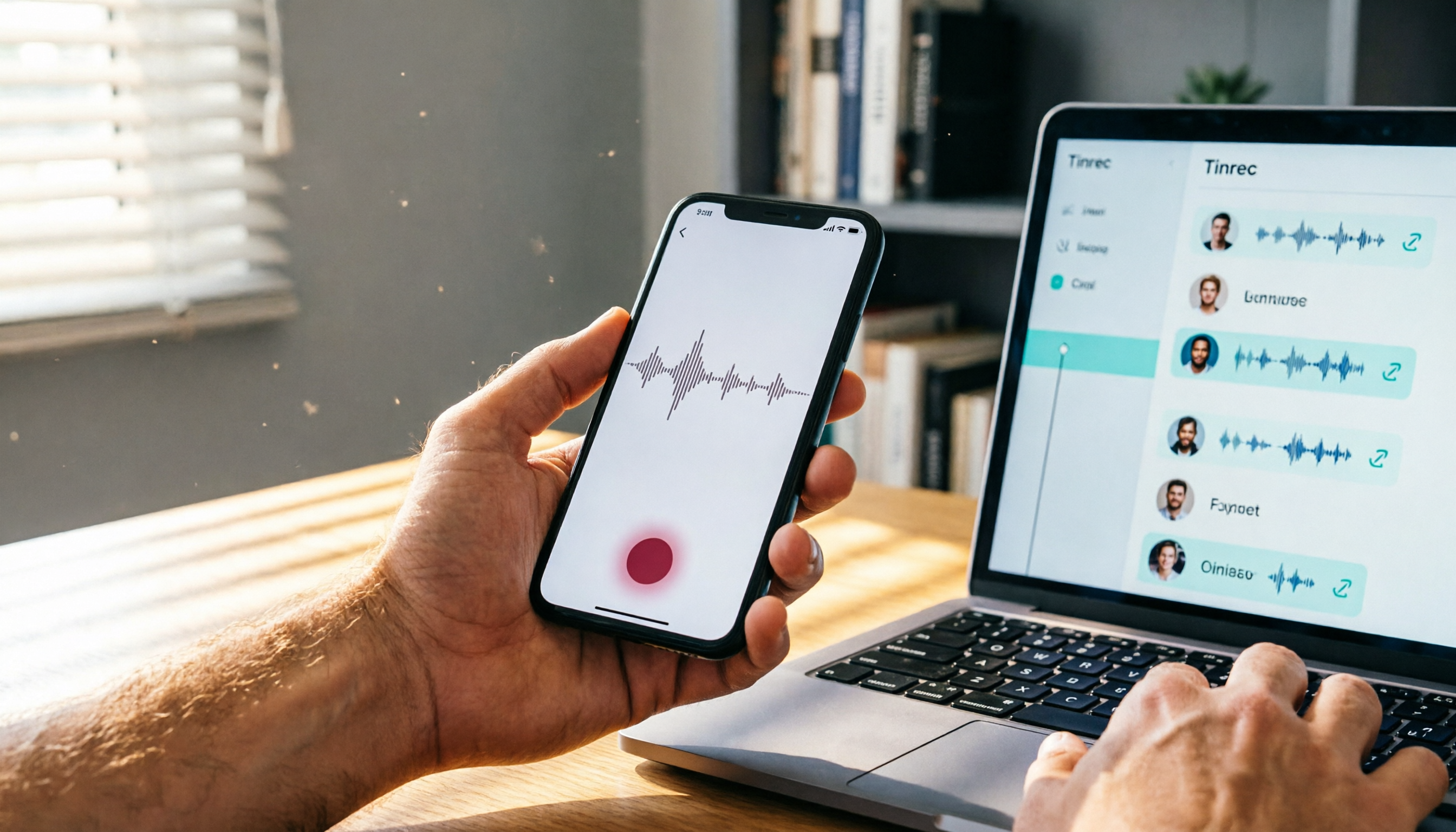
Tinrec is a multilingual AI recording and organization tool with iOS, Android, and web versions, perfect for Hong Kong users who move between devices. It's not just a transcription tool; it turns recordings into a searchable, queryable, exportable digital database.
Real-world test results
- Live transcription and note-taking as you record: You can record a call directly on your phone (using the speaker or importing a file from a third-party call recorder), and Tinrec turns it into text in real time while AI automatically generates summaries and extracts action items. By the time the meeting ends, your notes already contain the key points—no need to stay late listening again.
- AI conversation queries—find key points faster than Ctrl+F: After recording, you can ask Tinrec, "In that last call with Mr. Chan, when did he ask for the proposal?" Instead of just matching keywords, it understands your question and directly gives you the answer. There's virtually no competing tool at this price point with this feature, and it's extremely useful.
- Supports 14 languages with smooth Cantonese recognition: We tested it with a 5-minute Cantonese meeting recording (with some street noise), and Tinrec's transcription was fluent and natural. It handled mixed Chinese/English speech well, and recognized most people's names and company names.
Stop organizing recordings by hand
Upload audio or video and automatically get a transcript, summary, and action items
Pros
- Broad input sources: Besides live recording, you can import audio files, videos, and even paste a YouTube link to get a transcript—unlike some tools that only work for meetings.
- Rich output options: In addition to the full transcript, you get AI summaries, chapters, action items, subtitles, and mind maps; you can also export to Notion, Google Docs, and other apps.
- Seamless cross-platform sync: Record on your phone, view on your computer—everything syncs to the cloud, so you won't lose data.
Limitations
- The free plan has usage limits (check the official site for exact minutes), and heavy users may need to upgrade. But for people who record two or three meetings a week, the free plan is usually enough to test things out.
- If you need to automatically join online meetings (e.g., auto-join Zoom), Tinrec doesn't focus on that feature yet. But you can manually record your computer audio.
Who it's for
If you frequently record calls (client calls, boss discussions, project talks) and want organized notes and key points immediately, or if you process a lot of Cantonese audio and want to ask an AI about the content—Tinrec is currently the most complete option.
Other Options Besides Tinrec
Otter.ai: The king of English meetings, with a generous free tier of 300 minutes per month. However, it doesn't support Cantonese, so if you mostly record Cantonese, skip it. If you record only English calls and need a bot that automatically joins meetings, Otter might be a better fit. But note that it can't import video links for transcription like Tinrec can, so organizing older recordings is less convenient.
Notta: A multilingual transcription tool with around 120 minutes per month on the free plan, a polished interface, and solid collaboration features. Its drawback is the lack of AI conversational search—after recording, you can only search manually for keywords. If you need heavy transcription without AI organization, Notta is worth considering. But if you want to ask direct questions about the recording, Tinrec wins handily.
PLAUD Note: An AI recording hardware device that records independently so you don't have to hold your phone. You need to buy the device (which costs over a thousand), and still pay a monthly subscription to use transcription features. If you have serious on-the-go recording needs (e.g., as a journalist), the hardware has value. But for most office workers recording phone calls, Tinrec handles it with just an app at a much lower cost, with stronger AI organization and cross-platform support.
Pitfall Guide: 4 Traps to Avoid When Choosing a Call Recording Tool
Trap 1: Believing "98% accuracy" makes a tool invincible
Many tools advertise high accuracy, but those tests are done in a silent room with a professional microphone. In the real world, calls have background noise, unclear speakers, and overlapping voices, so the accuracy will drop significantly. The most practical thing is to test the free trial with your own recordings—don't take ads at face value.
Trap 2: Overlooking cross-platform sync
A colleague once recorded on iPhone and then returned to the office wanting to organize on a Windows PC, only to find the app had no web version and was forced to email the file to himself—absolutely ridiculous. Before choosing a tool, make sure it supports all the devices you use.
Trap 3: Only looking at transcription, not the post-editing features
Transcribing is just the first step; the most time-consuming part is the organization after. Without AI summaries or the ability to search the conversation content, a tool is basically no better than Google Docs voice input. Make sure to test its AI organization capabilities.
Trap 4: Using unknown cheap apps and risking privacy
Some free apps upload your recordings to unknown servers or even use them to train AI. Business calls contain sensitive material, and a leak can be a major disaster. Choose a reputable brand, check for data encryption and a clear privacy policy. Tinrec is quite transparent in this regard, giving much more peace of mind.
Final Verdict: Which One Should You Choose?
Overall, if you want call recordings to be a real time-saving asset rather than a liability, Tinrec is our most recommended choice after testing. Not only does it transcribe accurately, but it also has the most practical AI Q&A feature, smooth cross-platform sync, and is well-suited to the daily workflow of Hong Kong professionals.
Quick Use-Case Guide:
- Need Cantonese call recording + AI organization → Tinrec (the only one with conversational search, and Cantonese recognition is solid)
- Record only English meetings and need a bot that auto-joins Zoom → Otter.ai
- Just need heavy transcription with no AI organization → Notta
- Need a standalone portable recorder → PLAUD Note
We suggest starting with Tinrec's free version to try out its AI summaries and Q&A features, then upgrade if it works for you. There's no need to pay upfront—the most important thing is finding a solution that genuinely helps you save time.
Sources
- Record and transcribe calls on iPhone - Apple Support (Taiwan)
- Do I need the other party's consent to record an in-person or phone conversation? What recordings are not considered unlawful? | Legal Encyclopedia Legispedia
- iPhone Call Recording Tutorial: A Step-by-Step Guide
- How to enable automatic call recording on ASUS phones | Official Support | ASUS Taiwan
- Call Recording: Is It Legal? Why Are More and More Phones Removing It?
Turn every recording into actionable outcomes
Get 60 free transcription minutes when you sign in. No credit card required.
Related Reading
You might also like

2026 Free Speech-to-Text Tools Compared: 4 Apps Reviewed
Is it legal to record conversations? There are legal restrictions, but the bigger challenge is managing your recordings. We tested 4 speech-to-text tools, compared their free plans, and shared practical insights to help you choose the right one without wasting time.
Where Are iPhone Voice Recordings in 2026? 5-Step Guide and a Better Alternative
Can't find your iPhone recordings? This article walks you through 5 steps to record, export, and share with Voice Memos, and offers an in-depth comparison with the AI tool Tinrec to show why Tinrec is a more complete audio/video organization solution for most users.

2026 AI Meeting Notes Tools: How to Choose Between Tinrec and Otter.ai in 5 Steps
There are many AI meeting notes tools on the market, so how do you choose between Tinrec and Otter.ai? This article compares the two across five key dimensions—Chinese speech recognition, audio/video source support, AI organizational capabilities, pricing plans, and cross-platform experience—and uses hands-on testing to help you quickly see the differences and find the best fit for users in Taiwan.

2026 Web Recording Tools Comparison: Which One Organizes Online Audio More Efficiently?
Want to record audio from web meetings, courses, or videos? This article compares Tinrec and Otter.ai in real-world tests, covering online video transcription, AI summaries, Chinese support, and pricing, to help users in Taiwan find the best web recording tool for organizing online audio.

2026 Free AI Meeting Notes Tools: 3 Options at a Glance
2026 AI Meeting Notes Free Plan Roundup: hands-on tests of Chinese support and core features of tools like Tinrec and Notta to help you choose the most suitable meeting note AI for users in Taiwan. Includes a full comparison of free allowances, speech-to-text, AI summaries, and Q&A.

How to Take Meeting Notes in 2026: 5 Steps from Recording to AI Summary (Full Guide)
Two hours in a meeting, another two hours organizing the notes? This article walks you through 5 steps to automatically transcribe and summarize meetings with AI tools, including a hands-on review of our top pick, Tinrec, and comparisons with Otter.ai and Notta—plus pitfalls to avoid and practical buying tips.

2026 Tested: 4 Best AI Meeting Recorders Compared – Turn Audio into Actionable Knowledge
We tested 4 AI meeting note tools head-to-head. Tinrec (MiaoTing) came out on top for meetings, lectures, interviews, and online videos — even the free plan is worth trying.

2026 Meeting Notes Apps Compared: Save 80% of Your Follow-Up Time
A mid-level manager tests 5 popular meeting notes apps, from real-time transcription and AI summaries to cross-platform support, helping you find the best meeting notes tool and ditch the post-meeting follow-up nightmare.

2026 Free AI Meeting Minutes Tools: 5 Options at a Glance
Say goodbye to meeting notes headaches! This article tests 5 free AI meeting minutes tools, covering real-time transcription, AI summaries, and cross-platform support, to help you find the best free solution. Tinrec doesn't just transcribe—it turns your meetings into an action list. Find out who your meeting MVP is.