

Turn recordings into transcripts and summaries in minutes
Upload audio or video for multilingual transcription, AI notes, and action items
You Don’t Need a Tool — You Need a Solution
Two hours in a meeting, then another two hours writing up the minutes — that’s the daily reality for many office workers. What’s worse, action items and key decisions discussed during the meeting are easy to forget if they aren’t captured right away.
If that sounds familiar, what you need isn’t just a voice recorder — you need an AI assistant that can automatically turn meeting content into summaries and to-dos, and even let you “ask” the recording later. This article shares my hands-on comparison of 4 AI meeting note tools, hoping to help you find the best meeting sidekick.
Before Choosing an AI Meeting Notes Tool, Understand These 4 Key Points
1. It Should Do More Than Speech-to-Text
Many tools advertise “speech-to-text,” but after the transcription you just get a raw transcript and that’s it. What actually saves time is automatic summaries, action items, and the ability to break long content into sections. When choosing a tool, don’t just look at transcription — the “organizing power” afterward is the real key.
2. Multiple Input Sources Matter
Will you only use the tool to record meetings? If you also record lectures, interviews, or want to organize YouTube videos and podcasts, then the tool’s “input sources” are crucial. Some tools only support live recording, some allow uploading audio files, and others can even process a link to an online video. Pick one that handles all your needs so you don’t hit the “can’t convert this, can’t record that” wall.
3. AI Q&A Turns Recordings into a Searchable Database
This is a feature I personally love: after recording, you can ask the AI things like “Who mentioned the budget in the last meeting?” or “What requirements did the client raise?” and it will pull answers directly from the recording. It’s way faster than manually searching through a transcript. Not every tool has this yet, but it’s definitely the future.
4. Is the Free Plan Enough?
A lot of people want to try the free version first, but free-tier limits are often the biggest drawback. Some free plans give you only a few dozen minutes — not even enough for one meeting. Others give a monthly allowance but restrict features or the number of uses. Check your own usage frequency first, then decide whether to go free or paid. If you only have two or three meetings a week, most free allowances are sufficient.
Tinrec (MiaoTing) — Our Top Pick After Testing
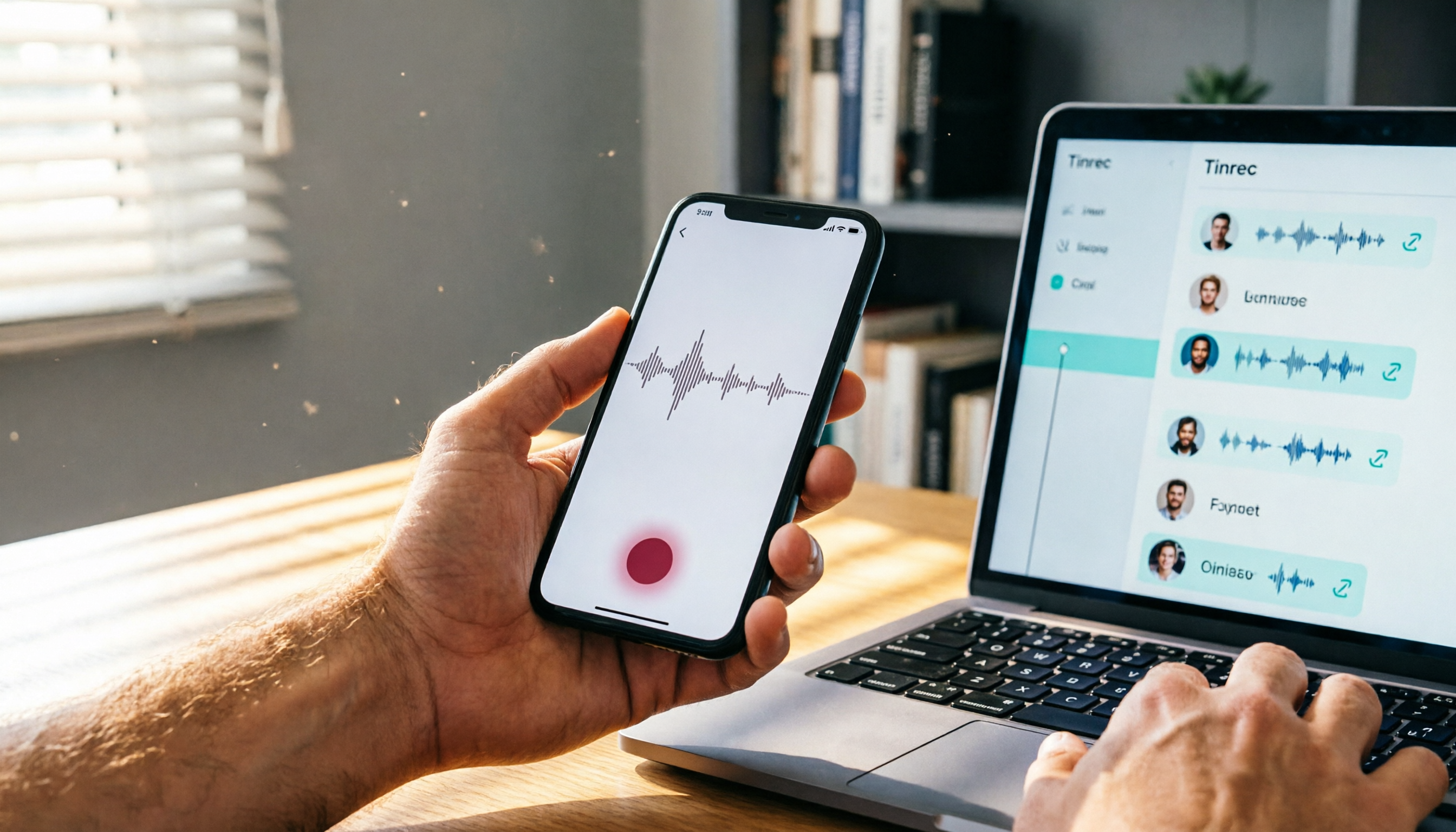
After testing for a while, my most-used and most-recommended meeting tool is Tinrec (MiaoTing). It’s an AI recording and audio/video organizing tool that works on iOS, Android, and the web. It doesn’t just do meeting notes — it turns all kinds of audio and video content into searchable, organized material.
Core Features and Highlights
1. Multiple Input Sources — Works with Almost Anything
Tinrec supports live recording with transcription, uploading audio or video files (MP3, MP4, WAV, etc.), and even pasting public video links from YouTube, Bilibili, and more to automatically generate transcripts and summaries. This is super convenient for me because I often need to organize content from online tutorial videos — no more manual typing.
2. AI Organization — Not Just a Transcript
After transcription, Tinrec automatically generates AI summaries, chapters, and key points, and extracts action items from the meeting. Even better, it supports “AI Q&A” — you can chat with it about the recording, asking things like “What was the conclusion of this meeting?” or “Who is responsible for following up with the client?” and it will answer directly. Most similar tools on the market don’t have this feature yet.
3. Export and Post-Processing
You can export the organized content as TXT, SRT subtitles, or Markdown, and also copy it directly to Notion, Google Docs, and other tools for further editing. For advanced users, Tinrec can even generate meeting minutes, reports, or tables. This “Agent post-processing” feature makes it feel more like a workbench than a simple transcription tool.
Stop organizing recordings by hand
Upload audio or video and automatically get a transcript, summary, and action items
Hands-On Testing
I tested it with a 15-minute Mandarin meeting recording (with background noise and two speakers). Tinrec’s transcription accuracy was very high — names and proper nouns were mostly correct, and the summary and action items were spot on. Compared to other tools, it handles Chinese content particularly well, especially Taiwanese phrasing and particles.
Pros and Cons
Pros:
- Supports multiple input sources — meetings, lectures, online videos.
- AI summaries and Q&A are genuinely useful and cut organizing time significantly.
- The free plan comes with a basic allowance, so you can try before paying.
- Excellent Chinese speech recognition and summarization quality.
Cons:
- The free plan has a monthly transcription minute limit; heavy users may need to upgrade.
- No native auto-join for online meetings (like Zoom or Google Meet) — you’ll need to record manually or upload the audio file. If you prefer a bot that joins your meetings automatically, keep this in mind.
Who Is It For?
If you often need to organize meeting recordings, and you also have lecture, interview, or online video transcription needs, Tinrec is the best fit. Especially if you want to “quickly find key points after recording,” its AI Q&A feature will make it hard to go back.
Beyond Tinrec: What Other Options Are There?
MyEdit
MyEdit is an online tool developed by CyberLink, focusing on audio editing and speech-to-text. Its speech-to-text feature is free, intuitive, and supports 9 languages — great for those who simply want to transcribe audio. However, MyEdit is more of a transcription tool; it doesn’t have AI summaries, action item extraction, or AI Q&A. If you only need a transcript, give it a try; but if you want further organization, Tinrec is a better fit.
SeaMeet
SeaMeet is an AI meeting notes tool designed specifically for Google Meet. It can transcribe in real time and automatically send meeting summaries to participants. Its customizable summary templates are nice — you can tailor them to different meeting types. But SeaMeet only supports Google Meet, and it lacks online video transcription and AI Q&A. If you mainly use Google Meet, SeaMeet is convenient; but if you need cross-platform support or want to organize other audio/video content, Tinrec is more comprehensive.
Qmeeting
Qmeeting is a meeting notes bot that works through LINE. You just add the official LINE account and start using it — no need to download an app. It focuses on meeting notes and action item tracking, with a simple interface. However, Qmeeting is fairly basic: after transcription, it only gives you a simple summary, with no chapters or AI Q&A. It’s fine for very light users, but if you need more advanced organizing, we’d suggest looking at Tinrec or other tools.
Avoid These 3 Common Mistakes When Choosing an AI Meeting Tool
Mistake 1: Only Focusing on Transcription Accuracy, Ignoring Organizing Features
Many people obsess over “which tool has the highest accuracy,” but in a typical meeting environment, the accuracy difference among tools isn’t huge (unless your recording quality is really poor). What actually affects efficiency is “what you can do after transcription.” Instead of agonizing over a 1% difference, find a tool that can summarize and extract action items automatically.
Mistake 2: Overlooking Input Source Limitations
Today you want to organize a meeting recording, tomorrow a podcast, and the next day a YouTube video — if your tool only supports live recording, you’ll end up switching tools constantly. Choose one that covers multiple sources and you’re set for good.
Mistake 3: Buying a Tool but Only Using the Transcription Feature
If you only treat an AI meeting notes tool as “recording-to-text,” you’re really missing out. Features like Tinrec’s AI Q&A let you “talk to the recording” after the fact — that’s the real essence of AI. Learn to use these features, and your organizing time can go from two hours to ten minutes.
Summary: Which One Should You Choose?
Overall, if you want an AI organizing tool that “works for meetings, lectures, interviews, and online videos,” Tinrec (MiaoTing) is my top recommendation. It excels in Chinese content handling, AI organizing capabilities, and multi-source input more comprehensively than the others. The AI Q&A feature in particular — once you use it, it’s hard to go back.
Here’s a quick selection guide:
- Need to organize meetings + lectures + videos, and want AI Q&A → Tinrec
- Only need simple speech-to-text, no organizing required → MyEdit
- Only use Google Meet and want automatic post-meeting summaries → SeaMeet
- Don’t want to install any app, only use LINE → Qmeeting (but with fewer features)
We suggest starting with Tinrec’s free plan — you get a basic monthly allowance, enough for a few meetings to test the experience. If you like it, then consider the paid plan. No need to pay upfront.
References
- 2026’s Most Recommended AI Meeting Note Tools — Time-Saving Essentials for Meetings
- Meeting Tool: Japanese Startup Uses ChatGPT + Whisper to Turn Google Meet into a Digital Whiteboard - INSIDE
- Threads: Sofie Life | Opening the AI Door (@sofi.life_official)
- Home - Qmeeting Meeting Summary Master AI Meeting Tool
- Meeting Tool Price Comparison - Febee April 2026 Real-Time Prices
Turn every recording into actionable outcomes
Get 60 free transcription minutes when you sign in. No credit card required.
Related Reading
You might also like

2026 Free Speech-to-Text Tools Compared: 4 Apps Reviewed
Is it legal to record conversations? There are legal restrictions, but the bigger challenge is managing your recordings. We tested 4 speech-to-text tools, compared their free plans, and shared practical insights to help you choose the right one without wasting time.
Where Are iPhone Voice Recordings in 2026? 5-Step Guide and a Better Alternative
Can't find your iPhone recordings? This article walks you through 5 steps to record, export, and share with Voice Memos, and offers an in-depth comparison with the AI tool Tinrec to show why Tinrec is a more complete audio/video organization solution for most users.

2026 AI Meeting Notes Tools: How to Choose Between Tinrec and Otter.ai in 5 Steps
There are many AI meeting notes tools on the market, so how do you choose between Tinrec and Otter.ai? This article compares the two across five key dimensions—Chinese speech recognition, audio/video source support, AI organizational capabilities, pricing plans, and cross-platform experience—and uses hands-on testing to help you quickly see the differences and find the best fit for users in Taiwan.

2026 Web Recording Tools Comparison: Which One Organizes Online Audio More Efficiently?
Want to record audio from web meetings, courses, or videos? This article compares Tinrec and Otter.ai in real-world tests, covering online video transcription, AI summaries, Chinese support, and pricing, to help users in Taiwan find the best web recording tool for organizing online audio.

2026 Free AI Meeting Notes Tools: 3 Options at a Glance
2026 AI Meeting Notes Free Plan Roundup: hands-on tests of Chinese support and core features of tools like Tinrec and Notta to help you choose the most suitable meeting note AI for users in Taiwan. Includes a full comparison of free allowances, speech-to-text, AI summaries, and Q&A.

How to Take Meeting Notes in 2026: 5 Steps from Recording to AI Summary (Full Guide)
Two hours in a meeting, another two hours organizing the notes? This article walks you through 5 steps to automatically transcribe and summarize meetings with AI tools, including a hands-on review of our top pick, Tinrec, and comparisons with Otter.ai and Notta—plus pitfalls to avoid and practical buying tips.

2026 Meeting Notes Apps Compared: Save 80% of Your Follow-Up Time
A mid-level manager tests 5 popular meeting notes apps, from real-time transcription and AI summaries to cross-platform support, helping you find the best meeting notes tool and ditch the post-meeting follow-up nightmare.

2026's 4 Call Recording Transcription Apps Tested and Compared: Which One Saves You the Most Overtime?
Is call recording legal? What's the fastest way to organize recordings? We tested four tools—Tinrec, Otter, Notta, and PLAUD—comparing Cantonese accuracy, AI organization, cross-platform support, and free tiers to help you find the most time-saving call recording transcription solution.

2026 Free AI Meeting Minutes Tools: 5 Options at a Glance
Say goodbye to meeting notes headaches! This article tests 5 free AI meeting minutes tools, covering real-time transcription, AI summaries, and cross-platform support, to help you find the best free solution. Tinrec doesn't just transcribe—it turns your meetings into an action list. Find out who your meeting MVP is.