

Turn recordings into transcripts and summaries in minutes
Upload audio or video for multilingual transcription, AI notes, and action items
Why are people starting to look for Notta alternatives?
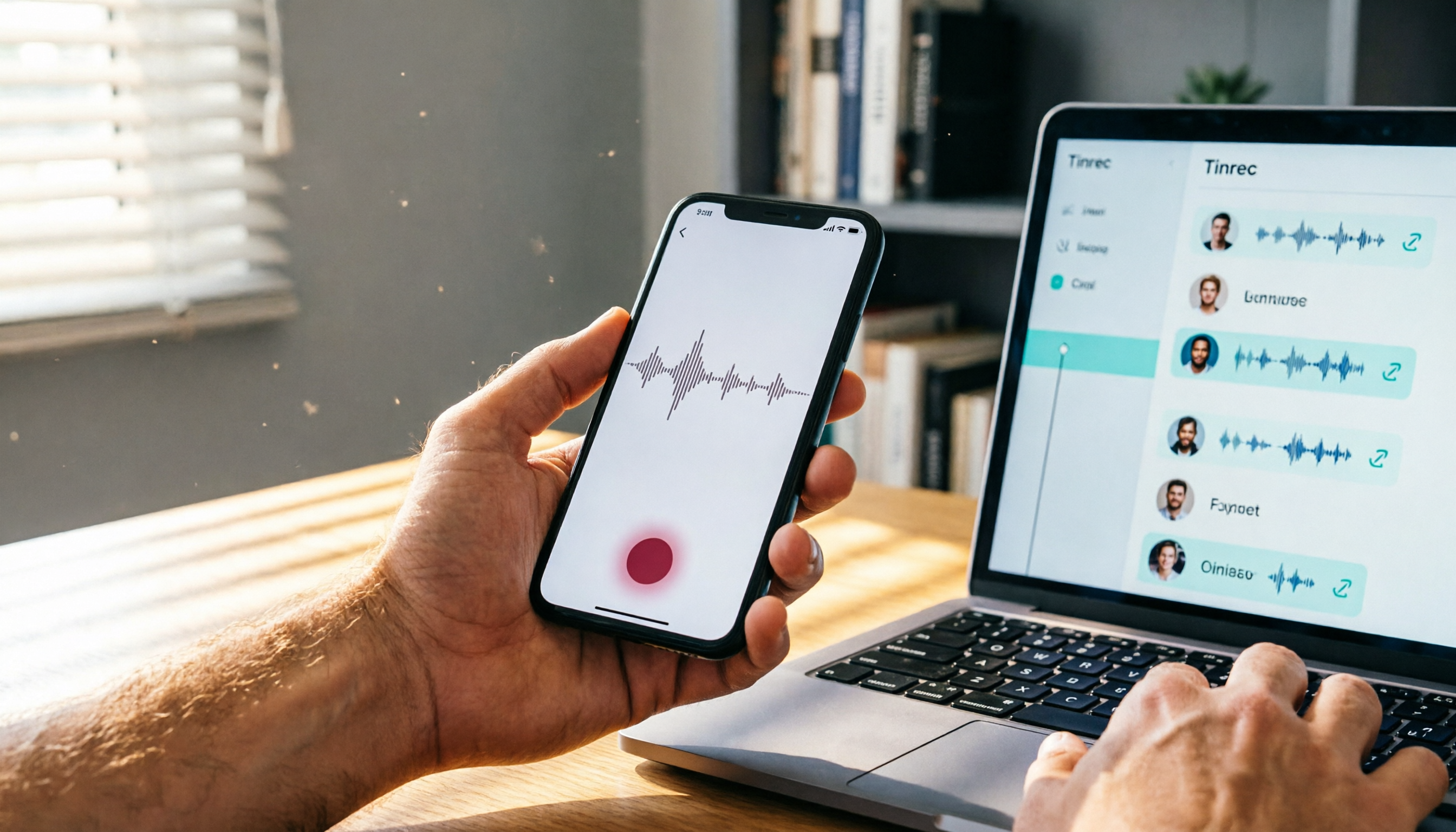
Recently, several AI meeting note tools like Tinrec, Notta, and SeaMeet have been widely discussed. Notta is a popular AI meeting note tool both in Taiwan and internationally, supporting speech-to-text in 58 languages, with automatic speaker identification, meeting summary generation, and action items. Many users initially choose it because the features look complete, and the free version offers 120 minutes of transcription per month. However, after actually using it for a while, some users may notice a few minor annoyances: the interface currently only supports Simplified Chinese, without a Traditional Chinese option; and for organizing online videos and local audio files, the tool is more oriented toward meeting transcription, so you'll need other tools for further processing. If you have similar needs, maybe check out Tinrec—it's positioned more like an audio-video data organization workbench, handling not just meetings but also courses, interviews, and online videos.
Tinrec vs Notta: What's different in core experience?
Language and interface friendliness
For users in Taiwan, whether the interface supports your familiar language is a direct barrier to experience. Tinrec's interface fully supports Traditional Chinese. From recording, transcription to summary, all feature descriptions use terminology we're used to. Notta only offers a Simplified Chinese interface, which can be somewhat awkward to read. If you're used to a Traditional Chinese environment, Tinrec will feel more welcoming.
Input source diversity
Both tools support real-time recording and uploading audio files for transcription, but Tinrec additionally has "online video link transcription." You can paste a public video URL from YouTube, Bilibili, etc., and directly get transcripts and summaries. This is very convenient for people who need to extract information from videos. Notta currently doesn't have this option; if you want to organize online videos, you have to download and upload them first, adding an extra step.
AI post-processing capabilities
Converting to text is only the first step; what matters more is how quickly you can capture the key points. In addition to auto-summaries and action items, Tinrec can also do "AI chat queries"—after recording, you can just ask, "What was the conclusion of the meeting?" "Who is responsible for what?" The system answers based on the content, so you don't have to go through the whole transcript from beginning to end. It can also further generate reports or tables from the meeting content, saving you manual work. Notta also has summaries and action items, but this kind of conversational query and downstream deliverable generation is not currently its main focus.
Pricing flexibility
Besides monthly and annual plans, Tinrec offers a "weekly plan," which suits users with short-term heavy meeting or course needs, such as project sprints or exam weeks. Notta's plans are mainly monthly and annual, with no short-term flexible option. If you only occasionally need intensive transcription, Tinrec's weekly plan can help you save some budget.
Tinrec core features at a glance
Real-time recording to text
Open Tinrec, and text appears simultaneously as you record, with less than one second of latency. During a meeting, you can listen and read at the same time, quickly confirming key points. Once the meeting ends, a complete transcript is already ready.
Online video to text
Simply paste a public video link, such as a YouTube course, interview, or product demo, and Tinrec automatically converts the audio to text, producing summaries and chapters. This can save a lot of typing time for people who learn or gather information from videos.
AI chat query
This is the feature I personally use most often. After recording a one-hour interview, I directly ask Tinrec, "What does the interviewee think about the new product?" It interprets the meaning and gives relevant passages and highlights, so you don't have to search manually. It's perfect for quickly reviewing content.
Multi-format export and post-processing
Your processed content can be exported as text files, PDFs, or synced directly to the tools you often use, such as Notion or Google Docs. Additionally, you can have the AI automatically generate meeting minutes, reports, or tables from the transcript, turning your data into deliverable outputs.
Stop organizing recordings by hand
Upload audio or video and automatically get a transcript, summary, and action items
Real-world use cases
Meeting minutes
For weekly team meetings, just open Tinrec to record, and after the meeting you'll have a transcript, action items, and an AI summary. No need to ask colleagues to take notes; everyone can focus on the discussion.
Class notes
When attending class or a lecture, use Tinrec to record and transcribe in real time. Important terms and passages are automatically marked as chapters. When reviewing, just look at the summary and key points to quickly recall.
Interview organization
When conducting user interviews, Tinrec doesn't just give you a transcript; its AI query feature lets you quickly find pain points and needs mentioned by interviewees. When writing reports later, you can directly quote the organized passages for much higher efficiency.
Personal knowledge base
Whether it's voice memos, impromptu recordings of ideas, or saved recordings of online seminars, you can put them all into Tinrec and later search by keyword or ask questions—like a private audio-video database.
When choosing a recording-to-text tool, watch out for these points
1. Whether the interface supports Traditional Chinese
No matter how good the tool is, if the interface is awkward to use, you'll eventually give up. Choosing a tool with a Traditional Chinese interface makes operation more intuitive and helps avoid misunderstanding features.
2. Whether input sources are diverse enough
If you mainly handle meetings, most tools are sufficient. But if you also organize videos, audio files, or web content, check whether the tool supports transcribing from online links, so you don't have to download and upload every time.
3. Whether AI features only provide summaries or can handle chat queries
Basic summarization is similar across tools, but if you need deeper content organization, look for AI Q&A functionality. That way, even with long recordings, you can ask questions directly instead of reading everything from start to finish.
4. Whether the pricing plan has short-term flexibility
Not everyone needs a year-long service. If you only use it intensively occasionally, consider whether weekly or one-time purchase plans are available. That will reduce the payment pressure.
5. Whether it can export to your favorite note-taking tools
If the organized content can only stay in the app, its usefulness is reduced. Confirm that the tool can export summaries and transcripts to Notion, Google Docs, or Dropbox, so it truly fits into your workflow.
Summary: Is Tinrec worth a try?
If you're looking for a tool that supports Traditional Chinese, can handle multiple audio and video sources, and lets you intelligently find key points with AI after recording, Tinrec is definitely worth considering. It can do more than meeting minutes; it also has functions for organizing courses, interviews, and online videos. We suggest downloading the Tinrec free version and testing the transcription and summary with your own recordings—that's more direct than reading any review.
FAQ
Q: How long can I use Tinrec's free version?
Tinrec offers free trial credits with a certain number of minutes each month for transcribing recordings or videos. Please check the app for the exact allowance. Once you run out, consider a weekly or monthly plan.
Q: Which languages does Tinrec support?
Tinrec recognizes Chinese (including Traditional Chinese) very well and also supports multiple languages. You can check the supported languages in the settings; common languages like English, Japanese, and Korean are available.
Q: Is my recorded audio private and secure?
Tinrec encrypts recordings and transcriptions during transmission and stores them in the cloud, accessible only by you. You can delete audio files at any time. The privacy policy is described in detail on the official website.
Q: Can I use Tinrec to record online meetings?
Yes. As long as the online meeting platform you use (such as Zoom or Google Meet) is supported, you can start Tinrec and choose to record computer audio to capture the meeting and convert it to text.
Q: Are there copyright issues with transcribing online videos?
Tinrec is a tool. When using it, you must comply with the video platform's terms of service and copyright regulations. We only recommend organizing public video content you have the right to use.
References
- Meeting Ink - 2026 AI Meeting Notes Tools Tested | Comparison of 8 Speech-to-Text and Summary Speed | Meeting Ink - AI Meeting Notes Assistant: Auto-Transcribe Transcripts and Summarize Meeting Notes
- AI Meeting Note Software Recommendations: 5 App Hands-On Comparison, Auto Transcription Makes Meetings Easy!
- AI Meeting Notes - Google Play App
- The Most Recommended AI Meeting Notes Tool of 2026: A Must-Have for Meetings to Save Time and Effort!
- Lately many people have asked me if there's an AI tool for taking meeting notes. They still type manually, often can't multitask, and it's quite time-consuming. My standard answer is — SeaMeet. Why do I recommend it? Here are the key points: -Integrated with Google Meet, online meetings sync into transcripts with real-time summaries, super convenient. -No need to reorganize; after the meeting, it directly emails all participants. -Extremely easy to use; even middle-aged and older people who have never used AI tools can be taught in 10 minutes. -In-person meetings...
Turn every recording into actionable outcomes
Get 60 free transcription minutes when you sign in. No credit card required.
Related Reading
You might also like

iPhone Call Recording in 2026: Do You Still Need Tinrec? 3 Reasons to Convince You
iPhone's built-in call recording in iOS 18.1 is handy, but organizing recordings still takes time. This article shows how Tinrec turns call recordings into searchable notes, summaries, and to-dos to boost learning and work efficiency.

2026 Hands-On Comparison of 4 Computer Recording Tools: More Than Just Recording, They Help You Organize Key Points
Struggling to organize your computer recordings after capturing them? This test of 4 computer recording tools — from free options to AI-powered organization — helps you find the most suitable solution.

2026 Complete Guide to AI Meeting Minutes: Auto-Generated Transcripts and Action Items to Double Meeting Efficiency
Still wasting time on meeting minutes? This article shows how to use AI recording tools to auto-generate transcripts, summaries, and action items, with hands-on comparisons of Tinrec, Notta, Otter.ai and more to help you pick the best solution.

2026 iPhone Screen Recording with Audio: 2 Methods Compared — Is the Built-in Feature Good Enough?
Can iPhone screen recording capture audio? This hands-on comparison tests the built-in screen recorder against two third-party apps, showing how to record system sounds and ambient sound, and explains the common causes of no-audio issues and how to fix them.

2026 Hands-On Comparison of 2 PC Screen Recording Audio Fixes: Tinrec vs. QuickTime Player – Which One Saves You Effortlessly?
Silent screen recordings are a common headache. This article compares Tinrec, an AI recording and media organizer, with Mac's built-in QuickTime Player across four dimensions—recording capabilities, post-processing, cross-platform support, and pricing—to help you find the best audio-video sync solution.

2026 Free Speech-to-Text Tools Compared: 4 Apps Reviewed
Is it legal to record conversations? There are legal restrictions, but the bigger challenge is managing your recordings. We tested 4 speech-to-text tools, compared their free plans, and shared practical insights to help you choose the right one without wasting time.
Where Are iPhone Voice Recordings in 2026? 5-Step Guide and a Better Alternative
Can't find your iPhone recordings? This article walks you through 5 steps to record, export, and share with Voice Memos, and offers an in-depth comparison with the AI tool Tinrec to show why Tinrec is a more complete audio/video organization solution for most users.

2026 AI Meeting Notes Tools: How to Choose Between Tinrec and Otter.ai in 5 Steps
There are many AI meeting notes tools on the market, so how do you choose between Tinrec and Otter.ai? This article compares the two across five key dimensions—Chinese speech recognition, audio/video source support, AI organizational capabilities, pricing plans, and cross-platform experience—and uses hands-on testing to help you quickly see the differences and find the best fit for users in Taiwan.

2026 Web Recording Tools Comparison: Which One Organizes Online Audio More Efficiently?
Want to record audio from web meetings, courses, or videos? This article compares Tinrec and Otter.ai in real-world tests, covering online video transcription, AI summaries, Chinese support, and pricing, to help users in Taiwan find the best web recording tool for organizing online audio.