

Turn recordings into transcripts and summaries in minutes
Upload audio or video for multilingual transcription, AI notes, and action items
Two Hours in Meetings, Two More on Notes? You Need an Automated Recording-to-Text Solution
After every meeting, the worst part is writing up the minutes. Your audio file sits in your phone, and you have to replay, pause, and type over and over. A one-hour meeting often takes twice as long to produce a full transcript. Not to mention lecture recordings, interview recordings, or wanting to quickly convert the content of a YouTube tutorial video into written notes—these scenarios share one common pain point: manually converting speech to text is simply too time-consuming.
If you're also tired of the endless listen-and-type loop, AI speech-to-text tools are designed for you. These services have now evolved to automatically add punctuation, break up segments, and even summarize key points or extract to-dos for you. But with so many tools on the market—free plans offering only a few dozen minutes, some with stripped-down features—which one truly suits Taiwanese users? In this article, I actually tested four mainstream recording-to-text tools to help you find the one most worth your time.
4 Key Points to Understand Before Buying a Recording-to-Text Tool
Many people see "recording to text" and immediately rush to download an app, only to find out it doesn't meet their needs. Before we start comparing, understanding these four key points can save you a lot of trial and error.
1. Chinese recognition and Traditional/Simplified character support Most international tools have the best support for English, but they often stumble when it comes to Chinese, especially with content mixed with Taiwanese Hokkien, Cantonese, or Chinese-English mixtures. If you primarily deal with Taiwanese meetings, lectures, or interview recordings, be sure to check how well the tool handles Traditional Chinese. Some services claim to support Chinese, but in practice they often produce broken sentences and typos. Our later tests will focus specifically on performance with real meeting recordings.
2. Not just transcription—AI follow-up organization matters more Producing a transcript is just the first step. What really saves you time is what the tool can do after transcription: Can it automatically generate a summary? Can you directly ask the AI, "What was the conclusion of this meeting?" or "Who mentioned the budget?" These features determine how much manual organizing you'll have to do after you get the text. Some tools now go so far that after you finish recording, the AI highlights the key points for you—no more cold, raw text file.
3. Flexibility of cross-platform support and input sources You might record on your phone but want to edit and organize on your computer; or you might not only record meetings but also want to throw YouTube videos or podcast audio files into the tool for transcription. If the tool is limited to a single platform (e.g., only iOS) or only supports live recording without the ability to import files, it severely limits your use cases. When choosing, check whether it offers both mobile apps and a web version, and whether it supports uploading audio, video, or even pasting a web link.
4. Is the free allowance really enough? The transcription minutes provided by different free plans vary widely, from 100 to 300 minutes per month. But "minutes" isn't the only indicator: some tools include AI summarization even in the free plan, while others require a paid upgrade; some even restrict export formats. For the average office worker, if you have only 2–3 meetings a week, 100–200 minutes a month is usually plenty. But if you want to use the free plan for long courses or large numbers of interview recordings, you'll need to carefully calculate your usage.
Tinrec (Instant Voice Recording) – Our Top Pick After Testing
Tinrec is an AI recording and audio/video organization tool. It's not just about transcription; it turns meetings, courses, interviews, and even online videos into a searchable knowledge base that you can query repeatedly and export for other uses. It offers iOS, Android, and web versions, making cross-platform use very convenient.
Core features that address real pain points
When you open Tinrec during a meeting, it displays the transcript in real time as it records, so you don't have to wait until the end. After recording, the AI automatically generates a summary, breaks the content into sections, and even lists action items from the discussion. For example, if someone in a team meeting mentions "the marketing proposal needs to be submitted by next Friday," Tinrec will clearly flag that action item along with the responsible person and deadline—no need to dig back through the recording yourself.
Even more impressive is its AI conversation query feature. You can ask the recording directly, "What concerns did the client have about pricing in our last meeting?" Tinrec doesn't just search for keywords; it uses semantic understanding to give you the answer directly, with the corresponding timestamps in the recording. This feature is almost nonexistent in tools in this price range, saving you a huge amount of time rummaging through transcripts.
Stop organizing recordings by hand
Upload audio or video and automatically get a transcript, summary, and action items
It also supports pasting links to public videos like YouTube or Bilibili to generate a transcript and summary in one click—very handy for anyone who needs to organize online tutorials or industry analysis videos. It currently supports 14 languages, and its recognition of Traditional Chinese and Cantonese is very stable. In our test using a 5-minute Cantonese news recording (with slight background voices), the sentence segmentation and punctuation were quite natural, and the accuracy was clearly a notch above most free tools.
Pros
- The post-transcription AI summary, chaptering, and action items turn your recordings into truly usable material
- AI conversation query lets you review past recordings as if querying a database—this beats most competitors
- Supports live recording, file uploads, and online video links, covering a full range of input sources
- Cross-platform (mobile + web), so you can continue organizing on your computer after recording
Limitations
- The free plan offers basic transcription minutes; heavy users may need to pay for an upgrade—but if you only have a few meetings a week, the free allowance is usually enough
- The AI conversation query feature sometimes misidentifies key points in mixed Chinese-English content; we recommend going back to the audio to confirm important decisions
Who is it for? If you need a tool that doesn't just transcribe but also helps you organize, review, and export content, and you frequently handle Chinese (or even Cantonese) recordings and need cross-device use, Tinrec is currently the most comprehensive choice.
Beyond Tinrec, What Other Options Are There?
Otter.ai is a benchmark tool for English meetings. Its free plan offers a generous 300 minutes per month, and its transcription accuracy and real-time collaboration are mature. However, it doesn't support Cantonese, and its Chinese recognition is noticeably less fluid than English. It also lacks the ability to transcribe online videos. If you mostly record English content, Otter.ai could be a more cost-effective choice than Tinrec. But if you need Chinese or cross-source organization, it will struggle.
Yating (雅婷逐字稿) is a long-established tool developed in Taiwan. It supports Mandarin and Taiwanese (Hokkien) recognition and automatically summarizes key points, making it user-friendly for local users. However, in our testing, its conversion speed was really slow—a 1-minute recording takes about 10 minutes to process. The free version has almost no allowance, so you have to pay to use it. In addition, it doesn't have the AI conversation query feature; after transcribing, you can only manually search for keywords, which is draining when organizing a large number of recordings.
Notta is a cross-border tool that excels at transcription and translation. It supports multiple languages, offers 120 minutes per month on the free plan, and even provides nearly unlimited hours on premium plans. However, it focuses on "converting files to text," and its follow-up organization features are relatively weak. It doesn't have AI conversation query like Tinrec, nor does it support directly pasting web video links for transcription. If you just need to transcribe large volumes of files and don't require subsequent interaction, Notta is an option to consider.
Avoiding Pitfalls: 4 Common Mistakes When Choosing a Recording-to-Text Tool
Pitfall 1: Relying only on officially claimed accuracy Many tools boast "98% accuracy," but that's lab data. In a real meeting room, there's air conditioning noise, keyboard clatter, and multiple people talking at once, so accuracy drops immediately. We recommend testing the tool with your own audio files, not just looking at the advertised numbers.
Pitfall 2: Ignoring cross-platform needs You record on your phone today, but want to edit on your computer tomorrow. If the tool only has a mobile app and no web version, file syncing becomes a nightmare. Make sure the tool supports at least two of the platforms you commonly use.
Pitfall 3: Treating the tool only as a "transcript generator" If you still have to search through the text line by line and manually extract information after transcription, you're only using a third of the tool's value. Tools like Tinrec, which have built-in AI conversation query and automatic summarization, can help you skip the tedious grunt work. Don't waste these features.
Pitfall 4: Assuming the free plan is definitely enough? First calculate your actual usage Many people download an app for the "free" label, only to blow through their allowance after two weeks. Estimate how many hours of audio you record on average each month, and compare it to the tool's free allowance, so you don't get stuck halfway through.
Summary: Which One Should You Choose?
Based on our comprehensive testing, the best tool for most Taiwanese users is Tinrec. Its Chinese recognition is stable, its AI organization features are the most complete, and it offers high cross-platform support. The free version already covers the core functions, unlike most competitors that require payment to unlock AI summaries or conversation queries.
Use the scenarios below to quickly find your match:
- Need to handle both Chinese and Cantonese recordings, or want to organize YouTube video content with one click → Tinrec (strongest in multilingual and web link transcription)
- Want to ask the AI for key points and action items after recording, instead of manually digging through the transcript → Tinrec (the only one with semantic-level conversation query)
- Frequently switch between phone and computer, and want seamless recording, editing, and export → Tinrec (iOS + Android + web version all included)
- Want to use the free plan for more than 200 minutes of English meeting transcription, and don't need Chinese or AI Q&A → Otter.ai (the only exception)
- Have literally zero budget, just want to convert a few recordings to text, and don't care about AI organization yet → Yating or Notta's free plans can tide you over, but be prepared for slow conversion or feature limitations
We recommend starting with Tinrec's free plan. Use it for one or two meetings or lectures to experience the convenience of AI summaries and conversation queries. If it fits your workflow, consider a paid plan. You really don't need to pull out your credit card right away.
References
- Online AI Speech, Video, and Audio File Automatic Transcription - Free Trial - cSubtitle
- 2026 Recommended 6 Speech-to-Text Tools: Free Online Convert Audio Files to Text!
- Transcribe Your Recordings - Microsoft Support
- No Third-Party App Needed! A Complete Guide to Transcribing iPhone Voice Memos and Notes App Recordings
- How to Convert Audio Files to Text: A Complete Guide
Turn every recording into actionable outcomes
Get 60 free transcription minutes when you sign in. No credit card required.
Related Reading
You might also like
![[Tutorial] 2026 Tinrec Transcript Tool: AI Auto-Summarization + Multi-Source Transcription](https://record-img.tos-accelerate.volces.com/images/2026/08/07/1786108729028402517.png)
[Tutorial] 2026 Tinrec Transcript Tool: AI Auto-Summarization + Multi-Source Transcription
Still turning interview, meeting, and course recordings into transcripts the slow way? I tested Tinrec and Notta, two leading AI transcription tools, covering Chinese recognition, post-processing, and cross-device collaboration, so you can find a transcription workflow that actually saves you time.
How to Add Text to iPhone Videos in 2026: 3 Quick Methods with Tinrec Auto-Subtitles
Want to add captions or subtitles to your iPhone videos? This tutorial covers 3 practical methods: using Tinrec to auto-generate subtitles and import into iMovie, using Clips for dynamic text, and iMovie's built-in caption feature. Follow along to speed up your video editing.

Best iPhone Video Converter Apps in 2026: 3 Tested, Free Shortcut Is Easiest
MOV videos from iPhone often won't play on Windows or when shared. We tested 3 ways to convert them to MP4—from the built-in Shortcuts app to professional desktop software—and compared speed, quality, and convenience to help you choose the right method.
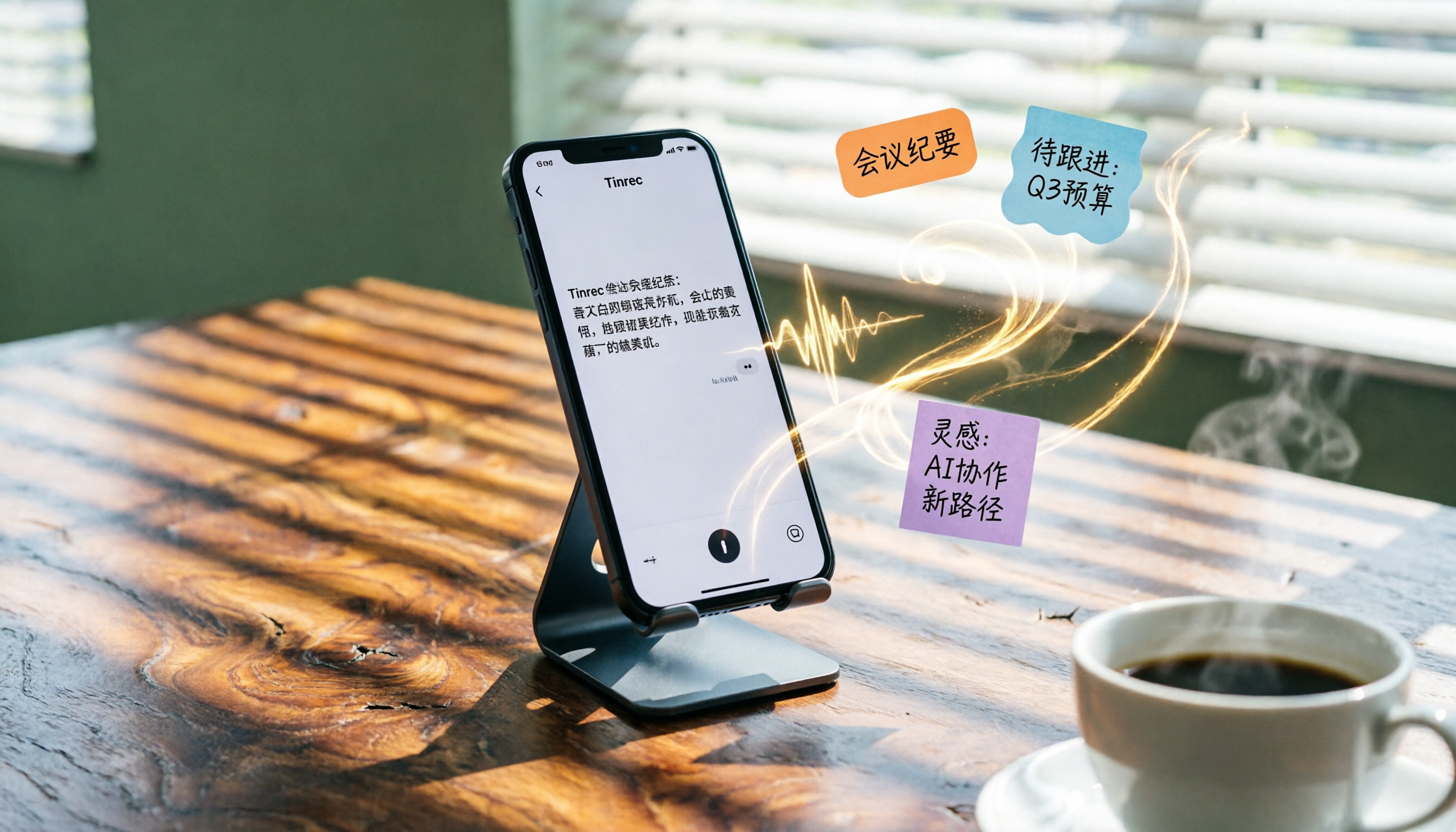
2026 iPhone Voice-to-Text Buyer's Guide: 2 Hands-On Tests and Recommendations
How to choose iPhone voice-to-text? The built-in Voice Memos app is free but limited; the third-party tool Tinrec turns recordings into a searchable, organized knowledge base. This hands-on comparison covers accuracy, organization, AI features, and cross-platform support to help you decide.

Best Meeting Recording App 2026: We Tested 4, and This One Is Most Accurate for Cantonese Transcription
Office workers in Central dread transcribing recordings after meetings. After testing multiple AI recording apps, we found Tinrec's instant transcription has the most practical Cantonese recognition and summary features. It supports meetings, classes, and YouTube video-to-text. The free version is enough for everyday use and helps you save overtime hours.

2 Video Real-Time Translation Tools Compared in 2026: More Than Translation, Understanding the Content
Choosing the right tool is crucial for real-time translation of foreign-language videos. This article compares Tinrec and Immersive Translate across input sources, organization capabilities, and Chinese support to help you decide which one suits you best.

iPhone Photo to Text: 3 Built-in Methods Tested in 2026 (Which Saves the Most Time?)
Learn how to quickly copy text from photos or images on iPhone. We tested three built-in features: Live Text, Scan Text in Notes, and Live Text in Camera — and share which one saves the most time in real-world scenarios.

2026 Voice-to-Text Tools Compared: 3 Tools Tested — It Does What Even ChatGPT Can't
A middle manager hands-on tests multiple voice-to-text tools, from ChatGPT voice input to professional AI recording transcription, and reveals which one can really save you an hour of meeting notes every day—while turning all your audio files into a searchable, organized knowledge base.
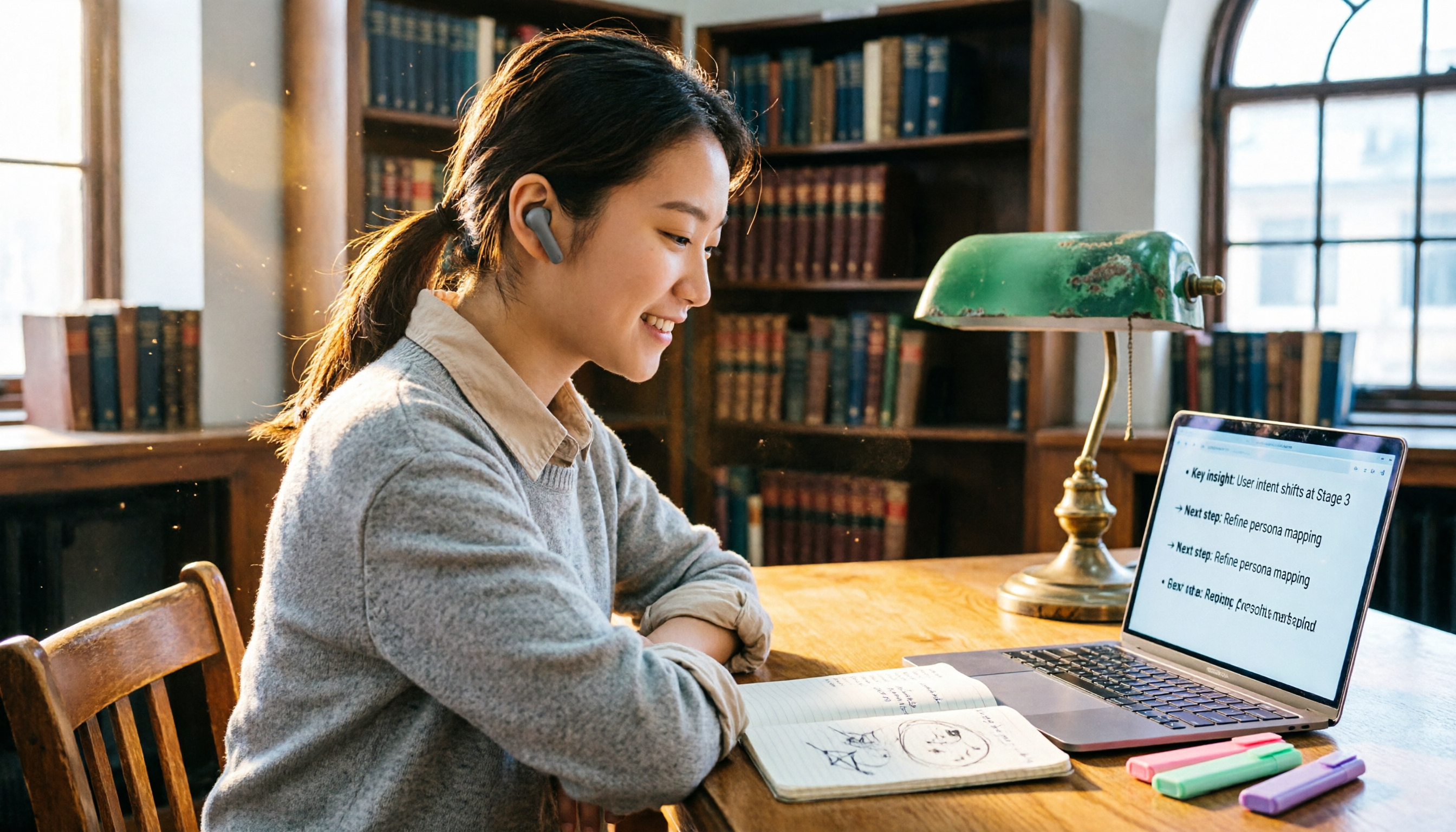
2026 Hands-On Comparison of 4 Audio-to-Text Tools: Tinrec Helps Students Save Time on Note-Taking
This article hands-on tests 4 computer audio-to-text tools from a student's perspective and recommends Tinrec, which offers sufficient free credits and AI-powered note-taking that saves time, helping you say goodbye to handwritten note hell.