
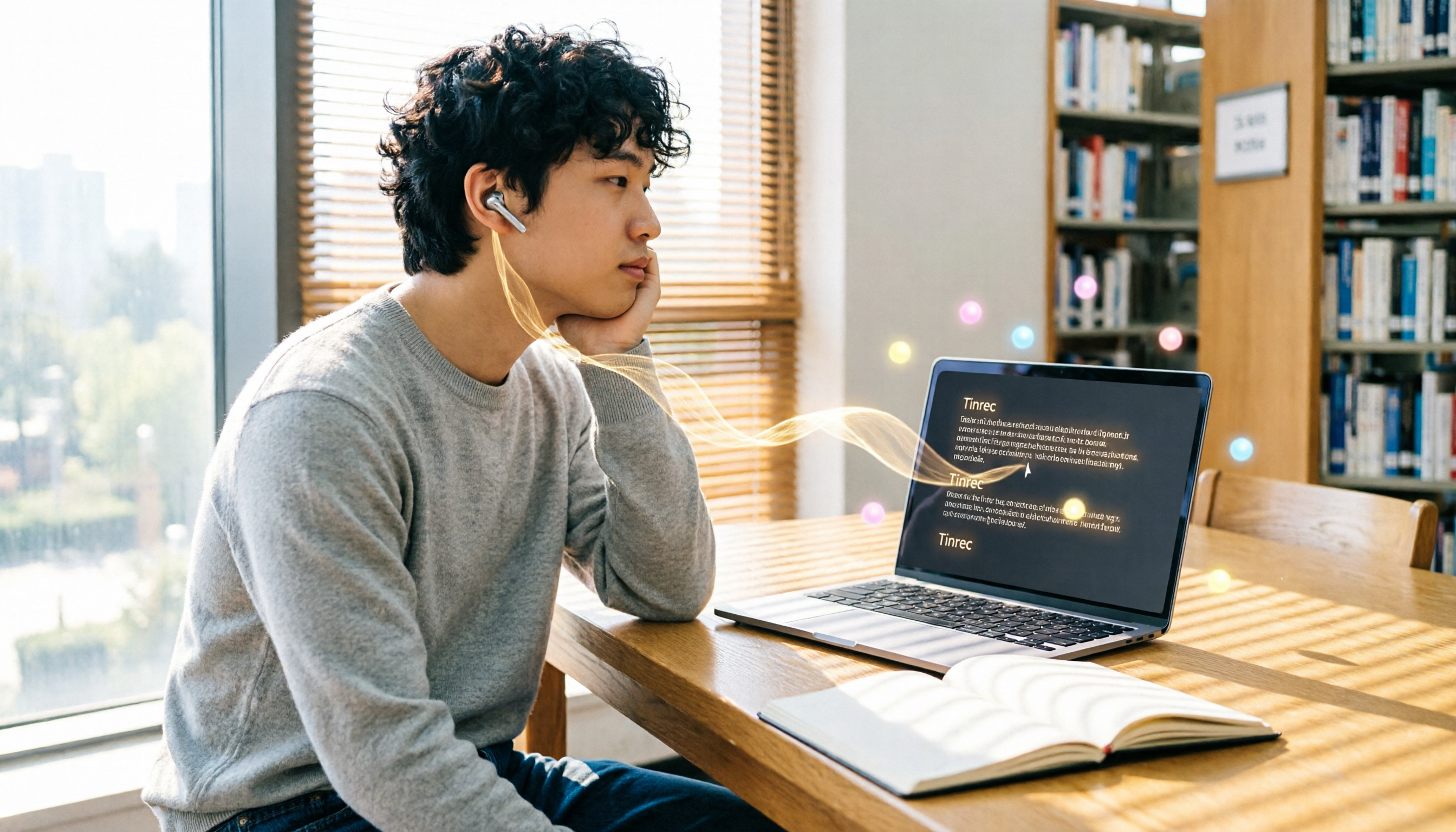
Turn recordings into transcripts and summaries in minutes
Upload audio or video for multilingual transcription, AI notes, and action items
2026 Tinrec vs ChatGPT Speech-to-Text: A 5-Dimension Showdown – Which Should Students Choose?
Last semester I took a tough course. The professor talked like a machine gun and flipped through slides faster than I could scroll on my phone. I tried using the voice input feature in the ChatGPT app, hoping to have it transcribe the lecture in real time—but after class, staring at that messy transcript with no punctuation or paragraphs, my head hurt even more. Eventually I realized that ChatGPT itself can't directly transcribe audio files. Those 'use ChatGPT to take meeting minutes' tutorials actually rely on other tools to convert audio to text first, then feed that text to ChatGPT for organizing. For a student who only starts cramming a week before finals, that's way too much hassle.
It wasn't until a classmate convinced me to install Tinrec that I realized turning audio into notes could be so easy. This article shares my real experience using it all semester. From a college student's perspective, we'll compare Tinrec and ChatGPT speech-to-text across the 5 aspects you care about most, to see which one is a true lifesaver for students.
What Can Speech-to-Text Do for You?
First, let's talk about why speech-to-text matters so much for students.
Scenario 1: Turn lecture recordings into notes
Previously I used my phone's built-in recorder in class, and piled up files, but had no time to relisten before exams. Tinrec can transcribe in real time, giving me a complete transcript right after class, and it automatically highlights key points and breaks it into sections, so no more staying up late listening to audio files.
Scenario 2: Never miss details in group discussions
When working on projects, everyone talks at once and we forget who was assigned what. Now I use Tinrec to record the discussion. The AI not only transcribes but automatically extracts action items, showing who's responsible for what and when deadlines are, clearly.
Scenario 3: Organize online lectures or courses
Many online lectures are in English. Tinrec supports pasting YouTube links directly, generates Chinese and English transcripts and summaries, and for parts I don't understand, I can use AI Q&A to ask follow-ups, which is much faster than slowly typing commands into ChatGPT.
I used to think ChatGPT was the answer—open the app, talk, get text, seemed so simple. But after using Tinrec, I realized the difference is in 'what happens after transcription.' ChatGPT gives you a wall of text and leaves you to organize it yourself, while Tinrec gives you a finished note you can actually use.
What Are Tinrec's Core Capabilities?
Using it all semester, I think Tinrec is not just a recording app; it's like my personal AI study assistant. Its core capabilities can be broken down into these parts:
Real-time transcription
It transcribes as you record with less than 1 second delay. In class, I can check the text to make sure I'm not missing key points, unlike before when I just listened passively. The key point is Tinrec supports Traditional Chinese and automatically adds punctuation and paragraph breaks, unlike the ChatGPT workflow where you have to ask it to 'please add punctuation to the following text.'
AI semantic summaries and chaptering
It doesn't just condense the transcript into a paragraph. In my last project discussion, Tinrec automatically generated the discussion topics, conclusion, and each member's key points, and split the one-hour recording into 8 chapters. When reviewing, I can jump straight to the 'budget discussion' part, much more efficient than listening from start to finish.
Automatic action item extraction
This feature has saved me multiple times. Once in an internship meeting, my supervisor assigned a bunch of tasks and I couldn't write them down in time. Tinrec listed next to the transcript: 'To-do: contact vendor, owner: me, deadline: Friday.' I relied on that list to get things done on time.
AI chat query
After transcription, you can ask Tinrec questions like, 'Who mentioned the budget in the meeting?' or 'What is the exam scope the professor mentioned last week?' It answers based on semantic understanding, without you having to search manually. ChatGPT can do this too, but you have to paste the transcript in and write a long prompt—and the free version has usage limits.
Multiple export formats
The organized notes can be exported directly to Notion, Google Docs, or PDF, making it easy to save or share with classmates. This is super convenient for students who use digital notes, no need to copy and paste.
Real-world Use Cases
I've used Tinrec all semester, the top three scenarios are:
Stop organizing recordings by hand
Upload audio or video and automatically get a transcript, summary, and action items
Lecture recording → instant notes
No matter how fast the professor speaks, Tinrec records and transcribes simultaneously. I just listen and occasionally glance at the screen to confirm. After class, I save the AI summary and chapters to Notion, and review before exams. Even the top student in my class asks for my notes.
Group discussion → automatic meeting minutes
My group discusses our project weekly. Before, we took turns taking notes and always missed things. Now I use Tinrec to record, and afterwards we have transcript, key points, and action items, which I throw directly into the group chat. My teammates say it's like having an extra assistant.
Before finals → condensed key points
I feed all the important lecture recordings from the semester into Tinrec's 'file-to-text' feature. It transcribes everything, and then I use the AI Q&A function to ask, 'What are the theories this course often tests?' In a few minutes, I have a sheet of key points for exam review, clearer than flipping through my own notes.
5 Things to Consider When Choosing a Speech-to-Text Tool (aka My 5-Dimension Comparison)
If you're a student looking for a tool to handle audio-to-text, these five points are essential. I'll compare ChatGPT's speech-to-text solution with Tinrec directly.
1. Convenience: One-click and done vs. multi-step tinkering
ChatGPT's speech-to-text solution requires using the mobile app's voice input or using Whisper API to convert audio files, then pasting the text into ChatGPT and instructing it to organize—and you might need to fix punctuation and paragraphs yourself. The whole process is exhausting just thinking about it. Tinrec just requires opening the app or web page, pressing record, and all transcription, summaries, and to-dos are generated automatically, all in one interface.
2. Organizing ability: More than a transcript
ChatGPT can summarize and format text, but only if you feed it a clean transcript and write good prompts. Tinrec does the summary, chapters, and to-dos as it transcribes, and you can even ask questions directly without opening another window. For students, time is a grade; this kind of 'no-brainer organization' genuinely saves time.
3. Pricing: Is the free tier enough?
ChatGPT's free version has usage and feature limits. If you need to transcribe a lot, the paid plan is $20 a month, which is painful on a student budget. Tinrec's free version gives you a monthly base transcription allowance. I calculated that if you only record important lectures and discussions, the free version is plenty; if you need more, the Pro monthly plan costs about the same as a bubble tea—just skip a couple of midnight snacks.
4. Student-scenario fit: works for lectures, discussions, and review
The scenarios my classmates and I use most are lectures, group discussions, and exam review. Tinrec fits seamlessly into these, especially 'file-to-text' for past recordings and 'YouTube video to text' for online open courses. ChatGPT's solution can only handle real-time voice; if you want to organize old recordings or videos, you'll need another tool.
5. File support: being able to upload recordings makes a huge difference
This is the most critical point: the ChatGPT app cannot directly upload audio files! You can only use the microphone for live audio or convert MP3 files to text separately before pasting them in. Tinrec directly supports uploading audio and video files, and even lets you paste a YouTube link for transcription. For students who frequently need to organize audio files, this is a completely different level of convenience.
FAQs
Q: How accurate is Tinrec's transcription?
A: In my lecture recordings, as long as the environment isn't too noisy and the professor speaks clearly, accuracy is over 90%. Of course, with background noise or multiple people speaking at once, there can be some errors, but Tinrec includes timestamps so you can go back and compare against the original audio.
Q: Is the free version really enough?
A: If you only record 2-3 classes or a few discussions a week, the free tier is more than adequate. I only used it heavily the week before finals, and that's when I bought a weekly pass—it's flexible.
Q: Compared to ChatGPT's speech-to-text, will Tinrec leak my recordings?
A: Tinrec has a privacy policy; recordings and transcriptions are encrypted and can be manually deleted. Compared to throwing personal recordings onto a public Whisper API, I trust Tinrec more.
Q: Does Tinrec offer a student discount?
A: There's no dedicated student plan right now, but the free version is already generous, and the Pro monthly pass is affordable. I personally think the value is excellent—I've already gotten three classmates to sign up.
Conclusion
If you're a student like me who just wants to lighten your academic load, ChatGPT's speech-to-text solution isn't unusable, but it requires you to spend time stitching together a workflow, writing prompts, and organizing everything manually—right before finals that's enough to make you panic. Tinrec, on the other hand, is a tool designed specifically for recording and organizing, taking you from audio to notes in one smooth flow. The free version handles basic needs, and the paid version won't hurt your wallet.
Next semester I'm planning to keep using the Pro monthly plan. The cost of a coffee for one class gives me a whole semester of key notes—it's a no-brainer. If you're still on the fence, download the free version and try it out. Record one class and you'll see the difference.
References
- How to Use the ChatGPT App's 'Speech-to-Text' for Meeting Minutes or Notes and Improve Output Efficiency - TNL The News Lens
- 5 Tips for Using ChatGPT to Quickly Turn Meeting Voice Transcripts into Perfect Articles and Tables
- Use AI to Quickly Generate Meeting Voice Transcripts, and It's Completely Free! #ChatGPT
- How to Convert Meeting Recording Files into Transcripts That ChatGPT Can Process? | Business Next
- Can ChatGPT Transcribe Speech to Text? And How to Use It
Turn every recording into actionable outcomes
Get 60 free transcription minutes when you sign in. No credit card required.
Related Reading
You might also like
![[Guide] 2026 Tinrec vs. Yating Transcript: AI Q&A and Video Transcription Tested](https://record-img.tos-accelerate.volces.com/images/2026/08/07/1786112107241100017.png)
[Guide] 2026 Tinrec vs. Yating Transcript: AI Q&A and Video Transcription Tested
Looking for an AI transcription tool? This article compares Tinrec's instant recording and Yating Transcript across five dimensions—input sources, AI organization, export options, free plans, and cross-platform support—to help you decide which fits your meeting, class, and video note-taking needs.

Best Transcription Tools in 2026: Hands-On Test of 5 Apps — Tinrec Is the Budget Top Pick
Wondering how much transcription costs per word? Actually, pricing is based on audio length, not word count. This article tests 5 popular AI speech-to-text tools, comparing costs, accuracy, and efficiency of manual transcription vs. AI tools, and explains why Tinrec is the best choice for quality and budget.
5 Best Speech-to-Text Tools Tested in 2026: More Than Transcription – Summaries & To-Dos
Struggling to quickly turn audio files into text? This article reviews 5 speech-to-text tools, from Taiwan's Yating to multifunctional Tinrec, to help you find the best AI speech-to-text solution.

Tinrec vs Notta 2026: 5-Dimension Comparison – Which Is the Best Chinese Audio Transcription Tool?
How do you choose a voice-to-text tool? This article compares Tinrec and Notta across 5 key dimensions—input sources, post-processing, Chinese language experience, AI features, and pricing—and also evaluates Yating Transcript and Otter.ai to help you find the best audio-to-text solution.
2026 AI Recording-to-Transcript Guide: Gemini Works, but Professionals Recommend This Tool
Gemini supports uploading recordings to generate transcripts, but the free version has limits and lacks AI organization. This hands-on comparison of Gemini and Tinrec shows you how to choose the right tool and save time on meeting notes.

Tinrec 2026 Tutorial: Instant Recording, Multi-Language Transcription & AI Chat Query
Struggling with meeting minutes or course transcripts? This comprehensive comparison shows you how to choose a recording-to-text tool. From Tinrec's AI chat query and multi-source transcription, to the development team behind Yating Transcript and Otter.ai's strengths in English meetings, this complete hands-on review and scenario guide helps you find the best solution for your needs.
2026 Recording-to-Text Tools Buyer’s Guide: 5 Tools Tested and How to Choose
Spending hours organizing meeting recordings only to get transcripts full of filler words? Based on hands-on experience as a productivity consultant, this article reviews whether 'Vocal AI' tools are actually useful, and tests five options—Tinrec, Notta, Otter, Whisper, and Vocol.ai—to help you find a recording workflow that truly boosts efficiency for real-world scenarios like meetings, studying, and content creation.

2026 Speech-to-Text Tool Buying Guide: 4 Products Tested and Recommendations
Struggling to export audio files from Yating Transcriber? The truth is Yating only exports text—it won't let you download the original audio. This article digs straight into that pain point, testing four tools—Tinrec, Otter, Notta, and Fireflies—and comparing audio export, transcription accuracy, and AI post-processing, so you can pick the best speech-to-text solution for Hong Kong office workers.

2026 Hands-On Comparison: Free Gemini vs. Professional Tinrec for Audio-to-Text Transcription – Which One Saves You More Time?
Google Gemini can transcribe recordings for free, but is it really enough? This article puts Gemini and Tinrec to the test across transcription accuracy, Chinese language support, post-processing features, and pricing, helping you find a truly time-saving audio-to-text solution.