
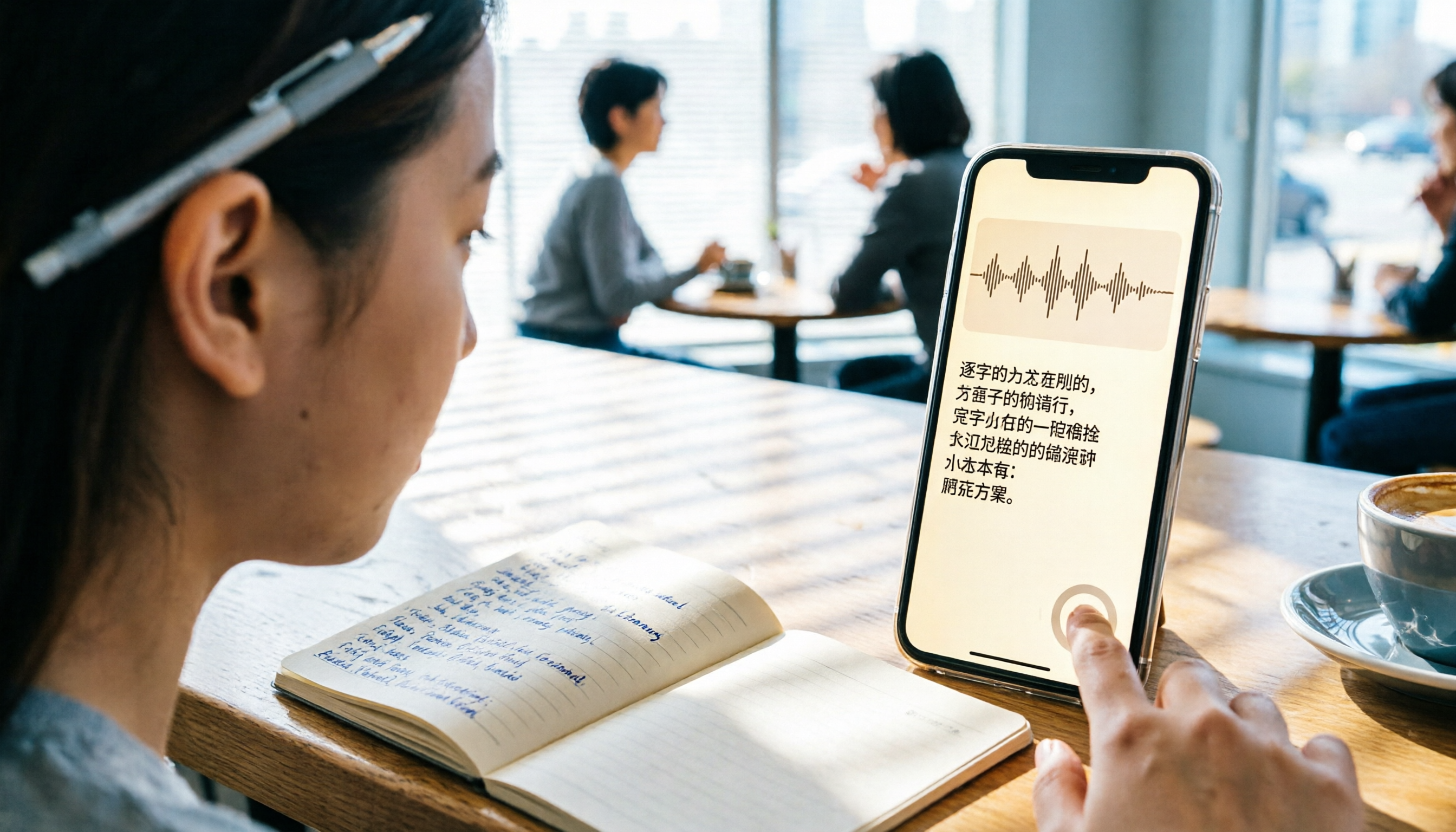
Turn recordings into transcripts and summaries in minutes
Upload audio or video for multilingual transcription, AI notes, and action items
Last semester, I took a class where the professor talked way too fast and flipped through slides even faster. I tried taking handwritten notes, but when I opened my notebook before the midterm, I couldn't even understand what I had written. So I started recording lectures with my iPhone—but after recording two hours of class, listening to the whole thing to find key points was more painful than making up the exam. Luckily, I discovered a few ways to turn recordings into transcripts. Now, not only for class, but also for group discussions and lectures, I can automatically generate text transcripts. This article rounds up 3 free options I've personally used, and at the end I'll share my current favorite, Tinrec—it saved me during multiple finals.
What Can iPhone Recording-to-Transcript Tools Do for You?
This feature isn't just about turning audio into text; more importantly, it saves you tons of organizing time. From my own experience:
- Never miss a lecture note again: When the professor hits a key point, I just hit record and Tinrec transcribes the audio in real time. After class, I can use the AI summary to review the highlights of the whole lecture without listening from start to finish. Before finals, I can even ask it, "What's the formula in Chapter 3?" and it will pull the answer from the recording.
- No more arguments in group discussions: When everyone is talking over each other during a project, nobody remembers the conclusions afterward. Now I use Tinrec to record the discussion. It not only turns it into a transcript but also automatically pulls out action items—who needs to do what and by when—so everything is crystal clear.
- Great for talks and webinars, too: Some online seminars don't provide slides, so I record the audio on my phone. After Tinrec converts it to text, I can use the chapter organization feature to break the content into sections and quickly find the part I want to revisit.
What Are the Core Capabilities of iPhone Recording-to-Transcript Tools?
If you're like me and initially thought this feature just "turns audio into text," you'd really be underestimating it. Using Tinrec as an example, it nails several key capabilities:
- Real-time transcription: It generates text as you record, so you don't have to wait until the recording ends. Tinrec has very low latency. During class, I can glance at the screen to make sure I'm not missing key points, and even mixed Chinese-English sentences work fine.
- AI semantic summaries: It doesn't just randomly condense the transcript into a paragraph. Instead, it provides structured organization—meeting topic, discussion conclusions, action items, and owners are all listed separately. Before finals, I rely on this to quickly review the key points of every lecture.
- AI conversational search: After transcription, you can ask Tinrec direct questions like, "Did the professor mention what's on the final?" or "Who brought up the budget cap?" It answers based on semantic understanding, so you don't have to page through the transcript yourself.
- Export in multiple formats: The organized text can be exported as TXT, Word, or PDF, or even synced directly to Notion or Google Docs. I usually export summaries to my Notion notebook and keep them alongside other course materials.
- Works on more than just your phone: Tinrec offers iOS, Android, and web versions. After recording on my iPhone, I can open the web version on my computer back in my dorm and organize everything without staring at a small screen.
Real-life Use Cases: How I Use Tinrec
Scenario 1: Early-morning class, brain not awake yet
For my 8 AM calculus class, I often show up in body but my spirit is still in the dorm. At times like these, I'll open Tinrec, hit record, and put my head down (good kids, don't copy). After class, Tinrec has already turned the whole lecture into a transcript. Then I ask it to use AI summaries to pull out the key points, and I understand what was taught in five minutes.
Stop organizing recordings by hand
Upload audio or video and automatically get a transcript, summary, and action items
Scenario 2: Group discussion with seven people and eight opinions
During our capstone project, group discussions often turned into a marketplace. I'd put my phone in the middle of the table and record with Tinrec. After the discussion, it not only provides the transcript but also automatically lists an action checklist: who handles the survey, who organizes the literature, what time next week's meeting is—everything is clear. From then on, no team member could play dumb and say, 'Huh? Did I agree to write that?'
Scenario 3: Webinar with a fast-talking speaker
Some webinar presenters talk at a rapid pace and their slides are minimal. I record the audio on my phone. After Tinrec converts it to text, I use the chapter organization feature to split it into sections. When I need to find a specific example later, I just search for a keyword and jump to that part in three seconds.
Scenario 4: Organizing YouTube tutorial videos
Sometimes I watch YouTube videos for programming tutorials, but the videos are too long and lack subtitles. Tinrec can take a video link and directly produce text and a summary. I save the summary as a quick reference, so I don't have to rewatch the whole thing when doing homework.
3 Things to Watch Out For When Choosing an iPhone Recording-to-Transcript Tool
There are many tools on the market, but not all of them are suited for students. Here are some pitfalls I've run into:
Is the free allowance enough? Some apps advertise "free" but only give you 30 minutes a month—one lecture blows through it. Tinrec's free plan provides a basic monthly allotment that's enough if I record two key lectures a week. If you record every lecture, you can consider its paid plan; skipping two late-night snacks a month is enough to cover it, which is great value for students.
Chinese transcription accuracy I've tried an English-focused tool, and Chinese turned out like gibberish. Tinrec is quite reliable at recognizing Chinese content. In clear audio settings like classrooms and meetings, the accuracy is enough for me. Of course, if there's construction outside or you're recording under a blanket, the results will drop (I've tried, don't ask why I was under a blanket).
Can you keep working with the transcript after transcription? Just getting a transcript still isn't enough. It's best to have features like AI summaries, chapters, and search. Tinrec's AI conversational search lets me ask the recording like I would ask a top student, which doubles my review efficiency. That's the main reason I can't live without it.
FAQ
Q: My older iPhone doesn't support the built-in Voice Memos transcript. What should I do?
A: Apple's built-in feature only supports iPhone 12 and later, and it may not be available in all regions or languages. You can just use Tinrec; it doesn't restrict models. Download it from the App Store and you can start using it right away—no setup needed.
Q: Is Tinrec's free plan enough for students?
A: The free plan gives you a basic monthly transcription allowance. If you're only recording a few key lectures or group discussions, it's plenty. I personally used the free version for the first two months, then upgraded because I needed to organize a ton of project materials. But the free version already lets you experience its core features.
Q: Is the accuracy of recording-to-text high?
A: In quiet environments like classrooms or meeting rooms, Tinrec's Chinese recognition is quite good. But if there are heavy regional accents, multiple people talking at once, or background noise, the error rate increases. In those cases, I'll read along and cross-check with the recording to correct errors—it's still much faster than manual transcription.
Q: Can I export the transcribed text to other note-taking apps?
A: Yes. Tinrec supports exporting to multiple formats and can even sync directly to tools like Notion and Google Docs. I always put summaries into Notion, alongside syllabi and past exam questions.
Conclusion
iPhone recording-to-transcript tools aren't some futuristic technology—they're available right now, and they're a superhero sidekick for student learning. Rather than spending hours taking handwritten notes until you get tendonitis, save that energy for actually understanding the material. You can try Tinrec's free version—no credit card, no payment needed. Record a class or a meeting and see how AI helps organize the key points. I've used it all semester, from midterms to final projects, and I've already gotten three classmates to join.
References
- View Voice Memos Transcripts on iPhone - Apple Support (Taiwan)
- How to Convert iPhone Voice Memos to Text: Transcript Without Third-Party Apps - Mr. Mad
- iPhone Recording to Text Free Transcript! iOS 18 Supports 10 Languages | Quality Life | 500 Times
- iPhone Notes and Voice Memo Apps Also Have Transcript Features! Turn Lectures, Meetings, and Speeches into Text in Seconds: A Simple 4-Step Tutorial | Business Next
- Record and Transcribe Phone Calls on iPhone - Apple Support (Taiwan)
Turn every recording into actionable outcomes
Get 60 free transcription minutes when you sign in. No credit card required.
Related Reading
You might also like
2026 Police Interview Recording Guide: Legal Self-Protection & AI Summarization
Can you record your own police interview? A senior student shares hard-won lessons, legal rules, and practical tips on when and how to record legally—and how Tinrec can auto-transcribe, summarize, and help protect your statement.

2026 Free Recording Organization Solutions: 2 Tools Compared
iPhone Notes is built-in and free, but Tinrec offers automatic transcription, AI summaries, and cross-platform organization. This article compares two free recording organization options across transcription, organization features, syncing, and exporting to help you find the right productivity tool.
Tinrec Speech-to-Text 2026 Tutorial: Precisely Calculate 1,000-Word Speech Time + AI Auto-Organization
How long does a 1,000-word speech take? This article teaches you to calculate speaking rate based on the occasion and use Tinrec's speech-to-text feature to test your speech time, auto-generate transcripts and key summaries, so you can keep every presentation on schedule.
How to Change Font in iPhone Notes in 2026: A 5-Step Complete Guide
Changing fonts in iPhone Notes has its limits. This guide shows you how to use the latest iOS 18 features to apply bold, italics, headings, and text color, and compares Notes with Notion's full font capabilities to help you choose the right note-taking app for your needs.
Add Text to Photos on iPhone in 2026: Built-In Feature (No App Needed) + Top App Recommendations
Want to write on your iPhone photos without downloading an app? This guide covers the built-in Markup tool and several popular apps, from simple captions to advanced design, to help you find the best method.

2026 Free Computer Screen Recording Solutions: 3 Tools at a Glance
Tested by a manager! Stop paying for voice recorders — use Windows built-in, online tools, or Tinrec to record computer audio, and automatically turn meeting notes into text and to-do items.

Best Meeting Notes App in 2026? We Tested 3, and This One Handles Chinese Best
Meeting notes are no longer a headache! Using Tinrec as an example, this article teaches you 3 steps to quickly turn meeting recordings into text, auto summaries, and to-do lists. We also tested 3 tools to show you which one is best for Chinese meetings and multi-source audio/video organization.

How Long Can ChatGPT Record? 2026 Hands-On Test of 3 Recording-to-Text Tools: Tinrec Best for Hong Kong Office Workers
Many people ask how long ChatGPT can record. The native ChatGPT recording mode maxes out at 120 minutes, but it’s not purpose-built for meeting notes. This article tests 3 tools and shows how to use Tinrec to turn recordings into meeting minutes and transcripts in a few steps, plus an AI Q&A feature that helps you skip overtime.
2026 Transcription Tool Buyer's Guide: 3 Tools Tested & Recommendations
Still dreading the time and effort of turning audio into text? This article redefines the value of transcription and puts three speech-to-text tools to the test—covering input sources, AI summarization, and Chinese language support—to help you find the digital partner that genuinely boosts your productivity.